headlights CHRYSLER 200 2014 1.G User Guide
[x] Cancel search | Manufacturer: CHRYSLER, Model Year: 2014, Model line: 200, Model: CHRYSLER 200 2014 1.GPages: 516, PDF Size: 3.52 MB
Page 174 of 516
WARNING!(Continued)
the windshield during freezing weather, warm the
windshield with defroster before and during wind-
shield washer use.
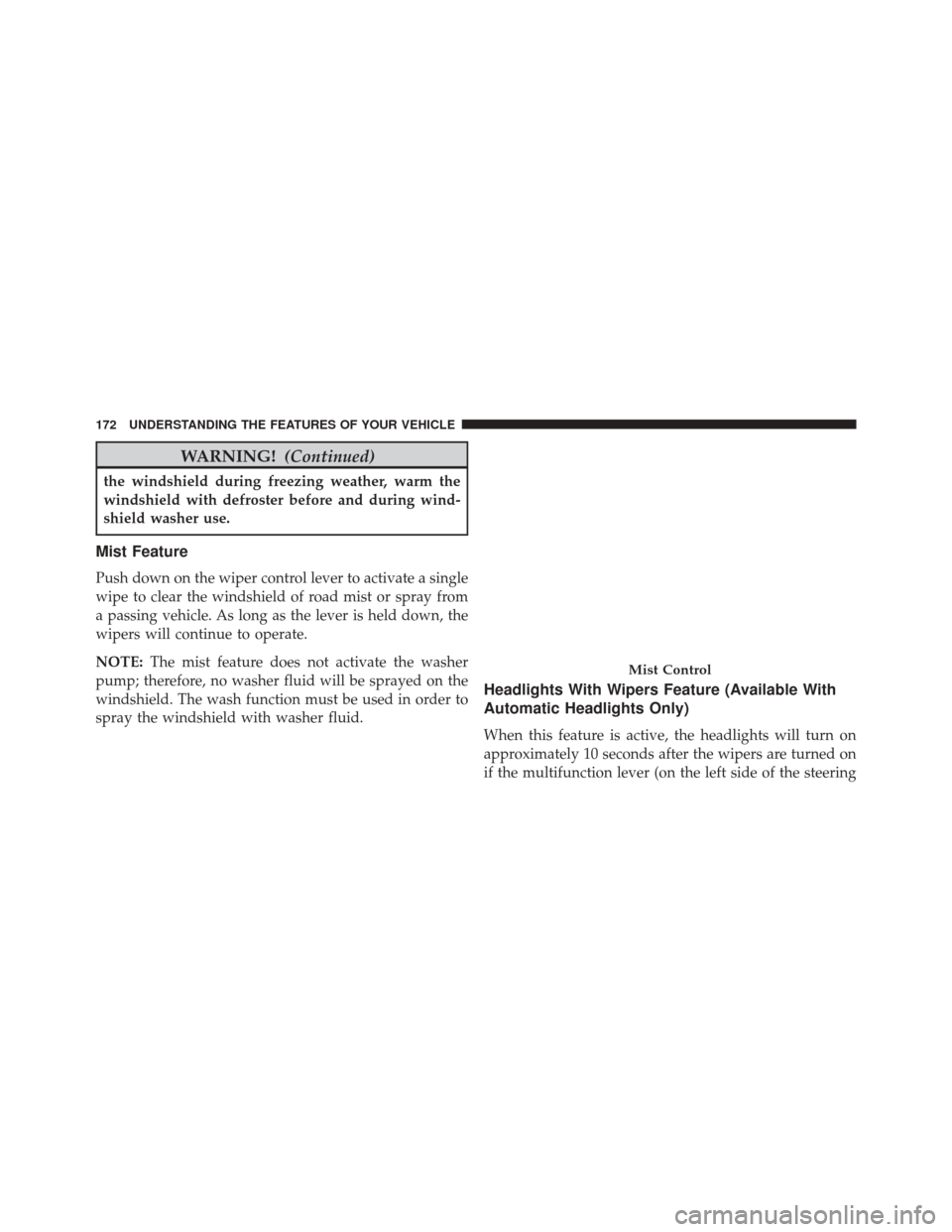
Mist Feature
Push down on the wiper control lever to activate a single
wipe to clear the windshield of road mist or spray from
a passing vehicle. As long as the lever is held down, the
wipers will continue to operate.
NOTE:The mist feature does not activate the washer
pump; therefore, no washer fluid will be sprayed on the
windshield. The wash function must be used in order to
spray the windshield with washer fluid.
Headlights With Wipers Feature (Available With
Automatic Headlights Only)
When this feature is active, the headlights will turn on
approximately 10 seconds after the wipers are turned on
if the multifunction lever (on the left side of the steering
Mist Control
172 UNDERSTANDING THE FEATURES OF YOUR VEHICLE
Page 175 of 516
column) is placed in the AUTO position. In addition, the
headlights will turn off when the wipers are turned off if
they were turned on by this feature.
The headlights with wipers feature can be turned on or
off through the Electronic Vehicle Information Center
(EVIC) — if equipped. Refer to “Electronic Vehicle Infor-
mation Center (EVIC)/Personal Settings (Customer-
Programmable Features)” in “Understanding Your In-
strument Panel” for further information.
TILT/TELESCOPING STEERING COLUMN
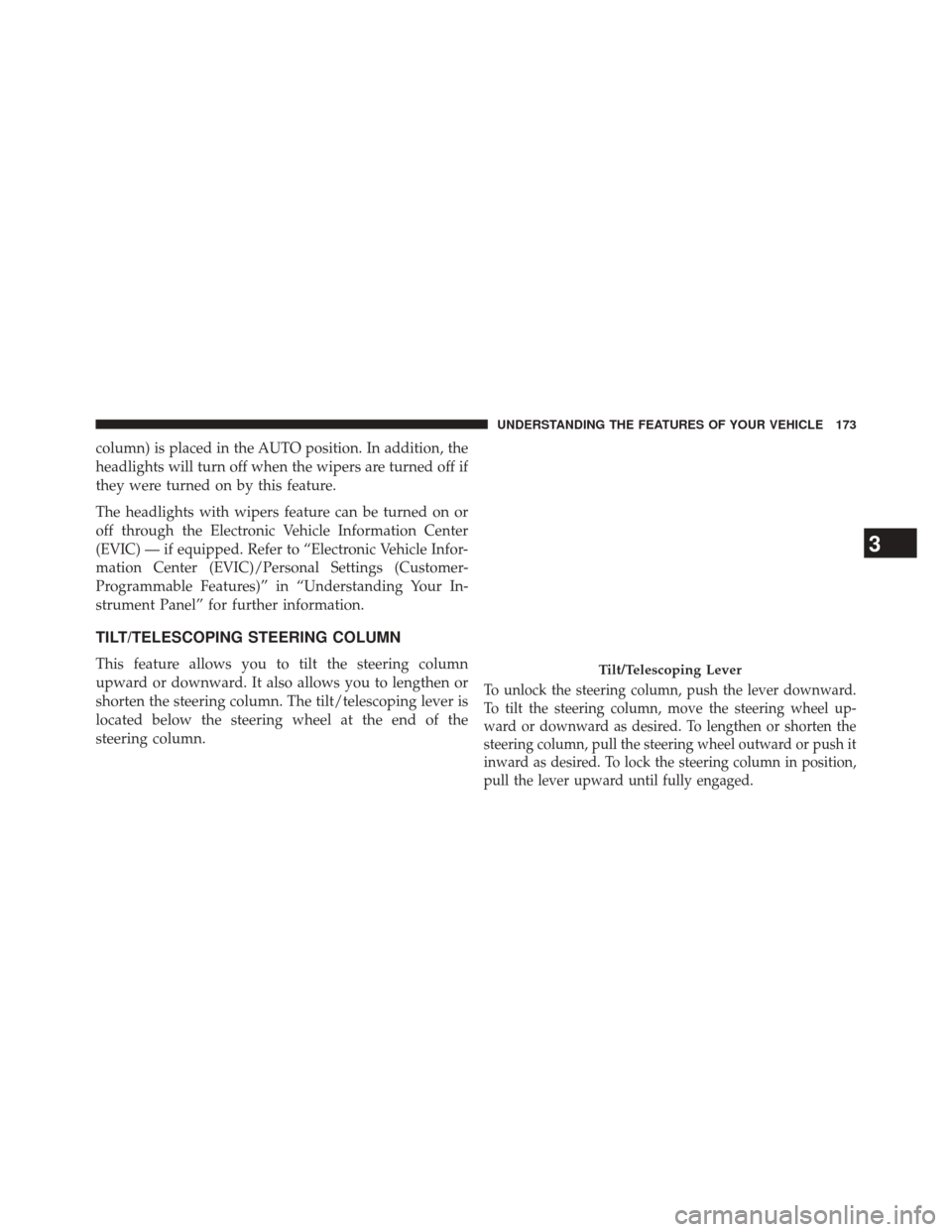
This feature allows you to tilt the steering column
upward or downward. It also allows you to lengthen or
shorten the steering column. The tilt/telescoping lever is
located below the steering wheel at the end of the
steering column.
To unlock the steering column, push the lever downward.
To tilt the steering column, move the steering wheel up-
ward or downward as desired. To lengthen or shorten the
steering column, pull the steering wheel outward or push it
inward as desired. To lock the steering column in position,
pull the lever upward until fully engaged.
Tilt/Telescoping Lever
3
UNDERSTANDING THE FEATURES OF YOUR VEHICLE 173
Page 218 of 516
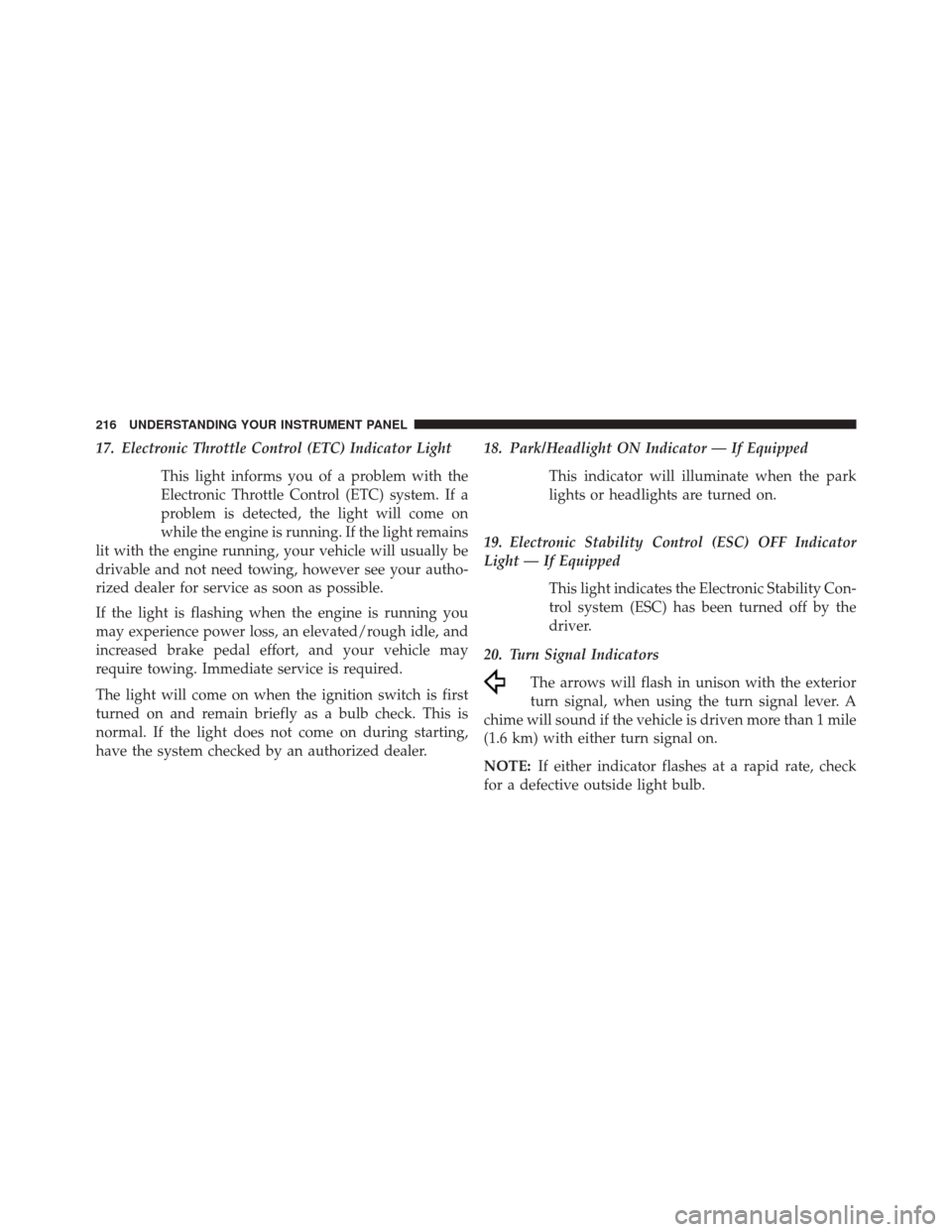
17. Electronic Throttle Control (ETC) Indicator LightThis light informs you of a problem with the
Electronic Throttle Control (ETC) system. If a
problem is detected, the light will come on
while the engine is running. If the light remains
lit with the engine running, your vehicle will usually be
drivable and not need towing, however see your autho-
rized dealer for service as soon as possible.
If the light is flashing when the engine is running you
may experience power loss, an elevated/rough idle, and
increased brake pedal effort, and your vehicle may
require towing. Immediate service is required.
The light will come on when the ignition switch is first
turned on and remain briefly as a bulb check. This is
normal. If the light does not come on during starting,
have the system checked by an authorized dealer. 18. Park/Headlight ON Indicator — If Equipped
This indicator will illuminate when the park
lights or headlights are turned on.
19. Electronic Stability Control (ESC) OFF Indicator
Light — If Equipped This light indicates the Electronic Stability Con-
trol system (ESC) has been turned off by the
driver.
20. Turn Signal Indicators The arrows will flash in unison with the exterior
turn signal, when using the turn signal lever. A
chime will sound if the vehicle is driven more than 1 mile
(1.6 km) with either turn signal on.
NOTE: If either indicator flashes at a rapid rate, check
for a defective outside light bulb.
216 UNDERSTANDING YOUR INSTRUMENT PANEL
Page 224 of 516
28. High Beam IndicatorThis light indicates that the headlights are on high
beam. Pull the turn signal lever toward the steer-
ing wheel to switch the headlights to low beam.
29. Electronic Vehicle Information Center (EVIC) Dis-
play — If Equipped
This display shows the EVIC messages when the appro-
priate conditions exist. Refer to “Electronic Vehicle Infor-
mation Center (EVIC)” for further information.MINI-TRIP COMPUTER — IF EQUIPPED
The Mini-Trip Computer is located in the instrument
cluster and features a driver-interactive trip information
and temperature display.
NOTE: The system will display the last known outside
temperature when starting the vehicle and may need to
be driven several minutes before the updated tempera-
ture is displayed. Engine temperature can also affect the
displayed temperature; therefore, temperature readings
are not updated when the vehicle is not moving.
222 UNDERSTANDING YOUR INSTRUMENT PANEL
Page 237 of 516
Flash Lamp With Lock
When ON is selected, the front and rear turn signals will
flash when the doors are locked or unlocked with the
RKE transmitter. This feature may be selected with or
without the Sound Horn on lock feature selected. To
make your selection, press and release the SELECT
button until ON or OFF appears.
Headlamp Off Delay
When this feature is selected, the driver can choose to
have the headlights remain on for 0, 30, 60, or 90 seconds
when exiting the vehicle. To make your selection, press
the SELECT button until 0, 30, 60, or 90 seconds appears.
Headlamps With Wipers (Available With Auto
Headlights Only)
When ON is selected, and the headlight switch is in the
AUTO position, the headlights will turn on approxi-
mately 10 seconds after the wipers are turned on. Theheadlights will also turn off when the wipers are turned
off if they were turned on by this feature. To make your
selection, press the SELECT button until ON or OFF
appears.
NOTE:
Turning the headlights on during the daytime
causes the instrument panel lights to dim. To increase the
brightness, refer to “Lights” in “Understanding The
Features Of Your Vehicle.”
Key-Off Power Delay
When this feature is selected, the power window
switches, radio, Uconnect® phone (if equipped), and
power outlets will remain active for up to 10 minutes
after the ignition switch is turned to the LOCK position.
Opening either front vehicle door will cancel this feature.
To make your selection, press the SELECT button until
Off, 45 sec., 5 min., or 10 min. appears.
4
UNDERSTANDING YOUR INSTRUMENT PANEL 235
Page 238 of 516
Illumin. Approach
When this feature is selected, the headlights will activate
and remain on for up to 90 seconds when the doors are
unlocked with the remote keyless entry transmitter. To
make your selection, press the SELECT button until
“OFF,” “30 sec,” “60 sec,” or “90 sec” appears.
Display Units In
The EVIC and odometer can be changed between English
and Metric units of measure. To make your selection,
press and release the SELECT button until “U.S.” or
“METRIC” appears.
Compass Variance
Refer to “Compass Display” for more information.
Calibrate Compass
Refer to “Compass Display” for more information.
SETTING THE ANALOG CLOCK
To set the analog clock, located at the top center of the
instrument panel, press and hold the button in until the
setting is correct. The clock will adjust slowly at first and
then quicker the longer the button is held.
Setting The Analog Clock
236 UNDERSTANDING YOUR INSTRUMENT PANEL
Page 455 of 516
Cleaning Headlights
Your vehicle is equipped with plastic headlights and fog
lights that are lighter and less susceptible to stone breakage
than glass headlights.
Plastic is not as scratch resistant as glass and therefore
different lens cleaning procedures must be followed.
To minimize the possibility of scratching the lenses and
reducing light output, avoid wiping with a dry cloth. To
remove road dirt, wash with a mild soap solution fol-
lowed by rinsing.
Do not use abrasive cleaning components, solvents, steel
wool or other aggressive material to clean the lenses.
Stain Repel Fabric Cleaning Procedure — If
Equipped
Stain Repel seats may be cleaned in the following manner:
•Remove as much of the stain as possible by blotting
with a clean, dry towel.
• Blot any remaining stain with a clean, damp towel.
• For tough stains, apply MOPAR® Total Clean, or a
mild soap solution to a clean, damp cloth and remove
stain. Use a fresh, damp towel to remove soap residue.
• For grease stains, apply MOPAR® Multi-Purpose
Cleaner to a clean, damp cloth and remove stain. Use
a fresh, damp towel to remove soap residue.
• Do not use any harsh solvents or any other form of
protectants on Stain Repel products.
7
MAINTAINING YOUR VEHICLE 453
Page 503 of 516
Hands-Free Phone (Uconnect®)...............110
Hazard Driving Through Flowing, Rising, or Shallow
Standing Water ........................ .317
Hazard Warning Flasher ....................392
Headlights ............................. .464
Bulb Replacement ...................... .464
Cleaning ............................ .453
High Beam ........................... .165
High Beam/Low Beam Select Switch .........165
On With Wipers ....................... .164
Passing ............................. .166
Replacing ............................ .464
Switch .............................. .163
Head Restraints ......................... .154
Heated Mirrors .......................... .109
Heated Seats ............................ .150
Heater ................................ .273
Heater, Engine Block ...................... .295Hitches
Trailer Towing ........................ .379
Hood Prop ............................. .161
Hood Release ........................... .160
Ignition .................................12
Key..................................12
Ignition Key Removal .......................12
Illuminated Entry ..........................21
Immobilizer (Sentry Key) ....................15
Infant Restraint ...........................73
Information Center, Vehicle ..................224
Inside Rearview Mirror .....................105
Instrument Cluster ....................... .207
Instrument Panel and Controls ................206
Instrument Panel Cover .....................454
Instrument Panel Lens Cleaning ...............455
Integrated Power Module (Fuses) ..............457
Interior Appearance Care ....................454
10
INDEX 501
Page 505 of 516
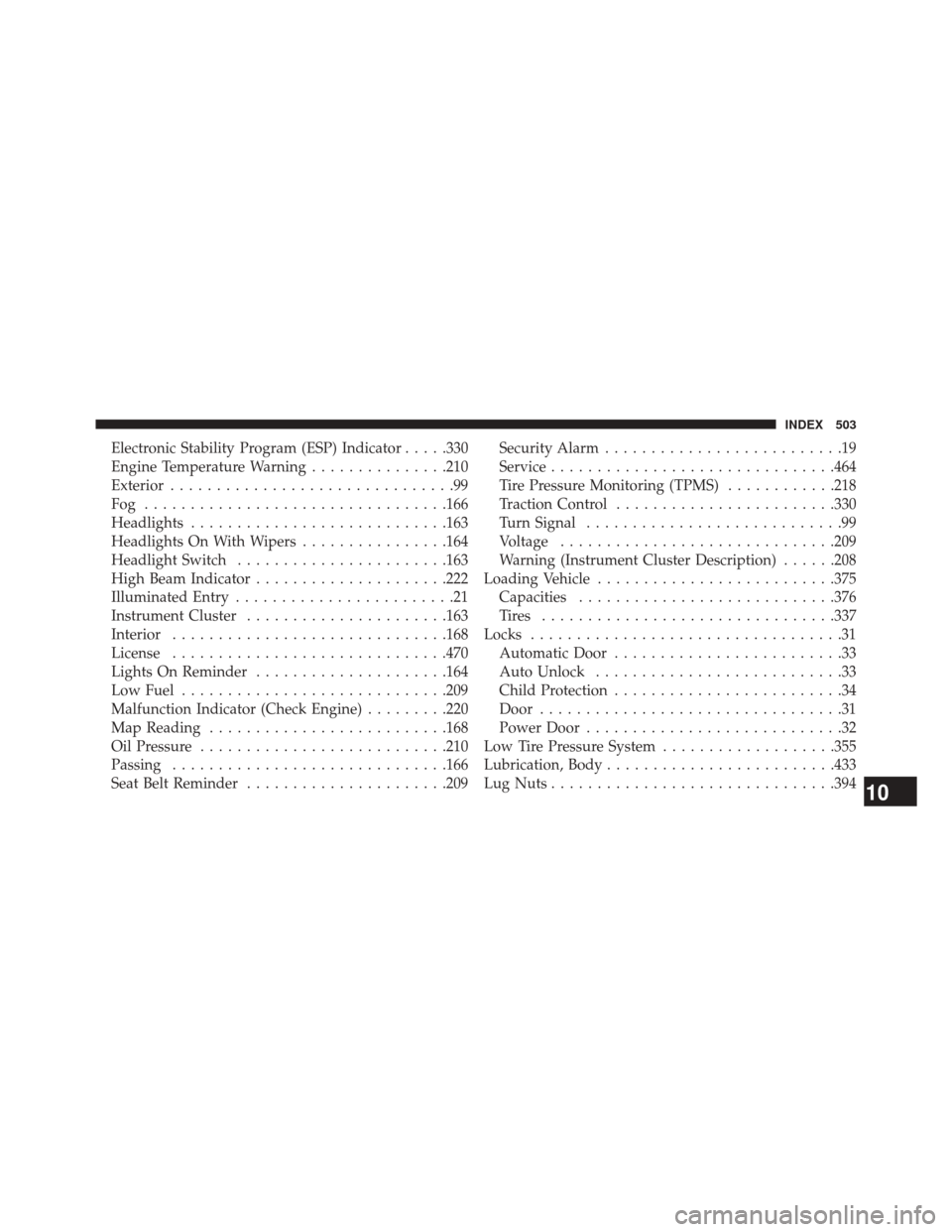
Electronic Stability Program (ESP) Indicator.....330
Engine Temperature Warning ...............210
Exterior ...............................99
Fog ................................ .166
Headlights ........................... .163
Headlights On With Wipers ................164
Headlight Switch ...................... .163
High Beam Indicator .....................222
Illuminated Entry ........................21
Instrument Cluster ..................... .163
Interior ............................. .168
License ............................. .470
Lights On Reminder .....................164
Low Fuel ............................ .209
Malfunction Indicator (Check Engine) .........220
Map Reading ......................... .168
Oil Pressure .......................... .210
Passing ............................. .166
Seat Belt Reminder ..................... .209Security Alarm
..........................19
Service .............................. .464
Tire Pressure Monitoring (TPMS) ............218
Traction Control ....................... .330
Turn Signal ............................99
Voltage ............................. .209
Warning (Instrument Cluster Description) ......208
Loading Vehicle ......................... .375
Capacities ........................... .376
Tires ............................... .337
Locks ..................................31
Automatic Door .........................33
Auto Unlock ...........................33
Child Protection .........................34
Door .................................31
Power Door ............................32
Low Tire Pressure System ...................355
Lubrication, Body ........................ .433
Lug Nuts .............................. .394
10
INDEX 503