change time CHRYSLER ASPEN 2009 2.G Owner's Manual
[x] Cancel search | Manufacturer: CHRYSLER, Model Year: 2009, Model line: ASPEN, Model: CHRYSLER ASPEN 2009 2.GPages: 481, PDF Size: 9.28 MB
Page 252 of 481
By pressing the SEEK button when the Music Type
function is active, the radio will be tuned to the next
channel with the same selected Music Type name.
If a preset button is activated while in the Music Type
(Program Type) mode, the Music Type mode will be
exited and the radio will tune to the preset channel.
MUSIC TYPE Button Ð REU Radio
Pressing this button provides a MUSIC TYPES list from
which you can make a selection. Once a selection is
made, you can seek up, or down, or scan the channels
and the radio will tune to the next station matching the
selected format. There is no time-out for this screen.
Pressing the MUSIC TYPE button again will close the
MUSIC TYPE screen. Once closed, seek up, seek down,
and scan will no longer be based on your selection.
SETUP Button
Pressing the SETUP button allows you to select the
following items:
²Display Sirius ID number Ð Press the AUDIO/
SELECT button to display the Sirius ID number. This
number is used to activate, deactivate, or change the
Sirius subscription.
SET Button ± To Set the Pushbutton Memory
When you are receiving a channel that you wish to
commit to pushbutton memory, press the SET button.
The symbol SET 1 will now show in the display window.
Select the button (1-6) you wish to lock onto this channel
and press and release that button. If a button is not
selected within five seconds after pressing the SET but-
ton, the channel will continue to play but will not be
stored into pushbutton memory.
250 UNDERSTANDING YOUR INSTRUMENT PANEL
Page 255 of 481
The left hand control is a rocker type switch with a push
button in the center. The function of the left hand control
is different depending on which mode you are in.
The following describes the left hand control operation in
each mode.
Radio Operation
Pressing the top of the switch will SEEK up for the next
listenable station and pressing the bottom of the switch
will SEEK down for the next listenable station.
The button located in the center of the left hand control
will tune to the next pre-set station that you have
programmed in the radio pre-set push-buttons.
CD Player
Pressing the top of the switch once will go to the next
track on the CD. Pressing the bottom of the switch oncewill go to the beginning of the current track or to the
beginning of the previous track if it is within one second
after the current track begins to play.
If you press the switch up or down twice it plays the
second track, three times, it will play the third, etc.
The button in the center of the left hand switch changes
CD's on the 6±Disc in-dash CD changer radio. This
button does not function for all other radios.
CD/DVD MAINTENANCE
To keep the CD/DVD in good condition, take the follow-
ing precautions:
1. Handle the disc by its edge; avoid touching the
surface.
2. If the disc is stained, clean the surface with a soft cloth,
wiping from center to edge.
UNDERSTANDING YOUR INSTRUMENT PANEL 253
4
Page 257 of 481
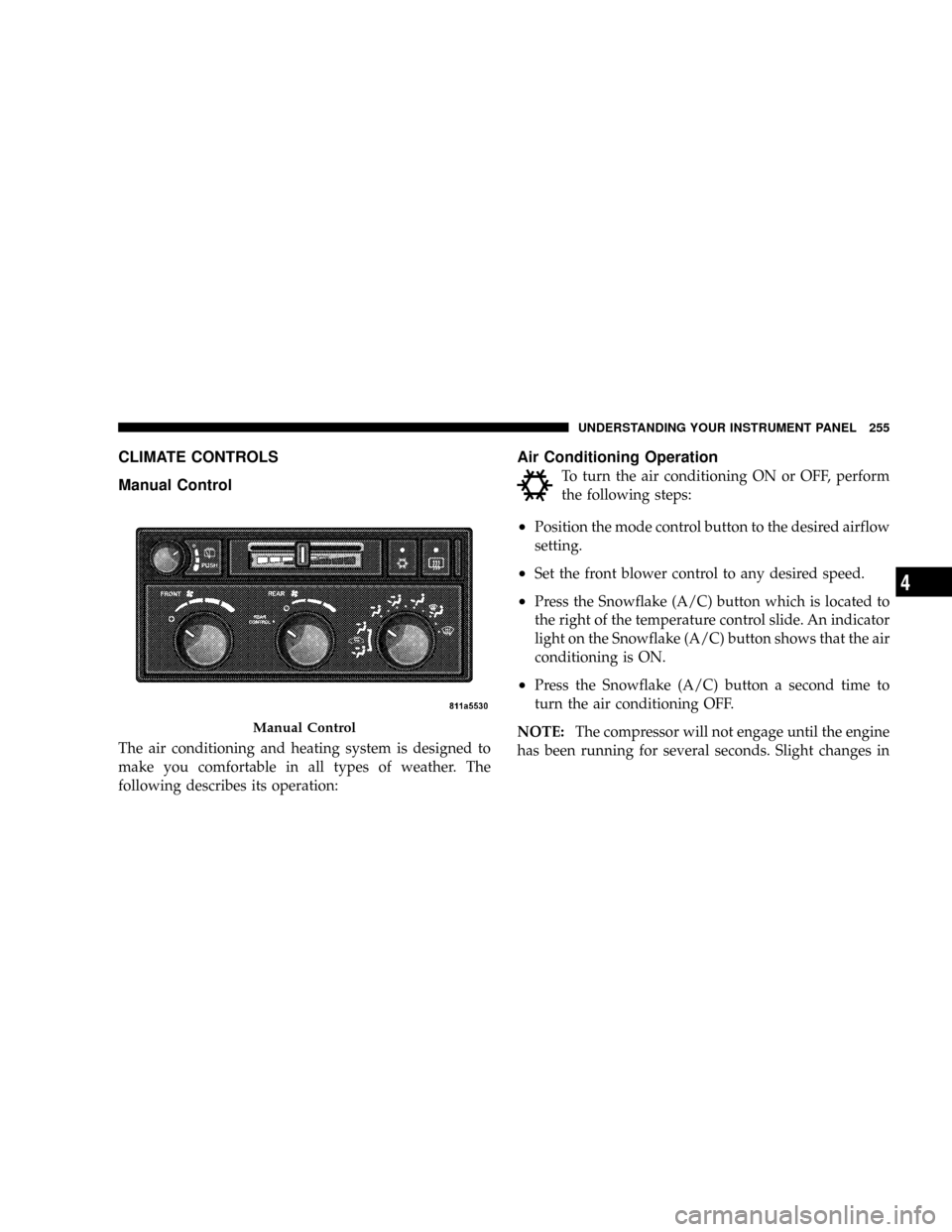
CLIMATE CONTROLS
Manual Control
The air conditioning and heating system is designed to
make you comfortable in all types of weather. The
following describes its operation:
Air Conditioning Operation
To turn the air conditioning ON or OFF, perform
the following steps:
²Position the mode control button to the desired airflow
setting.
²Set the front blower control to any desired speed.
²Press the Snowflake (A/C) button which is located to
the right of the temperature control slide. An indicator
light on the Snowflake (A/C) button shows that the air
conditioning is ON.
²Press the Snowflake (A/C) button a second time to
turn the air conditioning OFF.
NOTE:The compressor will not engage until the engine
has been running for several seconds. Slight changes in
Manual Control
UNDERSTANDING YOUR INSTRUMENT PANEL 255
4
Page 263 of 481
Level Of Automatic Control
72ÉF (22ÉC) is the recommended setting for maximum
comfort for the average person, however, this may vary.
NOTE:The temperature setting can be adjusted at any
time without affecting automatic control operation. It is
not necessary to move the temperature setting for cold or
hot vehicles. The system automatically adjusts the tem-
perature, mode and fan speed to provide comfort as
quickly as possible.
NOTE:In cold weather, the fan will not turn on in Auto
mode until the engine coolant has warmed up suffi-
ciently. This is indicated by the ªWARM UP DELAYº
message on the display.
NOTE:The temperature can be displayed in U.S. or
Metric by selecting the U.S./METRIC Customer-
Programmable feature. Refer to9Overhead ConsoleCustomer-Programmable Features9in Section 3. The
mode will also be shown in the display and will change
as required during automatic operation.
NOTE:The system can be put into recirculate mode
without affecting ATC operation. This will prevent out-
side air from entering the vehicle. Use this mode to
temporarily block out any outside odors, smoke, or dust.
Manual Control (ATC)
You may also choose to customize your comfort by
selecting the fan speed and mode manually. Turning the
fan speed knob or any mode button places the system
into manual operation.
While in manual operation there are six fan speeds
available and the choice of any mode. The airflow
temperature is adjusted automatically to maintain the
desired comfort level. You can adjust the temperature by
pressing the + or - Temp rocker switches.
UNDERSTANDING YOUR INSTRUMENT PANEL 261
4
Page 264 of 481
FAN Control
Use this knob to regulate the amount of air delivered
through the system in any mode you select. Rotation
of the knob to increase (clockwise) or decrease (counter-
clockwise) fan speed.
Air Conditioning Operation
Press this button to enable the air conditioning
system. Compressor operation is automatic when
you press the AUTO button and no snowflake is
shown. A snowflake indicates that the A/C system is
enabled. The snowflake will not be displayed in AUTO
mode even though the A/C system is enabled.
The compressor may operate at any temperature above
32ÉF (0ÉC).
NOTE:The compressor will not engage until the engine
has been running for several seconds. Slight changes inengine speed or power may be noticed when the com-
pressor cycles. This is a normal occurrence since the
compressor will cycle on and off to maintain comfort and
improve fuel economy.
Recirculate Button
Press this button to recirculate the air inside the
vehicle. Outside air is prevented from entering
the vehicle. Use this mode to temporarily block
out any outside odors, smoke, dust or when
rapid cooling of the interior is required.
Manual control of recirculation is possible only in Panel,
Floor, and Bi-Level modes. It will not operate in Mix, or
Defrost modes. The recirculation symbol will flash three
times indicating recirculation is not available in these
modes.
262 UNDERSTANDING YOUR INSTRUMENT PANEL
Page 400 of 481
inspect the exhaust system each time the vehicle is raised
for lubrication or oil change. Replace as required.
WARNING!
Exhaust gases can injure or kill. They contain carbon
monoxide (CO) which is colorless and odorless.
Breathing it can make you unconscious and can
eventually poison you. To avoid breathing CO, fol-
low the preceding safety tips.
The catalytic converter requires the use of unleaded fuel
only. Leaded gasoline will destroy the effectiveness of the
catalyst as an emission control device.
Under normal operating conditions, the catalytic con-
verter will not require maintenance. However, it is im-
portant to keep the engine properly tuned to assure
proper catalyst operation and prevent possible catalyst
damage.
CAUTION!
Damage to the catalytic converter can result if your
vehicle is not kept in proper operating condition. In
the event of engine malfunction, particularly involv-
ing engine misfire or other apparent loss of perfor-
mance, have your vehicle serviced promptly. Contin-
ued operation of your vehicle with a severe
malfunction could cause the converter to overheat,
resulting in possible damage to the converter and the
vehicle.
NOTE:Intentional tampering with emissions control
systems can result in civil penalties being assessed
against you.
398 MAINTAINING YOUR VEHICLE
Page 438 of 481
EMISSIONS CONTROL SYSTEM MAINTENANCE
The Scheduled Maintenance services listed inbold type,
must be done at the times or mileages specified to ensure
the continued proper functioning of the Emissions Con-
trol System. These, and all other maintenance services
included in this manual, should be done to provide best
vehicle performance and reliability. More frequent main-
tenance may be needed for vehicles in severe operating
conditions, such as dusty areas and very short trip
driving.
Inspection and service should also be done anytime a
malfunction is suspected.
NOTE:Maintenance, replacement, or repair of the emis-
sions control devices and systems on your vehicle may be
performed by any automotive repair establishment or
individual using any automotive part that has been
certified pursuant to U.S. EPA or in the State of Califor-
nia, California Air Resources Board regulations.
MAINTENANCE SCHEDULE
The oil change indicator system will remind you that it is
time to take your vehicle in for scheduled maintenance.
On Electronic Vehicle Information Center (EVIC)
equipped vehicles ªOil Change Requiredº will be dis-
played in the EVIC and a single chime will sound,
indicating that an oil change is necessary.
On non-EVIC equipped vehicles ªChange Oilº will flash
in the instrument cluster odometer and a single chime
will sound, indicating that an oil change is necessary.
Based on engine operation conditions the oil change
indicator message will illuminate, this means that service
is required for your vehicle. Have your vehicle serviced
as soon as possible, within the next 500 miles (805 km).
436 MAINTENANCE SCHEDULES
8
M
A
I
N
T
E
N
A
N
C
E
S
C
H
E
D
U
L
E
S
Page 439 of 481
NOTE:
²The oil change indicator message will not monitor the
time since the last oil change. Change your vehicle's
oil if it has been 6 months since your last oil change
even if the oil change indicator message is NOT
illuminated.
²Change your engine oil more often if you drive your
vehicle off-road for an extended period of time.
²Under no circumstances should oil change intervals
exceed 6,000 miles (10 000 km) or 6 months, whichever
comes first.
Your authorized dealer will reset the oil change indicator
message after completing the scheduled oil change. If this
scheduled oil change is performed by someone other
than your authorized dealer the message can be reset by
referring to the steps described under ªOIL CHANGE
REQUIRED ± If Equippedº under ªSystem Status (EVICDisplays)º in Section 3, or under ªOdometer/Trip Odom-
eterº under ªInstrument Cluster Descriptionº in Section
4.
At Each Stop for Fuel
²Check the engine oil level about five minutes after a
fully warmed engine is shut off. Checking the oil level
while the vehicle is on level ground will improve the
accuracy of the oil level reading. Add oil only when
the level is at or below the ADD or MIN mark.
²Check the windshield washer solvent and add if
required.
Once a Month
²Check tire pressure and look for unusual wear or
damage.
²Inspect the battery and clean and tighten the terminals
as required.
MAINTENANCE SCHEDULES 437
8
M
A
I
N
T
E
N
A
N
C
E
S
C
H
E
D
U
L
E
S
Page 470 of 481
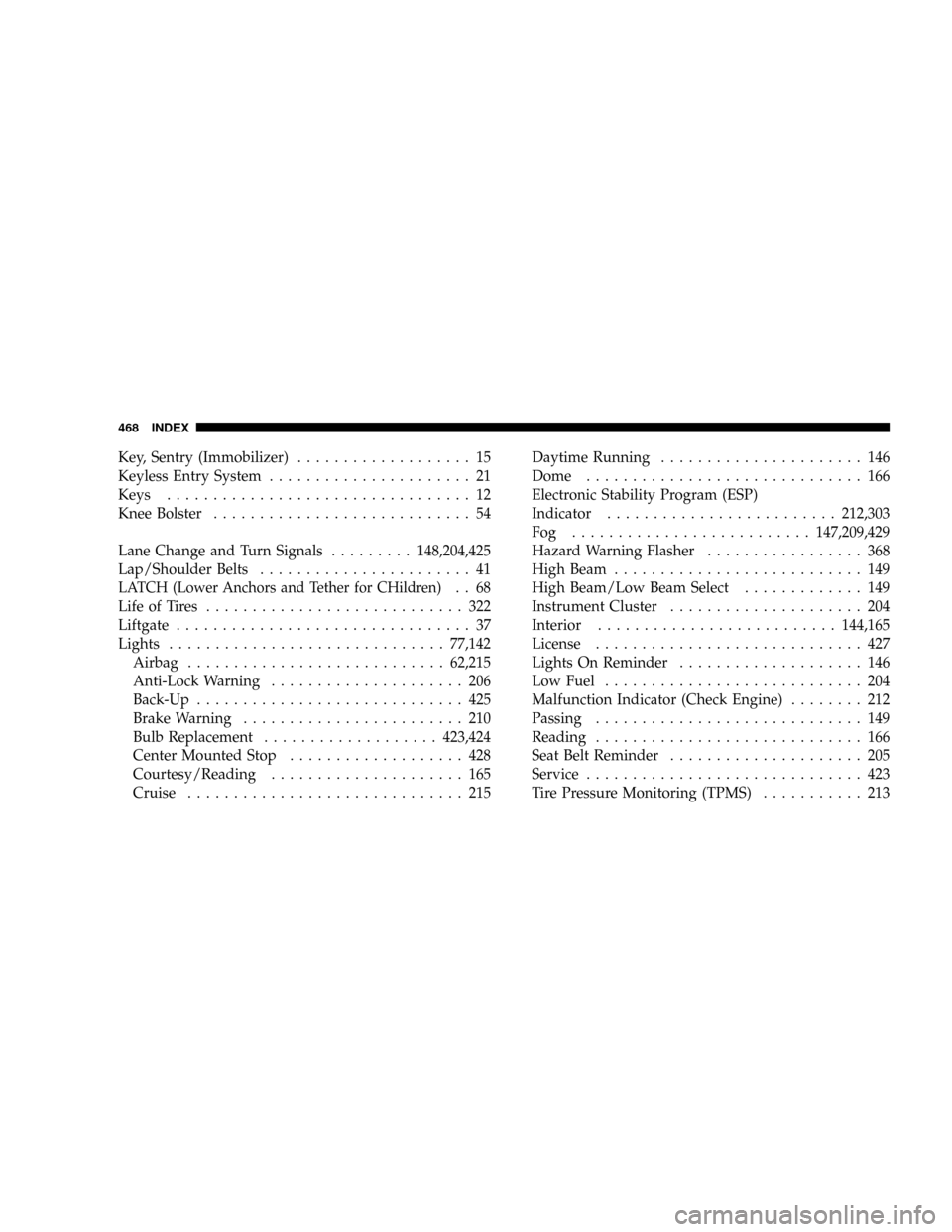
Key, Sentry (Immobilizer)................... 15
Keyless Entry System...................... 21
Keys................................. 12
Knee Bolster............................ 54
Lane Change and Turn Signals.........148,204,425
Lap/Shoulder Belts....................... 41
LATCH (Lower Anchors and Tether for CHildren).. 68
Life of Tires............................ 322
Liftgate................................ 37
Lights..............................77,142
Airbag............................62,215
Anti-Lock Warning..................... 206
Back-Up............................. 425
Brake Warning........................ 210
Bulb Replacement...................423,424
Center Mounted Stop................... 428
Courtesy/Reading..................... 165
Cruise.............................. 215Daytime Running...................... 146
Dome.............................. 166
Electronic Stability Program (ESP)
Indicator.........................212,303
Fog ..........................147,209,429
Hazard Warning Flasher................. 368
High Beam........................... 149
High Beam/Low Beam Select............. 149
Instrument Cluster..................... 204
Interior..........................144,165
License............................. 427
Lights On Reminder.................... 146
Low Fuel............................ 204
Malfunction Indicator (Check Engine)........ 212
Passing............................. 149
Reading............................. 166
Seat Belt Reminder..................... 205
Service.............................. 423
Tire Pressure Monitoring (TPMS)........... 213
468 INDEX