radio CHRYSLER PACIFICA 2004 1.G User Guide
[x] Cancel search | Manufacturer: CHRYSLER, Model Year: 2004, Model line: PACIFICA, Model: CHRYSLER PACIFICA 2004 1.GPages: 361, PDF Size: 5.21 MB
Page 118 of 361

If the indicator light blinksrapidly for two seconds and
then turns to a constant light continue with(Program-
ming(steps 6-8to complete the programming of a rolling
code equipped device (most commonly a garage door
opener).
6. At the garage door opener receiver (motor-head unit)
in the garage, locate the9learn9or9smart9button. This
can usually be found where the hanging antenna wire is
attached to the motor-head unit.
7. Firmly press and release the9learn9or9smart9button.
(The name and color of the button may vary by manu-
facturer.)
NOTE:There are 30 seconds in which to initiate step
eight.
8. Return to the vehicle and firmlypress, hold for two
seconds and releasethe programmed HomeLink button.
Repeat the(press/hold/release(sequence a second time,and, depending on the brand of the garage door opener
(or other rolling code equipped device), repeat this
sequence a third time to complete the programming.
HomeLink should now activate your rolling code
equipped device.
NOTE:To program the remaining two HomeLink but-
tons, begin with9Programming9step two. Do not repeat
step one. For questions or comments, please contact
HomeLink atwww.homelink.com or 1-800-355-3515.
Canadian Programming/Gate Programming
Canadian radio-frequency laws require transmitter sig-
nals to9time-out9(or quit) after several seconds of
transmission which may not be long enough for
HomeLink to pick up the signal during programming.
Similar to this Canadian law, some U.S. gate operators are
designed to9time-out9in the same manner.
118 UNDERSTANDING THE FEATURES OF YOUR VEHICLE
Page 124 of 361

ELECTRICAL POWER OUTLETS
There are two 12 volt power outlets located on the
instrument panel below the radio. The driver's side outlet
is controlled by the ignition switch and the passenger
side outlet is connected directly to the battery. The
driver's side outlet will also operate a conventional cigar
lighter unit (if equipped with an optional Smoker's
Package).
A third outlet is located on the back of the front center
console near the floor, and is also connected directly to
the battery.
A fourth outlet is located on the driver's side, in the rear
cargo area and is also controlled by the ignition switch.
124 UNDERSTANDING THE FEATURES OF YOUR VEHICLE
Page 133 of 361
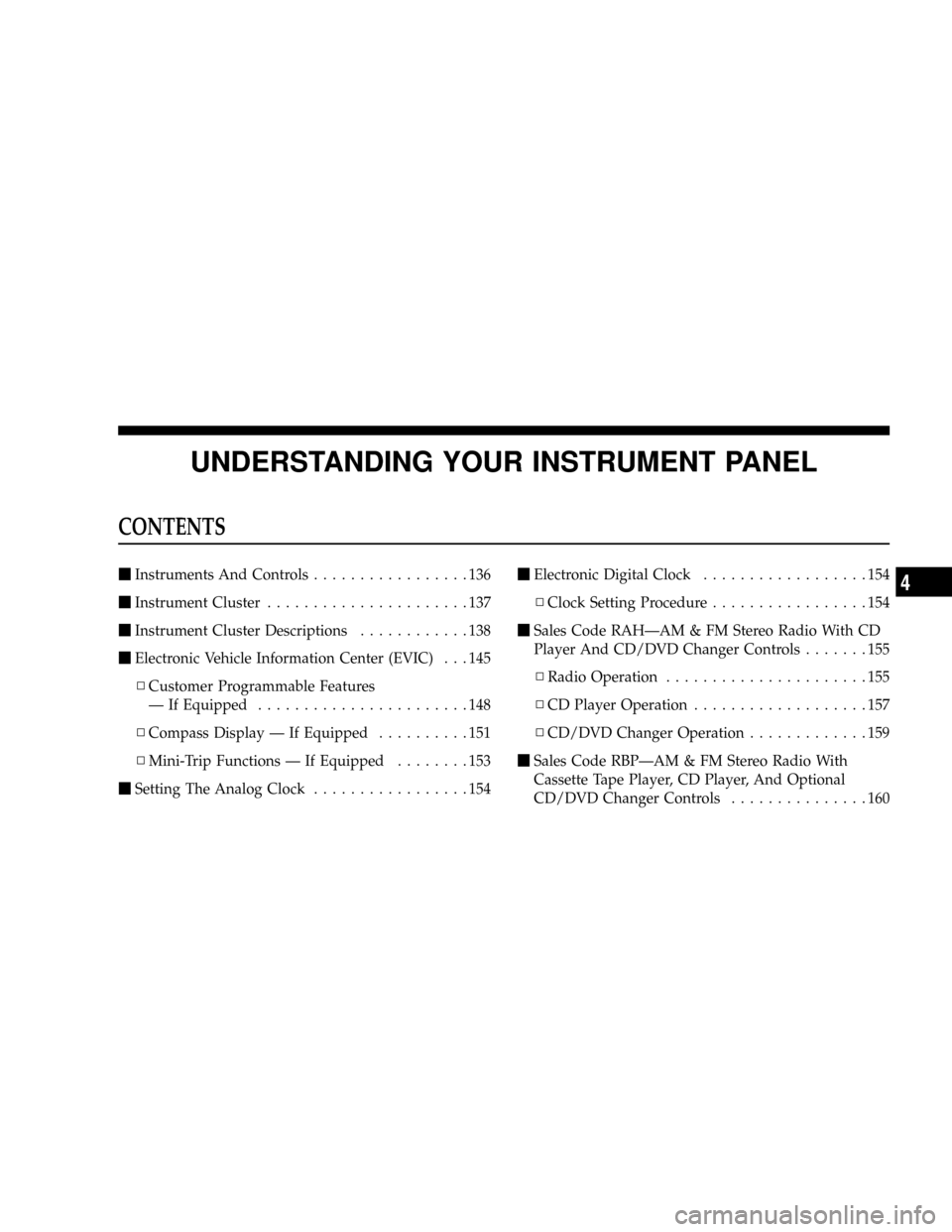
UNDERSTANDING YOUR INSTRUMENT PANEL
CONTENTS
mInstruments And Controls.................136
mInstrument Cluster......................137
mInstrument Cluster Descriptions............138
mElectronic Vehicle Information Center (EVIC) . . . 145
NCustomer Programmable Features
Ð If Equipped.......................148
NCompass Display Ð If Equipped..........151
NMini-Trip Functions Ð If Equipped........153
mSetting The Analog Clock.................154mElectronic Digital Clock..................154
NClock Setting Procedure.................154
mSales Code RAHÐAM & FM Stereo Radio With CD
Player And CD/DVD Changer Controls.......155
NRadio Operation......................155
NCD Player Operation...................157
NCD/DVD Changer Operation.............159
mSales Code RBPÐAM & FM Stereo Radio With
Cassette Tape Player, CD Player, And Optional
CD/DVD Changer Controls...............1604
Page 134 of 361

NRadio Operation......................160
NTape Player Operation..................164
NCD Player Operation...................166
NCD/DVD Changer Operation Ð If Equipped . 168
m6 Disc CD/Digital Video Disc (DVD) Changer . . 170
NOperating Instructions Ð CD/DVD Changer . . 170
NEject (EJT) Button.....................171
NOperating Instructions Ð Remote Control....172
NOperating Instructions Ð Video Screen......174
NOperating Instructions Ð Headphones......175
NOperating Instructions Ð MP3 Player.......177
NOperating Instructions Ð Video
Games/Camcorders...................177mRemote Sound System Controls.............178
NRadio Operation......................178
NTape Player.........................178
NCD Player..........................179
mRadio General Information................179
NRadio Broadcast Signals.................179
NTwo Types Of Signals..................179
NElectrical Disturbances..................179
NAM Reception.......................180
NFM Reception........................180
mCassette Tape And Player Maintenance.......180
mCD/DVD Disc Maintenance...............181
mRadio Operation And Cellular Phones........182
134 UNDERSTANDING YOUR INSTRUMENT PANEL
Page 149 of 361

Auto Unlock On Exit?
When this feature is selected all the vehicle's doors will
unlock when the driver's door is opened if the vehicle is
stopped and the transmission is in P (Park) or N (Neu-
tral) position. Pressing the STEP button when in this
display will select ªYesº or ªNo.º
Remote Unlock Driver's Door 1st?
When this feature is selected only the driver's door will
unlock on the first press of the remote keyless entry
unlock button and require a second press to unlock the
remaining locked doors and liftgate. WhenREMOTE
UNLOCK ALL DOORSis selected all of the doors and
the liftgate will unlock at the first press of the remote
keyless entry unlock button. Pressing the STEP button
when in this display will select DRIVER'S DOOR 1ST or
ALL DOORS.
Remote Linked To Memory? (Available with
Memory Seat Only)
When this feature is selected the memory seat, mirror,
and radio settings will return to the memory set position
when the remote keyless entry ªUnlockº button is
pressed. If this feature is not selected then the memory
seat, mirror, and radio settings can only return to the
memory set position using the door mounted switch.
Pressing the STEP button when in this display will select
ªYesº or ªNo.º
Sound Horn On Lock?
When this feature is selected a short horn sound will
occur when the remote keyless entry ªLockº button is
pressed. This feature may be selected with or without the
flash lights on lock/unlock feature. Pressing the STEP
button when in this display will select ªYesº or ªNo.º
UNDERSTANDING YOUR INSTRUMENT PANEL 149
4
Page 151 of 361

Reset Service Distance (Displays Only if Service
Interval was Changed)
When this feature is selected the current accumulated
service distance can be reset to the newly selected service
interval. Pressing the STEP button when in this display
will select ªYesº or ªNo.º
Power Accessory Delay?
When this feature is selected, the power window
switches, radio, hands±free system, DVD video system,
power sunroof, and power outlets will remain active for
up to 45 seconds after the ignition switch has been turned
off. Opening a vehicle door or liftgate will cancel this
feature.
Easy Exit Seat? (Available with Memory Seat Only)
When this feature is selected, the driver's seat moves
rearward 5 cm (2 inches) or to the farthest rearward
position if this distance is less than 5 cm (2 inches) when
the key is removed from the ignition switch so that thedriver can more easily exit the vehicle. The seat will
return to the memorized seat location (if REMOTE LINK
TO MEMORY is set to YES) when the remote keyless
entry transmitter is used to unlock the door. Pressing the
STEP button when in this display will select ªYesº or
ªNo.º
Retrain Tire Sensors (Available with Tire Pressure
Monitor System Only)
The Tire Pressure Monitor system must be retrained
following a tire rotation or wheel rim mounted sensor
replacement. See your authorized dealer for service.
Compass Display Ð If Equipped
This display provides one of eight compass readings to
indicate the direction the vehicle is facing.
Automatic Compass Calibration
This compass is self calibrating which eliminates the
need to manually set the compass. When the vehicle is
new, the compass may appear erratic and the EVIC will
UNDERSTANDING YOUR INSTRUMENT PANEL 151
4
Page 154 of 361

²Off Mode
Shows a blank display.
²Step Button
Push this button to cycle through all the Mini-trip
functions.
To Reset The Display
Pressing and releasing the Reset button once will clear
the resettable function currently being displayed. The
resettable function is average fuel economy. Reset will
only occur if the resettable function is currently being
displayed.
SETTING THE ANALOG CLOCK
To set the analog clock at the top center of the instrument
panel, press and hold the button until the setting is
correct.
ELECTRONIC DIGITAL CLOCK
The clock and radio each use the display panel built into
the radio. A digital readout shows the time in hours and
minutes whenever the ignition switch is in the ON or
ACC position and the time button is pressed.
When the ignition switch is in the OFF position, or when
the radio frequency is being displayed, time keeping is
accurately maintained.
Clock Setting Procedure
1. Turn the ignition switch to the ON or ACC position
and press the time button. Using the tip of a ballpoint pen
or similar object, press either the hour (H) or minute (M)
buttons on the radio.
2. Press the H button to set hours or the M button to set
minutes. The time setting will increase each time you
press a button.
154 UNDERSTANDING YOUR INSTRUMENT PANEL
Page 155 of 361

SALES CODE RAHÐAM & FM STEREO RADIO
WITH CD PLAYER AND CD/DVD CHANGER
CONTROLSRadio Operation
Power/Volume Control
Press the ON/VOL control to turn the radio on. Turn the
volume control clockwise to increase the volume.
NOTE:Power to operate the radio is supplied through
the ignition switch. It must be in the ON or ACC position
to operate the radio.
Mode
Press the MODE button to select between, AM, FM, CD,
CD/DVD changer or the Satellite Radio (if equipped).
When the Satellite Radio (if equipped) is selected ªSAº
will appear in your radio display.
A disc may remain in the radio while in the Satellite or
radio mode.
UNDERSTANDING YOUR INSTRUMENT PANEL 155
4
Page 156 of 361

Seek
Press and release the SEEK button to search for the next
station in either the AM, FM or Satellite mode. Press the
top of the button to seek up and the bottom to seek down.
The radio will remain tuned to the new station until you
make another selection. Holding the button in will by-
pass stations without stopping until you release it.
Tuning
Press the TUNE control up or down to increase or
decrease the frequency. If you press and hold the button,
the radio will continue to tune until you release the
button. The frequency will be displayed and continu-
ously updated while the button is pressed.
Balance
The Balance control adjusts the left-to-right speaker bal-
ance. Press the AUDIO button, select BALANCE, then
turn the volume knob to adjust the balance.
Fade
The Fade control provides for balance between the front
and rear speakers. Press the AUDIO button, select FADE,
then turn the volume knob to adjust the fade balance.
Tone Control
The Bass and/or Treble controls sound for the desired
tone. Press the AUDIO button, select Bass or TREBLE,
then turn the volume knob to increase or decrease
amplification of the band.
To Set The Radio Push-Button Memory
When you are receiving a station that you wish to
commit to push-button memory, press the SET button.
SET 1 will show in the display window. Select the
push-button you wish to lock onto this station and press
and release that button. If a station is not selected within
5 seconds after pressing the SET button, the station will
continue to play but will not be locked into push-button
memory.
156 UNDERSTANDING YOUR INSTRUMENT PANEL
Page 157 of 361

You may add a second station to each push-button by
repeating the above procedure with this exception: Press
the SET button twice and SET 2 will show in the display
window. Each button can be set for SET 1 and SET 2 in
both AM and FM. This allows a total of 10 AM and 10 FM
stations to be locked into memory. You can recall the
stations stored in SET 2 memory by pressing the push-
button twice.
To Change From Clock To Radio Mode
Press the TIME button to change the display between
radio frequency and time.
General Information
This radio complies with Part 15 of FCC rules and with
RSS-210 of Industry Canada. Operation is subject to the
following conditions:1. This device may not cause harmful interference,
2. This device must accept any interference received,
including interference that may cause undesired opera-
tion.
NOTE:Changes or modifications not expressively ap-
proved by the party responsible for compliance could
void the user's authority to operate the equipment.
CD Player Operation
NOTE:The ignition switch must be in the ON or ACC
position and the volume control ON before the CD player
will operate.
UNDERSTANDING YOUR INSTRUMENT PANEL 157
4