warning CHRYSLER PACIFICA 2008 1.G Workshop Manual
[x] Cancel search | Manufacturer: CHRYSLER, Model Year: 2008, Model line: PACIFICA, Model: CHRYSLER PACIFICA 2008 1.GPages: 457, PDF Size: 6.7 MB
Page 159 of 457

NOTE:
²The ªESP Indicator Lightº and the ªESP/BAS Warning
Lightº come on momentarily each time the ignition
switch is turned ON.
²Each time the ignition is turned ON, the ESP System
will be ON even if it was turned off previously.
²The ESP Control System will make buzzing or clicking
sounds when it is active. This is normal; the sounds
will stop when ESP becomes inactive following the
maneuver that caused the ESP activation.
ADJUSTABLE PEDALS Ð IF EQUIPPED
This feature allows both the brake and accelerator pedals
to move toward or away from the driver to provide
improved position with the steering wheel. The adjust-
able pedal system is designed to allow a greater range of
driver comfort for steering wheel tilt and seat position.
The switch is located on the drivers door trim panel next
to the power seat switches.Press the switch forward to move the pedals forward
(toward the front of the vehicle).
Press the switch rearward to move the pedals rearward
(toward the driver).
²The pedals can be adjusted with the ignition OFF.
ADJUSTABLE PEDAL SWITCH
UNDERSTANDING THE FEATURES OF YOUR VEHICLE 159
3
Page 162 of 457

Rear Park Assist Warning Display
The Rear Park Assist Warning Display, located in the
headliner near the liftgate glass, provides both visual and
audible warnings to indicate the distance between the
rear fascia and the detected obstacle.
When the ignition is changed to the RUN/ON position,
the warning display will turn ON all of its LEDs for
about 1 second. Each side of the warning display has 6
yellow and 2 red LEDs. The vehicle is close to the obstacle
when the red LED is ON.The driver can view the LEDs either through the rear
view mirror or by looking at the display above the rear
window.
The system dimly illuminates the two outer most yellow
LEDs when it is ON and detecting no obstacles. The
following chart shows the warning display operation
when the system is detecting an obstacle:
162 UNDERSTANDING THE FEATURES OF YOUR VEHICLE
Page 163 of 457
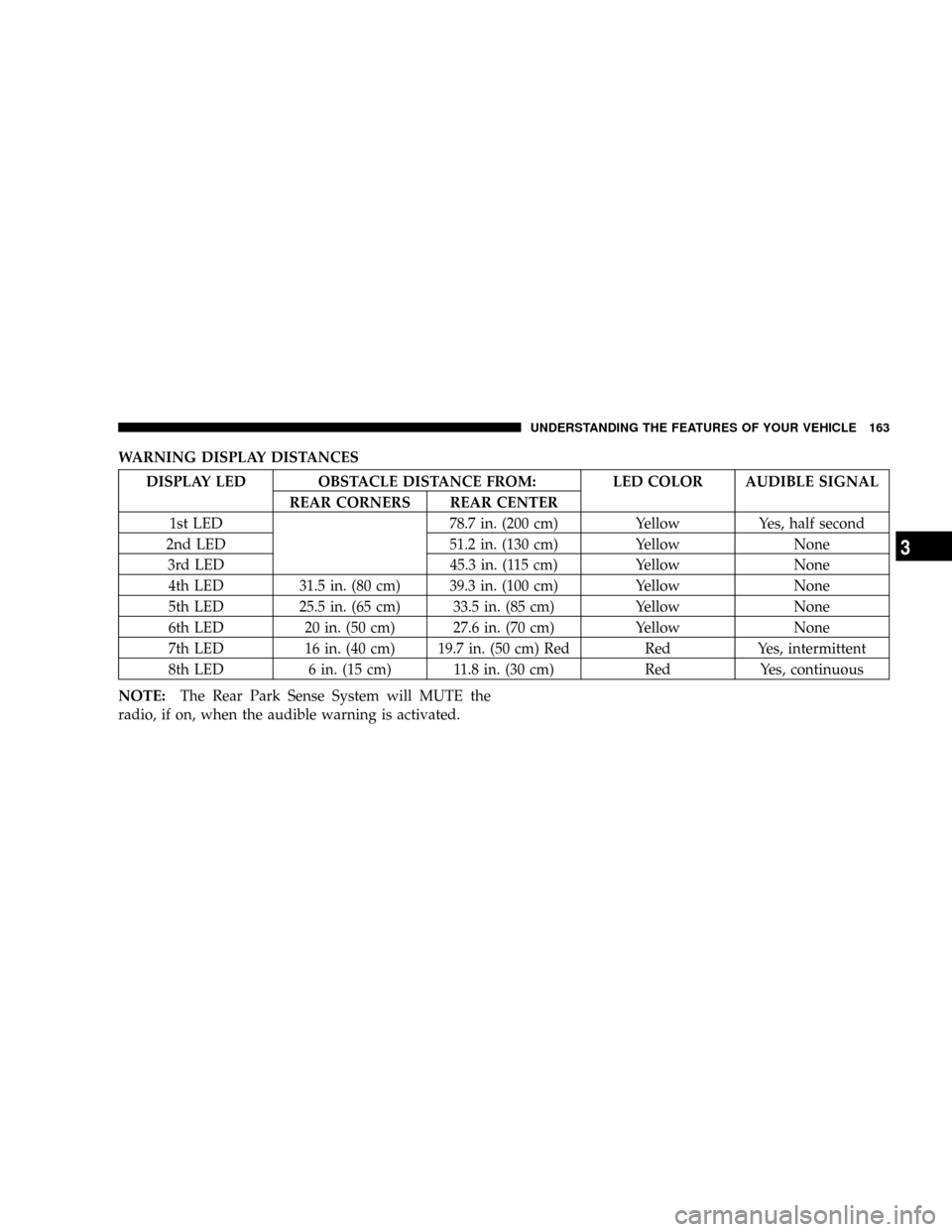
WARNING DISPLAY DISTANCES
DISPLAY LED OBSTACLE DISTANCE FROM: LED COLOR AUDIBLE SIGNAL
REAR CORNERS REAR CENTER
1st LED 78.7 in. (200 cm) Yellow Yes, half second
2nd LED 51.2 in. (130 cm) Yellow None
3rd LED 45.3 in. (115 cm) Yellow None
4th LED 31.5 in. (80 cm) 39.3 in. (100 cm) Yellow None
5th LED 25.5 in. (65 cm) 33.5 in. (85 cm) Yellow None
6th LED 20 in. (50 cm) 27.6 in. (70 cm) Yellow None
7th LED 16 in. (40 cm) 19.7 in. (50 cm) Red Red Yes, intermittent
8th LED 6 in. (15 cm) 11.8 in. (30 cm) Red Yes, continuous
NOTE:The Rear Park Sense System will MUTE the
radio, if on, when the audible warning is activated.
UNDERSTANDING THE FEATURES OF YOUR VEHICLE 163
3
Page 164 of 457
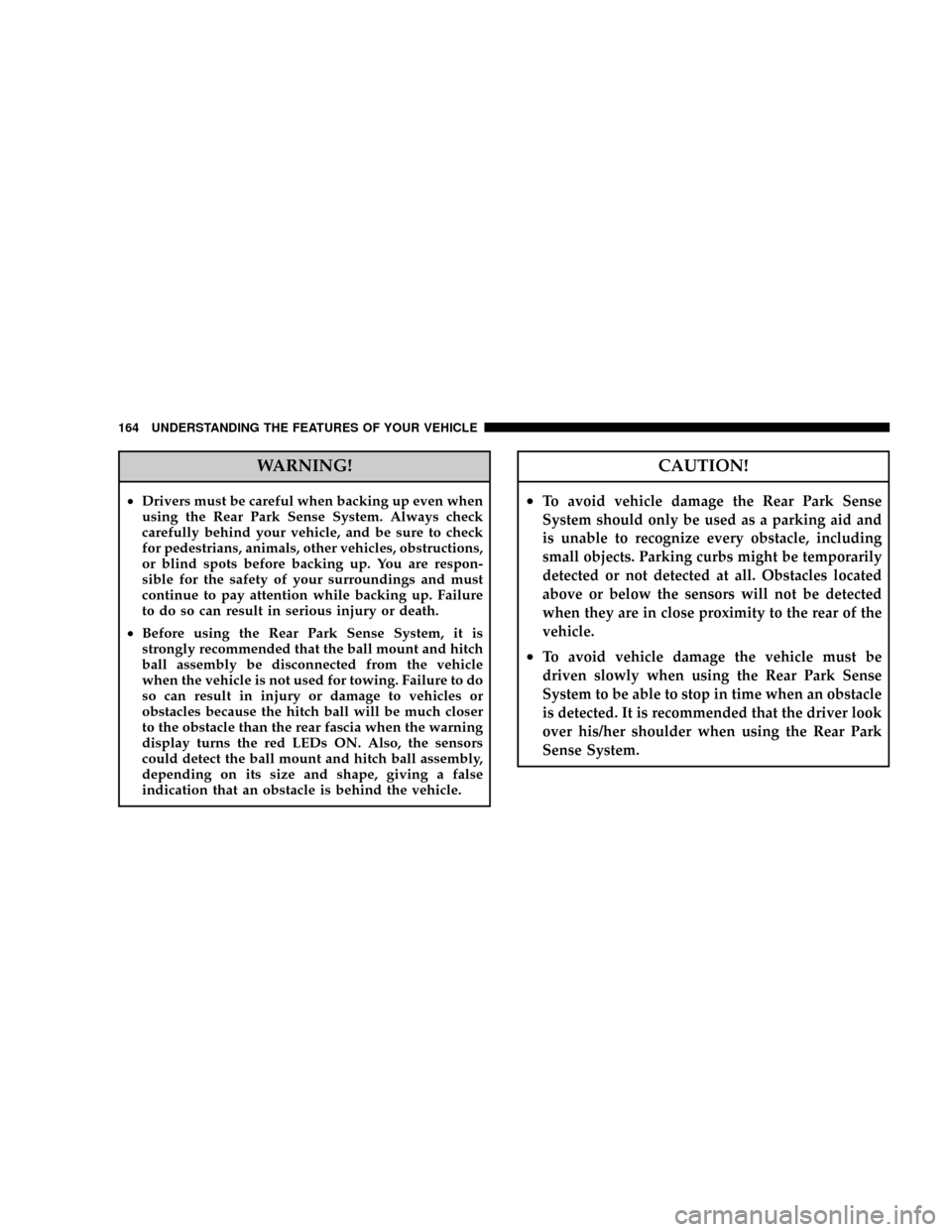
WARNING!
²Drivers must be careful when backing up even when
using the Rear Park Sense System. Always check
carefully behind your vehicle, and be sure to check
for pedestrians, animals, other vehicles, obstructions,
or blind spots before backing up. You are respon-
sible for the safety of your surroundings and must
continue to pay attention while backing up. Failure
to do so can result in serious injury or death.
²Before using the Rear Park Sense System, it is
strongly recommended that the ball mount and hitch
ball assembly be disconnected from the vehicle
when the vehicle is not used for towing. Failure to do
so can result in injury or damage to vehicles or
obstacles because the hitch ball will be much closer
to the obstacle than the rear fascia when the warning
display turns the red LEDs ON. Also, the sensors
could detect the ball mount and hitch ball assembly,
depending on its size and shape, giving a false
indication that an obstacle is behind the vehicle.
CAUTION!
²To avoid vehicle damage the Rear Park Sense
System should only be used as a parking aid and
is unable to recognize every obstacle, including
small objects. Parking curbs might be temporarily
detected or not detected at all. Obstacles located
above or below the sensors will not be detected
when they are in close proximity to the rear of the
vehicle.
²To avoid vehicle damage the vehicle must be
driven slowly when using the Rear Park Sense
System to be able to stop in time when an obstacle
is detected. It is recommended that the driver look
over his/her shoulder when using the Rear Park
Sense System.
164 UNDERSTANDING THE FEATURES OF YOUR VEHICLE
Page 167 of 457
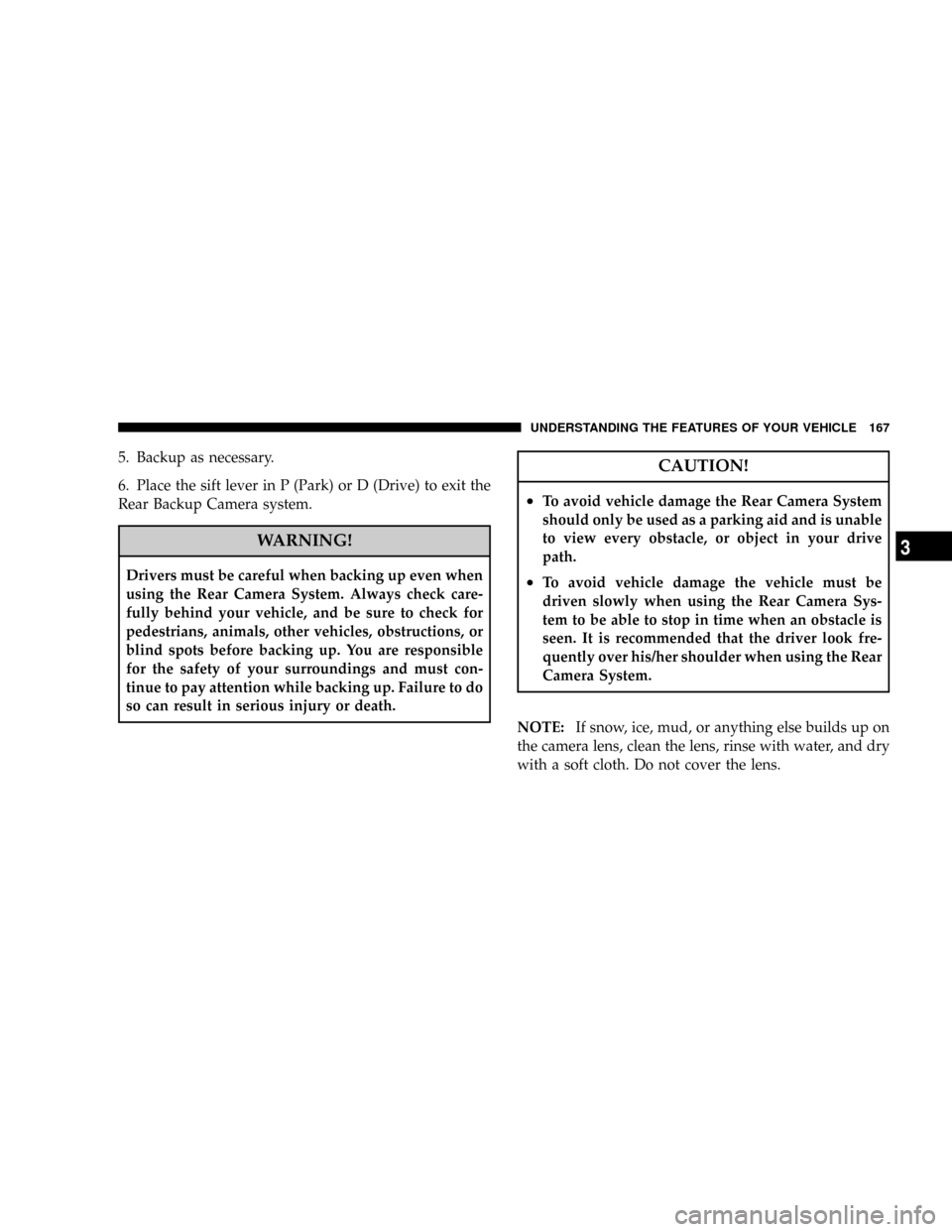
5. Backup as necessary.
6. Place the sift lever in P (Park) or D (Drive) to exit the
Rear Backup Camera system.
WARNING!
Drivers must be careful when backing up even when
using the Rear Camera System. Always check care-
fully behind your vehicle, and be sure to check for
pedestrians, animals, other vehicles, obstructions, or
blind spots before backing up. You are responsible
for the safety of your surroundings and must con-
tinue to pay attention while backing up. Failure to do
so can result in serious injury or death.
CAUTION!
²To avoid vehicle damage the Rear Camera System
should only be used as a parking aid and is unable
to view every obstacle, or object in your drive
path.
²To avoid vehicle damage the vehicle must be
driven slowly when using the Rear Camera Sys-
tem to be able to stop in time when an obstacle is
seen. It is recommended that the driver look fre-
quently over his/her shoulder when using the Rear
Camera System.
NOTE:If snow, ice, mud, or anything else builds up on
the camera lens, clean the lens, rinse with water, and dry
with a soft cloth. Do not cover the lens.
UNDERSTANDING THE FEATURES OF YOUR VEHICLE 167
3
Page 171 of 457
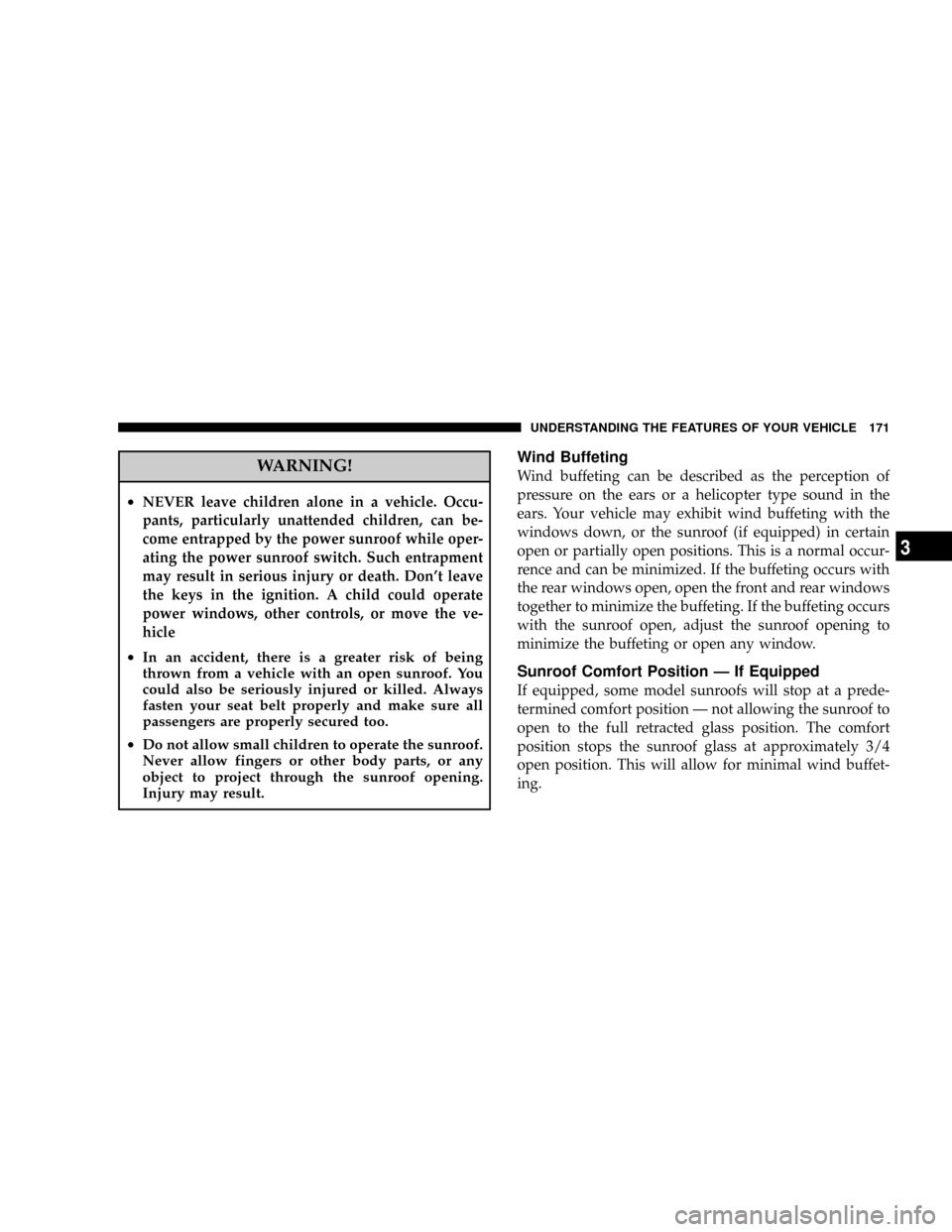
WARNING!
²NEVERleave children alone in a vehicle. Occu-
pants, particularly unattended children, can be-
come entrapped by the power sunroof while oper-
ating the power sunroof switch. Such entrapment
may result in serious injury or death. Don't leave
the keys in the ignition. A child could operate
power windows, other controls, or move the ve-
hicle
²In an accident, there is a greater risk of being
thrown from a vehicle with an open sunroof. You
could also be seriously injured or killed. Always
fasten your seat belt properly and make sure all
passengers are properly secured too.
²Do not allow small children to operate the sunroof.
Never allow fingers or other body parts, or any
object to project through the sunroof opening.
Injury may result.
Wind Buffeting
Wind buffeting can be described as the perception of
pressure on the ears or a helicopter type sound in the
ears. Your vehicle may exhibit wind buffeting with the
windows down, or the sunroof (if equipped) in certain
open or partially open positions. This is a normal occur-
rence and can be minimized. If the buffeting occurs with
the rear windows open, open the front and rear windows
together to minimize the buffeting. If the buffeting occurs
with the sunroof open, adjust the sunroof opening to
minimize the buffeting or open any window.
Sunroof Comfort Position Ð If Equipped
If equipped, some model sunroofs will stop at a prede-
termined comfort position Ð not allowing the sunroof to
open to the full retracted glass position. The comfort
position stops the sunroof glass at approximately 3/4
open position. This will allow for minimal wind buffet-
ing.
UNDERSTANDING THE FEATURES OF YOUR VEHICLE 171
3
Page 176 of 457

Retractable Cargo Area Cover Ð If Equipped
To cover the cargo area:
1. Fold down the third row seatbacks.
2. Unfold the cargo cover extensions and lock into place.
3. Insert the pins on the ends of the cover into the slots
located on the trim panel behind the second row seat-
backs.
4. Grasp the center portion of the cover flap. Pull it over
the cargo area.
5. Insert the pins on the ends of the cover flap into the
slots on the rear trim panel.
6. The liftgate may be opened or closed with the cargo
cover in place.WARNING!
In an accident a cargo cover loose in the vehicle could
cause injury. It could fly around in a sudden stop and
strike someone in the vehicle. Do not store the cargo
cover on the cargo floor or in the passenger compart-
ment. Remove the cover from the vehicle when taken
from its mounting. Do not store in the vehicle.
Stowed Position
1. Fold down the third row seatbacks.
2. Fold the cargo cover extensions to their stowed posi-
tion and lock into place.
3. Insert the pins on the ends of the cover into the slots
located on the trim panel behind the third row seatbacks.
176 UNDERSTANDING THE FEATURES OF YOUR VEHICLE
Page 177 of 457

4. Grasp the center portion of the cover flap. Pull it over
the cargo area.
5. Insert the pins on the ends of the cover flap into the
slots on the rear trim panel.
6. The liftgate may be opened or closed with the cargo
cover in place.
Cargo Tie-Down Hooks
The tie-downs located on cargo area floor and on the rear
trim panels should be used to safely secure loads when
vehicle is moving.
WARNING!
²Cargo tie-down hooks are not safe anchors for a
child seat tether strap. In a sudden stop or collision
a hook could pull loose and allow the child seat to
come loose. A child could be badly injured. Use
only the anchors provided for child seat tethers.
²The weight and position of cargo and passengers
can change the vehicle center of gravity and ve-
hicle handling. To avoid loss of control resulting
in personal injury, follow these guidelines for
loading your vehicle:
²Always place cargo evenly on the cargo floor. Put
heavier objects as low and as far forward as possible.
UNDERSTANDING THE FEATURES OF YOUR VEHICLE 177
3
Page 178 of 457
²Place as much cargo as possible in front of the rear
axle. Too much weight or improperly placed weight
over or behind the rear axle can cause the rear of the
vehicle to sway.
²Do not pile luggage or cargo higher than the top of the
seatback. This could impair visibility or become a
dangerous projectile in a sudden stop or collision.
WARNING!
To help protect against personal injury, passengers
should not be seated in the rear cargo area. The rear
cargo space is intended for load carrying purposes
only, not for passengers, who should sit in seats and
use seat belts.
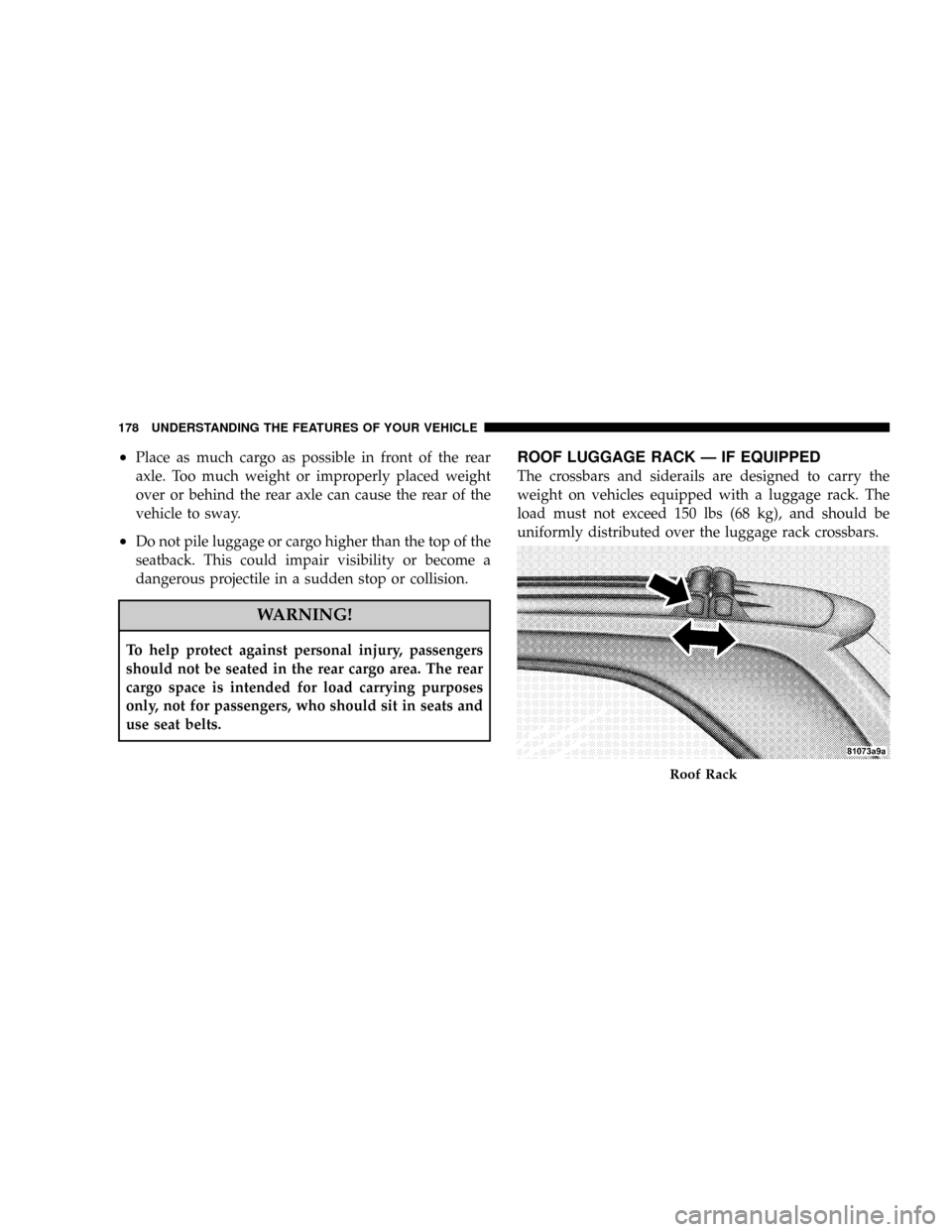
ROOF LUGGAGE RACK Ð IF EQUIPPED
The crossbars and siderails are designed to carry the
weight on vehicles equipped with a luggage rack. The
load must not exceed 150 lbs (68 kg), and should be
uniformly distributed over the luggage rack crossbars.
Roof Rack
178 UNDERSTANDING THE FEATURES OF YOUR VEHICLE
Page 180 of 457

CAUTION!
²Crossbars should remain equally spaced or parallel
at any luggage rack position for proper function.
Noncompliance could result in damage to the lug-
gage rack, cargo and/or vehicle.
²To avoid damage to the roof rack and vehicle, do not
exceed the maximum roof rack load capacity of 150
lbs (68 kg). Always distribute heavy loads as evenly
as possible and secure the load appropriately.
²Long loads which extend over the windshield, such
as wood panels or surfboards, or loads with large
frontal area should be secured to both the front and
rear of the vehicle.
²Travel at reduced speeds and turn corners carefully
when carrying large or heavy loads on the roof rack.
Wind forces, due to natural causes or nearby truck
traffic, can add sudden upward lift to loads. This is
especially true on large flat loads and may result in
damage to the cargo or your vehicle.
WARNING!
Cargo must be securely tied before driving your ve-
hicle. Improperly secured loads can fly off the vehicle,
particularly at high speeds, resulting in personal in-
jury or property damage. Follow the Roof Rack Cau-
tions when carrying cargo on your roof rack.
LOAD LEVELING SYSTEM
The automatic load leveling system will provide a level
riding vehicle under most passenger and cargo loading
conditions.
A hydraulic pump contained within the shock absorbers
raises the rear of the vehicle to the correct height. It takes
approximately 1 mile (1.6 km) of driving for the leveling
to complete depending on road surface conditions.
If the leveled vehicle is not moved for approximately 15
hours, the leveling system will bleed itself down. The
vehicle must be driven to reset the system.
180 UNDERSTANDING THE FEATURES OF YOUR VEHICLE