roof CHRYSLER PACIFICA 2017 2.G User Guide
[x] Cancel search | Manufacturer: CHRYSLER, Model Year: 2017, Model line: PACIFICA, Model: CHRYSLER PACIFICA 2017 2.GPages: 828, PDF Size: 7.58 MB
Page 205 of 828
CAUTION!
Use care when removing and handling the crossbars
to prevent damage to the vehicle.Bend the crossbar supports at each end, taking care to
keep hand clear of pivoting joint. Slide the thumb screw
down.
Position the crossbars across the roof making sure the
letters on the crossbars align with the matching letters on
the side rail.
Removing Crossbars
Bending Pivot
3
GETTING TO KNOW YOUR VEHICLE 203
Page 210 of 828
NOTE:
•To help control wind noise, stow the crossbars in the
side rails when they are not in use.
• If any metallic object is placed over the satellite radio
antenna (if equipped), you may experience interrup-
tion of satellite radio reception.
CAUTION!
• To prevent damage to the roof of your vehicle, DO
NOT carry any loads on the roof rack without the
crossbars deployed. The load should be secured
and placed on top of the crossbars, not directly on
the roof. If it is necessary to place the load on the
roof, place a blanket or other protective layer
between the load and the roof surface.
(Continued)
CAUTION! (Continued)
•To avoid damage to the roof rack and vehicle, do
not exceed the maximum roof rack load capacity of
150 lb (68 kg). Always distribute heavy loads as
evenly as possible and secure the load appropri-
ately.
• Load should always be secured to cross bars first,
with tie down loops used as additional securing
points if needed. Tie loops are intended as supple-
mentary tie down points only. Do not use ratchet-
ing mechanisms with the tie loops. Check the
straps and thumb wheels frequently to be sure that
the load remains securely attached.
• Long loads that extend over the windshield, such
as wood panels or surfboards, or loads with large
frontal area should be secured to both the front and
rear of the vehicle.
(Continued)
208 GETTING TO KNOW YOUR VEHICLE
Page 211 of 828
CAUTION!(Continued)
•Travel at reduced speeds and turn corners carefully
when carrying large or heavy loads on the roof
rack. Wind forces, due to natural causes or nearby
truck traffic, can add sudden upward lift to a load.
This is especially true on large flat loads and may
result in damage to the cargo or your vehicle.
WARNING!
Cargo must be securely tied down before driving
your vehicle. Improperly secured loads can fly off the
vehicle, particularly at high speeds, resulting in per-
sonal injury or property damage. Follow the roof rack
cautions when carrying cargo on your roof rack.
3
GETTING TO KNOW YOUR VEHICLE 209
Page 339 of 828
The SABICs deploy downward, covering the side win-
dows. An inflating SABIC pushes the outside edge of the
trim out of the way and covers the window. The SABICs
inflate with enough force to injure occupants if they are
not belted and seated properly, or if items are positioned
in the area where the SABICs inflate. Children are at an
even greater risk of injury from a deploying air bag.
The SABICs may help reduce the risk of partial or
complete ejection of vehicle occupants through side
windows in certain rollover or side impact events.WARNING!
•Your vehicle is equipped with left and right
Supplemental Side Air Bag Inflatable Curtains
(SABICs). Do not stack luggage or other cargo up
high enough to block the deployment of the
SABICs. The trim covering above the side win-
dows where the SABIC and its deployment path
are located should remain free from any obstruc-
tions.
• Your vehicle is equipped with SABICs. In order for
the SABICs to work as intended, do not install any
accessory items in your vehicle which could alter
the roof. Do not add an aftermarket sunroof to your
vehicle. Do not add roof racks that require perma-
nent attachments (bolts or screws) for installation
on the vehicle roof. Do not drill into the roof of the
vehicle for any reason.
5
SAFETY 337
Page 553 of 828
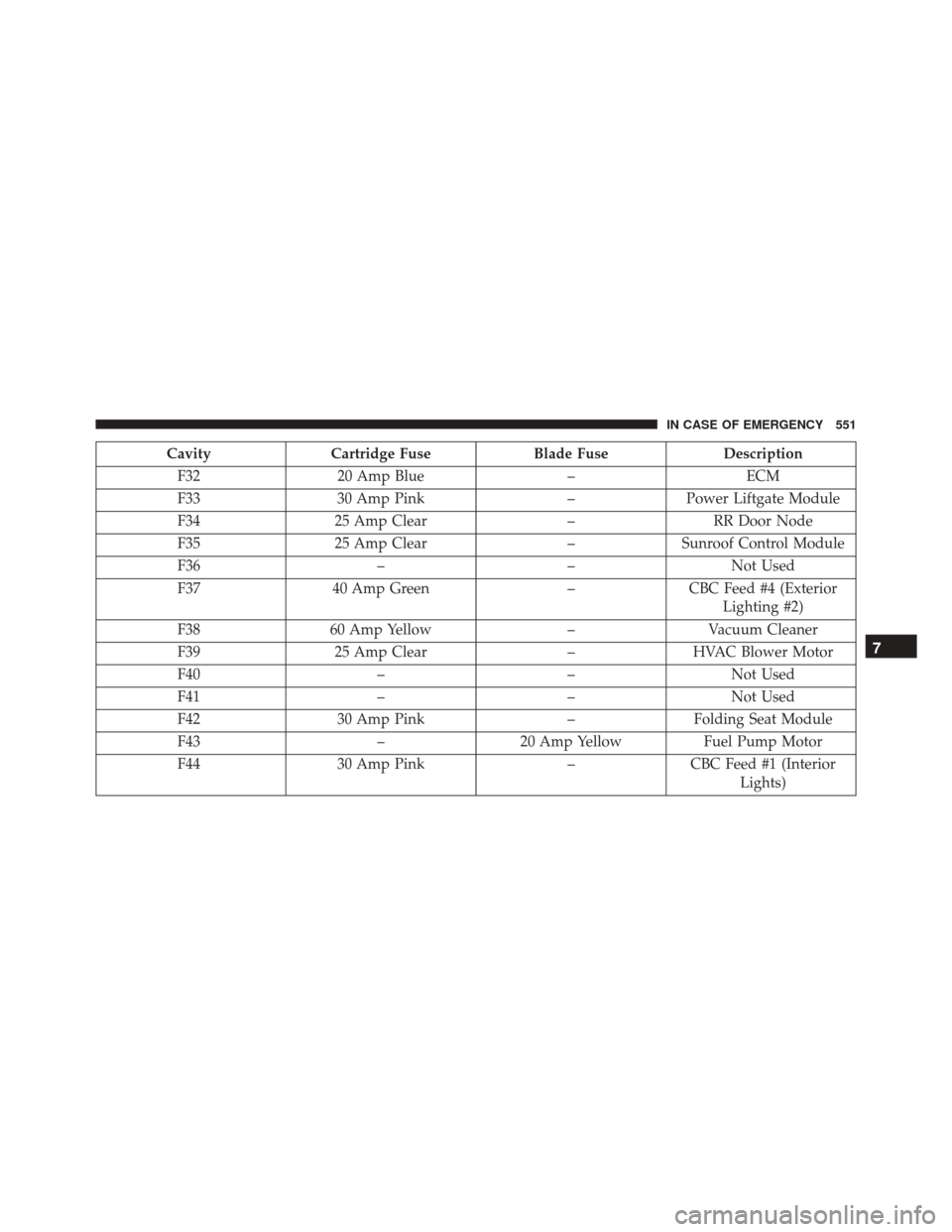
CavityCartridge Fuse Blade FuseDescription
F32 20 Amp Blue –ECM
F33 30 Amp Pink –Power Liftgate Module
F34 25 Amp Clear –RR Door Node
F35 25 Amp Clear –Sunroof Control Module
F36 ––Not Used
F37 40 Amp Green –CBC Feed #4 (Exterior
Lighting #2)
F38 60 Amp Yellow –Vacuum Cleaner
F39 25 Amp Clear –HVAC Blower Motor
F40 ––Not Used
F41 ––Not Used
F42 30 Amp Pink –Folding Seat Module
F43 –20 Amp Yellow Fuel Pump Motor
F44 30 Amp Pink –CBC Feed #1 (Interior
Lights)
7
IN CASE OF EMERGENCY 551
Page 557 of 828
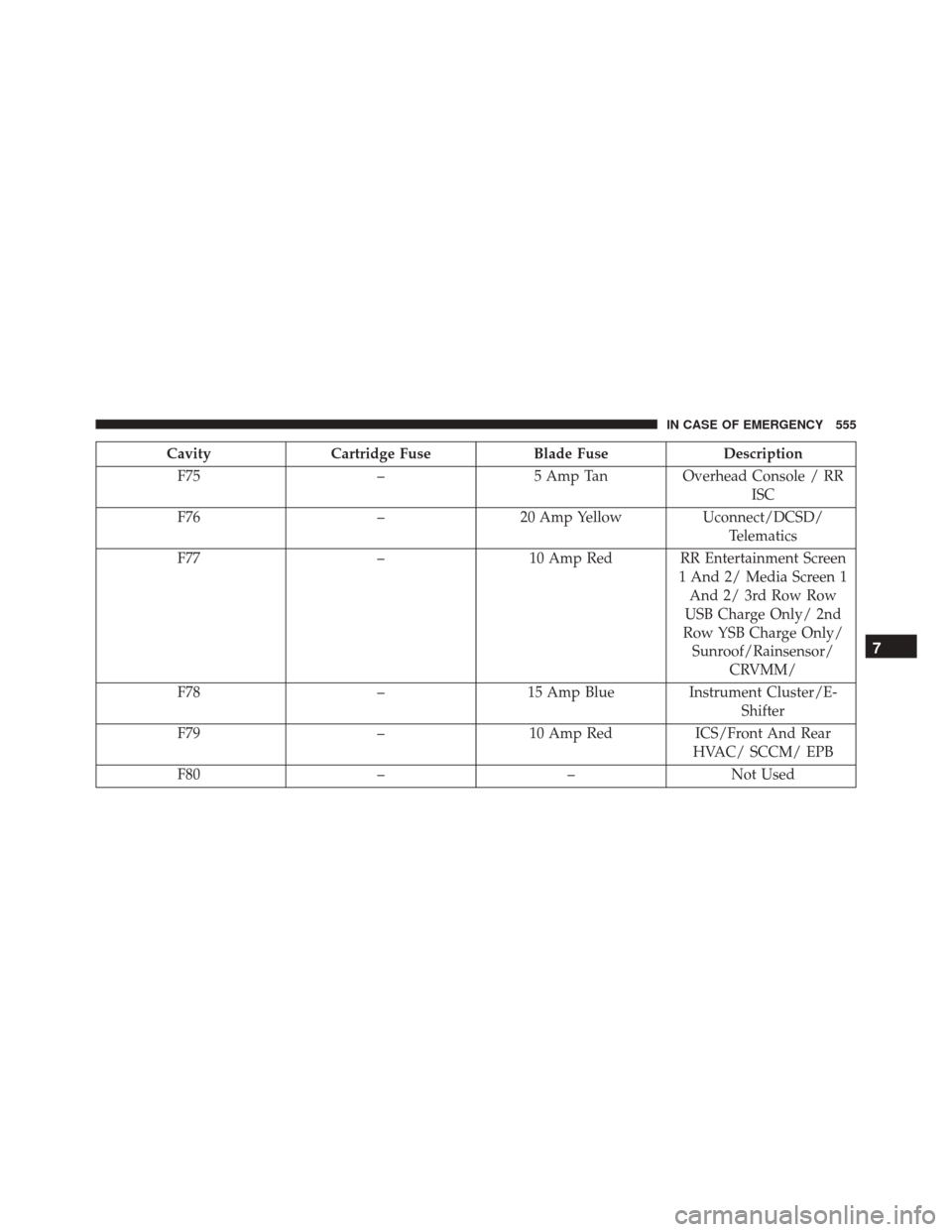
CavityCartridge Fuse Blade FuseDescription
F75 –5 Amp TanOverhead Console / RR
ISC
F76 –20 Amp Yellow Uconnect/DCSD/
Telematics
F77 –10 Amp Red RR Entertainment Screen
1 And 2/ Media Screen 1And 2/ 3rd Row Row
USB Charge Only/ 2nd
Row YSB Charge Only/ Sunroof/Rainsensor/ CRVMM/
F78 –15 Amp Blue Instrument Cluster/E-
Shifter
F79 –10 Amp Red ICS/Front And Rear
HVAC/ SCCM/ EPB
F80 ––Not Used
7
IN CASE OF EMERGENCY 555
Page 715 of 828
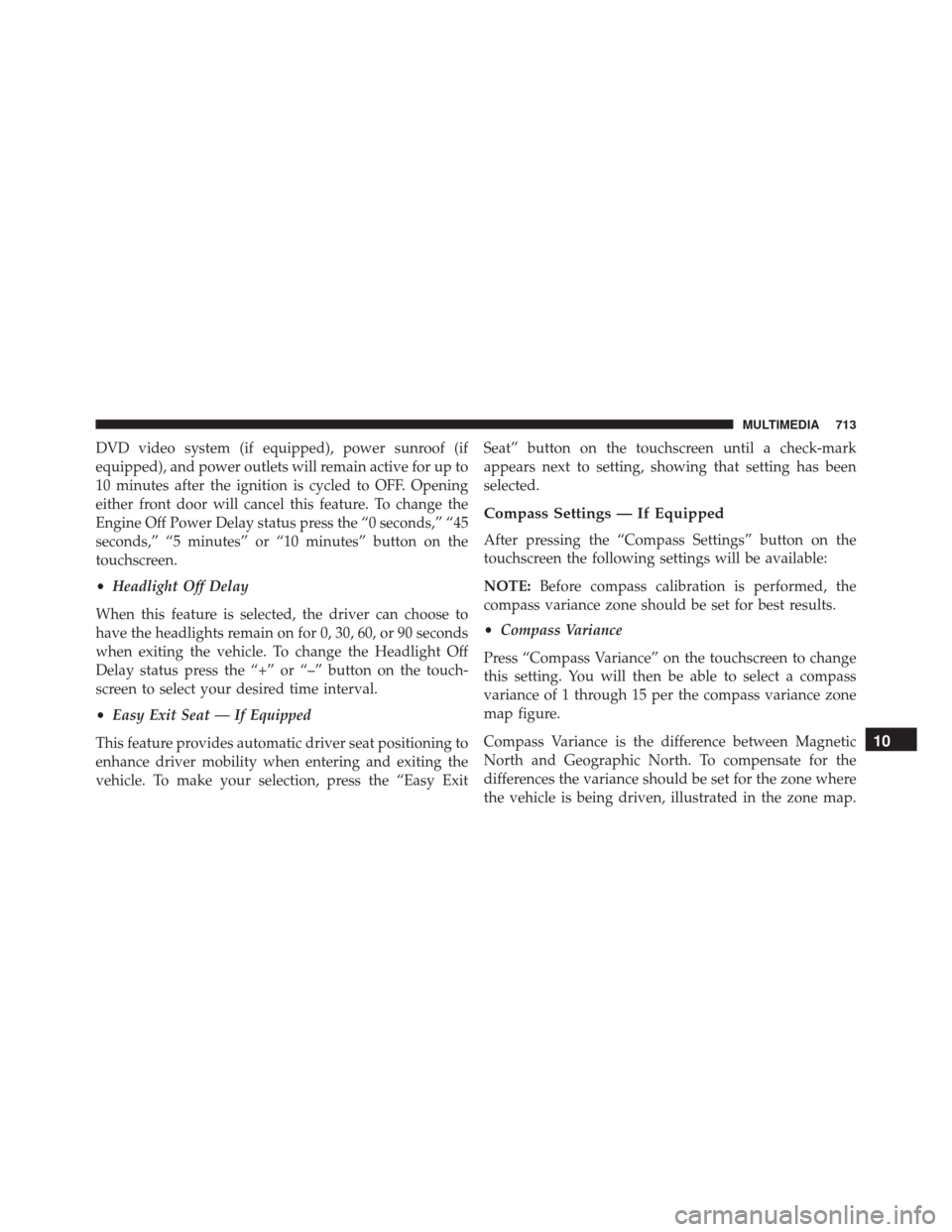
DVD video system (if equipped), power sunroof (if
equipped), and power outlets will remain active for up to
10 minutes after the ignition is cycled to OFF. Opening
either front door will cancel this feature. To change the
Engine Off Power Delay status press the “0 seconds,” “45
seconds,” “5 minutes” or “10 minutes” button on the
touchscreen.
•Headlight Off Delay
When this feature is selected, the driver can choose to
have the headlights remain on for 0, 30, 60, or 90 seconds
when exiting the vehicle. To change the Headlight Off
Delay status press the “+” or “–” button on the touch-
screen to select your desired time interval.
• Easy Exit Seat — If Equipped
This feature provides automatic driver seat positioning to
enhance driver mobility when entering and exiting the
vehicle. To make your selection, press the “Easy Exit Seat” button on the touchscreen until a check-mark
appears next to setting, showing that setting has been
selected.
Compass Settings — If Equipped
After pressing the “Compass Settings” button on the
touchscreen the following settings will be available:
NOTE:
Before compass calibration is performed, the
compass variance zone should be set for best results.
• Compass Variance
Press “Compass Variance” on the touchscreen to change
this setting. You will then be able to select a compass
variance of 1 through 15 per the compass variance zone
map figure.
Compass Variance is the difference between Magnetic
North and Geographic North. To compensate for the
differences the variance should be set for the zone where
the vehicle is being driven, illustrated in the zone map.
10
MULTIMEDIA 713
Page 740 of 828
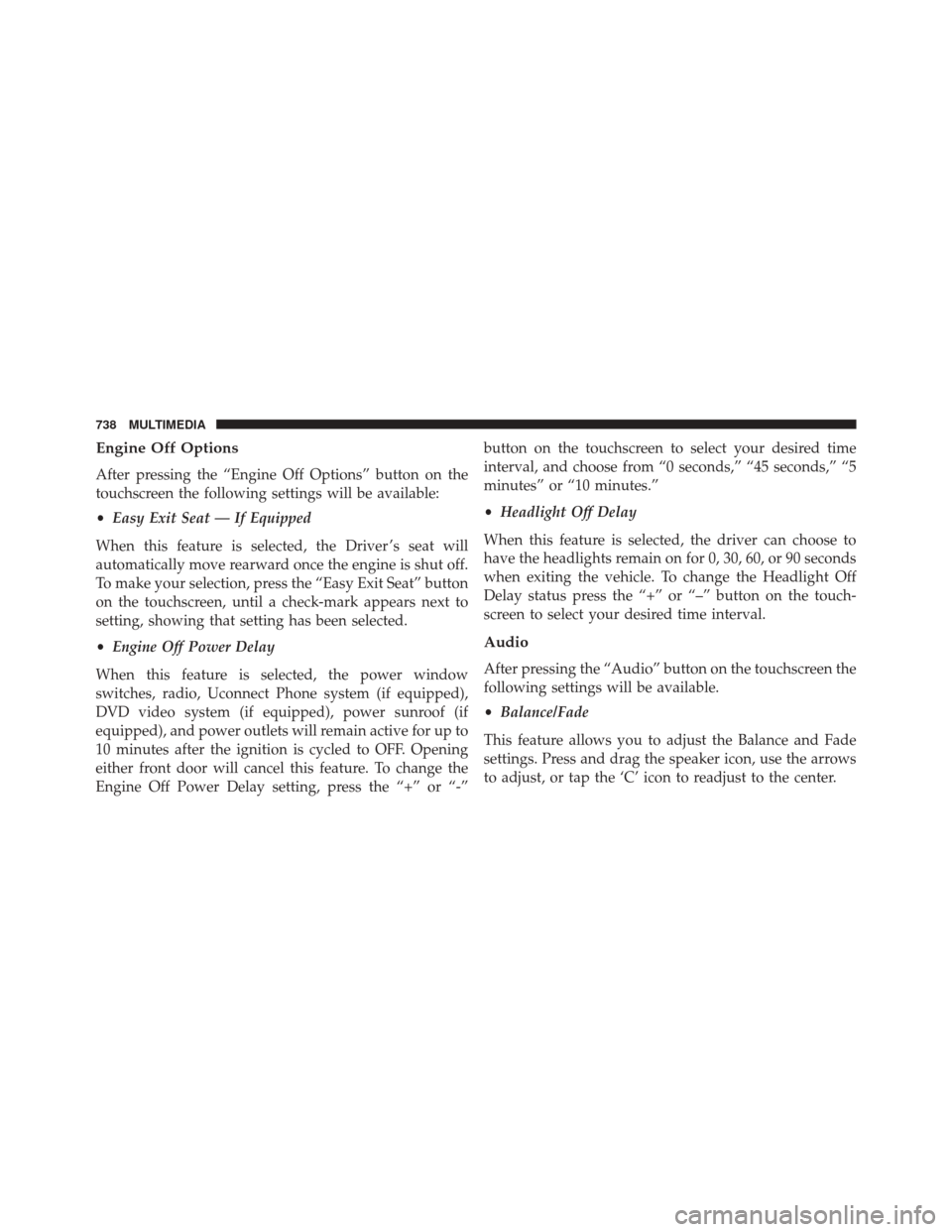
Engine Off Options
After pressing the “Engine Off Options” button on the
touchscreen the following settings will be available:
•Easy Exit Seat — If Equipped
When this feature is selected, the Driver ’s seat will
automatically move rearward once the engine is shut off.
To make your selection, press the “Easy Exit Seat” button
on the touchscreen, until a check-mark appears next to
setting, showing that setting has been selected.
• Engine Off Power Delay
When this feature is selected, the power window
switches, radio, Uconnect Phone system (if equipped),
DVD video system (if equipped), power sunroof (if
equipped), and power outlets will remain active for up to
10 minutes after the ignition is cycled to OFF. Opening
either front door will cancel this feature. To change the
Engine Off Power Delay setting, press the “+” or “-” button on the touchscreen to select your desired time
interval, and choose from “0 seconds,” “45 seconds,” “5
minutes” or “10 minutes.”
•
Headlight Off Delay
When this feature is selected, the driver can choose to
have the headlights remain on for 0, 30, 60, or 90 seconds
when exiting the vehicle. To change the Headlight Off
Delay status press the “+” or “–” button on the touch-
screen to select your desired time interval.
Audio
After pressing the “Audio” button on the touchscreen the
following settings will be available.
• Balance/Fade
This feature allows you to adjust the Balance and Fade
settings. Press and drag the speaker icon, use the arrows
to adjust, or tap the ‘C’ icon to readjust to the center.
738 MULTIMEDIA
Page 817 of 828
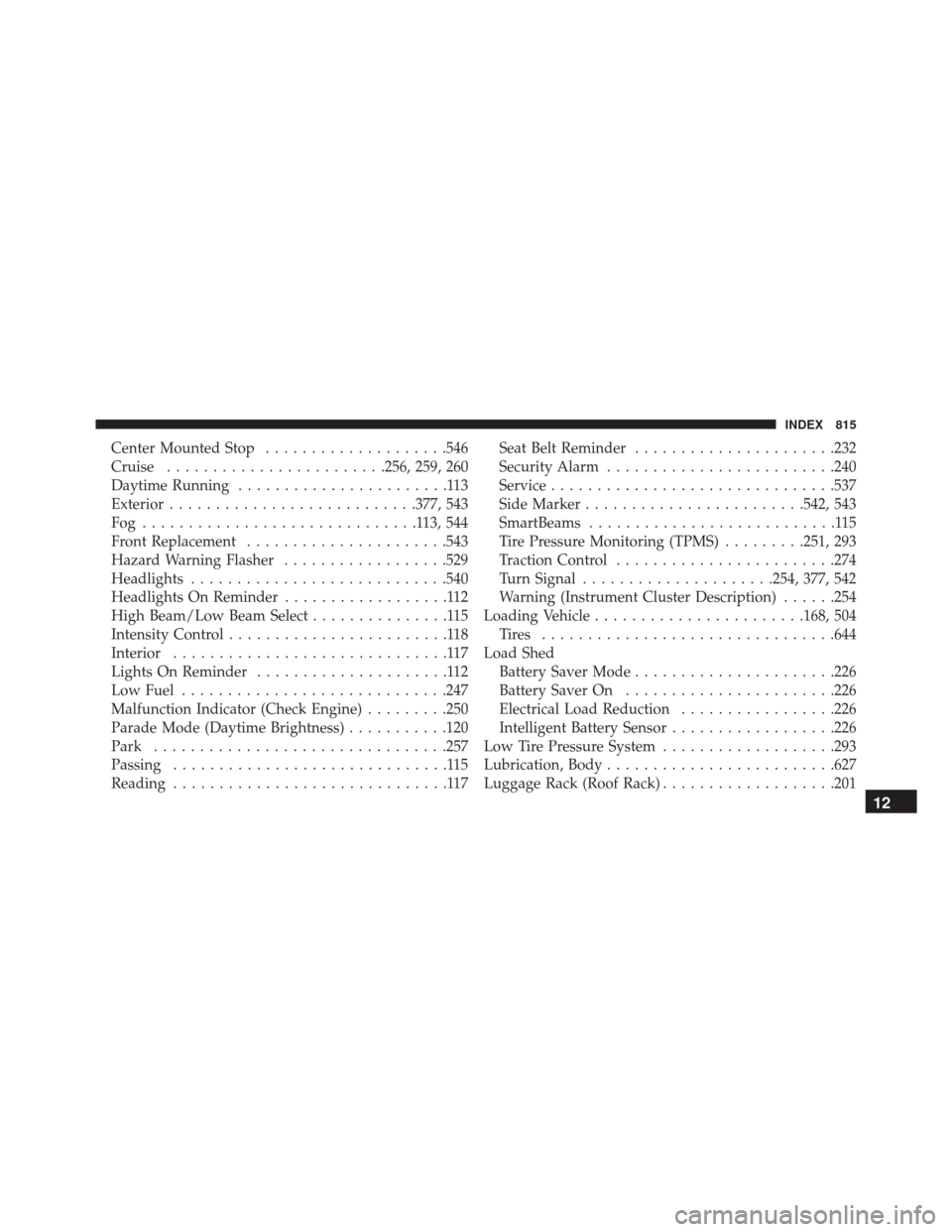
Center Mounted Stop....................546
Cruise ....................... .256, 259, 260
Daytime Running .......................113
Exterior .......................... .377, 543
Fog ..............................113,544
Front Replacement ..................... .543
Hazard Warning Flasher ..................529
Headlights ........................... .540
Headlights On Reminder ..................112
High Beam/Low Beam Select ...............115
Intensity Control ........................118
Interior ..............................117
Lights On Reminder .....................112
Low Fuel ............................ .247
Malfunction Indicator (Check Engine) .........250
Parade Mode (Daytime Brightness) ...........120
Park ............................... .257
Passing ..............................115
Reading ..............................117 Seat Belt Reminder
..................... .232
Security Alarm ........................ .240
Service .............................. .537
Side Marker ....................... .542, 543
SmartBeams ...........................115
Tire Pressure Monitoring (TPMS) .........251, 293
Traction Control ....................... .274
Turn Signal .....................254, 377, 542
Warning (Instrument Cluster Description) ......254
Loading Vehicle ...................... .168, 504
Tires ............................... .644
Load Shed Battery Saver Mode ..................... .226
Battery Saver On ...................... .226
Electrical Load Reduction .................226
Intelligent Battery Sensor ..................226
Low Tire Pressure System ...................293
Lubrication, Body ........................ .627
Luggage Rack (Roof Rack) ...................201
12
INDEX 815
Page 820 of 828
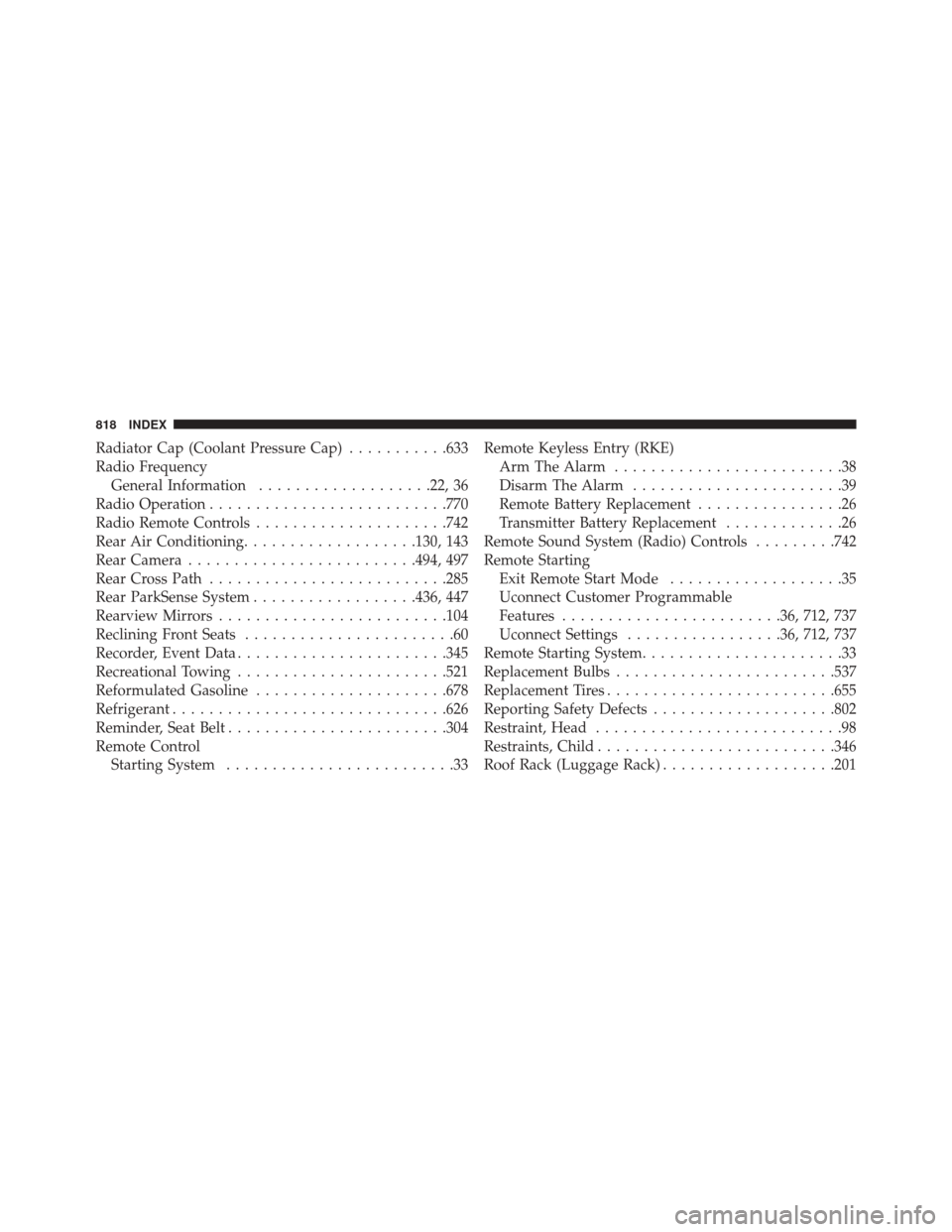
Radiator Cap (Coolant Pressure Cap)...........633
Radio Frequency General Information ...................22, 36
Radio Operation ......................... .770
Radio Remote Controls .....................742
Rear Air Conditioning ...................130, 143
Rear Camera ........................ .494, 497
Rear Cross Path ......................... .285
Rear ParkSense System ..................436, 447
Rearview Mirrors ........................ .104
Reclining Front Seats .......................60
Recorder, Event Data ...................... .345
Recreational Towing ...................... .521
Reformulated Gasoline .....................678
Refrigerant ............................. .626
Reminder, Seat Belt ....................... .304
Remote Control Starting System .........................33 Remote Keyless Entry (RKE)
Arm The Alarm .........................38
Disarm The Alarm .......................39
Remote Battery Replacement ................26
Transmitter Battery Replacement .............26
Remote Sound System (Radio) Controls .........742
Remote Starting Exit Remote Start Mode ...................35
Uconnect Customer Programmable
Features ....................... .36, 712, 737
Uconnect Settings .................36, 712, 737
Remote Starting System ......................33
Replacement Bulbs ....................... .537
Replacement Tires ........................ .655
Reporting Safety Defects ....................802
Restraint, Head ...........................98
Restraints, Child ......................... .346
Roof Rack (Luggage Rack) ...................201
818 INDEX