ECO CHRYSLER PACIFICA 2017 2.G Manual PDF
[x] Cancel search | Manufacturer: CHRYSLER, Model Year: 2017, Model line: PACIFICA, Model: CHRYSLER PACIFICA 2017 2.GPages: 828, PDF Size: 7.58 MB
Page 220 of 828
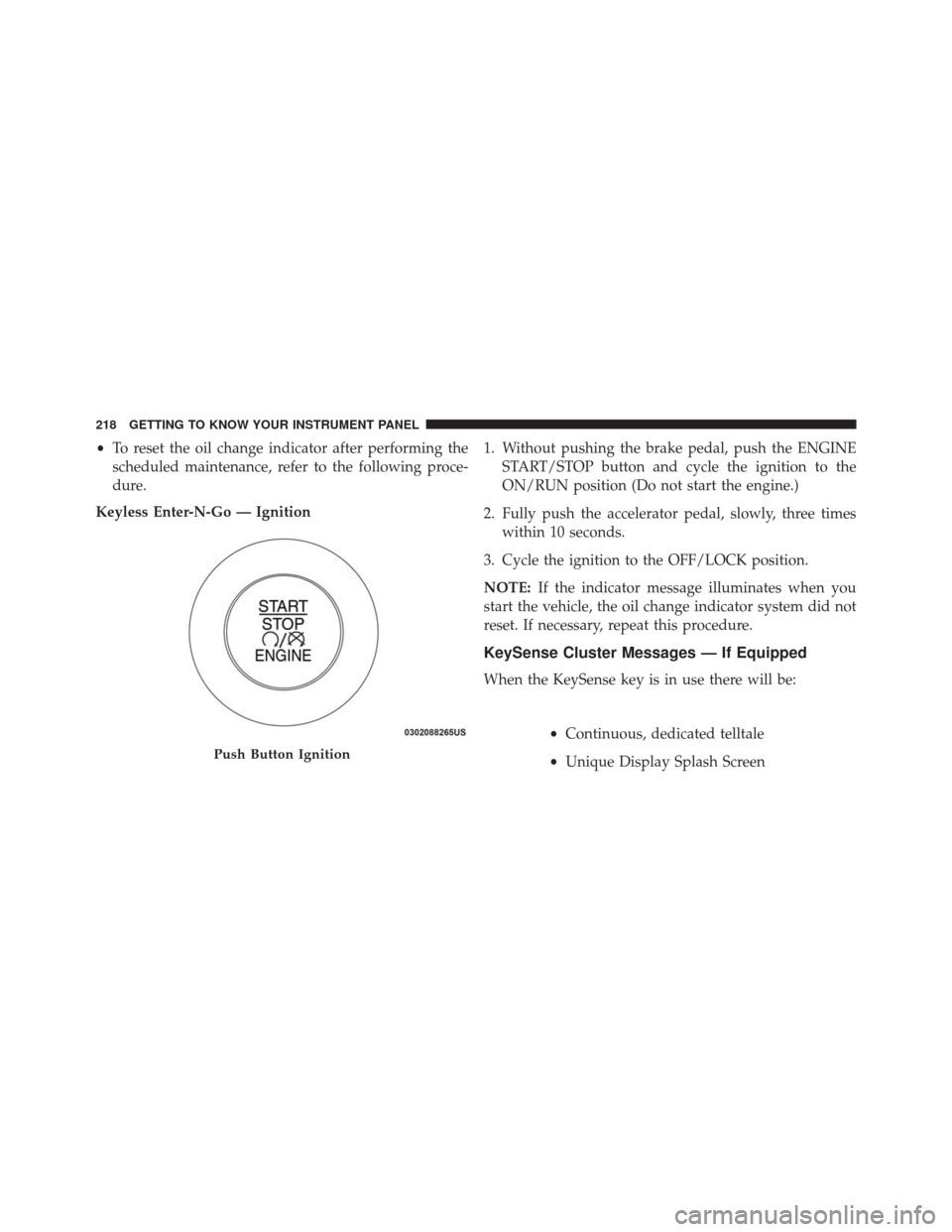
•To reset the oil change indicator after performing the
scheduled maintenance, refer to the following proce-
dure.
Keyless Enter-N-Go — Ignition 1. Without pushing the brake pedal, push the ENGINE
START/STOP button and cycle the ignition to the
ON/RUN position (Do not start the engine.)
2. Fully push the accelerator pedal, slowly, three times within 10 seconds.
3. Cycle the ignition to the OFF/LOCK position.
NOTE: If the indicator message illuminates when you
start the vehicle, the oil change indicator system did not
reset. If necessary, repeat this procedure.
KeySense Cluster Messages — If Equipped
When the KeySense key is in use there will be:
•Continuous, dedicated telltale
• Unique Display Splash Screen
Push Button Ignition
218 GETTING TO KNOW YOUR INSTRUMENT PANEL
Page 223 of 828
Oil Life (Hold OK Button To Reset)
The “Hold OK to Reset” instruction will be displayed at
all times, but the following conditions will need to be met
in order to reset Oil Life:
The vehicle’s engine must be off
The ignition must be in the ON/RUN position
•If the conditions are met, holding the OK button will
reset the gauge and the numeric display will return to
100%.
• If the conditions are not met, a popup message will
display for 5 seconds, describing the required condi-
tions, and then the Oil Life screen will reappear.
• Battery Voltage
Displays the actual battery voltage.Driver Assist (7” DID)
Push and release the UPorDOWNarrow button
until the Driver Assist display icon is highlighted in
the DID cluster display. Refer to “Adaptive Cruise
Control (ACC) — If Equipped” in “Starting And
Operating” for further information.
Fuel Economy
Push and release the UPorDOWNarrow button
until the Fuel Economy Menu item is highlighted in
the EVIC/DID. The Fuel Economy Menu will display
the following:
• Two sub menu pages that can be toggled between
using the LEFT
andRIGHTarrow buttons;
one with Current value displayed and one without
the Current Value displayed (for DID only):
– Average Fuel Economy (MPG, L/100 km, or km/l)
– Range To Empty (miles or km)
4
GETTING TO KNOW YOUR INSTRUMENT PANEL 221
Page 224 of 828
– Current Fuel Economy (MPG, L/100 km, or km/l)
– The Max and Min values will correspond to theparticular engine requirements
• Hold OKto reset average fuel economy information.
Trip Info
Push and release the UPorDOWNarrow button
until the Trip Menu item is highlighted in the EVIC/
DID. Push the LEFT
orRIGHTarrow button to
scroll through the Trip A and Trip B submenus. The
Trip information will display the following:
• Distance
• Average Fuel Economy
• Elapsed Time
Hold the OKbutton to reset feature information.
Audio
Push and release the UPorDOWNarrow button
until the Audio Menu displays in the EVIC/DID.
Navigation
When this feature is selected, the navigation system
utilizes voice commands, guiding through the drive
route, mile by mile, turn-by-turn until the final destina-
tion is reached.
Stored Messages
Push and release the UPorDOWNarrow button
until the Messages Menu displays in the EVIC/DID.
This feature shows the number of stored warning
messages. Pushing the RIGHT
arrow button will
allow you to see what the stored messages are.
222 GETTING TO KNOW YOUR INSTRUMENT PANEL
Page 228 of 828
the instrument cluster, with a number matching the set
speed, with a pop up message to inform the driver
that the speed warning has been set to the desired
speed. Each time the set speed is exceeded, an audible
chime will sound for up to 10 seconds, or until the
speed is no longer exceeded. The telltale in the instru-
ment cluster will also change from white to yellow,
and a pop up warning message will pop up on the 7”
DID screen.
NOTE:Speed Warning is unavailable while KeySense is
in use.
Battery Saver On/Battery Saver Mode Message —
Electrical Load Reduction Actions — If Equipped
This vehicle is equipped with an Intelligent Battery
Sensor (IBS) to perform additional monitoring of the
electrical system and status of the vehicle battery.
In cases when the IBS detects charging system failure, or
the vehicle battery conditions are deteriorating, electrical load reduction actions will take place to extend the
driving time and distance of the vehicle. This is done by
reducing power to or turning off non-essential electrical
loads.
Load reduction is only active when the engine is running.
It will display a message if there is a risk of battery
depletion to the point where the vehicle may stall due to
lack of electrical supply, or will not restart after the
current drive cycle.
When load reduction is activated, the message “Battery
Saver On” or “Battery Saver Mode” will appear in the
Electronic Vehicle Information Center (EVIC) or Driver
Information Display (DID).
These messages indicate the vehicle battery has a low
state of charge and continues to lose electrical charge at a
rate that the charging system cannot sustain.
226 GETTING TO KNOW YOUR INSTRUMENT PANEL
Page 233 of 828
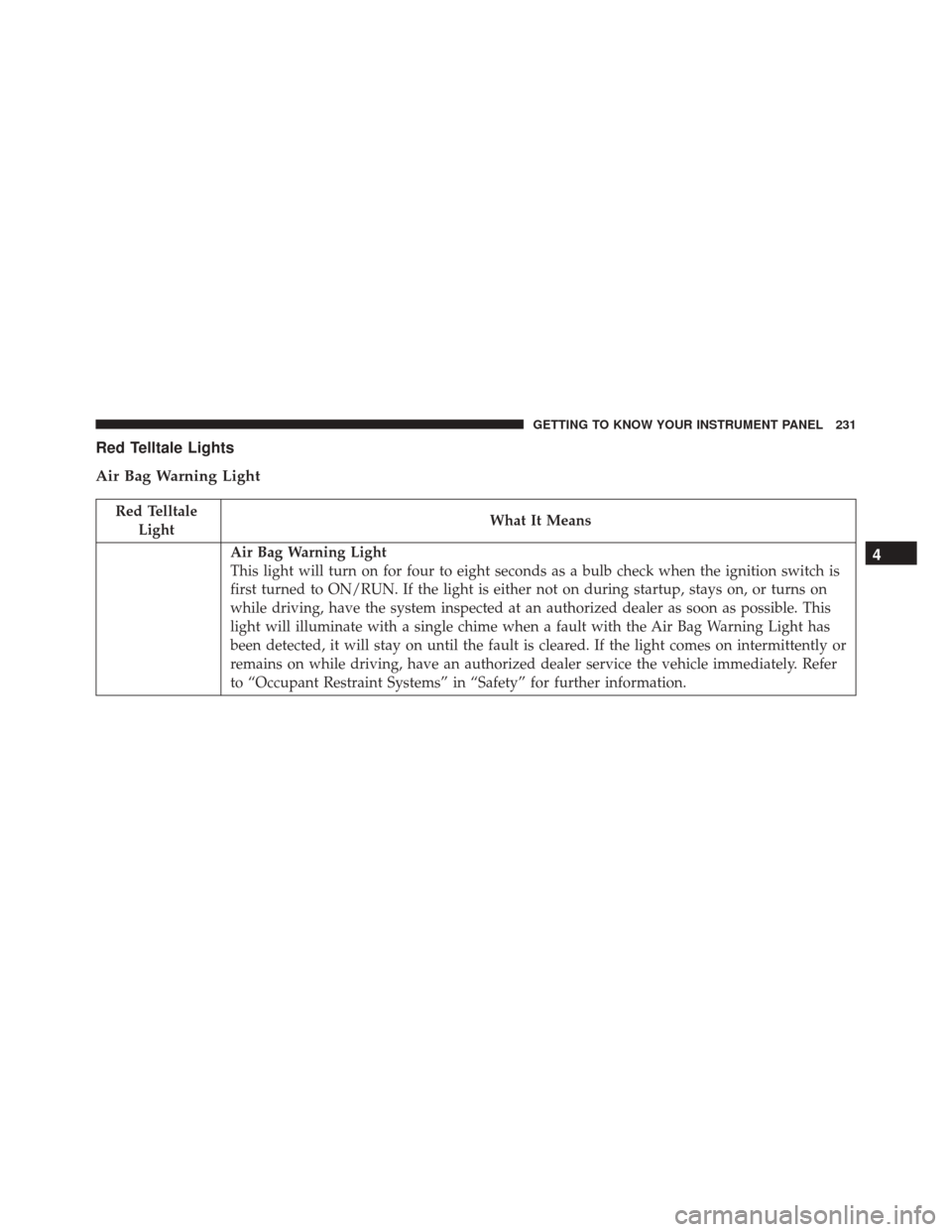
Red Telltale Lights
Air Bag Warning Light
Red TelltaleLight What It Means
Air Bag Warning Light
This light will turn on for four to eight seconds as a bulb check when the ignition switch is
first turned to ON/RUN. If the light is either not on during startup, stays on, or turns on
while driving, have the system inspected at an authorized dealer as soon as possible. This
light will illuminate with a single chime when a fault with the Air Bag Warning Light has
been detected, it will stay on until the fault is cleared. If the light comes on intermittently or
remains on while driving, have an authorized dealer service the vehicle immediately. Refer
to “Occupant Restraint Systems” in “Safety” for further information.4
GETTING TO KNOW YOUR INSTRUMENT PANEL 231
Page 234 of 828
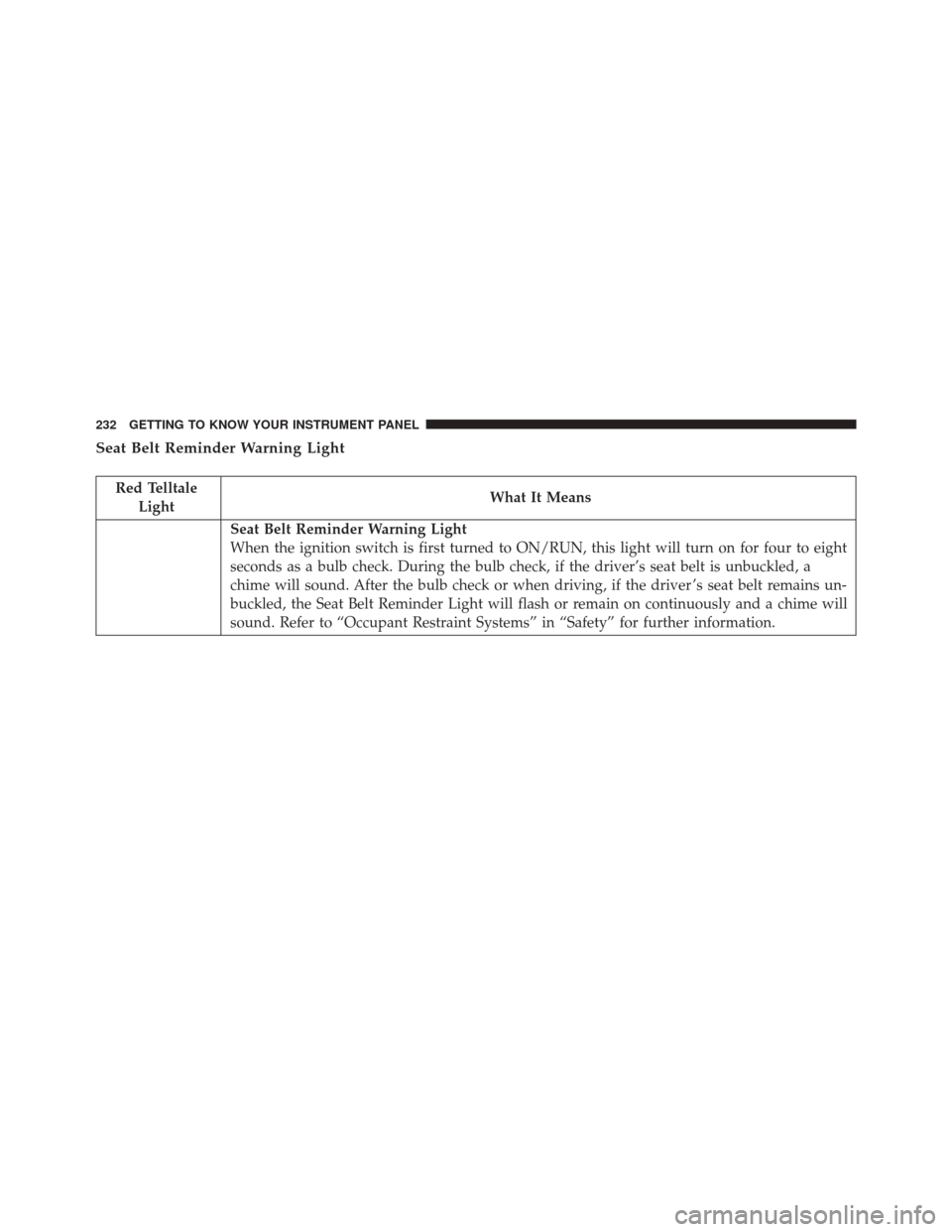
Seat Belt Reminder Warning Light
Red TelltaleLight What It Means
Seat Belt Reminder Warning Light
When the ignition switch is first turned to ON/RUN, this light will turn on for four to eight
seconds as a bulb check. During the bulb check, if the driver’s seat belt is unbuckled, a
chime will sound. After the bulb check or when driving, if the driver ’s seat belt remains un-
buckled, the Seat Belt Reminder Light will flash or remain on continuously and a chime will
sound. Refer to “Occupant Restraint Systems” in “Safety” for further information.
232 GETTING TO KNOW YOUR INSTRUMENT PANEL
Page 236 of 828
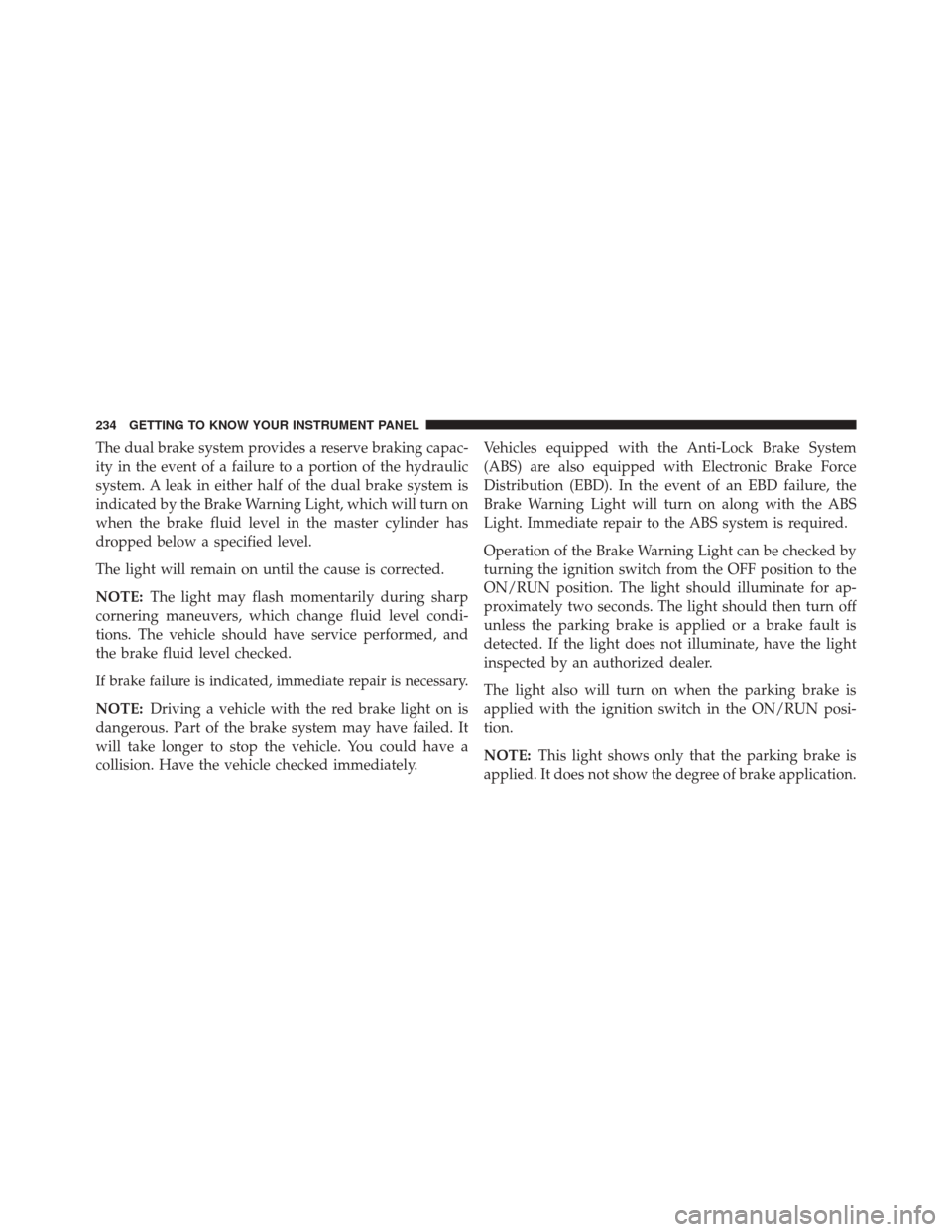
The dual brake system provides a reserve braking capac-
ity in the event of a failure to a portion of the hydraulic
system. A leak in either half of the dual brake system is
indicated by the Brake Warning Light, which will turn on
when the brake fluid level in the master cylinder has
dropped below a specified level.
The light will remain on until the cause is corrected.
NOTE:The light may flash momentarily during sharp
cornering maneuvers, which change fluid level condi-
tions. The vehicle should have service performed, and
the brake fluid level checked.
If brake failure is indicated, immediate repair is necessary.
NOTE: Driving a vehicle with the red brake light on is
dangerous. Part of the brake system may have failed. It
will take longer to stop the vehicle. You could have a
collision. Have the vehicle checked immediately. Vehicles equipped with the Anti-Lock Brake System
(ABS) are also equipped with Electronic Brake Force
Distribution (EBD). In the event of an EBD failure, the
Brake Warning Light will turn on along with the ABS
Light. Immediate repair to the ABS system is required.
Operation of the Brake Warning Light can be checked by
turning the ignition switch from the OFF position to the
ON/RUN position. The light should illuminate for ap-
proximately two seconds. The light should then turn off
unless the parking brake is applied or a brake fault is
detected. If the light does not illuminate, have the light
inspected by an authorized dealer.
The light also will turn on when the parking brake is
applied with the ignition switch in the ON/RUN posi-
tion.
NOTE:
This light shows only that the parking brake is
applied. It does not show the degree of brake application.
234 GETTING TO KNOW YOUR INSTRUMENT PANEL
Page 242 of 828
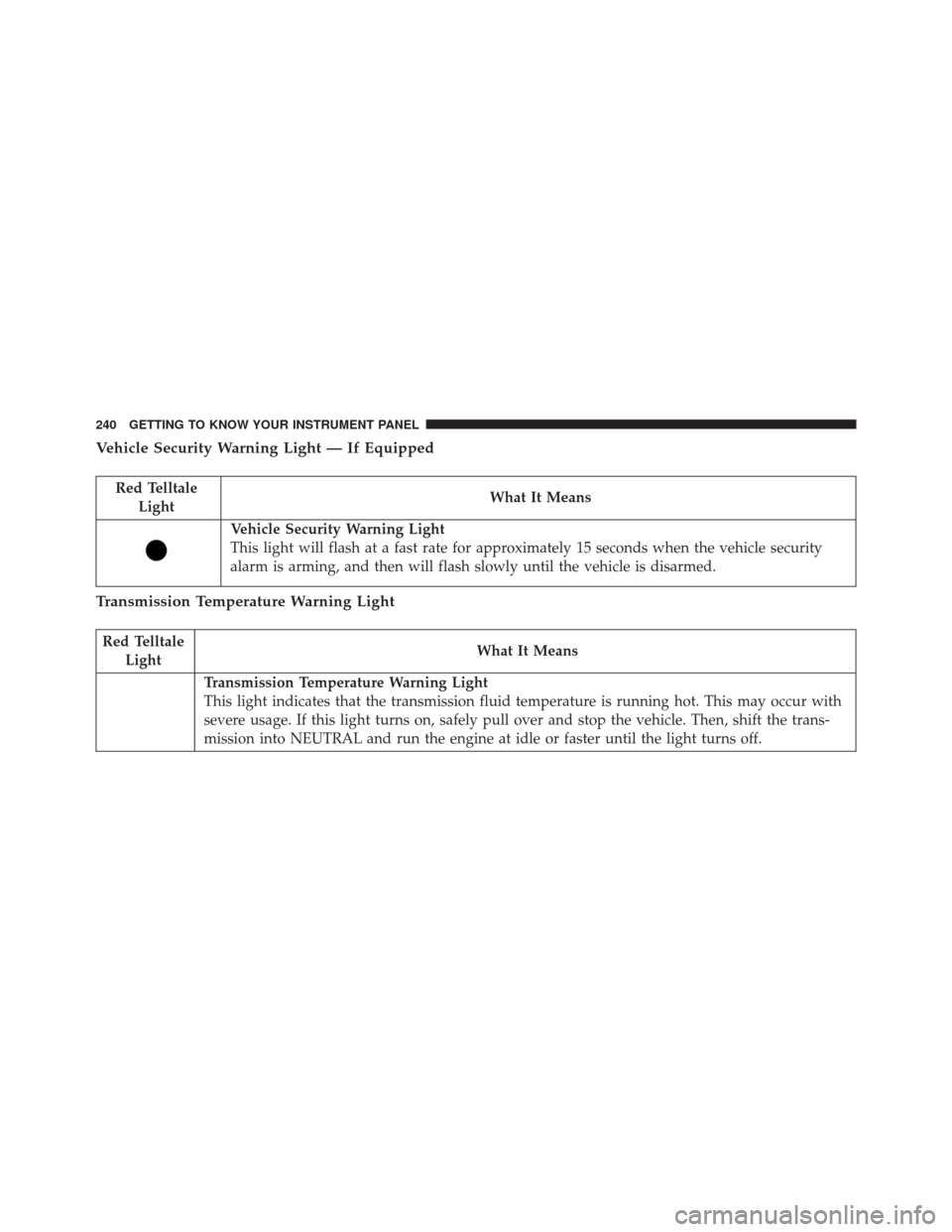
Vehicle Security Warning Light — If Equipped
Red TelltaleLight What It Means
Vehicle Security Warning Light
This light will flash at a fast rate for approximately 15 seconds when the vehicle security
alarm is arming, and then will flash slowly until the vehicle is disarmed.
Transmission Temperature Warning Light
Red Telltale
Light What It Means
Transmission Temperature Warning Light
This light indicates that the transmission fluid temperature is running hot. This may occur with
severe usage. If this light turns on, safely pull over and stop the vehicle. Then, shift the trans-
mission into NEUTRAL and run the engine at idle or faster until the light turns off.
240 GETTING TO KNOW YOUR INSTRUMENT PANEL
Page 245 of 828
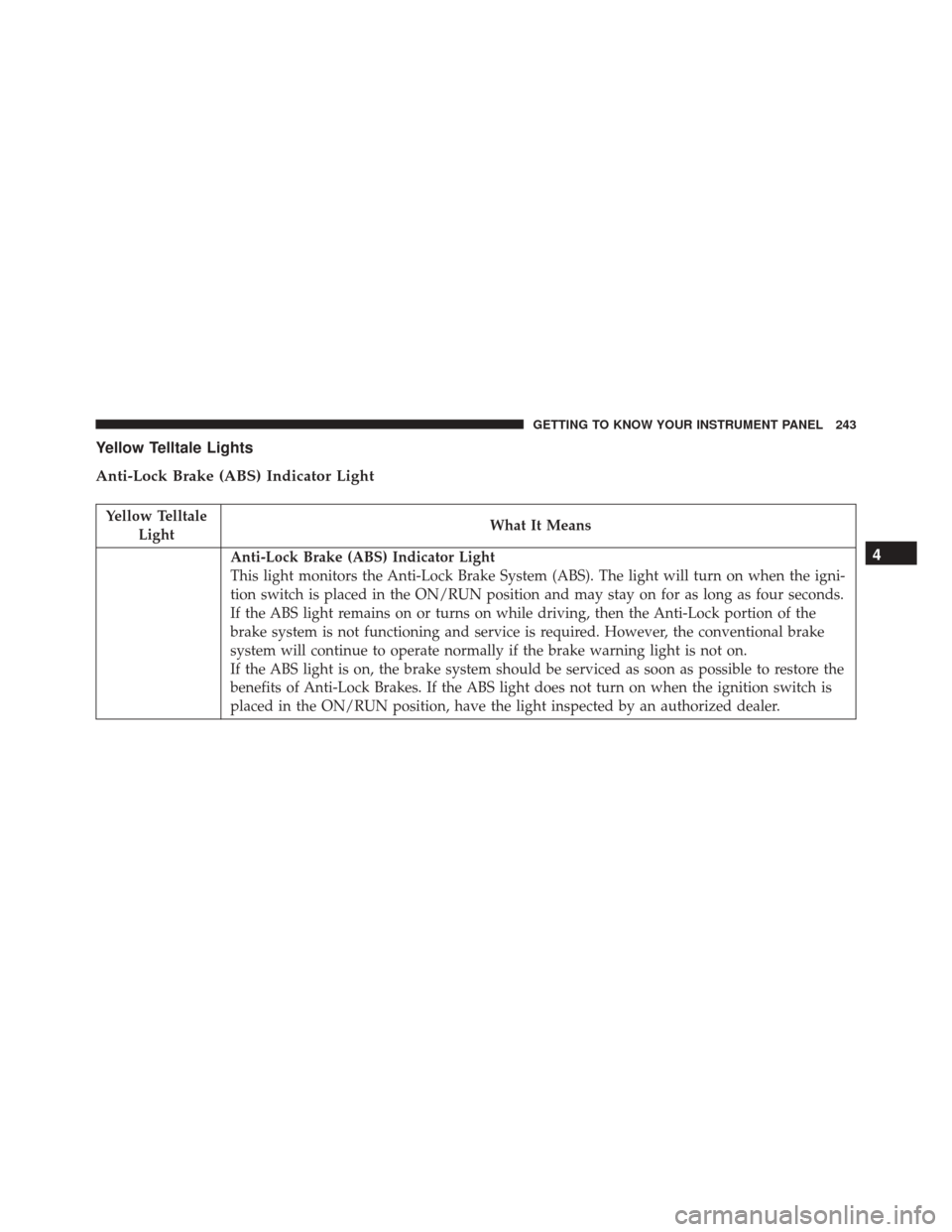
Yellow Telltale Lights
Anti-Lock Brake (ABS) Indicator Light
Yellow TelltaleLight What It Means
Anti-Lock Brake (ABS) Indicator Light
This light monitors the Anti-Lock Brake System (ABS). The light will turn on when the igni-
tion switch is placed in the ON/RUN position and may stay on for as long as four seconds.
If the ABS light remains on or turns on while driving, then the Anti-Lock portion of the
brake system is not functioning and service is required. However, the conventional brake
system will continue to operate normally if the brake warning light is not on.
If the ABS light is on, the brake system should be serviced as soon as possible to restore the
benefits of Anti-Lock Brakes. If the ABS light does not turn on when the ignition switch is
placed in the ON/RUN position, have the light inspected by an authorized dealer.4
GETTING TO KNOW YOUR INSTRUMENT PANEL 243
Page 246 of 828
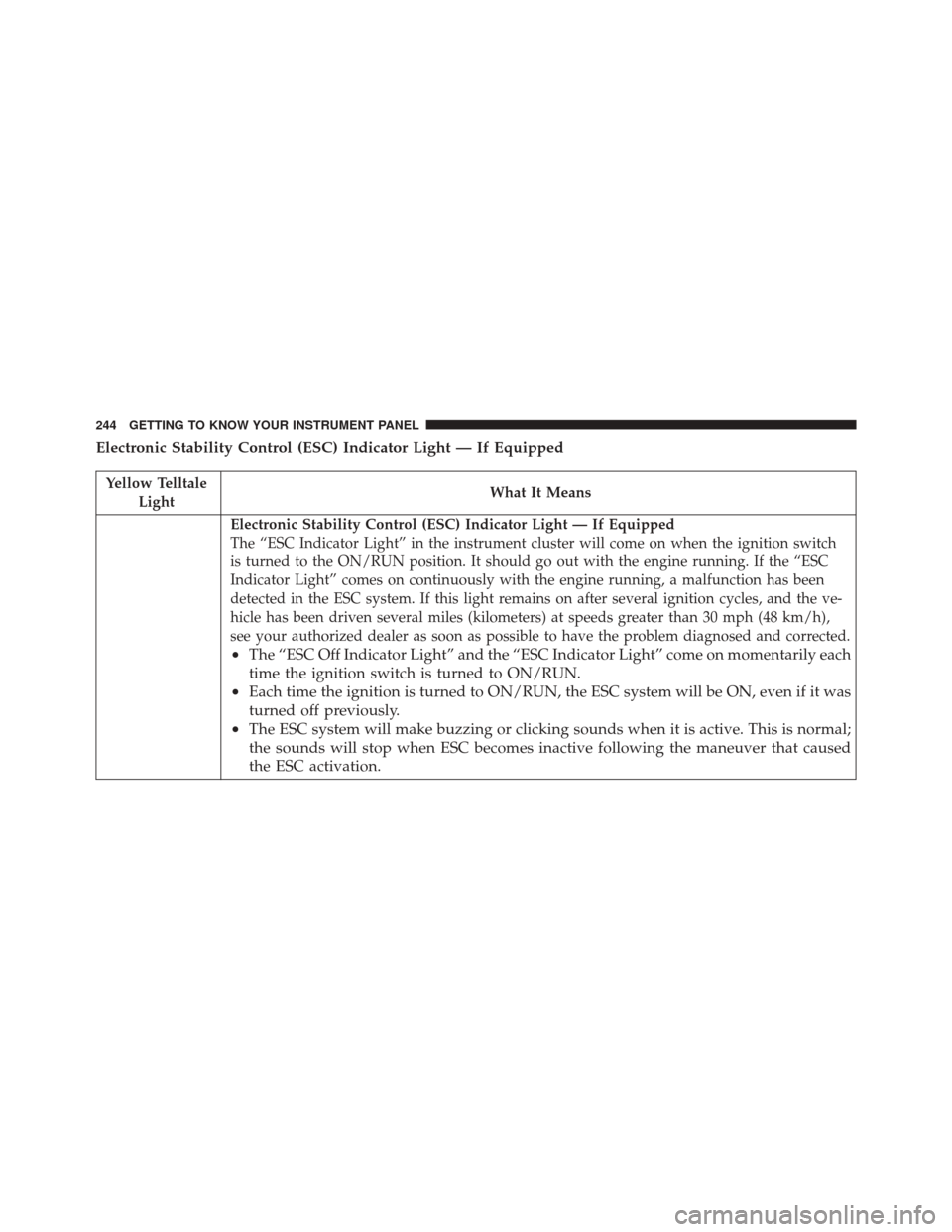
Electronic Stability Control (ESC) Indicator Light — If Equipped
Yellow TelltaleLight What It Means
Electronic Stability Control (ESC) Indicator Light — If Equipped
The “ESC Indicator Light” in the instrument cluster will come on when the ignition switch
is turned to the ON/RUN position. It should go out with the engine running. If the “ESC
Indicator Light” comes on continuously with the engine running, a malfunction has been
detected in the ESC system. If this light remains on after several ignition cycles, and the ve-
hicle has been driven several miles (kilometers) at speeds greater than 30 mph (48 km/h),
see your authorized dealer as soon as possible to have the problem diagnosed and corrected.
•
The “ESC Off Indicator Light” and the “ESC Indicator Light” come on momentarily each
time the ignition switch is turned to ON/RUN.
• Each time the ignition is turned to ON/RUN, the ESC system will be ON, even if it was
turned off previously.
• The ESC system will make buzzing or clicking sounds when it is active. This is normal;
the sounds will stop when ESC becomes inactive following the maneuver that caused
the ESC activation.
244 GETTING TO KNOW YOUR INSTRUMENT PANEL