audio CHRYSLER PACIFICA 2021 Owner's Manual
[x] Cancel search | Manufacturer: CHRYSLER, Model Year: 2021, Model line: PACIFICA, Model: CHRYSLER PACIFICA 2021Pages: 401, PDF Size: 26.88 MB
Page 231 of 401
MULTIMEDIA229
Settings
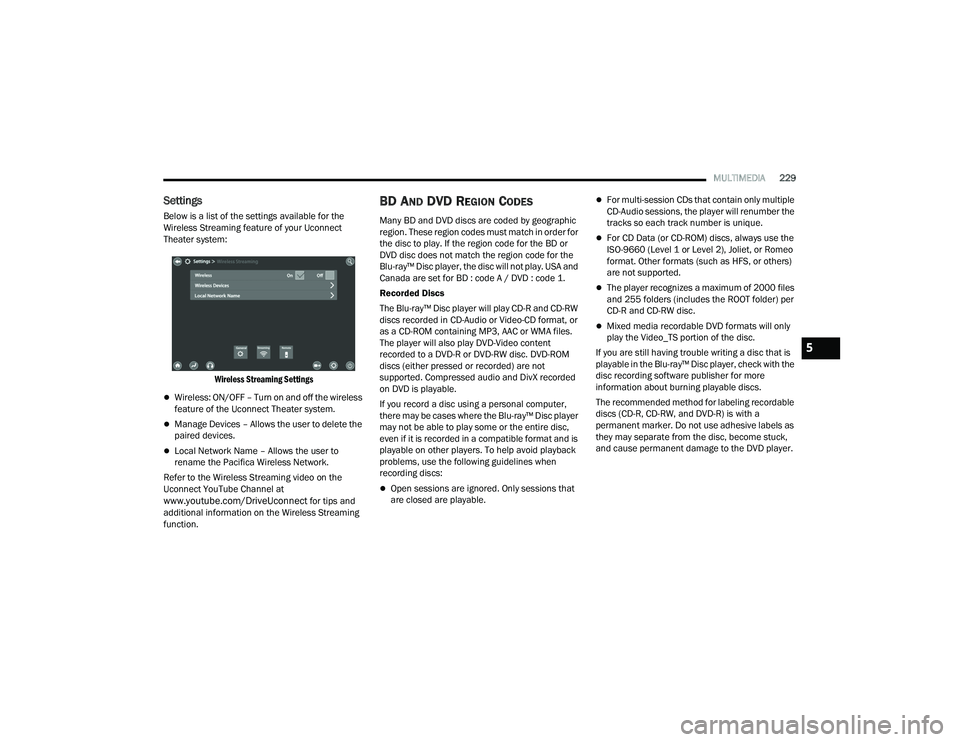
Below is a list of the settings available for the
Wireless Streaming feature of your Uconnect
Theater system:
Wireless Streaming Settings
Wireless: ON/OFF – Turn on and off the wireless
feature of the Uconnect Theater system.
Manage Devices – Allows the user to delete the
paired devices.
Local Network Name – Allows the user to
rename the Pacifica Wireless Network.
Refer to the Wireless Streaming video on the
Uconnect YouTube Channel at
www.youtube.com/DriveUconnect for tips and
additional information on the Wireless Streaming
function.
BD AND DVD REGION CODES
Many BD and DVD discs are coded by geographic
region. These region codes must match in order for
the disc to play. If the region code for the BD or
DVD disc does not match the region code for the
Blu-ray™ Disc player, the disc will not play. USA and
Canada are set for BD : code A / DVD : code 1.
Recorded Discs
The Blu-ray™ Disc player will play CD-R and CD-RW
discs recorded in CD-Audio or Video-CD format, or
as a CD-ROM containing MP3, AAC or WMA files.
The player will also play DVD-Video content
recorded to a DVD-R or DVD-RW disc. DVD-ROM
discs (either pressed or recorded) are not
supported. Compressed audio and DivX recorded
on DVD is playable.
If you record a disc using a personal computer,
there may be cases where the Blu-ray™ Disc player
may not be able to play some or the entire disc,
even if it is recorded in a compatible format and is
playable on other players. To help avoid playback
problems, use the following guidelines when
recording discs:
Open sessions are ignored. Only sessions that
are closed are playable.
For multi-session CDs that contain only multiple
CD-Audio sessions, the player will renumber the
tracks so each track number is unique.
For CD Data (or CD-ROM) discs, always use the
ISO-9660 (Level 1 or Level 2), Joliet, or Romeo
format. Other formats (such as HFS, or others)
are not supported.
The player recognizes a maximum of 2000 files
and 255 folders (includes the ROOT folder) per
CD-R and CD-RW disc.
Mixed media recordable DVD formats will only
play the Video_TS portion of the disc.
If you are still having trouble writing a disc that is
playable in the Blu-ray™ Disc player, check with the
disc recording software publisher for more
information about burning playable discs.
The recommended method for labeling recordable
discs (CD-R, CD-RW, and DVD-R) is with a
permanent marker. Do not use adhesive labels as
they may separate from the disc, become stuck,
and cause permanent damage to the DVD player.
5
21_RUP_OM_EN_USC_t.book Page 229
Page 232 of 401
230MULTIMEDIA
Compressed Audio Files (MP3, WMA and AAC)
The Blu-ray™ Disc player is capable of playing MP3
(MPEG-1 Audio Layer 3), WMA (Windows Media
Audio) files and AAC (Advanced Audio Coding) from
a CD Data disc (usually a CD-R or CD-RW) or DVD
Data disc (usually a DVD-R or DVD-RW).
The Blu-ray™ Disc player always uses the file
extension to determine the audio format, so
MP3 files must always end with the extension
“.mp3” or “.MP3” and WMA files must always
end with the extension “.wma” or “.WMA” and
AAC files must always end with the extension
and “.aac” or “.AAC” or “m4a”. To prevent incor -
rect playback, do not use these extensions for
any other types of files.
For MP3 files, ID3v1, ID3v2 tag data (such as
artist name, track title, album, etc.) are
supported.
Any file that is copy protected (such as those
downloaded from many online music stores) will
not play. The Blu-ray™ player will automatically
skip the file and begin playing the next available
file.
Other compression formats such as MP3 Pro,
Ogg Vorbis, and ATRAC3 will not play. The
Blu-ray™ player will automatically skip the file
and begin playing the next available file.
If you are creating your own files, the recom -
mended fixed bit rate for MP3 files is between
32 and 320Kbps and the recommended fixed
bit rate for WMA files is between 16 and
192Kbps. Variable bit rates are also supported.
For both formats, the recommended sample
rate is either 44.1kHz or 48kHz.
To change the current file, use the remote
control “Seek Forward” or “Seek Back” buttons
to return to the start of the current or previous
file.
AAC (MPEG-4 AAC, Low Complexity Profile)
support.
AAC HE v1 (AAC High Efficiency v1 aka.
AAC/MPEG4v2 AAC+) support.
HE-AAC v1, v2 support. Disc Errors
If the Blu-ray™ Disc player is unable to read the
disc, a "Disc Error" message is displayed on the
rear screen and Radio displays. A dirty, damaged,
or incompatible disc format are all potential
causes for a "Disc Error" message.
If a disc has a damaged track which results in
audible or visible errors that persists for two
seconds, the Blu-ray™ Disc player will attempt to
continue playing the disc by skipping forward one
to three seconds at a time. If the end of the disc is
reached, the Blu-ray™ Disc player will return to the
beginning of the disc and attempt to play the start
of the first track.
The Blu-ray™ Disc player may shut down during
extremely hot conditions, such as when the
vehicle’s interior temperature is above 140°F
(60°C). When this occurs, the player will display
"High Temp" and will shut off the rear seat displays
until a safe temperature is reached. This shutdown
is necessary to protect the optics of the Blu-ray™
Disc player.
21_RUP_OM_EN_USC_t.book Page 230
Page 298 of 401
296IN CASE OF EMERGENCY
(Continued)
ASSIST Call
The ASSIST Button is used to automatically
connect you to any one of the following support
centers:
Roadside Assistance – If you get a flat tire, or
need a tow, just push the ASSIST button and you
will be connected to a representative for assis-
tance. Roadside Assistance will know what
vehicle is being driven and its location. Addi-
tional fees may apply for roadside assistance.
SiriusXM Guardian™ Customer Care – In-vehicle
support for SiriusXM Guardian™.
Vehicle Customer Care – Total support for all
other vehicle issues.
Uconnect Customer Care - Total support for
Radio, Phone and NAV issues.
SOS Call
1. Push the SOS Call button on the Rearview Mirror.
NOTE:In case the SOS Call button is pushed in error,
there will be a 10 second delay before the SOS Call
system initiates a call to a SOS operator. To cancel
the SOS Call connection, push the SOS call button
on the Rearview Mirror or press the cancellation
button on the Device Screen. Termination of the
SOS Call will turn off the green LED light on the
Rearview Mirror. 2. The LED light located between the SOS and
ASSIST buttons on the Rearview Mirror will
turn green once a connection to a SOS
operator has been made.
3. Once a connection between the vehicle and a SOS operator is made, the SOS Call system
may transmit the following important vehicle
information to a SOS operator:
Indication that the occupant placed a SOS
Call
The vehicle brand
The last known GPS coordinates of the
vehicle
4. You should be able to speak with the SOS operator through the vehicle audio system to
determine if additional assistance is needed.
NOTE:
Your vehicle may be transmitting data as
authorized by the subscriber.
Once a connection is made between the
vehicle’s SOS Call system and the SOS oper -
ator, the SOS operator may be able to open
a voice connection with the vehicle to deter -
mine if additional assistance is needed.
Once the SOS operator opens a voice
connection with the vehicle’s SOS Call
system, the operator should be able to
speak with you or other vehicle occupants
and hear sounds occurring in the vehicle.
The vehicle’s SOS Call system will attempt
to remain connected with the SOS operator
until the SOS operator terminates the
connection.
5. The SOS operator may attempt to contact appropriate emergency responders and
provide them with important vehicle
information and GPS coordinates.
WARNING!
ALWAYS obey traffic laws and pay attention to
the road. ALWAYS drive safely with your hands on
the steering wheel. You have full responsibility
and assume all risks related to the use of the
features and applications in this vehicle. Only
use the features and applications when it is safe
to do so. Failure to do so may result in an
accident involving serious injury or death.
WARNING!
If anyone in the vehicle could be in danger
(e.g., fire or smoke is visible, dangerous road
conditions or location), do not wait for voice
contact from an Emergency Services Agent. All
occupants should exit the vehicle immediately
and move to a safe location.
21_RUP_OM_EN_USC_t.book Page 296
Page 299 of 401
IN CASE OF EMERGENCY297
(Continued)
SOS Call System Limitations
Vehicles sold in Mexico
DO NOT have SOS Call
system capabilities.
SOS or other emergency line operators in Mexico
may not answer or respond to SOS system calls.
If the SOS Call system detects a malfunction, any
of the following may occur at the time the
malfunction is detected, and at the beginning of
each ignition cycle:
The Rearview Mirror light located between the
SOS and ASSIST buttons will continuously be
illuminated red.
The Device Screen will display the following
message “Vehicle device requires service.
Please contact an authorized dealer.”
An In-Vehicle Audio message will state “Vehicle
device requires service. Please contact an
authorized dealer.” Even if the SOS Call system is fully functional,
factors beyond FCA US LLC’s control may prevent
or stop the SOS Call system operation. These
include, but are not limited to, the following
factors:
The ignition is in the OFF position
The vehicle’s electrical systems are not intact
The SOS Call system software and/or hardware
are damaged during a crash
The vehicle battery loses power or becomes
disconnected during a vehicle crash
Never place anything on or near the vehicle’s
operable network and GPS antennas. You
could prevent operable network and GPS
signal reception, which can prevent your
vehicle from placing an emergency call. An
operable network and GPS signal reception is
required for the SOS Call system to function
properly.
The SOS Call system is embedded into the
vehicle’s electrical system. Do not add after
-
market electrical equipment to the vehicle’s
electrical system. This may prevent your
vehicle from sending a signal to initiate an
emergency call. To avoid interference that can
cause the SOS Call system to fail, never add
aftermarket equipment (e.g., two-way mobile
radio, CB radio, data recorder, etc.) to your
vehicle’s electrical system or modify the
antennas on your vehicle. IF YOUR VEHICLE
LOSES BATTERY POWER FOR ANY REASON
(INCLUDING DURING OR AFTER AN ACCI -
DENT), THE UCONNECT FEATURES, APPS AND
SERVICES, AMONG OTHERS, WILL NOT
OPERATE.
Modifications to any part of the SOS Call
system could cause the air bag system to fail
when you need it. You could be injured if the
air bag system is not there to help protect you.
WARNING!
WARNING!
Ignoring the Rearview Mirror light could mean
you will not have SOS Call services. If the Rear -
view Mirror light is illuminated, have an autho -
rized dealer service the SOS Call system
immediately.
The Occupant Restraint Control module turns
on the air bag Warning Light on the instrument
panel if a malfunction in any part of the
system is detected. If the Air Bag Warning
Light is illuminated, have an authorized dealer
service the Occupant Restraint Control system
immediately.
WARNING!
7
21_RUP_OM_EN_USC_t.book Page 297
Page 390 of 401
388
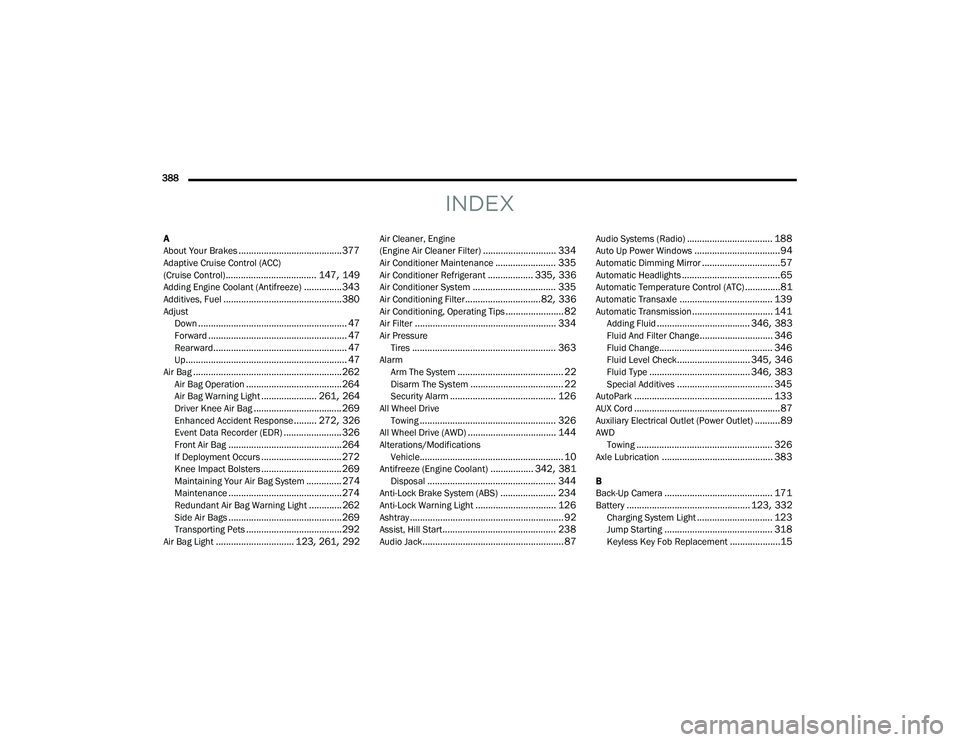
INDEX
A
About Your Brakes......................................... 377Adaptive Cruise Control (ACC)
(Cruise Control).................................... 147, 149Adding Engine Coolant (Antifreeze)............... 343Additives, Fuel............................................... 380AdjustDown........................................................... 47Forward....................................................... 47Rearward..................................................... 47Up................................................................ 47Air Bag........................................................... 262Air Bag Operation...................................... 264Air Bag Warning Light...................... 261, 264Driver Knee Air Bag................................... 269Enhanced Accident Response......... 272, 326Event Data Recorder (EDR)....................... 326Front Air Bag............................................. 264If Deployment Occurs................................ 272Knee Impact Bolsters................................ 269Maintaining Your Air Bag System.............. 274Maintenance............................................. 274Redundant Air Bag Warning Light.............262Side Air Bags............................................. 269Transporting Pets...................................... 292Air Bag Light............................... 123, 261, 292
Air Cleaner, Engine
(Engine Air Cleaner Filter)............................. 334Air Conditioner Maintenance........................ 335Air Conditioner Refrigerant.................. 335, 336Air Conditioner System................................. 335Air Conditioning Filter..............................82, 336Air Conditioning, Operating Tips....................... 82Air Filter........................................................ 334Air PressureTires......................................................... 363AlarmArm The System.......................................... 22Disarm The System..................................... 22Security Alarm.......................................... 126All Wheel DriveTowing...................................................... 326All Wheel Drive (AWD)................................... 144Alterations/ModificationsVehicle......................................................... 10Antifreeze (Engine Coolant)................. 342, 381Disposal................................................... 344Anti-Lock Brake System (ABS)...................... 234Anti-Lock Warning Light................................ 126Ashtray............................................................. 92Assist, Hill Start............................................. 238Audio Jack........................................................ 87
Audio Systems (Radio).................................. 188Auto Up Power Windows..................................94Automatic Dimming Mirror...............................57Automatic Headlights.......................................65Automatic Temperature Control (ATC)..............81Automatic Transaxle..................................... 139Automatic Transmission................................ 141Adding Fluid..................................... 346, 383Fluid And Filter Change............................. 346Fluid Change............................................. 346Fluid Level Check............................. 345, 346Fluid Type........................................ 346, 383Special Additives...................................... 345AutoPark....................................................... 133AUX Cord..........................................................87Auxiliary Electrical Outlet (Power Outlet)..........89AWDTowing...................................................... 326Axle Lubrication............................................ 383
B
Back-Up Camera........................................... 171Battery................................................. 123, 332Charging System Light.............................. 123Jump Starting........................................... 318Keyless Key Fob Replacement....................15
21_RUP_OM_EN_USC_t.book Page 388
Page 393 of 401
391
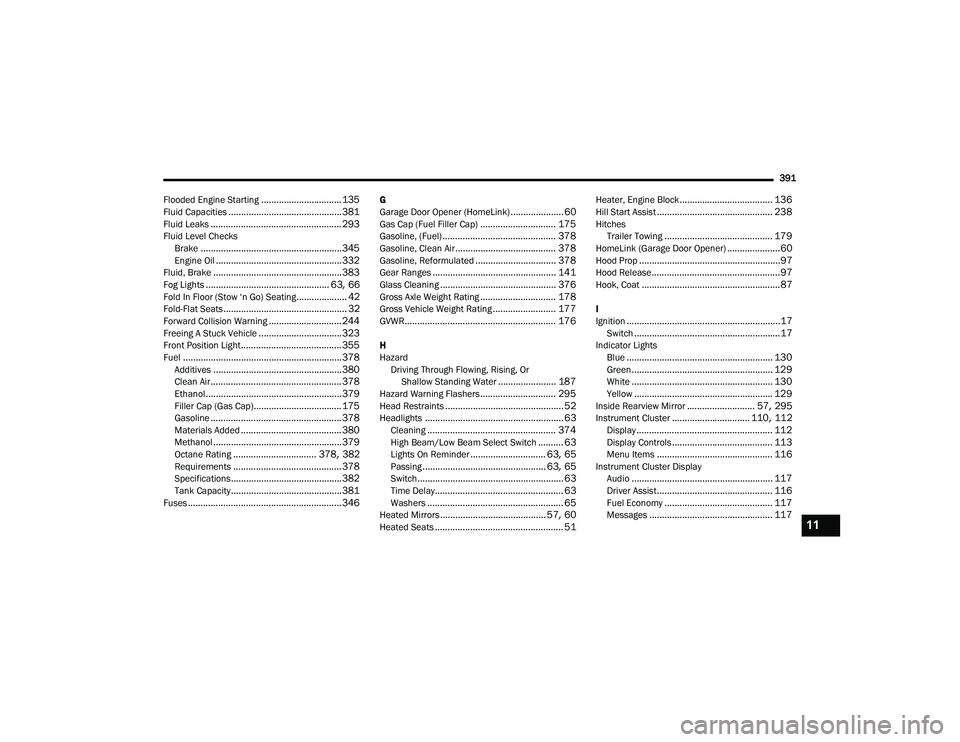
Flooded Engine Starting
................................ 135Fluid Capacities............................................. 381Fluid Leaks.................................................... 293Fluid Level Checks Brake........................................................ 345Engine Oil.................................................. 332Fluid, Brake................................................... 383Fog Lights................................................. 63, 66Fold In Floor (Stow ‘n Go) Seating.................... 42Fold-Flat Seats................................................. 32Forward Collision Warning............................. 244Freeing A Stuck Vehicle................................. 323Front Position Light........................................ 355Fuel............................................................... 378Additives................................................... 380Clean Air.................................................... 378Ethanol...................................................... 379Filler Cap (Gas Cap)................................... 175Gasoline.................................................... 378Materials Added........................................ 380Methanol................................................... 379Octane Rating................................. 378, 382Requirements........................................... 378Specifications............................................ 382Tank Capacity............................................ 381Fuses............................................................. 346
G
Garage Door Opener (HomeLink)..................... 60Gas Cap (Fuel Filler Cap).............................. 175Gasoline, (Fuel)............................................. 378Gasoline, Clean Air........................................ 378Gasoline, Reformulated................................ 378Gear Ranges................................................. 141Glass Cleaning.............................................. 376Gross Axle Weight Rating.............................. 178Gross Vehicle Weight Rating......................... 177GVWR............................................................ 176
H
HazardDriving Through Flowing, Rising, Or Shallow Standing Water
....................... 187Hazard Warning Flashers.............................. 295Head Restraints............................................... 52Headlights....................................................... 63Cleaning................................................... 374High Beam/Low Beam Select Switch.......... 63Lights On Reminder.............................. 63, 65Passing................................................. 63, 65Switch.......................................................... 63Time Delay................................................... 63Washers...................................................... 65Heated Mirrors.......................................... 57, 60Heated Seats................................................... 51
Heater, Engine Block..................................... 136Hill Start Assist.............................................. 238HitchesTrailer Towing........................................... 179HomeLink (Garage Door Opener).....................60Hood Prop........................................................97Hood Release...................................................97Hook, Coat.......................................................87
I
Ignition.............................................................17Switch..........................................................17Indicator LightsBlue.......................................................... 130Green........................................................ 129White........................................................ 130Yellow....................................................... 129Inside Rearview Mirror........................... 57, 295Instrument Cluster............................... 110, 112Display...................................................... 112Display Controls........................................ 113Menu Items.............................................. 116Instrument Cluster DisplayAudio........................................................ 117Driver Assist.............................................. 116Fuel Economy........................................... 117Messages................................................. 11711
21_RUP_OM_EN_USC_t.book Page 391