ECO mode CHRYSLER TOWN AND COUNTRY 2010 5.G Service Manual
[x] Cancel search | Manufacturer: CHRYSLER, Model Year: 2010, Model line: TOWN AND COUNTRY, Model: CHRYSLER TOWN AND COUNTRY 2010 5.GPages: 538, PDF Size: 10.55 MB
Page 297 of 538
Operating Instructions - Uconnect™ Multimedia
(Satellite) Mode
NOTE:The ignition switch must be in the ON or ACC
position to operate the radio.
SEEK Buttons
Press and release the SEEK buttons to search for the next
channel in Satellite mode. Press the right switch to seek
up and the left switch to seek down. The radio will
remain tuned to the new channel until you make another
selection. Holding either button will bypass channels
without stopping until you release it.
SCAN Button
Pressing the SCAN button causes the tuner to search for
the next channel, pausing for eight seconds before con-
tinuing to the next. To stop the search, press the SCAN
button a second time.
INFO Button
Pressing the INFO button will cycle the display informa-
tion between Artist, Song Title, and Composer (if avail-
able). Also, pressing and holding the INFO button for an
additional three seconds will make the radio display the
Song Title all of the time (press and hold again to return
to normal display).
RW/FF
Pressing the RW (Rewind) or FF (Fast Forward) buttons
causes the tuner to search for the next channel in the
direction of the arrows.
TUNE Control (Rotary)
Turn the rotary TUNE/SCROLL control knob clockwise
to increase or counterclockwise to decrease the channel.
296 UNDERSTANDING YOUR INSTRUMENT PANEL
Page 298 of 538
MUSIC TYPE Button
Pressing this button once will turn on the Music Type
mode for five seconds. Pressing the MUSIC TYPE button
or turning the TUNE/SCROLL control knob within five
seconds will allow the program format type to be se-
lected.
Toggle the MUSIC TYPE button again to select the music
type.
By pressing the SEEK button when the Music Type
function is active, the radio will be tuned to the next
channel with the same selected Music Type name.
If a preset button is activated while in the Music Type
(Program Type) mode, the Music Type mode will be
exited and the radio will tune to the preset channel.
SETUP Button
Pressing the SETUP button allows you to select the
following items:
•Display Sirius ID number — Press the AUDIO/
SELECT button to display the Sirius ID number. This
number is used to activate, deactivate, or change the
Sirius subscription.
SET Button – To Set the Pushbutton Memory
When you are receiving a channel that you wish to
commit to pushbutton memory, press the SET button.
The symbol SET 1 will now show in the display window.
Select the button (1-6) you wish to lock onto this channel
and press and release that button. If a button is not
selected within five seconds after pressing the SET but-
ton, the channel will continue to play but will not be
stored into pushbutton memory.
You may add a second channel to each pushbutton by
repeating the above procedure with this exception: Press
the SET button twice and SET 2 will show in the display
window. Each button can be set for SET 1 and SET 2. This
allows a total of 12 Satellite channels to be stored into
4
UNDERSTANDING YOUR INSTRUMENT PANEL 297
Page 302 of 538
The right-hand rocker switch has a pushbutton in the
center, and controls the volume and mode of the sound
system. Pressing the top of the rocker switch will increase
the volume. Pressing the bottom of the rocker switch will
decrease the volume. Pressing the center button changes
the operation of the radio from AM to FM, or Tape to CD
mode, depending on which radio is in the vehicle.
The left-hand rocker switch has a pushbutton in the
center. The function of the left-hand switch is different,
depending on which mode you are in.
The following describes the left-hand rocker switch op-
eration in each mode.
Radio Operation
Pressing the top of the switch will SEEK up for the next
listenable station, and pressing the bottom of the switch
will SEEK down for the next listenable station.The button located in the center of the left-hand switch
will tune to the next preset station that you have pro-
grammed in the radio preset pushbutton.
CD Player
Pressing the top of the switch once will go to the next
track on the CD. Pressing the bottom of the switch once
will go to the beginning of the current track, or to the
beginning of the previous track if it is within one second
after the current track begins to play.
If you press the switch up or down twice it plays the
second track; three times, it will play the third, etc.
The button in the center of the left-hand switch has no
function in this mode.
4
UNDERSTANDING YOUR INSTRUMENT PANEL 301
Page 307 of 538
Defrost Mode
Air is directed through the windshield and side
window demist outlets. Use DEFROST mode with
maximum blower and temperature settings for best
windshield and side window defrosting.
NOTE: The air conditioning compressor operates in
MIX and DEFROST, or a blend of these modes even if the
A/C button is not pressed. This dehumidifies the air to
help dry the windshield. To improve fuel economy, use
these modes only when necessary.
Recirculation Control
Press this button to choose between outside air
intake or recirculation of the air inside the
vehicle. A lamp will illuminate when you are in
RECIRCULATION mode. Only use the RECIR-
CULATION mode to temporarily block out any outside
odors, smoke, or dust, and to cool the interior rapidly
upon initial start-up in very hot or humid weather. NOTE:
•If the RECIRCULATION button is pressed when the
system is in MIX, DEFROST, or FLOOR mode the
RECIRCULATION LED indicator will flash 3 times to
indicate RECIRCULATION mode is not allowed.
•Continuous use of the RECIRCULATION mode may
make the inside air stuffy and window fogging may
occur. Extended use of this mode is not recommended.
•In cold or damp weather, the use of the RECIRCULA-
TION mode will cause windows to fog on the inside
because of moisture buildup inside the vehicle. For
maximum defogging, select the outside air position.
•In order to prevent fogging, when the RECIRCULA-
TION button is pressed and the mode control is set to
PANEL, the A/C will engage automatically.
•The A/C can be deselected manually without disturb-
ing the mode control selection.
306 UNDERSTANDING YOUR INSTRUMENT PANEL
Page 308 of 538
Economy Mode
If ECONOMY mode is desired, press the A/C button to
turn off the indicator light and the A/C compressor.
Rotate the temperature control knob to the desired
temperature.
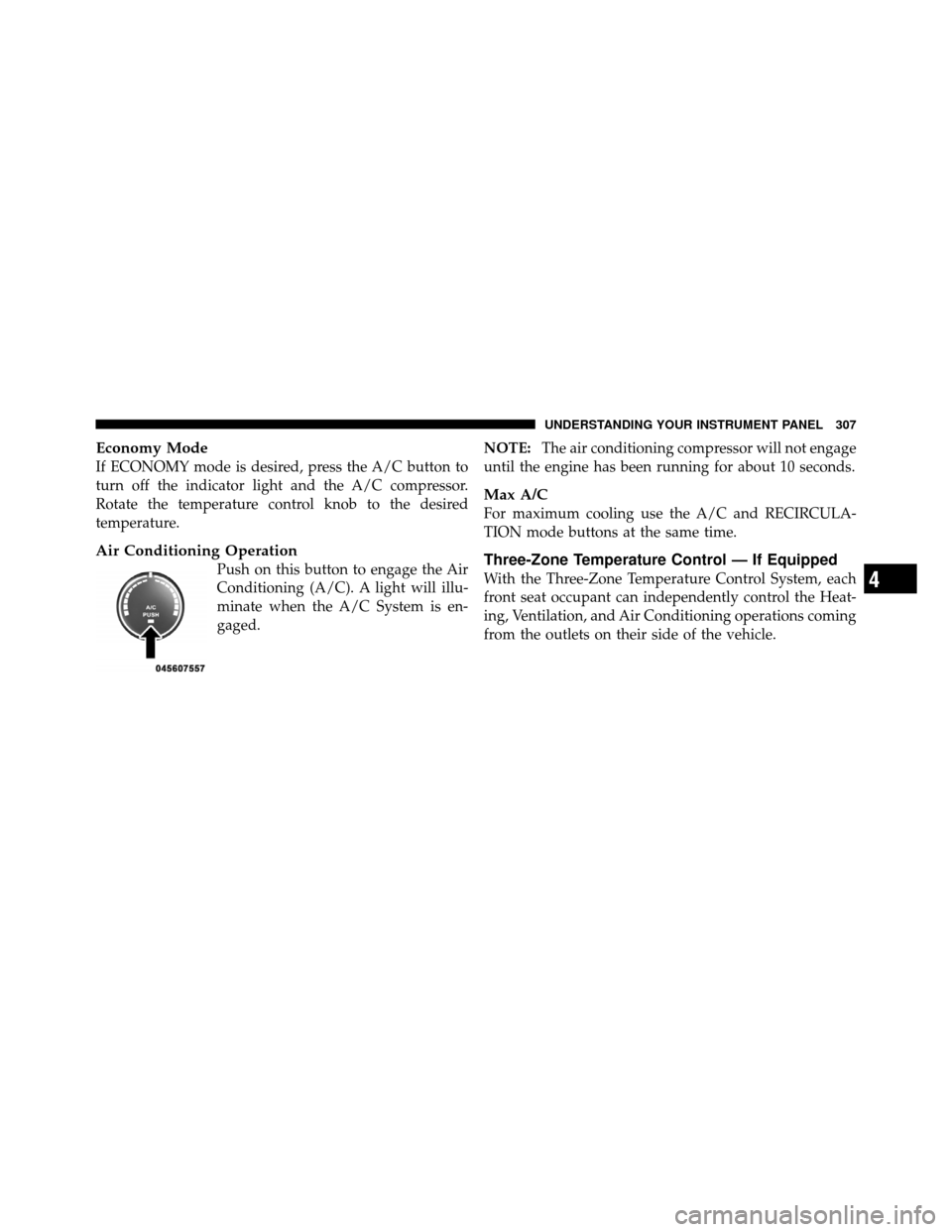
Air Conditioning Operation
Push on this button to engage the Air
Conditioning (A/C). A light will illu-
minate when the A/C System is en-
gaged.NOTE:
The air conditioning compressor will not engage
until the engine has been running for about 10 seconds.
Max A/C
For maximum cooling use the A/C and RECIRCULA-
TION mode buttons at the same time.
Three-Zone Temperature Control — If Equipped
With the Three-Zone Temperature Control System, each
front seat occupant can independently control the Heat-
ing, Ventilation, and Air Conditioning operations coming
from the outlets on their side of the vehicle.4
UNDERSTANDING YOUR INSTRUMENT PANEL 307
Page 310 of 538
The primary control for the rear blower is on the front
climate control unit located on the instrument panel.
When the front control is in any position other than rear,
the front control operates all the rear functions.
The Three-Zone Temperature Control bottom panel has
five positions; off, rear, and a range of blower speeds.
Only when the primary control for the rear blower is in
the rear (RR) position do the second row seat occupants
have control of the rear blower speed.
The rear airflow modes will mirror the front unit opera-
tion. Rear PANEL mode is automatically selected when
the front control is in the PANEL mode. When the front
unit is in BI-LEVEL mode, airflow will be emitted from
both the upper and lower rear outlets. When the front
control is in FLOOR, DEFROST, or MIX modes, airflow
will be directed out of the rear floor outlets.NOTE:
For vehicles equipped with Remote Start, the
climate controls will not function during Remote Start
operation if the blower control is left in the “O” (Off)
position.
Rear Manual Climate Control — If Equipped
The Rear Manual Climate Control system has floor air
outlets at the rear of the right side sliding door, and
overhead outlets at each outboard rear seating position.
The unit provides warm or cool air through the floor and
upper outlets.
4
UNDERSTANDING YOUR INSTRUMENT PANEL 309
Page 311 of 538
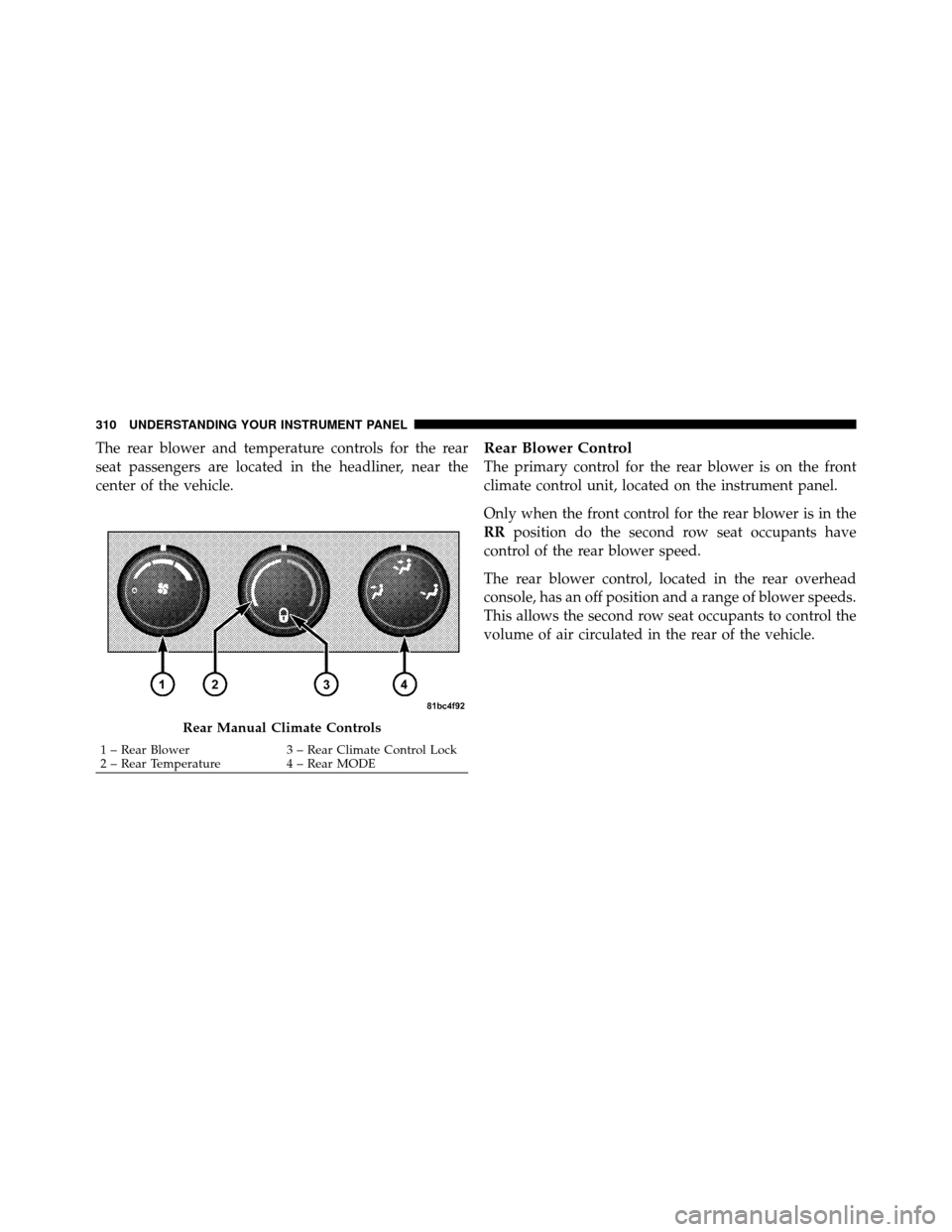
The rear blower and temperature controls for the rear
seat passengers are located in the headliner, near the
center of the vehicle.Rear Blower Control
The primary control for the rear blower is on the front
climate control unit, located on the instrument panel.
Only when the front control for the rear blower is in the
RRposition do the second row seat occupants have
control of the rear blower speed.
The rear blower control, located in the rear overhead
console, has an off position and a range of blower speeds.
This allows the second row seat occupants to control the
volume of air circulated in the rear of the vehicle.
Rear Manual Climate Controls
1 – Rear Blower 3 – Rear Climate Control Lock
2 – Rear Temperature 4 – Rear MODE
310 UNDERSTANDING YOUR INSTRUMENT PANEL
Page 317 of 538
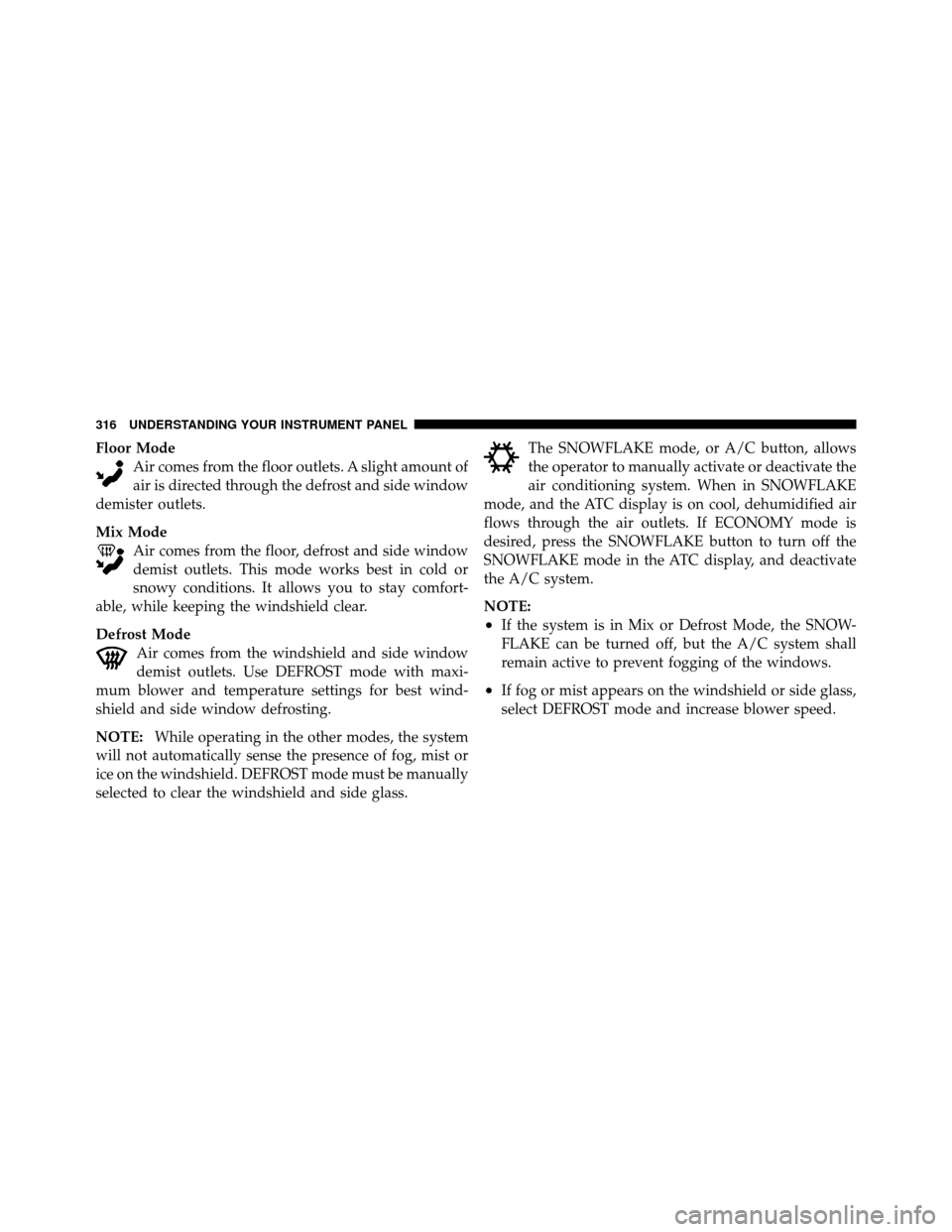
Floor ModeAir comes from the floor outlets. A slight amount of
air is directed through the defrost and side window
demister outlets.
Mix Mode Air comes from the floor, defrost and side window
demist outlets. This mode works best in cold or
snowy conditions. It allows you to stay comfort-
able, while keeping the windshield clear.
Defrost Mode Air comes from the windshield and side window
demist outlets. Use DEFROST mode with maxi-
mum blower and temperature settings for best wind-
shield and side window defrosting.
NOTE: While operating in the other modes, the system
will not automatically sense the presence of fog, mist or
ice on the windshield. DEFROST mode must be manually
selected to clear the windshield and side glass. The SNOWFLAKE mode, or A/C button, allows
the operator to manually activate or deactivate the
air conditioning system. When in SNOWFLAKE
mode, and the ATC display is on cool, dehumidified air
flows through the air outlets. If ECONOMY mode is
desired, press the SNOWFLAKE button to turn off the
SNOWFLAKE mode in the ATC display, and deactivate
the A/C system.
NOTE:
•If the system is in Mix or Defrost Mode, the SNOW-
FLAKE can be turned off, but the A/C system shall
remain active to prevent fogging of the windows.
•If fog or mist appears on the windshield or side glass,
select DEFROST mode and increase blower speed.
316 UNDERSTANDING YOUR INSTRUMENT PANEL
Page 318 of 538
Recirculation Control
When outside air contains smoke, odors, or
high humidity, or if rapid cooling is desired,
you may wish to recirculate interior air by
pressing the RECIRCULATION mode control
button. RECIRCULATION mode should only be used
temporarily. The recirculation symbol will illuminate in
the display when this button is selected. Push the button
a second time to turn off the RECIRCULATION mode
LED and allow outside air into the vehicle.
NOTE: In cold weather, use of the RECIRCULATION
mode may lead to excessive window fogging. The RE-
CIRCULATION mode is not allowed in the FLOOR, MIX
and DEFROST modes to improve window clearing op-
eration. Recirculation will be disabled automatically if
these modes are selected.
Rear Automatic Temperature Control (ATC) — If
Equipped
The Rear ATC System has floor air outlets at the rear of
the right side sliding door, and overhead outlets at each
outboard rear seating position. The system provides
heated air through the floor outlets or cool, dehumidified
air through the headliner outlets.
The REAR SYSTEM control for the Rear ATC System is
on the front lower ATC panel located on the instrument
panel.
Pressing the REAR LOCK button for the Rear ATC
System from the front lower ATC panel, illuminates a
LOCK symbol in the rear display. The rear temperature
and air source are controlled from the front lower ATC
panel.
Rear second row occupants can only adjust the rear ATC
control when the REAR LOCK button is turned off.
4
UNDERSTANDING YOUR INSTRUMENT PANEL 317
Page 321 of 538
When rear controls are locked by the front system, the
LOCK symbol on the temperature knob is illuminated
and any rear overhead adjustments are ignored.
Rear Mode Control
Auto Mode
The rear system automatically maintains the correct
mode and comfort level desired by the rear seat occu-
pants.
Headliner ModeAir comes from the outlets in the headliner. Each of
these outlets can be individually adjusted to direct
the flow of air. Moving the air vanes of the outlets to one
side will shut off the airflow.
Bi-Level Mode Air comes from both the headliner outlets and the
floor outlets. NOTE:
In many temperature positions, the BI-LEVEL
mode is designed to provide cooler air out of the head-
liner outlets and warmer air from the floor outlets.
Floor Mode Air comes from the floor outlets.
Summer Operation
The engine cooling system in air conditioned vehicles
must be protected with a high-quality antifreeze coolant
to provide proper corrosion protection and to protect
against engine overheating. A solution of 50% ethylene
glycol antifreeze coolant and 50% water is recommended.
Refer to “Maintenance Procedures” in “Maintaining Your
Vehicle” for proper coolant selection.
320 UNDERSTANDING YOUR INSTRUMENT PANEL