key fob CHRYSLER TOWN AND COUNTRY 2012 5.G Owner's Manual
[x] Cancel search | Manufacturer: CHRYSLER, Model Year: 2012, Model line: TOWN AND COUNTRY, Model: CHRYSLER TOWN AND COUNTRY 2012 5.GPages: 132, PDF Size: 3.41 MB
Page 38 of 132

POWER SLIDING SIDE DOORS
Automatic/Manual Operation
• The power sliding door may be opened or closed manually or by using the buttons on theKey Fob, overhead console switch, or rear door switch.
• Pulling the inside or outside power slidingdoor handle will also power open the
power sliding doors.
NOTE:When the power sliding door master
lock switch is in the OFF position, the power
sliding side door may not be opened or closed
by pressing the switch located on the b-pillar
trim panel, just in front of the sliding door or
activating the inside power sliding door handle.
Sliding Side Door Child Protection Lock
• When this system is engaged, the inside manual door handle will not open the sliding door even though the inside door lock is in the unlocked position.
• To engage the Child Protection Door Lock, open the sliding side door. Slide the child protection door lock control, located on the rear of the sliding door, inward (toward the
vehicle) to engage.
• Repeat these steps on the opposite sliding door.
POWER LIFTGATE
• The power liftgate may be opened and closed by pressing the button located on the overhead console. Press the button once to open, and a second time to close the power
liftgate.
• The power liftgate may also be opened and closed by pressing the button on the Key Fob. Press the button twice to open, and twice to close the power liftgate.
• The power liftgate may be closed by the button, located in the upper left trim in the liftgate opening. Pressing once will only close the liftgate. This button cannot be used to
open the liftgate.
OPERATING YOUR VEHICLE
36
Page 81 of 132
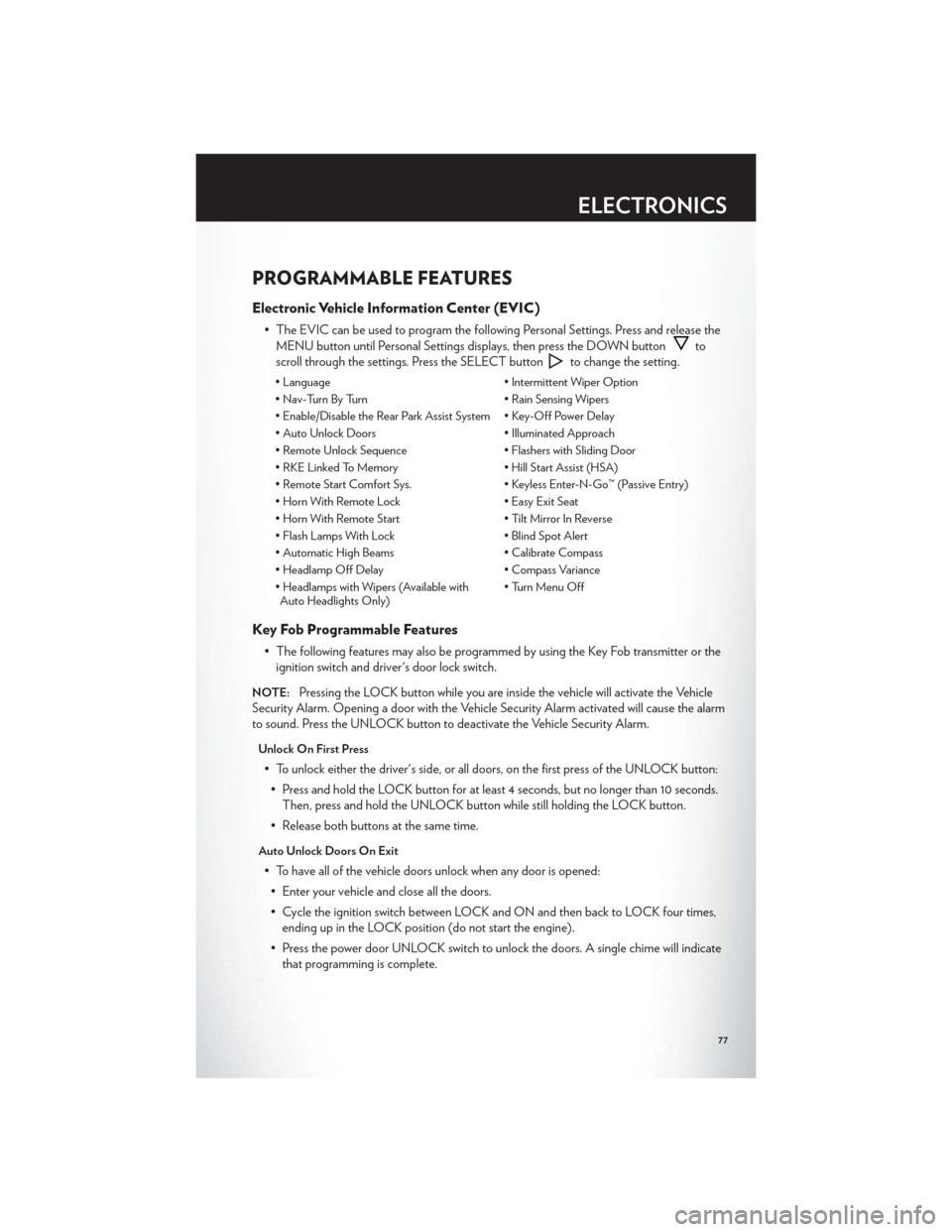
PROGRAMMABLE FEATURES
Electronic Vehicle Information Center (EVIC)
• The EVIC can be used to program the following Personal Settings. Press and release theMENU button until Personal Settings displays, then press the DOWN button
to
scroll through the settings. Press the SELECT button
to change the setting.
• Language • Intermittent Wiper Option
• Nav-Turn By Turn • Rain Sensing Wipers
• Enable/Disable the Rear Park Assist System • Key-Off Power Delay
• Auto Unlock Doors • Illuminated Approach
• Remote Unlock Sequence • Flashers with Sliding Door
• RKE Linked To Memory • Hill Start Assist (HSA)
• Remote Start Comfort Sys. • Keyless Enter-N-Go™ (Passive Entry)
• Horn With Remote Lock • Easy Exit Seat
• Horn With Remote Start • Tilt Mirror In Reverse
• Flash Lamps With Lock • Blind Spot Alert
• Automatic High Beams • Calibrate Compass
• Headlamp Off Delay • Compass Variance
• Headlamps with Wipers (Available with Auto Headlights Only) • Turn Menu Off
Key Fob Programmable Features
• The following features may also be programmed by using the Key Fob transmitter or the
ignition switch and driver's door lock switch.
NOTE:Pressing the LOCK button while you are inside the vehicle will activate the Vehicle
Security Alarm. Opening a door with the Vehicle Security Alarm activated will cause the alarm
to sound. Press the UNLOCK button to deactivate the Vehicle Security Alarm.
Unlock On First Press
• To unlock either the driver's side, or all doors, on the first press of the UNLOCK button:
• Press and hold the LOCK button for at least 4 seconds, but no longer than 10 seconds. Then, press and hold the UNLOCK button while still holding the LOCK button.
• Release both buttons at the same time.
Auto Unlock Doors On Exit
• To have all of the vehicle doors unlock when any door is opened: • Enter your vehicle and close all the doors.
• Cycle the ignition switch between LOCK and ON and then back to LOCK four times, ending up in the LOCK position (do not start the engine).
• Press the power door UNLOCK switch to unlock the doors. A single chime will indicate that programming is complete.
ELECTRONICS
77
Page 127 of 132
Inverter Outlet (115V)...........80
Inverter, Power ..............80
iPod®/USB/MP3 Control .........68
Bluetooth Streaming Audio .......74
Jack Location ...............91
Jack Operation ..............91
Jump Starting ...............101
KeyFob...................8
Key Fob Programmable Features ......77
Keyless Enter-N-Go™ ...........10
Lock/Unlock ............. 11,12
Starting/Stopping ............12
Lane Change Assist ............26
LATCH (Lower Anchors and Tether for
CHildren) .................16
Liftgate, Power ...............8
Lights TurnSignal ...............26
Warning (Instrument Cluster
Description) ...............6
Luggage Rack (Roof Rack) ........83
Maintenance Record ...........112
Maintenance Schedule ..........111
Media Center Radio ..........42,44
Memory Seat ...............18
Mirrors Heated .............. 31,32,34
MOPAR® Accessories ..........121
Navigation ............... 52,61
New Vehicle Break-In Period ........26
Oil Change Indicator ...........89
Oil, Engine Capacity ................110
Outlet Power ..................81
Overheating, Engine ...........90
Panic Alarm .................8
Phone (Pairing) ..............70 Phone (Uconnect)
.............69
Placard, Tire and Loading Information . . . 117
Power Glass Sunroof ..............37
Inverter .................80
LiftGate .................8
Outlet (Auxiliary Electrical Outlet) . . . 81
Seats ..................18
Steering ................110
Preparation for Jacking ..........95
Programmable Electronic Features .....77
Radio Operation ............ 46,55
Rain Sensitive Wiper System ........27
RearCrossPath ..............35
Rear Heated Seats .............23
Recreational Towing ............85
Remote Starting System ..........10
Removal, Start/Stop Button .......8,12
Replacement Bulbs ............118
Reporting Safety Defects .........120
Restraints, Child ..............16
Rocking Vehicle When Stuck .......
105
Roof Rack (Luggage Rack) ........83
Seat Belts .................14
Seats ....................18
Adjustment ...............18
Fold in Floor (Stow `n Go) .......19
Heated .................23
Lumbar Support .............18
Memory.................18
Power ..................18
Stow `n Go (Fold in Floor) .......19
Seek Button ............. 42,43,45
Setting the Clock .........42,44,47,56
Shift Lever Override ...........103
Short Message Service (SMS) .......73
Signals, Turn ................26
SIRIUSTravelLink .............67
SmartBeams ................28
SpareTire .................91
Spark Plugs ................110
Speed Control Accel/Decel ..............29
Cancel .................29
Resume .................29
INDEX
123