lock CHRYSLER TOWN AND COUNTRY 2013 5.G Owner's Manual
[x] Cancel search | Manufacturer: CHRYSLER, Model Year: 2013, Model line: TOWN AND COUNTRY, Model: CHRYSLER TOWN AND COUNTRY 2013 5.GPages: 140, PDF Size: 4.18 MB
Page 21 of 140

Installing The Top Tether Strap (With Either Lower Anchors Or Vehicle Seat Belt):
• Route the top tether strap under the adjustable head restraint between the steel posts.
• Provide enough slack for the tether strap toreach the tether anchor located near the
bottom of the seat back.
• Clip tether hook to tether anchor. Ensure that the hook is firmly engaged and secure.
• Remove all slack and tighten tether strap according to child restraint manufacturer’s
instructions.
NOTE:
The top tether strap is always to be secured,
regardless of if the child restraint is installed
with the lower anchors or the vehicle seat belt.
Installing The Child Restraint Using The Vehicle Seat Belts
• To install a child restraint, first, pull enough of the seat belt webbing from the retractor to route it through the belt path of the child restraint and slide the latch plate into the buckle.
• Next, extract all the seat belt webbing out of the retractor and then allow the belt to retract into the retractor. Finally, pull on any excess webbing to tighten the lap portion around the child
restraint. Any seat belt system will loosen with time, so check the belt occasionally, and pull it
tight if necessary.
• Once you have completed securing the child restraint with the seat belt, secure the top tether strap.
WARNING!
• In a collision, an unrestrained child, even a tiny baby, can become a projectile inside the vehicle. The force required to hold even an infant on your lap could become so great that
you could not hold the child, no matter how strong you are. The child and others could be
severely injured or killed. Any child riding in your vehicle should be in a proper restraint for
the child's size.
• Failure to comply with the following conditions could result in you and others being
severely injured or killed:
• Be certain that the seat cushion is locked securely into position before using theseat. An improperly latched seat cushion could cause passengers to be severely
injured or killed.
• An incorrectly anchored tether strap could lead to increased head motion and possible
injury to the child. Use only the anchor positions directly behind the child seat to secure a
child restraint top tether strap.
• Rearward-facing child seats must never be used in the front seat of a vehicle with a front
passenger air bag. An air bag deployment could cause severe injury or death to infants in
this position.
GETTING STARTED
19
Page 22 of 140
FRONT SEATS
Power Seat
• The power seat switch controls forward/back, up/down, and tilt adjustment.
•
The recline switch, located on the outboard
side of the seat, controls seatback adjustment.
Power Lumbar
• Push the switch forward to increase the lum- bar support. Push the switch rearward to
decrease the lumbar support.
Manual Seat Adjustment
Forward/Rearward
• Lift up on the adjusting bar located at the
front of the seat near the floor and release it
when the seat is at the desired position.
Then, using body pressure, move forward
and backward on the seat to be sure that the
seat adjusters have latched.
Recliner
• Lift the recliner lever located on the out- board side of the seat, lean back and release
at the desired position.
Memory Seat
•The memory seat feature allows you to save
two different driver seating positions, driver's
outside mirror, adjustable brake and accelera-
tor pedals, and radio station preset settings.
The memory seat buttons are located on the
driver's door panel.
•Adjust all memory profile settings, press the
SET button then press 1 or 2 within five sec-
onds.
•To program a Key Fob to the memory posi-
tion, press and release the LOCK button
within 10 seconds on the Key Fob to be pro-
grammed.
GETTING STARTED
20
Page 23 of 140

• Place the ignition switch in the ON position, select Remote Linked to Memory in theElectronic Vehicle Information Center (EVIC) and enter Yes.
• Press 1 or 2 to recall the saved positions, or press UNLOCK on the programmed Key Fob.
CAUTION!
Do not place any article under a power seat or impede its ability to move as it may cause
damage to the seat controls. Seat travel may become limited if movement is stopped by an
obstruction in the seat’s path.
WARNING!
• Adjusting a seat while the vehicle is moving is dangerous. The sudden movement of the seat could cause you to lose control. The seat belt might not be properly adjusted, and you
could be severely injured or killed. Only adjust a seat while the vehicle is parked.
• Do not ride with the seatback reclined so that the seat belt is no longer resting against your
chest. In a collision, you could slide under the seat belt and be severely injured or killed.
Use the recliner only when the vehicle is parked.
REAR SEATS
Second Row Seats – Stow 'n Go®
•On vehicles equipped with Stow 'n Go® seats,
the seats will fold and tumble in one motion.
• Move the front seat fully forward.
• Recline the front seatback fully forward.
• Raise the armrests on the second row seat.
NOTE:
Seat will not stow in the storage bin unless the
armrests are raised.
• Slide the storage bin locking mechanism to the “LOCK” position and then pull up on the
storage bin latch to open the cover.
GETTING STARTED
21
Page 24 of 140

• Pull upward on the seatback recliner leverlocated on the outboard side of the seat.
• The non-adjustable head restraint and seat- back will fold automatically during the seat
tumble.
•
The seat will automatically tumble into posi-
tion for easy storage.
• Push the seat into the storage bin and close the storage bin cover.
To Unstow Second Row Seats
• Pull up on the storage bin latch to open thecover.
• Pull up on the strap to lift the seat out of the storage bin and push the seat rearward to
latch the seat anchors.
• Lift the seatback to the full upright position.
• Return the head restraint to its upright posi- tion, close the storage bin cover and slide
the storage bin locking mechanism to the
“Unlocked” position.
GETTING STARTED
22
Page 26 of 140

Manually Folding Third Row Seats
• Lower the center head restraint down to theseatback by pushing the button on the guide
and pushing the head restraint down.
• Lower the outboard head restraints by pull- ing on the release strap marked “1” located
on the outboard side of the head restraint.
• Pull release strap marked “2” located on the rear of the seat to lower the seatback.
• Pull release strap marked “3” to release the anchors.
• Pull release strap marked “4” and tumble the seat rearward into the storage bin.
To Unfold Third Row Seats
• Pull up on the assist strap to lift the seat out of the storage bin and push the seat forward
until the anchors latch.
• Pull release strap marked “2” to unlock the recliner.
•
Pulling strap “4” releases the seatback to re-
turn to its full upright position.
•Raise the head restraint to its upright position.
GETTING STARTED
24
Page 27 of 140

CAUTION!
The storage bin cover must be locked and flat to avoid damage from contact with the front
seat tracks, which have minimal clearance to the cover.
WARNING!
• In a collision, serious injury could result if the seat storage bin covers are not properlylatched.
• Do not drive the vehicle with the storage bin covers open.
• Keep the storage bin covers closed and latched while the vehicle is in motion.
• Do not use a storage bin latch as a tie down.
• In a collision, you or others in the vehicle could be injured if the seats are not properly
latched to their floor attachments. Always be sure the seats are fully latched.
HEATED SEATS
Front Heated Seats
• The controls for front heated seats are lo-cated on the center instrument panel area.
• Press the switch once to select High-level heating. Press the switch a second time to
select Low-level heating. Press the switch a
third time to shut the heating elements Off.
• If the High-level setting is selected, the sys- tem will automatically switch to Low-level
after approximately 30 minutes. The Low-
level setting will turn Off automatically after
approximately 45 minutes.
GETTING STARTED
25
Page 29 of 140

TILT/TELESCOPING STEERING COLUMN
• The tilt steering column tilt lever is locatedbelow the steering wheel.
• Push down on the tilt lever to unlock the steering column.
• With one hand firmly on the steering wheel, move the steering column upward or down-
ward as desired. To lengthen or shorten the
steering column, pull the steering wheel out-
ward or push it inward as desired.
• Pull upward on the tilt lever to lock the col- umn firmly in place.
WARNING!
Do not adjust the steering wheel while driving. The tilt adjustment must be locked while
driving. Adjusting the steering wheel while driving or driving without the tilt adjustment locked
could cause the driver to lose control of the vehicle. Failure to follow this warning may result in
you and others being severely injured or killed.
ADJUSTABLE PEDALS
• Press the switch located on the left side ofthe steering column forward to move the
brake and accelerator pedals away from the
driver and press the switch rearward to move
the pedals closer to the driver.
NOTE:
The pedals cannot be adjusted when the ve-
hicle is in REVERSE or when the Electronic
Speed Control is set.
CAUTION!
Do not place any article under the adjustable pedals or impede its ability to move, as it may
cause damage to the pedal controls. Pedal travel may become limited if movement is stopped
by an obstruction in the adjustable pedal's path.
WARNING!
Do not adjust the pedals while the vehicle is moving. You could lose control and have a
collision. Always adjust the pedals while the vehicle is parked.
GETTING STARTED
27
Page 39 of 140
Air Conditioning (A/C)
• If the air conditioning button is pressed while in AUTO mode, the system will exit AUTOmode and stay in A/C. The mode and blower will go to the previous user setting.
SYNC Temperature Button
• Push the SYNC button once to control driver and passenger temperatures simultaneously.Push the SYNC button a second time to control the temperatures individually.
Air Recirculation
• Use Recirculation for maximum A/C operation.
• For window defogging, turn the recirculation button off.
• If the Recirculation button is pressed when the system is in Defrost mode the RecirculationLED indicator will flash three times to indicate Recirculation mode is not allowed.
Heated Mirrors
• The mirrors are heated to melt frost or ice. This feature is activated whenever you turn on therear window defroster.
Rear Window Defroster
•Pressing the rear window defroster button will turn on the defroster for approximately 10 minutes.
An indicator in the button will illuminate when the rear window defroster is on. For an additional
10 minutes of operation, press the button a second time.
Activating Rear Automatic Temperature Control
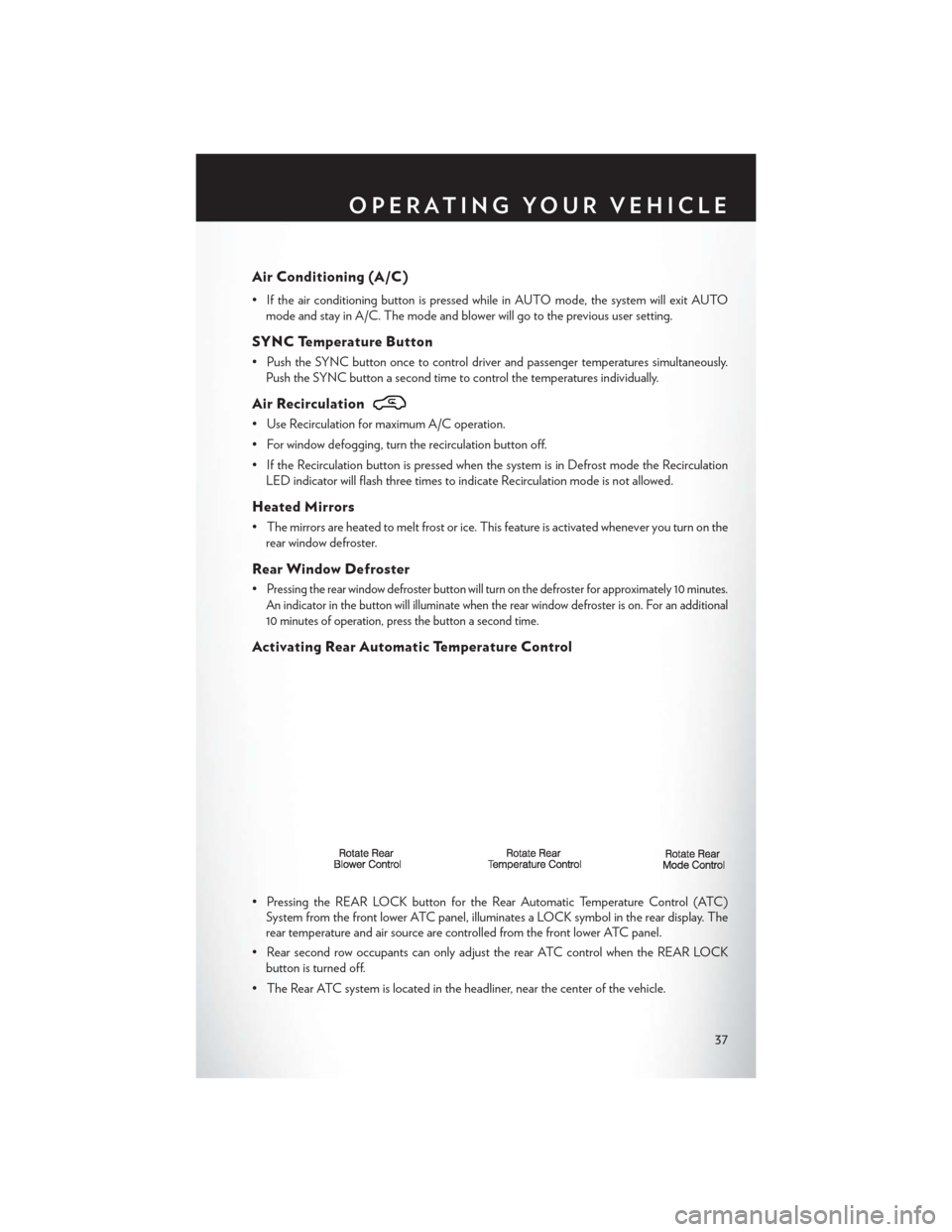
• Pressing the REAR LOCK button for the Rear Automatic Temperature Control (ATC) System from the front lower ATC panel, illuminates a LOCK symbol in the rear display. The
rear temperature and air source are controlled from the front lower ATC panel.
• Rear second row occupants can only adjust the rear ATC control when the REAR LOCK button is turned off.
• The Rear ATC system is located in the headliner, near the center of the vehicle.
OPERATING YOUR VEHICLE
37
Page 41 of 140
POWER SLIDING SIDE DOORS
Automatic/Manual Operation
• The power sliding door may be opened or closed manually or by using the buttons on the KeyFob, overhead console switch, or rear door switch.
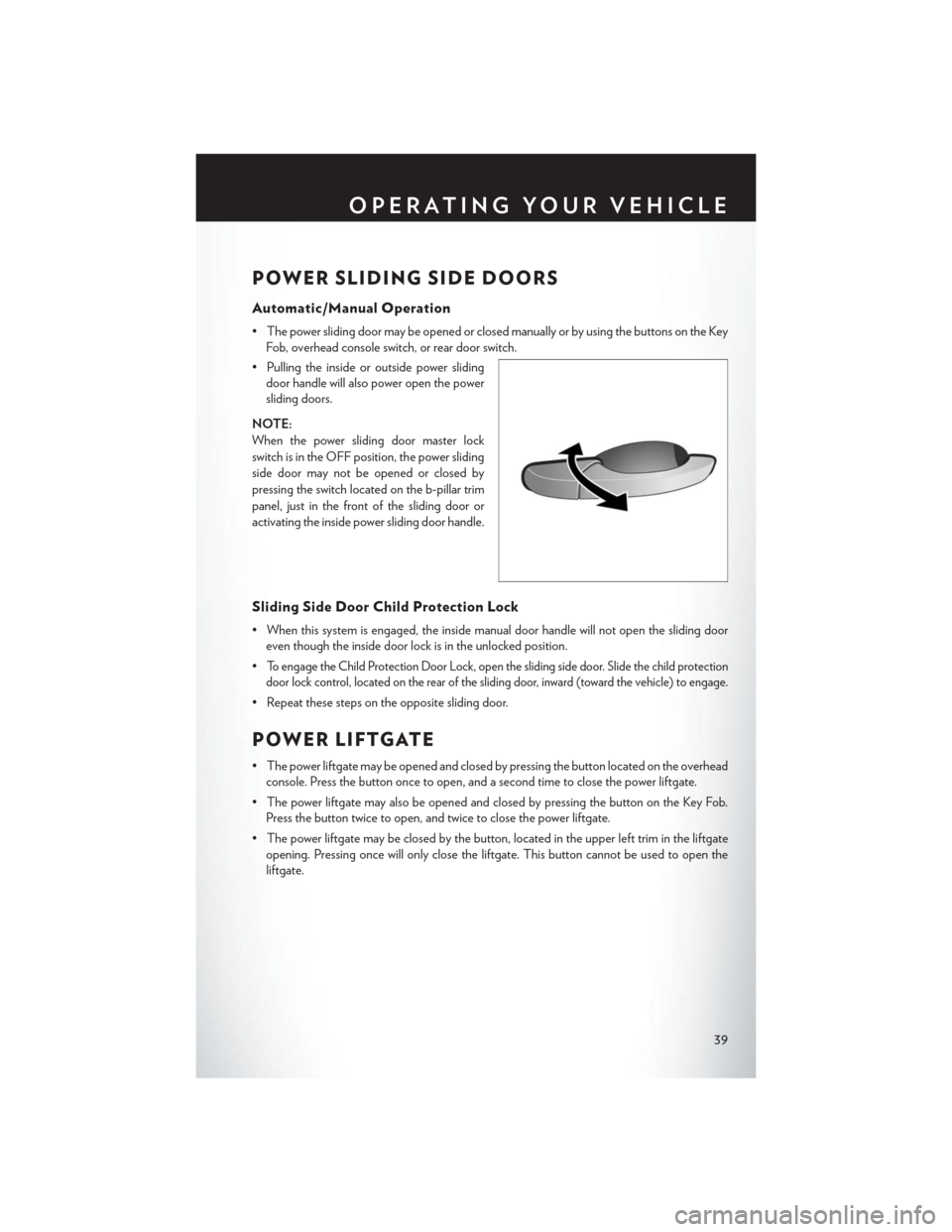
• Pulling the inside or outside power sliding door handle will also power open the power
sliding doors.
NOTE:
When the power sliding door master lock
switch is in the OFF position, the power sliding
side door may not be opened or closed by
pressing the switch located on the b-pillar trim
panel, just in the front of the sliding door or
activating the inside power sliding door handle.
Sliding Side Door Child Protection Lock
• When this system is engaged, the inside manual door handle will not open the sliding door even though the inside door lock is in the unlocked position.
•
To engage the Child Protection Door Lock, open the sliding side door. Slide the child protection
door lock control, located on the rear of the sliding door, inward (toward the vehicle) to engage.
• Repeat these steps on the opposite sliding door.
POWER LIFTGATE
• The power liftgate may be opened and closed by pressing the button located on the overhead console. Press the button once to open, and a second time to close the power liftgate.
• The power liftgate may also be opened and closed by pressing the button on the Key Fob. Press the button twice to open, and twice to close the power liftgate.
• The power liftgate may be closed by the button, located in the upper left trim in the liftgate opening. Pressing once will only close the liftgate. This button cannot be used to open the
liftgate.
OPERATING YOUR VEHICLE
39
Page 46 of 140
Uconnect® 130
NOTE:
Your radio has many features that add to the comfort and convenience of you and your
passengers. Some of these radio features should not be used when driving because they take your
eyes from the road or your attention from driving.
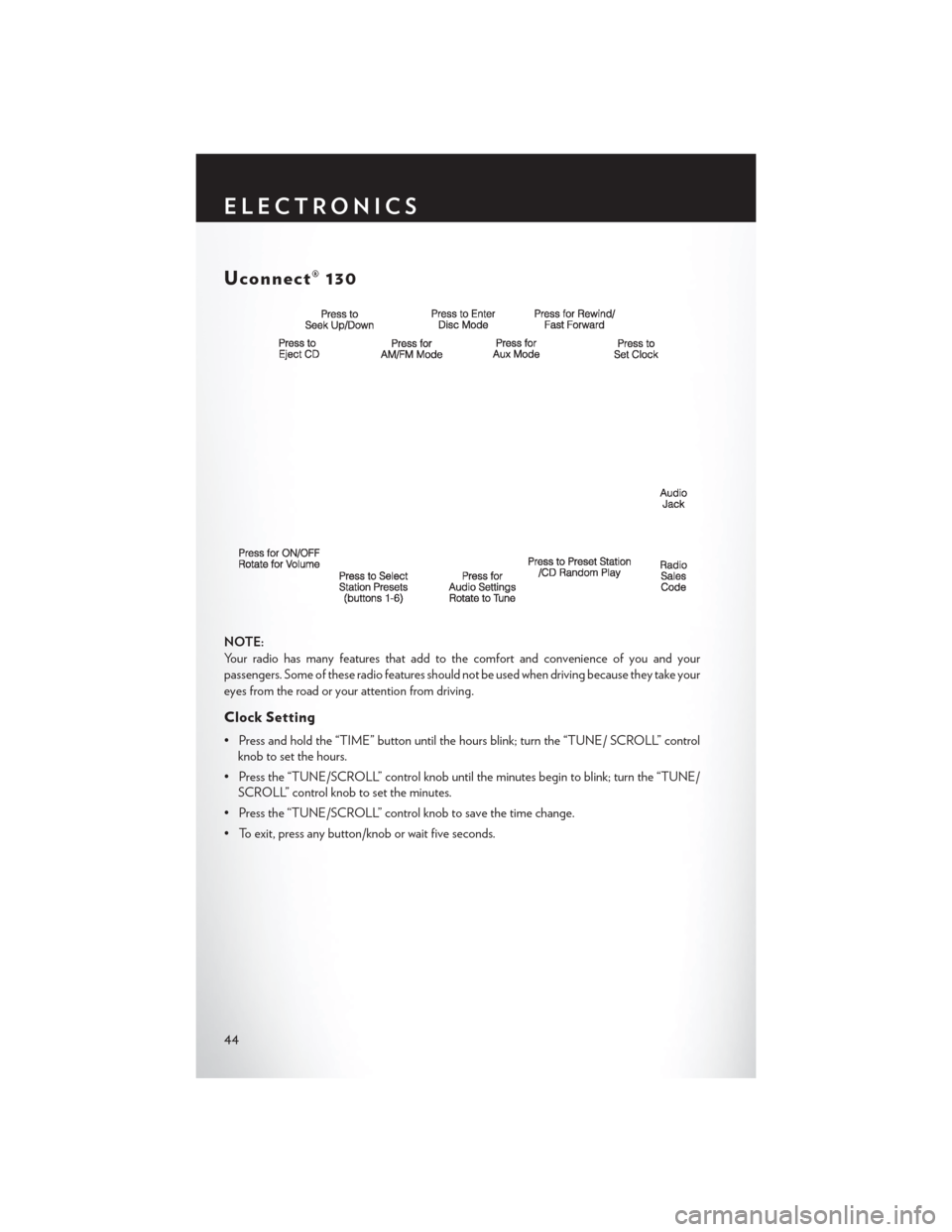
Clock Setting
• Press and hold the “TIME” button until the hours blink; turn the “TUNE/ SCROLL” controlknob to set the hours.
• Press the “TUNE/SCROLL” control knob until the minutes begin to blink; turn the “TUNE/ SCROLL” control knob to set the minutes.
• Press the “TUNE/SCROLL” control knob to save the time change.
• To exit, press any button/knob or wait five seconds.
ELECTRONICS
44