phone CHRYSLER TOWN AND COUNTRY 2015 5.G Owner's Manual
[x] Cancel search | Manufacturer: CHRYSLER, Model Year: 2015, Model line: TOWN AND COUNTRY, Model: CHRYSLER TOWN AND COUNTRY 2015 5.GPages: 164, PDF Size: 22.47 MB
Page 86 of 164
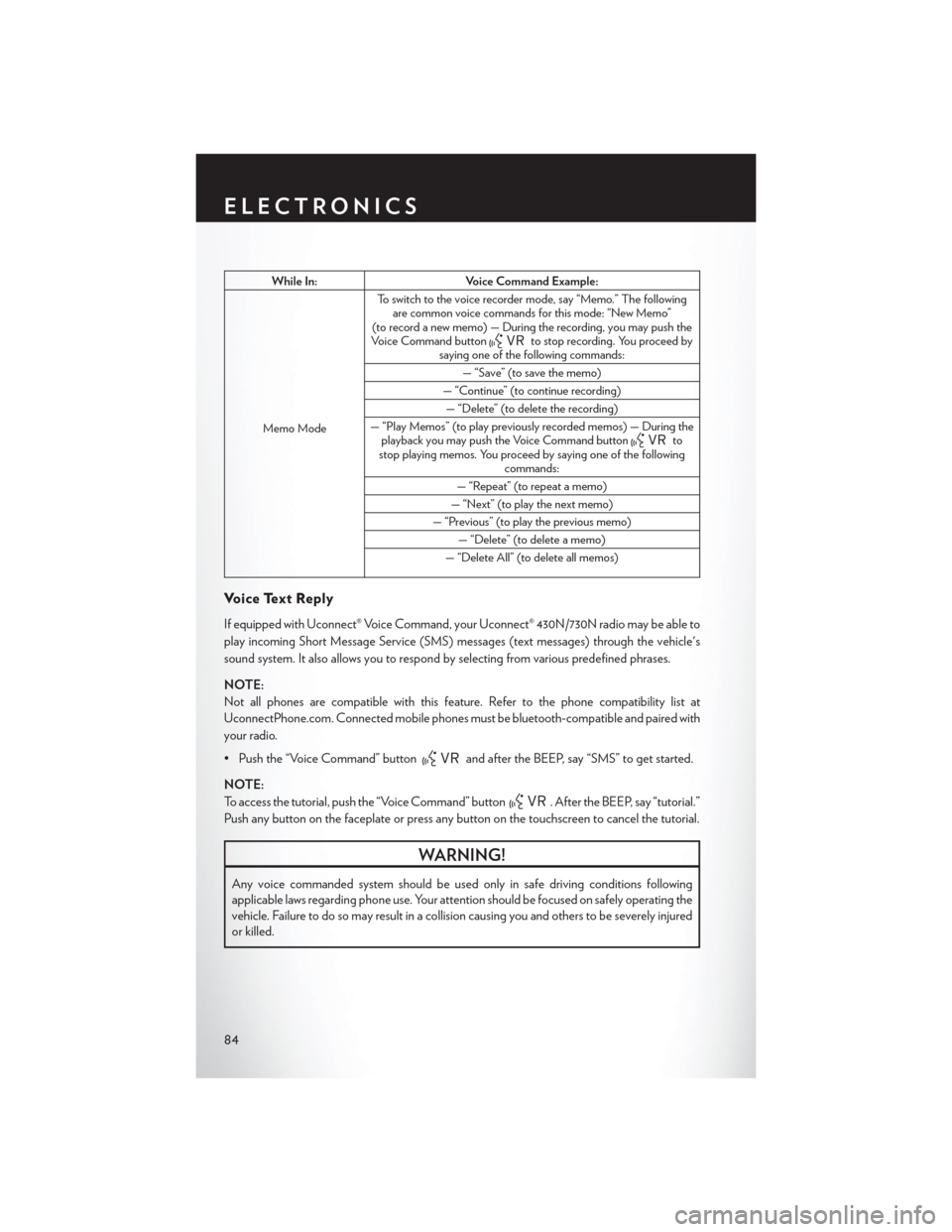
While In:Voice Command Example:
Memo Mode
To s w i t c h t o t h e v o i c e r e c o r d e r m o d e , s a y “ M e m o . ” T h e f o l l o w i n gare common voice commands for this mode: “New Memo”(to record a new memo) — During the recording, you may push theVoice Command buttonto stop recording. You proceed bysaying one of the following commands:
—“Save”(tosavethememo)
— “Continue” (to continue recording)
— “Delete” (to delete the recording)
— “Play Memos” (to play previously recorded memos) — During theplayback you may push the Voice Command buttontostop playing memos. You proceed by saying one of the followingcommands:
— “Repeat” (to repeat a memo)
— “Next” (to play the next memo)
— “Previous” (to play the previous memo)
— “Delete” (to delete a memo)
— “Delete All” (to delete all memos)
Vo i c e Te x t R e p l y
If equipped with Uconnect® Voice Command, your Uconnect® 430N/730N radio may be able to
play incoming Short Message Service (SMS) messages (text messages) through the vehicle's
sound system. It also allows you to respond by selecting from various predefined phrases.
NOTE:
Not all phones are compatible with this feature. Refer to the phone compatibility list at
UconnectPhone.com. Connected mobile phones must be bluetooth-compatible and paired with
your radio.
• Push the “Voice Command” buttonand after the BEEP, say “SMS” to get started.
NOTE:
To access the tutorial, push the “Voice Command” button. After the BEEP, say “tutorial.”
Push any button on the faceplate or press any button on the touchscreen to cancel the tutorial.
WARNING!
Any voice commanded system should be used only in safe driving conditions following
applicable laws regarding phone use. Your attention should be focused on safely operating the
vehicle. Failure to do so may result in a collision causing you and others to be severely injured
or killed.
ELECTRONICS
84
Page 87 of 164
Bluetooth® STREAMING AUDIO
If equipped with Uconnect® Voice Command, your Bluetooth®-equipped iPod® devices,
cell phones or other media players, may also be able to stream music to your vehicles speakers.
Yo u r c o n n e c t e d d e v i c e m u s t b e B l u e t o o t h ® - c o m p a t i b l e , a n d p a i r e d w i t h y o u r r a d i o ( s e e
UconnectPhone.com for pairing instructions).
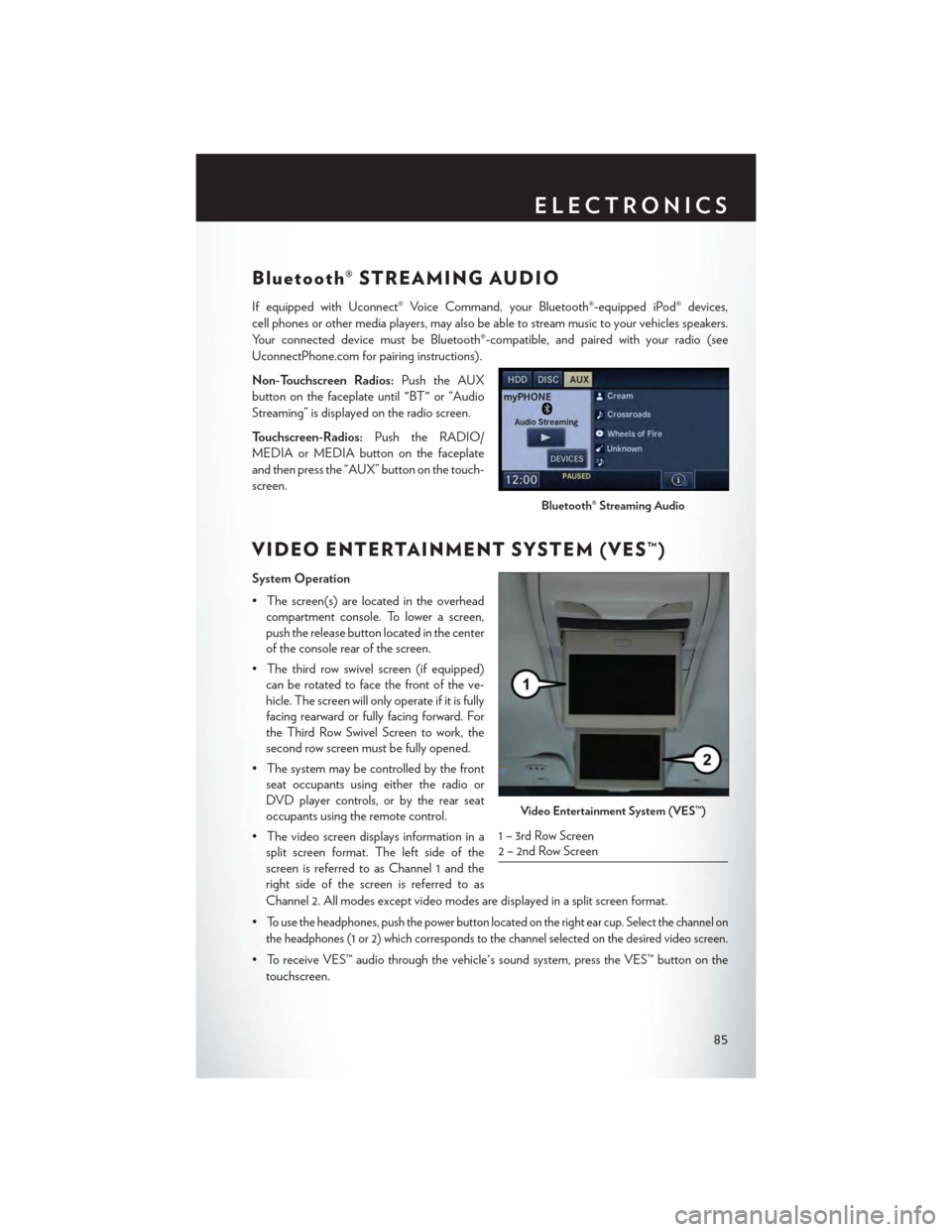
Non-Touchscreen Radios:Push the AUX
button on the faceplate until "BT" or “Audio
Streaming” is displayed on the radio screen.
To u c h s c r e e n - R a d i o s :Push the RADIO/
MEDIA or MEDIA button on the faceplate
and then press the “AUX” button on the touch-
screen.
VIDEO ENTERTAINMENT SYSTEM (VES™)
System Operation
•Thescreen(s)arelocatedintheoverhead
compartment console. To lower a screen,
push the release button located in the center
of the console rear of the screen.
•Thethirdrowswivelscreen(ifequipped)
can be rotated to face the front of the ve-
hicle. The screen will only operate if it is fully
facing rearward or fully facing forward. For
the Third Row Swivel Screen to work, the
second row screen must be fully opened.
•Thesystemmaybecontrolledbythefront
seat occupants using either the radio or
DVD player controls, or by the rear seat
occupants using the remote control.
•Thevideoscreendisplaysinformationina
split screen format. The left side of the
screen is referred to as Channel 1 and the
right side of the screen is referred to as
Channel 2. All modes except video modes are displayed in a split screen format.
•To use the headphones, push the power button located on the right ear cup. Select the channel on
the headphones (1 or 2) which corresponds to the channel selected on the desired video screen.
•ToreceiveVES™audiothroughthevehicle'ssoundsystem,presstheVES™buttononthe
touchscreen.
Bluetooth® Streaming Audio
Video Entertainment System (VES™)
1 – 3rd Row Screen2 – 2nd Row Screen
ELECTRONICS
85
Page 94 of 164

POWER INVERTER
There is a 115 Volt, 150 Watt power inverter outlet located on the left rear trim panel immediately
behind the second row left passenger seat. This outlet can power cellular phones, electronics and
other low power devices requiring power up to 150 Watts.
• Push the switch located in the center of the
instrument panel to turn the power to the
outlet on.
• Push the switch again to turn the power off.
The status indicator of the AC power inverter
indicates whether the inverter is producing AC
power.
NOTE:
The power inverter is designed with built-in
overload protection. If the power rating of
150 Watts is exceeded, the power inverter will
automatically shut down. Once the electrical
device has been removed from the outlet,
the inverter should automatically reset. If the
power rating exceeds approximately 170 Watts,
the power inverter may have to be reset manu-
ally. To reset the inverter manually, unplug the
device and plug it in again. To avoid overload-
ing the circuit, check the power ratings on elec-
trical devices prior to using the inverter.
WARNING!
To Avoid Serious Injury or Death DO NOT:
• use a three-prong adaptor
• insert any objects into the receptacles
• touch with wet hands
Close the lid when not in use. If this outlet is mishandled, it may cause an electric shock and
failure.
Power Inverter
1—PowerOutlet2—PowerInverter
ELECTRONICS
92
Page 100 of 164

ROADSIDE ASSISTANCE
Dial toll-free 1-800-521-2779 for U.S. Residents or 1-800-363-4869 for Canadian Residents.
•Provideyourname,vehicleidentificationnumber,licenseplatenumber,andyourlocation,
including the telephone number from which you are calling.
• Briefly describe the nature of the problem and answer a few simple questions.
•Youwillbegiventhenameoftheserviceproviderandanestimatedtimeofarrival.Ifyoufeel
you are in an “unsafe situation”, please let us know. With your consent, we will contact local
police or safety authorities.
INSTRUMENT CLUSTER WARNING LIGHTS
-LowFuelWarningLight
This warning light indicates when the fuel level reaches approximately 2.0 gal (7.8 L), this light will
turn on and a single chime will sound.
-ChargingSystemLight
This light shows the status of the electrical charging system. If the charging system light remains
on, it means that the vehicle is experiencing a problem with the charging system.
We r e c o m m e n d y o u d o n o t c o n t i n u e d r i v i n g i f t h e c h a r g i n g s y s t e m l i g h t i s o n . H a v e t h e v e h i c l e
serviced immediately.
-OilPressureWarningLight
This light indicates low engine oil pressure. If the light turns on while driving, stop the vehicle and
shut off the engine as soon as possible. A chime will sound when this light turns on.
We r e c o m m e n d y o u d o n o t o p e r a t e t h e v e h i c l e o r e n g i n e d a m a g e w i l l o c c u r. H a v e t h e v e h i c l e
serviced immediately.
-Anti-LockBrake(ABS)Light
This light monitors the Anti-Lock Brake System (ABS).
If the light is not on during starting, stays on, or turns on while driving, we recommend you contact
the nearest authorized dealer and have the vehicle serviced immediately.
-AirBagWarningLight
If the light is not on during starting, stays on, or turns on while driving, have the vehicle serviced
by an authorized dealer immediately.
-ElectronicThrottleControl(ETC)IndicatorLight
This light informs you of a problem with the system.
If a problem is detected, the light will come on while the engine is running. Cycle the ignition
when the vehicle has completely stopped and the shift lever is placed in the PARK position; the
light should turn off.
WHAT TO DO IN EMERGENCIES
98
Page 125 of 164
3. Disconnect the positive(+)end of the jumper cable from the positive(+)post of the booster
battery.
4. Disconnect the opposite end of the positive(+)jumper cable from the positive(+)post of the
vehicle with the discharged battery.
NOTE:
If frequent jump-starting is required to start your vehicle you should have the battery and
charging system inspected at your authorized dealer.
CAUTION!
•Donotuseaportablebatteryboosterpackoranyotherboostersourcewithasystem
voltage greater than 12 Volts or damage to the battery, starter motor, alternator or
electrical system may occur.
•Failuretofollowtheseprocedurescouldresultindamagetothechargingsystemofthe
booster vehicle or the discharged vehicle.
•Accessoriesthatcanbepluggedintothevehiclepoweroutletsdrawpowerfromthe
vehicle’s battery, even when not in use (e.g., cellular phones, etc.). Eventually, if plugged in
long enough, the vehicle’s battery discharges sufficiently to degrade battery life and/or
prevent the engine from starting.
WARNING!
•Whentemperaturesarebelowthefreezingpoint,electrolyteinadischargedbatterymay
freeze. Do not attempt jump-starting because the battery could rupture or explode and
cause personal injury. Battery temperature must be brought above the freezing point
before attempting a jump-start.
•Takecaretoavoidtheradiatorcoolingfanwheneverthehoodisraised.Itcanstartanytime
the ignition switch is on. You can be injured by moving fan blades.
•Removeanymetaljewelry,suchaswatchbandsorbracelets,thatmightmakean
inadvertent electrical contact. You could be severely injured.
•Batteriescontainsulfuricacidthatcanburnyourskinoreyesandgeneratehydrogengas
which is flammable and explosive. Keep open flames or sparks away from the battery.
•Donotallowvehiclestotoucheachotherasthiscouldestablishagroundconnectionand
personal injury could result.
• Failure to follow this procedure could result in personal injury or property damage due to
battery explosion.
•Donotconnectthecabletothenegativepost(-)ofthedischargedbattery.Theresulting
electrical spark could cause the battery to explode and could result in personal injury.
WHAT TO DO IN EMERGENCIES
123
Page 148 of 164
CHRYSLER GROUP LLC CUSTOMER CENTER
P.O. Box 21–8004 Auburn Hills, MI 48321–8004 Phone: 1–800–247–9753
CHRYSLER CANADA INC. CUSTOMER CENTER
P.O. Box 1621 Windsor, Ontario N9A 4H6 Phone: 1–800–465–2001 (English)
Phone: 1–800–387–9983 (French)
ASSISTANCE FOR THE HEARING IMPAIRED
To a s s i s t c u s t o m e r s w h o h a v e h e a r i n g d i f f i c u l t i e s , t h e m a n u f a c t u r e r h a s i n s t a l l e d s p e c i a l T D D
(Telecommunication Devices for the Deaf ) equipment at its customer center. Any hearing or
speech impaired customer, who has access to a TDD or a conventional teletypewriter (TTY) in
the United States, can communicate with the manufacturer by dialing 1–800–380–CHRY.
Canadian residents with hearing difficulties that require assistance can use the special needs relay
service offered by Bell Canada. For TTY teletypewriter users, dial 711 and for Voice callers, dial
1–800–855–0511 to connect with a Bell Relay Service operator.
WARNING!
Engine exhaust, some of its constituents, and certain vehicle components contain, or emit,
chemicals known to the State of California to cause cancer and birth defects, or other
reproductive harm. In addition, certain fluids contained in vehicles and certain products of
component wear contain, or emit, chemicals known to the State of California to cause cancer
and birth defects, or other reproductive harm.
PUBLICATIONS ORDERING
•Ifyouarethefirstregisteredretailownerofyourvehicle,youmayobtainacomplimentary
printed copy of the Owner's Manual, Navigation/Uconnect® Manuals or Warranty Booklet.
United States customers may visit the Chrysler Contact Us page at www.chrysler.com scroll to
the bottom of the page and select the “Contact Us” link, then select the “Owner’s Manual and
Glove Box Material” from the left menu. You may also obtain a complimentary copy by calling
1–800–247–9753 (U.S.) or 1–800–387–1143 (Canada).
• Replacement User Guide kits or DVDs or, if you prefer, additional printed copies of the
Owner's Manual, Warranty Booklet or Radio Manuals may be purchased by visiting
www.techauthority.com or by calling 1–800–890–4038 (U.S.) or 1–800–387–1143 (Canada).
Visa, Master Card, American Express and Discover orders are accepted. If you prefer mailing
your order, please call the above numbers for an order form.
CONSUMER ASSISTANCE
146
Page 151 of 164
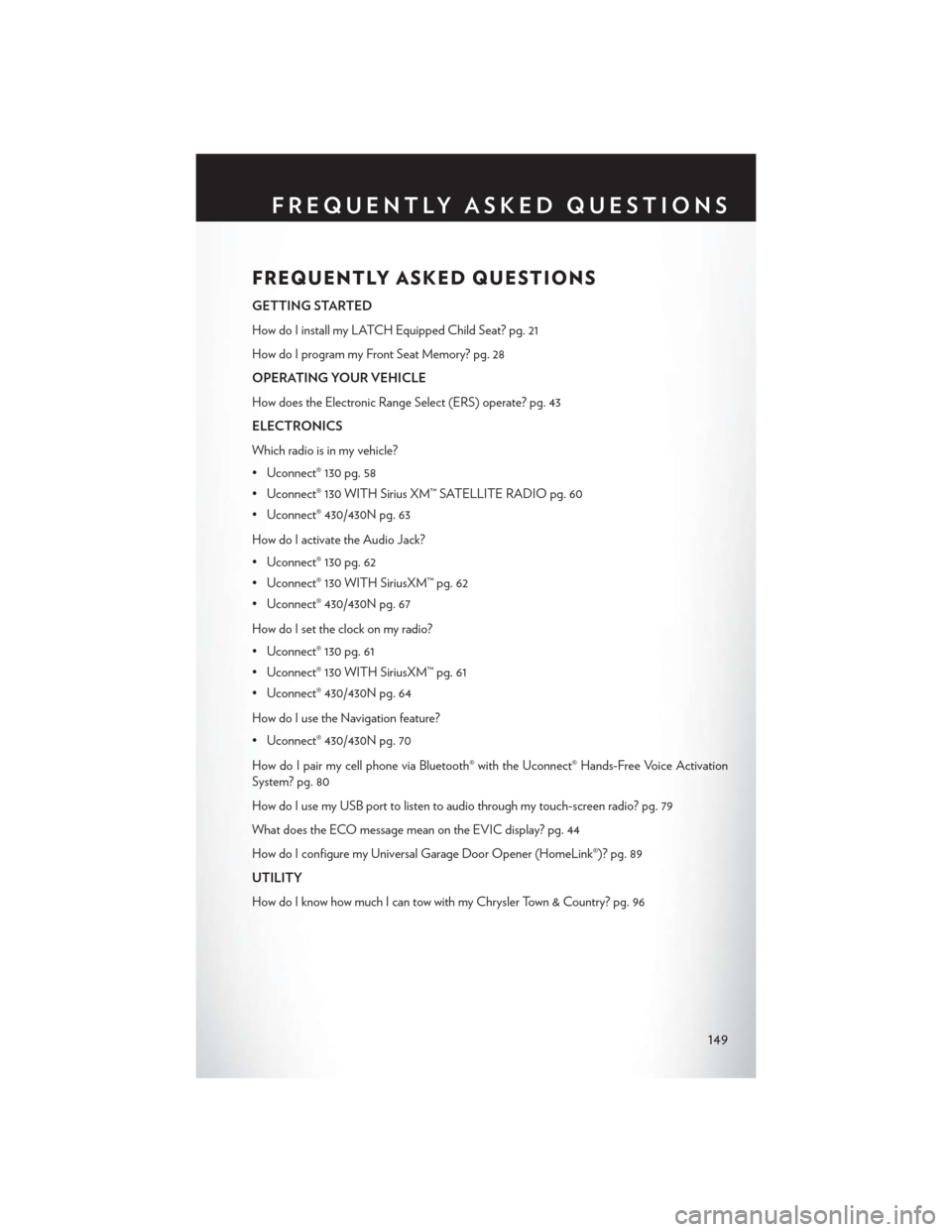
FREQUENTLY ASKED QUESTIONS
GETTING STARTED
How do I install my LATCH Equipped Child Seat? pg. 21
How do I program my Front Seat Memory? pg. 28
OPERATING YOUR VEHICLE
How does the Electronic Range Select (ERS) operate? pg. 43
ELECTRONICS
Which radio is in my vehicle?
• Uconnect® 130 pg. 58
• Uconnect® 130 WITH Sirius XM™ SATELLITE RADIO pg. 60
• Uconnect® 430/430N pg. 63
How do I activate the Audio Jack?
• Uconnect® 130 pg. 62
• Uconnect® 130 WITH SiriusXM™ pg. 62
• Uconnect® 430/430N pg. 67
How do I set the clock on my radio?
• Uconnect® 130 pg. 61
• Uconnect® 130 WITH SiriusXM™ pg. 61
• Uconnect® 430/430N pg. 64
How do I use the Navigation feature?
• Uconnect® 430/430N pg. 70
How do I pair my cell phone via Bluetooth® with the Uconnect® Hands-Free Voice Activation
System? pg. 80
How do I use my USB port to listen to audio through my touch-screen radio? pg. 79
What does the ECO message mean on the EVIC display? pg. 44
How do I configure my Universal Garage Door Opener (HomeLink®)? pg. 89
UTILITY
How do I know how much I can tow with my Chrysler Town & Country? pg. 96
FREQUENTLY ASKED QUESTIONS
149
Page 155 of 164
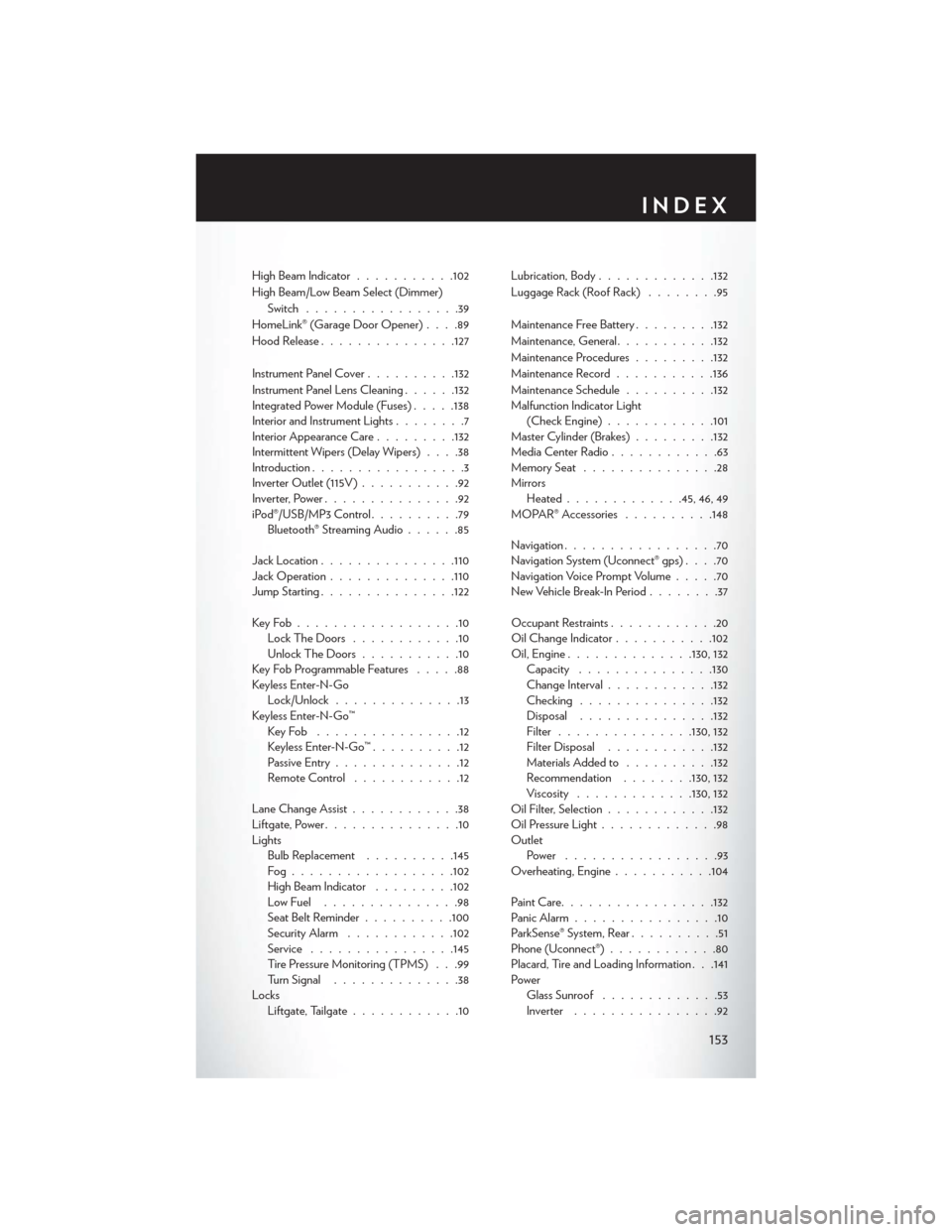
High Beam Indicator...........102
High Beam/Low Beam Select (Dimmer)
Switch.................39
HomeLink® (Garage Door Opener)....89
Hood Release...............127
Instrument Panel Cover..........132
Instrument Panel Lens Cleaning......132Integrated Power Module (Fuses).....138Interior and Instrument Lights........7Interior Appearance Care.........132Intermittent Wipers (Delay Wipers)....38Introduction.................3Inverter Outlet (115V )...........92Inverter, Power...............92iPod®/USB/MP3 Control..........79Bluetooth® Streaming Audio......85
Jack Location...............110Jack Operation..............110Jump Starting...............122
Key Fob . . . . . . . . . . . . . . . . . .10Lock The Doors............10Unlock The Doors...........10Key Fob Programmable Features.....88Keyless Enter-N-GoLock/Unlock..............13Keyless Enter-N-Go™Key Fob . . . . . . . . . . . . . . . .12Keyless Enter-N-Go™..........12Passive Entry..............12Remote Control . . . . . . . . . . . .12
Lane Change Assist............38Liftgate, Power...............10LightsBulb Replacement..........145Fog . . . . . . . . . . . . . . . . . .102High Beam Indicator.........102Low Fuel . . . . . . . . . . . . . . .98Seat Belt Reminder . . . . . . . . ..100Security Alarm............102Service................145Tire Pressure Monitoring (TPMS) . . .99Turn Signal..............38LocksLiftgate, Tailgate............10
Lubrication, Body.............132
Luggage Rack (Roof Rack)........95
Maintenance Free Battery.........132
Maintenance, General...........132
Maintenance Procedures.........132
Maintenance Record...........136
Maintenance Schedule..........132Malfunction Indicator Light(Check Engine)............101Master Cylinder (Brakes).........132Media Center Radio............63Memory Seat...............28MirrorsHeated.............45, 46, 49MOPAR® Accessories..........148
Navigation.................70Navigation System (Uconnect® gps)....70Navigation Voice Prompt Volume.....70New Vehicle Break-In Period........37
Occupant Restraints............20Oil Change Indicator...........102Oil, Engine..............130, 132Capacity...............130Change Interval............132Checking...............132Disposal...............132Filter...............130, 132Filter Disposal............132Materials Added to..........132Recommendation........130, 132Viscosity.............130, 132Oil Filter, Selection............132Oil Pressure Light.............98OutletPower . . . . . . . . . . . . . . . . .93Overheating, Engine...........104
Paint Care.................132Panic Alarm................10ParkSense® System, Rear..........51Phone (Uconnect®)............80Placard, Tire and Loading Information . . .141PowerGlass Sunroof.............53Inverter................92
INDEX
153
Page 163 of 164

WARNING!
Driving after drinking can lead to a collision. Your perceptions are less sharp, your
reflexes are slower, and your judgment is impaired when you have been drinking.
Never drink and then drive.
IF YOU ARE TH E FIR S T REG IS TERED RETAIL OWN ER OF YOU R VEHICLE,
YOU M AY OBTAIN A COM PLIM ENTARY PRINTED COPY OF TH E OWN ER ’ S
M AN UAL , NAVIGATION/ UCON N EC T ® M AN UAL S OR WARR ANT Y BOOK LET
BY CALLING 1-800-247-9753 (U.S.) OR 1-800-387-1143 (C ANADA) OR BY
CONTAC TING YOUR DEALER .
The driver’s primary responsibility is the safe operation of the vehicle. Driving while distracted can
result in loss of vehicle control, resulting in a collision and personal injury. Chrysler Group LLC
strongly recommends that the driver use extreme caution when using any device or feature that
may take their attention o! the road. Use of any electrical devices, such as cellular telephones,
computers, portable radios, vehicle navigation or other devices, by the driver while the vehicle is
moving is dangerous and could lead to a serious collision. Texting while driving is also dangerous
and should never be done while the vehicle is moving. If you find yourself unable to devote your
full attention to vehicle operation, pull o! the road to a safe location and stop your vehicle. Some
states or provinces prohibit the use of cellular telephones or texting while driving. It is always the
driver’s responsibility to comply with all local laws.
IMPORTANT: This User Guide is intended to familiarize you with the important
features of your vehicle. The DVD enclosed contains your Owner’s Manual, Navigation/
Uconnect® Manuals, Warranty Booklets, Tire Warranty and Roadside Assistance
(new vehicles purchased in the U.S.) or Roadside Assistance (new vehicles purchased
in Canada) in electronic format. We hope you find it useful. Replacement DVD kits
may be purchased by visiting www.techauthority.com. Chrysler and Town & Country are
registered trademarks of Chrysler Group LLC. Copyright 2014 Chrysler Group LLC.
This guide has been prepared to help you get quickly acquainted with your new Chrysler
and to provide a convenient reference source for common questions. However, it is not a
substitute for your Owner’s Manual. For complete operational instructions, maintenance
procedures and important safety messages, please consult your Owner’s Manual,
Navigation/ Uconnect® Manuals and other Warning Labels in your vehicle. Not all
features shown in this guide may apply to your vehicle. For additional information on
accessories to help personalize your vehicle, visit mopar.com (U.S.), mopar.ca (Canada)
or your local Chrysler dealer.
DRIVING AND ALCOHOL: Drunken driving is one of the most frequent
causes of collisions. Your driving ability can be seriously impaired with blood alcohol levels
far below the legal minimum. If you are drinking, don’t drive. Ride with a designated
non-drinking driver, call a cab, a friend, or use public transportation.
1601456_15b_Town_Country_UG_073114.indd 27/31/14 4:15 PM