CITROEN C3 2007 Repair Manual
C3 2007
CITROEN
CITROEN
https://www.carmanualsonline.info/img/9/57735/w960_57735-0.png
CITROEN C3 2007 Repair Manual
Page 189 of 201
ODB 2ODBODB 1
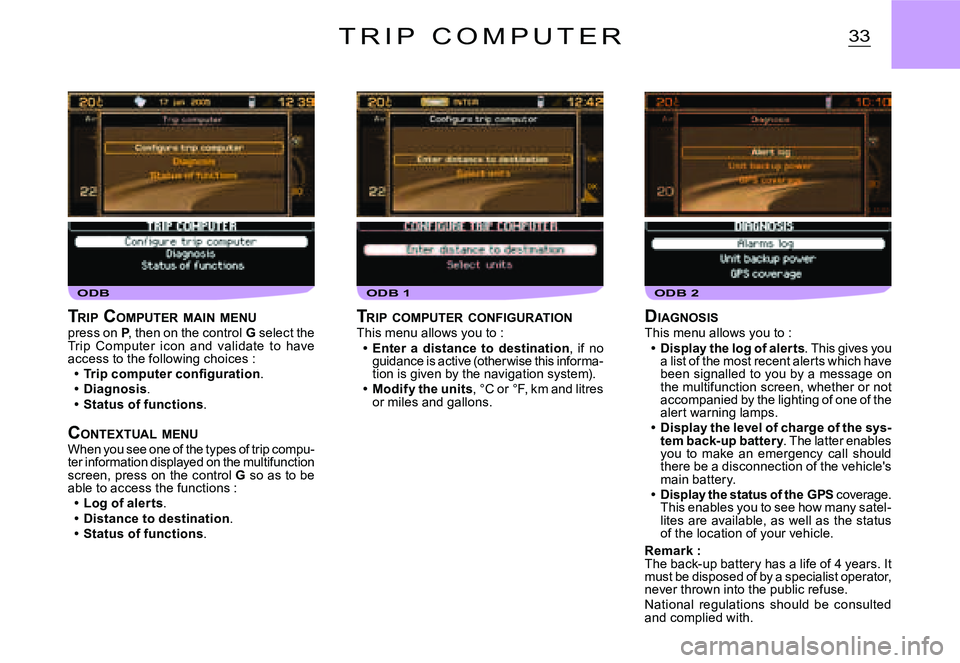
33T R I P C O M P U T E R
DIAGNOSISThis menu allows you to :Display the log of alerts. This gives you a list of the most recent alerts which have been signalled to you by a message on the multifunction screen, whether or not accompanied by the lighting of one of the alert warning lamps.Display the level of charge of the sys-tem back-up battery. The latter enables you to make an emergency call should there be a disconnection of the vehicle's main battery.Display the status of the GPS coverage. This enables you to see how many satel-lites are available, as well as the status of the location of your vehicle.
Remark :The back-up battery has a life of 4 years. It must be disposed of by a specialist operator, never thrown into the public refuse.National regulations should be consulted and complied with.
Page 194 of 201
TEL 1
38T E L E P H O N E A N D T E L E M A T I C S E R V I C E S
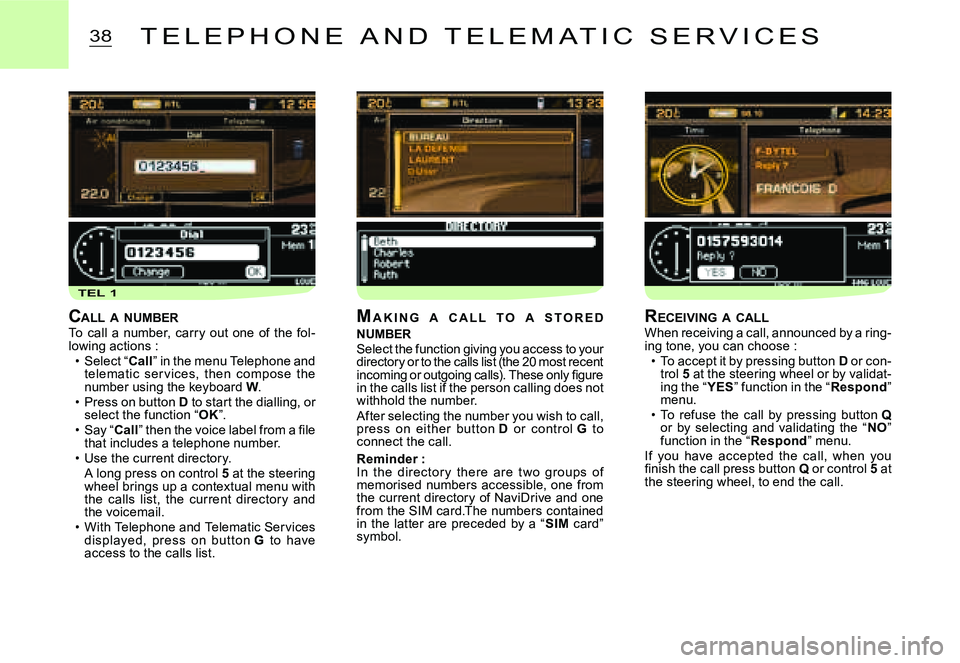
CALL A NUMBERTo call a number, carry out one of the fol-lowing actions :Select “Call” in the menu Telephone and telematic ser vices, then compose the number using the keyboard W.Press on button D to start the dialling, or select the function “OK”.Say “Call” then the voice label from a fi le that includes a telephone number.Use the current directory.A long press on control 5 at the steering wheel brings up a contextual menu with the calls list, the current director y and the voicemail.With Telephone and Telematic Services displayed, press on but ton G to have access to the calls list.
Page 197 of 201
41T E L E P H O N E A N D T E L E M A T I C S E R V I C E S
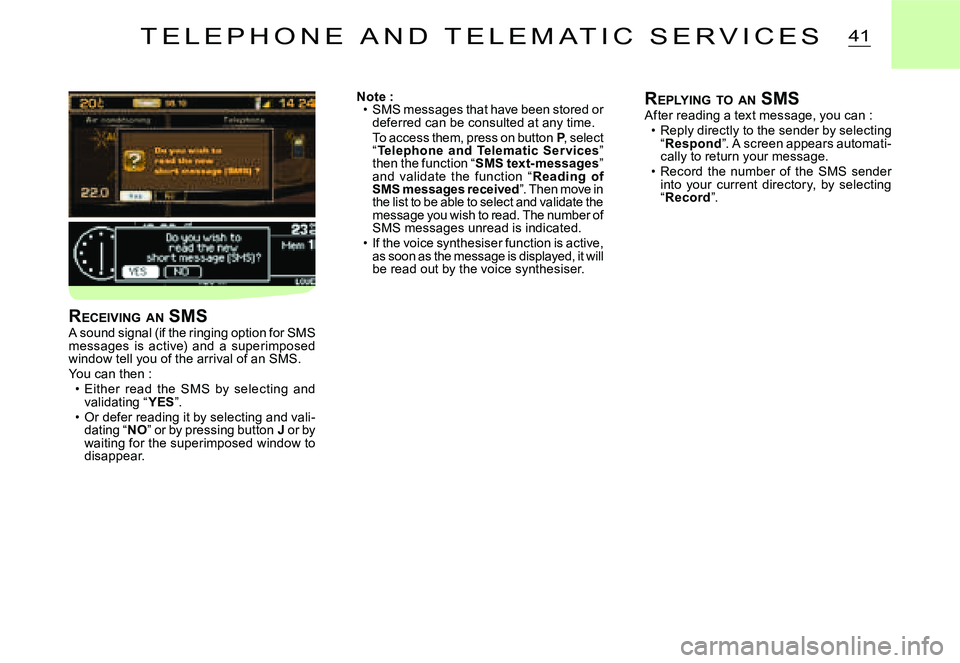
Note :SMS messages that have been stored or deferred can be consulted at any time.To access them, press on button P, select “Telephone and Telematic Ser vices” then the function “SMS text-messages” and validate the function “Reading of SMS messages received”. Then move in the list to be able to select and validate the message you wish to read. The number of SMS messages unread is indicated.If the voice synthesiser function is active, as soon as the message is displayed, it will be read out by the voice synthesiser.
Page 198 of 201
CFG 2CFGCFG 1
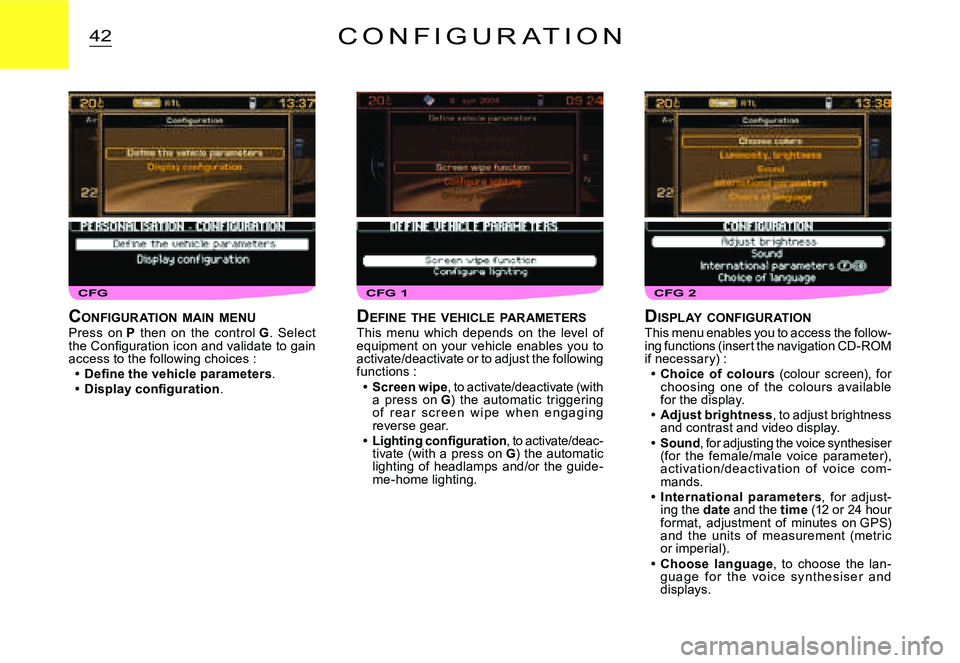
42C O N F I G U R A T I O N
DISPLAY CONFIGURATIONThis menu enables you to access the follow-ing functions (insert the navigation CD-ROM if necessary) :Choice of colours (colour screen), for choosing one of the colours available for the display.Adjust brightness, to adjust brightness and contrast and video display.Sound, for adjusting the voice synthesiser (for the female/male voice parameter), ac tivation /deac tivation of voic e c om -mands.International parameters, for adjust-ing the date and the time (12 or 24 hour format, adjustment of minutes on GPS) and the units of measurement (metric or imperial).Choose language, to choose the lan-guag e f o r t h e vo i c e sy nt h e s i s e r an d displays.
Page 199 of 201
43M A P
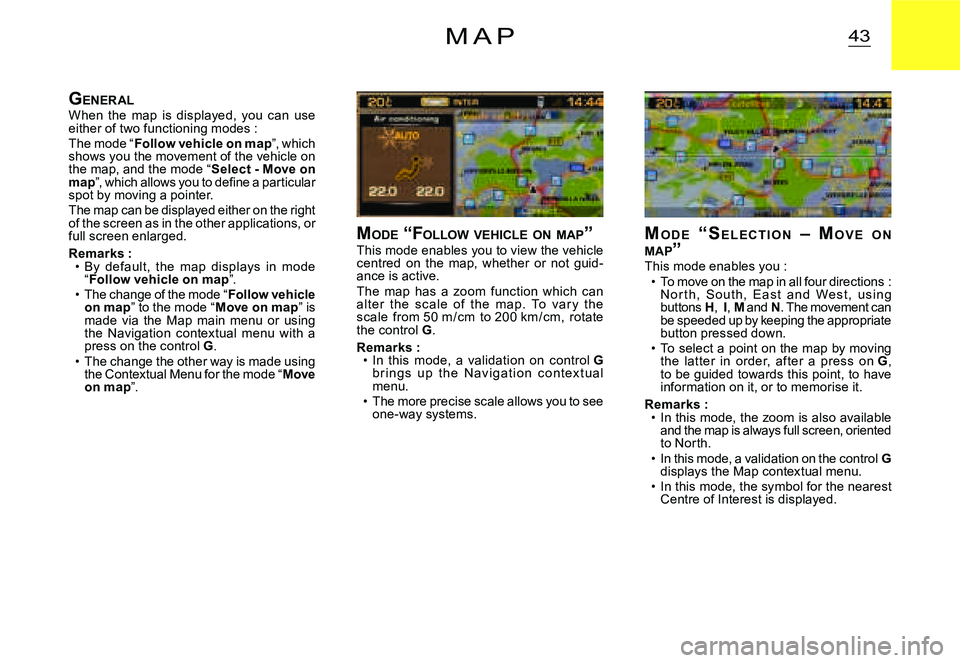
MO D E “ S E L E C T I O N – MO V E O N MAP ”This mode enables you :To move on the map in all four directions : N o r t h, S o u t h, E a s t a n d We s t , u s i n g buttons H, I, M and N. The movement can be speeded up by keeping the appropriate button pressed down.To select a point on the map by moving the lat ter in order, af ter a press on G, to be guided towards this point, to have information on it, or to memorise it.
Remarks :In this mode, the zoom is also available and the map is always full screen, oriented to North.In this mode, a validation on the control Gdisplays the Map contextual menu.In this mode, the symbol for the nearest Centre of Interest is displayed.
Page 200 of 201
CAR
44M A P
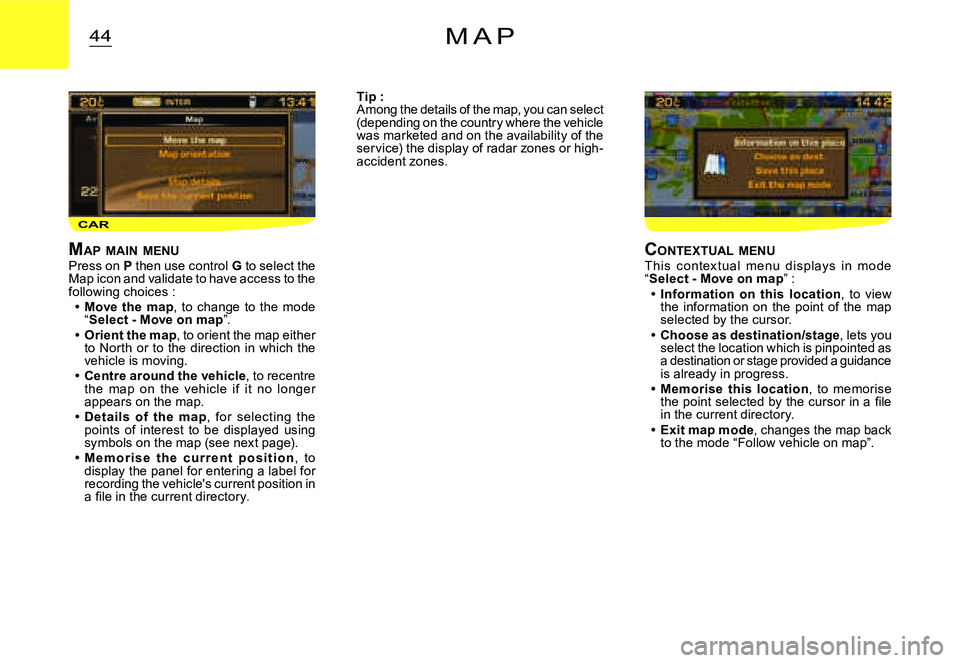
MAP MAIN MENUPress on P then use control G to select the Map icon and validate to have access to the following choices :Move the map, to change to the mode “Select - Move on map”.Orient the map, to orient the map either to North or to the direction in which the vehicle is moving.Centre around the vehicle, to recentre the map on the vehicle if it no longer appears on the map.Details of the map, for selecting the points of interest to be displayed using symbols on the map (see next page).M e m o r i s e t h e c u r r e n t p o s i t i o n, to display the panel for entering a label for recording the vehicle's current position in a fi le in the current directory.