Hands on CITROEN C4 2022 Owner's Manual
[x] Cancel search | Manufacturer: CITROEN, Model Year: 2022, Model line: C4, Model: CITROEN C4 2022Pages: 292, PDF Size: 7.79 MB
Page 242 of 292
240
MyCitroën Drive
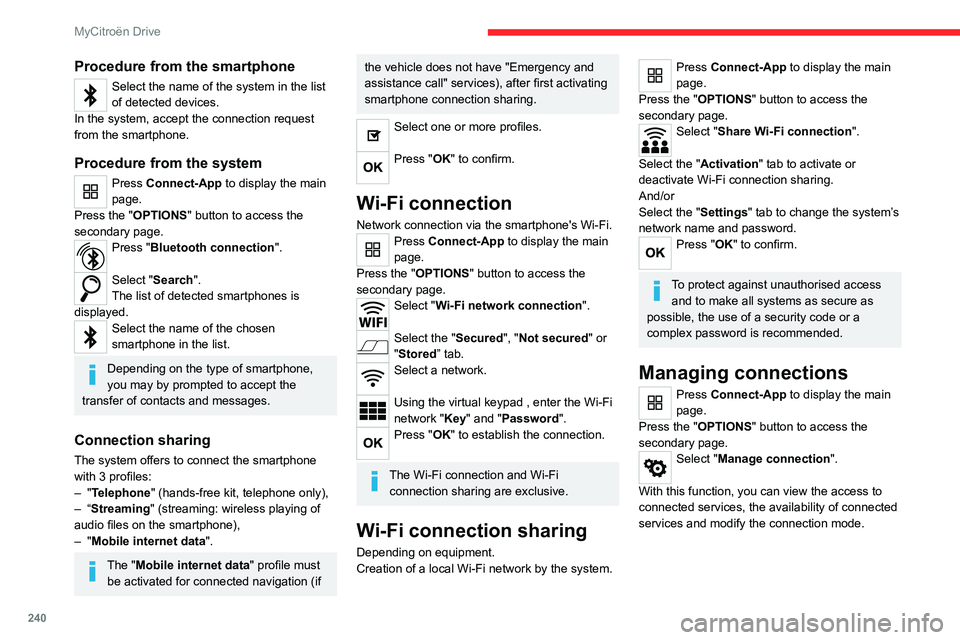
Procedure from the smartphone
Select the name of the system in the list
of detected devices.
In the system, accept the connection request
from the smartphone.
Procedure from the system
Press Connect-App to display the main
page.
Press the "OPTIONS " button to access the
secondary page.
Press "Bluetooth connection".
Select "Search".
The list of detected smartphones is
displayed.
Select the name of the chosen
smartphone in the list.
Depending on the type of smartphone,
you may by prompted to accept the
transfer of contacts and messages.
Connection sharing
The system offers to connect the smartphone
with 3 profiles:
–
"Telephone" (hands-free kit, telephone only),
–
“Streaming" (streaming: wireless playing of
audio files on the smartphone),
–
"Mobile internet data ".
The "Mobile internet data " profile must
be activated for connected navigation (if
the vehicle does not have "Emergency and
assistance call" services), after first activating
smartphone connection sharing.
Select one or more profiles.
Press "OK" to confirm.
Wi-Fi connection
Network connection via the smartphone's Wi-Fi.Press Connect-App to display the main
page.
Press the "OPTIONS " button to access the
secondary page.
Select "Wi-Fi network connection".
Select the "Secured", "Not secured" or
"Stored” tab.
Select a network.
Using the virtual keypad , enter the Wi-Fi
network "Key" and "Password".
Press "OK" to establish the connection.
The Wi-Fi connection and Wi-Fi connection sharing are exclusive.
Wi-Fi connection sharing
Depending on equipment.
Creation of a local Wi-Fi network by the system.
Press Connect-App to display the main
page.
Press the "OPTIONS " button to access the
secondary page.
Select "Share Wi-Fi connection".
Select the "Activation" tab to activate or
deactivate Wi-Fi connection sharing.
And/or
Select the "Settings" tab to change the system’s
network name and password.
Press "OK" to confirm.
To protect against unauthorised access and to make all systems as secure as
possible, the use of a security code or a
complex password is recommended.
Managing connections
Press Connect-App to display the main
page.
Press the "OPTIONS " button to access the
secondary page.
Select "Manage connection".
With this function, you can view the access to
connected services, the availability of connected
services and modify the connection mode.
Page 246 of 292
244
MyCitroën Drive
Telephone
Pairing a Bluetooth®
telephone
The services available depend on the
network, the SIM card and the
compatibility of the Bluetooth devices used.
Consult the telephone user guide and the
service provider to check which services are
available.
The Bluetooth function must be activated and the telephone configured as "Visible
to all” (in the telphone settings).
To complete the pairing, whichever procedure is
used (from the telephone or from the system),
ensure that the code is the same in the system
and in the telephone.
If the pairing procedure fails, we
recommend deactivating and then
reactivating the Bluetooth function on the
telephone.
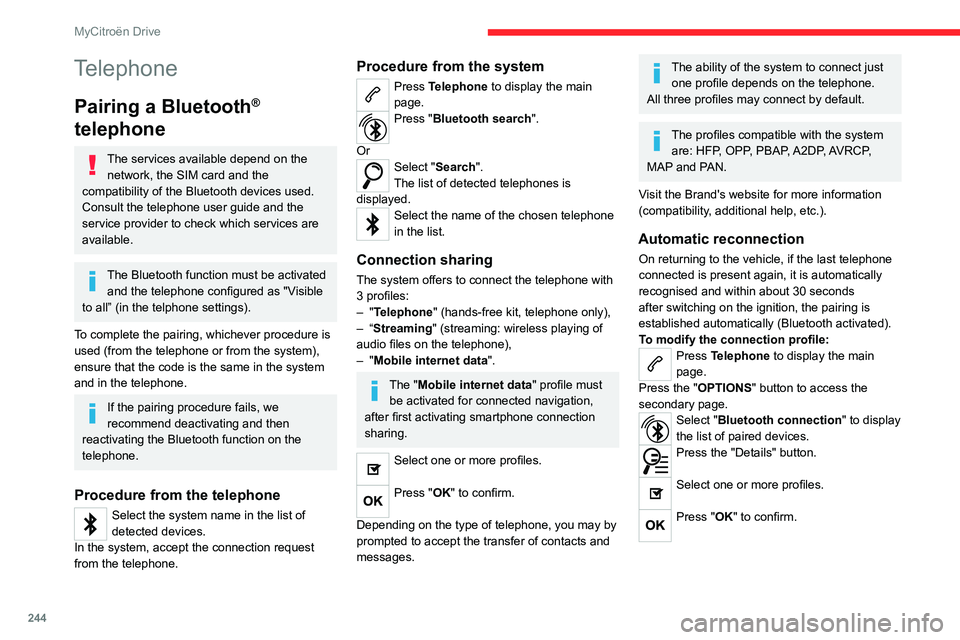
Procedure from the telephone
Select the system name in the list of
detected devices.
In the system, accept the connection request
from the telephone.
Procedure from the system
Press Telephone to display the main
page.
Press "Bluetooth search".
Or
Select "Search".
The list of detected telephones is
displayed.
Select the name of the chosen telephone
in the list.
Connection sharing
The system offers to connect the telephone with
3 profiles:
–
"Telephone" (hands-free kit, telephone only),
–
“Streaming" (streaming: wireless playing of
audio files on the telephone),
–
"Mobile internet data ".
The "Mobile internet data " profile must
be activated for connected navigation,
after first activating smartphone connection
sharing.
Select one or more profiles.
Press "OK" to confirm.
Depending on the type of telephone, you may by
prompted to accept the transfer of contacts and
messages.
The ability of the system to connect just one profile depends on the telephone.
All three profiles may connect by default.
The profiles compatible with the system are: HFP, OPP, PBAP, A2DP, AVRCP,
MAP and PAN.
Visit the Brand's website for more information
(compatibility, additional help, etc.).
Automatic reconnection
On returning to the vehicle, if the last telephone
connected is present again, it is automatically
recognised and within about 30 seconds
after switching on the ignition, the pairing is
established automatically (Bluetooth activated).
To modify the connection profile:
Press Telephone to display the main
page.
Press the "OPTIONS " button to access the
secondary page.
Select "Bluetooth connection" to display
the list of paired devices.
Press the "Details" button.
Select one or more profiles.
Press "OK" to confirm.
Page 271 of 292
269
Vehicle data recording and privacy
14Comfort and infotainment
functions
Comfort settings and personalised settings
may be saved in the vehicle and modified or
reinitialised at any time.
Depending on the vehicle's equipment level,
this
may
include:
–
Seat and steering wheel position settings.
–
Chassis and air conditioning settings.
–
Personalised settings such as the interior
lighting.
Y
ou can enter your own data into the functions
of your vehicle's audio and telematic system, as
part of the selected functionalities.
Depending on the vehicle's equipment level,
this
may
include:
–
Multimedia data such as music, videos or
photos to be read by an integrated multimedia
system.
–
Address book data to be used with an
integrated hands-free system or with an
integrated navigation system.
–
Entered destinations.
–
Data regarding the use of online services.
This data for the comfort and infotainment
functions may be stored locally in the vehicle
or saved to a device that you have connected
to the vehicle (e.g.
smartphone, USB memory
stick or MP3 player). Data that you have entered
yourself may be deleted at any time.
This data may also be transmitted outside the
vehicle at your request, particularly when using online services in line with the settings that you
have selected. Smartphone integration
(e.g.
Android
Auto
® or
Apple
®CarPlay®)
If your vehicle is equipped accordingly, you can
connect your smartphone or another mobile
device to the vehicle in order to operate it using
the vehicle's integrated controls. Images and
sounds from the smartphone can be transmitted
through the audio and telematics system.
Specific information is simultaneously sent
to your smartphone. Depending on the type
of
integration, this includes data such as location,
day/night mode and other general information
about the vehicle. For more information, please
refer to the user instructions for the vehicle or the
audio and telematics system.
Integrating a smartphone allows you to use
its applications, such as a navigation app or
music player. No other
integration between
the smartphone and the vehicle is possible, in
particular active access to vehicle data. How the
data is processed subsequently is determined
by the supplier of the application being used.
The ability the change settings depends on the
application in question and on the operating
system installed on your smartphone.
Online services
If your vehicle is connected to a wireless
network, data can be exchanged between
your vehicle and other systems. Connection
to a wireless network is made possible
via a
transmitter located in your vehicle or a mobile
device that you have provided (e.g.
smartphone).
The online services can be used via this wireless
connection.
These include online services and
applications (apps) provided to you by the
Manufacturer or other suppliers.
Exclusive services
As regards the Manufacturer's online services,
the corresponding functions are described by
the Manufacturer in an appropriate medium
(e.g.
handbook, Manufacturer's website) and the
information about data protection is provided.
Personal data may be used for online services.
The exchange of data for this purpose takes
place over a secure connection, using for
example the Manufacturer's dedicated computer
systems. The collection, processing and use of
personal data for the development of services
are carried out solely on the basis of a legal
authorisation, for example in the case of a
legal emergency call system or a contractual
agreement or else under a consent agreement.
You can activate or deactivate the services and
functions (some may be chargeable) and, in
some cases, the vehicle's entire connection to
the wireless network. This does not include the
Page 273 of 292

271
Alphabetical index
360 Vision 141
A
ABS 77
Accelerated charging unit (Wallbox)
156
Accessories
74
Active Safety Brake
132–133, 135
AdBlue®
21, 175
AdBlue® tank
176
Additive, Diesel
173
Adjusting headlamps
67
Adjusting head restraints
45
Adjusting seat
45–46
Adjusting the air distribution
54–56
Adjusting the air flow
54–56
Adjusting the date
224, 247
Adjusting the headlamp beam height
67
Adjusting the height and reach of the
steering wheel
47
Adjusting the lumbar support
46
Adjusting the seat angle
46
Adjusting the temperature
53, 55
Adjusting the time
210, 223, 248, 266
Advice on care and maintenance
154, 177
Advice on driving
8, 93–94
Airbags
82, 84, 86
Airbags, curtain
83–84
Airbags, front
83–84, 86
Airbags, lateral
83–84
Air conditioning
51–52, 57
Air conditioning, automatic 57
Air conditioning, dual-zone
automatic
53, 55, 57
Air conditioning, manual
52, 57
Air intake
55, 57
Air vents
51
Alarm
40–41
Amplifier, audio
61
Anti-lock braking system (ABS)
77
Antitheft / Immobiliser
34
Applications
29, 239
Assistance call
75–76
Assistance, emergency braking
78, 135
Audio streaming (Bluetooth)
207, 217, 243, 263
B
Battery, 12 V 168, 173, 191–194
Battery, ancillaries
191–192
Battery, charging
191, 193
Battery, remote control
38
Blind
43–44
Blind spot monitoring
131
BlueHDi
21, 173, 180
Bluetooth (hands-free)
208–209,
218–219, 244, 260
Bluetooth (telephone)
208–209, 218–219, 244–245, 260–261
Bodywork
178
Bonnet
169–170
Boot 40, 64
Boot (opening)
33
Brake discs
174
Brake lamps
189
Brakes
174
Braking
104
Braking assistance system
77–78
Braking, automatic emergency
132–133, 135
Braking, dynamic emergency
99–101
Brightness
210, 223
Bulbs
188
Bulbs (changing)
187–189
C
Cable, audio 242
Cable, Jack
242
Capacity, fuel tank
152
Cap, fuel filler
152
Care of the bodywork
178
CD
207
CD, MP3
207
Central locking
36
Changing a bulb
187–190
Changing a fuse
191
Changing a wheel
184
Changing a wiper blade
72–73
Changing the remote control battery
38
Changing to free-wheeling
195
Charge level indicator (Electric)
23
Charger, induction
60
Page 276 of 292
274
Alphabetical index
Immobiliser, electronic 95
Indicator, AdBlue® range
21
Indicator, coolant temperature
21
Indicator, engine oil level
20
Indicators, direction
66, 188
Indicator, service
19
Inflating tyres
174, 203
Inflating tyres and accessories
(using the kit)
181, 183
Information, vehicle
10, 268
Infrared camera
11 0
Instrument panel
10, 26, 111
Instrument panel, LCD
10
Internet browser
236, 239
ISOFIX mountings
87, 90–91
J
Jack 181, 184, 242
Jump starting
192
K
Key 32, 34, 37
Key, electronic
35–36
Keyless Entry and Starting
32, 34–36, 96–97
Key not recognised
97–98
Key with remote control
32, 95
Kit, hands-free
208–209, 218–219, 244, 260
Kit, puncture repair
181
Kit, temporary puncture repair 180–183
Klaxon
75
L
Labels, identification 202
Lamps, parking
66
Lamps, rear
189–190
Lamps with Full LED technology
70
Lane assist
118, 123–125
Lane keeping assist
128
Leather (care)
179
LEDs - Light-emitting diodes
66, 188–189
Level, AdBlue®
173
Level, brake fluid
172
Level, Diesel additive
173
Level, engine coolant
21, 172
Level, engine oil
20, 171
Levels and checks
170–172
Level, screenwash fluid
71, 172
Light-emitting diodes - LEDs
66, 188–189
Lighting, boot
64
Lighting, cornering
70
Lighting dimmer
25
Lighting, exterior
65, 68
Lighting, guide-me home
33, 67–68
Lighting, interior
62–63
Lighting, mood
63
Lighting, welcome
67–68
Loading
167–168
Load reduction mode
169
Locking 33–35
Locking from the inside
36
Locking the doors
36–37
Log, alerts
24
Lumbar
46
M
Mains socket (domestic network) 156
Maintenance (advice)
154, 177
Maintenance, routine
110, 173, 175
Manoeuvring aids (recommendations)
109
Map reading lamps
62
Markings, identification
202
Massage function
46
Mat
62, 110
Menu, main
28
Menus (audio)
205, 214–215, 228–229
Menu, shortcuts
28–29
Messages
246
Messages, quick
246
Minimum traction battery charge level
(Electric)
23
Mirror, rear view
48
Mirrors, door
48, 58, 131
Mirror, vanity
59
Misfuel prevention
153
Mobile application
30, 58, 163
Motor, electric
98, 171, 201
Mountings, ISOFIX
87, 90–91
Multimedia support
60