air Citroen DS4 2014 1.G Workshop Manual
[x] Cancel search | Manufacturer: CITROEN, Model Year: 2014, Model line: DS4, Model: Citroen DS4 2014 1.GPages: 444, PDF Size: 12.68 MB
Page 277 of 444

275
Model with xenon and directional
headlamps
1. directional dipped / main beam
headlamps (d1 S).
2.
di
rection indicators (PY21W amber).
3.
da
ytime running lamps (P21/5W XL).
4.
S
idelamps (LE d s)*.
5.
F
o g l a m p s ( H11) .
Model with halogen headlamps
1. direction indicators (H21 clear).
2. di
pped beam headlamps (H7).
3.
M
ain beam headlamps (H1).
4.
da
ytime running lamps (P21/5W XL).
5.
S
idelamps (LE d s)*.
6.
F
o g l a m p s ( H11) .
Access to bulbs
Depending on the engine and only on the left
hand side, you must first carry out the following
operations for access to the protective covers
on the bulbs.
F
R
emove the air deflector by unclipping
each of its three attachment points.
F
U
nclip the bonnet release cable at its
two
fixings.
F
M
ove the cable down.
After changing the failed bulb, remember to
put everything back in place (cable and air
deflector).
Front lamps
* LED: light-emitting diodes.
Practical information
Page 285 of 444

283
Installing electrical
accessories
Your vehicle's electrical system is
designed to operate with standard or
optional equipment.
Before installing other electrical
equipment or accessories on your
vehicle, contact a CITROËN dealer or a
qualified workshop.
CITROËN will not accept responsibility
for the cost incurred in repairing your
vehicle or for rectifying malfunctions
resulting from the installation of
accessories not supplied and not
recommended by CITROËN and
not installed in accordance with its
instructions, in particular when the
combined consumption of all of the
additional equipment connected
exceeds 10 milliamperes.
Before changing a fuse:
F
t
he cause of the failure must be identified
and rectified,
F
a
ll electrical consumers must b switched
of f,
F
t
he vehicle must be immobilised with the
ignition off,
F
i
dentify the failed fuse using the tables and
layout drawings in the following pages.
Changing a fuse
Good Failed
The replacement of a fuse not shown in
the tables below may cause a serious
malfunction of your vehicle. Contact
a CITROËN dealer or a qualified
workshop. Tw e e z e r
To replace a fuse, you must:
F
u
se the special tweezer to extract the fuse
from its housing and check the condition of
its filament
F
a
lways replace the failed fuse with a fuse
of the same rating (same colour); using a
different rating could cause faults (risk of
f i r e).
If the fuse fails again soon after replacement,
have the vehicle's electrical system checked by
a CITROËN dealer or a qualified workshop.
Practical information
Page 294 of 444
Energy economy modeSystem which manages the period of use of certain functions to conserve a sufficient level of
charge in the battery.
After the engine has stopped, you can still use functions such as the audio equipment, windscreen
wipers, dipped beam headlamps, courtesy lamps, etc. for a maximum combined period of
thirty
m
inutes.
This period may be greatly reduced if
the battery is not fully charged.
A flat battery prevents the engine from
starting (refer to the corresponding
paragraph).
If the telephone is being used at the
same time on the navigation system,
it will be interrupted after 10 minutes.
Switching to economy mode
Once this period has elapsed, a message
appears in the screen indicating that the
vehicle has switched to economy mode and the
active functions are put on standby.
Exiting economy mode
These functions are reactivated automatically
the next time the vehicle is driven.
F
I
n order to resume the use of these
functions immediately, start the engine and
let it run for a few minutes.
The time available to you will then be double
the period for which the engine is left running.
However, this period will always be between
five and thirty minutes.
Load reduction modeSystem which manages the use of certain
functions according to the level of charge
remaining in the battery.
When the vehicle is being driven, the load
reduction function temporarily deactivates
certain functions, such as the air conditioning,
the heated rear screen...
The deactivated functions are reactivated
automatically as soon as conditions permit.
Page 300 of 444
driving advice
distribution of loads
F Distribute the load in the trailer so that the heaviest items are as close as possible to
the axle and the nose weight approaches
the maximum permitted without
exceeding
it.
Air density decreases with altitude, thus
reducing engine per formance. Above
1
000 metres, the maximum towed load must
be reduced by 10
% for every 1 000 metres of
altitude.
Side wind
F Take into account the increased sensitivity to side wind.
Cooling
Towing a trailer on a slope increases the
temperature of the coolant.
As the fan is electrically controlled, its cooling
capacity is not dependent on the engine speed.
F
T
o lower the engine speed, reduce your
speed.
The maximum towed load on a long incline
depends on the gradient and the ambient
temperature.
In all cases, keep a check on the coolant
temperature.
F
I
f the warning lamp and the STOP
warning lamp come on, stop the
vehicle and switch off the engine
as soon as possible.
Braking
Towing a trailer increases the braking distance.
To avoid overheating of the brakes on a long
mountain type of descent, the use of engine
braking is recommended.
Ty r e s
F Check the tyre pressures of the towing vehicle and of the trailer, observing the
recommended pressures.
Lighting
F Check the electrical lighting and signalling on the trailer.
Refer to the "Technical data" section for
details of the weights and towed loads
which apply to your vehicle.
The rear parking sensors will be
deactivated automatically if a genuine
CITROËN towbar is used.
Page 306 of 444

AccessoriesA wide range of accessories and genuine parts is available from the CITROËN dealer network.
These accessories and parts are all suitable for your vehicle and benefit from CITROËN's recommendation and warranty.
"Comfort":
door deflectors, side window blinds, rear
screen blind, isotherm module, coat hanger
fixed to head restraint, mobile reading lamp,
mirror for caravan, scented ar freshener and
cartridges, front and/or rear parking sensors...
"Transport systems":
child seats and booster cushions, boot carpet,
boot liner, boot net, boot spacers, transverse
roof bars, bicycle carrier, ski carrier, DS roof
boxes, towbars, wiring harnesses...
"Styling":
gear lever knobs, aluminium foot rest, alloy
wheels, chrome mirror shells...
"Security and safety":
anti-intrusion alarm, anti-tilt unit, stolen
vehicle tracking system, child seats and
booster cushions, breathalyser, first aid kit, fire
extinguisher, dog guard, pet seat belt, warning
triangle, high visibility vest, wheel security
bolts, snow chains, non-slip covers...
If a towbar and wiring harness are fitted
outside the CITROËN dealer network,
the installation must be done following
the manufacturer's recommendations. *
T
o avoid any risk of jamming the pedals:
-
e
nsure that mats are correctly positioned
and secured,
-
n
ever fit one mat on top of another.
"Protection":
mats*, seat covers compatible with lateral
airbags, mud flaps, door protective mouldings,
bumper protection strips, boot sill protectors,
vehicle cover, protective covers for pets...
Page 307 of 444
305
"Multimedia":
Bluetooth hands-free system, portable satellite
navigation systems, mapping update, driving
assistant, portable video screen, portable video
support bracket, 230 V/50 Hz socket, iPhone
®
compatible mobile phone charger, mobile
phone/smartphone bracket...
By visiting a CITROËN
dealer you can also
obtain
cleaning and maintenance products
(interior and exterior) - including ecological
products in the "TECHNATURE" range,
products for topping up (screenwash...), paint
touch-up pens and aerosols for the exact
colour of your vehicle, refills (sealant cartridge
for the temporary puncture repair kit...), ...
Installation of radio
communication transmitters
Before installing any after-market radio
communication transmitter, you can
contact a CITROËN dealer for the
specification of transmitters which can
be fitted (frequency, maximum power,
aerial position, specific installation
requirements), in line with the Vehicle
Electromagnetic Compatibility
Directive
(2004/104/EC). The fitting of electrical equipment
or accessories which are not
recommended by CITROËN may result
in a failure of your vehicle's electronic
system and excessive electrical
consumption.
Contact a CITROËN dealer
for information on the range of
recommended equipment and
accessories. Depending on the legislation in force in
the country, certain safety equipment
may be compulsory: high visibility
safety vests, warning triangles,
breathalyzers, spare bulbs, spare
fuses, fire extinguisher, first aid kit,
mud flaps at the rear of the vehicle.
Practical information
Page 324 of 444
Emergency or assistance call
If an impact is detected by the airbag
control unit, and independently of
the deployment of any airbags, an
emergency call is made automatically.
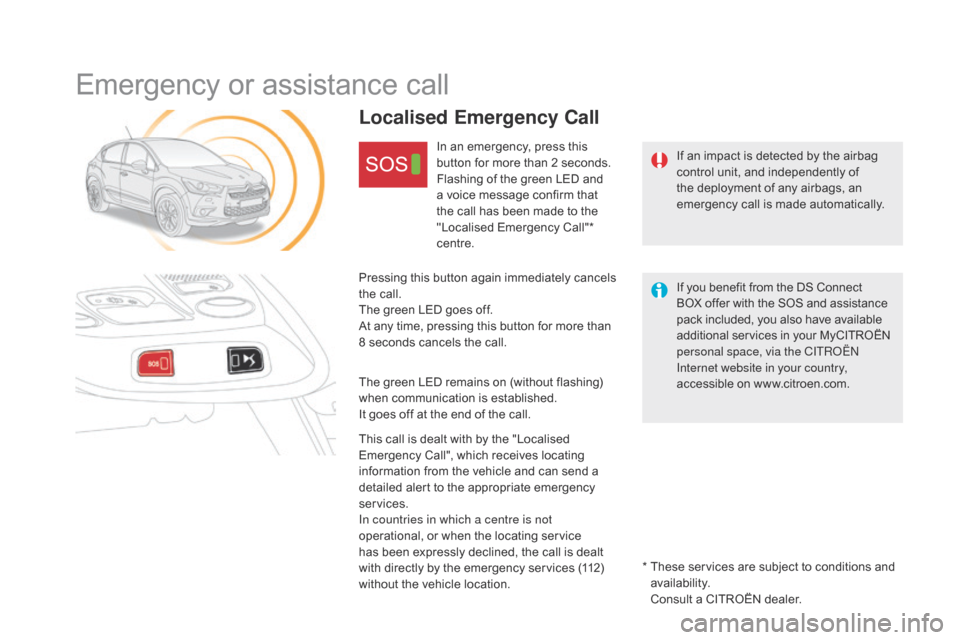
Localised Emergency Call
In an emergency, press this
button for more than 2 seconds.
Flashing of the green LED and
a voice message confirm that
the call has been made to the
"Localised Emergency Call"*
centre.
Pressing this button again immediately cancels
the call.
The green LED goes off.
At any time, pressing this button for more than
8 seconds cancels the call.
The green LED remains on (without flashing)
when communication is established.
It goes off at the end of the call.
This call is dealt with by the "Localised
Emergency Call", which receives locating
information from the vehicle and can send a
detailed alert to the appropriate emergency
services.
In countries in which a centre is not
operational, or when the locating service
has been expressly declined, the call is dealt
with directly by the emergency services (112)
without the vehicle location. *
T
hese services are subject to conditions and
availability.
Consult a CITROËN dealer. If you benefit from the DS Connect
BOX offer with the SOS and assistance
pack included, you also have available
additional services in your MyCITROËN
personal space, via the CITROËN
Internet website in your country,
accessible on www.citroen.com.
Page 378 of 444
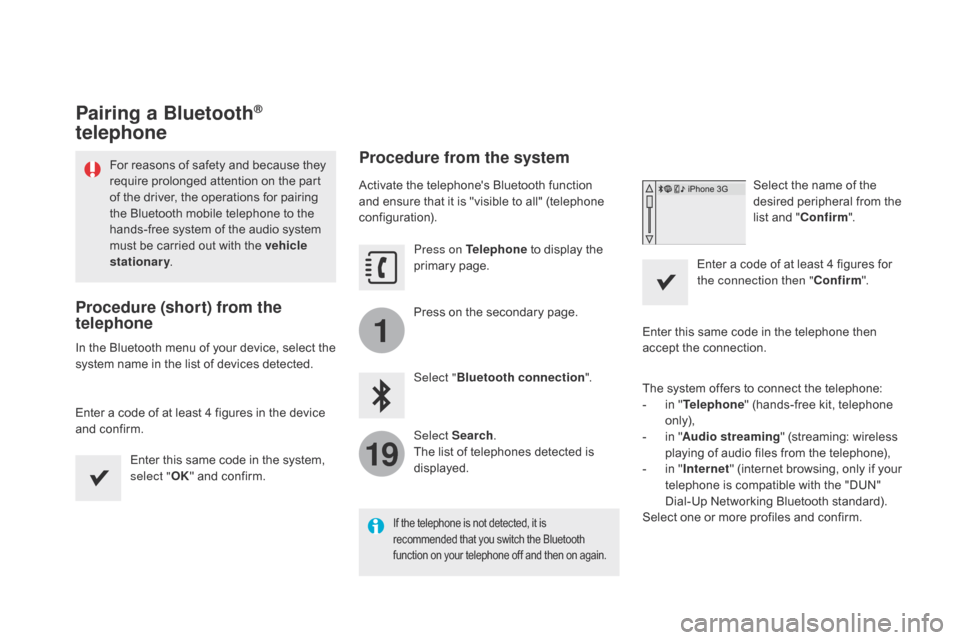
1
19
Pairing a Bluetooth®
telephone
For reasons of safety and because they
require prolonged attention on the part
of the driver, the operations for pairing
the Bluetooth mobile telephone to the
hands-free system of the audio system
must be carried out with the vehicle
stationary .
Procedure (short) from the
telephone
In the Bluetooth menu of your device, select the
system name in the list of devices detected.
Enter a code of at least 4 figures in the device
and confirm.
Enter this same code in the system,
select "OK" and confirm.
Procedure from the system
Activate the telephone's Bluetooth function
and ensure that it is "visible to all" (telephone
configuration).
Press on Telephone to display the
primary page.
Press on the secondary page.
Select " Bluetooth connection ".
Select Search .
The list of telephones detected is
displayed.
If the telephone is not detected, it is
recommended that you switch the Bluetooth
function on your telephone off and then on again.
Select the name of the
desired peripheral from the
list and " Confirm ".
Enter a code of at least 4 figures for
the connection then " Confirm".
Enter this same code in the telephone then
accept the connection.
The system offers to connect the telephone:
-
i
n " Telephone " (hands-free kit, telephone
only),
-
i
n " Audio streaming " (streaming: wireless
playing of audio files from the telephone),
-
i
n " Internet " (internet browsing, only if your
telephone is compatible with the "DUN"
Dial-Up Networking Bluetooth standard).
Select one or more profiles and confirm.
Page 379 of 444
1
19
377
The services available depend on
the network, the SIM card and the
compatibility of the Bluetooth telephone
used. Check the telephone manual and
with your network provider for details of
the services available to you.
The ability of the system to connect
with only one profile depends on the
telephone. The three profiles may both
connect by default.
Visit www.citroen.co.uk for more information
(compatibility, additional help, ...).
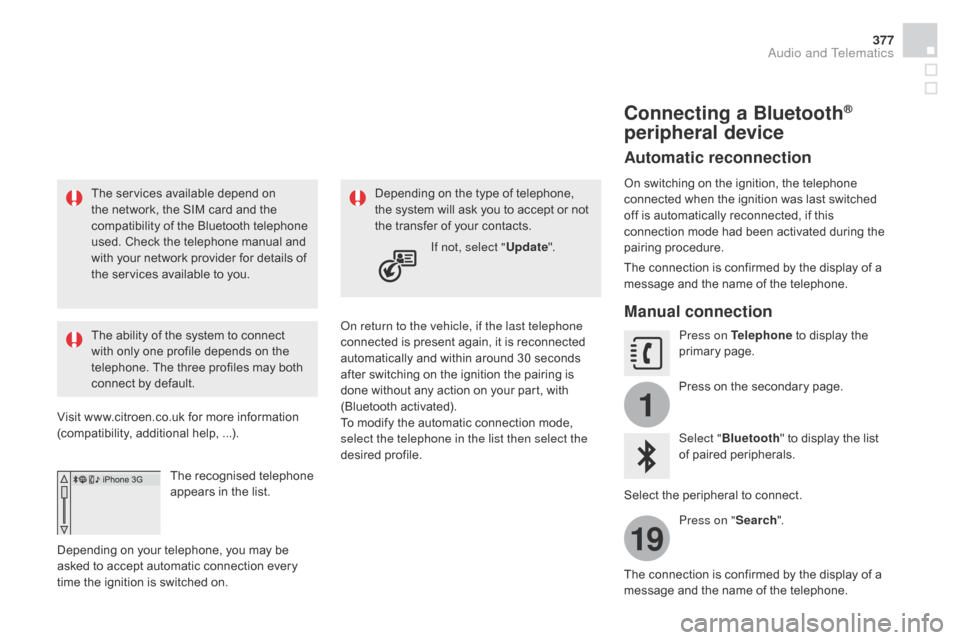
The recognised telephone
appears in the list.
Depending on your telephone, you may be
asked to accept automatic connection every
time the ignition is switched on. On return to the vehicle, if the last telephone
connected is present again, it is reconnected
automatically and within around 30 seconds
after switching on the ignition the pairing is
done without any action on your part, with
(Bluetooth activated).
To modify the automatic connection mode,
select the telephone in the list then select the
desired profile.Depending on the type of telephone,
the system will ask you to accept or not
the transfer of your contacts.
If not, select " Update".
Connecting a Bluetooth®
peripheral device
Automatic reconnection
On switching on the ignition, the telephone
connected when the ignition was last switched
off is automatically reconnected, if this
connection mode had been activated during the
pairing procedure.
The connection is confirmed by the display of a
message and the name of the telephone.
Manual connection
Press on Telephone to display the
primary page.
Press on the secondary page.
Select " Bluetooth " to display the list
of paired peripherals.
Select the peripheral to connect. Press on " Search".
The connection is confirmed by the display of a
message and the name of the telephone.
Audio and Telematics
Page 380 of 444
1
19
20
22
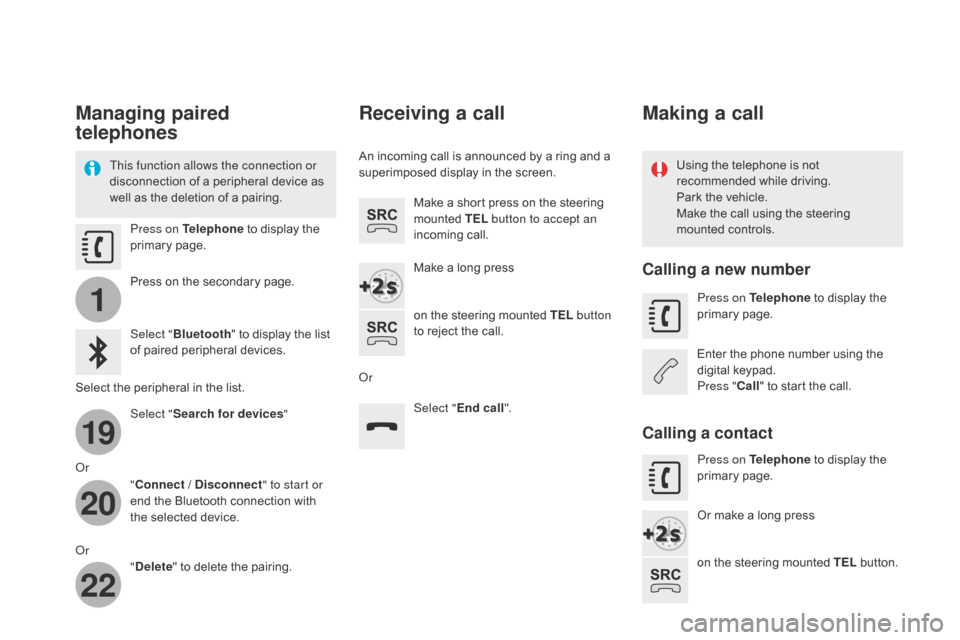
Managing paired
telephones
This function allows the connection or
disconnection of a peripheral device as
well as the deletion of a pairing.Using the telephone is not
recommended while driving.
Park the vehicle.
Make the call using the steering
mounted controls.
Press on Telephone
to display the
primary page.
Press on the secondary page.
Select " Bluetooth " to display the list
of paired peripheral devices.
Select the peripheral in the list. Select "Search for devices "
Or "Connect /
d
i
sconnect" to start or
end the Bluetooth connection with
the selected device.
Or "
de
lete" to delete the pairing.
Receiving a call
An incoming call is announced by a ring and a
superimposed display in the screen.
Make a short press on the steering
mounted TEL button to accept an
incoming call.
Make a long press
on the steering mounted TEL button
to reject the call.
Or Select "End call".
Making a call
Calling a new number
Press on Telephone to display the
primary page.
Enter the phone number using the
digital keypad.
Press " Call" to start the call.
Calling a contact
Press on Telephone to display the
primary page.
Or make a long press
on the steering mounted TEL button.