change time CITROEN DS4 2018 User Guide
[x] Cancel search | Manufacturer: CITROEN, Model Year: 2018, Model line: DS4, Model: CITROEN DS4 2018Pages: 296, PDF Size: 9.91 MB
Page 151 of 296
149
The Stop & Start system requires a
12 V battery of specific technology and
specification.
All work on this type of battery must only
be carried out in the dealer network or by
a qualified workshop.
For more information on the 12 V batter y ,
refer to the corresponding section.
Opening the bonnet
Driving on flooded roads
Before driving in a flooded area, it is
strongly recommended that you deactivate
the Stop & Start system.
For more information on Driving advice ,
particularly on flooded roads, refer to the
corresponding section. Before doing anything under the bonnet,
deactivate the Stop & Start system to
avoid any risk of injury resulting from an
automatic change to START mode.Hill start assist
System which keeps your vehicle immobilised
temporarily (approximately 2 seconds) when
starting on a gradient, the time it takes to
move your foot from the brake pedal to the
accelerator pedal.
This system only operates when:
-
t
he vehicle is completely stationary, with
your foot on the brake pedal,
-
c
ertain slope conditions are met,
-
w
ith the driver’s door closed.
The hill start assist function cannot be
deactivated.
Operation
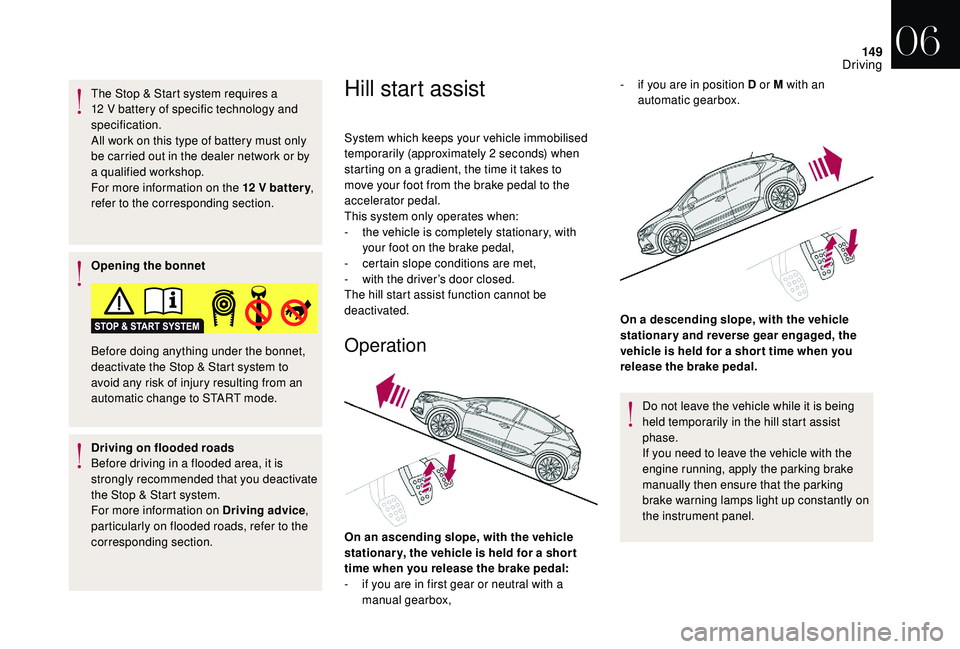
On an ascending slope, with the vehicle
stationar y, the vehicle is held for a shor t
time when you release the brake pedal:
-
i
f you are in first gear or neutral with a
manual gearbox, On a descending slope, with the vehicle
stationary and reverse gear engaged, the
vehicle is held for a shor t time when you
release the brake pedal.
Do not leave the vehicle while it is being
held temporarily in the hill start assist
phase.
If you need to leave the vehicle with the
engine running, apply the parking brake
manually then ensure that the parking
brake warning lamps light up constantly on
the instrument panel.
-
i
f you are in position D or M with an
automatic gearbox.
06
Driving
Page 153 of 296
151
With touch screen
This memorisation can be
configured via the vehicle
configuration menu.
F
Sel
ect the " Driving functions " tab.
F
Sel
ect the " Memorised speeds settings "
function.
F
S
elect the system for which you want to
memorise new speed settings:
F
S
elect the speed setting value you want to
change.
F
E
nter the new value using the numerical
keypad and confirm and click on " OK" to
confirm.
As a safety measure, the driver must carry
out these operations when stationary.
"MEM" button
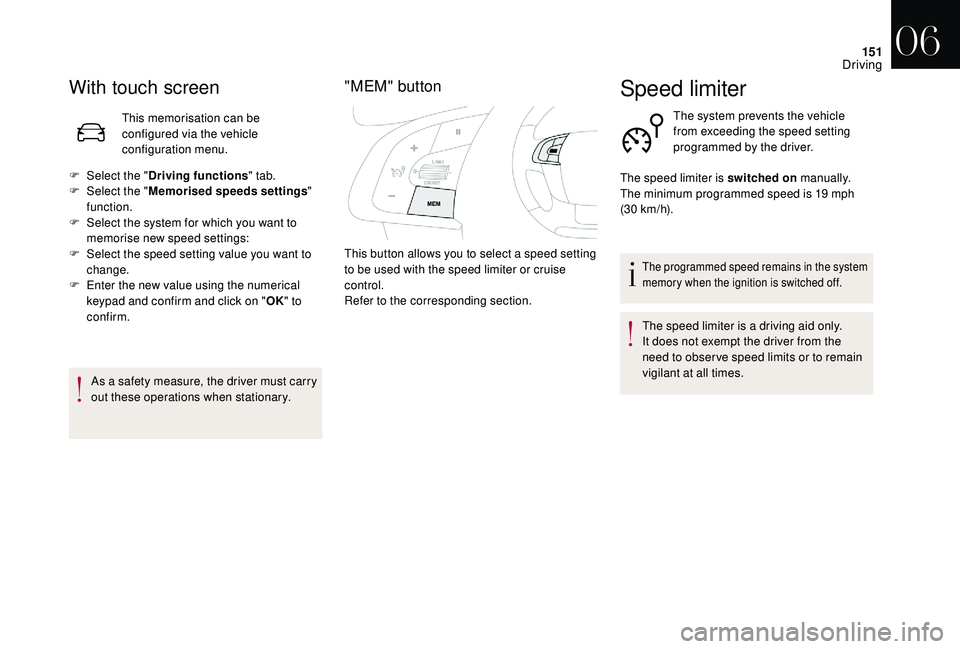
This button allows you to select a speed setting
to be used with the speed limiter or cruise
control.
Refer to the corresponding section.
Speed limiter
The system prevents the vehicle
from exceeding the speed setting
programmed by the driver.
The programmed speed remains in the system
memory when the ignition is switched off.
The speed limiter is a driving aid only.
It does not exempt the driver from the
need to obser ve speed limits or to remain
vigilant at all times.
The speed limiter is switched on
manually.
The minimum programmed speed is 19 mph
(30 km/h).
06
Driving
Page 181 of 296
179
Checking levels
Check all of these levels regularly, in line with
the manufacturer's service schedule. Top them
up if necessary, unless other wise indicated.
If a level drops significantly, have the
corresponding system checked by the dealer
network or a qualified workshop.The fluid must comply with the
manufacturer's recommendations and with
the vehicle's engine.
Take care when working under the
bonnet, as certain areas of the engine
may be extremely hot (risk of burns) and
the cooling fan could start at any time
(even
with the ignition off).
Used products
Avoid prolonged contact of used oil or
fluids with the skin.
Most of these fluids are harmful to health
or indeed very corrosive. Do not discard used oil or fluids into
sewers or onto the ground.
Return used oil to the dealer network or
a qualified workshop and dispose of it in
the containers reser ved for this purpose.
Engine oil level
The check is carried out either when
the ignition is switched on using the
oil level indicator in the instrument
panel for vehicles equipped with an
electric gauge, or using the dipstick.
To ensure that the reading is correct, your
vehicle must be parked on a level sur face
with the engine stopped for more than
30
minutes.
It is normal to top up the oil level between two
ser vices (or oil changes). We recommend that
you check the level, and top up if necessary,
every 3,000 miles (5,000 km).
Checking using the dipstick
The location of the dipstick is shown in the
corresponding underbonnet layout view.
F
T
ake the dipstick by its coloured grip and
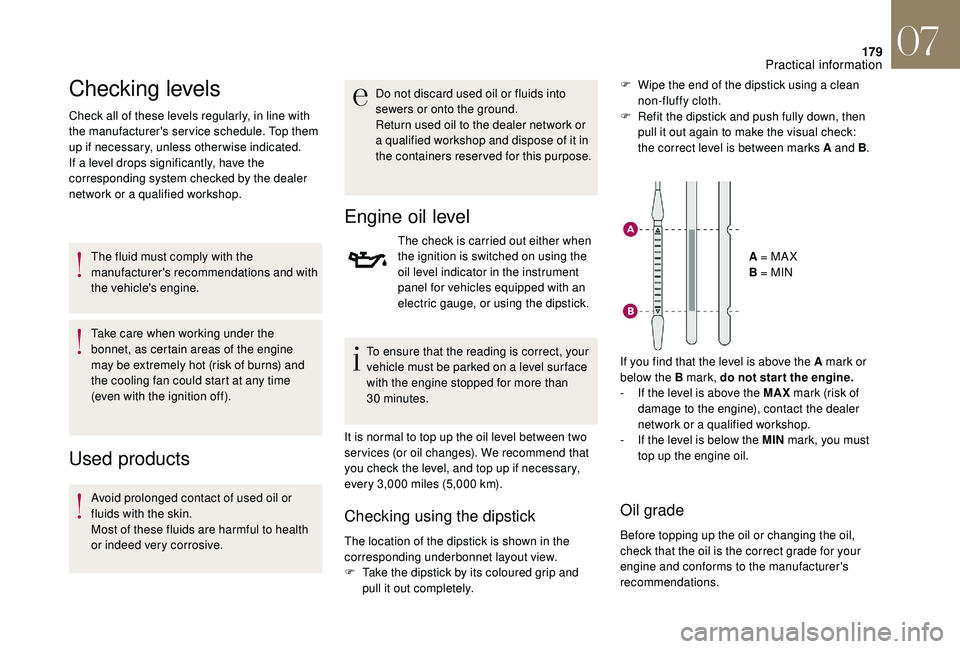
pull it out completely. A = MA X
B = MIN
If you find that the level is above the A mark or
below the B mark, do not star t the engine.
-
I
f the level is above the MAX
mark (risk of
damage to the engine), contact the dealer
network or a qualified workshop.
-
I
f the level is below the MIN
mark, you must
top up the engine oil.
Oil grade
Before topping up the oil or changing the oil,
check that the oil is the correct grade for your
engine and conforms to the manufacturer's
recommendations. F
W
ipe the end of the dipstick using a clean
non-fluffy cloth.
F
R
efit the dipstick and push fully down, then
pull it out again to make the visual check:
the correct level is between marks A and B .
07
Practical information
Page 184 of 296

182
Air filter and passenger compartment filter
Refer to the manufacturer’s
ser vice schedule for details of the
replacement intervals for these
components.
Depending on the environment (e.g. dusty
atmosphere) and the use of the vehicle (e.g.
city driving), replace them twice as often if
necessary .
A clogged passenger compartment filter may
have an adverse effect on the per formance
of the air conditioning system and generate
undesirable odours.
Oil filter
Change the oil filter each time the
engine oil is changed.
Refer to the manufacturer’s
ser vice schedule for details of
the replacement inter val for this
component.
Particle filter (Diesel)
Depending on the version of the instrument
panel you have, the start of saturation of the
particle filter is indicated by:
Manual gearbox
The gearbox does not require any
maintenance (no oil change).
Automatic gearbox
The gearbox does not require any
maintenance (no oil change).
- fixed illumination of the particle filter warning lamp, accompanied
by an audible signal and a
message that there is a risk of
blockage of the particle filter,
or
-
t
emporary illumination of
the Ser vice warning lamp,
accompanied by an audible
signal and a message that
there is a risk of blockage of the
particle filter. On a new vehicle, the first particle
filter regeneration operations may be
accompanied by a "burning" smell, which
is per fectly normal.
Following prolonged operation of the
vehicle at very low speed or at idle,
you may, in exceptional circumstances,
notice the emission of water vapour at the
exhaust on acceleration. This does not
affect the behaviour of the vehicle or the
environment.
Traffic conditions permitting, regenerate
the filter by driving at a speed of at least
37 mph (60 km/h) until the warning lamp
goes off.
If the warning lamp stays on, this indicates
a low Diesel additive level.
For more information on Checking levels ,
refer to the corresponding section.
07
Practical information
Page 203 of 296

201
Main beam headlamp bulbs (with
halogen headlamps type 1)
F Remove the protective cover by pulling the tab.
F
D
isconnect the connector.
F
S
queeze the springs to release the bulb.
F
P
ull the bulb out and change it.
To refit, carry out these operations in reverse
o r d e r.
Main beam headlamp bulbs (with
halogen headlamps type 2)
F Remove the protective cover by pulling the tab.
F
D
isconnect the connector.
F
P
ull the bulb out and change it.
To refit, carry out these operations in reverse
o r d e r.
Daytime running lamp/sidelamp bulbs
(with halogen headlamps type 1)
Daytime running lamp/sidelamp bulbs
(with halogen headlamps type 2)
For the replacement of this type of LED lamp,
contact the dealer network or a qualified
workshop. F
R
emove the protective cover by pulling the
tab.
F
D
isconnect the connector.
F
T
urn the bulb holder a quarter turn and
remove it.
F
P
ull out the bulb and replace it.
To reassemble, proceed in reverse order.
08
In the event of a breakdown
Page 225 of 296
1
GPS satellite navigation –
Applications – Multimedia
audio system – Bluetooth
®
telephone
Contents The different functions and settings
described vary according to the version
and configuration of your vehicle.
As a safety measure and because it
requires sustained attention by the
driver, the pairing of a Bluetooth mobile
telephone with the Bluetooth hands-free
system of your audio system must be
done with the vehicle stationary
and the
ignition on.
The system is protected in such a way that
it will only operate in your vehicle.
The display of the message Energy
Economy Mode signals that a change to
standby is imminent.
The link below gives access to OSS (Open
Source Software) codes for the system.
https://www.groupe-psa.com/fr/oss/
https://www.groupe-psa.com/en/oss/
DS Connect Nav
First steps 2
S teering mounted controls 3
M
enus
4
V
oice commands
5
N
avigation
1
1
Connected navigation
1
4
Applications
1
7
Radio
2
3
DAB radio (Digital Audio Broadcasting)
2
5
Media
26
T
elephone
2
8
Settings
3
4
Frequently asked questions
3
7
DS Connect Nav
Page 227 of 296
3
In the "Settings" menu you can create
a profile for just one person or a group
of people with common points, with the
possibility of entering a multitude of
settings (radio presets, audio settings,
navigation history, contact favourites,
etc.); these settings are taken into account
automatically.
In very hot conditions, the volume may
be limited to protect the system which
may go into stand-by (display and sound
completely off) for at least 5 minutes.
The return to normal takes place when
the temperature in the passenger
compartment has dropped.
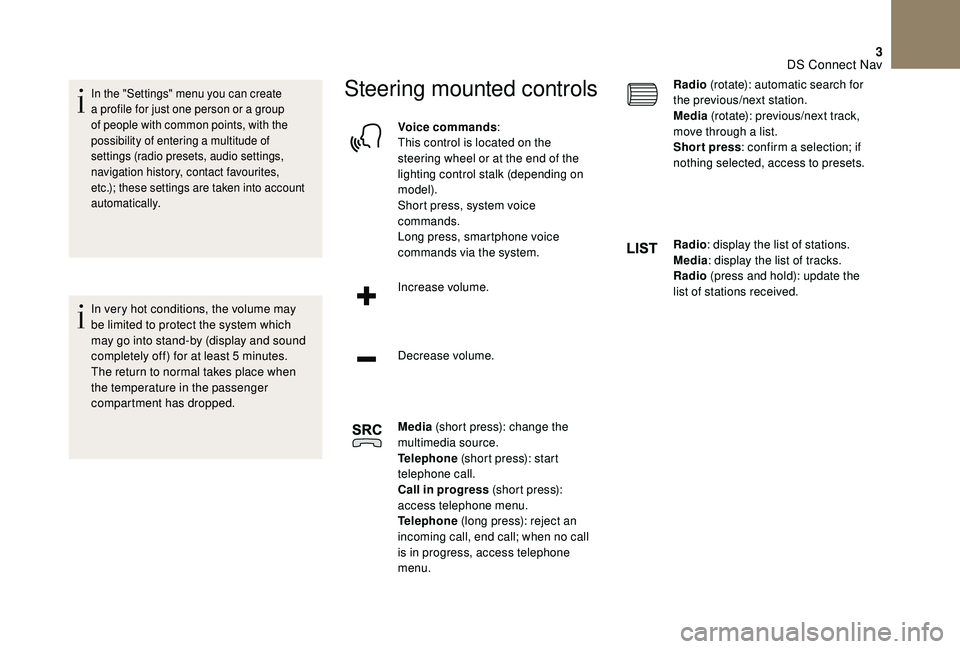
Steering mounted controls
Voice commands:
This control is located on the
steering wheel or at the end of the
lighting control stalk (depending on
model).
Short press, system voice
commands.
Long press, smartphone voice
commands via the system.
Increase volume.
Decrease volume.
Media (short press): change the
multimedia source.
Telephone (short press): start
telephone call.
Call in progress (short press):
access telephone menu.
Telephone (long press): reject an
incoming call, end call; when no call
is in progress, access telephone
menu. Radio
(rotate): automatic search for
the previous/next station.
Media (rotate): previous/next track,
move through a list.
Short press : confirm a selection; if
nothing selected, access to presets.
Radio : display the list of stations.
Media : display the list of tracks.
Radio (press and hold): update the
list of stations received.
DS Connect Nav
Page 250 of 296
26
If "DAB-FM auto tracking" is activated,
there is a difference of a few seconds
when the system switches to "FM"
analogue radio with sometimes a variation
in volume.
Once the digital signal quality is restored,
the system automatically changes back
to " DA B ".
If the "DAB" station being listened to is
not available on "FM" ("DAB- FM" option
greyed out), or "DAB/FM auto tracking" is
not activated, the sound will cut out while
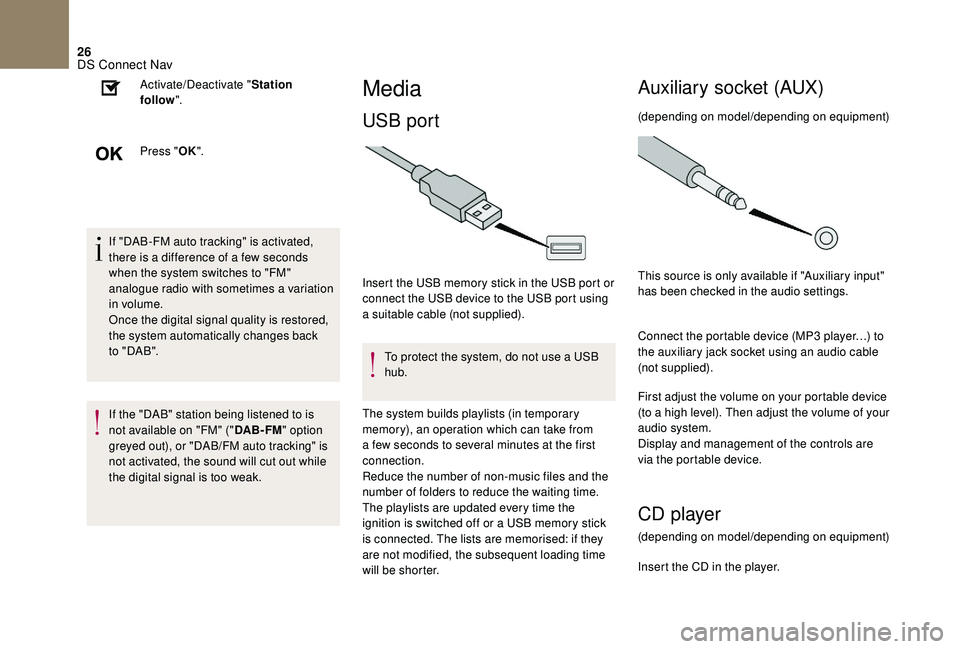
the digital signal is too weak. Activate/Deactivate "
Station
follow ".
Press " OK".
Media
USB port
Insert the USB memory stick in the USB port or
connect the USB device to the USB port using
a suitable cable (not supplied).
To protect the system, do not use a USB
hub.
The system builds playlists (in temporary
memory), an operation which can take from
a few seconds to several minutes at the first
connection.
Reduce the number of non-music files and the
number of folders to reduce the waiting time.
The playlists are updated every time the
ignition is switched off or a USB memory stick
is connected. The lists are memorised: if they
are not modified, the subsequent loading time
will be shorter.
Auxiliary socket (AUX)
(depending on model/depending on equipment)
This source is only available if "Auxiliary input"
has been checked in the audio settings.
Connect the portable device (MP3 player…) to
the auxiliary jack socket using an audio cable
(not supplied).
First adjust the volume on your portable device
(to a high level). Then adjust the volume of your
audio system.
Display and management of the controls are
via the portable device.
CD player
(depending on model/depending on equipment)
Insert the CD in the player.
DS Connect Nav
Page 260 of 296
36
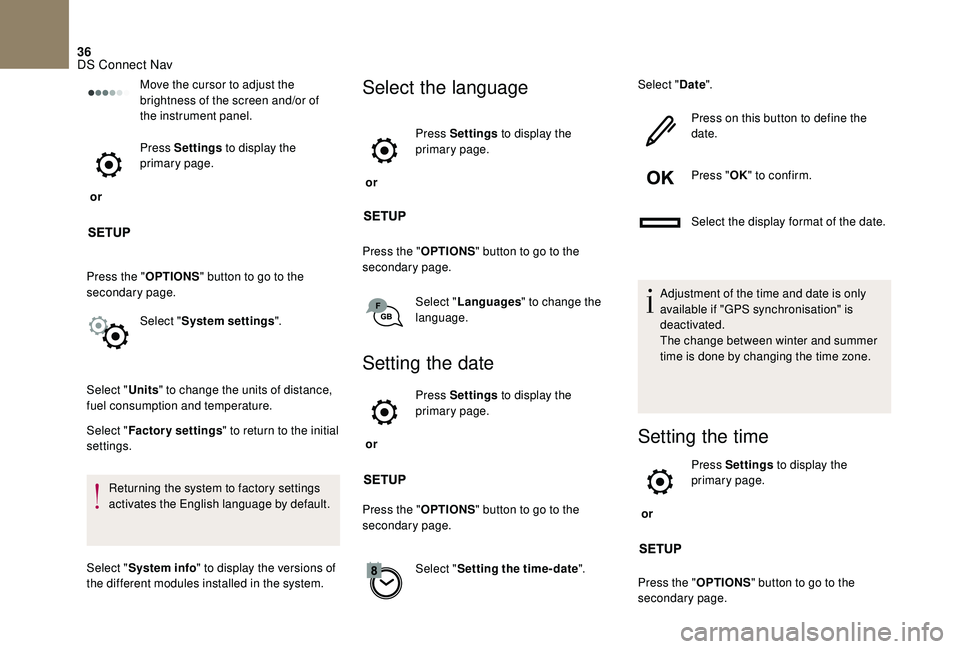
Move the cursor to adjust the
brightness of the screen and/or of
the instrument panel.
or Press Settings
to display the
primary page.
Press the " OPTIONS" button to go to the
secondary page.
Select "System settings ".
Select " Units" to change the units of distance,
fuel consumption and temperature.
Select " Factory settings " to return to the initial
settings.
Returning the system to factory settings
activates the English language by default.
Select " System info " to display the versions of
the different modules installed in the system.Select the language
or Press Settings
to display the
primary page.
Press the " OPTIONS" button to go to the
secondary page.
Select "Languages " to change the
language.
Setting the date
or Press Settings
to display the
primary page.
Press the " OPTIONS" button to go to the
secondary page.
Select "Setting the time- date". Select "
Date".
Press on this button to define the
date.
Press " OK" to confirm.
Select the display format of the date.
Adjustment of the time and date is only
available if "GPS synchronisation" is
deactivated.
The change between winter and summer
time is done by changing the time zone.Setting the time
or Press Settings
to display the
primary page.
Press the " OPTIONS" button to go to the
secondary page.
DS Connect Nav
Page 261 of 296
37
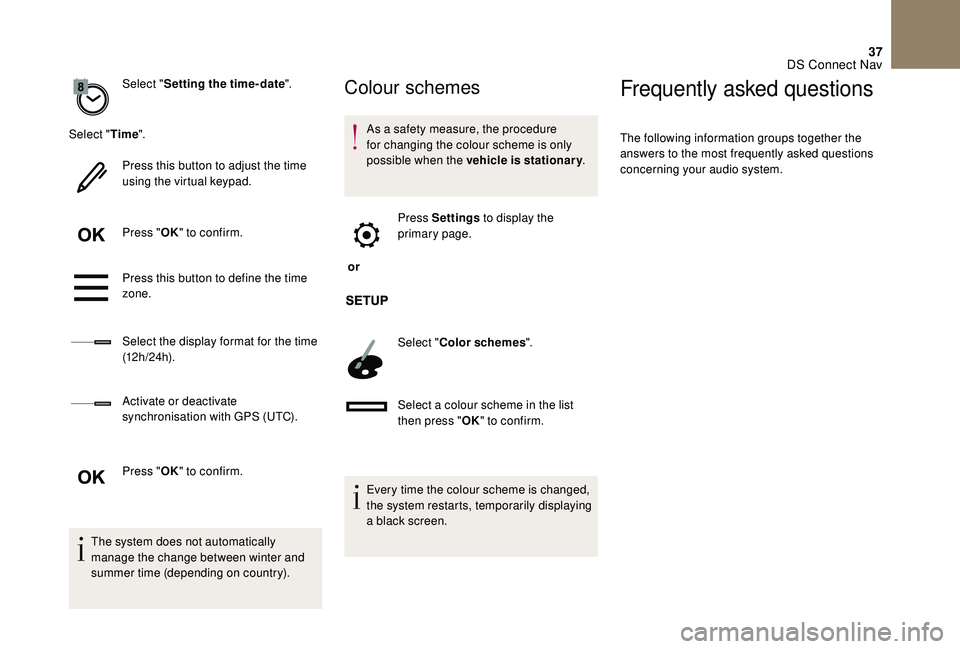
Select "Setting the time- date".
Select " Time".
Press this button to adjust the time
using the virtual keypad.
Press " OK" to confirm.
Press this button to define the time
zone.
Select the display format for the time
(12 h / 24 h).
Activate or deactivate
synchronisation with GPS (UTC).
Press " OK" to confirm.
The system does not automatically
manage the change between winter and
summer time (depending on country).Colour schemes
As a safety measure, the procedure
for changing the colour scheme is only
possible when the vehicle is stationary .
or Press Settings
to display the
primary page.
Select " Color schemes ".
Select a colour scheme in the list
then press " OK" to confirm.
Every time the colour scheme is changed,
the system restarts, temporarily displaying
a black screen.
Frequently asked questions
The following information groups together the
answers to the most frequently asked questions
concerning your audio system.
DS Connect Nav