change time CITROEN DS4 2018 Owner's Manual
[x] Cancel search | Manufacturer: CITROEN, Model Year: 2018, Model line: DS4, Model: CITROEN DS4 2018Pages: 296, PDF Size: 9.91 MB
Page 272 of 296
2
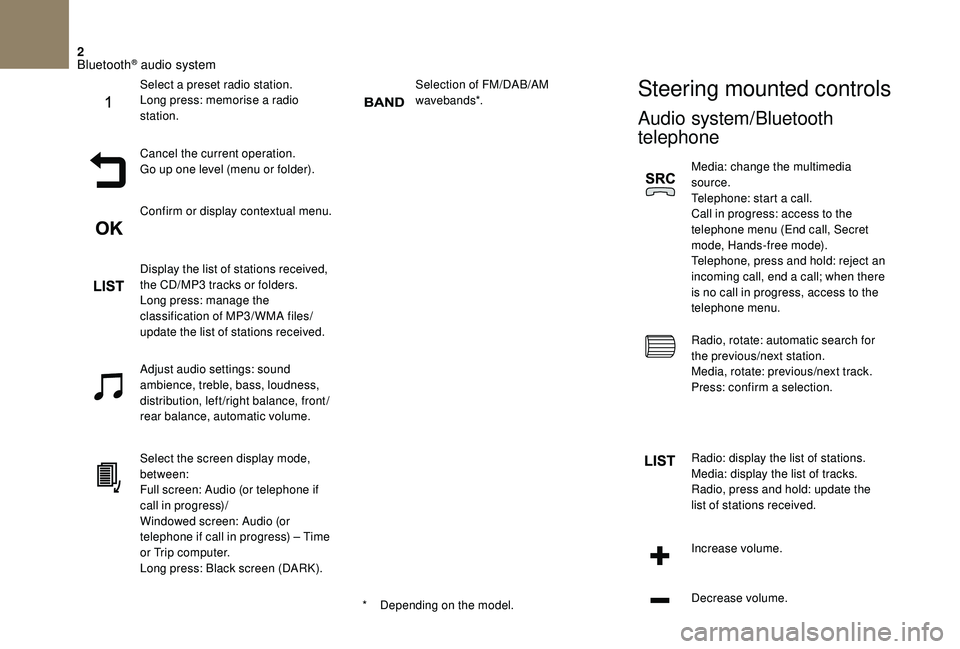
Selection of FM/DAB/AM
wavebands*.Steering mounted controls
Audio system/Bluetooth
telephone
Media: change the multimedia
source.
Telephone: start a call.
Call in progress: access to the
telephone menu (End call, Secret
mode, Hands-free mode).
Telephone, press and hold: reject an
incoming call, end a call; when there
is no call in progress, access to the
telephone menu.
Radio, rotate: automatic search for
the previous/next station.
Media, rotate: previous/next track.
Press: confirm a selection.
Radio: display the list of stations.
Media: display the list of tracks.
Radio, press and hold: update the
list of stations received.
Increase volume.
Decrease volume.
*
D
epending on the model.
Select a preset radio station.
Long press: memorise a radio
station.
Cancel the current operation.
Go up one level (menu or folder).
Confirm or display contextual menu.
Display the list of stations received,
the CD/MP3 tracks or folders.
Long press: manage the
classification of MP3/ WMA files/
update the list of stations received.
Adjust audio settings: sound
ambience, treble, bass, loudness,
distribution, left/right balance, front/
rear balance, automatic volume.
Select the screen display mode,
between:
Full screen: Audio (or telephone if
call in progress)/
Windowed screen: Audio (or
telephone if call in progress) – Time
or Trip computer.
Long press: Black screen (DARK).
Bluetooth® audio system
Page 273 of 296
3
Audio system
Media: change the multimedia
source.
Press and hold: mute/restore sound.
Menus
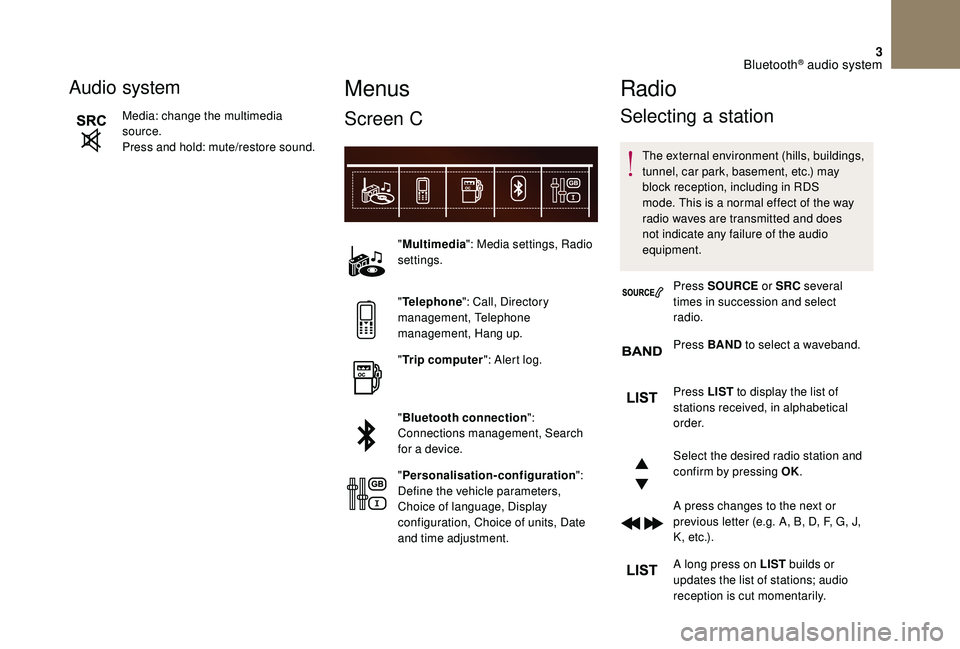
Screen C
"Multimedia ": Media settings, Radio
settings.
" Telephone ": Call, Directory
management, Telephone
management, Hang up.
" Trip computer ": Alert log.
" Bluetooth connection ":
Connections management, Search
for a device.
" Personalisation-configuration ":
Define the vehicle parameters,
Choice of language, Display
configuration, Choice of units, Date
and time adjustment.
Radio
Selecting a station
The external environment (hills, buildings,
tunnel, car park, basement, etc.) may
block reception, including in RDS
mode. This is a normal effect of the way
radio waves are transmitted and does
not indicate any failure of the audio
equipment.
Press SOURCE or SRC several
times in succession and select
radio.
Press BAND to select a waveband.
Press LIST
to display the list of
stations received, in alphabetical
o r d e r.
Select the desired radio station and
confirm by pressing OK.
A press changes to the next or
previous letter (e.g. A, B, D, F, G, J,
K , e t c .) .
A long press on LIST builds or
updates the list of stations; audio
reception is cut momentarily.
Bluetooth® audio system
Page 275 of 296
5
DAB (Digital Audio
Broadcasting) radio
Digital Radio
Digital radio provides a superior audio
quality and also additional categories of
traffic announcements (TA INFO).
The different multiplexes offer a choice
of radio stations arranged in alphabetical
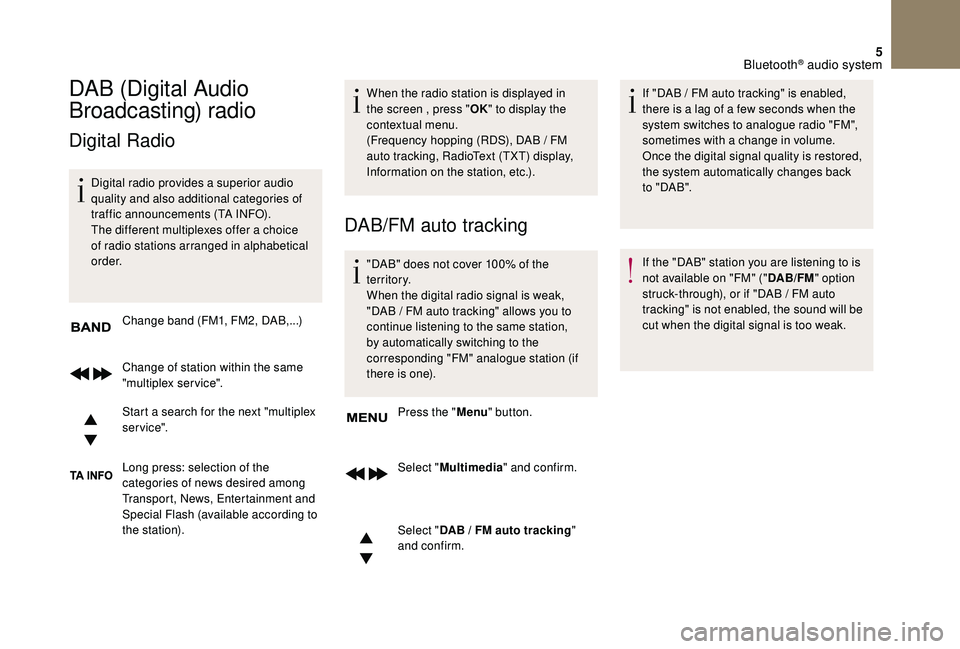
o r d e r.Change band (FM1, FM2, DAB,...)
Change of station within the same
"multiplex service".
Start a search for the next "multiplex
service".
Long press: selection of the
categories of news desired among
Transport, News, Entertainment and
Special Flash (available according to
the station). When the radio station is displayed in
the screen , press "
OK" to display the
contextual menu.
(Frequency hopping (RDS), DAB / FM
auto tracking, RadioText (TXT) display,
Information on the station, etc.).
DAB/FM auto tracking
"DAB" does not cover 100% of the
te r r i to r y.
When the digital radio signal is weak,
"DAB
/ FM auto tracking" allows you to
continue listening to the same station,
by automatically switching to the
corresponding "FM" analogue station (if
there is one).
Press the " Menu" button.
Select " Multimedia " and confirm.
Select " DAB
/ FM auto tracking"
and confirm. If "DAB
/ FM auto tracking" is enabled,
there is a lag of a few seconds when the
system switches to analogue radio "FM",
sometimes with a change in volume.
Once the digital signal quality is restored,
the system automatically changes back
to " DA B ".
If the "DAB" station you are listening to is
not available on "FM" (" DAB/FM" option
struck-through), or if "DAB
/ FM auto
tracking" is not enabled, the sound will be
cut when the digital signal is too weak.
Bluetooth® audio system