USB Citroen DS5 2011 1.G Owner's Guide
[x] Cancel search | Manufacturer: CITROEN, Model Year: 2011, Model line: DS5, Model: Citroen DS5 2011 1.GPages: 348, PDF Size: 10.33 MB
Page 312 of 348
04AUDIO
iPod ®
or PORTABLE PLAYER
Management of the device is via the audio system controls.
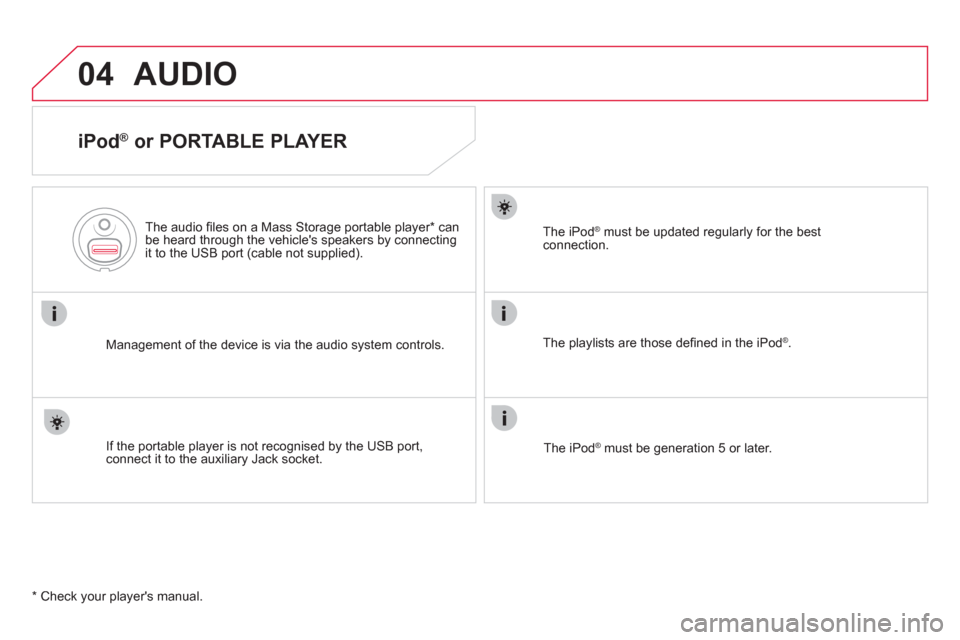
The audio
fi les on a Mass Storage portable player *
can
be heard through the vehicle's speakers by connectingit to the USB port (cable not supplied).
If the portable pla
yer is not recognised by the USB port,connect it to the auxiliary Jack socket.Th
e iPodÆ must be updated regularly for the best Æ
connection.
The pla
ylists are those defi ned in the iPodÆ .
Th
e iPodÆ must be generation 5 or later.
Æ
* Check your player's manual.
Page 313 of 348
3
2
04
14
311
AUXILIARY SOCKET (AUX)
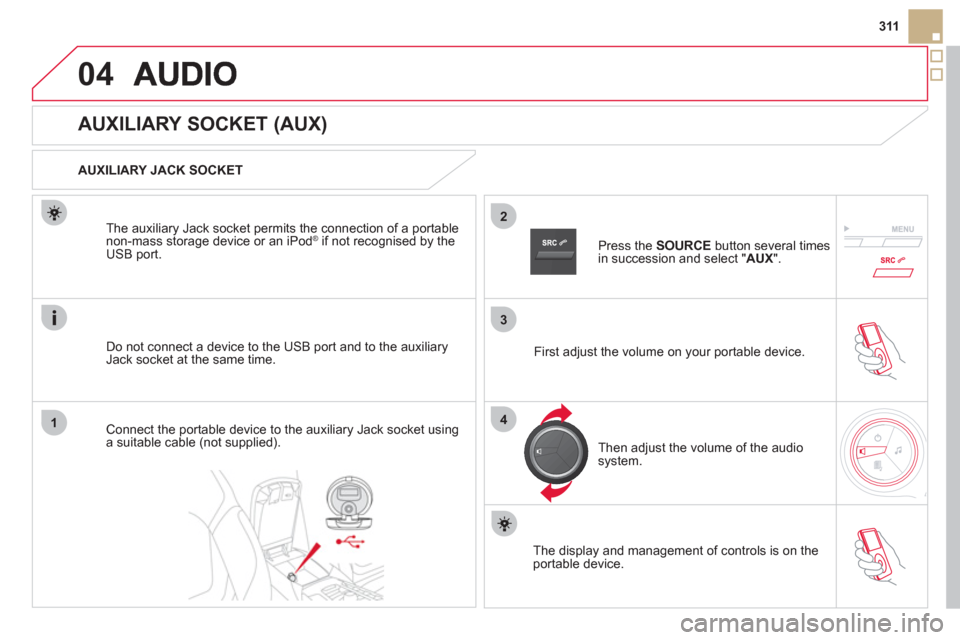
AUXILIARY JACK SOCKET
Do not connect a device to the USB port and to the auxiliar
yJack socket at the same time. The auxiliar
y Jack socket permits the connection of a portable
non-mass storage device or an iPod ®if not recognised by the USB port.
Connect the portable device to the auxiliary Jack socket using a suitable cable (not supplied). Pr
ess the SOURCE
button several times in succession and select "AUX
".
First ad
just the volume on your portable device.
Then ad
just the volume of the audio
system.
The displa
y and management of controls is on theportable device.
Page 331 of 348
329
FREQUENTLY ASKED QUESTIONS
QUESTIONANSWERSOLUTION
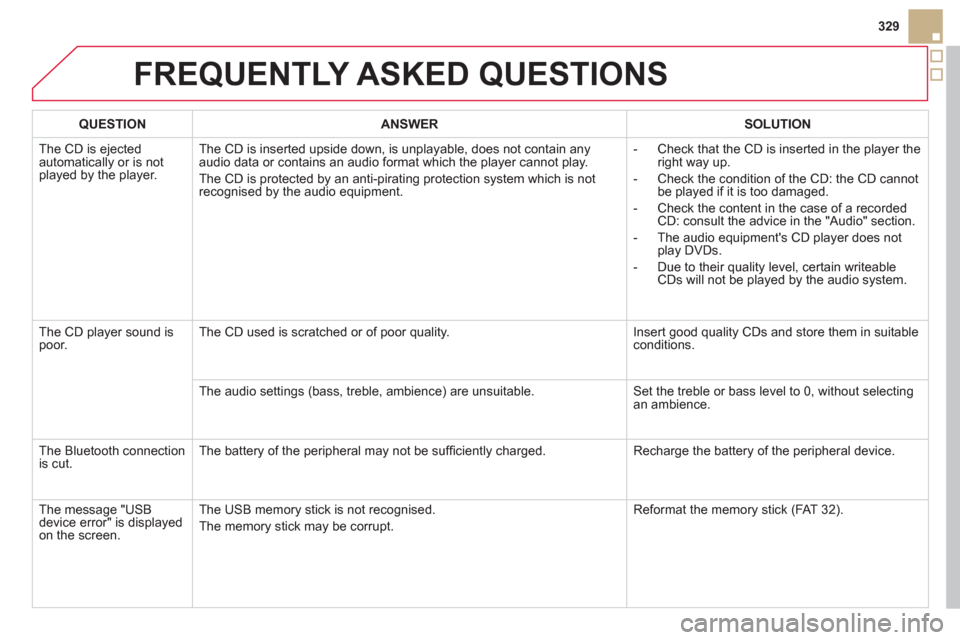
The CD is ejected
automatically or is notplayed by the player. The CD is inserted upside down, is unpla
yable, does not contain any audio data or contains an audio format which the player cannot play.
The CD is protected b
y an anti-pirating protection system which is not
recognised by the audio equipment.- Check that the CD is inserted in the pla
yer the
right way up.
-
Check the condition of the CD: the CD cannot
be played if it is too damaged.
-
Check the content in the case of a recordedCD: consult the advice in the "Audio" section.
- The audio equipment's
CD player does not
play DVDs.
- Due to their qualit
y level, certain writeableCDs will not be played by the audio system.
The
CD player sound ispoor. The CD used is scratched or of poor quality. Insert good quality CDs and store them in suitable conditions.
The audio settin
gs (bass, treble, ambience) are unsuitable. Set the treble or bass level to 0, without selectingan ambience.
Th
e Bluetooth connectionis cut. The battery of the peripheral may not be suffi ciently charged. Recharge the battery of the peripheral device.
The messa
ge "USB
device error" is displayedon the screen.The USB memor
y stick is not recognised.
The memor
y stick may be corrupt.Reformat the memor
y stick (FAT 3 2).
Page 332 of 348
FREQUENTLY ASKED QUESTIONS
QUESTIONANSWERSOLUTION
A telephone connects
automatically,
disconnecting another
telephone. Automatic connection overrides manual connection. Modify the telephone settings to remove automatic connection.
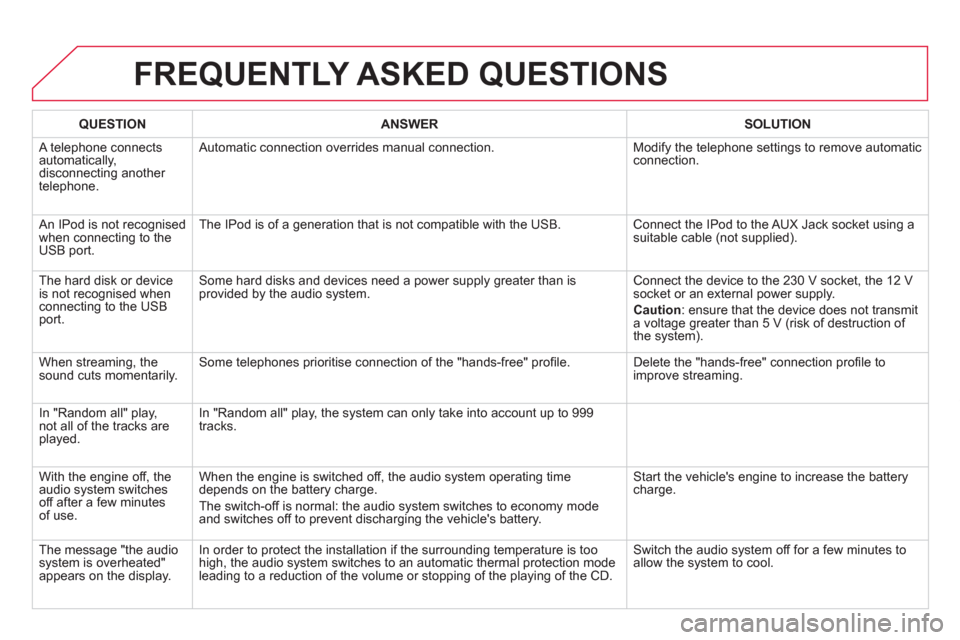
An IPod is not recognised
when connecting to theUSB port.The IPod is of a
generation that is not compatible with the USB. Connect the IPod to the AUX Jack socket using a
suitable cable (not supplied).
The hard disk or deviceis not recognised when connecting to the USB port.
Some hard disks and devices need a power supply greater than is
provided by the audio system. Connect the device to the 230 V socket, the 12 V
socket or an external power supply.
Caution
: ensure that the device does not transmit a voltage greater than 5 V (risk of destruction of
the system).
When streaming, the
sound cuts momentarily. Some telephones prioritise connection of the "hands-free" profi le. Delete the "hands-free" connection profi le to
improve streaming.
In "Random all" play, not all of the tracks areplayed.In "Random all" pla
y, the system can only take into account up to 999
tracks.
With the en
gine off, the
audio system switches
off after a few minutes of use.When the en
gine is switched off, the audio system operating time
depends on the battery charge.
The switch-o
ff is normal: the audio system switches to economy modeand switches off to prevent discharging the vehicle's battery.
Start the vehicle's engine to increase the batterycharge.
The message "the audio
system is overheated"appears on the display.In order to protect the installation if the surroundin
g temperature is too high, the audio system switches to an automatic thermal protection mode
leading to a reduction of the volume or stopping of the playing of the CD.Switch the audio s
ystem off for a few minutes toallow the system to cool.
Page 339 of 348
337
Alphabetical index
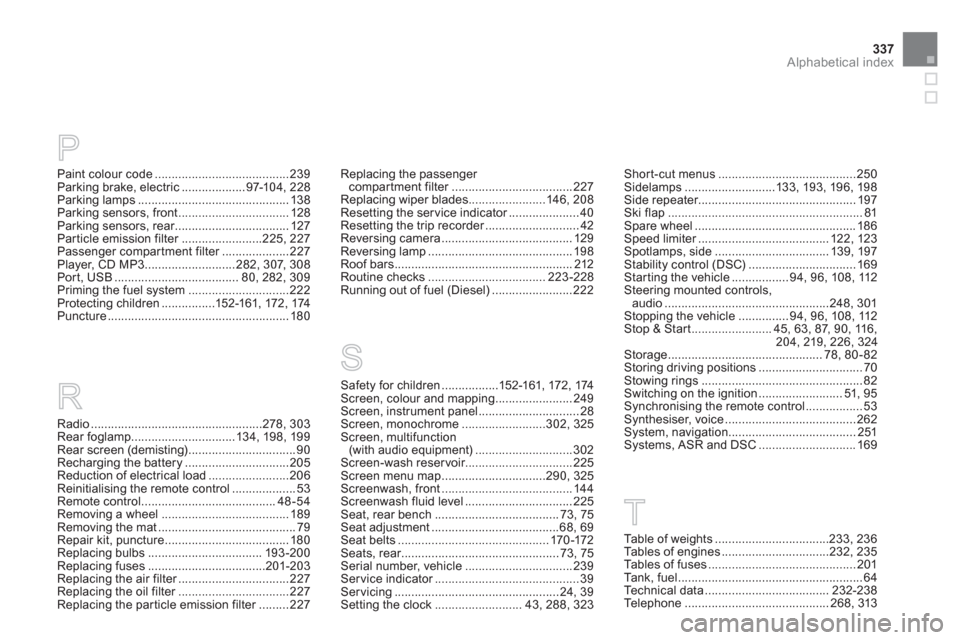
Paint colour code........................................239Parking brake, electric...................97-10 4, 228
Parking lamps .............................................138Parking sensors, front .................................128Parking sensors, rear..................................r127Particle emission filter........................r225,227Passenger compartment filter....................r227Player, CD MP3...........................282,307,308Port, USB.....................................80, 282,309Priming the fuel system..............................222Protecting children................152-161, 172, 174Puncture......................................................180
P
R
Radio ...................................................278,303Rear foglamp ...............................134, 198, 199Rear screen (demisting)................................90Recharging the battery...............................205Reduction of electrical load........................206Reinitialising the remote control...................53Remote control ........................................48-54Removing a wheel......................................189Removing the mat.........................................79Repair kit, puncture ..................................... 180Replacing bulbs .................................. 193-200Replacing fuses...................................201-203Replacing the air filter.................................r227Replacing the oil filter.................................r227Replacing the particle emission filter.........r227
T
Replacing the passenger compartment filter....................................r227Replacing wiper blades .......................146,208Resetting the service indicator.....................r40Resetting the trip recorder............................r42Reversing camera ....................................... 129Reversing lamp...........................................198Roof bars.....................................................212Routine checks...................................223-228Running out of fuel (Diesel)........................222
Table of weights..................................233, 236Ta b l e s o f e ngines ................................232, 235Tables of fuses............................................201Tank, fuel .......................................................64Technical data .....................................232-238
Te l ephone........................................... 268, 313
Short-cut menus.........................................250Sidelamps...........................13 3,193, 196, 198Side repeater...............................................197Ski flap..........................................................81Spare wheel ................................................186Speed limiter.......................................r122, 123Spotlamps, side .................................. 139,197Stability control (DSC)................................169Starting the vehicle.................94, 96,108,112Steering mounted controls,audio.................................................248,301Stopping the vehicle ...............94, 96,108,112Stop & Start........................45, 63,87,90,116,204,219,226, 324Storage..............................................78, 80-82Storing driving positions ...............................70Stowing rings................................................82Switching on the ignition.........................51,95Synchronising the remote control.................53Synthesiser, voice.......................................262System, navigation ......................................251Systems, ASR and DSC .............................169
S
Safety for children.................152-161, 172, 174Screen, colour and mapping ....................... 249Screen, instrument panel..............................28Screen, monochrome.........................302, 325Screen, multifunction (with audio equipment).............................302Screen-wash reservoir................................225Screen menu map ...............................290, 325Screenwash, front.......................................144Screenwash fluid level ................................225Seat, rear bench .....................................73, 75Seat adjustment......................................68,69Seat belts.............................................170-172Seats, rear...............................................r73, 75Serial number, vehicle................................239Ser vice indicator...........................................r39Servicing .................................................24, 39Setting the clock ..........................43, 288, 323
Page 340 of 348
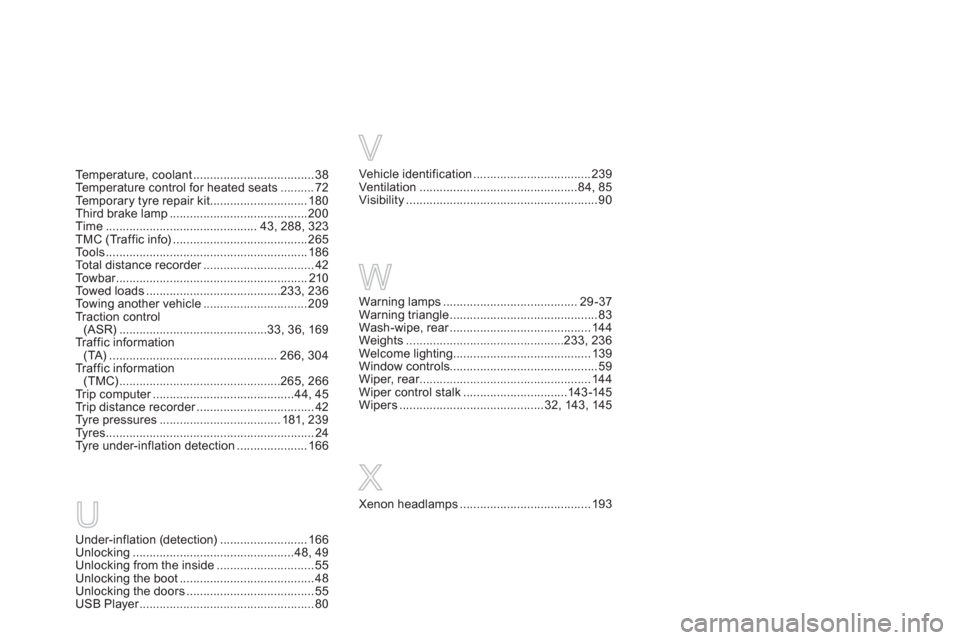
Under-inflation (detection).......................... 166Unlocking................................................48,49Unlocking from the inside.............................55Unlocking the boot........................................48Unlocking the doors......................................55USB Player....................................................r80
U
Te m p e r a t u r e , c o o l a nt ....................................38Temperature control for heated seats..........72Te m p o r a ry tyre repair kit .............................180Third brake lamp .........................................200Time............................................. 43, 288,323TMC (Tr affic info)........................................265To o l s............................................................186Total distance recorder.................................r42To w b a r.........................................................r210Towed loads ........................................233,236To w i ng another vehicle ...............................209Traction control (ASR) ............................................33,36,169Traffic information(TA)..................................................266,304Traffic information(TMC)................................................265, 266Tr i p c o m p u t e r..........................................r44, 45Tr i p d i s t a n c e r e c o r d e r...................................r42Tyre pressures ....................................181, 239Tyres..............................................................24
Tyre under-inflation detection .....................166
Vehicle identification...................................239Ventilation...............................................84,85Visibility.........................................................90
V
Warning lamps ........................................29-37Warning triangle............................................83Wash-wipe, rear..........................................r144Weights...............................................233, 236Welcome lighting.........................................139Window controls............................................59Wiper, rear...................................................r144
Wiper control stalk...............................143-145Wipers ...........................................32,143, 145
W
Xenon headlamps .......................................193
X
Page 342 of 348
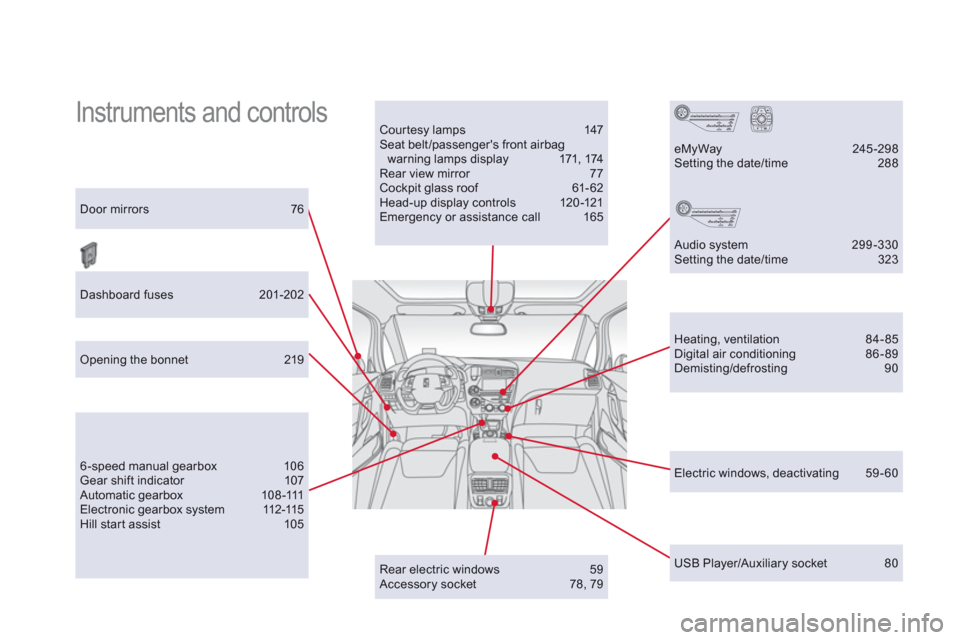
Instruments and controls Courtesy lamps 147 Seat belt/passenger's front airbagwarning lamps display 171, 174 Rear view mirror 77 Cockpit glass roof 61- 62 Head-up display controls 120-121 Emergency or assistance call 165 Door mirrors 76
Heating, ventilation 84-85 Digital air conditioning 86-89 Demisting/defrosting 90
USB Player/Auxiliary socket 80
Dashboard fuses 201-202
6 -speed manual gearbox 106 Gear shift indicator 107 Automatic ge a r b o x 1 0 8 -111 Electronic gearbox system 112-115 Hill start assist 105
eMyWay 245 -298 Setting the date/time 288
Audio system 299-330 Setting the date/time 323
Opening the bonnet 219
Rear electric windows 59
Accessory socket 78, 79
Electric windows, deactivating 59-60