ignition Citroen NEMO RHD 2015 1.G Owner's Guide
[x] Cancel search | Manufacturer: CITROEN, Model Year: 2015, Model line: NEMO RHD, Model: Citroen NEMO RHD 2015 1.GPages: 193, PDF Size: 8.3 MB
Page 57 of 193
55
Moving off
You must press the brake pedal.
Start the engine; the gearbox changes into
neutral automatically.
The gear lever stays in the position selected
before switching off the ignition.
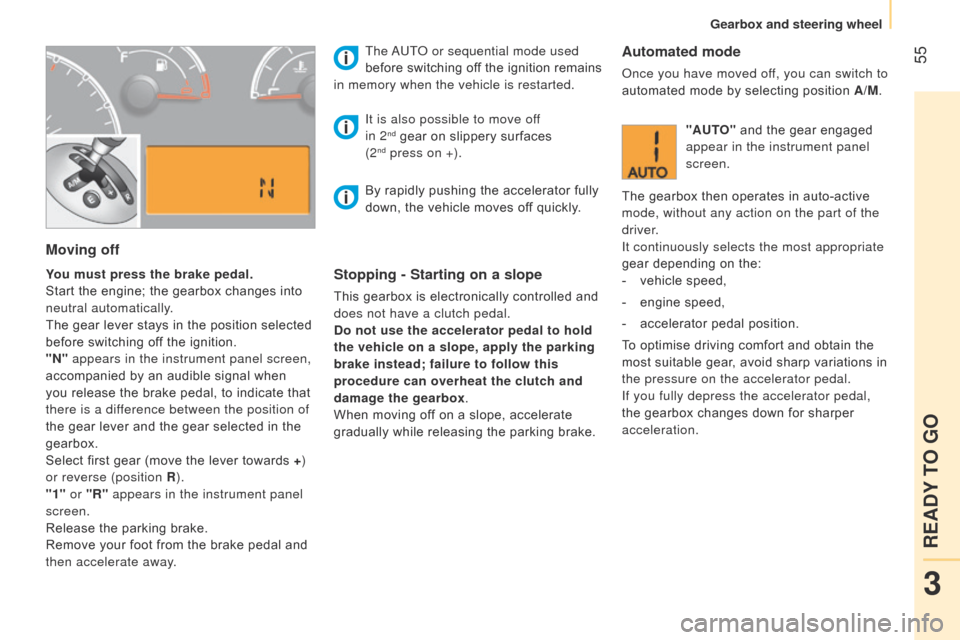
"N" appears in the instrument panel screen,
accompanied by an audible signal when
you release the brake pedal, to indicate that
there is a difference between the position of
the gear lever and the gear selected in the
gearbox.
Select first gear (move the lever towards +)
or reverse (position R ).
"1" or "R" appears in the instrument panel
screen.
Release the parking brake.
Remove your foot from the brake pedal and
then accelerate away. The
a
UT
o
or sequential mode used
before switching off the ignition remains
in memory when the vehicle is restarted.Stopping - Starting on a slope
This gearbox is electronically controlled and
does not have a clutch pedal.
Do not use the accelerator pedal to hold
the vehicle on a slope, apply the parking
brake instead; failure to follow this
procedure can overheat the clutch and
damage the gearbox.
When moving off on a slope, accelerate
gradually while releasing the parking brake.
It is also possible to move of
f
in 2
nd gear on slippery surfaces
(2nd press on +).
Automated mode
once you have moved off, you can switch to
automated mode by selecting position A/M.
"AUTO" and the gear engaged
appear in the instrument panel
screen.
The gearbox then operates in auto-active
mode, without any action on the part of the
driver.
It continuously selects the most appropriate
gear depending on the:
-
vehicle speed,
-
engine speed,
-
accelerator pedal position.
T
o optimise driving comfort and obtain the
most suitable gear, avoid sharp variations in
the pressure on the accelerator pedal.
If you fully depress the accelerator pedal,
the gearbox changes down for sharper
acceleration.
By rapidly pushing the accelerator fully
down, the vehicle moves off quickly.
3
READY TO GO
Gearbox and steering wheel
Page 58 of 193
56Stopping the vehicle
To switch off the engine, with your foot on
the brake pedal, you should:
-
select first gear or reverse.
-
apply the parking brake to immobilise the
vehicle.
-
switch of
f the ignition.
Temporarily changing gear in AUTO mode
You can also request a gear change using
the gear lever.
This action does not deactivate the
automated mode, but allows temporary
use of the sequential mode functions (for
example: for overtaking another vehicle...).
"AUTO" remains displayed in the instrument
panel screen.
"ECO" economy programme
This programme works with the automated
mode to reduce fuel consumption.
Press button E
to activate the programme.
Sequential mode
After using the automated mode, you can
return to the sequential mode by selecting
position A /M again.
"E" appears in the instrument
panel screen, next to "AUTO"
and the gear selected by the
gearbox.
The gearbox then selects the best gear for
the speed of the vehicle, the engine speed
and the accelerator pedal position to reduce
fuel consumption. "AUTO" disappears and the
gears engaged appear in
succession in the instrument
panel screen.
t is not necessary to take your foot off the
accelerator pedal to change the gear.
The gear change requests are only carried
out if the engine speed permits it. The
system gives an audible signal if a gear
change is not possible.
At low speeds, when approaching a stop
or traffic lights for example, the gearbox
changes down to first gear automatically.
Release the brake pedal after the display
of the gear engaged has disappeared
from the instrument panel screen.
n
ever leave the vehicle with the
gearbox in neutral (position N ). In this
case, there is an audible signal on switching
off the ignition (ignition key in the STOP
position).
Gearbox and steering wheel
Page 59 of 193
57Reinitialisation
Turn the ignition key to the MAR position.
Within ten seconds, the gear engaged should
appear in the instrument panel screen.
Otherwise, turn the ignition key to the
STOP position and wait until the instrument
panel screen goes off.
Turn the ignition key to the MAR position
again. The illumination of this warning
lamp, accompanied by a message
in the instrument panel screen,
indicates incorrect use of the
gearbox by the driver.
With the ignition on, the flashing this warning
lamp, accompanied by an audible signal and
a message in the instrument panel screen,
indicates a fault with the gearbox.
Have it checked by a CITROËN dealer or a
qualified workshop.
If the problem persist, have the system
checked by a CITROËN dealer or a
qualified workshop.
n
ever select neutral N while the vehicle
is moving.
Only engage reverse gear R with the vehicle
immobilised and the brake pedal pressed.
You risk damaging the gearbox if you
press the accelerator and brake pedals
simultaneously.
Back-up mode - Slow move off
This procedure should be applied if pressing
the brake pedal is not recognised by the
system, or if the gearbox has fault on
starting the engine.
Press the brake pedal firmly.
Turn the ignition key to the AV V position for
at least seven seconds.
The engine starts.
The system is in back-up mode; the gearbox
will not go beyond the 3
rd gear engaged and
automated mode is not available.
If the engine does not start, have the
system checked by a CITROËN dealer
or a qualified workshop.
Operating faultIn the event of a prolonged stop with the
engine running, it is recommended that
the gearbox be put into neutral (position N ).
With the vehicle stationary, the engine
running and first, second or reverse
gear engaged, the gearbox changes to
neutral automatically, accompanied
by
an audible signal, in the following
circumstances:
-
no action on the accelerator or brake
pedals for at least 3 minutes,
-
brake pedal applied for more than
10 minutes,
-
driver's door opened and no action on the
accelerator or brake pedals for at least
1.5 seconds,
-
a gearbox fault. When towing your vehicle, ensure that
the gearbox is in neutral (position N ).
When traversing a flooded road or a
ford, drive at walking pace.
3
READY TO GO
Gearbox and steering wheel
Page 61 of 193
59
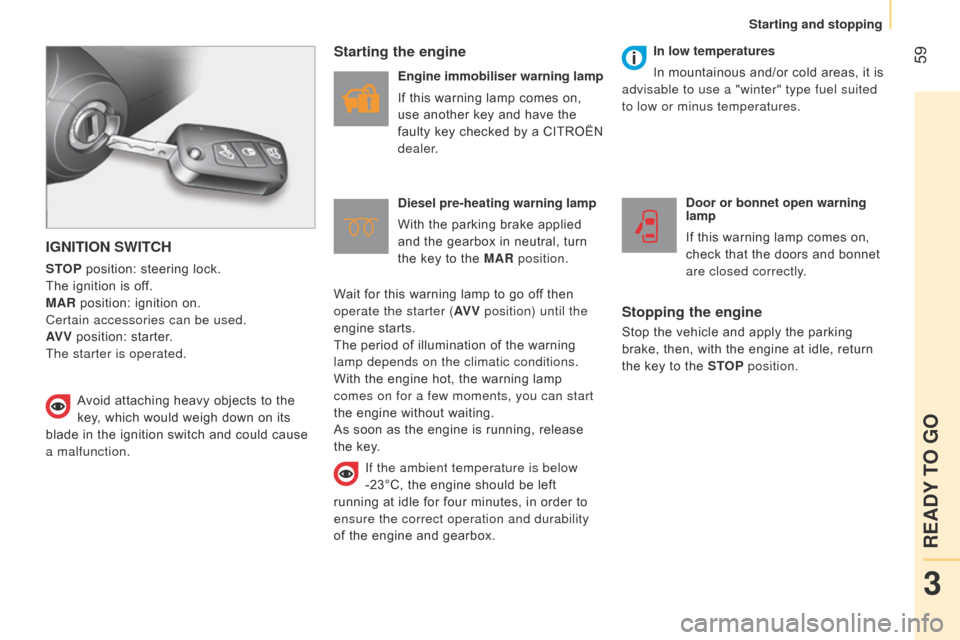
IGNITION SWITCH
STOP position: steering lock.
The ignition is off.
MAR position: ignition on.
Certain accessories can be used.
AV V position: starter.
The starter is operated.
Starting the engine
Engine immobiliser warning lamp
If this warning lamp comes on,
use another key and have the
faulty key checked by a CITROËN
dealer.
Diesel pre-heating warning lamp
With the parking brake applied
and the gearbox in neutral, turn
the key to the MAR position. Door or bonnet open warning
lamp
If this warning lamp comes on,
check that the doors and bonnet
are closed correctly.
Stopping the engine
Stop the vehicle and apply the parking
brake, then, with the engine at idle, return
the key to the STOP position.
Avoid attaching heavy objects to the
key, which would weigh down on its
blade in the ignition switch and could cause
a malfunction. In low temperatures
In mountainous and/or cold areas, it is
advisable to use a "winter" type fuel suited
to low or minus temperatures.
Wait for this warning lamp to go off then
operate the starter (AV V position) until the
engine starts.
The period of illumination of the warning
lamp depends on the climatic conditions.
With the engine hot, the warning lamp
comes on for a few moments, you can start
the engine without waiting.
As soon as the engine is running, release
the key.
If the ambient temperature is below
-23°C, the engine should be left
running at idle for four minutes, in order to
ensure the correct operation and durability
of the engine and gearbox.
3
READY TO GO
Starting and stopping
Page 63 of 193
61
- with a manual gearbox, with the vehicle
stationary, put the gear lever into neutral,
then release the clutch pedal,
-
with an electronic gearbox
, with the
vehicle stationary, hold the brake pedal
down. Special cases: STOP mode unavailable
The STOP mode is not invoked when:
-
the driver's door is open,
-
the driver's seat belt is not fastened,
-
reverse gear is engaged,
-
some special conditions (battery
charge, engine temperature, particle
filter regeneration, braking assistance,
ambient temperature...) where the engine
is needed to assure control of a system.
In this case, a message appears
in the instrument panel screen,
accompanied by the "S" warning
lamp, which flashes for a few
seconds, then goes off.
This operation is perfectly normal.
STOP & S TART
The Stop & Start system puts the engine
temporarily into standby - ST OP mode -
during stops in the traffic (red lights, traffic
jams, or other...). The engine restarts
automatically - START mode - as soon as
you want to move off. The restart takes
place instantly, quickly and silently.
Perfect for urban use, the Stop & Start
system reduces fuel consumption, exhaust
emissions and the noise level when
stationary.
Operation
Going into engine STOP mode
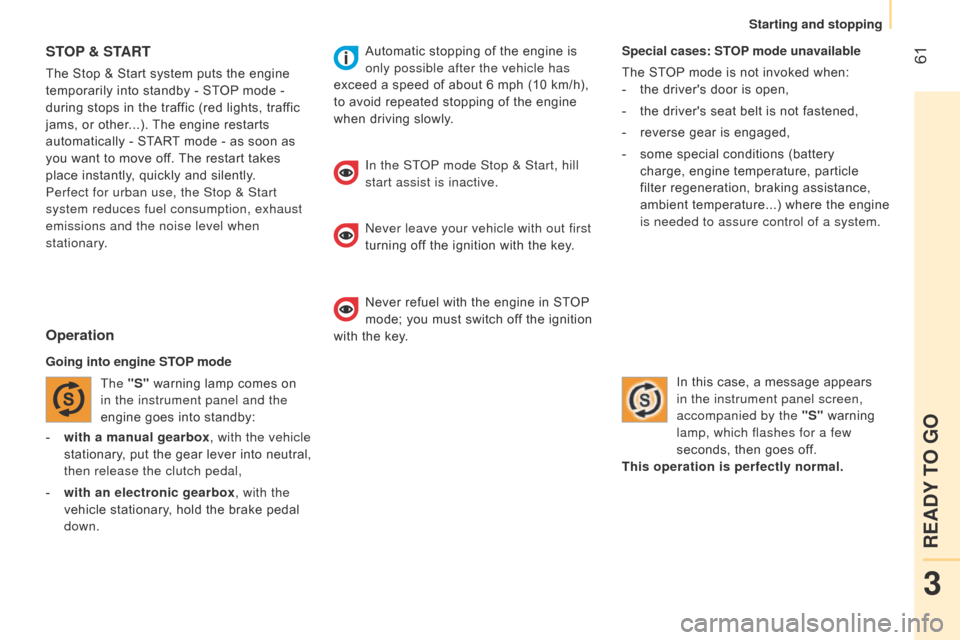
The "S" warning lamp comes on
in the instrument panel and the
engine goes into standby: Automatic stopping of the engine is
only possible after the vehicle has
exceed a speed of about 6 mph (10 km/h),
to avoid repeated stopping of the engine
when driving slowly.
In the ST
o
P mode Stop & Start, hill
start assist is inactive.
n
ever leave your vehicle with out first
turning off the ignition with the key.
Never refuel with the engine in STOP
mode; you must switch off the ignition
with the key.
3
READY TO GO
Starting and stopping
Page 64 of 193
62Special cases: START invoked
automatically
The START mode is invoked automatically
when:
-
the vehicle's is free wheeling on a slope,
-
the engine has been stopped for around
3 minutes with Stop & Start,
-
some special conditions (battery charge,
engine temperature, braking assistance,
ambient temperature...) where the engine
is needed to assure control of a system. Good practice
With a manual gearbox in STOP mode, if a
gear is engaged without fully depressing the
clutch pedal, restarting may not take place.
A warning lamp or message is displayed
in the instrument panel asking you to fully
depress the clutch pedal to allow restarting.
With the engine stopped in STOP mode,
if the driver unfasten's their seat belt and
opens a front door, the engine can only
be restarted using the ignition key. This is
indicated by an audible signal, accompanied
by flashing of the service warning lamp and
a message in the instrument panel screen.
If following an automatic restart in START
mode, the driver takes no action on the
the vehicle during the next
3 minutes, the
system stops the engine definitively. The
engine can then only be restarted using the
key.
Going into engine START mode
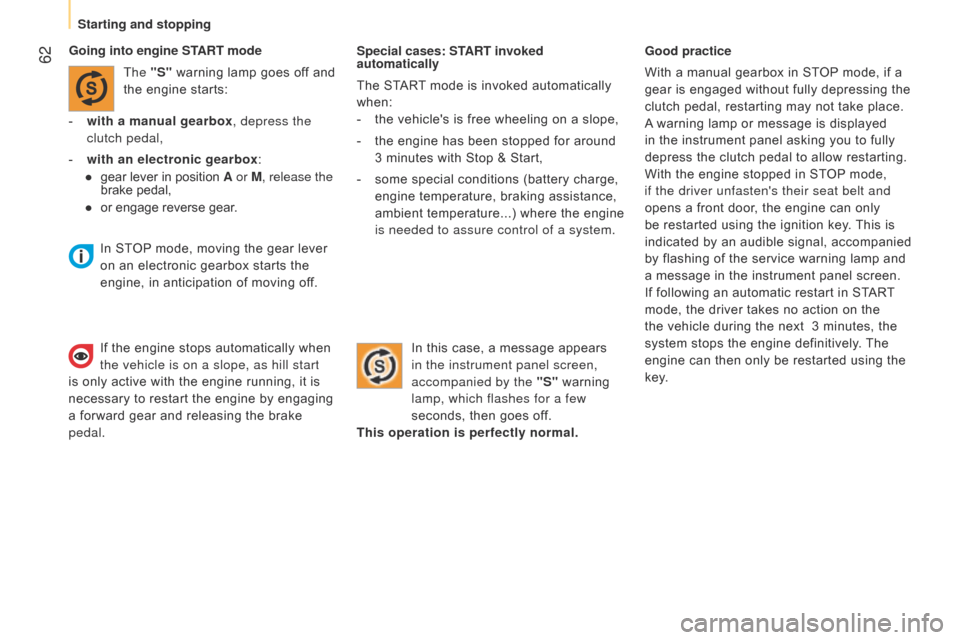
The "S" warning lamp goes off and
the engine starts:
-
with a manual gearbox
, depress the
clutch pedal,
-
with an electronic gearbox
:
●
gear lever in position
A or M, release the
brake pedal,
●
or engage rever
se gear. In this case, a message appears
in the instrument panel screen,
accompanied by the "S" warning
lamp, which flashes for a few
seconds, then goes off.
This operation is perfectly normal.
In STOP mode, moving the gear lever
on an electronic gearbox starts the
engine, in anticipation of moving off.
If the engine stops automatically when
the vehicle is on a slope, as hill start
is only active with the engine running, it is
necessary to restart the engine by engaging
a forward gear and releasing the brake
pedal.
Starting and stopping
Page 65 of 193
63Deactivation
To give precedence to the control
of the temperature in the passenger
compartment, the Stop & Start
system should be deactivated to
allow continuous operation of the air
conditioning.The system retains the same state
(active or inactive) after switching of
and restarting the engine with the key.
a
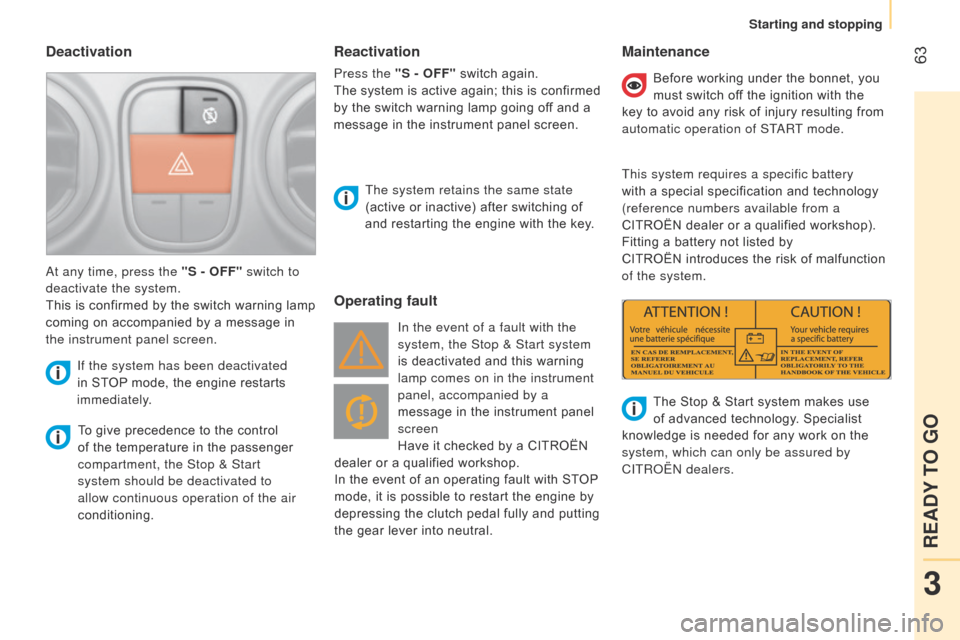
t any time, press the "S - OFF" switch to
deactivate the system.
This is confirmed by the switch warning lamp
coming on accompanied by a message in
the instrument panel screen.
If the system has been deactivated
in STOP mode, the engine restarts
immediately.
Operating fault Maintenance
In the event of a fault with the
system, the Stop & Start system
is deactivated and this warning
lamp comes on in the instrument
panel, accompanied by a
message in the instrument panel
screen
Have it checked by a CITROËN
dealer or a qualified workshop.
In the event of an operating fault with STOP
mode, it is possible to restart the engine by
depressing the clutch pedal fully and putting
the gear lever into neutral. Before working under the bonnet, you
must switch off the ignition with the
key to avoid any risk of injury resulting from
automatic operation of ST
a
RT mode.
This system requires a specific battery
with a special specification and technology
(reference numbers available from a
CITROËN dealer or a qualified workshop).
Fitting a battery not listed by
CITROËN introduces the risk of malfunction
of the system.
The Stop & Start system makes use
of advanced technology. Specialist
knowledge is needed for any work on the
system, which can only be assured by
CITR
o Ë n dealers.
Reactivation
Press the "S - OFF" switch again.
The system is active again; this is confirmed
by the switch warning lamp going off and a
message in the instrument panel screen.
3
READY TO GO
Starting and stopping
Page 84 of 193

82
INTERIOR LIGHTING
Front courtesy lamp
This is located in the centre of the roof.
It is switched on by:
-
tilting the lens,
-
opening or closing a door
,
-
locking or unlocking the vehicle.
It switches of
f automatically, after a few
minutes, if the doors remain open, or when
the ignition is switched on.
The courtesy lamp unit may be fitted with an
alarm sensor, a microphone for the hands-
free kit and reading lamps.
The reading lamps have right-hand and left-
hand switches.
Rear courtesy lamp
This is located on the upper part of the rear
right side.
Press the side of the courtesy lamp lens to
switch it on or off.
It comes on automatically when a door is
opened (Combi).
It comes on automatically when opening
a sliding side door or the side-hinged rear
doors (light vans).
Good practice
It switches off automatically:
- if the switch is not pressed down,
-
in all cases within approximately
15 minutes if the doors remain open,
-
on closing the doors, after a timed period,
-
when the ignition is switched on,
-
when locking.
Boot lamp
This is located in the centre of the torch
base.
The lamp operates in accordance with the
three positions of the switch below. Permanently on.
In this "AUTO"
position, it comes
on gradually when the vehicle is
unlocked and when a rear door or
the tailgate is opened.
It switches off automatically, after a few
minutes, if a rear door or the tailgate
remains open, or when the ignition is
switched on.
Permanently off.
When closing the doors, the time
before the front and rear courtesy
lamps go out may not be same.
Practical information
Page 86 of 193

84
Level 1 screen
- Speed (speed beep).
-
T
ime (Setting the time).
-
Buzz (V
olume for announcements).
-
Unit (Units of measurement).
-
Bag p (Passenger's airbag).
Refer to the corresponding line of the
configuration - personalisation table on the
following pages.
CONFIGURATION /
P ERSONALISATION OF THE VEHICLE
Level 2 screen
Refer to the corresponding line of the
configuration - personalisation table on the
following pages.
Control panel
The side control panel located beside the
steering wheel provides access to screen
menus allowing personalisation of some of
your systems.
Eight languages are available: Italian,
English, German, French, Spanish,
Portuguese, Dutch and Turkish.
a
s a safety precaution, the menus can
only be accessed when the ignition is
off (engine off).
Vehicle configuration
Page 99 of 193

97
When prompted by the telephone, enter the
PIn displayed in the instrument panel.
If the pairing has been successful, the
system announces "Connecting".
The name of the telephone identified
appears in the instrument panel screen,
pairing is confirmed.
"Settings"\wait for a
response\"Pairing".
PIN
Pairing a mobile telephone
Pairing consists of setting your vehicle's
b
luetooth
® system to recognise your mobile
telephone.
For this you must activate the
b luetooth
®
function of your telephone and set its
visibility.
MOBILE TELEPHONE WITH HANDS-FREE FUNCTION
With the ignition on, activate the
main menu.
Select SETTI
n GS.
Confirm.
Select P
a
IRI n G.
Confirm. This number, which permits
recognition of your mobile
telephone, is generated
randomly by the system.
It is communicated by the instrument panel
screen and is repeated verbally by the
system.
This PI
n is independent of your SIM card
and your mobile's access code.
o
nce your handset has been paired, there is
no need to keep a record of this number.
If you change your mobile telephone, you
must repeat the pairing procedure as you
will be given a new PIN.
Look for the option which displays
the
b luetooth
® system detected
by your telephone.
When the system has been
identified, a message appears in
your telephone (My car, ...).
Pressing MAIN or ESC during
the pairing phase may cancel the
procedure.
If the pairing fails, an error message will
appear; in this case, repeat the procedure.
TECHnoLoGY on boaRd
bluetooth hands-free system
5