battery DODGE CARAVAN 2004 4.G User Guide
[x] Cancel search | Manufacturer: DODGE, Model Year: 2004, Model line: CARAVAN, Model: DODGE CARAVAN 2004 4.GPages: 397, PDF Size: 6.83 MB
Page 129 of 397
Electrical Outlet Use With Engine Off
CAUTION!
²Many accessories that can be plugged in draw power
from the vehicle's battery, even when not in use (i.e.
cellular phones, etc.). Eventually, if plugged in long
enough, the vehicle's battery will discharge sufficiently
to degrade battery life and/or prevent engine starting.
²Accessories that draw higher power (i.e. coolers,
vacuum cleaners, lights, etc.), will degrade the battery
even more quickly. Only use these intermittently and
with greater caution.
²After the use of high power draw accessories, or long
periods of the vehicle not being started (with accesso-
ries still plugged in), the vehicle must be driven a
sufficient length of time to allow the alternator to
recharge the vehicle's battery.
²Power outlets are designed for accessory plugs only. Do
not hang any type of accessory or accessory bracket from
the plug. Improper use of the power outlet can cause
damage not covered by your warranty.
CONVENIENCE TRAY DRAWER AND CUP
HOLDERS
Instrument Panel Cup Holders
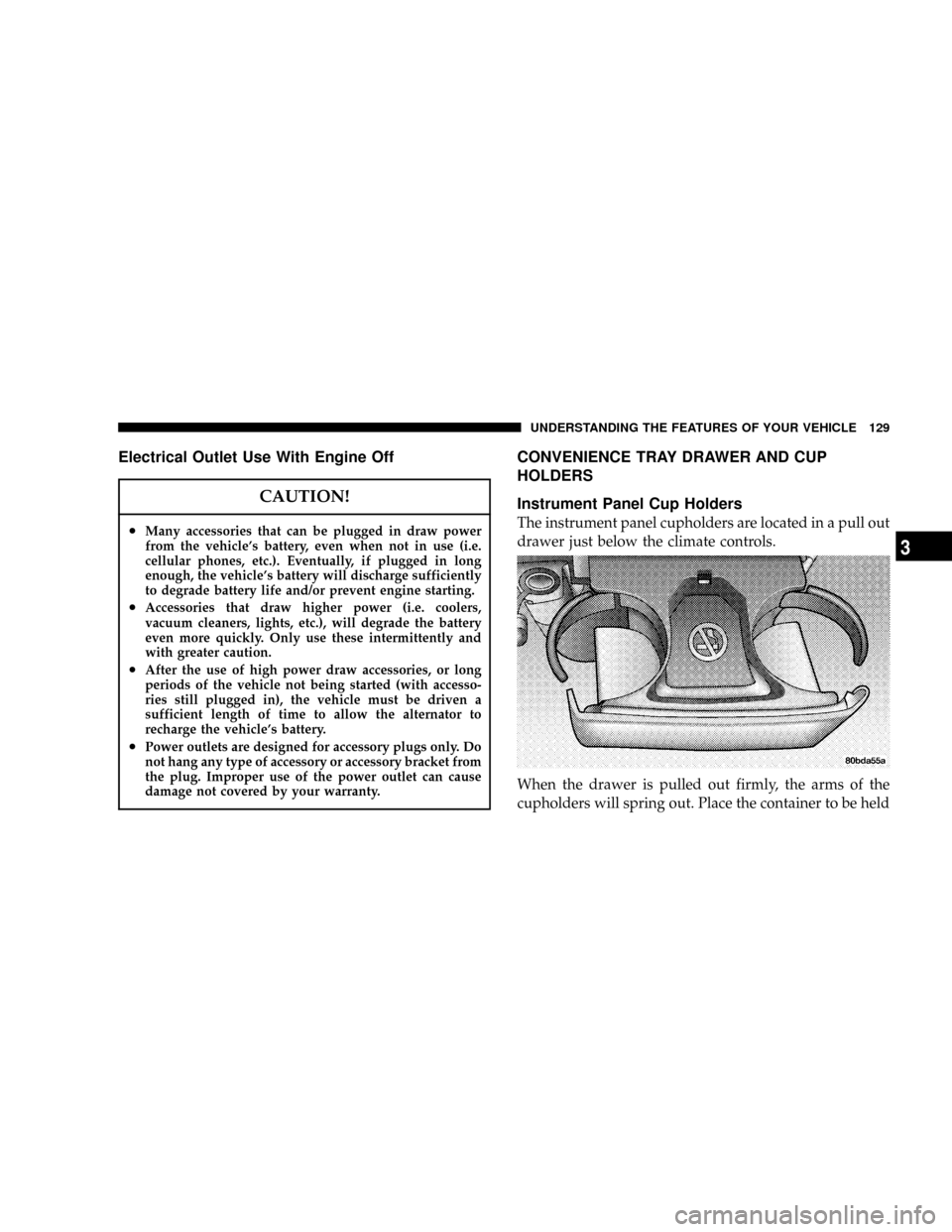
The instrument panel cupholders are located in a pull out
drawer just below the climate controls.
When the drawer is pulled out firmly, the arms of the
cupholders will spring out. Place the container to be held
UNDERSTANDING THE FEATURES OF YOUR VEHICLE 129
3
Page 132 of 397

STORAGE
Front Seat Storage Bin Ð If Equipped
The storage bin is located under the front passenger's
seat. If equipped with a lock, it can be locked with the
ignition key.
Removable Floor Console Ð If Equipped
The removal floor console has a power outlet, storage
tray, light, cell phone holder, tissue holder, and a map
holder. It can be placed between either the front seats or
middle seats.
NOTE:When the console is located between the front
seats the outlet is protected by an automatic circuit
breaker and is powered directly from the battery, items
plugged into this outlet may discharge the battery
and/or prevent engine starting.
132 UNDERSTANDING THE FEATURES OF YOUR VEHICLE
Page 135 of 397
CAUTION!
²Many accessories that can be plugged in draw
power from the vehicle's battery, even when not
in use (i.e. cellular phones, etc.). Eventually, if
plugged in long enough, the vehicle's battery will
discharge sufficiently to degrade battery life
and/or prevent engine starting.
²Accessories that draw higher power (i.e. coolers,
vacuum cleaners, lights, etc.), will degrade the
battery even more quickly. Only use these inter-
mittently and with greater caution.
²After the use of high power draw accessories, or
long periods of the vehicle not being started (with
accessories still plugged in), the vehicle must be
driven a sufficient length of time to allow the
generator to recharge the vehicle's battery.
Rear Compartment Storage Bins
Your vehicle may be equipped with open storage bins
located in each rear trim panel or your vehicle may be
equipped with storage bins located under the armrest in
each rear trim panel.
Cargo Area Storage
The seats in your vehicle are in-line which enables you to
stow long objects, such as lumber or skis, on the floor
without moving the seats.
NOTE:With all rear seat backs folded, a 4x8 foot sheet
of building material may be stored in the long-wheelbase
body style on top of the folded seats with the liftgate
closed. The front seats must be moved slightly forward of
the rearmost position. If the rear seats are removed no
front seat adjustment is needed and more than one 4x8
sheet of building material may be stored.
UNDERSTANDING THE FEATURES OF YOUR VEHICLE 135
3
Page 191 of 397

Channel Button
Press this button to select between channel ªAº or
channel ªBº, or if interference is heard through the
headphones.
Remote Control Battery Service
²
To replace the batteries for the remote control slide the
cover rearward.
The replacement batteries for the remote control are two
AAA batteries.
Operating Instructions Ð Video Screen
Push up on the release button to lower the video screen.
1. Screen Width Button
Changes the width of the screen picture.
2. Enter Button
This button will enter the selection from the on-screen
menu.
UNDERSTANDING YOUR INSTRUMENT PANEL 191
4
Page 194 of 397

Headphone Battery Service
²Using a key or similar flat object insert into the slot.
²Pry on the release tab to open the cover.
²Replace the batteries and reinstall the cover.
The replacement batteries for the headphones are three
AAA batteries.
General Information
This device complies with part 15 of the FCC rules and
RSS 210 of Industry Canada. Operation is subject to the
following two conditions: (1) This device may not cause
harmful interference and (2) This device must accept any
interference received, including interference that may
cause undesired operation.
If you experience static or the headphones will not hold
a channel, check for these two conditions:
1. A weak battery in the headphones.
2. Closeness to a radio transmitter such as a radio station
tower, airport transmitter, and some mobile or CB radios.
Operating Instructions Ð MP3 Player
An MP3 player can be connected to the audio system.
Connect the cables to the RCA jacks located on the front
of the CD/DVD changer.
194 UNDERSTANDING YOUR INSTRUMENT PANEL
Page 227 of 397
Extremely Cold Weather(below229ÉC or220ÉF). To
insure reliable starting at these temperatures, use of an
externally powered electric engine block heater (available
from your dealer) is recommended.
WARNING!
Do not attempt to push or tow your vehicle to get it
started. Vehicles equipped with an automatic trans-
mission cannot be started this way. Unburned fuel
could enter the catalytic converter and once the
engine has started, ignite and damage the converter
and vehicle. If the vehicle has a discharged battery,
booster cables may be used to obtain a start from a
booster battery or the battery in another vehicle. This
type of start can be dangerous if done improperly.
See section 6 of this manual for the proper jump
starting procedures and follow them carefully.
WARNING!
Never pour fuel or other flammable liquid into the
throttle body air inlet opening in an attempt to start
the vehicle. This could result in flash fire causing
serious personal injury.
If Engine Fails to Start
If the engine fails to start after you have followed the
ªNORMAL STARTINGº, ªCOLD WEATHERº or ªHIGH
ALTITUDEº procedures, it may be flooded. Push the
accelerator pedal all the way to the floor and hold it there
while cranking the engine. This should clear any excess
fuel in case the engine is flooded.
STARTING AND OPERATING 227
5
Page 229 of 397
WARNING!
Do not attempt to push or tow your vehicle to get it
started. Vehicles equipped with an automatic trans-
mission cannot be started this way. Unburned fuel
could enter the catalytic converter and once the
engine has started, ignite and damage the converter
and vehicle. If the vehicle has a discharged battery,
booster cables may be used to obtain a start from a
booster battery or the battery in another vehicle. This
type of start can be dangerous if done improperly.
See section 6 of this manual for the proper jump
starting procedures and follow them carefully.
WARNING!
Never pour fuel or other flammable liquid into the
throttle body air inlet opening in an attempt to start
the vehicle. This could result in flash fire causing
serious personal injury.
If Engine Fails to Start
If the engine fails to start after you have followed the
ªNORMAL STARTINGº procedure, it may be flooded.
Push the accelerator pedal all the way to the floor and
hold it there while cranking the engine. This should clear
any excess fuel in case the engine is flooded.
STARTING AND OPERATING 229
5
Page 279 of 397

WHAT TO DO IN EMERGENCIES
CONTENTS
mHazard Warning Flasher..................280
mIf Your Engine Overheats.................281
mJacking And Tire Changing................282
NJack Location........................283
NSpare Tire Stowage....................283
NPreparations For Jacking................284
NJacking Instructions....................285
mJump-Starting Procedures If Battery Is Low....288
mDriving On Slippery Surfaces..............290
NAcceleration.........................290NTraction............................290
mFreeing A Stuck Vehicle..................291
mTowing A Disabled Vehicle................291
NWith Ignition Key.....................291
NWithout The Ignition Key...............293
NTowing This Vehicle Behind Another Vehicle
(Flat Towing With All Four Wheels On The
Ground)............................293
NTowing This Vehicle Behind Another Vehicle
With A Tow Dolley....................293
6
Page 280 of 397

HAZARD WARNING FLASHER
The hazard flasher switch is located in the center of the
instrument panel above the radio.
To engage the Hazard Warning Flashers, depress the
switch on the instrument panel. When the Hazard Warn-
ing Switch is activated, all directional turn signals willflash on and off to warn oncoming traffic of an emer-
gency. Push the switch a second time to turn off the
flashers.
This is an emergency warning system and should not be
used when the vehicle is in motion. Use it when your
vehicle is disabled and is creating a safety hazard for
other motorists.
When you must leave the vehicle to seek assistance, the
Hazard Warning Flashers will continue to operate even
though the ignition switch is OFF.
NOTE:With extended use, the Hazard Warning Flash-
ers may wear down your battery.
280 WHAT TO DO IN EMERGENCIES
Page 288 of 397
JUMP-STARTING PROCEDURES IF BATTERY IS
LOW
WARNING!
Take care to avoid the radiator cooling fan whenever
the hood is raised. It can start anytime the ignition
switch is on. You can be hurt by the fan.
WARNING!
²Do not attempt to push or tow your vehicle to get it
started. Vehicles equipped with an automatic trans-
mission cannot be started this way. Unburned fuel
could enter the catalytic converter and once the en-
gine has started, ignite and damage the converter and
vehicle. If the vehicle has a discharged battery,
booster cables may be used to obtain a start from
another vehicle. This type of start can be dangerous if
done improperly, so follow this procedure carefully.
²Battery fluid is a corrosive acid solution; do not allow
battery fluid to contact eyes, skin or clothing. Don't
lean over battery when attaching clamps or allow the
clamps to touch each other. If acid splashes in eyes or
on skin, flush contaminated area immediately with
large quantities of water.
²A battery generates hydrogen gas which is flammable
and explosive. Keep flame or spark away from the
vent holes. Do not use a booster battery or any other
booster source with an output that exceeds 12 volts.
288 WHAT TO DO IN EMERGENCIES