remote start DODGE CHALLENGER SRT 2014 3.G Owner's Manual
[x] Cancel search | Manufacturer: DODGE, Model Year: 2014, Model line: CHALLENGER SRT, Model: DODGE CHALLENGER SRT 2014 3.GPages: 529, PDF Size: 3.28 MB
Page 228 of 529
•ESC Off – Electronic Stability Control is deactivated
• Check Gascap
• Key Fob Battery Low
• Service Keyless System
• Wrong Key
• Damaged Key
• Key not Programmed
• Push Button or Insert Key/Turn To Run (refer to
“Remote Starting System” in “Things To Know Before
Starting Your Vehicle”)
• 1–4 SKIPSHIFT
• UPSHIFT
• Sport Mode Active •
0-60 mph (0-100 km/h)
• Braking Distance
• 1/8 Mile
• 1/4 Mile
• Instantaneous G-Force
• Peak G-Force
• Digital Speedometer
• Track Mode Activiated
• Launch Ready Release Brake
• Launch Control Enabled
• Launch Ready Release Clutch
4
UNDERSTANDING YOUR INSTRUMENT PANEL 227
Page 242 of 529
press and release the SELECT button until “Driver Door
1st Press” or “All Doors 1st Press” appears.
Remote Start Comfort Sys. — If Equipped
When this feature is selected and the remote start is
activated, the heated steering wheel and driver heated
seat features will automatically turn on in cold weather.
In warm weather, the driver vented seat feature will
automatically turn on when the remote start is activated.
These features will stay on through the duration of
remote start or until the key is turned to RUN. To make
your selection, press and release the SELECT button until
a check-mark appears next to the feature showing the
system has been activated or the check-mark is removed
showing the system has been deactivated.
Sound Horn with Remote Key Lock
When ON is selected, a short horn sound will occur when
the RKE transmitter LOCK button is pressed. This feature
may be selected with or without the flash lights onlock/unlock feature. To make your selection, press and
release the SELECT button until “ON” or “OFF” appears.
Flash Lights With Remote Key Lock
When ON is selected, the front and rear turn signals will
flash when the doors are locked or unlocked with the
RKE transmitter. This feature may be selected with or
without the sound horn on lock feature selected. To make
your selection, press and release the SELECT button until
“ON” or “OFF” appears.
Headlamps On with Wipers (Available with Auto
Headlights Only)
When ON is selected, and the headlight switch is in the
AUTO (A) position, the headlights will turn on approxi-
mately 10 seconds after the wipers are turned on. The
headlights will also turn off when the wipers are turned
off if they were turned on by this feature. To make your
selection, press and release the SELECT button until
“ON” or “OFF” appears.
4
UNDERSTANDING YOUR INSTRUMENT PANEL 241
Page 243 of 529
NOTE:Turning the headlights on during the daytime
causes the instrument panel lights to dim. To increase the
brightness, refer to “Lights” in “Understanding The
Features Of Your Vehicle.”
Delay Turning Headlights Off
When this feature is selected, the driver can choose to
have the headlights remain on for 0, 30, 60, or 90 seconds
when exiting the vehicle. To make your selection, press
and release the SELECT button until “0,” “30,” “60,” or
“90” appears.
Hill Start Assist (HSA) — If Equipped
When on is selected, the HSA system is active. Refer to
“Electronic Brake Control System” in “Starting And
Operating” for system function and operating informa-
tion. To make your selection, press and release the
SELECT button until “ON” or “OFF” appears.
Turn Headlights On With Remote Key Unlock
When this feature is selected, the headlights will activate
and remain on for up to 90 seconds when the doors are
unlocked with the RKE transmitter. To make your selec-
tion, press and release the SELECT button until “OFF,”
“30 sec.,” “60 sec.,” or “90 sec.” appears.
Delay Power Off To Accessories Until Exit
When this feature is selected, the power window
switches, radio, Uconnect® phone (if equipped), power
sunroof (if equipped), and ignition-powered power out-
lets will remain active for up to 60 minutes after the
ignition switch is turned OFF. Opening either front
vehicle door will cancel this feature. To make your
selection, press and release the SELECT button until
“Off,” “45 sec.,” “5 min.,” “10 min.,” “30 min.,” or “60
min.” appears.
242 UNDERSTANDING YOUR INSTRUMENT PANEL
Page 299 of 529
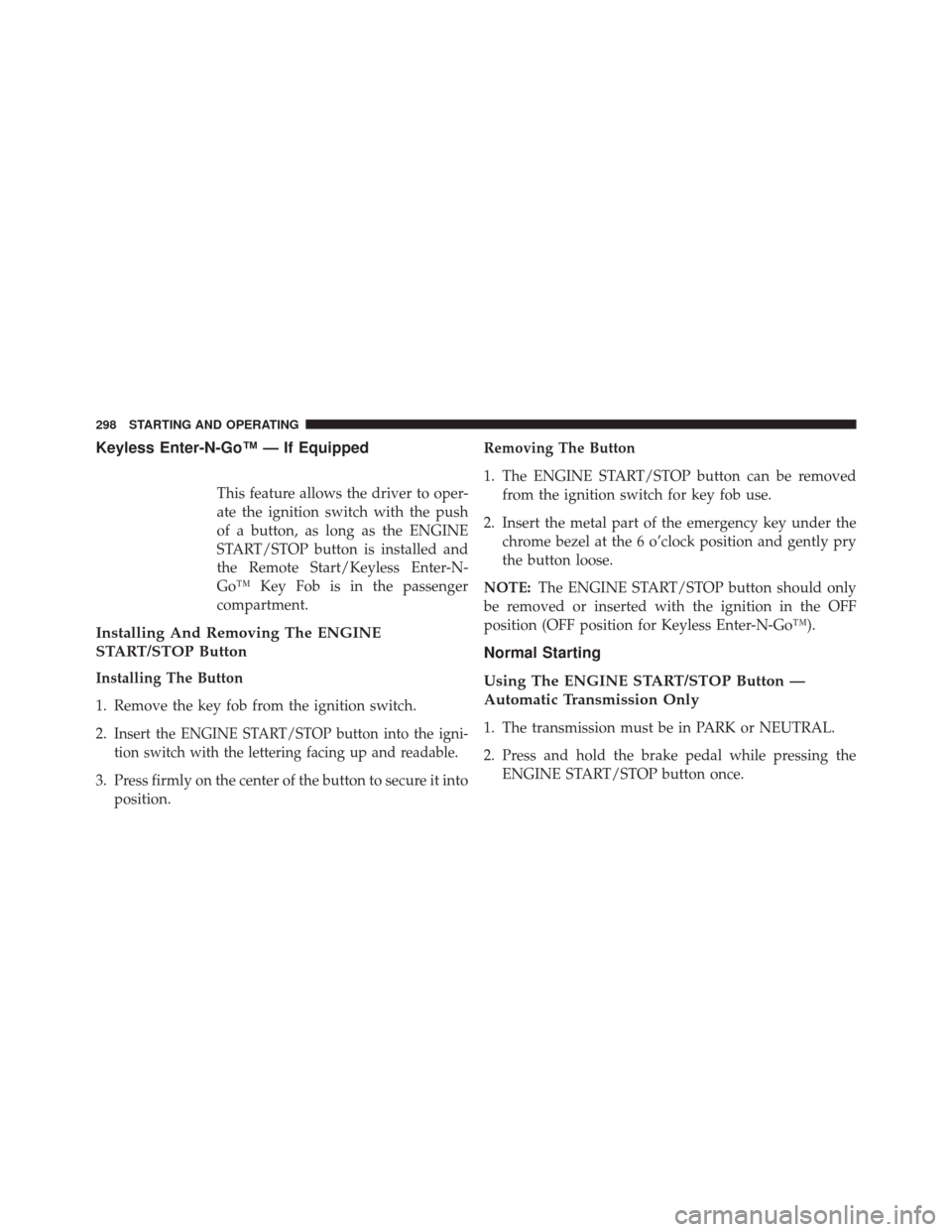
Keyless Enter-N-Go™ — If Equipped
This feature allows the driver to oper-
ate the ignition switch with the push
of a button, as long as the ENGINE
START/STOP button is installed and
the Remote Start/Keyless Enter-N-
Go™ Key Fob is in the passenger
compartment.
Installing And Removing The ENGINE
START/STOP Button
Installing The Button
1. Remove the key fob from the ignition switch.
2.
Insert the ENGINE START/STOP button into the igni-
tion switch with the lettering facing up and readable.
3. Press firmly on the center of the button to secure it intoposition. Removing The Button
1. The ENGINE START/STOP button can be removed
from the ignition switch for key fob use.
2. Insert the metal part of the emergency key under the chrome bezel at the 6 o’clock position and gently pry
the button loose.
NOTE: The ENGINE START/STOP button should only
be removed or inserted with the ignition in the OFF
position (OFF position for Keyless Enter-N-Go™).
Normal Starting
Using The ENGINE START/STOP Button —
Automatic Transmission Only
1. The transmission must be in PARK or NEUTRAL.
2. Press and hold the brake pedal while pressing the ENGINE START/STOP button once.
298 STARTING AND OPERATING
Page 407 of 529
CAUTION!
Do not use a portable battery booster pack or any
other booster source with a system voltage greater
than 12 Volts or damage to the battery, starter motor,
alternator or electrical system may occur.
WARNING!
Do not attempt jump-starting if the battery is frozen.
It could rupture or explode and cause personal injury.
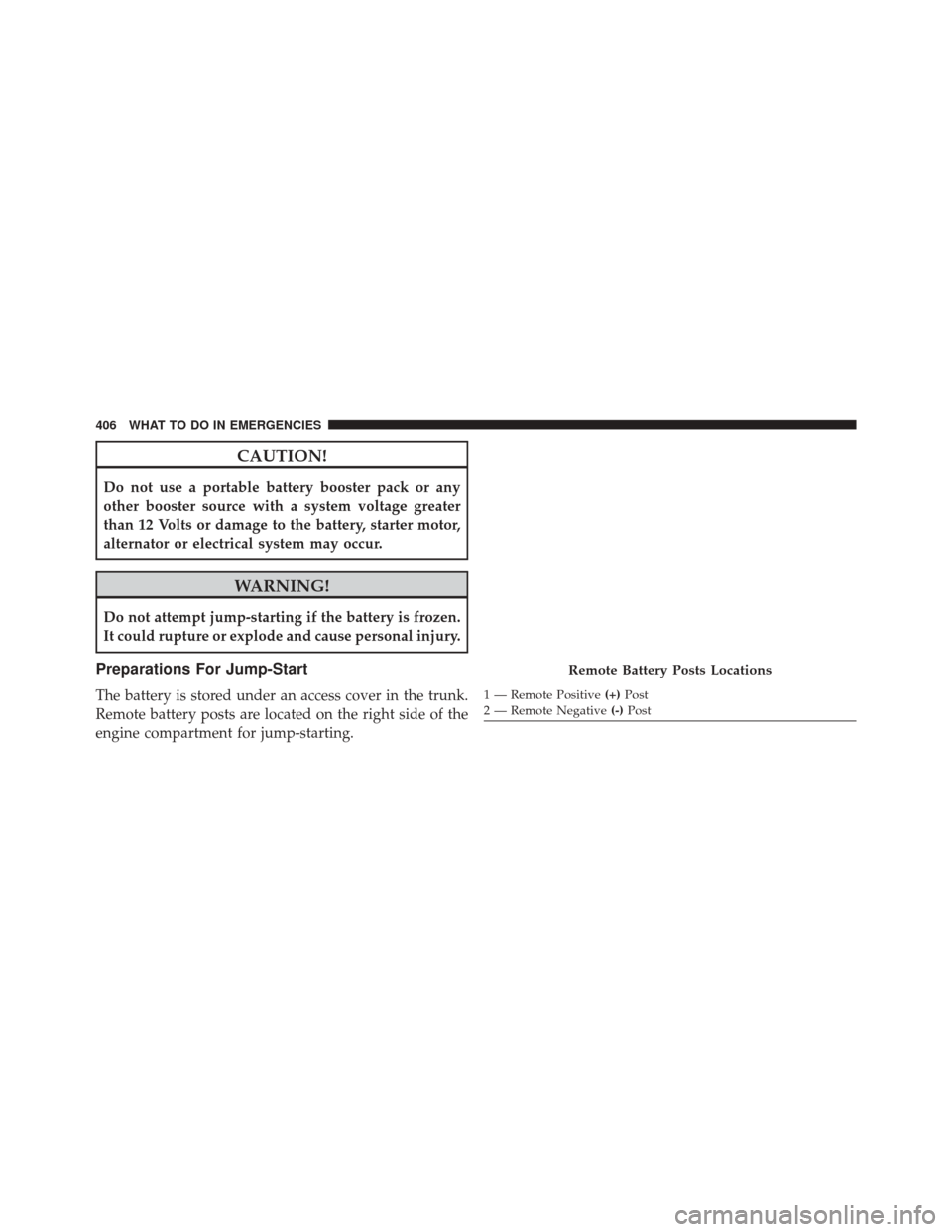
Preparations For Jump-Start
The battery is stored under an access cover in the trunk.
Remote battery posts are located on the right side of the
engine compartment for jump-starting.
Remote Battery Posts Locations
1 — Remote Positive(+)Post
2 — Remote Negative (-)Post
406 WHAT TO DO IN EMERGENCIES
Page 409 of 529
CAUTION!
Failure to follow these procedures could result in
damage to the charging system of the booster vehicle
or the discharged vehicle.
Connecting The Jumper Cables
1. Connect the positive (+)end of the jumper cable to the
remote positive (+)post of the vehicle with the dis-
charged battery.
2. Connect the opposite end of the positive (+)jumper
cable to the positive (+)post of the booster battery.
3. Connect the negative (-)end of the jumper cable to the
negative (-)post of the booster battery. 4. Connect the opposite end of the negative
(-)jumper
cable to the remote negative (-)post of the vehicle with
the discharged battery.
WARNING!
Do not connect the jumper cable to the negative (-)
post of the discharged battery. The resulting electri-
cal spark could cause the battery to explode and
could result in personal injury. Only use the specific
ground point, do not use any other exposed metal
parts.
5. Start the engine in the vehicle that has the booster battery, let the engine idle a few minutes, and then
start the engine in the vehicle with the discharged
battery.
408 WHAT TO DO IN EMERGENCIES
Page 410 of 529
6. Once the engine is started, remove the jumper cablesin the reverse sequence:
Disconnecting The Jumper Cables
1. Disconnect the negative (-)end of the jumper cable
from the remote negative (-)post of the vehicle with
the discharged battery.
2. Disconnect the opposite end of the negative (-)jumper
cable from the negative (-)post of the booster battery.
3. Disconnect the positive (+)end of the jumper cable
from the positive (+)post of the booster battery.
4. Disconnect the opposite end of the positive (+)jumper
cable from the remote positive (+)post of the vehicle
with the discharged battery.
If frequent jump-starting is required to start your vehicle
you should have the battery and charging system in-
spected at your authorized dealer.CAUTION!
Accessories plugged into the vehicle power outlets
draw power from the vehicle’s battery, even when not
in use (i.e., cellular phones, etc.). Eventually, if plugged
in long enough without engine operation, the vehicle’s
battery will discharge sufficiently to degrade battery
life and/or prevent the engine from starting.
FREEING A STUCK VEHICLE
If your vehicle becomes stuck in mud, sand, or snow, it can
often be moved using a rocking motion. Turn the steering
wheel right and left to clear the area around the front
wheels. Then shift back and forth between DRIVE and
REVERSE (with automatic transmission) or FIRST GEAR
and REVERSE (with manual transmission), while gently
pressing the accelerator. Use the least amount of accelerator
pedal pressure that will maintain the rocking motion,
without spinning the wheels or racing the engine.
6
WHAT TO DO IN EMERGENCIES 409
Page 420 of 529
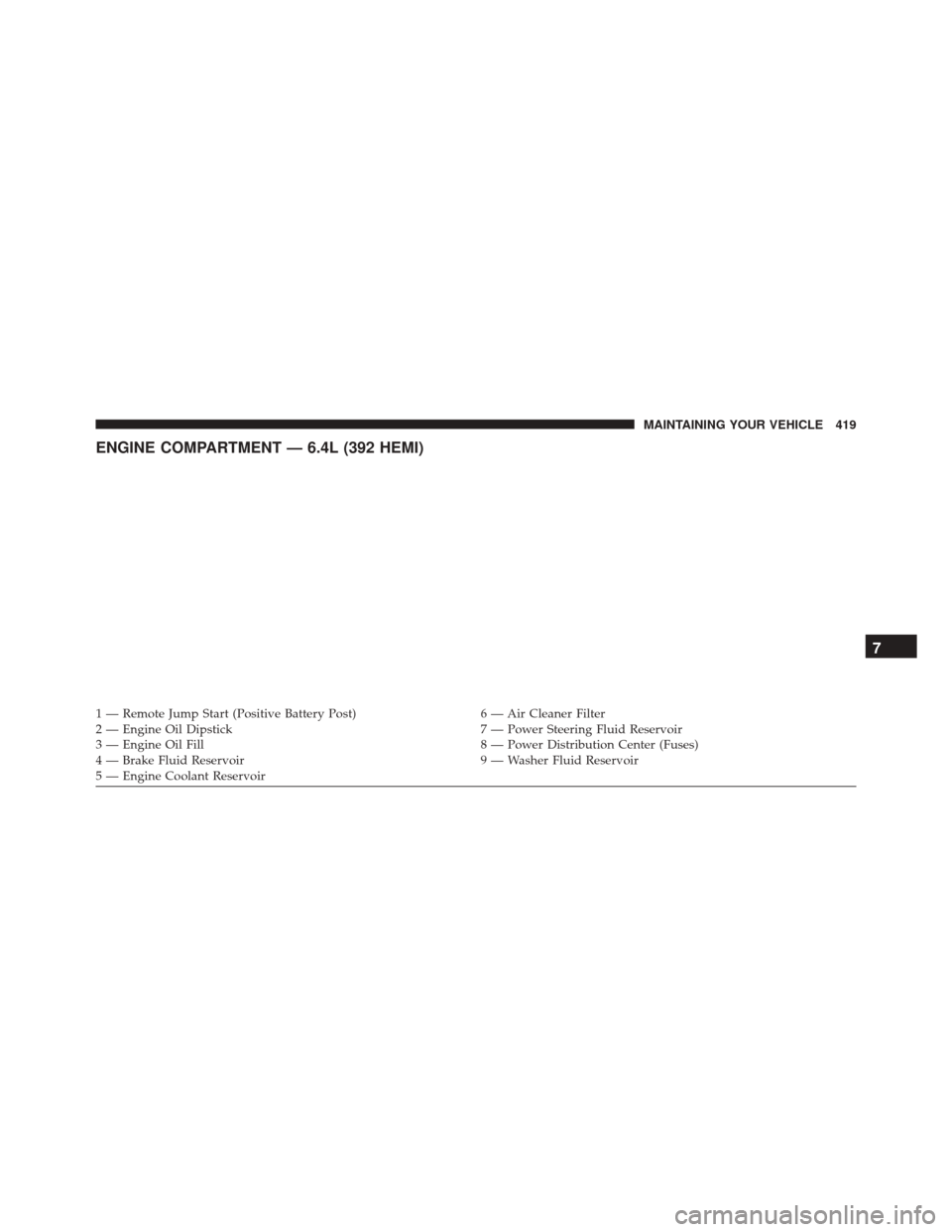
ENGINE COMPARTMENT — 6.4L (392 HEMI)
1 — Remote Jump Start (Positive Battery Post)6 — Air Cleaner Filter
2 — Engine Oil Dipstick 7 — Power Steering Fluid Reservoir
3 — Engine Oil Fill 8 — Power Distribution Center (Fuses)
4 — Brake Fluid Reservoir 9 — Washer Fluid Reservoir
5 — Engine Coolant Reservoir
7
MAINTAINING YOUR VEHICLE 419
Page 428 of 529
WARNING!
The air induction system (air cleaner, hoses, etc.) can
provide a measure of protection in the case of engine
backfire. Do not remove the air induction system (air
cleaner, hoses, etc.) unless such removal is necessary
for repair or maintenance. Make sure that no one is
near the engine compartment before starting the
vehicle with the air induction system (air cleaner,
hoses, etc.) removed. Failure to do so can result in
serious personal injury.
Engine Air Cleaner Filter Selection
The quality of replacement engine air cleaner filters
varies considerably. Only high quality filters should be
used to assure most efficient service. MOPAR® engine air
cleaner filters are a high quality filter and are recom-
mended.
Maintenance-Free Battery
Your vehicle is equipped with a maintenance-free battery.
You will never have to add water, nor is periodic main-
tenance required.
NOTE:The battery is stored under an access cover in the
trunk. Remote battery terminals are located in the engine
compartment for jump-starting. Refer to “Jump-Starting
Procedures” in “What To Do In Emergencies” for further
information.
7
MAINTAINING YOUR VEHICLE 427
Page 511 of 529
KeyFob...............................33
Remote...............................33
Remote Keyless Entry (RKE) ................33
Door Locks, Automatic ......................35
Door Opener, Garage ...................... .186
Driving Through Flowing, Rising, or Shallow Standing
Water ............................... .328
Electrical Power Outlets .....................198
Electric Remote Mirrors .....................110
Electronic Brake Control System ...............339
Anti-Lock Brake System ..................339
Electronic Power Distribution Center (Fuses) ......459
Electronic Speed Control (Cruise Control) ........173
Electronic Stability Control (ESC) ..............343
Electronic Throttle Control Warning Light ........213
Electronic Vehicle Information Center (EVIC) ......223
Emergency Deck Lid Release ..................45Emergency, In Case of
Freeing Vehicle When Stuck ................409
Hazard Warning Flasher ..................392
Jump Starting ......................... .405
Overheating .......................... .392
Towing ............................. .413
Emergency Trunk Release ....................45
Emission Control System Maintenance ..........421
Engine ................................ .419
Air Cleaner .......................... .426
Block Heater ......................... .304
Break-In Recommendations .................96
Checking Oil Level ..................... .424
Compartment ......................... .419
Coolant (Antifreeze) .....................437
Cooling ............................. .437
Exhaust Gas Caution .....................98
Fails to Start .......................... .301
Flooded, Starting ...................... .301
510 INDEX