•Two wireless infrared headsets allow rear seat passen-
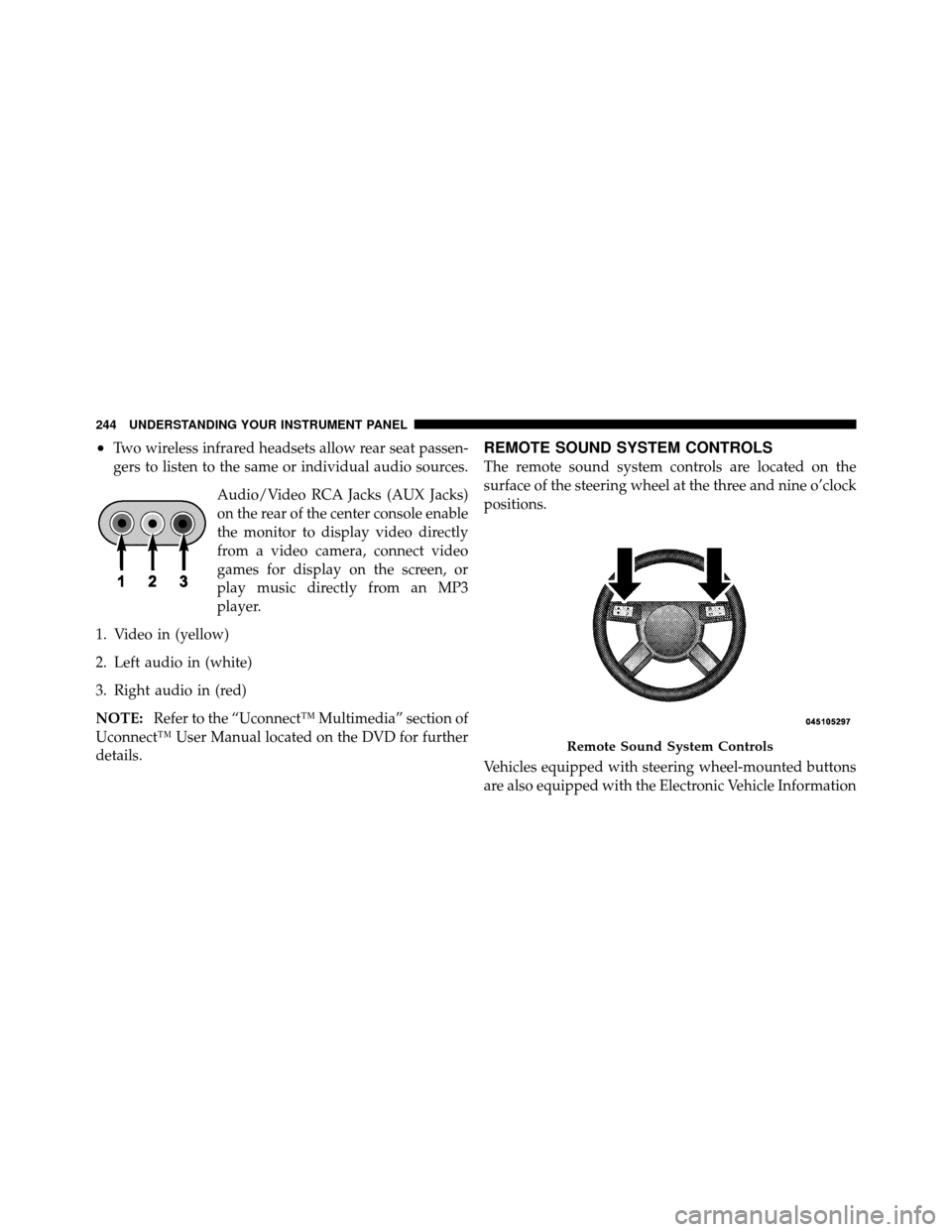
gers to listen to the same or individual audio sources.Audio/Video RCA Jacks (AUX Jacks)
on the rear of the center console enable
the monitor to display video directly
from a video camera, connect video
games for display on the screen, or
play music directly from an MP3
player.
1. Video in (yellow)
2. Left audio in (white)
3. Right audio in (red)
NOTE: Refer to the “Uconnect™ Multimedia” section of
Uconnect™ User Manual located on the DVD for further
details.REMOTE SOUND SYSTEM CONTROLS
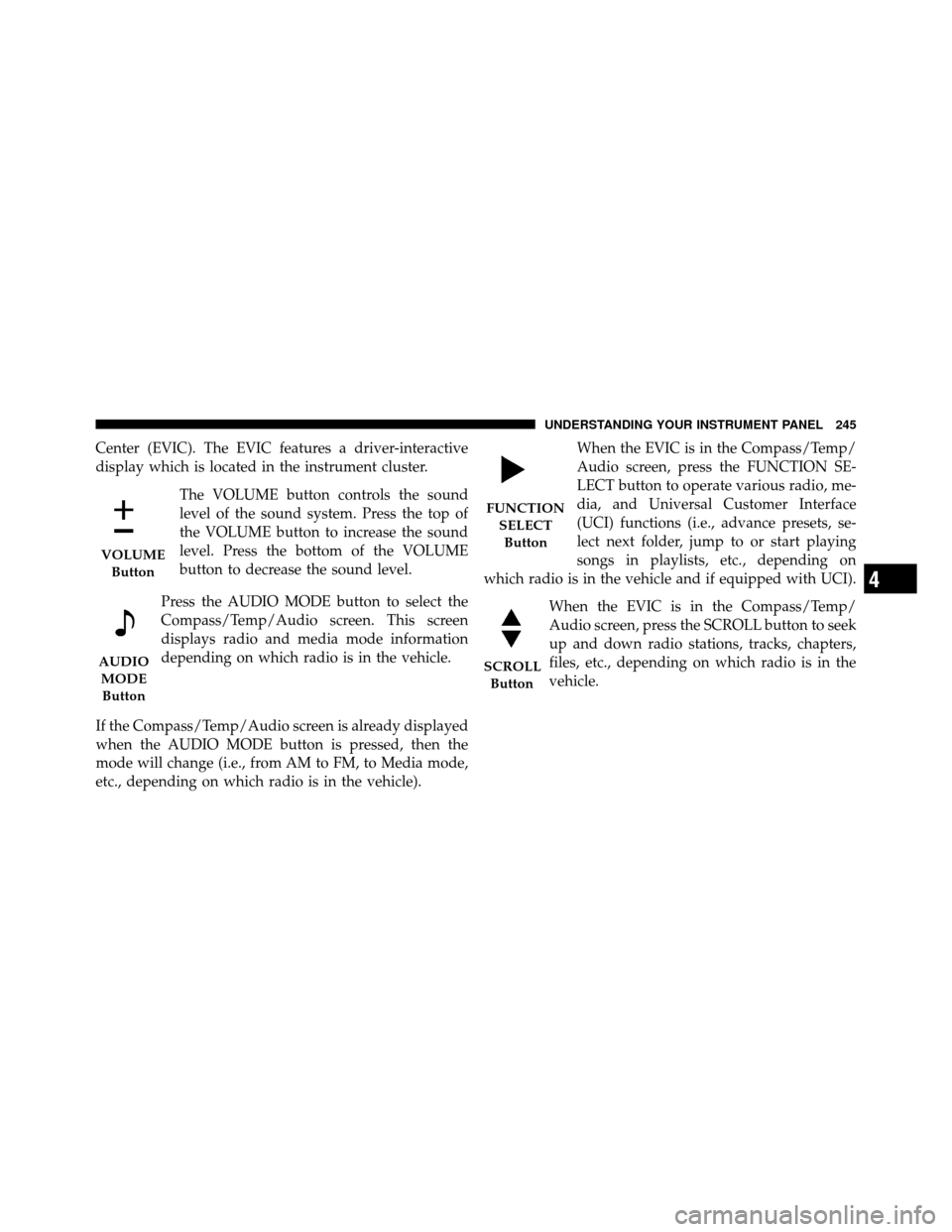
The remote sound system controls are located on the
surface of the steering wheel at the three and nine o’clock
positions.
Vehicles equipped with steering wheel-mounted buttons
are also equipped with the Electronic Vehicle Information
Remote Sound System Controls
244 UNDERSTANDING YOUR INSTRUMENT PANEL
Center (EVIC). The EVIC features a driver-interactive
display which is located in the instrument cluster.The VOLUME button controls the sound
level of the sound system. Press the top of
the VOLUME button to increase the sound
level. Press the bottom of the VOLUME
button to decrease the sound level.
Press the AUDIO MODE button to select the
Compass/Temp/Audio screen. This screen
displays radio and media mode information
depending on which radio is in the vehicle.
If the Compass/Temp/Audio screen is already displayed
when the AUDIO MODE button is pressed, then the
mode will change (i.e., from AM to FM, to Media mode,
etc., depending on which radio is in the vehicle). When the EVIC is in the Compass/Temp/
Audio screen, press the FUNCTION SE-
LECT button to operate various radio, me-
dia, and Universal Customer Interface
(UCI) functions (i.e., advance presets, se-
lect next folder, jump to or start playing
songs in playlists, etc., depending on
which radio is in the vehicle and if equipped with UCI).
When the EVIC is in the Compass/Temp/
Audio screen, press the SCROLL button to seek
up and down radio stations, tracks, chapters,
files, etc., depending on which radio is in the
vehicle.
VOLUMEButton
AUDIOMODEButton
FUNCTION SELECTButton
SCROLL Button
4
UNDERSTANDING YOUR INSTRUMENT PANEL 245