navigation system DODGE CHARGER 2011 7.G Owners Manual
[x] Cancel search | Manufacturer: DODGE, Model Year: 2011, Model line: CHARGER, Model: DODGE CHARGER 2011 7.GPages: 104, PDF Size: 4.53 MB
Page 3 of 104
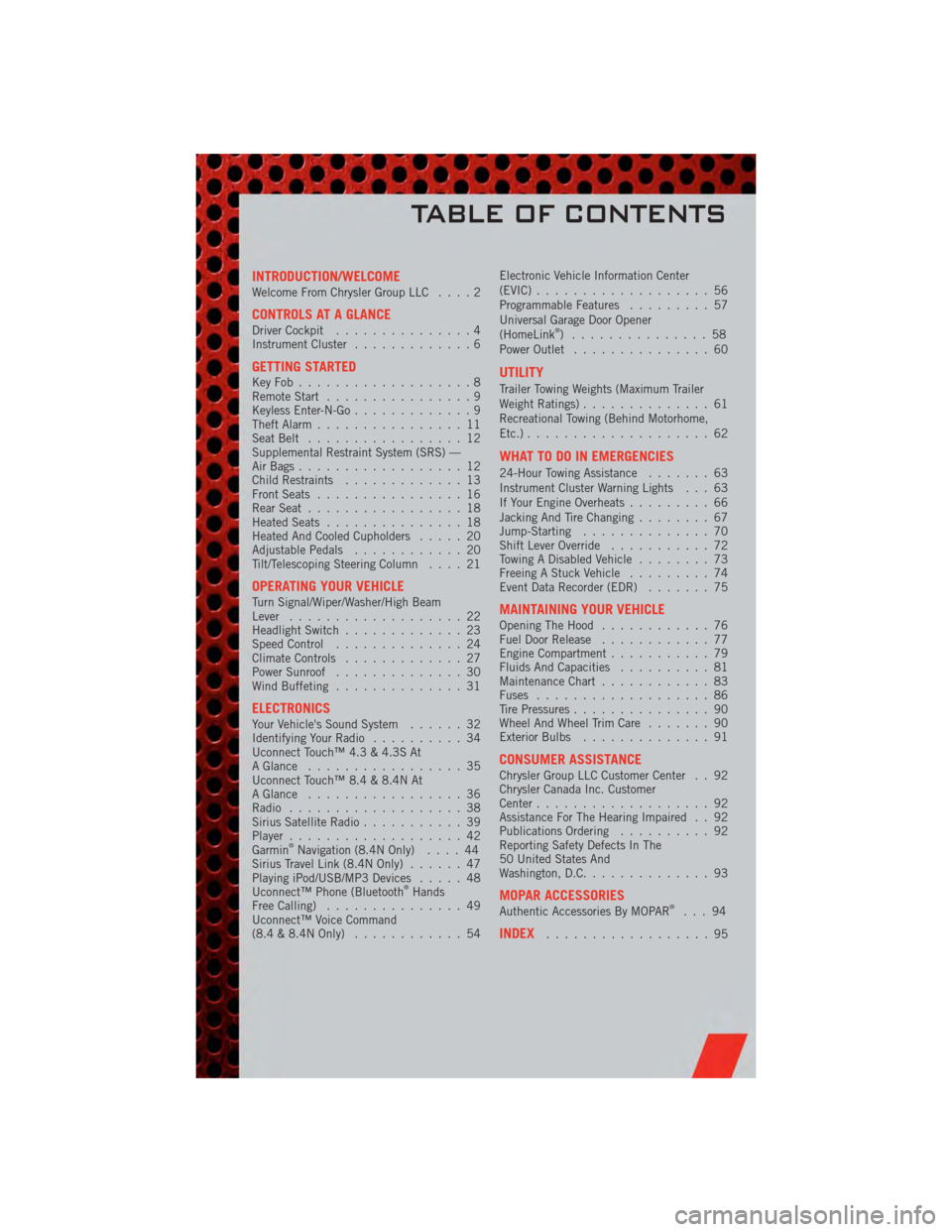
INTRODUCTION/WELCOMEWelcome From Chrysler Group LLC....2
CONTROLS AT A GLANCEDriver Cockpit...............4
Instrument Cluster .............6
GETTING STARTEDKeyFob...................8
Remote Start................9
Keyless Enter-N-Go .............9
Theft Alarm ................11
Seat Belt .................12
Supplemental Restraint System (SRS) —
Air Bags ..................12
Child Restraints .............13
Front Seats ................16
Rear Seat .................18
Heated Seats ...............18
Heated And Cooled Cupholders .....20
Adjustable Pedals ............20
Tilt/Telescoping Steering Column ....21
OPERATING YOUR VEHICLETurn Signal/Wiper/Washer/High Beam
Lever...................22
Headlight Switch .............23
Speed Control ..............24
Climate Controls .............27
Power Sunroof ..............30
Wind Buffeting ..............31
ELECTRONICSYour Vehicle's Sound System ......32
Identifying Your Radio ..........34
Uconnect Touch™ 4.3 & 4.3S At
A Glance .................35
Uconnect Touch™ 8.4 & 8.4N At
A Glance .................36
Radio ...................38
Sirius Satellite Radio ...........39
Player ...................42
Garmin
®Navigation (8.4N Only) ....44
Sirius Travel Link (8.4N Only) ......47
Playing iPod/USB/MP3 Devices .....48
Uconnect™ Phone (Bluetooth
®Hands
Free Calling) ...............49
Uconnect™ Voice Command
(8.4 & 8.4N Only) ............54 Electronic Vehicle Information Center
(EVIC)
...................56
Programmable Features .........57
Universal Garage Door Opener
(HomeLink
®) ...............58
Power Outlet ...............60
UTILITY
Trailer Towing Weights (Maximum Trailer
Weight Ratings) ..............61
Recreational Towing (Behind Motorhome,
Etc.) ....................62
WHAT TO DO IN EMERGENCIES
24-Hour Towing Assistance .......63
Instrument Cluster Warning Lights . . . 63
If Your Engine Overheats .........66
Jacking And Tire Changing ........67
Jump-Starting ..............70
Shift Lever Override ...........72
Towing A Disabled Vehicle ........73
Freeing A Stuck Vehicle .........74
Event Data Recorder (EDR) .......75
MAINTAINING YOUR VEHICLEOpening The Hood............76
Fuel Door Release ............77
Engine Compartment ...........79
Fluids And Capacities ..........81
Maintenance Chart ............83
Fuses ...................86
Tire Pressures ...............90
Wheel And Wheel Trim Care .......90
Exterior Bulbs ..............91
CONSUMER ASSISTANCEChrysler Group LLC Customer Center . . 92
Chrysler Canada Inc. Customer
Center...................92
Assistance For The Hearing Impaired . . 92
Publications Ordering ..........92
Reporting Safety Defects In The
50 United States And
Washington, D.C. .............93
MOPAR ACCESSORIESAuthentic Accessories By MOPAR®...94
INDEX..................95
TABLE OF CONTENTS
Page 46 of 104
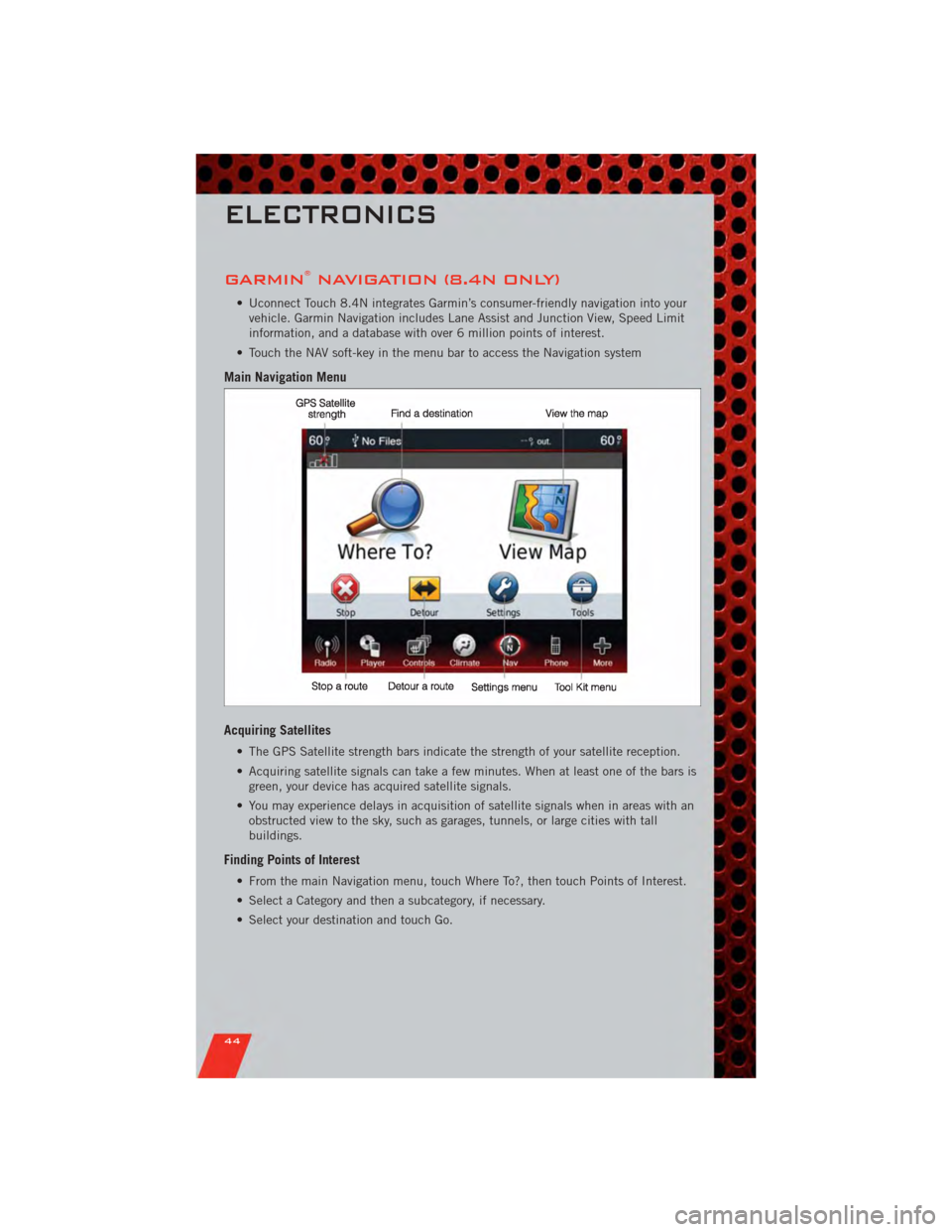
GARMIN®NAVIGATION (8.4N ONLY)
• Uconnect Touch 8.4N integrates Garmin’s consumer-friendly navigation into yourvehicle. Garmin Navigation includes Lane Assist and Junction View, Speed Limit
information, and a database with over 6 million points of interest.
• Touch the NAV soft-key in the menu bar to access the Navigation system
Main Navigation Menu
Acquiring Satellites
• The GPS Satellite strength bars indicate the strength of your satellite reception.
• Acquiring satellite signals can take a few minutes. When at least one of the bars is green, your device has acquired satellite signals.
• You may experience delays in acquisition of satellite signals when in areas with an obstructed view to the sky, such as garages, tunnels, or large cities with tall
buildings.
Finding Points of Interest
• From the main Navigation menu, touch Where To?, then touch Points of Interest.
• Select a Category and then a subcategory, if necessary.
• Select your destination and touch Go.
ELECTRONICS
44
Page 48 of 104
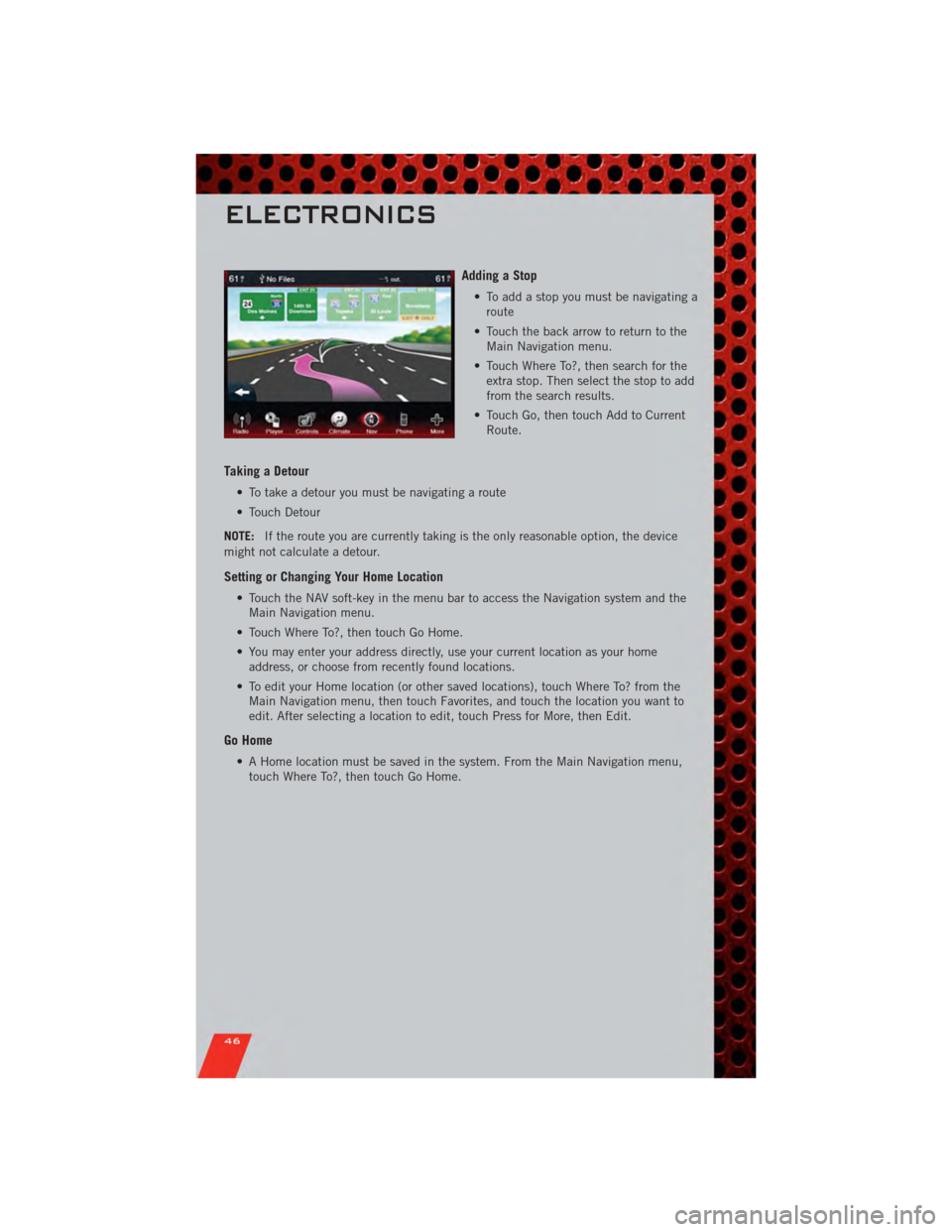
Adding a Stop
• To add a stop you must be navigating aroute
• Touch the back arrow to return to the Main Navigation menu.
• Touch Where To?, then search for the extra stop. Then select the stop to add
from the search results.
• Touch Go, then touch Add to Current Route.
Taking a Detour
• To take a detour you must be navigating a route
• Touch Detour
NOTE: If the route you are currently taking is the only reasonable option, the device
might not calculate a detour.
Setting or Changing Your Home Location
• Touch the NAV soft-key in the menu bar to access the Navigation system and the Main Navigation menu.
• Touch Where To?, then touch Go Home.
• You may enter your address directly, use your current location as your home address, or choose from recently found locations.
• To edit your Home location (or other saved locations), touch Where To? from the Main Navigation menu, then touch Favorites, and touch the location you want to
edit. After selecting a location to edit, touch Press for More, then Edit.
Go Home
• A Home location must be saved in the system. From the Main Navigation menu,touch Where To?, then touch Go Home.
ELECTRONICS
46
Page 57 of 104
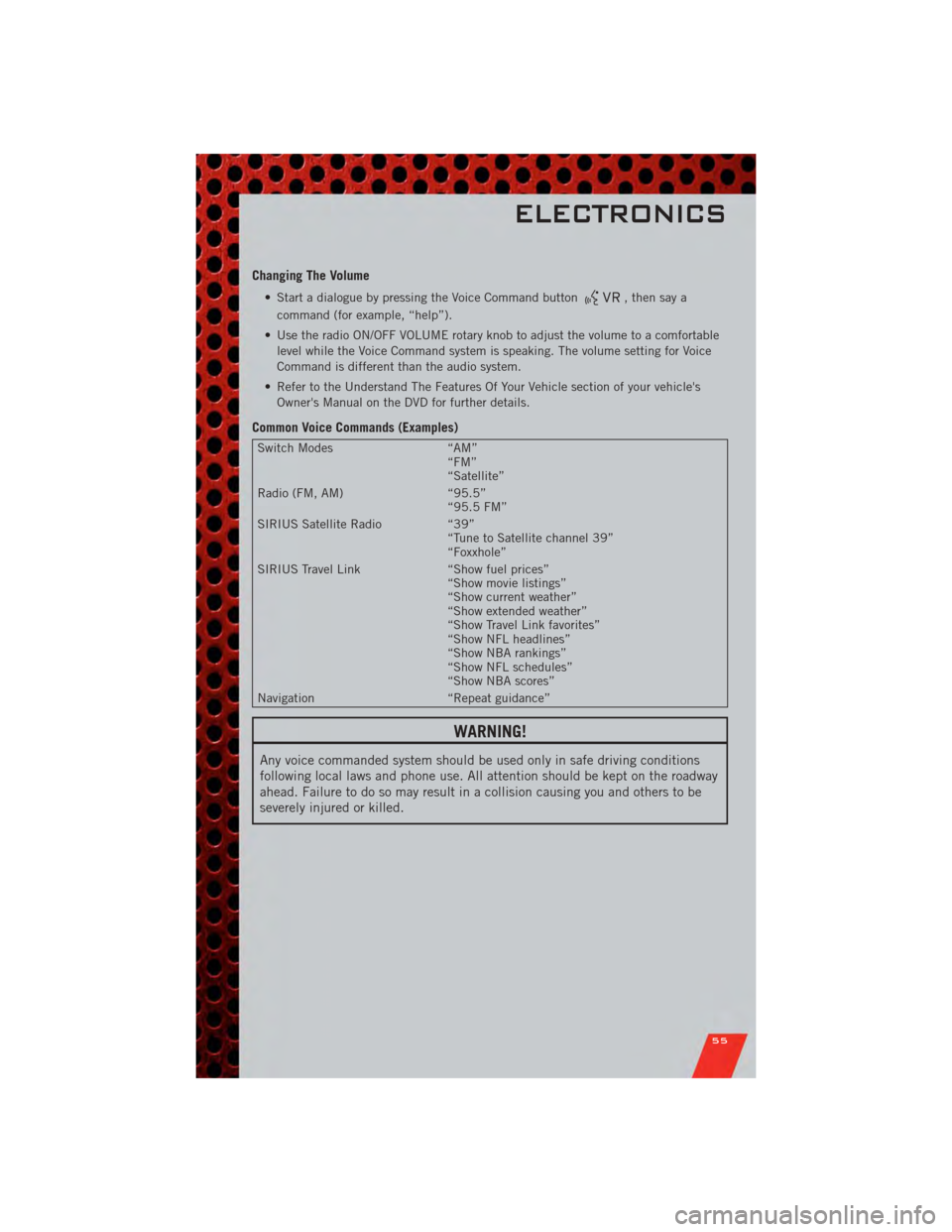
Changing The Volume
• Start a dialogue by pressing the Voice Command button, then say a
command (for example, “help”).
• Use the radio ON/OFF VOLUME rotary knob to adjust the volume to a comfortable level while the Voice Command system is speaking. The volume setting for Voice
Command is different than the audio system.
• Refer to the Understand The Features Of Your Vehicle section of your vehicle's Owner's Manual on the DVD for further details.
Common Voice Commands (Examples)
Switch Modes “AM”
“FM”
“Satellite”
Radio (FM, AM) “95.5”
“95.5 FM”
SIRIUS Satellite Radio “39”
“Tune to Satellite channel 39”
“Foxxhole”
SIRIUS Travel Link “Show fuel prices”
“Show movie listings”
“Show current weather”
“Show extended weather”
“Show Travel Link favorites”
“Show NFL headlines”
“Show NBA rankings”
“Show NFL schedules”
“Show NBA scores”
Navigation “Repeat guidance”
WARNING!
Any voice commanded system should be used only in safe driving conditions
following local laws and phone use. All attention should be kept on the roadway
ahead. Failure to do so may result in a collision causing you and others to be
severely injured or killed.
ELECTRONICS
55
Page 96 of 104
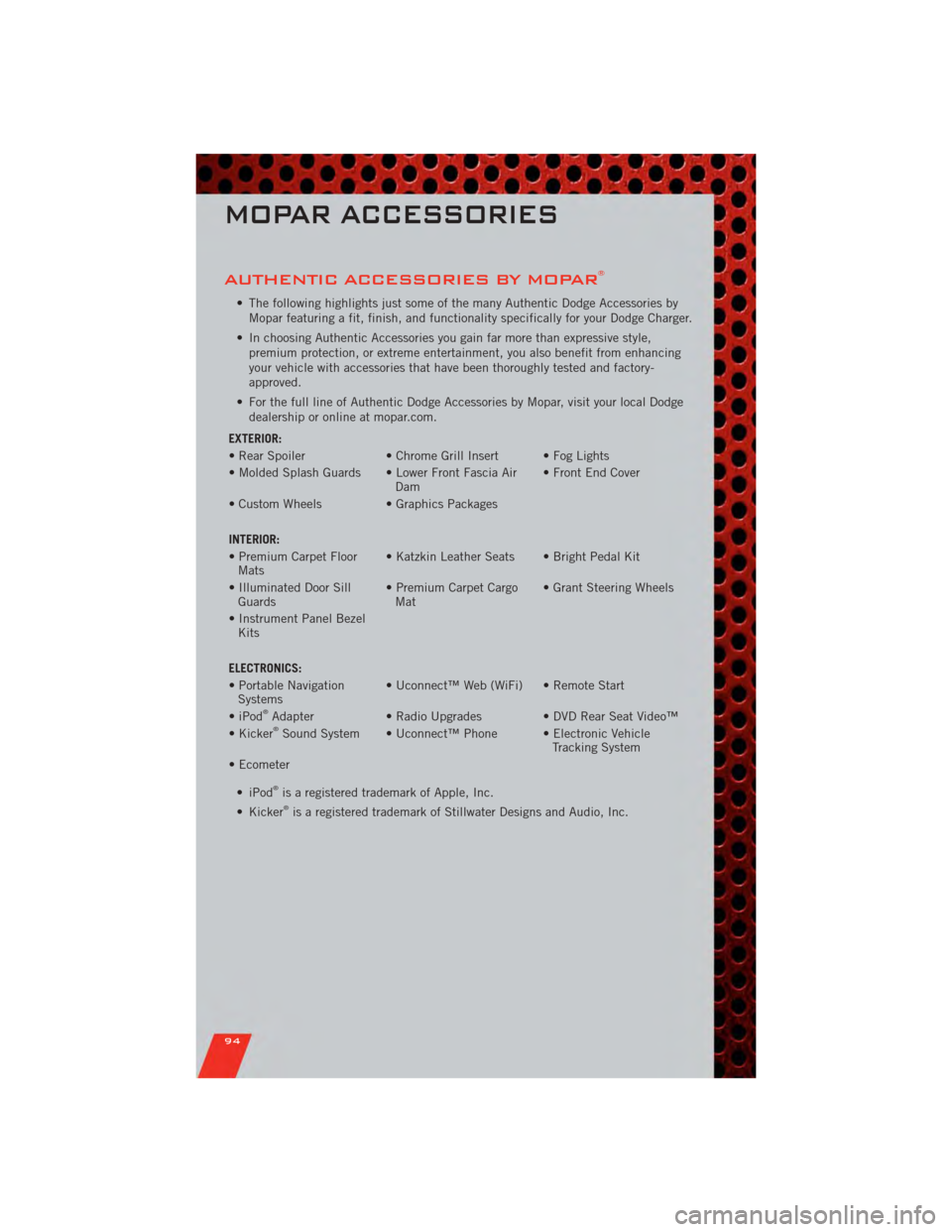
AUTHENTIC ACCESSORIES BY MOPAR®
• The following highlights just some of the many Authentic Dodge Accessories byMopar featuring a fit, finish, and functionality specifically for your Dodge Charger.
• In choosing Authentic Accessories you gain far more than expressive style, premium protection, or extreme entertainment, you also benefit from enhancing
your vehicle with accessories that have been thoroughly tested and factory-
approved.
• For the full line of Authentic Dodge Accessories by Mopar, visit your local Dodge dealership or online at mopar.com.
EXTERIOR:
• Rear Spoiler • Chrome Grill Insert • Fog Lights
• Molded Splash Guards • Lower Front Fascia Air Dam• Front End Cover
• Custom Wheels • Graphics Packages
INTERIOR:
• Premium Carpet Floor Mats • Katzkin Leather Seats • Bright Pedal Kit
• Illuminated Door Sill Guards • Premium Carpet Cargo
Mat • Grant Steering Wheels
• Instrument Panel Bezel Kits
ELECTRONICS:
• Portable Navigation Systems • Uconnect™ Web (WiFi) • Remote Start
• iPod
®Adapter • Radio Upgrades • DVD Rear Seat Video™
• Kicker®Sound System • Uconnect™ Phone • Electronic Vehicle Tracking System
• Ecometer
•iPod
®is a registered trademark of Apple, Inc.
• Kicker®is a registered trademark of Stillwater Designs and Audio, Inc.
MOPAR ACCESSORIES
94
Page 98 of 104
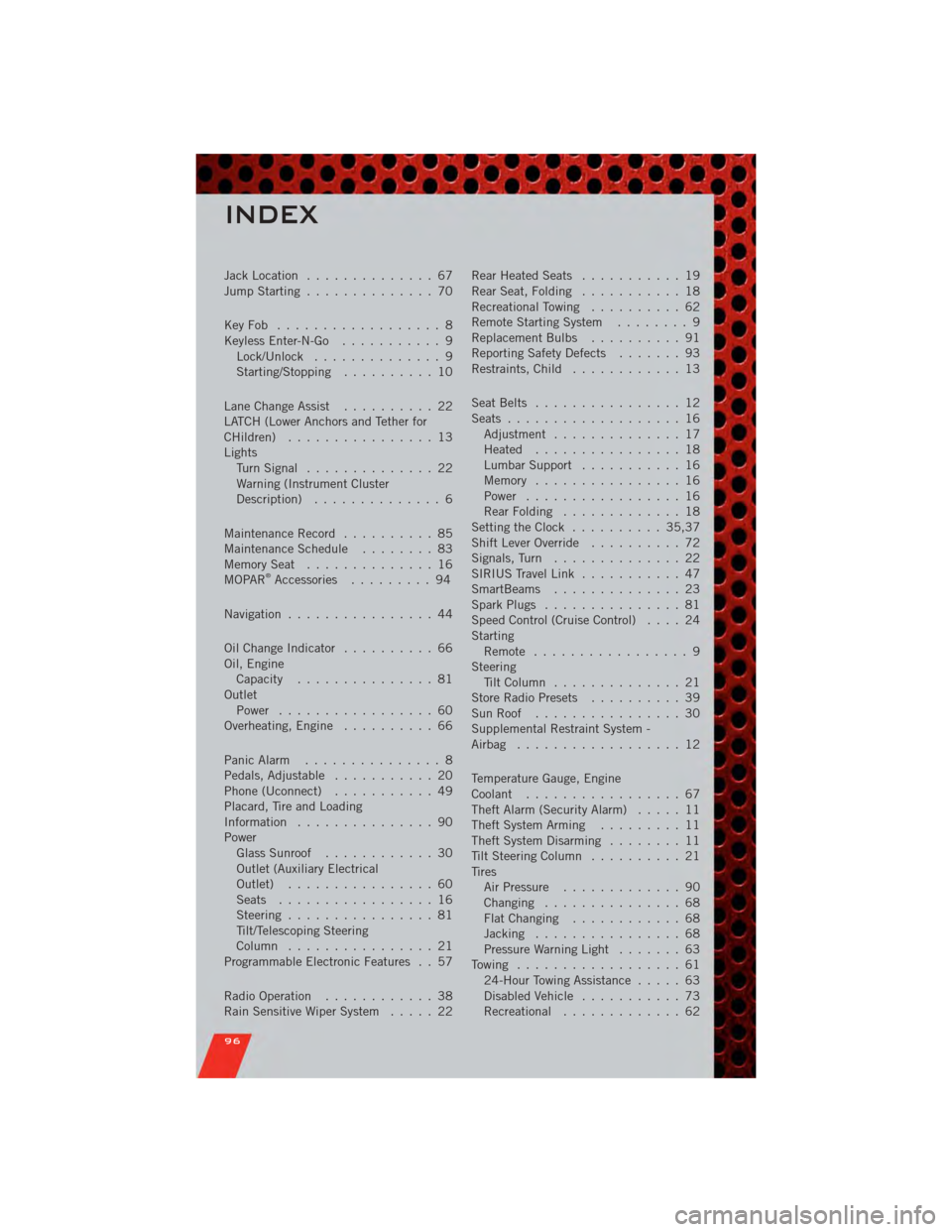
Jack Location.............. 67
Jump Starting .............. 70
KeyFob .................. 8
Keyless Enter-N-Go ........... 9
Lock/Unlock .............. 9
Starting/Stopping .......... 10
Lane Change Assist .......... 22
LATCH (Lower Anchors and Tether for
CHildren) ................ 13
Lights TurnSignal .............. 22
Warning (Instrument Cluster
Description) .............. 6
Maintenance Record .......... 85
MaintenanceSchedule ........ 83
MemorySeat .............. 16
MOPAR
®Accessories ......... 94
Navigation ................ 44
Oil Change Indicator .......... 66
Oil, Engine Capacity ............... 81
Outlet Power ................. 60
Overheating, Engine .......... 66
Panic Alarm ............... 8
Pedals, Adjustable ........... 20
Phone (Uconnect) ........... 49
Placard, Tire and Loading
Information ............... 90
Power Glass Sunroof ............ 30
Outlet (Auxiliary Electrical
Outlet) ................ 60
Seats ................. 16
Steering ................ 81
Tilt/Telescoping Steering
Column ................ 21
Programmable Electronic Features . . 57
Radio Operation ............ 38
Rain Sensitive Wiper System ..... 22Rear Heated Seats
........... 19
Rear Seat, Folding ........... 18
Recreational Towing .......... 62
Remote Starting System ........ 9
Replacement Bulbs .......... 91
Reporting Safety Defects ....... 93
Restraints, Child ............ 13
Seat Belts ................ 12
Seats ................... 16
Adjustment .............. 17
Heated ................ 18
Lumbar Support ........... 16
Memory ................ 16
Power ................. 16
RearFolding ............. 18
Setting the Clock .......... 35,37
Shift Lever Override .......... 72
Signals, Turn .............. 22
SIRIUS Travel Link ........... 47
SmartBeams .............. 23
Spark Plugs ............... 81
Speed Control (Cruise Control) .... 24
Starting Remote ................. 9
Steering Tilt Column .............. 21
Store Radio Presets .......... 39
SunRoof ................ 30
Supplemental Restraint System -
Airbag .................. 12
Temperature Gauge, Engine
Coolant ................. 67
Theft Alarm (Security Alarm) ..... 11
Theft System Arming ......... 11
Theft System Disarming ........ 11
Tilt Steering Column .......... 21
Tires AirPressure ............. 90
Changing ............... 68
FlatChanging ............ 68
Jacking ................ 68
Pressure Warning Light ....... 63
Towing .................. 61 24-Hour Towing Assistance ..... 63
Disabled Vehicle ........... 73
Recreational ............. 6
2
INDEX
96