oil pressure DODGE CHARGER 2013 7.G Owner's Manual
[x] Cancel search | Manufacturer: DODGE, Model Year: 2013, Model line: CHARGER, Model: DODGE CHARGER 2013 7.GPages: 132, PDF Size: 4.77 MB
Page 92 of 132
NOTE:
• If the tire becomes over-inflated, press the Deflation Button to reduce the tire pressure tothe recommended inflation pressure before continuing.
• When having the tire serviced, advise the authorized dealer or service center that the tire has been sealed using the TIREFIT service kit.
(F) Sealant Bottle And Hose Replacement:
1. Uncoil the Sealant Hose (6) (clear in color).
2. Locate the round Sealant Bottle release button in the recessed area under the sealant
bottle.
3. Press the Sealant Bottle release button. The Sealant Bottle (1) will pop up. Remove the bottle and dispose of it accordingly.
4. Clean any remaining sealant from the TIREFIT housing.
5. Position the new Sealant Bottle (1) in the housing so that the Sealant Hose (6) aligns with the hose slot in the front of the housing. Press the bottle into the housing. An audible
click will be heard indicating the bottle is locked into place.
6. Verify that the cap is installed on the fitting at the end of the Sealant Hose (6) and return the hose to its storage area (located on the bottom of the air pump).
7. Return the TIREFIT kit to its storage location in the vehicle.
CAUTION!
• The metal end fitting from Power Plug (8) may get hot after use, so it should be handled carefully.
• Failure to reinstall the cap on the fitting at the end of the Sealant Hose (6) can result
in sealant contacting your skin, clothing, and the vehicle’s interior. It can also result in
sealant contacting internal TIREFIT kit components which may cause permanent
damage to the kit.
WHAT TO DO IN EMERGENCIES
90
Page 110 of 132
MAINTENANCE SCHEDULE
Your vehicle is equipped with an automatic oil change indicator system. The oil change
indicator system will remind you that it is time to take your vehicle in for scheduled
maintenance.
Based on engine operation conditions, the oil change indicator message will illuminate.
This means that service is required for your vehicle. Operating conditions such as frequent
short-trips, trailer tow, extremely hot or cold ambient temperatures, and E85 fuel usage
will influence when the “Change Oil” or “Oil Change Required” message is displayed.
Severe Operating Conditions can cause the change oil message to illuminate as early as
3,500 miles (5,600 km) since last reset. Have your vehicle serviced as soon as possible,
within the next 500 miles (805 km).
On Electronic Vehicle Information Center (EVIC) equipped vehicles, “Oil Change Required”
will be displayed in the EVIC and a single chime will sound, indicating that an oil change is
necessary.
On Non-EVIC equipped vehicles, “Change Oil” will flash in the instrument cluster odometer
and a single chime will sound, indicating that an oil change is necessary.
Your authorized dealer will reset the oil change indicator message after completing the
scheduled oil change. If a scheduled oil change is performed by someone other than your
authorized dealer, the message can be reset by referring to the steps described under
“Electronic Vehicle Information Center (EVIC)/Oil Change Required” in “Understanding Your
Instrument Panel” or under “Instrument Cluster Description/Odometer/Trip Odometer” in
“Understanding Your Instrument Panel” for further information.
NOTE:
Under no circumstances should oil change intervals exceed 10,000 miles (16,000 km) or
twelve months, whichever comes first.
Once A Month Or Before A Long Trip:
• Check engine oil level
• Check windshield washer fluid level
• Check the tire inflation pressures and look for unusual wear or damage
• Check the fluid levels of the coolant reservoir, brake master cylinder, power steering andtransmission as needed
• Check function of all interior and exterior lights
MAINTAINING YOUR VEHICLE
108
Page 121 of 132
TIRE PRESSURES
• Check the inflation pressure of each tire, including the spare tire, at least monthly andinflate to the recommended pressure for your vehicle.
• The tire pressures recommended for your vehicle are found on the “Tire and Loading Information” label located on the driver’s side door opening.
NOTE:
Refer to the Owner's Manual on the DVD for
more information regarding tire warnings
and instructions.
WARNING!
•Overloading of your tires is dangerous. Overloading can cause tire failure, affect vehicle
handling, and increase your stopping distance. Use tires of the recommended load
capacity for your vehicle. Never overload them.
• Improperly inflated tires are dangerous and can cause collisions. Under-inflation is the leading cause of tire failure and may result in severe cracking, component
separation, or “blow out”. Over-inflation reduces a tire’s ability to cushion shock.
Objects on the road and chuck holes can cause damage that results in tire failure.
Unequal tire pressures can cause steering problems. You could lose control of your
vehicle. Over-inflated or under-inflated tires can affect vehicle handling and can fail
suddenly, resulting in loss of vehicle control.
WHEEL AND WHEEL TRIM CARE
• All wheels and wheel trim, especially aluminum and chrome plated wheels, should be
cleaned regularly with a mild soap and water to prevent corrosion.
• To remove heavy soil and/or excessive brake dust, use MOPAR® Wheel Cleaner or equivalent or select a non-abrasive, non-acidic cleaner.
CAUTION!
Do not use scouring pads, steel wool, a bristle brush, or metal polishes. Do not use oven
cleaner. These products may damage the wheel's protective finish. Avoid automatic car
washes that use acidic solutions or harsh brushes that may damage the wheel's protec-
tive finish. Only MOPAR® Wheel Cleaner or equivalent is recommended.
MAINTAINING YOUR VEHICLE
119
Page 127 of 132
Jacking Instructions...........83
Jack Location ...............81
Jack Operation ..............83
JumpStarting ..............92
KeyFob...................8
Keyless Enter-N-Go ............9
Lock/Unlock .............10
Starting/Stopping...........11
Lane Change Assist ...........24
LATCH (Lower Anchors and Tether for CHildren) ............14, 15
Lights Tire Pressure Monitoring (TPMS) . . .76
Maintenance Record .........112, 114
Maintenance Schedule .......108,113
MemorySeat ...............17
Mirrors Heated ................35
MOPAR® Accessories ..........123
New Vehicle Break-In Period .......23
OilChangeIndicator ...........79
Oil Change Indicator, Reset ........79
Oil, Engine Capacity...............105
Outlet Power.................68
Overheating, Engine ...........80
Pedals,Adjustable ............21
Placard, Tire and Loading Information. .119
Power GlassSunroof ............36
Outlet (Auxiliary Electrical Outlet). .68
Seats .................17
Steering ...............105
Tilt/Telescoping Steering Column . .22
Preparation for Jacking .........82
Programmable Electronic Features. .64, 73
Rain Sensitive Wiper System .......24
Rear Heated Seats ............20 Recreational Towing
...........70
Remote Starting System ..........9
Replacement Bulbs ...........120
Reporting Safety Defects ........122
Schedule, Maintenance .........108
Seat Belts .................13
Seats ...................17 Heated ................19
Memory ................17
Power .................17
Shift Lever Override ............94
Signals, Turn ...............24
SIRIUSTravelLink ............53
SmartBeams ...............25
SpareTire.................81
Spark Plugs ...............105
Speed Control Accel/Decel .............26
Cancel ................26
Distance Setting (ACC Only) .....26
Mode Setting (ACC Only) .......27
Resume................27
Speed Control (Cruise Control) ......26
Starting Remote ................9
Steering Tilt Column ..............22
SunRoof.................36
Supplemental Restraint System - Airbag .................13
Theft System Arming ...........12
Theft System Disarming .........12
Tilt Steering Column ...........22
TIREFIT..................86
Tires Air Pressure .............119
Changing .............81, 83
Flat Changing .............81
Jacking ..............82,83
SpareTire...............81
Towing...................70 Disabled Vehicle ...........96
Recreational .............70
Towing Vehicle Behind a Motorhome . . .70
INDEX
125
Page 129 of 132
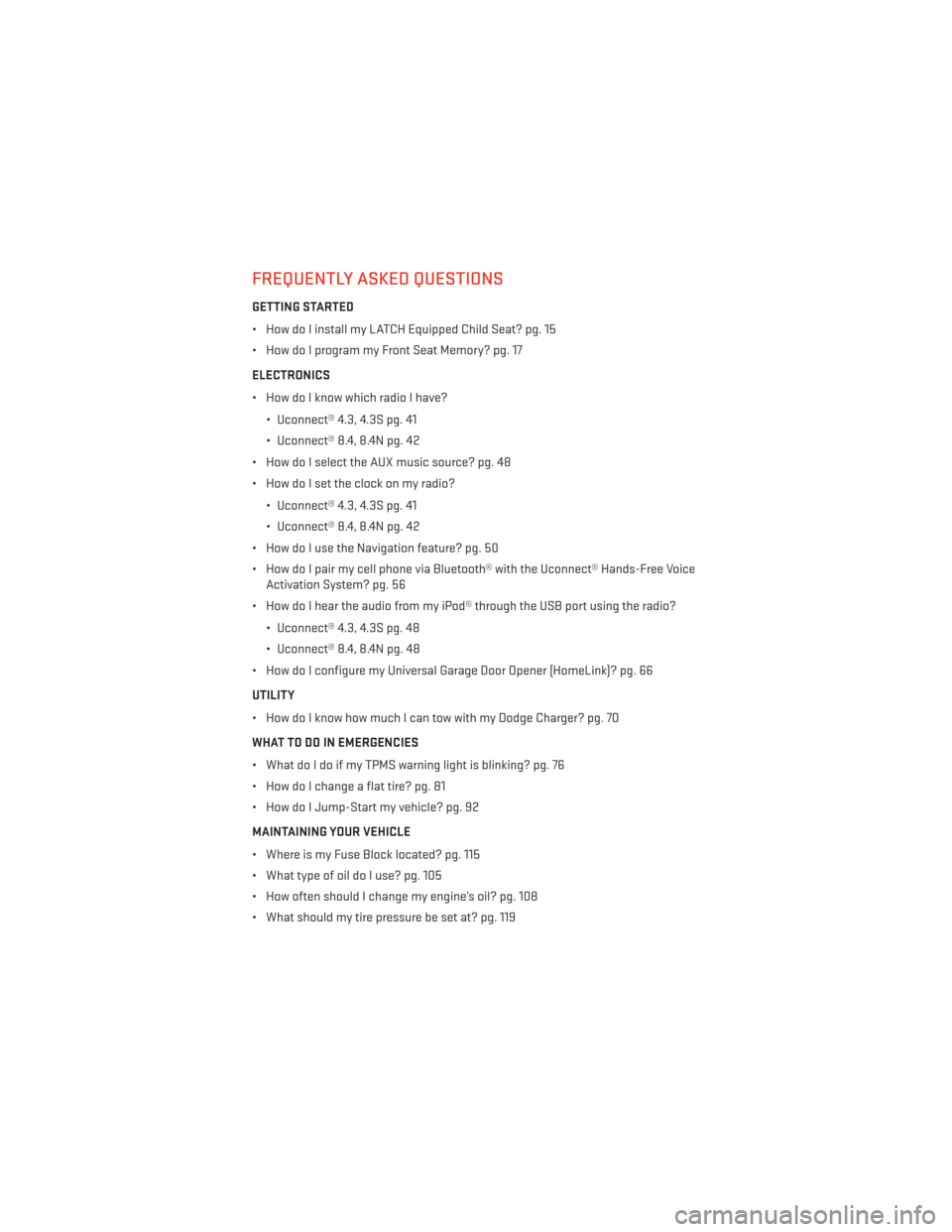
FREQUENTLY ASKED QUESTIONS
GETTING STARTED
• How do I install my LATCH Equipped Child Seat? pg. 15
• How do I program my Front Seat Memory? pg. 17
ELECTRONICS
• How do I know which radio I have?• Uconnect® 4.3, 4.3S pg. 41
• Uconnect® 8.4, 8.4N pg. 42
• How do I select the AUX music source? pg. 48
• How do I set the clock on my radio?
• Uconnect® 4.3, 4.3S pg. 41
• Uconnect® 8.4, 8.4N pg. 42
• How do I use the Navigation feature? pg. 50
• How do I pair my cell phone via Bluetooth® with the Uconnect® Hands-Free Voice Activation System? pg. 56
• How do I hear the audio from my iPod® through the USB port using the radio?
• Uconnect® 4.3, 4.3S pg. 48
• Uconnect® 8.4, 8.4N pg. 48
• How do I configure my Universal Garage Door Opener (HomeLink)? pg. 66
UTILITY
• How do I know how much I can tow with my Dodge Charger? pg. 70
WHAT TO DO IN EMERGENCIES
• What do I do if my TPMS warning light is blinking? pg. 76
• How do I change a flat tire? pg. 81
• How do I Jump-Start my vehicle? pg. 92
MAINTAINING YOUR VEHICLE
• Where is my Fuse Block located? pg. 115
• What type of oil do I use? pg. 105
• How often should I change my engine’s oil? pg. 108
• What should my tire pressure be set at? pg. 119
FAQ (How To?)
127