wipers DODGE CHARGER 2015 7.G User Guide
[x] Cancel search | Manufacturer: DODGE, Model Year: 2015, Model line: CHARGER, Model: DODGE CHARGER 2015 7.GPages: 638, PDF Size: 16.56 MB
Page 322 of 638
•Rain Sensing Auto Wipers
When this feature is selected, the system will automati-
cally activate the windshield wipers if it senses moisture
on the windshield. To make your selection, press the
“Rain Sensing Auto Wipers” button on the touchscreen,
until a check-mark appears next to setting, indicating that
the setting had been selected. Press the back arrow button
on the touchscreen to return to the previous menu.
•Hill Start Assist — If Equipped
When this feature is selected, the Hill Start Assist (HSA)
system is active. Refer to “Electronic Brake Control
System” in “Starting And Operating” for system function
and operating information. To make your selection, press
the “Hill Start Assist” button on the touchscreen, until a
check-mark appears next to setting, indicating that the
setting had been selected. Press the back arrow button on
the touchscreen to return to the previous menu.
Lights
After pressing the “Lights” button on the touchscreen the
following settings will be available.
•Headlight Off Delay
When this feature is selected, it allows adjustment of the
amount of time the headlights remain on after the engine
is shut off. To change the Headlights Off Delay setting,
press the “+” or “-” button on the touchscreen to select
your desired time interval, and choose either 0 sec, 30 sec,
60 sec or 90 seconds. Press the back arrow button on the
touchscreen to return to the previous menu, or push the
back button on the faceplate.
•Headlight Illumination On Approach
When this feature is selected, the headlights will activate
and remain on for 0, 30, 60, or 90 seconds when the doors
are unlocked with the Remote Keyless Entry (RKE)
transmitter. To change the Illuminated Approach status,
320 UNDERSTANDING YOUR INSTRUMENT PANEL
Page 323 of 638
press the “+” or “-” button on the touchscreen to select
your desired time interval. Press the back arrow button
on the touchscreen to return to the previous menu, or
push the back button on the faceplate.
•Headlights With Wipers — If Equipped
When this feature is selected, and the headlight switch is
in the AUTO position, the headlights will turn on ap-
proximately 10 seconds after the wipers are turned on.
The headlights will also turn off when the wipers are
turned off if they were turned on by this feature. To make
your selection, press the “Headlights With Wipers” but-
ton on the touchscreen, until a check-mark appears next
to setting, indicating that the setting has been selected.
Press the back arrow button on the touchscreen to return
to the previous menu, or push the back button on the
faceplate.
•Auto Dim High Beams — If Equipped
When this feature is selected, the high beam headlights
will activate/deactivate automatically under certain con-
ditions. To make your selection, press the “Auto High
Beams” button on the touchscreen, until a check-mark
appears next to setting, indicating that the setting has
been selected. Press the back arrow button on the touch-
screen to return to the previous menu, or push the back
button on the faceplate. Refer to “Lights — If Equipped”
in “Understanding The Features Of Your Vehicle” for
further information.
•Daytime Running Lights — If Equipped
When this feature is selected, the headlights will turn on
whenever the engine is running. To make your selection,
press the “Daytime Running Lights” button on the touch-
screen, until a check-mark appears next to setting, indi-
cating that the setting has been selected. Press the back
4
UNDERSTANDING YOUR INSTRUMENT PANEL 321
Page 414 of 638
AWD operation could be activated by outside tempera-
ture, wheel slip, or other predetermined conditions (there
may be a slight delay for AWD engagement after a wheel
slip condition occurs). AWD can also be manually se-
lected by activating AutoStick mode (+/-), engaging
Sport Mode or activating the windshield wipers for an
extended period of time. Drive mode, RWD or AWD, can
be found in the Driver Information Display (DID). Refer
to “Driver Information Display (DID)” in “Understand-
ing Your Instrument Panel” for further information.
NOTE:If the “SERVICE AWD SYSTEM” warning mes-
sage appears after engine start up, or during driving, it
means that the AWD system is not functioning properly
and that service is required. Refer to “Driver Information
Display (DID)” in “Understanding Your Instrument
Panel” for further information.
CAUTION!
All wheels must have the same size and type tires.
Unequal tire sizes must not be used. Unequal tire
size may cause failure of the front differential and/or
the transfer case.
DRIVING ON SLIPPERY SURFACES
Acceleration
Rapid acceleration on snow covered, wet, or other slip-
pery surfaces may cause the driving wheels to pull
erratically to the right or left. This phenomenon occurs
when there is a difference in the surface traction under
the rear (driving) wheels.
412 STARTING AND OPERATING
Page 432 of 638
WARNING!(Continued)
•HSA is not a parking brake. If you stop the vehicle
on a hill without putting the transmission in PARK
and using the parking brake, it will roll down the
hill and could cause a collision with another ve-
hicle or object. Always remember to use the park-
ing brake while parking on a hill, and that the
driver is responsible for braking the vehicle.
HSA Off
If you wish to turn off the HSA system, it can be done in
the Uconnect® settings. Refer to#Uconnect® Settings#in
#Understanding Your Instrument Panel#for further infor-
mation.
Ready Alert Braking
Ready Alert Braking may reduce the time required to
reach full braking during emergency braking situations.
It anticipates when an emergency braking situation may
occur by monitoring how fast the throttle is released by
the driver. When the throttle is released very quickly,
Ready Alert Braking applies a small amount of brake
pressure. This brake pressure will not be noticed by the
driver. The brake system uses this brake pressure to allow
a fast brake response if the driver applies the brakes.
Rain Brake Support
Rain Brake Support may improve braking performance
in wet conditions. It will periodically apply a small
amount of brake pressure to remove any water buildup
on the front brake rotors. It only functions when the
windshield wipers are in the LO or HI mode, it does not
function in the intermittent mode. When Rain Brake
Support is active, there is no notification to the driver and
no driver interaction is required.
430 STARTING AND OPERATING
Page 530 of 638
If you must use the accessories (wipers, defrosters, etc.)
while being towed, the ignition must be in the ON/RUN
position, not the ACC position.
If the key fob is unavailable, or the vehicle’s battery is
discharged, refer to#Manual Park Release#in this section
for instructions on shifting the transmission out of PARK
for towing.
CAUTION!
•DO NOT use sling-type equipment when towing.
Vehicle damage may occur.
•When securing the vehicle to a flatbed truck, do not
attach to front or rear suspension components.
Damage to your vehicle may result from improper
towing.
•The manufacturer does not recommend towing this
vehicle using a tow dolly. Vehicle damage may
occur.
All Wheel Drive (AWD) Models
The manufacturer recommends towing your vehicle with
all four wheels OFF the ground using a flatbed.
If the transmission and drivetrain are operable, AWD
models can also be towed with the ignition in the
ON/RUN position, the transmission in NEUTRAL (not
in PARK!), and the rear wheels OFF the ground with no
limitation on speed or distance. Since the ignition MUST
be in the ON/RUN position to tow in this manner, AWD
vehicles must be towed with ALL FOUR wheels OFF the
ground (e.g. on a flatbed truck) if the Key Fob is
unavailable.
528 WHAT TO DO IN EMERGENCIES
Page 548 of 638
CAUTION!
Do not use chemical flushes in your air conditioning
system as the chemicals can damage your air condi-
tioning components. Such damage is not covered by
the New Vehicle Limited Warranty.
Refrigerant Recovery And Recycling R134a — If
Equipped
R-134a Air Conditioning Refrigerant is a hydrofluoro-
carbon (HFC) that is endorsed by the Environmental
Protection Agency and is an ozone-saving product. How-
ever, the manufacturer recommends that air conditioning
service be performed by authorized dealer or other
service facilities using recovery and recycling equipment.
NOTE:Use only manufacturer approved A/C system
PAG compressor oil and refrigerants.
Refrigerant Recovery And Recycling HFO 1234yf —
If Equipped
HFO 1234yf Air Conditioning Refrigerant is a hydro-
fluorocarbon (HFC) that is endorsed by the Environmen-
tal Protection Agency and is an ozone-saving product
with a low GWP (Global Warming Potential). However,
the manufacturer recommends that air conditioning ser-
vice be performed by authorized dealer or other service
facilities using recovery and recycling equipment.
NOTE:Use only manufacturer approved A/C system
PAG compressor oil and refrigerants.
A/C Air Filter
The filter is located in the fresh air inlet under the hood,
behind a removable panel in the cowl on the passenger
side of the vehicle, next to the windshield wipers. When
installing a new filter, ensure its proper orientation.
546 MAINTAINING YOUR VEHICLE
Page 551 of 638
Windshield Wiper Blades
Clean the rubber edges of the wiper blades and the
windshield periodically with a sponge or soft cloth and a
mild nonabrasive cleaner. This will remove accumula-
tions of salt or road film.
Operation of the wipers on dry glass for long periods
may cause deterioration of the wiper blades. Always use
washer fluid when using the wipers to remove salt or dirt
from a dry windshield.
Avoid using the wiper blades to remove frost or ice from
the windshield. Keep the blade rubber out of contact with
petroleum products such as engine oil, gasoline, etc.
NOTE:Life expectancy of wiper blades varies depend-
ing on geographical area and frequency of use. Poor
performance of blades may be present with chattering,
marks, water lines or wet spots. If any of these conditions
are present, clean the wiper blades or replace as neces-
sary.
Adding Washer Fluid
The windshield washer fluid reservoir is located in the
front of the engine compartment. Be sure to check the
fluid level at regular intervals. Fill the reservoir with
windshield washer solvent (not radiator antifreeze) and
operate the system for a few seconds to flush out the
residual water.
When refilling the washer fluid reservoir, apply some
washer fluid to a cloth or towel and wipe the wiper
blades clean. This will help blade performance.
To prevent freeze-up of your windshield washer system
in cold weather, select a solution or mixture that meets or
exceeds the temperature range of your climate. This
rating information can be found on most washer fluid
containers.
7
MAINTAINING YOUR VEHICLE 549
Page 620 of 638
Customer Programmable Features.............291
Data Recorder, Event.......................74
Daytime Brightness, Interior Lights.............162
Daytime Running Lights....................156
Dealer Service............................537
Deck Lid, Emergency Release.................45
Deck Lid, Power Release.....................43
Defroster, Rear Window.....................255
Defroster, Windshield......................100
Delay (Intermittent) Wipers..................163
Diagnostic System, Onboard.................535
Dimmer Switch, Headlight...................158
Dipsticks
Oil (Engine)...........................538
Disabled Vehicle Towing....................526
Disposal
Antifreeze (Engine Coolant)................557
Door Locks
Child-Protection Door Lock — Rear Doors......32
Door Locks............................22
Key Fob . . . . . . . . . . . . . . . . . . . . . . . . . . . . . . .29
Remote...............................29
Remote Keyless Entry (RKE)................29
Door Locks, Automatic......................31
Driver Information Display
DID . . . . . . . . . . . . . . . . . . . . . . . . . . . . . . . ..275
Instrument Cluster Display................275
Driving
Through Flowing, Rising, or Shallow Standing
Water................................414
E-85 Fuel...............................470
Electrical Power Outlets.....................244
Electric Rear Window Defrost.................255
Electric Remote Mirrors.....................119
Electronic Brake Control System...............421
618 INDEX
Page 624 of 638
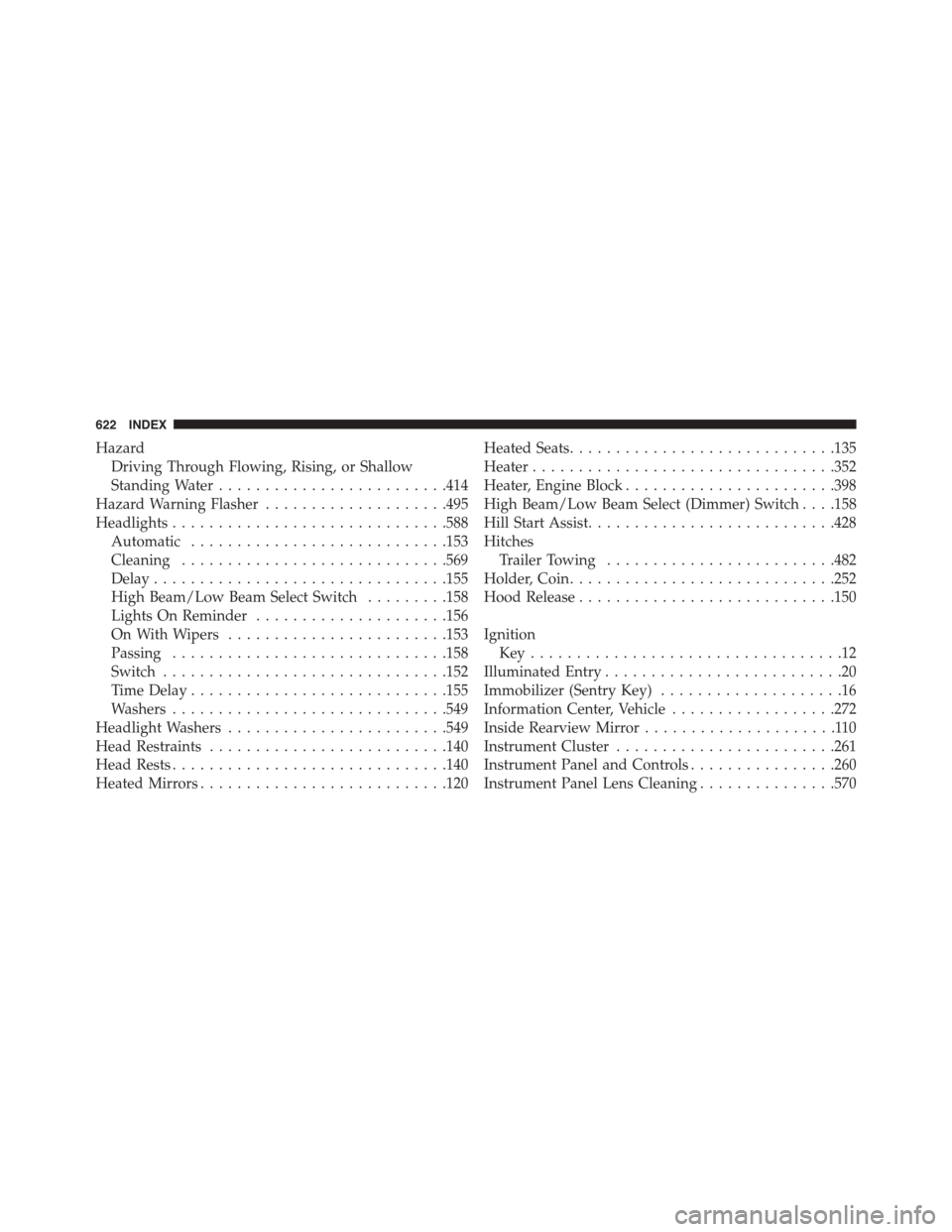
Hazard
Driving Through Flowing, Rising, or Shallow
Standing Water.........................414
Hazard Warning Flasher....................495
Headlights..............................588
Automatic............................153
Cleaning.............................569
Delay................................155
High Beam/Low Beam Select Switch.........158
Lights On Reminder.....................156
On With Wipers........................153
Passing..............................158
Switch...............................152
Time Delay............................155
Washers..............................549
Headlight Washers........................549
Head Restraints..........................140
Head Rests..............................140
Heated Mirrors...........................120
Heated Seats.............................135
Heater.................................352
Heater, Engine Block.......................398
High Beam/Low Beam Select (Dimmer) Switch . . . .158
Hill Start Assist...........................428
Hitches
Trailer Towing.........................482
Holder, Coin.............................252
Hood Release............................150
Ignition
Key . . . . . . . . . . . . . . . . . . . . . . . . . . . . . . . . . .12
Illuminated Entry..........................20
Immobilizer (Sentry Key)....................16
Information Center, Vehicle..................272
Inside Rearview Mirror.....................110
Instrument Cluster........................261
Instrument Panel and Controls................260
Instrument Panel Lens Cleaning...............570
622 INDEX
Page 625 of 638
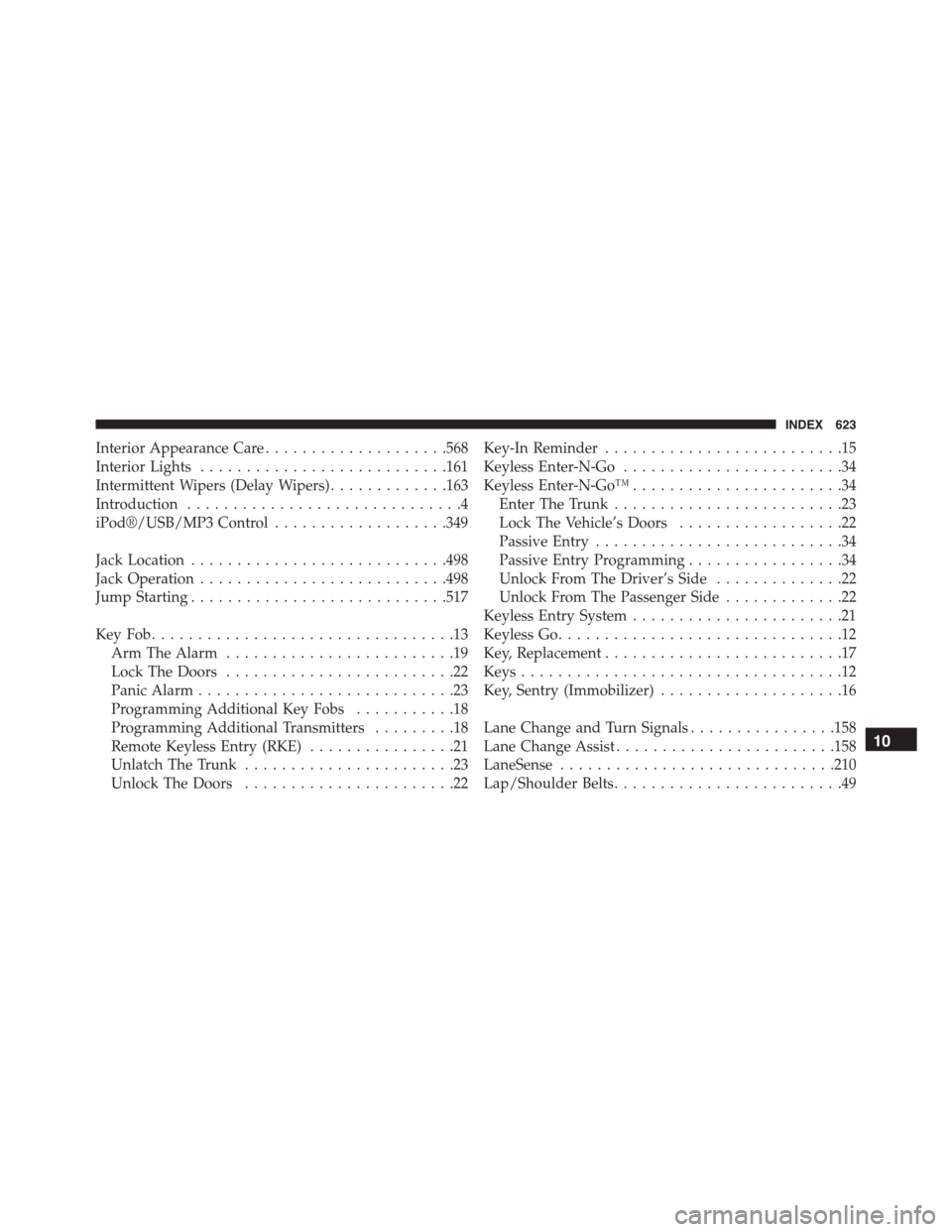
Interior Appearance Care....................568
Interior Lights...........................161
Intermittent Wipers (Delay Wipers).............163
Introduction..............................4
iPod®/USB/MP3 Control...................349
Jack Location............................498
Jack Operation...........................498
Jump Starting............................517
Key Fob . . . . . . . . . . . . . . . . . . . . . . . . . . . . . . . . .13
Arm The Alarm.........................19
Lock The Doors.........................22
Panic Alarm............................23
Programming Additional Key Fobs...........18
Programming Additional Transmitters.........18
Remote Keyless Entry (RKE)................21
Unlatch The Trunk.......................23
Unlock The Doors.......................22
Key-In Reminder..........................15
Keyless Enter-N-Go........................34
Keyless Enter-N-Go™.......................34
Enter The Trunk.........................23
Lock The Vehicle’s Doors..................22
Passive Entry...........................34
Passive Entry Programming.................34
Unlock From The Driver’s Side..............22
Unlock From The Passenger Side.............22
Keyless Entry System.......................21
Keyless Go...............................12
Key, Replacement..........................17
Keys...................................12
Key, Sentry (Immobilizer)....................16
Lane Change and Turn Signals................158
Lane Change Assist........................158
LaneSense..............................210
Lap/Shoulder Belts.........................49
10
INDEX 623