phone DODGE CHARGER 2015 7.G Owner's Manual
[x] Cancel search | Manufacturer: DODGE, Model Year: 2015, Model line: CHARGER, Model: DODGE CHARGER 2015 7.GPages: 638, PDF Size: 16.56 MB
Page 381 of 638
Voice Text Reply
Uconnect® will announceincomingtext messages. Push
the Phone buttonand sayListen.(Must have com-
patible mobile phone paired to Uconnect® system.)
1. Once an incoming text message is read to you, push
the Phone button. After the beep, say:“Reply.”
2. Listen to the Uconnect® prompts. After the beep,
repeat one of the pre-defined messages and follow the
system prompts.
PRE-DEFINED VOICE TEXT REPLY RESPONSES
Yes. Stuck in Traffic. See you later.
No.Start without
me.I’ll be Late.
Okay. Where are you? I will be
late.Call me.Are you there
yet?
I’ll call you
later.
I need
directions.
See you in
minutes.I’m on my way.Can’t talk right
now.I’m lost.Thanks.
TIP:Your mobile phone must have the full implementa-
tion of theMessage Access Profile (MAP)to take advan-
tage of this feature. For details about MAP, visit
UconnectPhone.com. Apple iPhone® iOS6 or later sup-
ports reading incoming text messages only.
4
UNDERSTANDING YOUR INSTRUMENT PANEL 379
Page 386 of 638
Mobile App (8.4A/8.4AN)
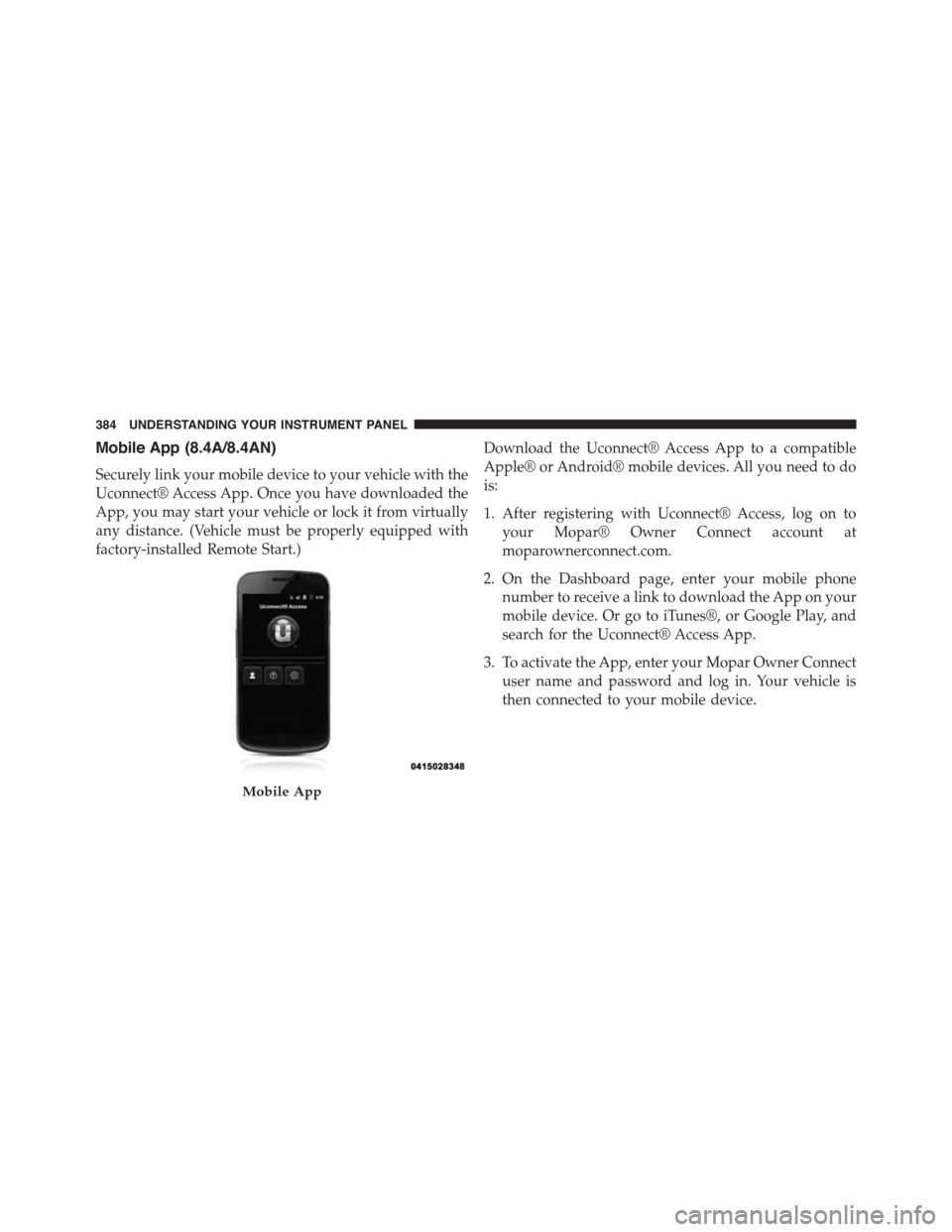
Securely link your mobile device to your vehicle with the
Uconnect® Access App. Once you have downloaded the
App, you may start your vehicle or lock it from virtually
any distance. (Vehicle must be properly equipped with
factory-installed Remote Start.)
Download the Uconnect® Access App to a compatible
Apple® or Android® mobile devices. All you need to do
is:
1. After registering with Uconnect® Access, log on to
your Mopar® Owner Connect account at
moparownerconnect.com.
2. On the Dashboard page, enter your mobile phone
number to receive a link to download the App on your
mobile device. Or go to iTunes®, or Google Play, and
search for the Uconnect® Access App.
3. To activate the App, enter your Mopar Owner Connect
user name and password and log in. Your vehicle is
then connected to your mobile device.
Mobile App
384 UNDERSTANDING YOUR INSTRUMENT PANEL
Page 387 of 638
Voice Texting (8.4A/8.4AN)
1. To send a message, push the Phone button. After
the beep, say the following command:“Send mes-
sageto John Smith.”
2. Listen to the prompt. After the beep, dictate the
message you would like to send. Wait for Uconnect®
to process your message.
3. The Uconnect® system will repeat your message and
provide a variety of options to add to, delete, send or
hear the message again. After the beep, tell Uconnect®
what you’d like to do. For instance, if you’re happy
with your message, after the beep, say:“Send.”
You must be registered with Uconnect® Access and have
a compatible MAP – enabled smartphone to use your
voice to send a personalized text message.
TIP:
•Not compatible with iPhone®.
•Messages are limited to 140 characters.
•The Messaging button on the touchscreen must be
illuminated to use the feature.
4
UNDERSTANDING YOUR INSTRUMENT PANEL 385
Page 523 of 638
6. Once the engine is started, remove the jumper cables
in the reverse sequence:
Disconnecting The Jumper Cables
1. Disconnect the negative(-)end of the jumper cable
from the remote negative(-)post of the vehicle with
the discharged battery.
2. Disconnect the opposite end of the negative(-)jumper
cable from the negative(-)post of the booster battery.
3. Disconnect the positive(+)end of the jumper cable
from the positive(+)post of the booster battery.
4. Disconnect the opposite end of the positive(+)jumper
cable from the remote positive(+)post of the vehicle
with the discharged battery.
If frequent jump-starting is required to start your vehicle
you should have the battery and charging system in-
spected at your authorized dealer.
CAUTION!
Accessories plugged into the vehicle power outlets
draw power from the vehicle’s battery, even when not
in use (i.e., cellular phones, etc.). Eventually, if
plugged in long enough without engine operation,
the vehicle’s battery will discharge sufficiently to
degrade battery life and/or prevent the engine from
starting.
FREEING A STUCK VEHICLE
If your vehicle becomes stuck in mud, sand, or snow, it
can often be moved using a rocking motion. Turn the
steering wheel right and left to clear the area around the
front wheels. Push and hold the lock button on the shift
lever. Then shift back and forth between DRIVE and
REVERSE while gently pushing the accelerator. Use the
6
WHAT TO DO IN EMERGENCIES 521
Page 608 of 638
facilities, factory-trained technicians, special tools, and
the latest information to ensure the vehicle is fixed
correctly and in a timely manner.
This is why you should always talk to an authorized
dealer service manager first. Most matters can be re-
solved with this process.
•If for some reason you are still not satisfied, talk to the
general manager or owner of the authorized dealer.
They want to know if you need assistance.
•If an authorized dealer is unable to resolve the con-
cern, you may contact the manufacturer’s customer
center.
Any communication to the manufacturer’s customer cen-
ter should include the following information:
•Owner’s name and address
•Owner’s telephone number (home and office)
•Authorized dealer name
•Vehicle Identification Number (VIN)
•Vehicle delivery date and mileage
Chrysler Group LLC Customer Center
P.O. Box 21–8004
Auburn Hills, MI 48321–8004
Phone: (800) 423-6343
Chrysler Canada Inc. Customer Center
P.O. Box 1621
Windsor, Ontario N9A 4H6
Phone: (800) 465-2001 English / (800) 387-9983 French
606 IF YOU NEED CONSUMER ASSISTANCE
Page 612 of 638
PUBLICATION ORDER FORMS
To order the following manuals, you may use either the
website or the phone numbers listed below. Visa, Mas-
tercard, American Express, and Discover orders are ac-
cepted. If you prefer mailing your payment, please call
for an order form.
NOTE:A street address is required when ordering
manuals (no P.O. Boxes).
Service Manuals
These comprehensive Service Manuals provide the infor-
mation that students and professional technicians need in
diagnosing/troubleshooting, problem solving, maintain-
ing, servicing, and repairing Chrysler Group LLC ve-
hicles. A complete working knowledge of the vehicle,
system, and/or components is written in straightforward
language with illustrations, diagrams, and charts.
Diagnostic Procedure Manuals
Diagnostic Procedure Manuals are filled with diagrams,
charts and detailed illustrations. These practical manuals
make it easy for students and technicians to find and fix
problems on computer-controlled vehicle systems and
features. They show exactly how to find and correct
problems the first time, using step-by-step troubleshoot-
ing and drivability procedures, proven diagnostic tests
and a complete list of all tools and equipment.
Owner’s Manuals
These Owner’s Manuals have been prepared with the
assistance of service and engineering specialists to ac-
quaint you with specific Chrysler Group LLC vehicles.
Included are starting, operating, emergency and mainte-
nance procedures as well as specifications, capabilities
and safety tips.
610 IF YOU NEED CONSUMER ASSISTANCE
Page 618 of 638
Brake Assist System.......................424
Brake Control System, Electronic..............421
Brake Fluid.............................593
Brake, Parking...........................418
Brakes.................................420
Brake System............................420
Anti-Lock (ABS)........................421
Fluid Check...........................559
Master Cylinder........................559
Parking..............................418
Warning Light.........................263
Brake/Transmission Interlock.................400
Break-In Recommendations, New Vehicle.........96
Brightness, Interior Lights...................161
Bulb Replacement.........................585
Bulbs, Light.............................102
Camera, Rear............................227
Capacities, Fluid..........................589
Caps, Filler
Oil (Engine)...........................541
Radiator (Coolant Pressure)................556
Carbon Monoxide Warning...................98
Cargo (Vehicle Loading)....................477
Car Washes.............................565
Cellular Phone...........................351
Certification Label.........................477
Chains, Tire.............................456
Changing A Flat Tire.......................498
Chart, Tire Sizing.........................434
Check Engine Light (Malfunction Indicator Light) . .535
Checking Your Vehicle For Safety...............97
Checks, Safety............................97
Child Restraint............................75
Child Restraints
Booster Seats...........................79
Center Seat LATCH......................88
Child Restraints.........................75
616 INDEX
Page 637 of 638

INSTALLATION OF RADIO TRANSMITTING
EQUIPMENT
Special design considerations are incorporated into this
vehicle’s electronic system to provide immunity to radio
frequency signals. Mobile two-way radios and telephone
equipment must be installed properly by trained person-
nel. The following must be observed during installation.
The positive power connection should be made directly
to the battery and fused as close to the battery as possible.
The negative power connection should be made to body
sheet metal adjacent to the negative battery connection.
This connection should not be fused.
Antennas for two-way radios should be mounted on the
roof or the rear area of the vehicle. Care should be used
in mounting antennas with magnet bases. Magnets may
affect the accuracy or operation of the compass on
vehicles so equipped.
The antenna cable should be as short as practical and
routed away from the vehicle wiring when possible. Use
only fully shielded coaxial cable.
Carefully match the antenna and cable to the radio to
ensure a low Standing Wave Ratio (SWR).
Mobile radio equipment with output power greater than
normal may require special precautions.
All installations should be checked for possible interfer-
ence between the communications equipment and the
vehicle’s electronic systems.