sensor DODGE CHARGER 2018 Owner's Guide
[x] Cancel search | Manufacturer: DODGE, Model Year: 2018, Model line: CHARGER, Model: DODGE CHARGER 2018Pages: 553, PDF Size: 5.3 MB
Page 451 of 553
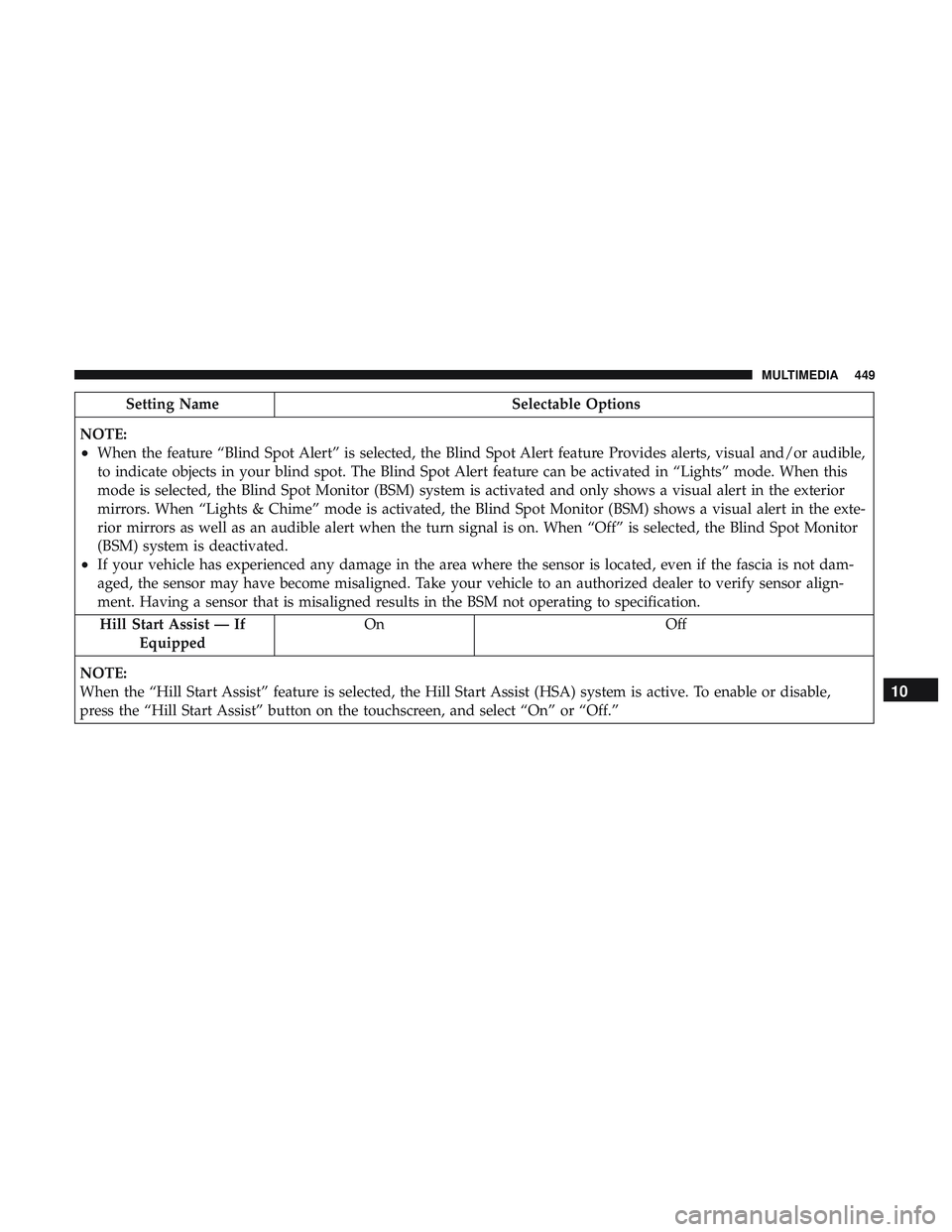
Setting NameSelectable Options
NOTE:
•When the feature “Blind Spot Alert” is selected, the Blind Spot Alert feature Provides alerts, visual and/or audible,
to indicate objects in your blind spot. The Blind Spot Alert feature can be activated in “Lights” mode. When this
mode is selected, the Blind Spot Monitor (BSM) system is activated and only shows a visual alert in the exterior
mirrors. When “Lights & Chime” mode is activated, the Blind Spot Monitor (BSM) shows a visual alert in the exte-
rior mirrors as well as an audible alert when the turn signal is on. When “Off” is selected, the Blind Spot Monitor
(BSM) system is deactivated.
•If your vehicle has experienced any damage in the area where the sensor is located, even if the fascia is not dam-
aged, the sensor may have become misaligned. Take your vehicle to an authorized dealer to verify sensor align-
ment. Having a sensor that is misaligned results in the BSM not operating to specification. Hill Start Assist — If Equipped On Off
NOTE:
When the “Hill Start Assist” feature is selected, the Hill Start Assist (HSA) system is active. To enable or disable,
press the “Hill Start Assist” button on the touchscreen, and select “On” or “Off.”
10
MULTIMEDIA 449
Page 459 of 553
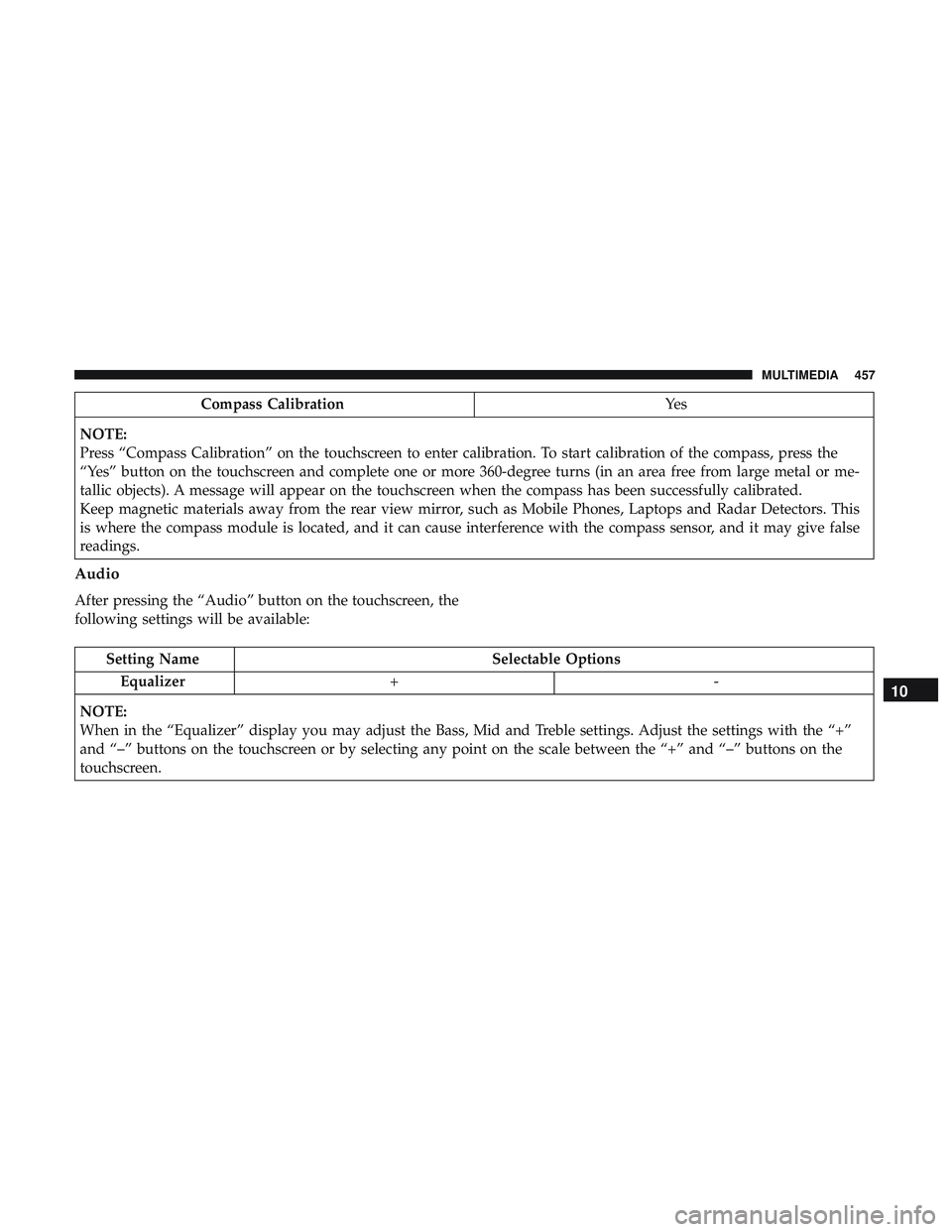
Compass CalibrationYe s
NOTE:
Press “Compass Calibration” on the touchscreen to enter calibration. To start calibration of the compass, press the
“Yes” button on the touchscreen and complete one or more 360-degree turns (in an area free from large metal or me-
tallic objects). A message will appear on the touchscreen when the compass has been successfully calibrated.
Keep magnetic materials away from the rear view mirror, such as Mobile Phones, Laptops and Radar Detectors. This
is where the compass module is located, and it can cause interference with the compass sensor, and it may give false
readings.
Audio
After pressing the “Audio” button on the touchscreen, the
following settings will be available:
Setting Name Selectable Options
Equalizer +-
NOTE:
When in the “Equalizer” display you may adjust the Bass, Mid and Treble settings. Adjust the settings with the “+”
and “–” buttons on the touchscreen or by selecting any point on the scale between the “+” and “–” buttons on the
touchscreen.
10
MULTIMEDIA 457
Page 475 of 553
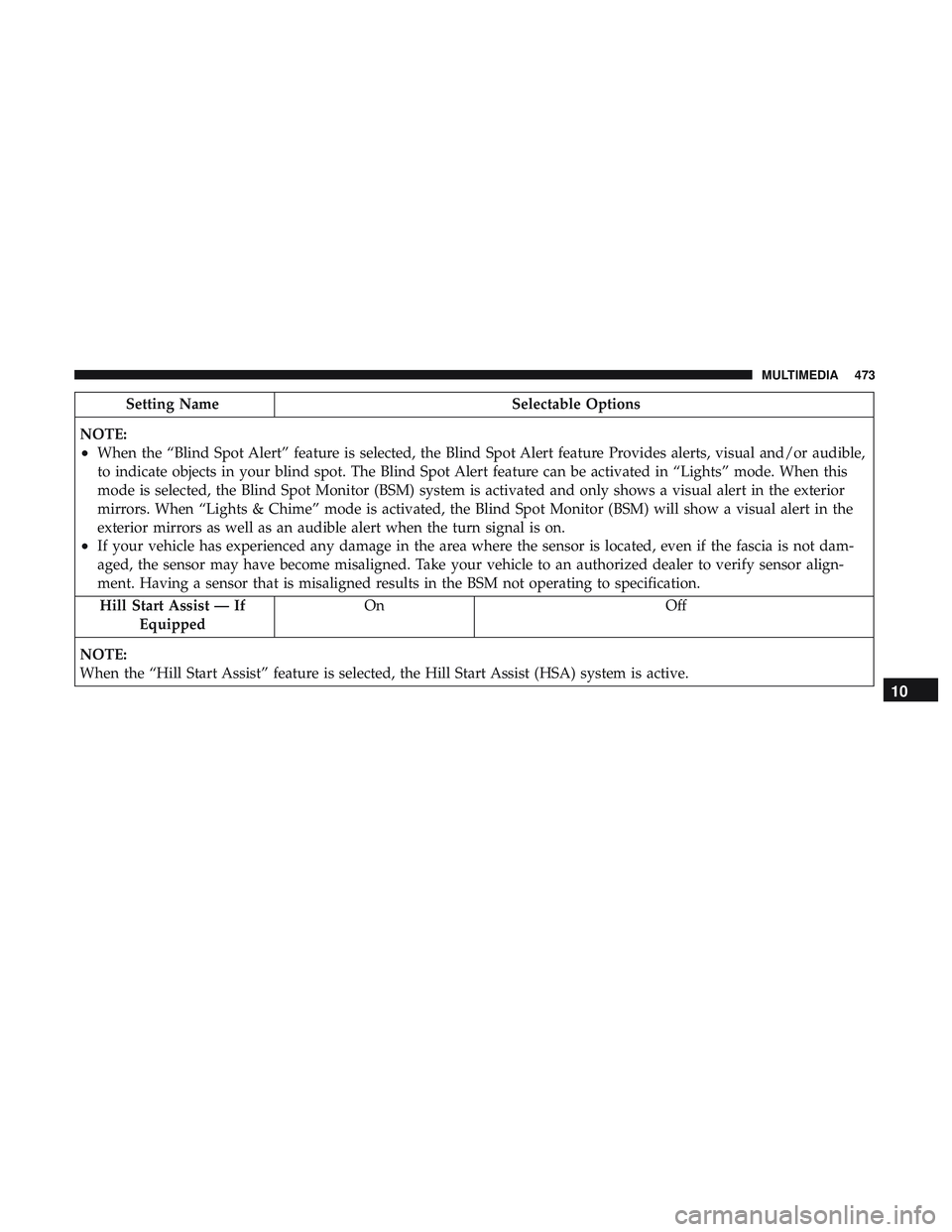
Setting NameSelectable Options
NOTE:
•When the “Blind Spot Alert” feature is selected, the Blind Spot Alert feature Provides alerts, visual and/or audible,
to indicate objects in your blind spot. The Blind Spot Alert feature can be activated in “Lights” mode. When this
mode is selected, the Blind Spot Monitor (BSM) system is activated and only shows a visual alert in the exterior
mirrors. When “Lights & Chime” mode is activated, the Blind Spot Monitor (BSM) will show a visual alert in the
exterior mirrors as well as an audible alert when the turn signal is on.
•If your vehicle has experienced any damage in the area where the sensor is located, even if the fascia is not dam-
aged, the sensor may have become misaligned. Take your vehicle to an authorized dealer to verify sensor align-
ment. Having a sensor that is misaligned results in the BSM not operating to specification. Hill Start Assist — If Equipped On Off
NOTE:
When the “Hill Start Assist” feature is selected, the Hill Start Assist (HSA) system is active.
10
MULTIMEDIA 473
Page 495 of 553
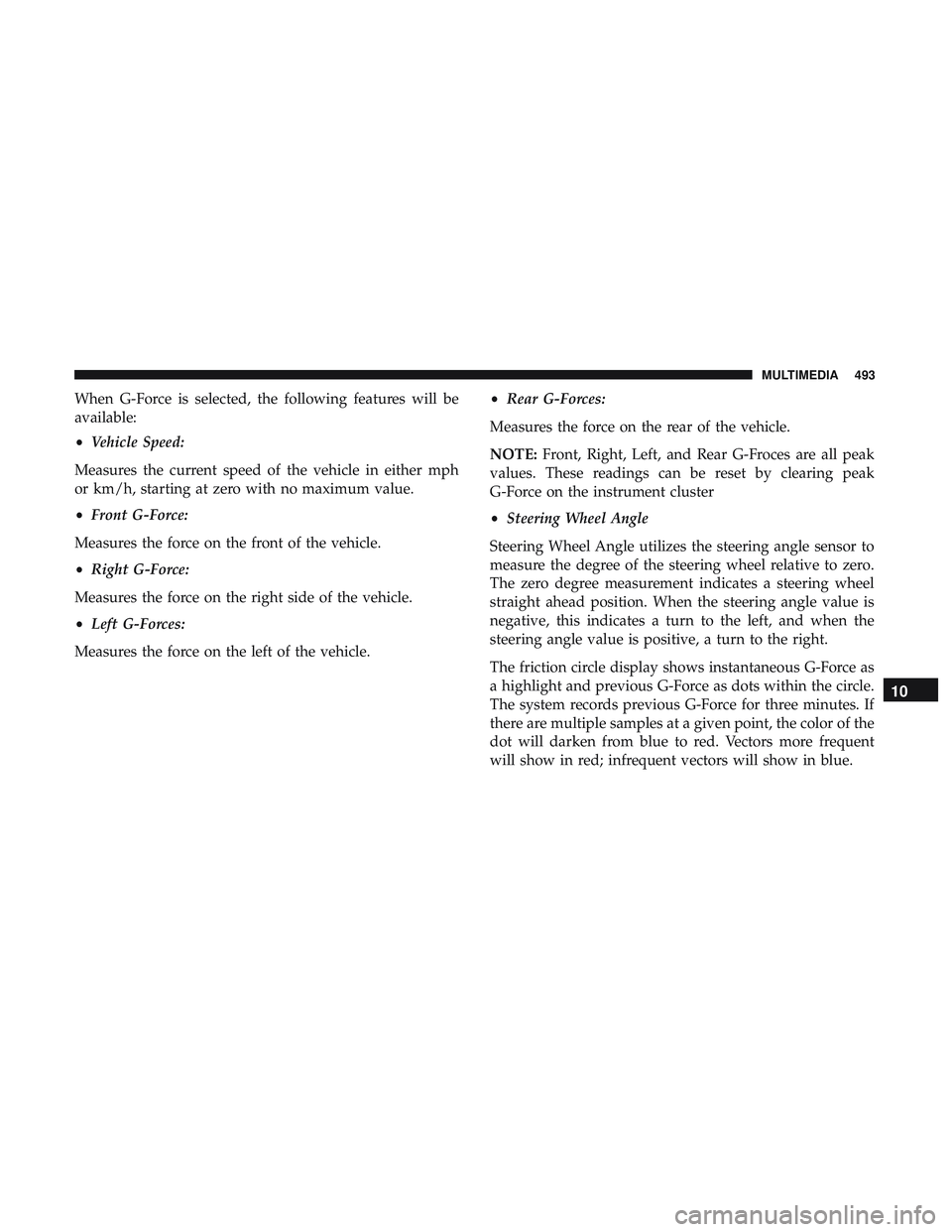
When G-Force is selected, the following features will be
available:
•Vehicle Speed:
Measures the current speed of the vehicle in either mph
or km/h, starting at zero with no maximum value.
• Front G-Force:
Measures the force on the front of the vehicle.
• Right G-Force:
Measures the force on the right side of the vehicle.
• Left G-Forces:
Measures the force on the left of the vehicle. •
Rear G-Forces:
Measures the force on the rear of the vehicle.
NOTE: Front, Right, Left, and Rear G-Froces are all peak
values. These readings can be reset by clearing peak
G-Force on the instrument cluster
• Steering Wheel Angle
Steering Wheel Angle utilizes the steering angle sensor to
measure the degree of the steering wheel relative to zero.
The zero degree measurement indicates a steering wheel
straight ahead position. When the steering angle value is
negative, this indicates a turn to the left, and when the
steering angle value is positive, a turn to the right.
The friction circle display shows instantaneous G-Force as
a highlight and previous G-Force as dots within the circle.
The system records previous G-Force for three minutes. If
there are multiple samples at a given point, the color of the
dot will darken from blue to red. Vectors more frequent
will show in red; infrequent vectors will show in blue.
10
MULTIMEDIA 493
Page 544 of 553
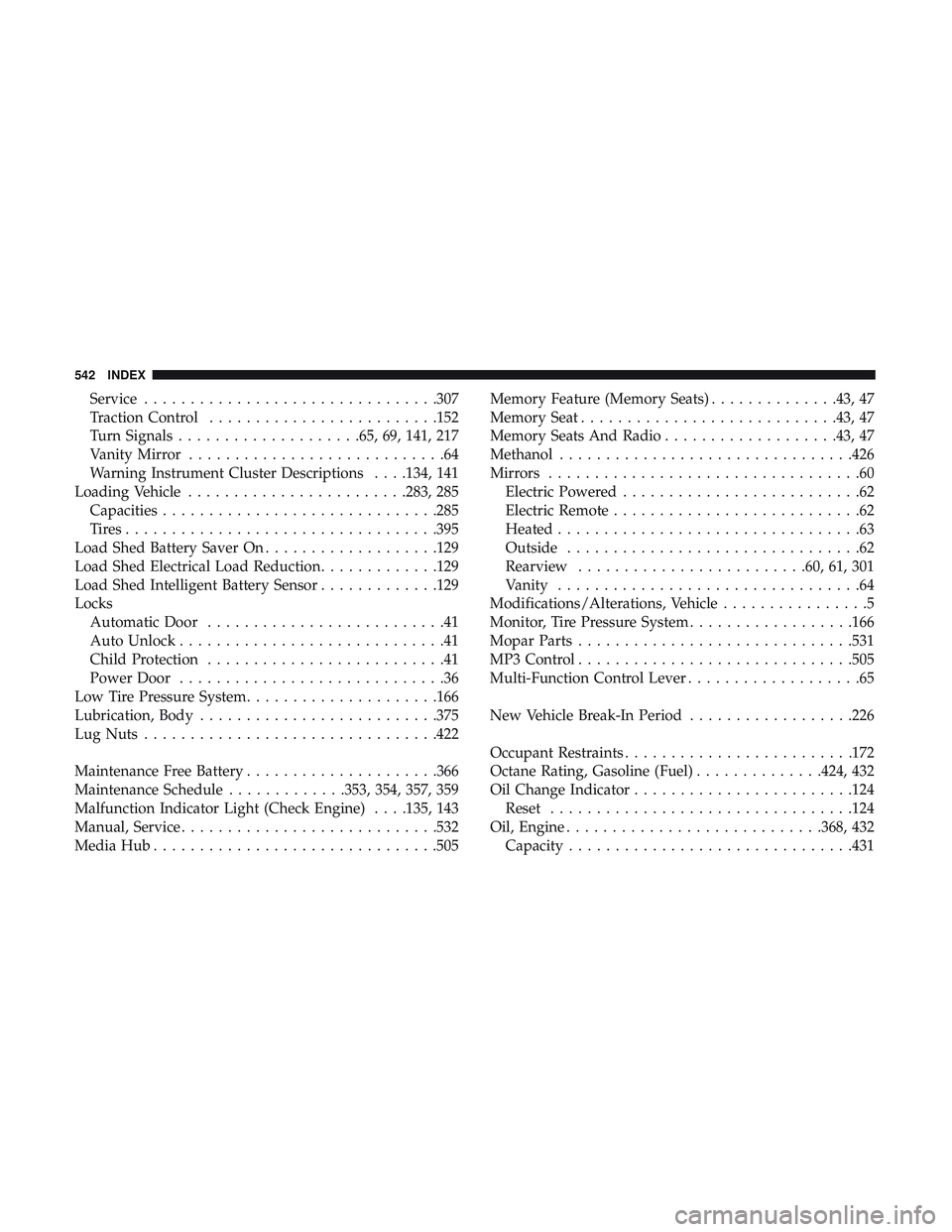
Service............................... .307
Traction Control ........................ .152
Turn Signals ....................65, 69, 141, 217
Vanity Mirror ............................64
Warning Instrument Cluster Descriptions . . . .134, 141
Loading Vehicle ........................283, 285
Capacities ............................. .285
Tires................................. .395
Load Shed Battery Saver On ...................129
Load Shed Electrical Load Reduction .............129
Load Shed Intelligent Battery Sensor .............129
Locks Automatic Door ..........................41
Auto Unlock .............................41
Child Protection ..........................41
Power Door .............................36
Low Tire Pressure System .....................166
Lubrication, Body ..........................375
Lug Nuts ............................... .422
Maintenance Free Battery .....................366
Maintenance Schedule .............353, 354, 357, 359
Malfunction Indicator Light (Check Engine) . . . .135, 143
Manual, Service ............................532
Media Hub ...............................505 Memory Feature (Memory Seats)
..............43, 47
Memory Seat ............................43, 47
Memory Seats And Radio ...................43, 47
Methanol ............................... .426
Mirrors ..................................60
Electric Powered ..........................62
Electric Remote ...........................62
Heated .................................63
Outside ................................62
Rearview ........................ .60, 61, 301
Vanity .................................64
Modifications/Alterations, Vehicle ................5
Monitor, Tire Pressure System ..................166
Mopar Parts ............................. .531
MP3 Control ............................. .505
Multi-Function Control Lever ...................65
New V
ehicle Break-In Period ..................226
Occupant Restraints ........................ .172
Octane Rating, Gasoline (Fuel) ..............424, 432
Oil Change Indicator ........................124
Reset .................................124
Oil, Engine ............................368, 432
Capacity ...............................431
542 INDEX