reset DODGE CHARGER SRT 2013 7.G Owner's Manual
[x] Cancel search | Manufacturer: DODGE, Model Year: 2013, Model line: CHARGER SRT, Model: DODGE CHARGER SRT 2013 7.GPages: 599, PDF Size: 4.21 MB
Page 350 of 599
Compass Settings
•Variance
Touch the Variance soft-key to change this display. Com-
pass Variance is the difference between Magnetic North
and Geographic North. To compensate for the differ-
ences, the variance should be set for the zone where the
vehicle is driven, per the zone map. Once properly set,
the compass will automatically compensate for the dif-
ferences, and provide the most accurate compass head-
ing.
NOTE: Keep magnetic materials away from the top of
the instrument panel, such as iPod’s, Mobile Phones,
Laptops and Radar Detectors. This is where the compass
module is located, and it can cause interference with the
compass sensor, and it may give false readings. •
Calibration
Touch the Calibration soft-key to change this setting. This
compass is self-calibrating, which eliminates the need to
manually reset the compass. When the vehicle is new, the
compass may appear erratic and the EVIC will display
Compass Variance Map
348 UNDERSTANDING YOUR INSTRUMENT PANEL
Page 365 of 599
NOTE:Keep magnetic materials away from the top of
the instrument panel, such as iPod’s, Mobile Phones,
Laptops and Radar Detectors. This is where the compass
module is located, and it can cause interference with the
compass sensor, and it may give false readings. •
Perform Compass Calibration
Touch the Calibration soft-key to change this setting. This
compass is self-calibrating, which eliminates the need to
manually reset the compass. When the vehicle is new, the
compass may appear erratic and the EVIC will display
CAL until the compass is calibrated. You may also
calibrate the compass by pressing the ON soft-key and
completing one or more 360-degree turns (in an area free
from large metal or metallic objects) until the CAL
indicator displayed in the EVIC turns off. The compass
will now function normally.
Audio
After pressing the Audio soft-key the following settings
will be available.
• Balance/Fade
When in this display you may adjust the Balance and
Fade settings.
Compass Variance Map
4
UNDERSTANDING YOUR INSTRUMENT PANEL 363
Page 373 of 599
Pressing the center button will make the radio switch
between the various modes available (AM/FM/SAT/
CD/AUX/VES, etc.).
The left-hand control is a rocker-type switch with a
pushbutton in the center. The function of the left-hand
control is different depending on which mode you are in.
The following describes the left-hand control operation in
each mode.
Radio Operation
Pressing the top of the switch will “Seek” up for the next
listenable station and pressing the bottom of the switch
will “Seek” down for the next listenable station.
The button located in the center of the left-hand control
will tune to the next preset station that you have pro-
grammed in the radio preset pushbutton.
CD Player
Pressing the top of the switch once will go to the next
track on the CD. Pressing the bottom of the switch once
will go to the beginning of the current track, or to the
beginning of the previous track if it is within one second
after the current track begins to play.
If you press the switch up or down twice, it plays the
second track; three times, it will play the third, etc.
The center button on the left side rocker switch has no
function for a single-disc CD player. However, when a
multiple-disc CD player is equipped on the vehicle, the
center button will select the next available CD in the
player.
4
UNDERSTANDING YOUR INSTRUMENT PANEL 371
Page 406 of 599
may be illuminated. Limp Home Mode allows the vehicle
to be driven to an authorized dealer for service without
damaging the transmission.
In the event of a momentary problem, the transmission
can be reset to regain all forward gears by performing the
following steps:
1. Stop the vehicle.
2. Shift the transmission into PARK.
3. Turn the ignition switch to the OFF position.
4. Wait approximately 10 seconds.
5. Restart the engine.
6. Shift into the desired gear range. If the problem is nolonger detected, the transmission will return to normal
operation. NOTE:
Even if the transmission can be reset, we recom-
mend that you visit your authorized dealer at your
earliest possible convenience. Your authorized dealer has
diagnostic equipment to determine if the problem could
recur. If the transmission cannot be reset, authorized
dealer service is required.
Overdrive Operation
The automatic transmission includes an electronically
controlled Overdrive (fifth gear). The transmission will
automatically shift into Overdrive if the following con-
ditions are present:
• the shift lever is in the DRIVE position,
• vehicle speed is sufficiently high, and
• the driver is not heavily pressing the accelerator.
404 STARTING AND OPERATING
Page 462 of 599
To fix a Non-FFV vehicle inadvertently fueled once with
E-85 perform the following:
•drain the fuel tank (see your authorized dealer)
• change the engine oil and oil filter
• disconnect and reconnect the battery to reset the
engine controller memory
More extensive repairs will be required for prolonged
exposure to E-85 fuel.
MMT In Gasoline
MMT is a manganese-containing metallic additive that is
blended into some gasoline to increase octane. Gasoline
blended with MMT provides no performance advantage
beyond gasoline of the same octane number without MMT. Gasoline blended with MMT reduces spark plug
life and reduces emissions system performance in some
vehicles. The manufacturer recommends that gasoline
without MMT be used in your vehicle. The MMT content
of gasoline may not be indicated on the gasoline pump,
therefore, you should ask your gasoline retailer whether
the gasoline contains MMT. MMT is prohibited in Federal
and California reformulated gasoline.
Materials Added To Fuel
All gasoline sold in the United States is required to contain
effective detergent additives. Use of additional detergents
or other additives is not needed under normal conditions
and they would result in additional cost. Therefore, you
should not have to add anything to the fuel.
460 STARTING AND OPERATING
Page 522 of 599
CAUTION!
Using a transmission fluid other than the manufac-
turer ’s recommended fluid may cause deterioration
in transmission shift quality and/or torque converter
shudder. Refer to “Fluids, Lubricants, and Genuine
Parts” in “Maintaining Your Vehicle” for fluid speci-
fications.
Special Additives
The manufacturer strongly recommends against using
any special additives in the transmission.
Automatic Transmission Fluid (ATF) is an engineered
product and its performance may be impaired by supple-
mental additives. Therefore, do not add any fluid addi-
tives to the transmission. The only exception to this
policy is the use of special dyes for diagnosing fluid
leaks. Avoid using transmission sealers as they may
adversely affect seals.
CAUTION!
Do not use chemical flushes in your transmission as
the chemicals can damage your transmission compo-
nents. Such damage is not covered by the New
Vehicle Limited Warranty.
Fluid Level Check
The fluid level is preset at the factory and does not
require adjustment under normal operating conditions.
Routine fluid level checks are not required, therefore the
transmission has no dipstick. Your authorized dealer can
check your transmission fluid level using special service
tools.
If you notice fluid leakage or transmission malfunction,
visit your authorized dealer immediately to have the
transmission fluid level checked. Operating the vehicle
with an improper fluid level can cause severe transmis-
sion damage.
520 MAINTAINING YOUR VEHICLE
Page 551 of 599
NOTE:
•The oil change indicator message will not monitor the
time since the last oil change. Change your vehicle’s oil
if it has been six months since your last oil change,
even if the oil change indicator message is NOT
illuminated.
• Change your engine oil more often if you drive your
vehicle off-road for an extended period of time.
• Under no circumstances should oil change intervals
exceed 6,000 miles (10,000 km) or six months, which-
ever comes first. Your authorized dealer will reset the oil change indicator
message after completing the scheduled oil change. If a
scheduled oil change is performed by someone other
than your authorized dealer, the message can be reset by
referring to the steps described under “Electronic Vehicle
Information Center (EVIC)/Oil Change Required” in
“Understanding Your Instrument Panel” for further in-
formation.
At Each Stop For Fuel
•
Check the engine oil level. Refer to “Maintenance
Procedures/Engine Oil” in “Maintaining Your Vehicle”
for further information.
• Check the windshield washer solvent and add if
required.8
MAINTENANCE SCHEDULES 549
Page 590 of 599
Memory Feature (Memory Seat)...............210
Memory Seat ........................... .210
Memory Seats and Radio ....................210
Methanol .............................. .459
Mini-Trip Computer ...................... .332
Mirrors ............................... .108
Automatic Dimming .....................108
Electric Powered ........................111
Electric Remote .........................111
Exterior Folding ........................110
Heated ...............................112
Outside ............................. .109
Rearview ............................ .108
Vanity ...............................112
Mode Fuel Saver ........................... .331
Modifications/Alterations, Vehicle ...............7
Monitor, Tire Pressure System ................451
Mopar Parts ......................... .498, 571MTBE/ETBE
........................... .459
New Vehicle Break-In Period ..................94
Occupant Restraints ...................46, 66, 70
Occupant Restraints (Sedan) .............63, 66, 69
Octane Rating, Gasoline (Fuel) .............458, 544
Odometer ...............................311
Oil Change Indicator ...................312, 329
Oil Change Indicator, Reset ...............312, 329
Oil, Engine ......................... .499, 544
Capacity ............................ .543
Change Interval .....................329, 500
Checking ............................ .499
Dipstick ............................. .499
Filter ............................ .501, 544
Materials Added to ..................... .501
Recommendation ....................500, 543
Synthetic ............................ .501
588 INDEX
Page 592 of 599
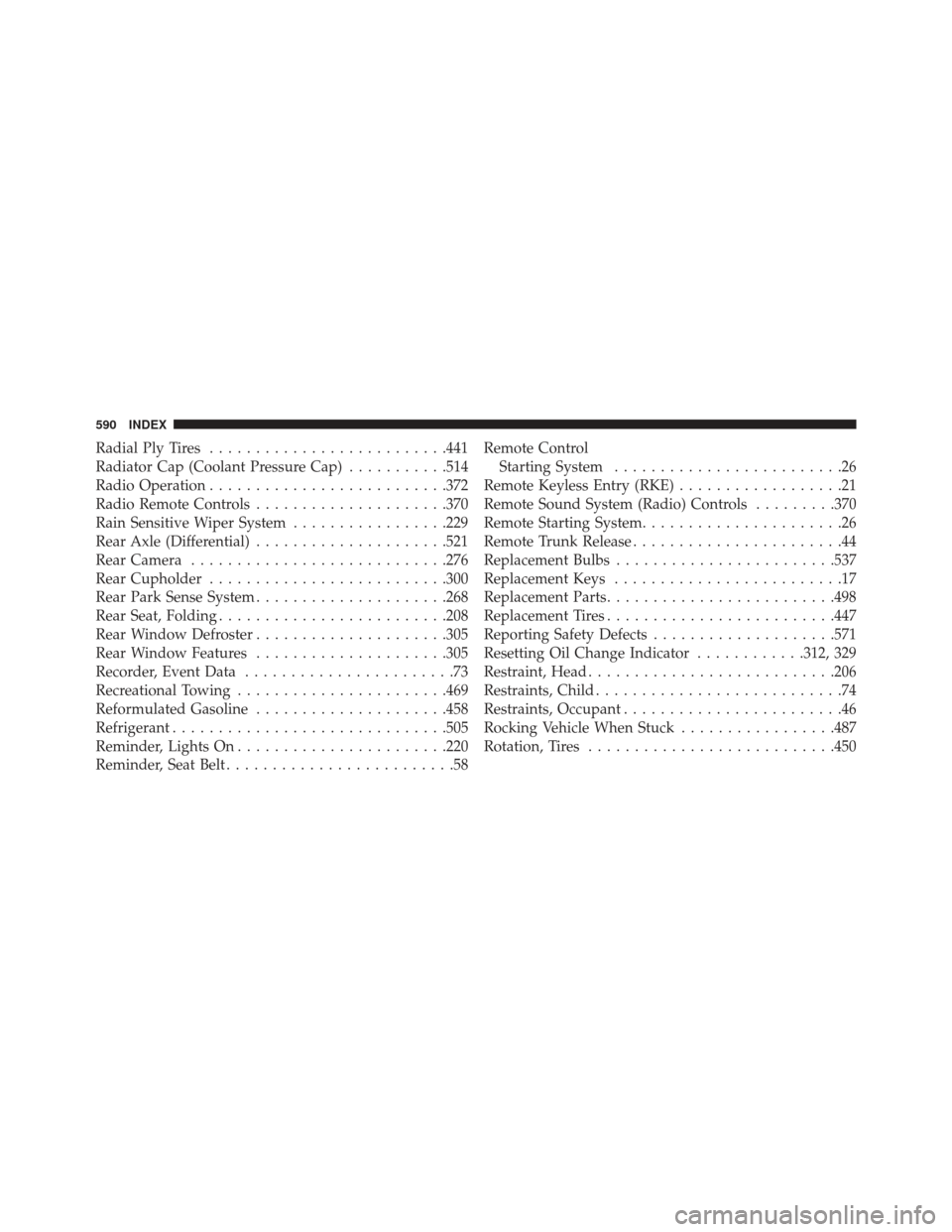
Radial Ply Tires......................... .441
Radiator Cap (Coolant Pressure Cap) ...........514
Radio Operation ......................... .372
Radio Remote Controls .....................370
Rain Sensitive Wiper System .................229
Rear Axle (Differential) .....................521
Rear Camera ........................... .276
Rear Cupholder ......................... .300
Rear Park Sense System .....................268
Rear Seat, Folding ........................ .208
Rear Window Defroster .....................305
Rear Window Features .....................305
Recorder, Event Data .......................73
Recreational Towing ...................... .469
Reformulated Gasoline .....................458
Refrigerant ............................. .505
Reminder, Lights On ...................... .220
Reminder, Seat Belt .........................58 Remote Control
Starting System .........................26
Remote Keyless Entry (RKE) ..................21
Remote Sound System (Radio) Controls .........370
Remote Starting System ......................26
Remote Trunk Release .......................44
Replacement Bulbs ....................... .537
Replacement Keys .........................17
Replacement Parts ........................ .498
Replacement Tires ........................ .447
Reporting Safety Defects ....................571
Resetting Oil Change Indicator ............312, 329
Restraint, Head .......................... .206
Restraints, Child ...........................74
Restraints, Occupant ........................46
Rocking Vehicle When Stuck .................487
Rotation, Tires .......................... .450
590 INDEX