interior lights DODGE CHARGER SRT 2015 7.G Owners Manual
[x] Cancel search | Manufacturer: DODGE, Model Year: 2015, Model line: CHARGER SRT, Model: DODGE CHARGER SRT 2015 7.GPages: 595, PDF Size: 16.43 MB
Page 22 of 595
NOTE:
•The driver’s door key cylinder and the trunk button on
the RKE transmitter cannot arm or disarm the Vehicle
Security Alarm.
•When the Vehicle Security Alarm is armed, the interior
power door lock switches will not unlock the doors.
The Vehicle Security Alarm is designed to protect your
vehicle. However, you can create conditions where the
system will give you a false alarm. If one of the previ-
ously described arming sequences has occurred, the
Vehicle Security Alarm will arm regardless of whether
you are in the vehicle or not. If you remain in the vehicle
and open a door, the alarm will sound. If this occurs,
disarm the Vehicle Security Alarm.
If the Vehicle Security Alarm is armed and the battery
becomes disconnected, the Vehicle Security Alarm will
remain armed when the battery is reconnected; the
exterior lights will flash, the horn will sound. If this
occurs, disarm the Vehicle Security Alarm.
Security System Manual Override
The Vehicle Security Alarm will not arm if you lock the
doors using the manual door lock plunger.
ILLUMINATED ENTRY — IF EQUIPPED
The courtesy lights will turn on when you use the
Remote Keyless Entry (RKE) transmitter to unlock the
doors or open any door.
This feature also turns on the approach lighting in the
outside mirrors (if equipped).
The lights will fade to off after approximately 30 seconds,
or they will immediately fade to off once the ignition is
placed in the ON/RUN position from the OFF position.
20 THINGS TO KNOW BEFORE STARTING YOUR VEHICLE
Page 25 of 595
If the vehicle is equipped with Passive Entry, refer to
“Keyless Enter-N-Go™” under “Things To Know Before
Starting Your Vehicle” for further information.
Sound Horn With Lock
This feature will cause the horn to chirp when the doors
are locked with the RKE transmitter. This feature can be
turned on or turned off. To change the current setting,
refer to “Uconnect® Settings” in “Understanding Your
Instrument Panel” for further information.
To Unlatch The Trunk
Push the TRUNK button on the RKE transmitter two
times within five seconds to unlatch the trunk.
If the vehicle is equipped with Passive Entry, refer to
“Keyless Enter-N-Go™” under “Things To Know Before
Starting Your Vehicle” for further information.
Using The Panic Alarm
To turn the Panic Alarm feature on or off, push and hold
the PANIC button on the RKE transmitter for at least one
second and release. When the Panic Alarm is activated,
the turn signals will flash, the horn will pulse on and off,
and the interior lights will turn on.
The Panic Alarm will stay on for three minutes unless
you turn it off by either pushing the PANIC button a
second time or drive the vehicle at a speed of 15 MPH
(24 km/h) or greater.
NOTE:
•The interior lights will turn off if you place the ignition
in the ACC or ON/RUN position while the Panic
Alarm is activated. However, the exterior lights and
horn will remain on.
2
THINGS TO KNOW BEFORE STARTING YOUR VEHICLE 23
Page 70 of 595
Do not drive your vehicle after the air bags have de-
ployed. If you are involved in another collision, the air
bags will not be in place to protect you.
WARNING!
Deployed air bags and seat belt pretensioners cannot
protect you in another collision. Have the air bags,
seat belt pretensioners, and the seat belt retractor
assemblies replaced by an authorized dealer imme-
diately. Also, have the Occupant Restraint Controller
System serviced as well.
NOTE:
•Air bag covers may not be obvious in the interior trim,
but they will open during air bag deployment.
•After any collision, the vehicle should be taken to an
authorized dealer immediately.
Enhanced Accident Response System
In the event of an impact, if the communication network
remains intact, and the power remains intact, depending
on the nature of the event, the ORC will determine
whether to have the Enhanced Accident Response Sys-
tem perform the following functions:
•Cut off fuel to the engine.
•Flash hazard lights as long as the battery has power or
until the ignition is placed in the “OFF” position.
•Turn on the interior lights, which remain on as long as
the battery has power or until the ignition is placed in
the “OFF” position.
•Unlock the doors automatically.
68 THINGS TO KNOW BEFORE STARTING YOUR VEHICLE
Page 105 of 595
▫Turn Signals.........................150
▫Lane Change Assist...................151
▫High/Low Beam Switch................151
▫Flash-To-Pass........................151
▫Front Map/Reading Lights — If Equipped . . .152
▫Courtesy Lights.......................153
▫Ambient Light — If Equipped............153
▫Interior Lights.......................154
!WINDSHIELD WIPERS AND WASHERS......155
▫Intermittent Wiper System...............156
▫Wiper Operation......................156
▫Windshield Washers...................157
▫Heated Windshield Washer Nozzles........158
▫Mist Feature.........................158
▫Headlights On With Wipers (Available With
Automatic Headlights Only).............158
▫Rain Sensing Wipers — If Equipped........159
!POWER TILT/TELESCOPING STEERING
COLUMN — IF EQUIPPED...............160
!HEATED STEERING WHEEL —
IF EQUIPPED.........................162
!ADJUSTABLE PEDALS — IF EQUIPPED......163
!ELECTRONIC SPEED CONTROL —
IF EQUIPPED.........................165
▫To Activate..........................166
▫To Set A Desired Speed.................166
▫To Deactivate........................167
3
UNDERSTANDING THE FEATURES OF YOUR VEHICLE 103
Page 156 of 595
Interior Lights
The interior lights come on when a door is opened.
To protect the battery, the interior lights will turn off
automatically 10 minutes after the ignition is moved to
the LOCK position. This will occur if the interior lights
were switched on manually or are on because a door is
open. This includes the glove box light and the trunk
light. To restore interior light operation, either place the
ignition in the ON/RUN position or cycle the light
switch.
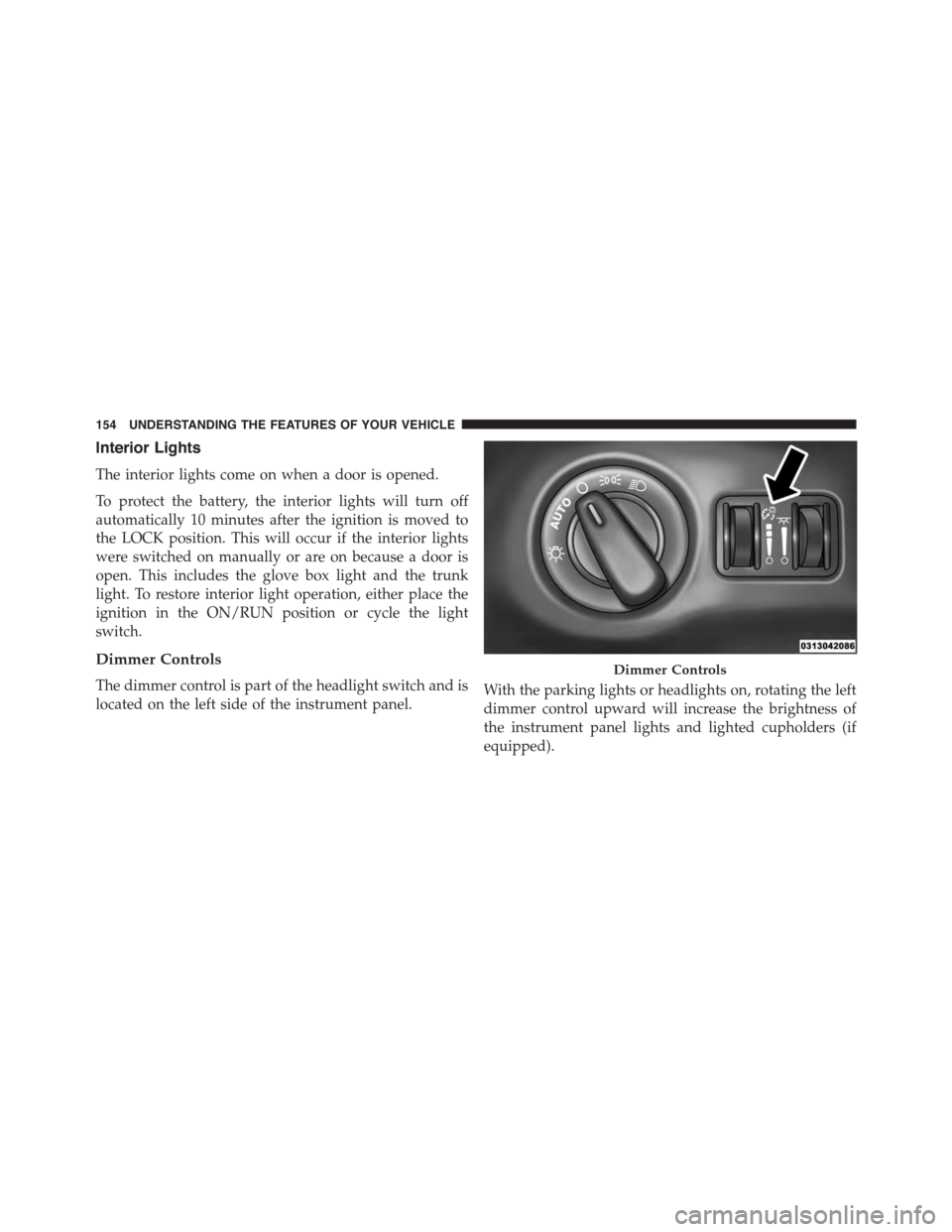
Dimmer Controls
The dimmer control is part of the headlight switch and is
located on the left side of the instrument panel.With the parking lights or headlights on, rotating the left
dimmer control upward will increase the brightness of
the instrument panel lights and lighted cupholders (if
equipped).
Dimmer Controls
154 UNDERSTANDING THE FEATURES OF YOUR VEHICLE
Page 157 of 595
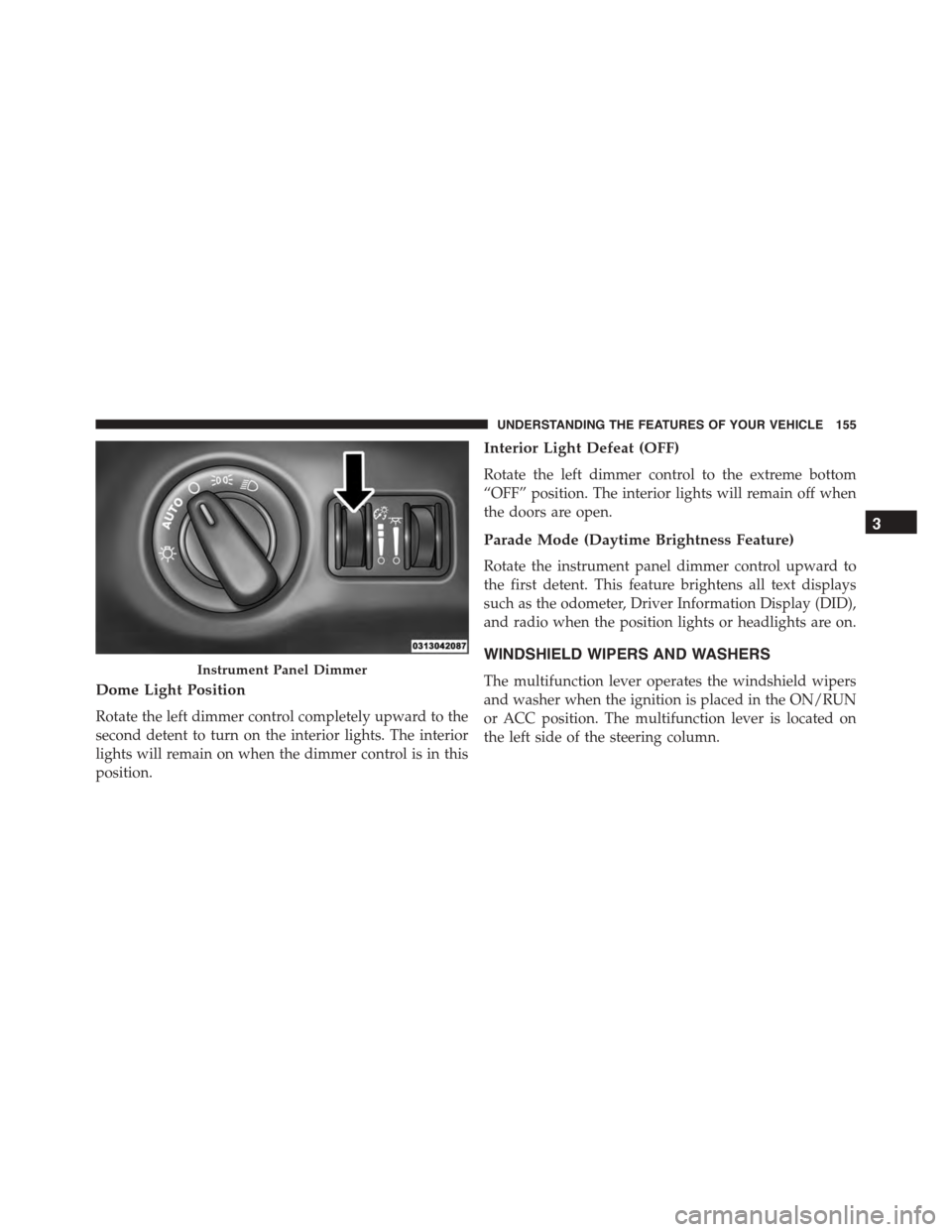
Dome Light Position
Rotate the left dimmer control completely upward to the
second detent to turn on the interior lights. The interior
lights will remain on when the dimmer control is in this
position.
Interior Light Defeat (OFF)
Rotate the left dimmer control to the extreme bottom
“OFF” position. The interior lights will remain off when
the doors are open.
Parade Mode (Daytime Brightness Feature)
Rotate the instrument panel dimmer control upward to
the first detent. This feature brightens all text displays
such as the odometer, Driver Information Display (DID),
and radio when the position lights or headlights are on.
WINDSHIELD WIPERS AND WASHERS
The multifunction lever operates the windshield wipers
and washer when the ignition is placed in the ON/RUN
or ACC position. The multifunction lever is located on
the left side of the steering column.
Instrument Panel Dimmer
3
UNDERSTANDING THE FEATURES OF YOUR VEHICLE 155
Page 285 of 595
•Display Brightness With Headlights ON
When in this display, you may select the brightness with
the headlights on. Adjust the brightness with the “+” and
“–” setting buttons on the touchscreen or by selecting any
point on the scale between the “+” and “–” buttons on the
touchscreen. Then press the back arrow button on the
touchscreen.
NOTE:To make changes to the#Display Brightness with
Headlights ON#setting, the headlights must be on and
the interior dimmer switch must not be in the#party#or
#parade#positions.
•Display Brightness With Headlights OFF
When in this display, you may select the brightness with
the headlights off. Adjust the brightness with the “+” and
“–” setting buttons on the touchscreen or by selecting any
point on the scale between the “+” and “–” buttons on the
touchscreen. Then press the back arrow button on the
touchscreen.
NOTE:To make changes to the#Display Brightness with
Headlights OFF#setting, the headlights must be off and
the interior dimmer switch must not be in the#party#or
#parade#positions.
•Set Theme — If Equipped
This feature will allow you to choose a theme for the
display screen. The theme will change the background
color, highlight color, and button color of the display
screen.
4
UNDERSTANDING YOUR INSTRUMENT PANEL 283
Page 576 of 595
Brake Fluid.............................550
Brake, Parking...........................403
Brakes.................................405
Brake System............................405
Anti-Lock (ABS)........................406
Fluid Check...........................517
Master Cylinder........................517
Parking..............................403
Warning Light.........................251
Brake/Transmission Interlock.................376
Brightness, Interior Lights...................154
Bulb Replacement.........................542
Bulbs, Light.............................100
Camera, Rear............................216
Capacities, Fluid..........................547
Caps, Filler
Oil (Engine)...........................497
Radiator (Coolant Pressure)................514
Carbon Monoxide Warning...................97
Cargo (Vehicle Loading)....................458
Car Washes.............................522
Cellular Phone...........................335
Certification Label.........................459
Chains, Tire.............................441
Chart, Tire Sizing.........................419
Check Engine Light (Malfunction Indicator Light) . .493
Checking Your Vehicle For Safety...............96
Checks, Safety............................96
Child Restraint............................73
Child Restraints
Booster Seats...........................78
Center Seat LATCH......................85
Child Restraints.........................73
Child Seat Installation.....................91
How To Stow An Unused ALR Seat Belt........87
Infants And Child Restraints................76
Install A LATCH-compatible Child Restraint.....86
574 INDEX
Page 577 of 595
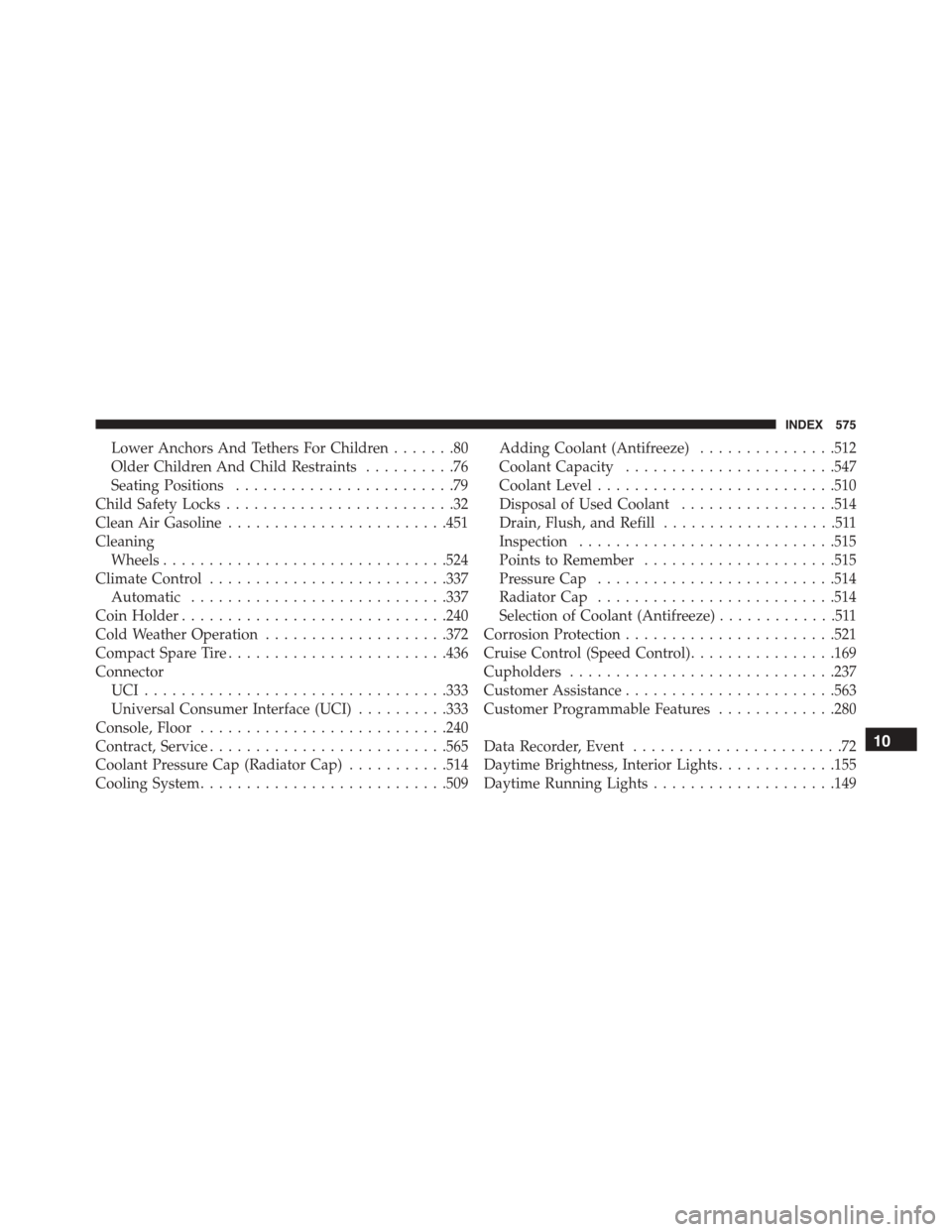
Lower Anchors And Tethers For Children.......80
Older Children And Child Restraints..........76
Seating Positions........................79
Child Safety Locks.........................32
Clean Air Gasoline........................451
Cleaning
Wheels...............................524
Climate Control..........................337
Automatic............................337
Coin Holder.............................240
Cold Weather Operation....................372
Compact Spare Tire........................436
Connector
UCI . . . . . . . . . . . . . . . . . . . . . . . . . . . . . . . ..333
Universal Consumer Interface (UCI)..........333
Console, Floor...........................240
Contract, Service..........................565
Coolant Pressure Cap (Radiator Cap)...........514
Cooling System...........................509
Adding Coolant (Antifreeze)...............512
Coolant Capacity.......................547
Coolant Level..........................510
Disposal of Used Coolant.................514
Drain, Flush, and Refill...................511
Inspection............................515
Points to Remember.....................515
Pressure Cap..........................514
Radiator Cap..........................514
Selection of Coolant (Antifreeze).............511
Corrosion Protection.......................521
Cruise Control (Speed Control)................169
Cupholders.............................237
Customer Assistance.......................563
Customer Programmable Features.............280
Data Recorder, Event.......................72
Daytime Brightness, Interior Lights.............155
Daytime Running Lights....................149
10
INDEX 575
Page 582 of 595
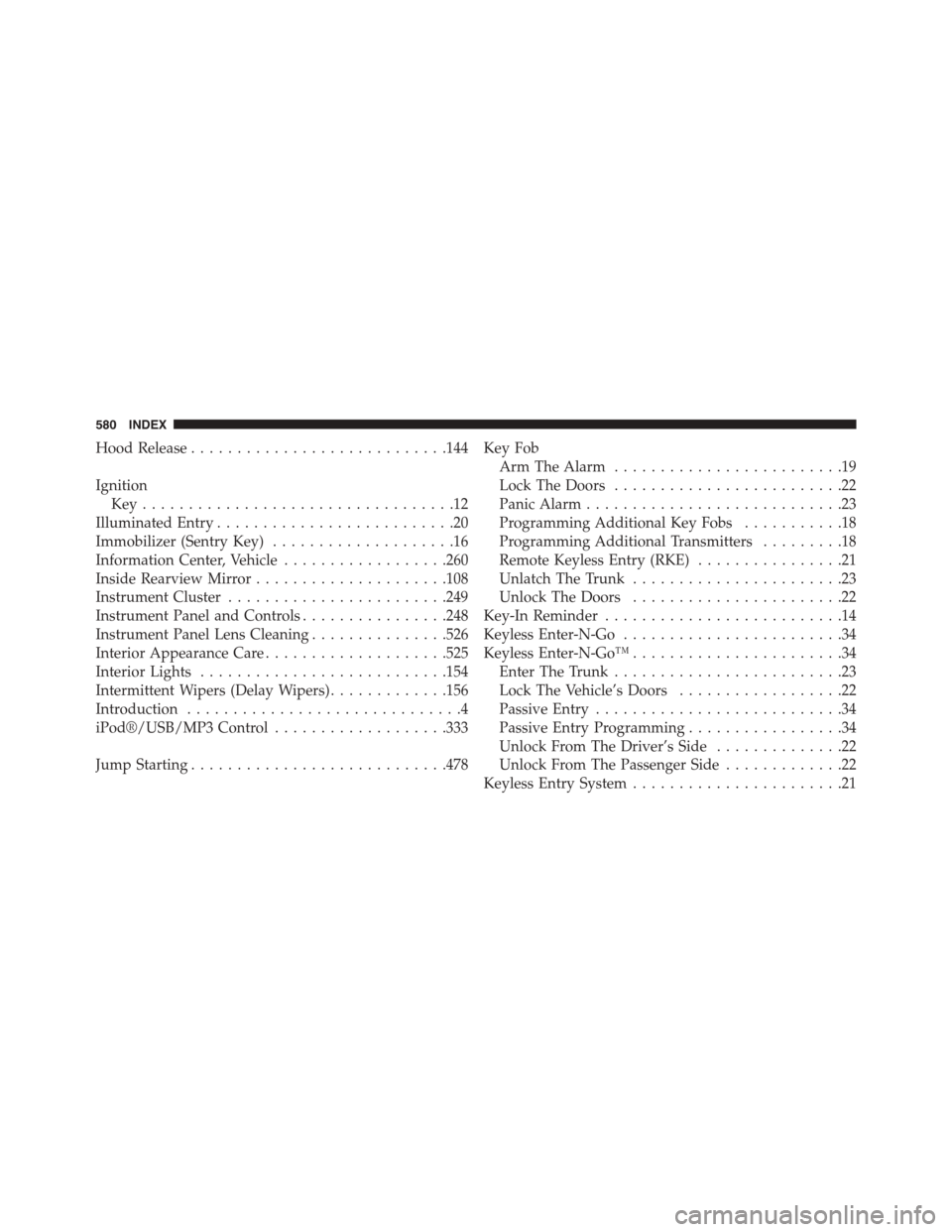
Hood Release............................144
Ignition
Key . . . . . . . . . . . . . . . . . . . . . . . . . . . . . . . . . .12
Illuminated Entry..........................20
Immobilizer (Sentry Key)....................16
Information Center, Vehicle..................260
Inside Rearview Mirror.....................108
Instrument Cluster........................249
Instrument Panel and Controls................248
Instrument Panel Lens Cleaning...............526
Interior Appearance Care....................525
Interior Lights...........................154
Intermittent Wipers (Delay Wipers).............156
Introduction..............................4
iPod®/USB/MP3 Control...................333
Jump Starting............................478
Key Fob
Arm The Alarm.........................19
Lock The Doors.........................22
Panic Alarm............................23
Programming Additional Key Fobs...........18
Programming Additional Transmitters.........18
Remote Keyless Entry (RKE)................21
Unlatch The Trunk.......................23
Unlock The Doors.......................22
Key-In Reminder..........................14
Keyless Enter-N-Go........................34
Keyless Enter-N-Go™.......................34
Enter The Trunk.........................23
Lock The Vehicle’s Doors..................22
Passive Entry...........................34
Passive Entry Programming.................34
Unlock From The Driver’s Side..............22
Unlock From The Passenger Side.............22
Keyless Entry System.......................21
580 INDEX