suspension DODGE CHARGER SRT 2015 7.G Owners Manual
[x] Cancel search | Manufacturer: DODGE, Model Year: 2015, Model line: CHARGER SRT, Model: DODGE CHARGER SRT 2015 7.GPages: 595, PDF Size: 16.43 MB
Page 175 of 595
NOTE:Any chassis/suspension or tire size modifications
to the vehicle will effect the performance of the Adaptive
Cruise Control and Forward Collision Warning System.
Activating Adaptive Cruise Control (ACC)
You can only engage ACC if the vehicle speed is above
0 mph (0 km/h).
The minimum Set Speed for the ACC system is 20 mph
(32 km/h).
When the system is turned on and in the READY state,
the Driver Information Display (DID) displays “ACC
Ready.”
When the system is OFF, the DID displays “Adaptive
Cruise Control (ACC) Off.”
NOTE:You cannot engage ACC under the following
conditions:
•When you apply the brakes.
•When the parking brake is set.
•When the automatic transmission is in PARK, RE-
VERSE or NEUTRAL.
•When the Vehicle speed is outside of the speed range.
•When the brakes are overheated.
•When the driver door is open.
•When the driver seat belt is unbuckled.
3
UNDERSTANDING THE FEATURES OF YOUR VEHICLE 173
Page 318 of 595
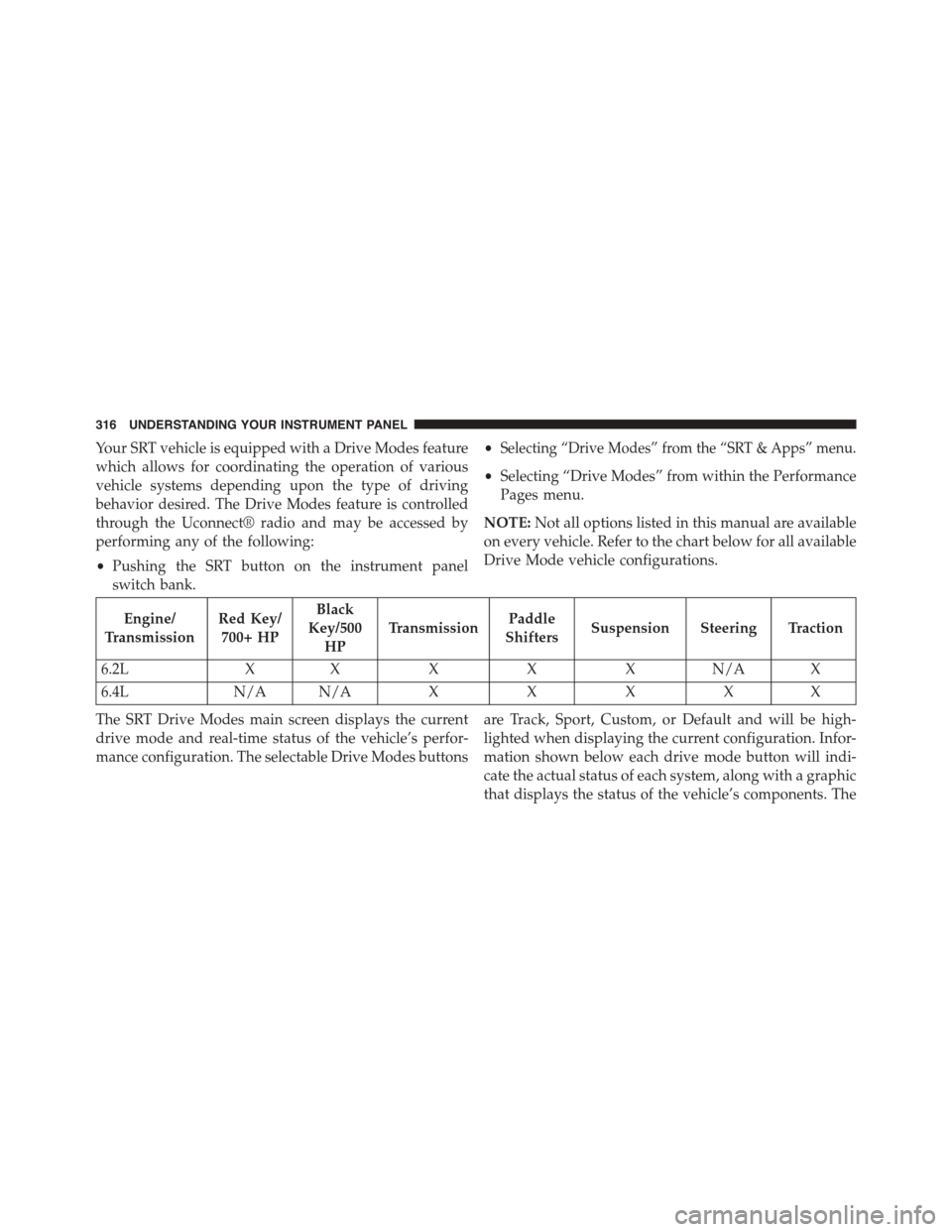
Your SRT vehicle is equipped with a Drive Modes feature
which allows for coordinating the operation of various
vehicle systems depending upon the type of driving
behavior desired. The Drive Modes feature is controlled
through the Uconnect® radio and may be accessed by
performing any of the following:
•Pushing the SRT button on the instrument panel
switch bank.
•Selecting “Drive Modes” from the “SRT & Apps” menu.
•Selecting “Drive Modes” from within the Performance
Pages menu.
NOTE:Not all options listed in this manual are available
on every vehicle. Refer to the chart below for all available
Drive Mode vehicle configurations.
Engine/
Transmission
Red Key/
700+ HP
Black
Key/500
HP
TransmissionPaddle
ShiftersSuspension Steering Traction
6.2LXXXXXN/AX
6.4LN/A N/AXXXXX
The SRT Drive Modes main screen displays the current
drive mode and real-time status of the vehicle’s perfor-
mance configuration. The selectable Drive Modes buttons
are Track, Sport, Custom, or Default and will be high-
lighted when displaying the current configuration. Infor-
mation shown below each drive mode button will indi-
cate the actual status of each system, along with a graphic
that displays the status of the vehicle’s components. The
316 UNDERSTANDING YOUR INSTRUMENT PANEL
Page 319 of 595
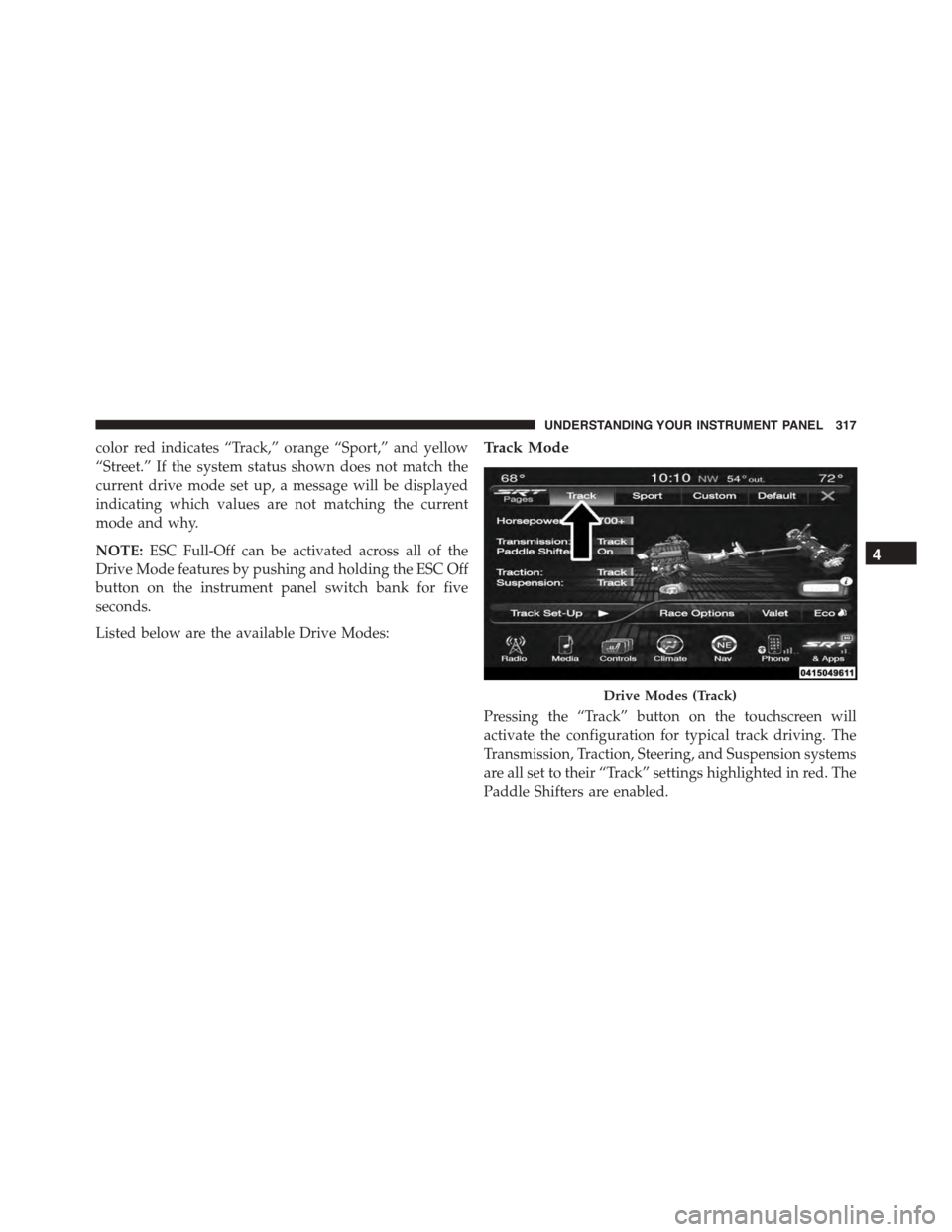
color red indicates “Track,” orange “Sport,” and yellow
“Street.” If the system status shown does not match the
current drive mode set up, a message will be displayed
indicating which values are not matching the current
mode and why.
NOTE:ESC Full-Off can be activated across all of the
Drive Mode features by pushing and holding the ESC Off
button on the instrument panel switch bank for five
seconds.
Listed below are the available Drive Modes:
Track Mode
Pressing the “Track” button on the touchscreen will
activate the configuration for typical track driving. The
Transmission, Traction, Steering, and Suspension systems
are all set to their “Track” settings highlighted in red. The
Paddle Shifters are enabled.
Drive Modes (Track)
4
UNDERSTANDING YOUR INSTRUMENT PANEL 317
Page 320 of 595
Sport Mode
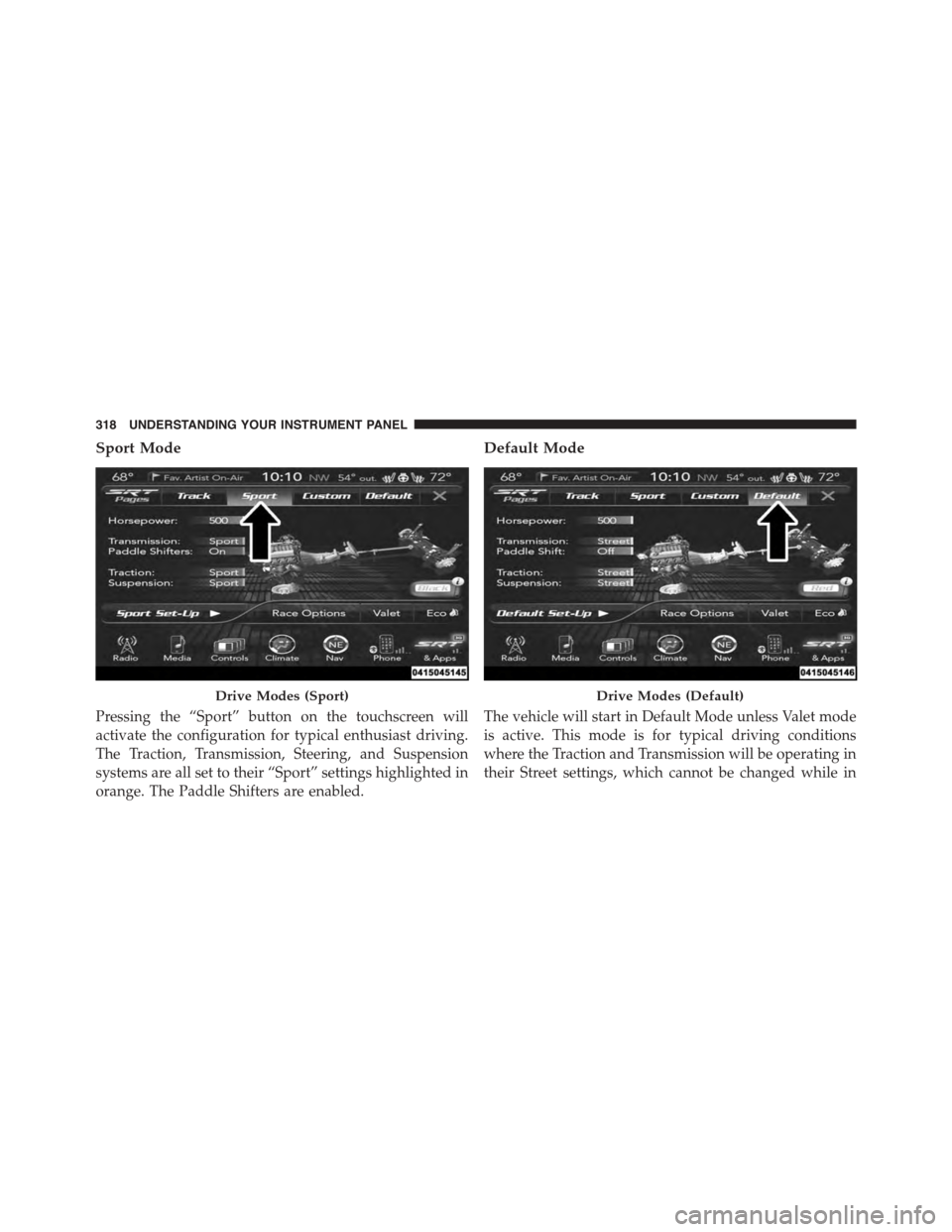
Pressing the “Sport” button on the touchscreen will
activate the configuration for typical enthusiast driving.
The Traction, Transmission, Steering, and Suspension
systems are all set to their “Sport” settings highlighted in
orange. The Paddle Shifters are enabled.
Default Mode
The vehicle will start in Default Mode unless Valet mode
is active. This mode is for typical driving conditions
where the Traction and Transmission will be operating in
their Street settings, which cannot be changed while in
Drive Modes (Sport)Drive Modes (Default)
318 UNDERSTANDING YOUR INSTRUMENT PANEL
Page 321 of 595
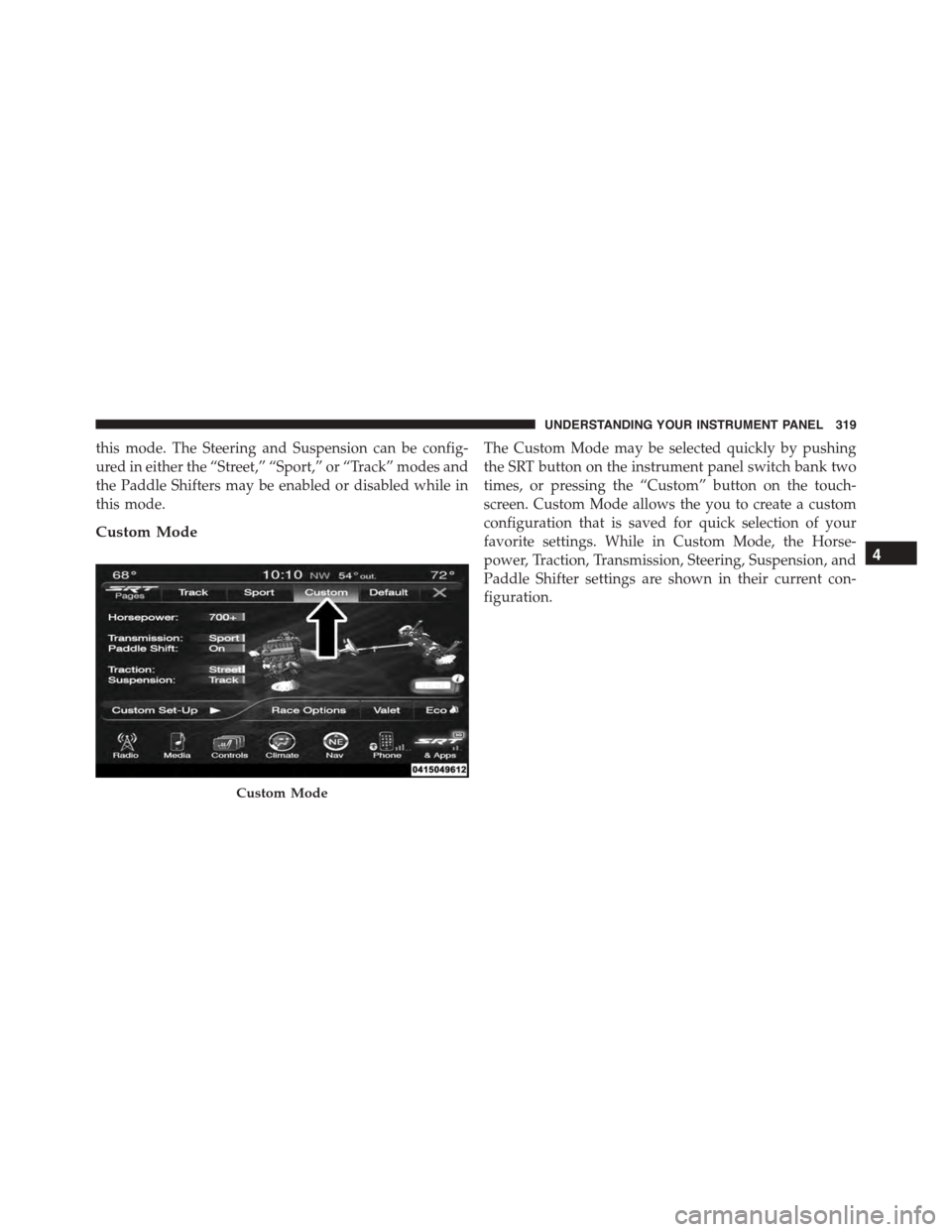
this mode. The Steering and Suspension can be config-
ured in either the “Street,” “Sport,” or “Track” modes and
the Paddle Shifters may be enabled or disabled while in
this mode.
Custom Mode
The Custom Mode may be selected quickly by pushing
the SRT button on the instrument panel switch bank two
times, or pressing the “Custom” button on the touch-
screen. Custom Mode allows the you to create a custom
configuration that is saved for quick selection of your
favorite settings. While in Custom Mode, the Horse-
power, Traction, Transmission, Steering, Suspension, and
Paddle Shifter settings are shown in their current con-
figuration.
Custom Mode
4
UNDERSTANDING YOUR INSTRUMENT PANEL 319
Page 326 of 595
•Track
Press the “Track” button on the touchscreen to modify
traction control to optimize track performance with the
least stability control.
•Sport
Press the “Sport” button on the touchscreen to turn off
traction control and reduce stability control.
•Street
Press the “Street” button on the touchscreen to provide
full traction control and full stability control.
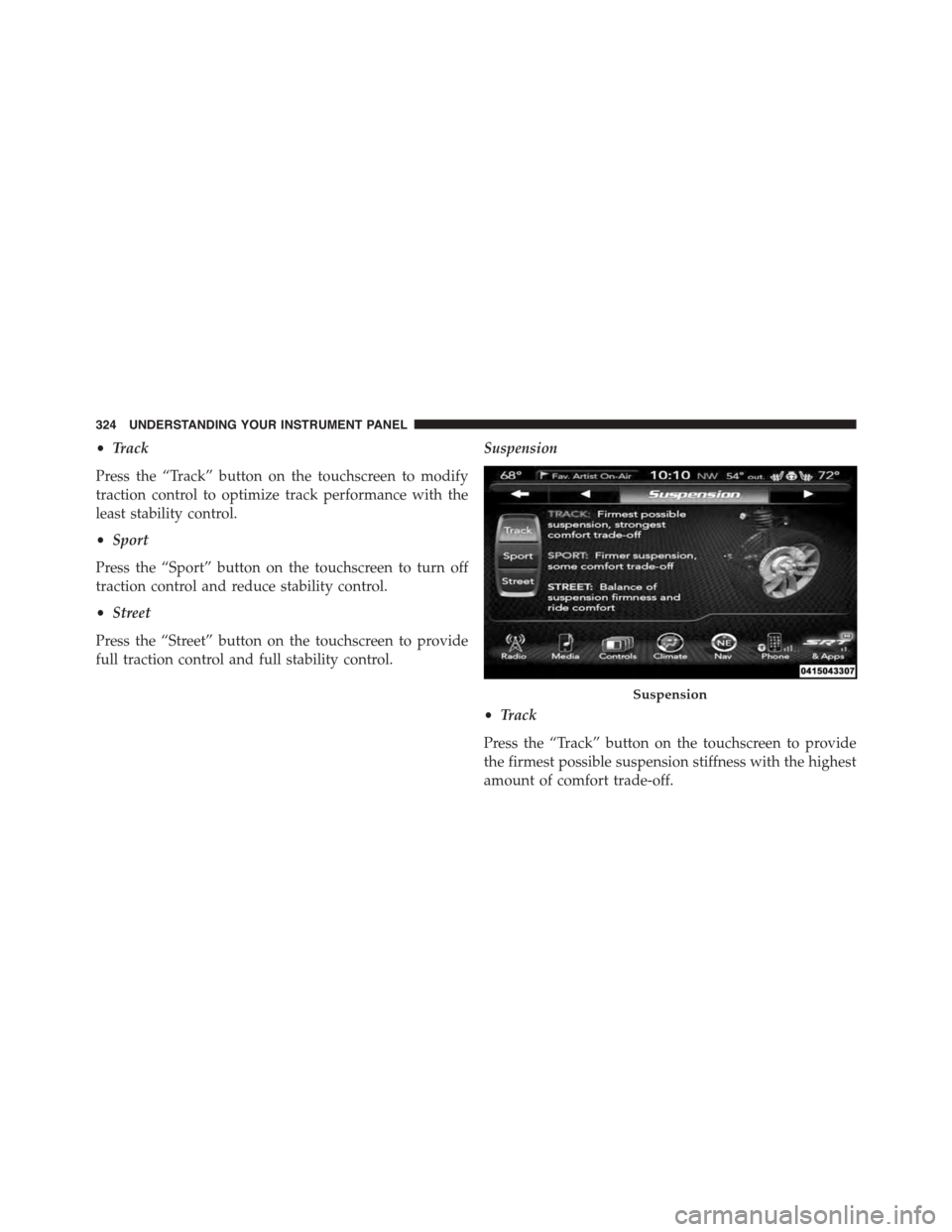
Suspension
•Track
Press the “Track” button on the touchscreen to provide
the firmest possible suspension stiffness with the highest
amount of comfort trade-off.
Suspension
324 UNDERSTANDING YOUR INSTRUMENT PANEL
Page 327 of 595
•Sport
Press the “Sport” button on the touchscreen to provide a
firmer suspension stiffness with moderate comfort trade-
off.
•Street
Press the “Street” button on the touchscreen to provide a
balance of suspension stiffness and ride comfort for
typical daily driving.
Steering — If Equipped With 6.4L Engine
•Track
Press the “Track” button on the touchscreen to adjust the
steering effort to the highest level.
•Sport
Press the “Sport” button on the touchscreen to adjust the
steering effort to the higher level.
•Street
Press the “Street#button on the touchscreen to adjust the
steering effort to the lowest level.
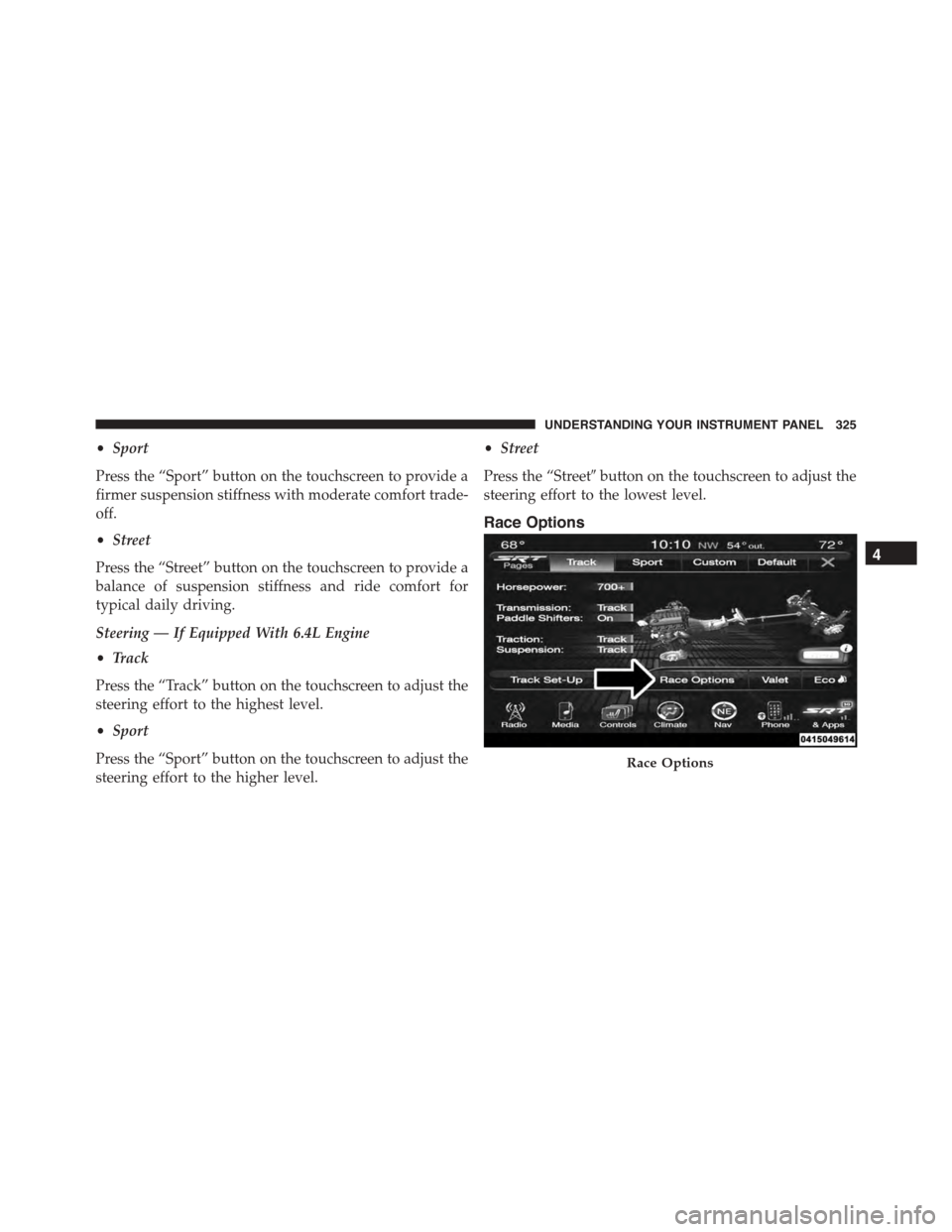
Race Options
Race Options
4
UNDERSTANDING YOUR INSTRUMENT PANEL 325
Page 332 of 595
While in Valet Mode the following vehicle configurations
are set and locked to prevent unauthorized modification:
•Engine limited to the lowest power output state.
•Transmission locks out access to first gear and up-
shifts earlier than normal.
•Traction, Steering, and Suspension are set to their
STREET settings.
•Steering wheel paddle shifters are disabled.
•The Drive Mode interface is not available. Pressing the
SRT button on the touchscreen will display the unlock
keypad.
•The ESC Off button is disabled.
•The Launch Control button is disabled.
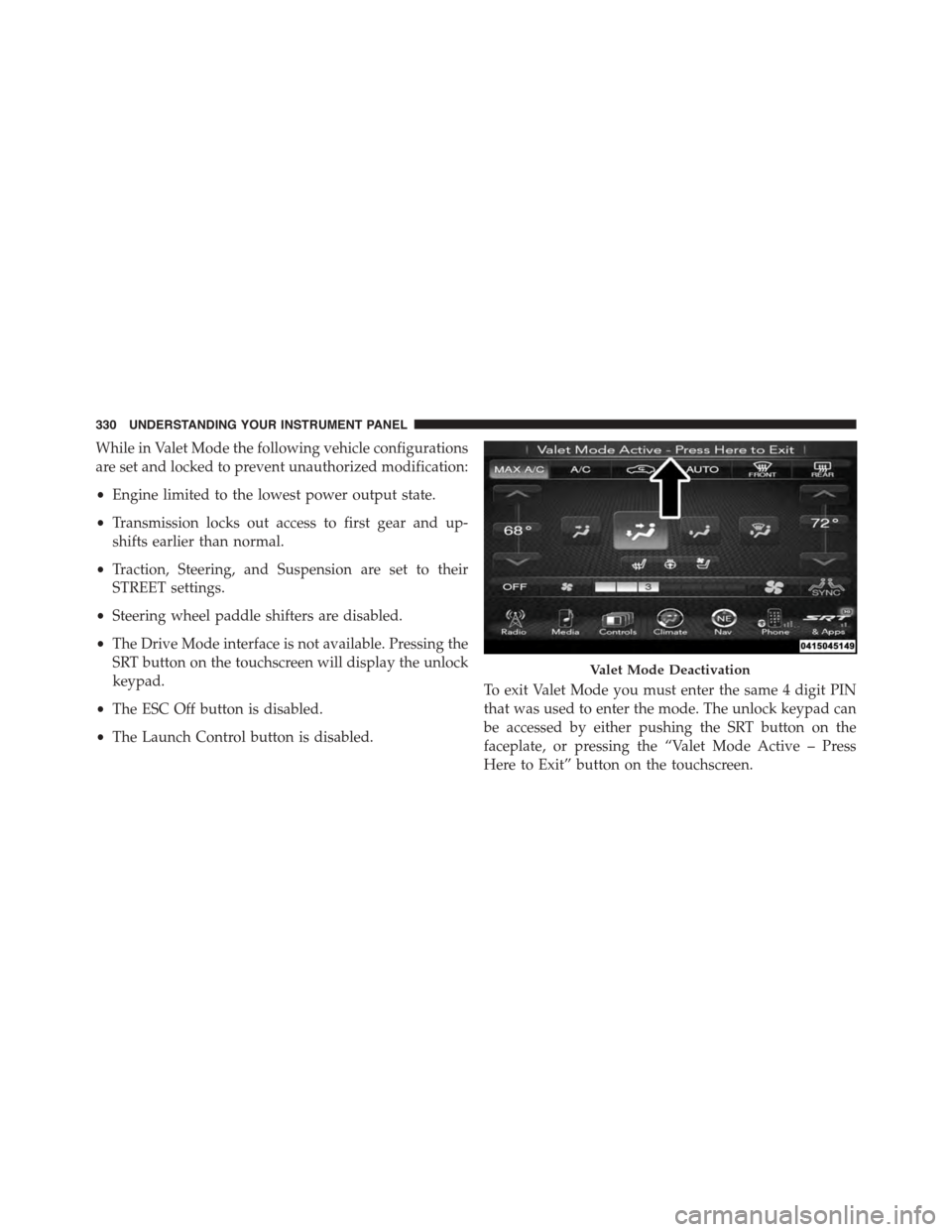
To exit Valet Mode you must enter the same 4 digit PIN
that was used to enter the mode. The unlock keypad can
be accessed by either pushing the SRT button on the
faceplate, or pressing the “Valet Mode Active – Press
Here to Exit” button on the touchscreen.
Valet Mode Deactivation
330 UNDERSTANDING YOUR INSTRUMENT PANEL
Page 390 of 595
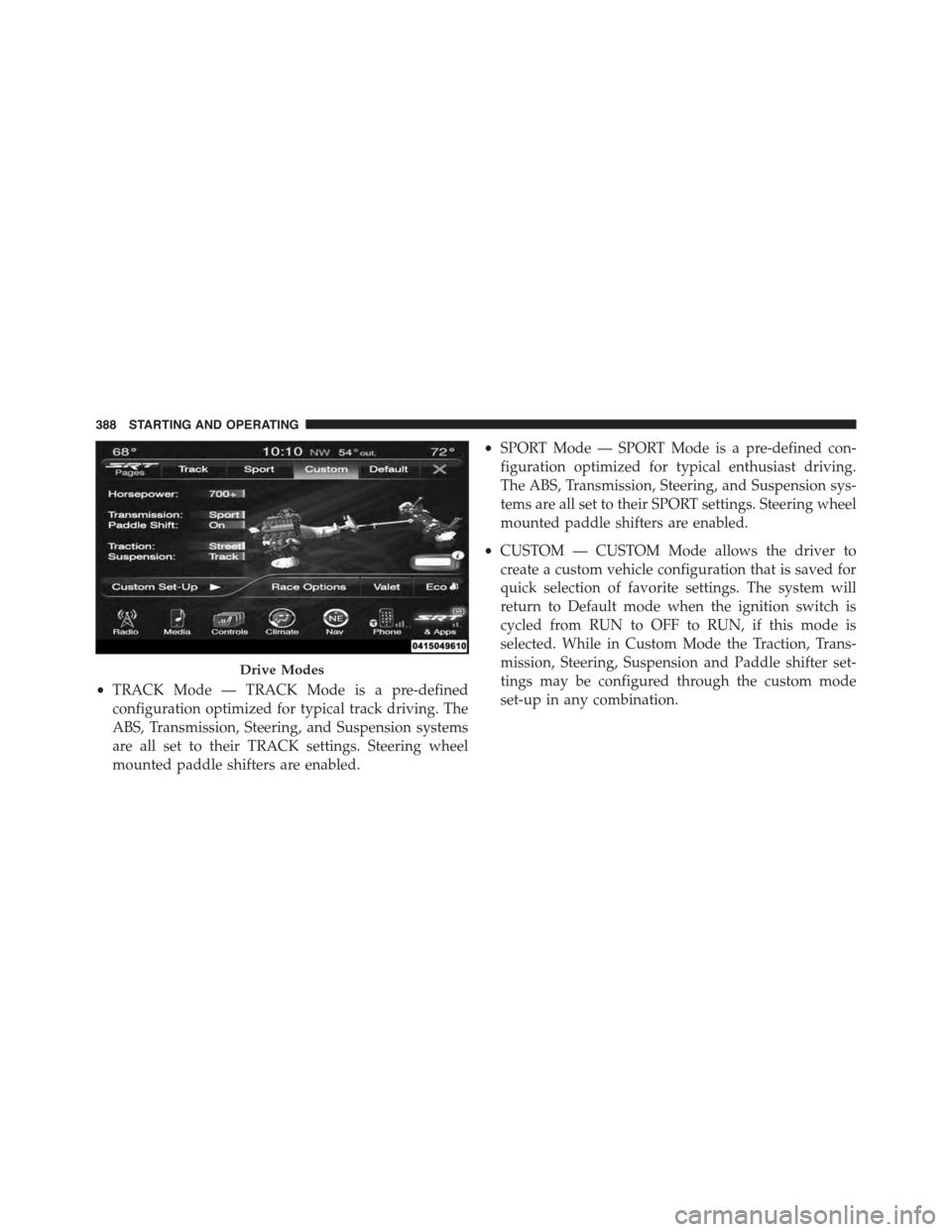
•TRACK Mode — TRACK Mode is a pre-defined
configuration optimized for typical track driving. The
ABS, Transmission, Steering, and Suspension systems
are all set to their TRACK settings. Steering wheel
mounted paddle shifters are enabled.
•SPORT Mode — SPORT Mode is a pre-defined con-
figuration optimized for typical enthusiast driving.
The ABS, Transmission, Steering, and Suspension sys-
tems are all set to their SPORT settings. Steering wheel
mounted paddle shifters are enabled.
•CUSTOM — CUSTOM Mode allows the driver to
create a custom vehicle configuration that is saved for
quick selection of favorite settings. The system will
return to Default mode when the ignition switch is
cycled from RUN to OFF to RUN, if this mode is
selected. While in Custom Mode the Traction, Trans-
mission, Steering, Suspension and Paddle shifter set-
tings may be configured through the custom mode
set-up in any combination.
Drive Modes
388 STARTING AND OPERATING
Page 392 of 595
Suspension (Susp)
•Track — provides the firmest possible suspension
stiffness with the highest amount of comfort trade-off.
•Sport — provides a firmer suspension stiffness with
moderate comfort trade-off.
•Street — provides a balance of suspension stiffness
and ride comfort for typical daily driving.
Steering — 6.4L Engine Only
•Track — provides the greatest amount of steering
feedback, requiring the highest amount of steering
effort.
•Sport — provides greater steering feedback, requiring
greater steering effort.
•Street — provides a balance of steering feedback and
steering effort.
Engine Power — 6.2L Supercharged Engine Only
•700+ HP — Provides engine output power to 700+
horsepower
NOTE:This selection is only available with the RED RKE
Key Fob “700+ HP”.
•500 HP — Provides engine output power to 500
horsepower
NOTE:This selection is available with the RED or
BLACK RKE Key Fob “500 HP”.
•DEFAULT — DEFAULT Mode will be activated auto-
matically when restarting the vehicle unless Valet
mode is active. This mode is for typical driving con-
ditions where the ABS and Transmission will be oper-
ating in their STREET settings, which cannot be
changed while in this mode. The Steering (electric
power steering — if equipped) assist and Suspension
390 STARTING AND OPERATING