pairing phone DODGE CHARGER SRT 2015 7.G Uconnect 8.4A
[x] Cancel search | Manufacturer: DODGE, Model Year: 2015, Model line: CHARGER SRT, Model: DODGE CHARGER SRT 2015 7.GPages: 429, PDF Size: 4.01 MB
Page 316 of 429
Screen Activated Features
•Dialing via Keypad using touchscreen.
•Viewing and Calling contacts from Phonebooks dis-
played on the touchscreen.
•Setting Favorite Contact Phone numbers so the are
easily accessible on the Main Phone screen.
•Viewing and Calling contacts from Recent Call logs.
•Reviewing your recent Incoming SMS.
•Listen to Music on your Bluetooth® Device via the
touchscreen.
•Pairing up to 10 phones/audio devices for easy access
to connect to them quickly.
NOTE:Your phone must be capable of SMS messaging
via Bluetooth® for messaging features to work properly.
Your mobile phone’s audio is transmitted through your
vehicle’s audio system; the system will automatically
mute your radio when using the Uconnect® Phone.
For Uconnect® customer support:
•U.S. residents - visitUconnectPhone.comor call
1–877–855–8400
•Canadian residents - call 1–800–465–2001 (English) or
1–800–387–9983 (French)
Uconnect® Phone allows you to transfer calls between
the system and your mobile phone as you enter or exit
your vehicle and enables you to mute the system’s
microphone for private conversation.
4
Uconnect® 8.4AN — If Equipped 315
Page 320 of 429
Cancel Command
At any prompt, after the beep, you can say “Cancel” and
you will be returned to the main menu.
You can also push the Phoneor Voice Command
button on your steering wheel when the system is
listening for a command and be returned to the main
or previous menu.
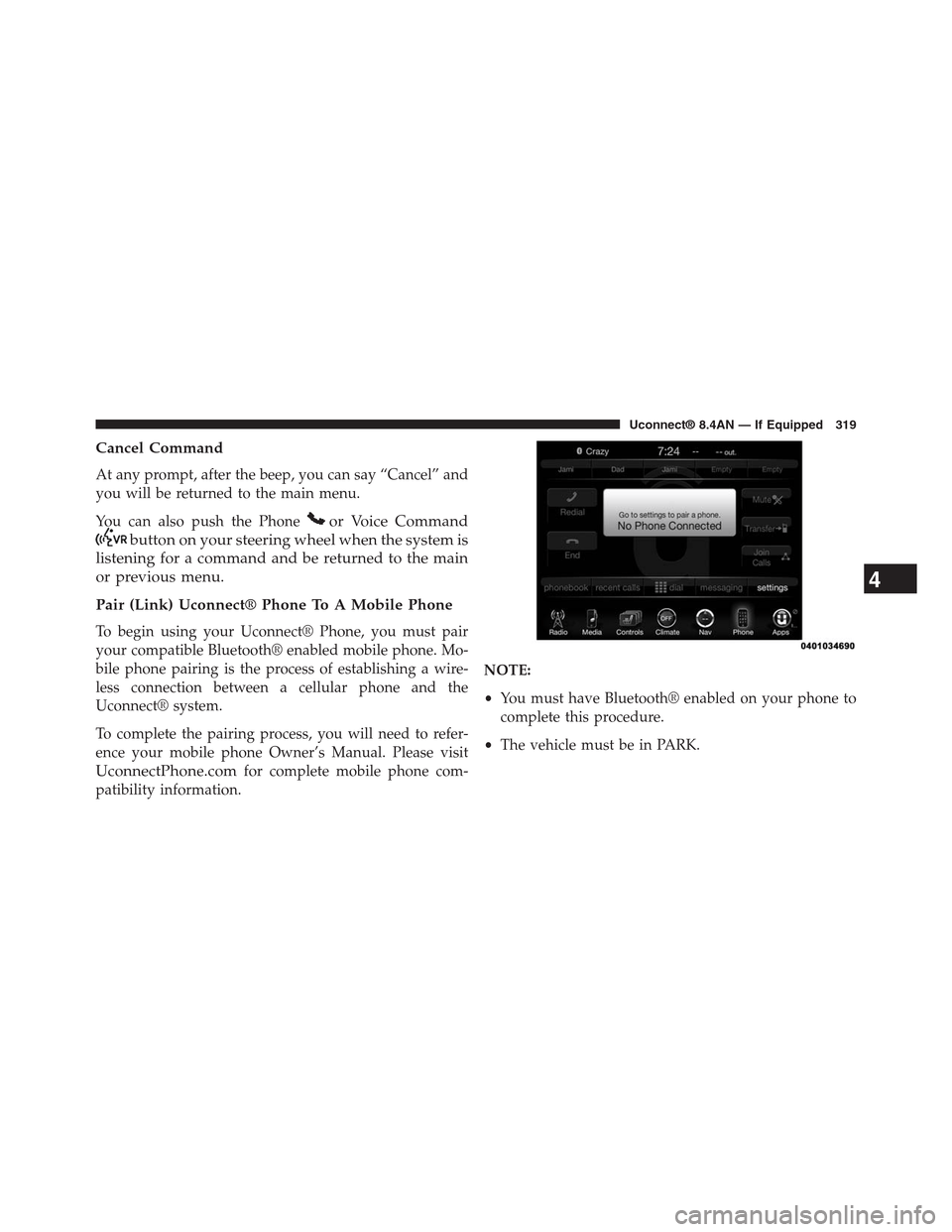
Pair (Link) Uconnect® Phone To A Mobile Phone
To begin using your Uconnect® Phone, you must pair
your compatible Bluetooth® enabled mobile phone. Mo-
bile phone pairing is the process of establishing a wire-
less connection between a cellular phone and the
Uconnect® system.
To complete the pairing process, you will need to refer-
ence your mobile phone Owner’s Manual. Please visit
UconnectPhone.comfor complete mobile phone com-
patibility information.
NOTE:
•You must have Bluetooth® enabled on your phone to
complete this procedure.
•The vehicle must be in PARK.
4
Uconnect® 8.4AN — If Equipped 319
Page 321 of 429
1. Place the ignition in the ACC or ON position
2. Press the “Phone” button in the Menu Bar on the
touchscreen.
•If there is no phones currently connected with the
system, a pop-up will appear asking if you would
like to pair a mobile phone.
3. Select “Yes” to begin the pairing process.
4. Search for available devices on your Bluetooth® en-
abled mobile phone.
•Press the Settings button on your mobile phone.
•Select Bluetooth® and ensure it is enabled. Once
enabled, the mobile phone will begin to search for
Bluetooth® connections.
5. If No is selected, and you still would like to pair a
mobile phone, press the “Settings” button from the
Uconnect® Phone main screen.
•Select “Paired Phones” then press the “Add Device”
button on the touchscreen,
•Search for available devices on your Bluetooth®
enabled mobile phone (see below). When prompted
on the phone, select “Uconnect” and accept the
connection request.
6. Uconnect® Phone will display an in progress screen
while the system is connecting.
7. When your mobile phone finds the Uconnect® system,
select “Uconnect.”
8. When prompted on the mobile phone, accept the
connection request from Uconnect® Phone.
NOTE:Some mobile phones will require you to enter the
PIN number.
320 Uconnect® 8.4AN — If Equipped
Page 322 of 429
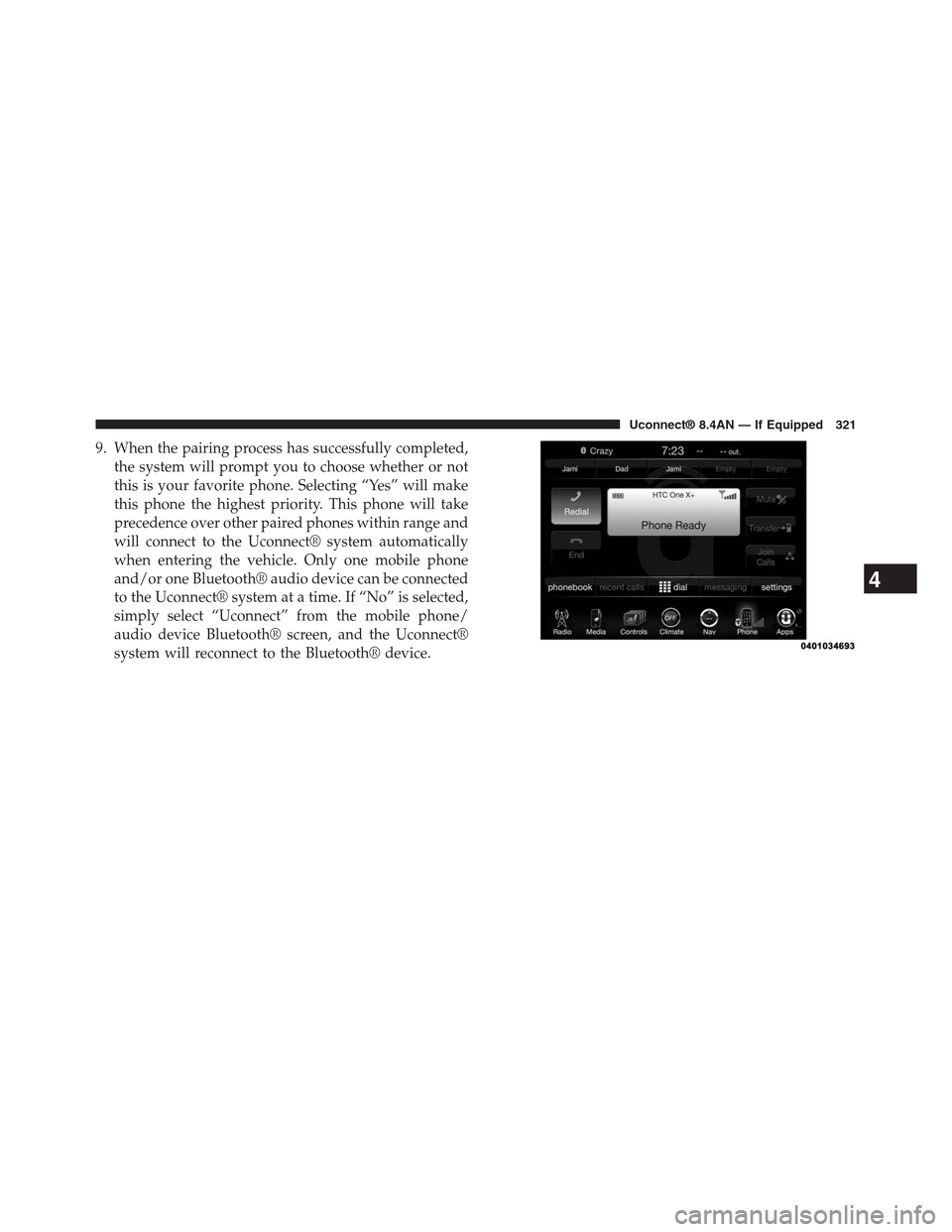
9. When the pairing process has successfully completed,
the system will prompt you to choose whether or not
this is your favorite phone. Selecting “Yes” will make
this phone the highest priority. This phone will take
precedence over other paired phones within range and
will connect to the Uconnect® system automatically
when entering the vehicle. Only one mobile phone
and/or one Bluetooth® audio device can be connected
to the Uconnect® system at a time. If “No” is selected,
simply select “Uconnect” from the mobile phone/
audio device Bluetooth® screen, and the Uconnect®
system will reconnect to the Bluetooth® device.
4
Uconnect® 8.4AN — If Equipped 321
Page 323 of 429
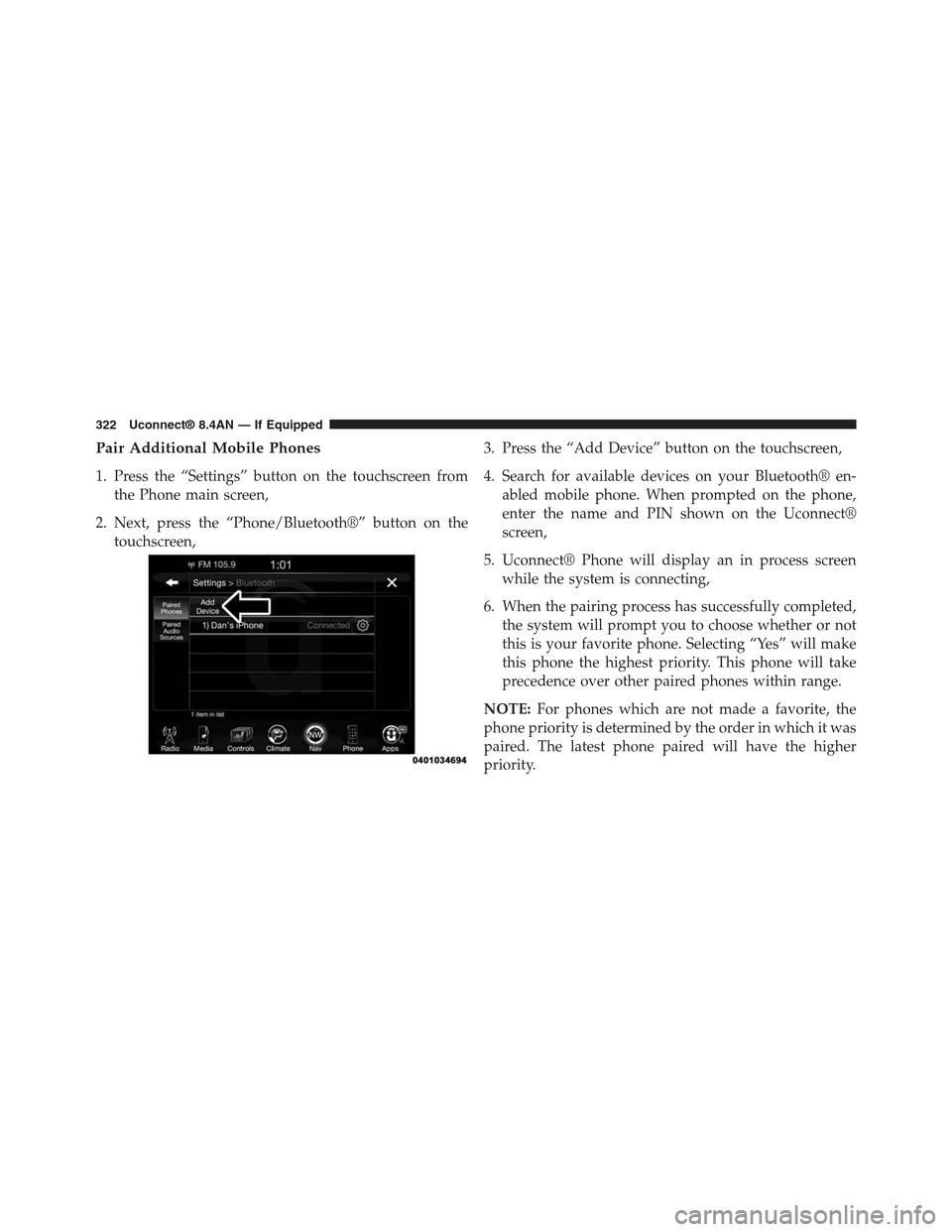
Pair Additional Mobile Phones
1. Press the “Settings” button on the touchscreen from
the Phone main screen,
2. Next, press the “Phone/Bluetooth®” button on the
touchscreen,
3. Press the “Add Device” button on the touchscreen,
4. Search for available devices on your Bluetooth® en-
abled mobile phone. When prompted on the phone,
enter the name and PIN shown on the Uconnect®
screen,
5. Uconnect® Phone will display an in process screen
while the system is connecting,
6. When the pairing process has successfully completed,
the system will prompt you to choose whether or not
this is your favorite phone. Selecting “Yes” will make
this phone the highest priority. This phone will take
precedence over other paired phones within range.
NOTE:For phones which are not made a favorite, the
phone priority is determined by the order in which it was
paired. The latest phone paired will have the higher
priority.
322 Uconnect® 8.4AN — If Equipped
Page 324 of 429
You can also use the following VR commands to bring up
the Paired Phone screen from any screen on the radio:
•“Show Paired Phones” or
•“Connect My Phone”
Pair A Bluetooth® Streaming Audio Device
1. Press the “Media” button on the touchscreen to begin,
2. Change the Source to Bluetooth®,
3. Press the “Bluetooth®” button on the touchscreen to
display the Paired Audio Devices screen,
4. Press the “Add Device” button on the touchscreen,
NOTE:If there is no device currently connected with the
system, a pop-up will appear.
5. Search for available devices on your Bluetooth® en-
abled audio device. When prompted on the device,
enter the PIN shown on the Uconnect® screen,
6. Uconnect® Phone will display an in process screen
while the system is connecting,
7. When the pairing process has successfully completed,
the system will prompt you to choose whether or not
this is your favorite device. Selecting Yes will make
this device the highest priority. This device will take
precedence over other paired devices within range.
NOTE:For devices which are not made a favorite, the
device priority is determined by the order in which it was
paired. The latest device paired will have the higher
priority.
You can also use the following VR command to bring up
a list of paired audio devices.
•“Show Paired Phones” or
•“Connect My Phone”
4
Uconnect® 8.4AN — If Equipped 323
Page 325 of 429
Connecting To A Particular Mobile Phone Or
Audio Device After Pairing
Uconnect® Phone will automatically connect to the high-
est priority paired phone and/or Audio Device within
range. If you need to choose a particular phone or Audio
Device follow these steps:
1. Press the “Settings” button on the touchscreen.
2. Press the “Paired Phones” or “Paired Audio Sources”
button on the touchscreen.
3. Press to select the particular Phone or the particular
Audio Device.
4. Press the “X” to exit out of the Settings screen.
Disconnecting A Phone Or Audio Device
1. Press the “Settings” button on the touchscreen.
2. Press the “Paired Phones” or “Paired Audio Devices”
button on the touchscreen.
3. Press the “Settings” button located to the right of the
device name.
4. The options pop-up will be displayed.
5. Press the “Disconnect Device” button on the touch-
screen.
6. Press the “X” to exit out of the Settings screen.
Deleting A Phone Or Audio Device
1. Press the “Settings” button on the touchscreen.
2. Press the “Pair Phones” or “Paired Audio Devices”
button on the touchscreen.
324 Uconnect® 8.4AN — If Equipped
Page 409 of 429
Uconnect® VOICE RECOGNITION
Introducing Uconnect®
Start using Uconnect® Voice Recognition with these
helpful quick tips. It provides the key Voice Commands
and tips you need to know to control your Uconnect®
8.4A or 8.4AN systems.
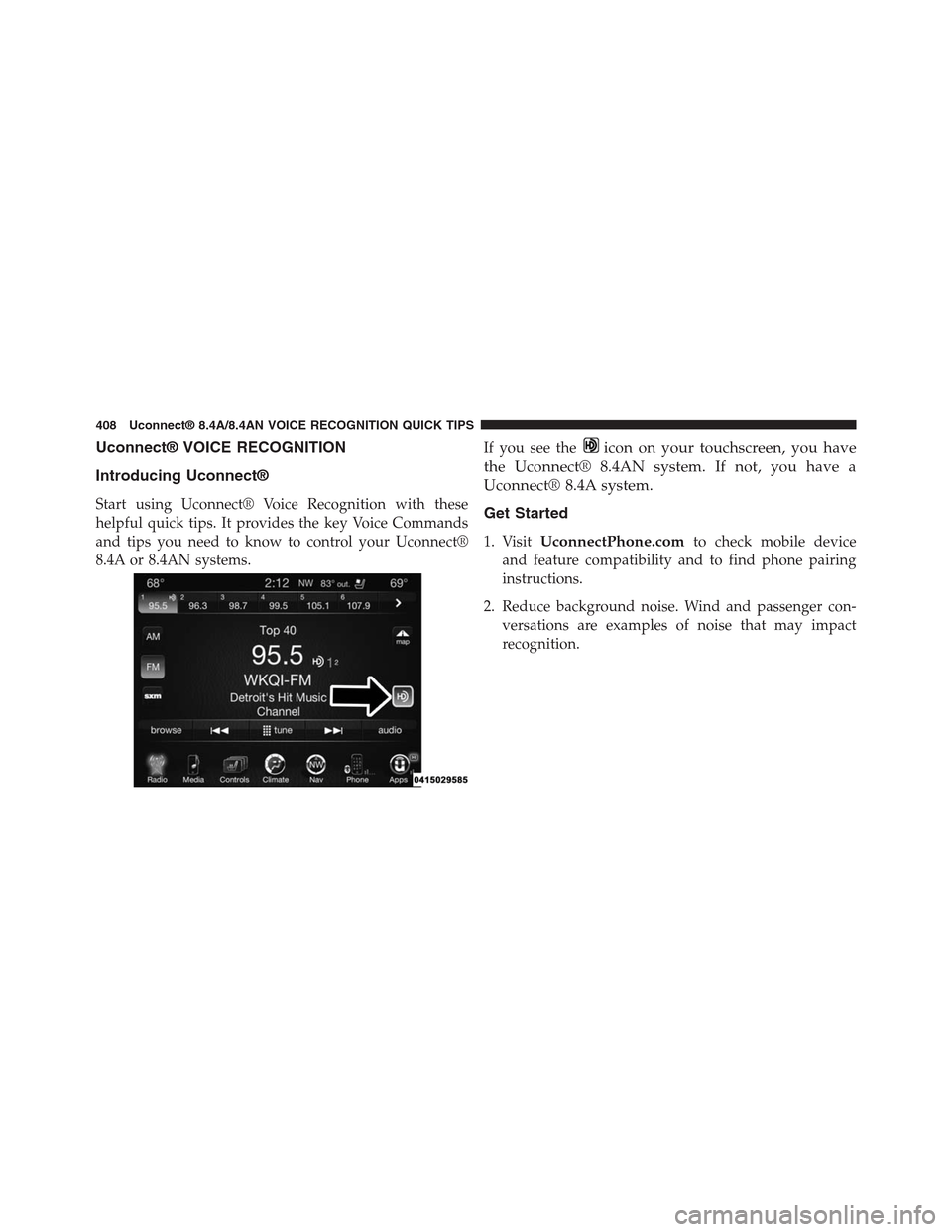
If you see theicon on your touchscreen, you have
the Uconnect® 8.4AN system. If not, you have a
Uconnect® 8.4A system.
Get Started
1. VisitUconnectPhone.comto check mobile device
and feature compatibility and to find phone pairing
instructions.
2. Reduce background noise. Wind and passenger con-
versations are examples of noise that may impact
recognition.
408 Uconnect® 8.4A/8.4AN VOICE RECOGNITION QUICK TIPS
Page 416 of 429
Phone
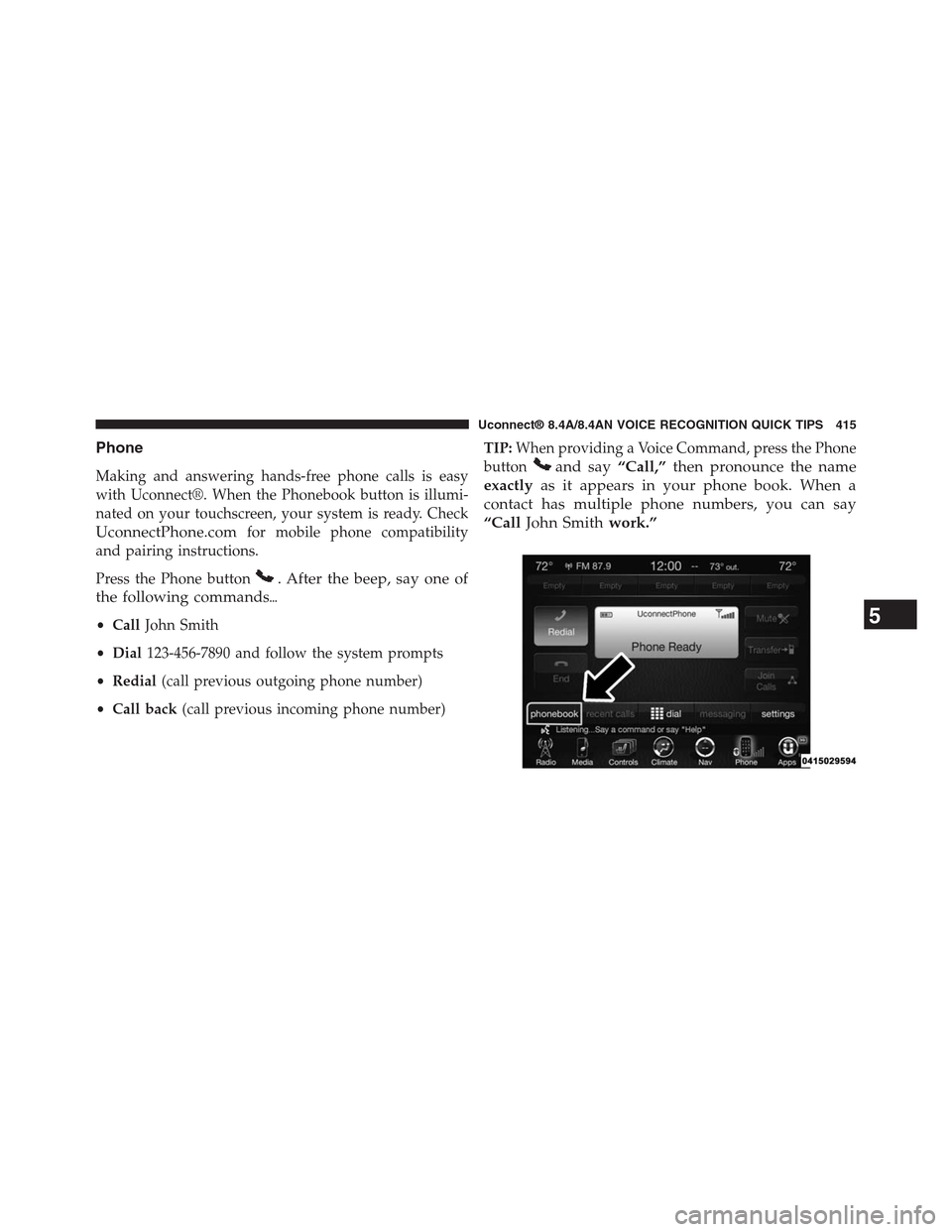
Making and answering hands-free phone calls is easy
with Uconnect®. When the Phonebook button is illumi-
nated on your touchscreen, your system is ready. Check
UconnectPhone.comfor mobile phone compatibility
and pairing instructions.
Press the Phone button. After the beep, say one of
the following commands%
•CallJohn Smith
•Dial123-456-7890 and follow the system prompts
•Redial(call previous outgoing phone number)
•Call back(call previous incoming phone number)
TIP:When providing a Voice Command, press the Phone
buttonand say“Call,”then pronounce the name
exactlyas it appears in your phone book. When a
contact has multiple phone numbers, you can say
“CallJohn Smithwork.”
5
Uconnect® 8.4A/8.4AN VOICE RECOGNITION QUICK TIPS 415