instrument panel DODGE DAKOTA 2004 3.G User Guide
[x] Cancel search | Manufacturer: DODGE, Model Year: 2004, Model line: DAKOTA, Model: DODGE DAKOTA 2004 3.GPages: 300, PDF Size: 5.23 MB
Page 54 of 300

Safety Checks You Should Make Inside The
Vehicle
Seat Belts
Inspect the belt system periodically, checking for cuts,
frays and loose parts. Damaged parts must be replaced
immediately. Do not disassemble or modify the system.
Seat belt assemblies must be replaced after an accident if
they have been damaged (bent retractor, torn webbing,
etc.). If there is any question regarding belt or retractor
condition, replace the belt.
Defrosters
Check operation by selecting the defrost mode and place
the blower control on high speed. You can feel the air
directed against the windshield.
Safety Checks You Should Make Outside The
Vehicle:
Tires
Examine tires for tread wear or uneven wear patterns.
Check for stones, nails, glass or other objects lodged in
the tread.
Inspect for tread cuts or sidewall cracks. Check wheel
nuts for tightness and tires for proper pressure.
Lights
Have someone observe the operation of exterior lights as
you turn them on. Check turn signal and high beam
indicator lights on the instrument panel.
Door Latches
Check for positive closing, latching and locking.
Fluid Leaks
Check the area under vehicle after overnight parking for
fuel, water, oil, or other fluid leaks. Also, if gasoline
fumes are detected, the cause should be located and
corrected.
54 THINGS TO KNOW BEFORE STARTING YOUR VEHICLE
Page 61 of 300
WARNING!
Vehicles and other objects seen in the right side
convex mirror will look smaller and farther away
than they really are. Relying too much on your right
side mirror could cause you to collide with another
vehicle or other object. Use your inside mirror when
judging the size or distance of a vehicle seen in the
right side mirror.
Heated Mirrors Ð If Equipped
Heated mirrors are automatically activated when you
depress the rear window defroster switch located on the
instrument panel. The light will illuminate to indicate
that the heating elements are ON. Turning OFF the
ignition will deactivate the heated mirrors.
SEATS
Seat Adjustment
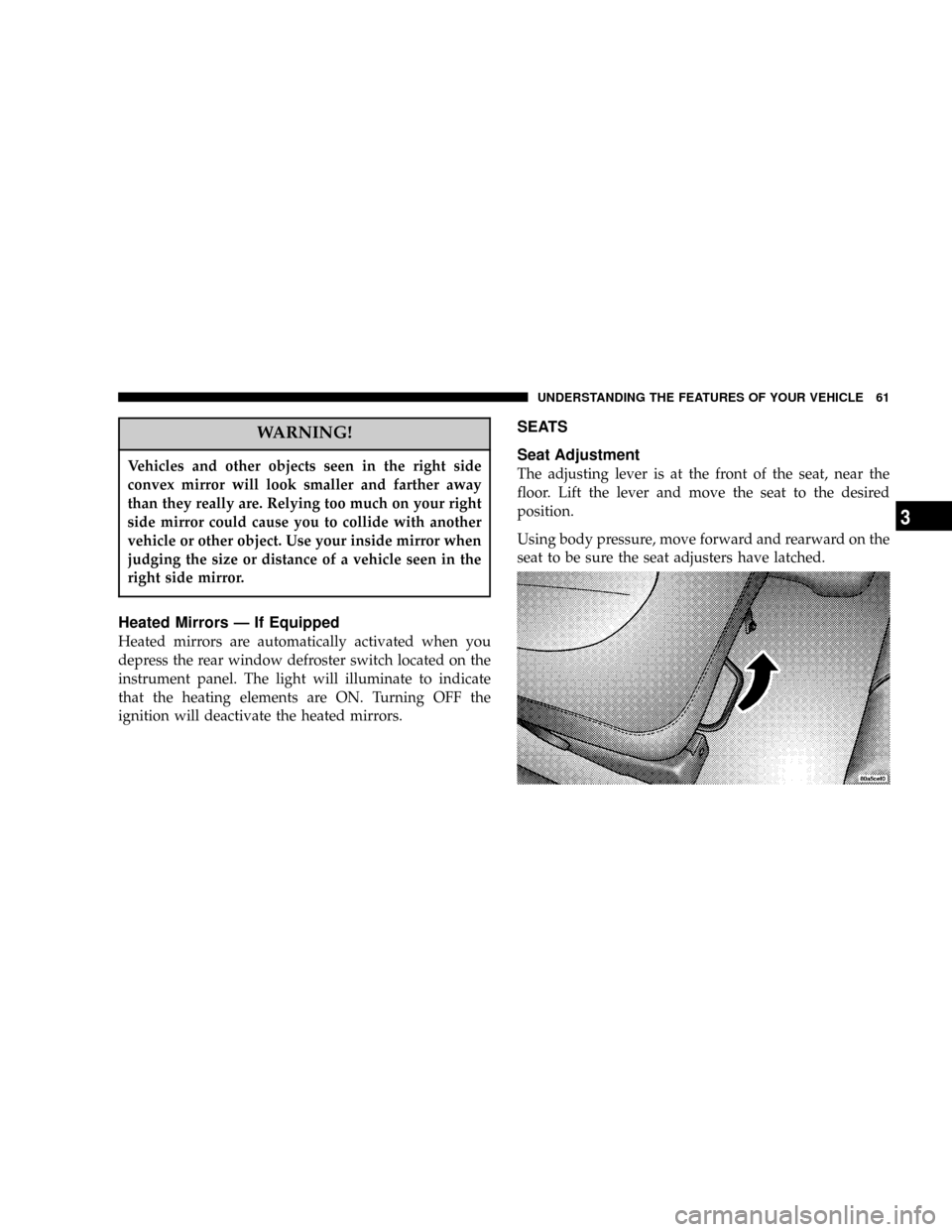
The adjusting lever is at the front of the seat, near the
floor. Lift the lever and move the seat to the desired
position.
Using body pressure, move forward and rearward on the
seat to be sure the seat adjusters have latched.
UNDERSTANDING THE FEATURES OF YOUR VEHICLE 61
3
Page 66 of 300

TO OPEN AND CLOSE THE HOOD
To open the hood, two latches must be released. First pull
the hood release lever located under the left side of the
instrument panel.
Second, locate the hood safety latch lever between the
front grille openings to the left of center. Push this lever
to the right to release the hood.To prevent possible damage, do not slam the hood to
close it. Use a firm downward push at the center of the
hood to ensure that both latches engage. Never drive
your vehicle unless the hood is fully closed, with both
latches engaged.
66 UNDERSTANDING THE FEATURES OF YOUR VEHICLE
Page 68 of 300

also known as the9Party9mode because it allows the
doors to stay open for extended periods of time without
discharging the vehicle's battery.
The brightness of the instrument panel lighting can be
regulated by rotating the dimmer control up (brighter) or
down (dimmer). When the headlights are ON you can
supplement the brightness of the odometer, trip odom-
eter, radio and overhead console by rotating the control
up until you hear a click. This feature is termed the
ªParadeº mode and is useful when headlights are re-
quired during the day.
Club Cab/Quad Cab models may have an optional
switched dome lamp that may be operated by pressing
the lens.
Battery Saver
To protect the life of your vehicle's battery, Load Shed-
ding is provided for both the interior and exterior lights.
If the ignition is off and any door is left ajar for 15
minutes or the dimmer control is rotated upwards for 15
minutes, the interior lights will automatically turn off.If the headlamps remain on while the ignition is cycled
off, the exterior lights will automatically turn off after 5
minutes. If the headlamps are turned on and left on for 15
minutes while the ignition is off, the exterior lights will
automatically turn off.
NOTE:Battery Saver mode is cancelled if the ignition is
ON.
Headlamp Delay
To aid in your exit, your vehicle is equipped with a
headlamp delay that will leave the headlamps on for 60
seconds. This delay is initiated when the ignition is
turned OFF while the headlamp switch is on, and then
the headlamp switch is cycled off. The headlamps will
remain on for 60 seconds. Headlamp delay can be
cancelled by either turning the headlamp switch ON then
OFF or by turning the ignition ON.
Headlights, Parking Lights, Panel Lights
When the headlight switch is rotated to the first
position, the parking lights, taillights, side marker
lights, license plate light and instrument panel
lights are all turned on. The headlights will turn ON
when the switch is rotated to the second position.
68 UNDERSTANDING THE FEATURES OF YOUR VEHICLE
Page 86 of 300

This device complies with part 15 of FCC rules and with
RSS-210 of Industry Canada. Operation is subject to the
following conditions:
²This device may not cause harmful interference.
²This device must accept any interference that may be
received including interference that may cause undes-
ired operation.
NOTE:Changes or modifications not expressly ap-
proved by the party responsible for compliance could
void the user's authority to operate the equipment.
HomeLinktis a trademark owned by Johnson Controls,
Inc.
ELECTRICAL POWER OUTLETS Ð IF EQUIPPED
The optional auxiliary power outlet can provide up to 15
Amps of current for accessories designed for use with the
standard power outlet adapter. The outlet is located in
the lower portion of the instrument panel. It is covered by
a snap on a plastic cap when not in use. As a safety
precaution, this outlet only operates with the ignition
switch ON. When the optional Cigar Lighter heating
element is used, it heats when pushed in and pops out
86 UNDERSTANDING THE FEATURES OF YOUR VEHICLE
Page 93 of 300

INSTRUMENT PANEL AND CONTROLS
CONTENTS
mInstruments And Controls.................96
mFour Gauge Instrument Cluster.............97
mSix Gauge Instrument Cluster..............98
mInstrument Cluster Description.............99
mElectronic Digital Clock.................105
NClock Setting Procedure.................105
mSales Code RAZÐAM/ FM Stereo Radio With
Cassette Tape Player, CD Player And CD
Changer Controls Ð If Equipped
..........106
NOperating Instructions Ð Radio...........106
NPower Switch, Volume Control............106
NSeek Button (Radio Mode)...............106NTuning.............................106
NPTY (Program Type) Button..............106
NBalance............................108
NFade..............................108
NTone Control........................108
NAM/FM Selection.....................108
NScan Button.........................108
NTo Set The Radio Push-Button Memory......108
NTo Change From Clock To Radio Mode......109
NOperating Instructions Ð Tape Player.......109
NSeek Button.........................109
4
Page 94 of 300

NFast Forward (FF).....................109
NRewind (RW)........................109
NTape Eject...........................110
NScan Button.........................110
NChanging Tape Direction................110
NMetal Tape Selection...................110
NPinch Roller Release...................110
NNoise Reduction......................110
NOperating Instructions Ð CD Player........110
NInserting The Compact Disc..............111
NSeek Button.........................111
NEJT CD (Eject) Button..................111
NFF/Tune/RW........................112
NProgram Button 4 (Random Play)..........112
NMode..............................112
NTape CD Button......................112NTime Button.........................112
NScan Button.........................112
NCD Changer Control Capability Ð If
Equipped...........................113
mSales Code RBKÐAM/ FM Stereo Radio
With CD Player And CD Changer Controls
...114
NRadio Operation......................114
NCD Player Operation...................116
NCD Changer Control Capability Ð If
Equipped...........................117
NRadio Display Messages................119
mSales Code RBBÐAM/FM Stereo Radio With
Cassette Tape Player And CD Changer
Capability
...........................119
NOperating Instructions..................119
NPower Button........................120
NElectronic Volume Control...............120
94 INSTRUMENT PANEL AND CONTROLS
Page 95 of 300

NSeek..............................120
NTune ..............................120
NTo Set The Push-Button Memory..........120
NBalance............................121
NFade..............................121
NBass And Treble Tone Control............121
NAM/FM Selection.....................121
NMode Button........................121
NCassette Player Features................121
NCD Changer Control Capability Ð If
Equipped...........................122
NRadio Display Messages................124
mSales Code RBQÐAM/FM Stereo Radio
With 6 - Disc CD Changer
...............124
NRadio Operation......................124
NCD Player Operation...................126
mRemote Sound System Controls Ð If
Equipped
............................130
NRadio Operation......................130
NTape Player.........................131
NCD Player..........................131
mCassette Tape And Player Maintenance......131
mCompact Disc Maintenance...............132
mRadio Operation And Cellular Phones.......132
mClimate Controls......................133
NHeater Only.........................133
NAir Conditioning.....................134
NOperating Tips.......................137
NOperation Tips Chart...................139
mRear Window Defroster ± Quad-Cab Only....140
INSTRUMENT PANEL AND CONTROLS 95
4
Page 96 of 300

INSTRUMENTS AND CONTROLS
96 INSTRUMENT PANEL AND CONTROLS
Page 97 of 300

FOUR GAUGE INSTRUMENT CLUSTER
INSTRUMENT PANEL AND CONTROLS 97
4