oil DODGE DART 2015 PF / 1.G User Guide
[x] Cancel search | Manufacturer: DODGE, Model Year: 2015, Model line: DART, Model: DODGE DART 2015 PF / 1.GPages: 664, PDF Size: 16.96 MB
Page 327 of 664
•Service Air Bag Warning Light
•Washer Fluid Low
•Parking Brake Engaged
•Brake Fluid Low
•Service Electronic Braking System
•Engine Temperature Hot
•Battery Voltage Low
•Oil Pressure Low
•Fuel Low
•Service Antilock Brake System
•Service Electronic Throttle Control
•Transmission Too Hot
•Service Power Steering
•Oil Temperature Hot
•Check Fuel Cap
•Oil Change Due
•Service Tire Pressure System
•Inflate Tire to XX
•Coolant Low
•Rain Sensor Fail
•Traction Control Off
•Engine Warming Wait To Start
•Too Cold Plug In Heater
•Cruise Off
•Cruise Ready
•Cruise Set To XXX MPH
4
UNDERSTANDING YOUR INSTRUMENT PANEL 325
Page 329 of 664
•Oil Life
•Settings
•Units
•Language
NOTE:For features in the EVIC that can be reset (Average
Fuel Economy), the EVIC prompts a reset with a RIGHT
arrow button graphic and the word RESET next to it.
Trip Info
Push and release the UP arrow button until the Trip Info
icon is highlighted in the EVIC. Push and release the
RIGHT arrow button to display the following three trip
features in the next screen:
•Trip A
•Trip B
•Elapsed Time
Push the UP buttons to cycle through all the Trip Com-
puter functions.
The Trip Functions mode displays the following informa-
tion:
Trip A
Shows the total distance traveled for Trip A since the last
reset.
Trip B
Shows the total distance traveled for Trip B since the last
reset.
Elapsed Time
Shows the total elapsed time of travel since the last reset.
Elapsed time will increment when the ignition is in the
ON/RUN position.
4
UNDERSTANDING YOUR INSTRUMENT PANEL 327
Page 332 of 664
Oil Change Indicator
•Your vehicle is equipped with an engine oil change
indicator system. The “Oil Change Due” message will
display in the EVIC display for approximately 10
seconds after a single chime has sounded, to indicate
the next scheduled oil change interval. The engine oil
change indicator system is duty cycle based, which
means the engine oil change interval may fluctuate,
dependent upon your personal driving style.
•Unless reset, this message will continue to display
each time you turn the ignition switch to the ON/RUN
position or cycle the ignition to the ON/RUN position
if equipped with Keyless Enter-N-Go™. To turn off the
message temporarily, push and release the MENU
button. To reset the oil change indicator system (after
performing the scheduled maintenance) refer to the
following procedure.
Vehicles Equipped With Keyless Enter-N-Go™
1. Without pushing the brake pedal, cycle the ignition to
the ON/RUN position (do not start the engine).
2. Push the accelerator pedal fully, slowly, three times
within 10 seconds.
3. Cycle the ignition to the OFF/LOCK position.
Vehicles Not Equipped With Keyless Enter-N-Go™
1. Turn the ignition switch to the ON/RUN position (do
not start the engine).
2. Push the accelerator pedal fully, slowly, three times
within 10 seconds.
3. Turn the ignition switch to the OFF/LOCK position.
330 UNDERSTANDING YOUR INSTRUMENT PANEL
Page 333 of 664
Using The EVIC Menu
Vehicles Equipped With Passive Entry
•Without pushing the brake pedal, push the ENGINE
START/STOP button and cycle the ignition to the
ON/RUN position (Do not start the engine.)
•Push and release the DOWNarrow button to
scroll downward through the main menu to “Ve-
hicle Info”.
•Push and release the RIGHTarrow button to
access the ”Oil Life” screen.
•Push and hold the RIGHTarrow button to reset the
gauge and numeric display to 100% for ”Oil Life.”
•Push and release the Up arrow button to exit the EVIC
screen.
Vehicles Not Equipped With Passive Entry
•Without pushing the brake pedal, cycle the ignition to
the ON/RUN position (Do not start the engine.)
•Push and release the DOWNarrow button to
scroll downward through the main menu to “Ve-
hicle Info”.
•Push and release the RIGHTarrow button to
access the ”Oil Life” screen.
•Push and hold the RIGHTarrow button for one
second to access the ”Oil Life Reset” screen.
•Push and hold the DOWNarrow button until the
screen shows 100% oil life.
•Push and release the Up arrow button to exit the EVIC
screen.
NOTE:If the indicator message illuminates when you
start the vehicle, the oil change indicator system did not
reset. If necessary, repeat this procedure.
4
UNDERSTANDING YOUR INSTRUMENT PANEL 331
Page 338 of 664
3 — Selectable Information (Compass, Temp, Range to
Empty, Trip A, Trip B, Average MPG)
4 — Menu Titles / Odometer
5 — Menu Set (Selectable Icons)
6 — Shift Lever Status (PRNDL)
7 — Reconfigurable Telltales
9 — Sub-menu Current Position — Whenever there are
sub-menus available, the position within the sub-menus
is shown here.
DID Messages
•Front Seatbelts Unbuckled
•Driver Seatbelt Unbuckled
•Passenger Seatbelt Unbuckled
•Service Airbag System
•Traction Control Off
•Washer Fluid Low
•Oil Pressure Low
•Oil Change Due
•Fuel Low
•Service Antilock Brake System
•Service Electronic Throttle Control
•Service Power Steering
•Cruise Off
•Cruise Ready
•Cruise Set To XXX MPH
•Tire Pressure Screen With Low Tire(s) “Inflate Tire to
XX”
336 UNDERSTANDING YOUR INSTRUMENT PANEL
Page 341 of 664
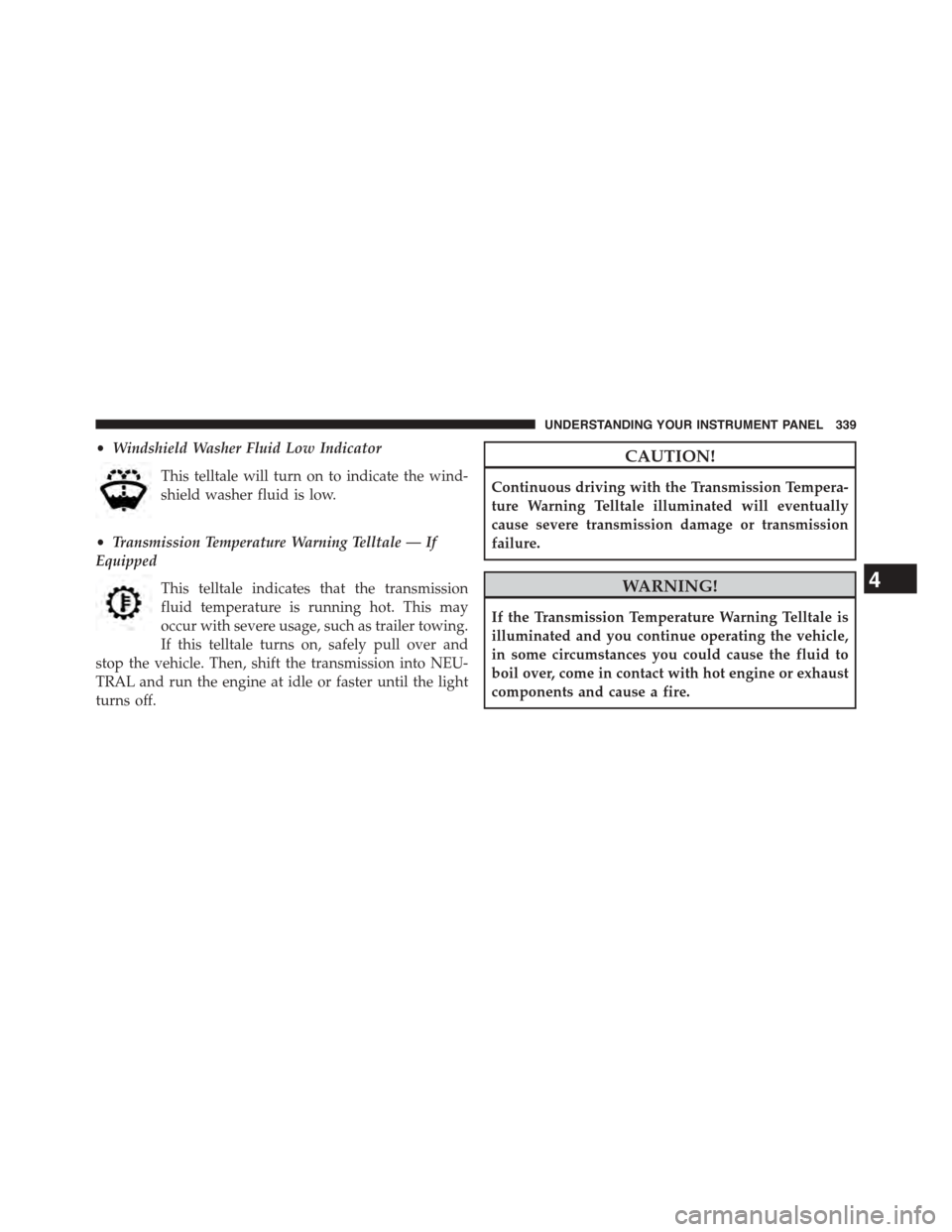
•Windshield Washer Fluid Low Indicator
This telltale will turn on to indicate the wind-
shield washer fluid is low.
•Transmission Temperature Warning Telltale — If
Equipped
This telltale indicates that the transmission
fluid temperature is running hot. This may
occur with severe usage, such as trailer towing.
If this telltale turns on, safely pull over and
stop the vehicle. Then, shift the transmission into NEU-
TRAL and run the engine at idle or faster until the light
turns off.
CAUTION!
Continuous driving with the Transmission Tempera-
ture Warning Telltale illuminated will eventually
cause severe transmission damage or transmission
failure.
WARNING!
If the Transmission Temperature Warning Telltale is
illuminated and you continue operating the vehicle,
in some circumstances you could cause the fluid to
boil over, come in contact with hot engine or exhaust
components and cause a fire.
4
UNDERSTANDING YOUR INSTRUMENT PANEL 339
Page 342 of 664
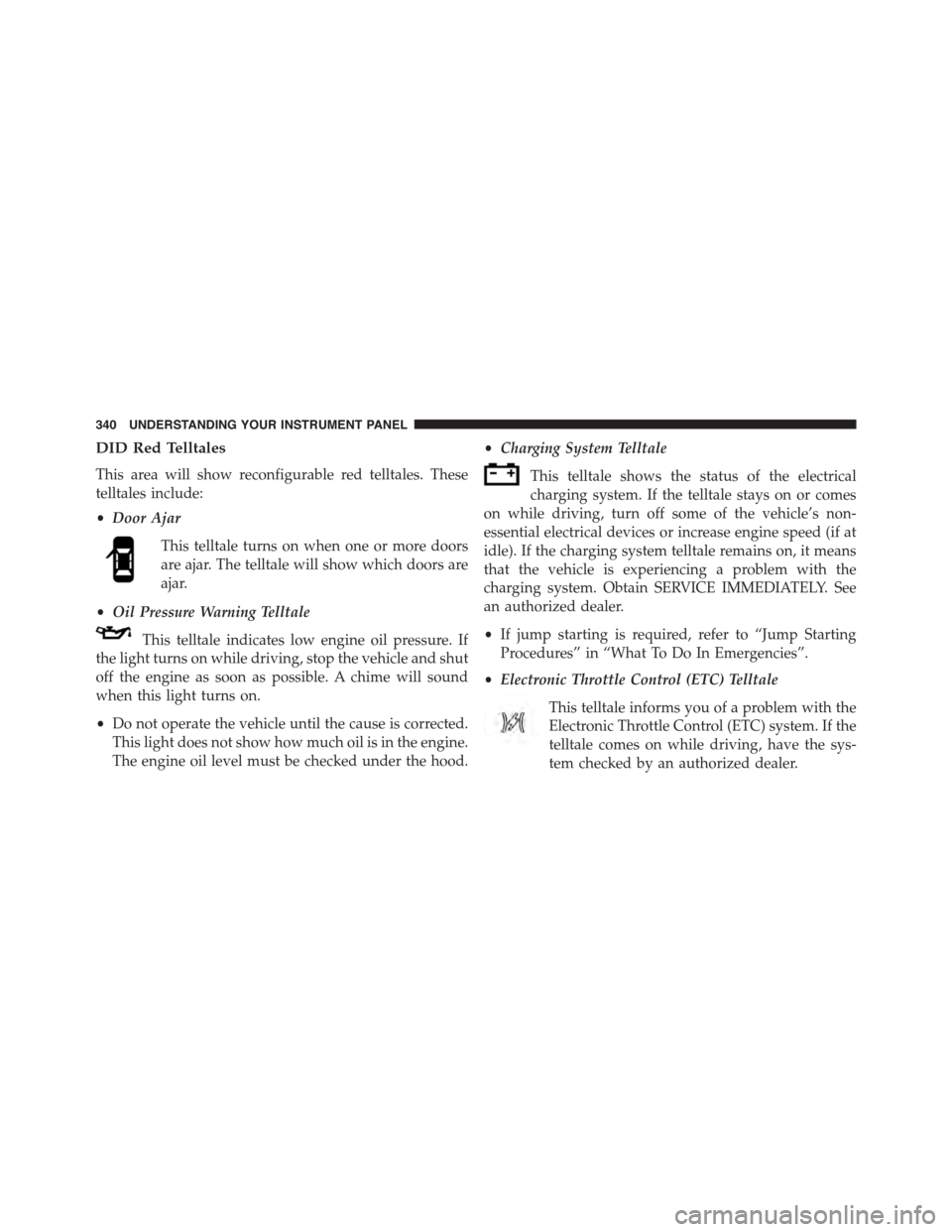
DID Red Telltales
This area will show reconfigurable red telltales. These
telltales include:
•Door Ajar
This telltale turns on when one or more doors
are ajar. The telltale will show which doors are
ajar.
•Oil Pressure Warning Telltale
This telltale indicates low engine oil pressure. If
the light turns on while driving, stop the vehicle and shut
off the engine as soon as possible. A chime will sound
when this light turns on.
•Do not operate the vehicle until the cause is corrected.
This light does not show how much oil is in the engine.
The engine oil level must be checked under the hood.
•Charging System Telltale
This telltale shows the status of the electrical
charging system. If the telltale stays on or comes
on while driving, turn off some of the vehicle’s non-
essential electrical devices or increase engine speed (if at
idle). If the charging system telltale remains on, it means
that the vehicle is experiencing a problem with the
charging system. Obtain SERVICE IMMEDIATELY. See
an authorized dealer.
•If jump starting is required, refer to “Jump Starting
Procedures” in “What To Do In Emergencies”.
•Electronic Throttle Control (ETC) Telltale
This telltale informs you of a problem with the
Electronic Throttle Control (ETC) system. If the
telltale comes on while driving, have the sys-
tem checked by an authorized dealer.
340 UNDERSTANDING YOUR INSTRUMENT PANEL
Page 345 of 664
Vehicle Info
Push and release the UP or DOWN arrow
button until the Vehicle Info icon is highlighted
in the DID. Push and release the RIGHT arrow
to scroll through the following information
sub-menus using the UP and DOWN arrows:
Vehicle Info Sub Menus
Press and release the UP or DOWN arrow button until
#Tire Pressure#is highlighted in the DID. Press and
release the RIGHT arrow button and one of the following
will be displayed:
•Tire Pressure
•Coolant Temp
•Oil Temp
•Oil Life
Fuel Economy
Push and release the UP or DOWN arrow
button until the Fuel Economy icon is high-
lighted. Push the RIGHT arrow button and the
next screen will display the following:
•Average Fuel Economy
•Range To Empty (RTE)
•Current Fuel Economy
4
UNDERSTANDING YOUR INSTRUMENT PANEL 343
Page 351 of 664
Time
Range To Empty (RTE)
Average MPG
Current MPG
Trip A
Trip B
•Lower Left
None (default setting)
Compass
Outside Temp
Time
•Lower Right
None (default setting)
Compass
Outside Temp
Time
•Restore To Defaults (Restores All Settings To De-
fault Settings)
Cancel
Okay
Oil Change Indicator
•Your vehicle is equipped with an engine oil change
indicator system. The “Oil Change Due” message will
flash in the DID display for approximately 10 seconds
after a single chime has sounded, to indicate the next
scheduled oil change interval. The engine oil change
indicator system is duty cycle based, which means the
engine oil change interval may fluctuate, dependent
upon your personal driving style.
4
UNDERSTANDING YOUR INSTRUMENT PANEL 349
Page 352 of 664
•Unless reset, this message will continue to display
each time you turn the ignition switch to the ON/RUN
position or cycle the ignition to the ON/RUN position
if equipped with Keyless Enter-N-Go™. To turn off the
message temporarily, push and release the MENU
button. To reset the oil change indicator system (after
performing the scheduled maintenance) refer to the
following procedure.
Vehicles Equipped With Keyless Enter-N-Go™
1. Without pushing the brake pedal, cycle the ignition to
the ON/RUN position (do not start the engine).
2. Fully push the accelerator pedal, slowly, three times
within 10 seconds.
3. Cycle the ignition to the OFF/LOCK position.
Vehicles Not Equipped With Keyless Enter-N-Go™
1. Turn the ignition switch to the ON/RUN position (do
not start the engine).
2. Fully push the accelerator pedal, slowly, three times
within 10 seconds.
3. Turn the ignition switch to the OFF/LOCK position.
Using The DID Menu
Vehicles Equipped With Passive Entry
•Without pushing the brake pedal, push the ENGINE
START/STOP button and cycle the ignition to the
ON/RUN position (Do not start the engine.)
•Push and release the DOWNarrow button to
scroll downward through the main menu to “Ve-
hicle Info”.
•Push and release the RIGHTarrow button to
access the ”Oil Life” screen.
•Push and hold the RIGHTarrow button for one
second to access the ”Oil Life Reset” screen.
350 UNDERSTANDING YOUR INSTRUMENT PANEL