lock DODGE DURANGO 2004 2.G Owner's Guide
[x] Cancel search | Manufacturer: DODGE, Model Year: 2004, Model line: DURANGO, Model: DODGE DURANGO 2004 2.GPages: 386, PDF Size: 6.22 MB
Page 95 of 386
To Achieve Maximum Cargo Capacity
Pull up the release handles and strap on the second row
seats and fold the seat backs flat. Then fold the third row
seat flat. Unsnap the flipper panel on the third row seat
and flip it forward on the backs of the second row seats.
NOTE:When returning the second row seats to their
upright position, always snap the third row seat flipper
panel(s) back to the third row seat first.
NOTE:The head restraints must be lowered when
folding the back but do not have to be removed.
NOTE:The seat belt buckles are hinged to fold with the
back.WARNING!
Make sure the cushion is properly engaged under
the seatback to properly lock the seatback in the
riding position.
Do not sit in the 3rd row seat with the second row
seatbacks folded or with the second row seats folded
and tumbled. In a collision, you could slide under
the seat belt and be seriously or even fatally injured.
UNDERSTANDING THE FEATURES OF YOUR VEHICLE 95
3
Page 97 of 386

To Return The Seat(s) To An Upright Position
Snap the flipper panel(s) on the seat back. Then pull on
the pull strap on the seat back to reposition the seat(s) to
an upright position.
NOTE:Make sure the seatback is properly engaged to
lock the seatback to a upright position. This can be
verified by pulling/pushing forward on the seatback.
The seatback will not move forward.
DRIVER MEMORY SYSTEM Ð IF EQUIPPED
Once programmed, the memory buttons 1 and 2 on the
driver's door panel can be used to recall the driver's seat
position, driver's outside mirror position, adjustable
brake and accelerator pedals position, Automatic Tem-
perature Control (ATC) temperature and radio station
UNDERSTANDING THE FEATURES OF YOUR VEHICLE 97
3
Page 98 of 386

preset settings. Your Remote Keyless Entry transmitters
can also be programmed to recall the same positions
when the UNLOCK button is pressed.
Your vehicle was delivered with two Remote Keyless
Entry transmitters. One or both transmitters can be
linked to either memory position. The memory systemcan accommodate up to two transmitters, each transmit-
ter linked to either of the two memory positions.
Setting Memory Positions and Linking Remote
Keyless Entry Transmitter to Memory
NOTE:Each time the SET (S) button and a numbered
button (1 or 2) are pressed, you erase the memory settings
for that button and store new settings.
1. Adjust the driver's seat, recliner, and both side view
mirrors to the desired positions.
NOTE:Not all motors may be moved at one time.
Please refer to the 8-way power seat description.
2. Adjust the brake and accelerator pedals to the desired
positions.
3. Turn on the radio and set the radio station presets (up
to 10 AM and 10 FM stations can be set).
98 UNDERSTANDING THE FEATURES OF YOUR VEHICLE
Page 99 of 386

4. Adjust the Automatic Temperature Control (ATC)
while the ATC is in Auto mode.
5. Press and release the SET (S) button located on the
driver's door.
6. Within 5 seconds, press and release memory button 1
or 2 on the driver's door. The next step must be per-
formed within 10 seconds if you desire to also use a
Remote Keyless Entry transmitter to recall memory po-
sitions.
7. Press and release the LOCK button on one of the
transmitters.
8. Insert the ignition key and turn the ignition switch to
the ON position.
9. Repeat the above steps to set the next memory posi-
tion using the other numbered memory button or to link
another Remote Keyless Entry transmitter to memory.Memory Position Recall
NOTE:
²The driver's seat belt must be unbuckled to recall
memory positions.
²The vehicle must be in Park to recall memory posi-
tions.
²Not all motors may be moved at one time. Please refer
to the 8-way power seat description.
To recall the memory settings for driver one, press
memory button number 1 on the driver's door or the
Unlock button on the Remote Keyless Entry transmitter
linked to memory position 1.
To recall the memory setting for driver two, press
memory button number 2 on the driver's door or the
Unlock button on the Remote Keyless Entry transmitter
linked to memory position 2.
UNDERSTANDING THE FEATURES OF YOUR VEHICLE 99
3
Page 100 of 386

A recall can be cancelled by pressing any of the memory
buttons on the drivers door during a recall (S, 1, or 2), or
pressing any one of the power seat buttons, or pressing
the adjustable pedals button, or pressing either the LOCK
or UNLOCK button on the remote keyless entry trans-
mitter when not in the ignition switch. When a recall is
cancelled, the driver's seat, and the pedals stop moving.
A delay of one second will occur before another recall can
be selected.
To Disable A Transmitter Linked to Memory
1. Turn the ignition switch to the OFF position and
remove the key.
2. Press and release the memory SET (S) button located
on the driver's door.
3. Within 10 seconds, press and release the UNLOCK
button on the Remote Keyless Entry transmitter.To disable another transmitter linked to either memory
position, repeat steps 1-3 for each transmitter.
NOTE:The capability to link Remote Keyless Entry
transmitters to memory is enabled when delivered from
the factory. The capability to link Remote Keyless Entry
transmitters to memory can be disabled (or later reen-
abled) by a qualified DaimlerChrysler representative.
Self-Limiting Control
To improve vehicle reliability, the memory system in-
cludes a self-limiting control for full travel positioning of
power seat and Adjustable Pedal movement (all direc-
tions). This self-limiting control may however develop an
unintended movement limitation if an obstruction is
encountered at sometime during usage. One example of
such an occurrence may include a box or package ob-
structing the full rearward movement of the driver's seat.
Once the obstruction is removed, the self-limiting control
may be restored to maximum position. The self-limiting
100 UNDERSTANDING THE FEATURES OF YOUR VEHICLE
Page 101 of 386

control may be restored by first reaching the recently
limited or obstructed position, then release and reactivate
the same button or buttons. Continued seat travel beyond
the obstructed position will indicate the recently encoun-
tered self-limitation has been cleared.
Driver Easy Exit and Easy Entry Control
This additional feature provides automatic driver's seat
positioning which will enhance driver mobility out of
and into the vehicle. The seat cushion will move rear-
ward approximately 2.5 inches (60 mm) when the key is
removed from the ignition switch. The seat will move
forward approximately 2.5 inches (60 mm) when the key
is placed into the ignition and turned out of the LOCK
position, only when the seatbelt is unbuckled. Each
stored memory setting will have an associated Easy Exit
and Easy Entry position. The Easy Exit and Easy Entry
feature may be automatically disabled if the seat is
positioned rearward enough and no benefit from moving
the seat any farther rearward.NOTE:The Easy Exit Easy Entry feature is not enabled
when delivered from the factory. The Easy Exit Easy
Entry feature may be enabled (or later disabled) by a
qualified DaimlerChrysler service representative.
Tilt Mirrors in Reverse
This additional feature provides automatic outside mir-
ror positioning which will aid the driver's view of the
ground rearward of the front doors. The outside mirrors
will move slightly downward from the present position
when the vehicle is shifted into Reverse position. The
outside mirrors will then return to the original position
when the vehicle is shifted out of Reverse position. Each
stored memory setting will have an associated Tilt Mir-
rors in Reverse position.
NOTE:The tilt mirrors in Reverse feature is not enabled
when delivered from the factory. The Tilt Mirrors in
Reverse feature may be enabled (or later disabled) by a
qualified DaimlerChrysler service representative.
UNDERSTANDING THE FEATURES OF YOUR VEHICLE 101
3
Page 103 of 386
WARNING!
If the hood is not fully latched, it could fly up when
the vehicle is moving and block your forward vision.
Be sure all hood latches are fully latched before
driving.
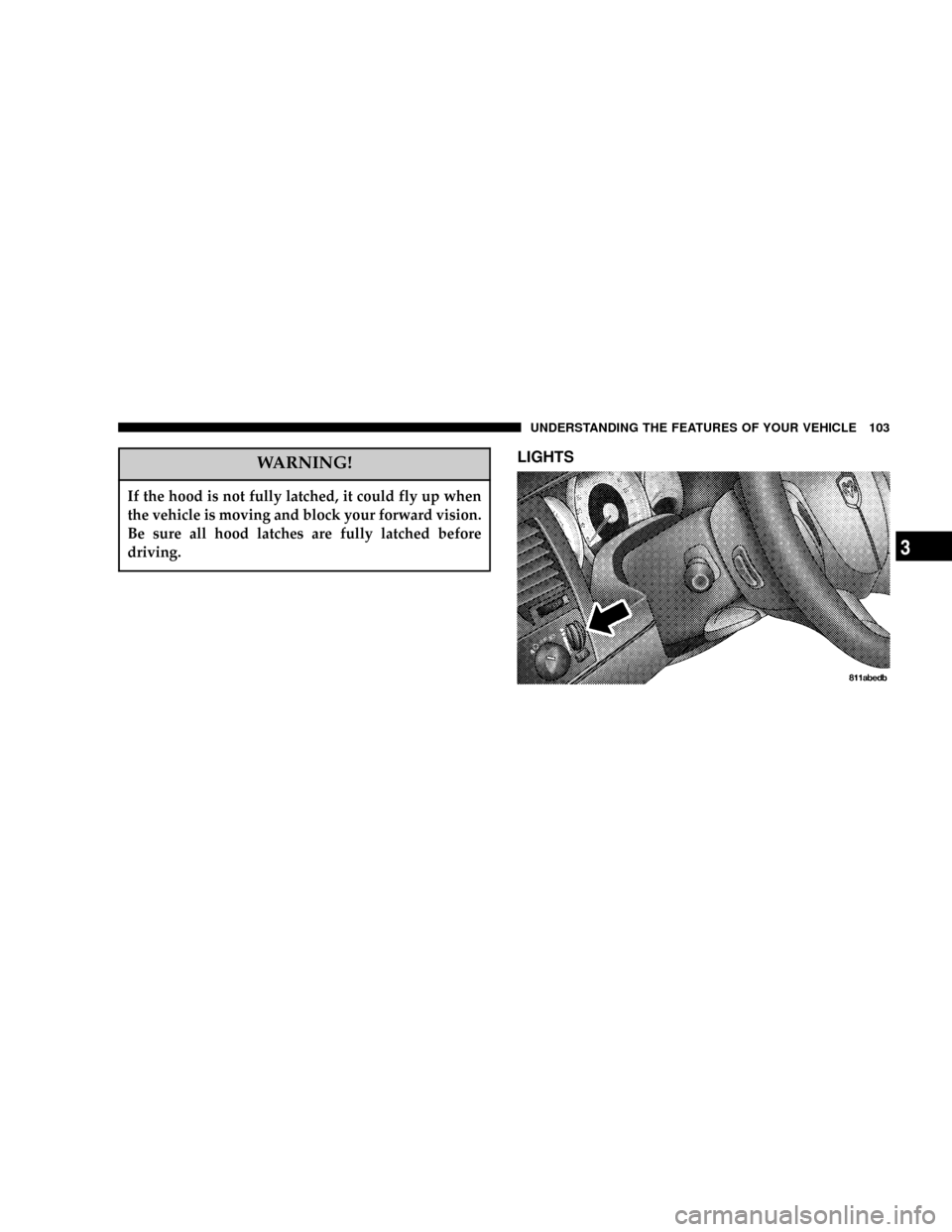
LIGHTS
UNDERSTANDING THE FEATURES OF YOUR VEHICLE 103
3
Page 104 of 386

Interior Lights
Courtesy and dome lights are turned on when the front
doors are opened, when the dimmer control (rotating
wheel on the right side of the switch) is rotated to the
second upward detent position, or when the UNLOCK
button is pressed on the key fob. When a door is open
and the interior lights are on, rotating the dimmer control
104 UNDERSTANDING THE FEATURES OF YOUR VEHICLE
Page 107 of 386

Illuminated Entry
Headlights turn on for 90 seconds, when the Remote
Keyless Entry UNLOCK button is pressed.
NOTE:This feature can be activated by your authorized
dealer.
Daytime Running Lights (Canada Only)
The headlights on your Durango will illuminate when
the engine is started. This provides a constant ªLights
ONº condition until the ignition is turned OFF. The lights
illuminate at reduced intensity. If the parking brake is
applied the Daytime Running Lights will turn off. If the
headlights are activated, the Daytime Running Lights
feature will transition to the normal headlight operating
mode.
Lights-on Reminder
If the headlights, parking lights, or courtesy lights are left
On, after the ignition is turned Off, a chime will sound
when the driver's door is opened.
Fog Lights Ð If Equipped
The foglights are turned ON by placing the headlight
rotary control in the parking light, headlight, or Auto
UNDERSTANDING THE FEATURES OF YOUR VEHICLE 107
3
Page 114 of 386
WARNING!
Tilting the steering column while the vehicle is
moving is dangerous. Without a stable steering col-
umn, you could lose control of the vehicle and have
an accident. Adjust the column only while the ve-
hicle is stopped. Be sure it is locked before driving.
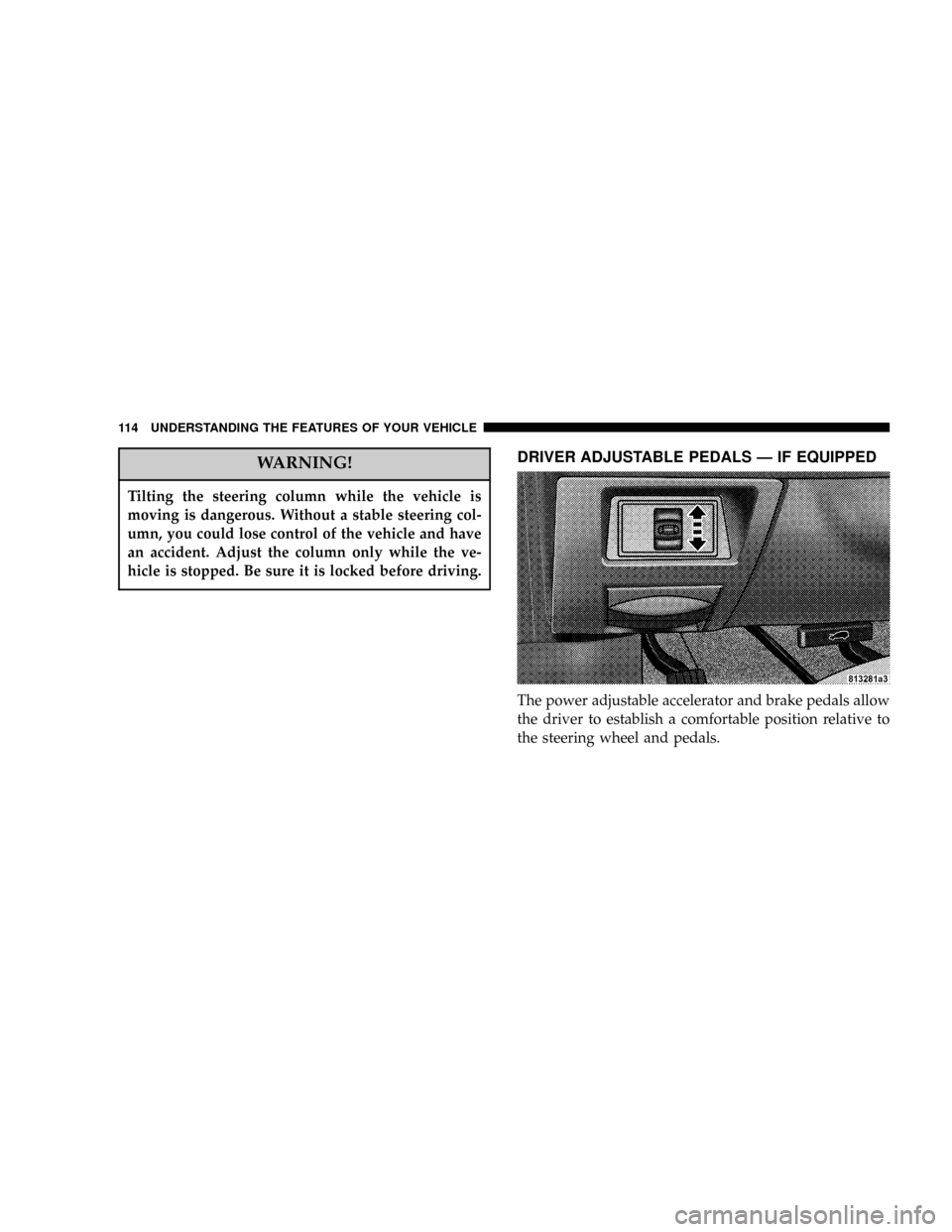
DRIVER ADJUSTABLE PEDALS Ð IF EQUIPPED
The power adjustable accelerator and brake pedals allow
the driver to establish a comfortable position relative to
the steering wheel and pedals.
114 UNDERSTANDING THE FEATURES OF YOUR VEHICLE