trailer DODGE DURANGO 2011 3.G User Guide
[x] Cancel search | Manufacturer: DODGE, Model Year: 2011, Model line: DURANGO, Model: DODGE DURANGO 2011 3.GPages: 576, PDF Size: 3.57 MB
Page 348 of 576
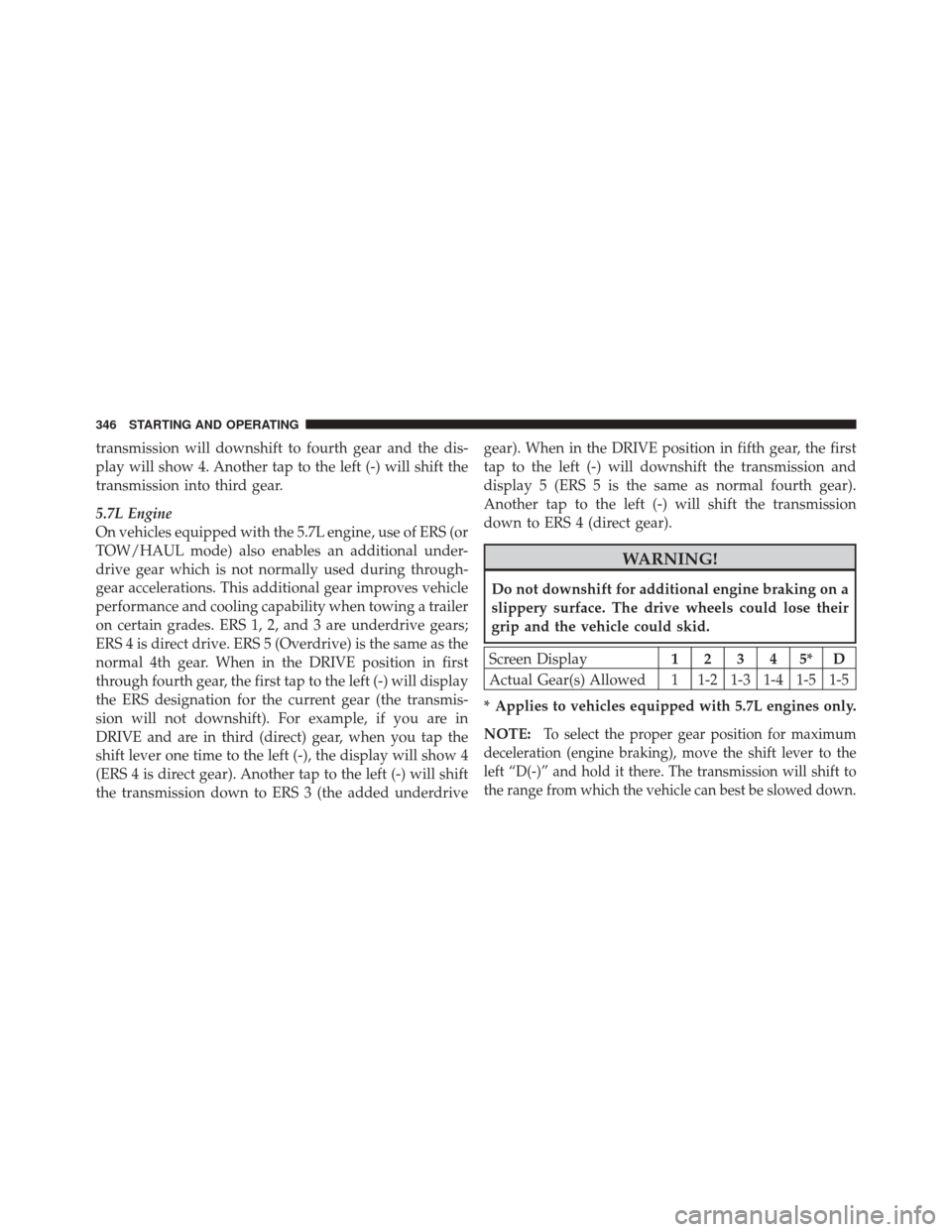
transmission will downshift to fourth gear and the dis-
play will show 4. Another tap to the left (-) will shift the
transmission into third gear.
5.7L Engine
On vehicles equipped with the 5.7L engine, use of ERS (or
TOW/HAUL mode) also enables an additional under-
drive gear which is not normally used during through-
gear accelerations. This additional gear improves vehicle
performance and cooling capability when towing a trailer
on certain grades. ERS 1, 2, and 3 are underdrive gears;
ERS 4 is direct drive. ERS 5 (Overdrive) is the same as the
normal 4th gear. When in the DRIVE position in first
through fourth gear, the first tap to the left (-) will display
the ERS designation for the current gear (the transmis-
sion will not downshift). For example, if you are in
DRIVE and are in third (direct) gear, when you tap the
shift lever one time to the left (-), the display will show 4
(ERS 4 is direct gear). Another tap to the left (-) will shift
the transmission down to ERS 3 (the added underdrivegear). When in the DRIVE position in fifth gear, the first
tap to the left (-) will downshift the transmission and
display 5 (ERS 5 is the same as normal fourth gear).
Another tap to the left (-) will shift the transmission
down to ERS 4 (direct gear).
WARNING!
Do not downshift for additional engine braking on a
slippery surface. The drive wheels could lose their
grip and the vehicle could skid.
Screen Display
12345*D
Actual Gear(s) Allowed 1 1-2 1-3 1-4 1-5 1-5
* Applies to vehicles equipped with 5.7L engines only.
NOTE:
To select the proper gear position for maximum
deceleration (engine braking), move the shift lever to the
left “D(-)” and hold it there. The transmission will shift to
the range from which the vehicle can best be slowed down.
346 STARTING AND OPERATING
Page 350 of 576
The transmission will downshift from Overdrive, to the
most desirable gear, if the accelerator pedal is fully
pressed at vehicle speeds above approximately 35 mph
(56 km/h).
When To Use TOW/HAUL Mode – If Equipped
When driving in hilly areas, towing a trailer, carrying a
heavy load, etc., and frequent transmission shifting oc-
curs, press the TOW/HAUL switch. This will improve
performance and reduce the potential for transmission
overheating or failure due to excessive shifting. When
operating in TOW/HAUL mode, the transmission will
shift into direct gear and Overdrive will be enabled
under steady cruise conditions.The “TOW/HAUL Indicator Light” will illuminate in the
instrument cluster to indicate when the switch has been
activated. Pressing the switch a second time restores
normal operation. If the TOW/HAUL mode is desired,
the switch must be pressed each time the engine is
started.
TOW/HAUL Switch
348 STARTING AND OPERATING
Page 370 of 576
ELECTRONIC BRAKE CONTROL SYSTEM
Your vehicle is equipped with an advanced electronic
brake control system that includes the Anti-Lock Brake
System (ABS), Traction Control System (TCS), Brake
Assist System (BAS), Electronic Roll Mitigation (ERM),
and Electronic Stability Control (ESC). All five of these
systems work together to enhance vehicle stability and
control in various driving conditions.
Also, your vehicle is equipped with Trailer Sway Control
(TSC), Hill Start Assist (HSA), Brake Lock Differential
(BLD), Ready Alert Braking, and Rain Brake Support.
Anti-Lock Brake System (ABS)
This system aids the driver in maintaining vehicle control
under adverse braking conditions. The system controls
hydraulic brake pressure to prevent wheel lock-up and
help avoid skidding on slippery surfaces during braking.
WARNING!
The ABS cannot prevent the natural laws of physics
from acting on the vehicle, nor can it increase the
traction afforded by prevailing road conditions. The
ABS cannot prevent collisions, including those re-
sulting from excessive speed in turns, driving on
very slippery surfaces, or hydroplaning. The capa-
bilities of an ABS-equipped vehicle must never be
exploited in a reckless or dangerous manner which
could jeopardize the user’s safety or the safety of
others.
Traction Control System (TCS)
This system monitors the amount of wheel spin of each of
the driven wheels. If wheel spin is detected, brake
pressure is applied to the slipping wheel(s) and engine
power is reduced to provide enhanced acceleration and
stability. A feature of the TCS system, Brake Limited
368 STARTING AND OPERATING
Page 375 of 576
NOTE:To improve the vehicle’s traction when driving
with snow chains, or starting off in deep snow, sand, or
gravel, it may be desirable to switch to the “Partial Off”
mode by pressing the “ESC OFF” switch. Once the
situation requiring ESC to be switched to the “Partial
Off” mode is overcome, turn ESC back on by momen-
tarily pressing the “ESC OFF” switch. This may be done
while the vehicle is in motion.
AWD Low Range (LOW)
Partial Off
This is the normal operating mode for ESC in AWD LOW
range. Whenever the vehicle is started in AWD LOW
range, or the transfer case (if equipped) is shifted from
AWD AUTO range or NEUTRAL to AWD LOW range,
the ESC system will be in the “Partial Off” mode.
Trailer Sway Control (TSC)
TSC uses sensors in the vehicle to recognize an exces-
sively swaying trailer and will take the appropriate
actions to attempt to stop the sway. The system may
reduce engine power and apply the brake of the appro-
priate wheel(s) to counteract the sway of the trailer. TSC
will become active automatically once an excessively
swaying trailer is recognized. No driver action is re-
quired. Note that TSC cannot stop all trailers from
swaying. Always use caution when towing a trailer and
follow the trailer tongue weight recommendations. Refer
to “Trailer Towing” in “Starting and Operating” for
further information. When TSC is functioning, the “ESC
Malfunction Indicator Light” will flash, the engine power
may be reduced and you may feel the brakes being
applied to individual wheels to attempt to stop the trailer
from swaying. TSC is disabled when the ESC system is in
the “Partial Off” mode.
5
STARTING AND OPERATING 373
Page 376 of 576
WARNING!
If TSC activates while driving, slow the vehicle
down, stop at the nearest safe location, and adjust the
trailer load to eliminate trailer sway.
Hill Start Assist (HSA)
The HSA system is designed to assist the driver when
starting a vehicle from a stop on a hill. HSA will maintain
the level of brake pressure the driver applied for a short
period of time after the driver takes their foot off of the
brake pedal. If the driver does not apply the throttle
during this short period of time, the system will release
brake pressure and the vehicle will roll down the hill. The
system will release brake pressure in proportion to the
amount of throttle applied as the vehicle starts to move in
the intended direction of travel.
HSA Activation Criteria
The following criteria must be met in order for HSA to
activate:
•Vehicle must be stopped.
•Vehicle must be on a 6% (approximate) grade or
greater hill.
•Gear selection matches vehicle uphill direction (i.e.,
vehicle facing uphill is in forward gear; vehicle back-
ing uphill is in REVERSE gear).
HSA will work in REVERSE and all forward gears when
the activation criteria have been met. The system will not
activate if the vehicle is placed in NEUTRAL or PARK.
374 STARTING AND OPERATING
Page 377 of 576
WARNING!
There may be situations on minor hills (i.e., less than
8%), with a loaded vehicle, or while pulling a trailer,
when the system will not activate and slight rolling
may occur. This could cause a collision with another
vehicle or object. Always remember the driver is
responsible for braking the vehicle.
HSA
HSA will provide assistance when starting on a grade
when pulling a trailer.
WARNING!
•If you use a trailer brake controller with your
trailer, your trailer brakes may be activated and
deactivated with the brake switch. If so, when the
brake pedal is released, there may not be enough
brake pressure to hold the vehicle and trailer on a
hill and this could cause a collision with another
vehicle or object behind you. In order to avoid
rolling down the hill while resuming acceleration,
manually activate the trailer brake prior to releas-
ing the brake pedal. Always remember the driver
is responsible for braking the vehicle.(Continued)
5
STARTING AND OPERATING 375
Page 386 of 576
This placard tells you important information about
the:
1) number of people that can be carried in the vehicle
2) total weight your vehicle can carry
3) tire size designed for your vehicle
4) cold tire inflation pressures for the front, rear, and
spare tires.
Loading
The vehicle maximum load on the tire must not exceed
the load carrying capacity of the tire on your vehicle. You
will not exceed the tire’s load carrying capacity if you
adhere to the loading conditions, tire size, and cold tire
inflation pressures specified on the Tire and Loading
Information placard and in the “Vehicle Loading” section
of this manual.
NOTE:Under a maximum loaded vehicle condition,
gross axle weight ratings (GAWRs) for the front and rear axles must not be exceeded. For further information on
GAWRs, vehicle loading, and trailer towing, refer to
“Vehicle Loading” in this section.
To determine the maximum loading conditions of your
vehicle, locate the statement “The combined weight of
occupants and cargo should never exceed XXX lbs or
XXX kg” on the Tire and Loading Information placard.
The combined weight of occupants, cargo/luggage and
trailer tongue weight (if applicable) should never exceed
the weight referenced here.
Steps For Determining Correct Load Limit
1. Locate the statement “The combined weight of occu-
pants and cargo should never exceed XXX lbs or XXX kg”
on your vehicle’s placard.
2. Determine the combined weight of the driver and
passengers that will be riding in your vehicle.
384 STARTING AND OPERATING
Page 387 of 576
3. Subtract the combined weight of the driver and pas-
sengers from XXX lbs or XXX kg.
4. The resulting figure equals the available amount of
cargo and luggage load capacity. For example, if “XXX”
amount equals 1,400 lbs (635 kg) and there will be five
150 lb (68 kg) passengers in your vehicle, the amount of
available cargo and luggage load capacity is 650 lbs
(295 kg) (since 5 x 150 = 750, and 1400 – 750 = 650 lbs
[295 kg]).
5. Determine the combined weight of luggage and cargo
being loaded on the vehicle. That weight may not safely
exceed the available cargo and luggage load capacity
calculated in Step 4.6. If your vehicle will be towing a trailer, load from your
trailer will be transferred to your vehicle. Consult this
manual to determine how this reduces the available
cargo and luggage load capacity of your vehicle.
NOTE:
•The following table shows examples on how to calcu-
late total load, cargo/luggage, and towing capacities
of your vehicle with varying seating configurations
and number and size of occupants. This table is for
illustration purposes only and may not be accurate for
the seating and load carry capacity of your vehicle.
•For the following example, the combined weight of
occupants and cargo should never exceed 865 lbs
(392 kg).
5
STARTING AND OPERATING 385
Page 424 of 576
in “Understanding Your Instrument Panel” for further
information. Tighten the fuel filler cap properly and press
the SELECT button to turn off the message. If the
problem continues, the message will appear the next time
the vehicle is started.
VEHICLE LOADING
Certification Label
As required by National Highway Traffic Safety Admin-
istration regulations, your vehicle has a certification label
affixed to the driver’s side door or B-Pillar.
This label contains the month and year of manufacture,
Gross Vehicle Weight Rating (GVWR), Gross Axle Weight
Rating (GAWR) front and rear, and Vehicle Identification
Number (VIN). A Month-Day-Hour (MDH) number is
included on this label and indicates the month, day, and
hour of manufacture. The bar code that appears on the
bottom of the label is your VIN.
Gross Vehicle Weight Rating (GVWR)
The GVWR is the total permissible weight of your vehicle
including driver, passengers, vehicle, options, trailer
tongue weight, and cargo. The label also specifies maxi-
mum capacities of front and rear axle systems (GAWR).
Total load must be limited, so GVWR, and front and rear
GAWR are not exceeded.
Payload
The payload of a vehicle is defined as the allowable load
weight a truck or any given vehicle can carry, including
the weight of the driver, all passengers, options and
cargo.
Gross Axle Weight Rating (GAWR)
The GAWR is the maximum permissible load on the front
and rear axles. The load must be distributed in the cargo
area so that the GAWR of each axle is not exceeded.
422 STARTING AND OPERATING
Page 426 of 576
the front or rear axles has been exceeded, but the total
load is within the specified GVWR. If so, weight must be
shifted from front to rear, or rear to front, as appropriate
until the specified weight limitations are met. Store the
heavier items down low and be sure that the weight is
distributed equally. Stow all loose items securely before
driving.
Improper weight distributions can have an adverse affect
on the way your vehicle steers and handles, and the way
the brakes operate.
CAUTION!
Do not load your vehicle any heavier than the GVWR
or the maximum front and rear GAWR. If you do,
parts on your vehicle can break, or it can change the
way your vehicle handles. This could cause you to
lose control. Also, overloading can shorten the life of
your vehicle.
TRAILER TOWING
In this section you will find safety tips and information
on limits to the type of towing you can reasonably do
with your vehicle. Before towing a trailer, carefully
review this information to tow your load as efficiently
and safely as possible.
To maintain warranty coverage, follow the requirements
and recommendations in this manual concerning ve-
hicles used for trailer towing.
Common Towing Definitions
The following trailer towing related definitions will assist
you in understanding the following information.
424 STARTING AND OPERATING