warning DODGE DURANGO 2012 3.G Manual PDF
[x] Cancel search | Manufacturer: DODGE, Model Year: 2012, Model line: DURANGO, Model: DODGE DURANGO 2012 3.GPages: 686, PDF Size: 4.46 MB
Page 205 of 686
WARNING!
Do not adjust the steering column while driving.
Adjusting the steering column while driving or driv-
ing with the steering column unlocked, could cause
the driver to lose control of the vehicle. Be sure the
steering column is locked before driving your ve-
hicle. Failure to follow this warning may result in
serious injury or death.
POWER TILT/TELESCOPING STEERING
COLUMN — IF EQUIPPED
This feature allows you to tilt the steering column
upward or downward. It also allows you to lengthen or
shorten the steering column. The power tilt/telescoping
steering column lever is located below the multifunction
lever on the steering column.To tilt the steering column, move the lever up or down as
desired. To lengthen or shorten the steering column, pull
the lever toward you or push the lever away from you as
desired.Power Tilt/Telescoping Steering
3
UNDERSTANDING THE FEATURES OF YOUR VEHICLE 203
Page 206 of 686
NOTE:For vehicles equipped with Driver Memory
Seat, you can use your Remote Keyless Entry (RKE)
transmitter or the memory switch on the driver’s door
trim panel to return the tilt/telescopic steering column to
pre-programmed positions. Refer to “Driver Memory
Seat” in this section for further information.
WARNING!
Do not adjust the steering column while driving.
Adjusting the steering column while driving or driv-
ing with the steering column unlocked, could cause
the driver to lose control of the vehicle. Be sure the
steering column is locked before driving your ve-
hicle. Failure to follow this warning may result in
serious injury or death.
HEATED STEERING WHEEL — IF EQUIPPED
The steering wheel contains a heating element that helps
warm your hands in cold weather. The heated steering
wheel has only one temperature setting. Once the heated
steering wheel has been turned on it will operate for
approximately 58 to 70 minutes before automatically
shutting off. The heated steering wheel can shut off early
or may not turn on when the steering wheel is already
warm.
The heated steering wheel switch is located on the switch
bank below the climate controls.
204 UNDERSTANDING THE FEATURES OF YOUR VEHICLE
Page 207 of 686
Press the switch to turn on the heated
steering wheel. The light on the switch
will illuminate to indicate the steering
wheel heater is on. Pressing the switch
a second time will turn off the heated
steering wheel and light indicator.
NOTE: The engine must be running for the heated
steering wheel to operate.
Vehicles Equipped With Remote Start
On models that are equipped with remote start, the
heated steering wheel can be programmed to come on
during a remote start. Refer to “Remote Starting System
— If Equipped” in “Things to Know Before Starting Your
Vehicle” for further information.WARNING!
•Persons who are unable to feel pain to the skin
because of advanced age, chronic illness, diabetes,
spinal cord injury, medication, alcohol use, ex-
haustion, or other physical conditions must exer-
cise care when using the steering wheel heater. It
may cause burns even at low temperatures, espe-
cially if used for long periods.
•Do not place anything on the steering wheel that
insulates against heat, such as a blanket or steering
wheel covers of any type and material. This may
cause the steering wheel heater to overheat.
ELECTRONIC SPEED CONTROL
When engaged, the Electronic Speed Control takes over
accelerator operations at speeds greater than 20 mph
(32 km/h).
3
UNDERSTANDING THE FEATURES OF YOUR VEHICLE 205
Page 208 of 686
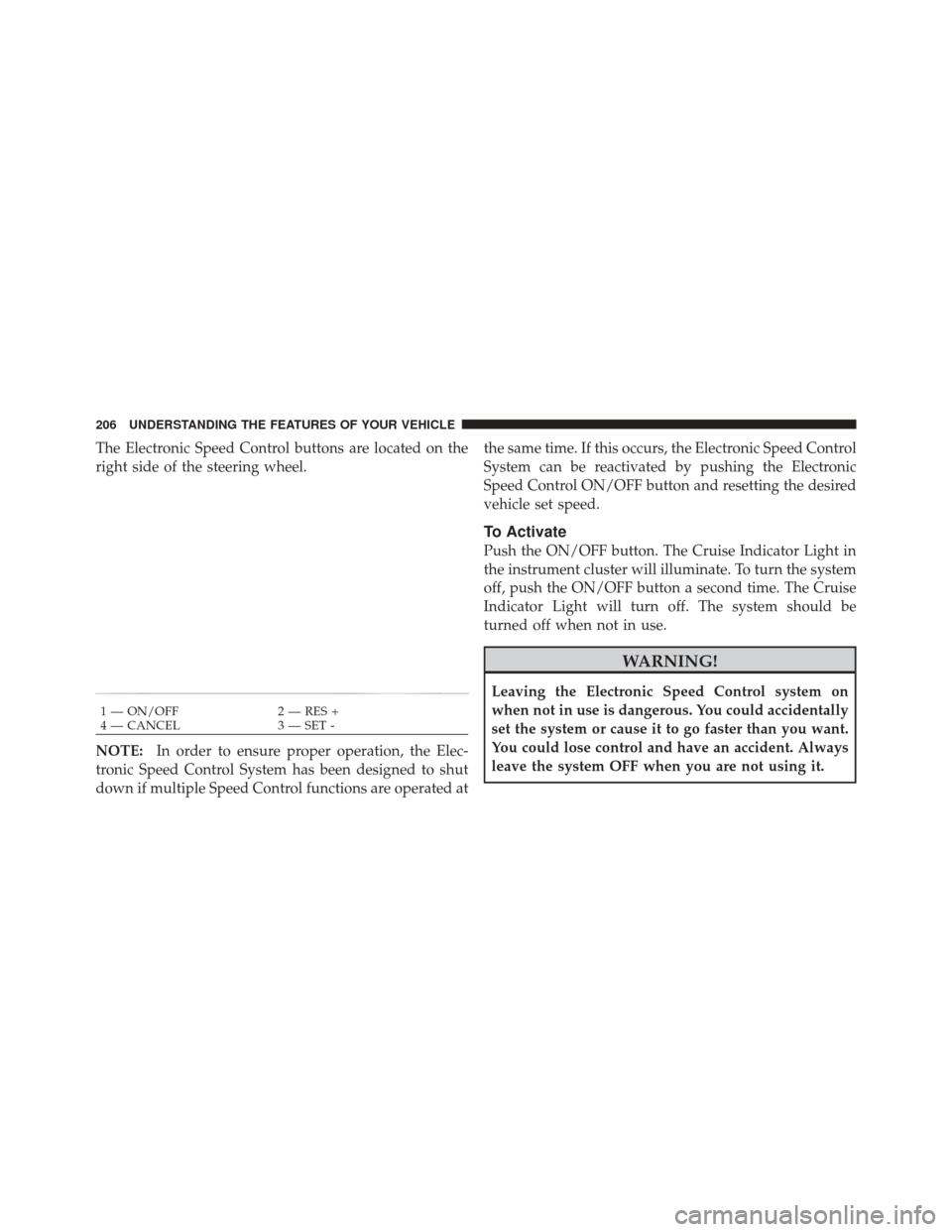
The Electronic Speed Control buttons are located on the
right side of the steering wheel.
NOTE:In order to ensure proper operation, the Elec-
tronic Speed Control System has been designed to shut
down if multiple Speed Control functions are operated at the same time. If this occurs, the Electronic Speed Control
System can be reactivated by pushing the Electronic
Speed Control ON/OFF button and resetting the desired
vehicle set speed.
To Activate
Push the ON/OFF button. The Cruise Indicator Light in
the instrument cluster will illuminate. To turn the system
off, push the ON/OFF button a second time. The Cruise
Indicator Light will turn off. The system should be
turned off when not in use.
WARNING!
Leaving the Electronic Speed Control system on
when not in use is dangerous. You could accidentally
set the system or cause it to go faster than you want.
You could lose control and have an accident. Always
leave the system OFF when you are not using it.
1 — ON/OFF
2 — RES +
4 — CANCEL 3 — SET -
206 UNDERSTANDING THE FEATURES OF YOUR VEHICLE
Page 210 of 686
To Accelerate For Passing
Press the accelerator as you would normally. When the
pedal is released, the vehicle will return to the set speed.
Using Electronic Speed Control On Hills
The transmission may downshift on hills to maintain the
vehicle set speed.
NOTE:The Electronic Speed Control system maintains
speed up and down hills. A slight speed change on
moderate hills is normal.
On steep hills, a greater speed loss or gain may occur so
it may be preferable to drive without Electronic Speed
Control.
WARNING!
Electronic Speed Control can be dangerous where the
system cannot maintain a constant speed. Your ve-
hicle could go too fast for the conditions, and you
could lose control and have an accident. Do not use
Electronic Speed Control in heavy traffic or on roads
that are winding, icy, snow-covered or slippery.
ADAPTIVE CRUISE CONTROL (ACC) — IF
EQUIPPED
Adaptive Cruise Control (ACC) increases the driving
convenience provided by cruise control while traveling
on highways and major roadways. However, it is not a
safety system and not designed to prevent collisions.
ACC will allow you to keep cruise control engaged in
light to moderate traffic conditions without the constant
need to reset your cruise control. ACC utilizes a radar
sensor designed to detect a vehicle directly ahead of you.
208 UNDERSTANDING THE FEATURES OF YOUR VEHICLE
Page 211 of 686
NOTE:
•If the sensor does not detect a vehicle ahead of you,
ACC will maintain a fixed set speed.
•If the ACC sensor detects a vehicle ahead, ACC will
apply limited braking or acceleration (not to exceed
the original set speed) automatically to maintain a
preset following distance, while matching the speed of
the vehicle ahead.
WARNING!
•Adaptive Cruise Control (ACC) is a convenience
system. It is not a substitute for active driving
involvement. It is always the driver ’s responsibil-
ity to be attentive of road, traffic, and weather
conditions, vehicle speed, distance to the vehicle
ahead; and, most importantly, brake operation to
ensure safe operation of the vehicle under all road
conditions. Your complete attention is always re-
quired while driving to maintain safe control of
your vehicle. Failure to follow these warnings can
result in a collision and death or serious personal
injury.
•The ACC system:
Does not react to pedestrians, oncoming vehicles,
and stationary objects (e.g., a stopped vehicle in a
traffic jam or a disabled vehicle).
(Continued)
3
UNDERSTANDING THE FEATURES OF YOUR VEHICLE 209
Page 212 of 686
WARNING! (Continued)
Cannot take street, traffic, and weather conditions
into account, and may be limited upon adverse sight
distance conditions.
Does not predict the lane curvature or the move-
ment of preceding vehicles and will not compensate
for such changes.
Does not always fully recognize complex driving
conditions, which can result in wrong or missing
distance warnings.
Can only apply a maximum of 25% of the vehicle’s
braking capability, and will not bring the vehicle to a
complete stop.
WARNING!
You should switch off the ACC system:
•When driving in fog, heavy rain, heavy snow,
sleet, heavy traffic, and complex driving situations
(i.e., in highway construction zones).
•When entering a turn lane or highway off ramp;
when driving on roads that are winding, icy,
snow-covered, slippery, or have steep uphill or
downhill slopes.
•When towing a trailer up or down steep slopes.
•When circumstances do not allow safe driving at a
constant speed.
Failure to follow these warnings can result in a
collision or serious personal injury.
210 UNDERSTANDING THE FEATURES OF YOUR VEHICLE
Page 215 of 686
To turn the system OFF, push and release the ON/OFF
button again. At this time, the system will turn off and
the EVIC will display “Adaptive Cruise Control Off.”
WARNING!
Leaving the Adaptive Cruise Control (ACC) system
on when not in use is dangerous. You could acciden-
tally set the system or cause it to go faster than you
want. You could lose control and have a collision.
Always leave the system off when you are not using
it.
Adaptive Cruise Control Ready
3
UNDERSTANDING THE FEATURES OF YOUR VEHICLE 213
Page 218 of 686
NOTE:If ACC is resumed or set with the ESC/TCS off,
ESC will automatically be re-engaged.
To Turn Off
The system will turn off and erase the set speed in
memory if:
•You push the ON/OFF button.
•You turn OFF the ignition.
•You switch to Four-Wheel Drive Low.
To Resume Speed
Press the RES +button and release. Then remove your
foot from the accelerator pedal. The EVIC will display the
last set speed.
NOTE: You can resume ACC from a minimum of
20 mph (32 km/h).
WARNING!
The Resume function should only be used if traffic
and road conditions permit. Resuming a set speed
that is too high or too low for prevailing traffic and
road conditions could cause the vehicle to accelerate
or decelerate too sharply for safe operation. Failure to
follow these warnings can result in a collision and
death or serious personal injury.
Adaptive Cruise Control Cancelled
216 UNDERSTANDING THE FEATURES OF YOUR VEHICLE
Page 222 of 686
The maximum braking applied by ACC is limited; how-
ever, the driver can always apply the brakes manually, if
necessary.
NOTE:The brake lights will illuminate whenever the
ACC system applies the brakes.
A Proximity Warning will alert the driver if ACC predicts
that its maximum braking level is not sufficient to
maintain the set distance. If this occurs, a visual alert
“BRAKE” will flash in the EVIC and a chime will sound
while ACC continues to apply its maximum braking
capacity. When this occurs, you should immediately
apply the brakes as needed to maintain a safe distance
from the vehicle ahead. The ACC Systems provides Overtake Aid when passing
on the left hand side only. When driving with ACC
engaged and following a Target vehicle, the system will
provide an additional acceleration based on your current
speed. The acceleration is triggered by indicating a left
turn signal.
Brake Alert
220 UNDERSTANDING THE FEATURES OF YOUR VEHICLE