brake DODGE DURANGO 2015 3.G Owner's Guide
[x] Cancel search | Manufacturer: DODGE, Model Year: 2015, Model line: DURANGO, Model: DODGE DURANGO 2015 3.GPages: 689, PDF Size: 20.05 MB
Page 310 of 689
•Shift to Neutral then Drive or Reverse
•Autostick Unavailable Service Required
•Automatic Unavailable Use Autostick Service Req.
•Transmission Getting Hot Press Brake
•Trans. Hot Stop Safely Shift To Park Wait to Cool
•Transmission Cool Ready to Drive
•Service Transmission
•Service Shifter
•Engage Park Brake To Prevent Rolling
•Transmission Too Cold Idle With Engine On
•Washer Fluid Low
The Reconfigurable Telltales section is divided into the
white telltales area on the right, amber telltales in the
middle, and red telltales on the left.
DID White Telltales
This area will show reconfigurable white caution tell-
tales. These telltales include:
•Cruise Ready
This telltale will turn on to indicate that the
Adaptive Cruise Control system is ready to be
activated.
DID Amber Telltales
This area will show reconfigurable amber caution tell-
tales. These telltales include:
•Low Fuel Telltale
When the fuel level reaches approximately 3.0 gal
(11.0 L), this light will turn on and remain on until
fuel is added.
308 UNDERSTANDING YOUR INSTRUMENT PANEL
Page 326 of 689
8 mph (12 km/h), the transmission is shifted into PARK
or the ignition is switched to the OFF position. To set the
ParkView® Backup Camera Delay push the MORE but-
ton on the faceplate, the “settings” button on the touch-
screen, then the “Safety & Driving Assistance” button on
the touchscreen. Press the “Parkview Backup camera
Delay” button on the touchscreen to turn the ParkView®
Delay ON or OFF.
•Rain Sensing Auto Wipers
When this feature is selected, the system will automati-
cally activate the windshield wipers if it senses moisture
on the windshield. To make your selection, press the
“Rain Sensing” button on the touchscreen and make your
selection. Press the back arrow button on the touchscreen
to return to the previous menu.
•Hill Start Assist — If Equipped
When this feature is selected, the Hill Start Assist (HSA)
system is active. Refer to “Electronic Brake Control
System” in “Starting And Operating” for system function
and operating information. To make your selection, press
the “Hill Start Assist” button on the touchscreen and
make your selection. Press the back arrow button on the
touchscreen to return to the previous menu.
Lights
After pressing the “Lights” button on the touchscreen the
following settings will be available.
•Headlights Off Delay
When this feature is selected, it allows the adjustment of
the amount of time the headlights remain on after the
engine is shut off. To change the Headlights Off Delay
setting, press the “Headlight Off Delay” button on the
touchscreen, and choose either 0 sec, 30 sec, 60 sec or 90
seconds. Press the back arrow button on the touchscreen
to return to the previous menu.
324 UNDERSTANDING YOUR INSTRUMENT PANEL
Page 342 of 689
means the system will warn you of a possible collision
with the vehicle in front of you when you are farther
away. This gives you the most reaction time. To change
the setting for more dynamic driving, select the Near
setting. This warns you of a possible collision when you
are much closer to the vehicle in front of you. To change
the FCW status, press and release the “Near” or “Far”
button. Then press the back arrow button on the touch-
screen.
For further information, refer to “Adaptive Cruise Con-
trol (ACC)” in “Understanding The Features Of Your
Vehicle”.
•Forward Collision Warning (FCW) Active Braking —
If Equipped
The FCW system includes Advanced Brake Assist (ABA).
When this feature is selected, the ABA applies additional
brake pressure when the driver requests insufficient
brake pressure to avoid a potential frontal collision. The
ABA system becomes active at 5 mph (8 km/h). To make
your selection, press the “Forward Collision Warning
(FCW) with Mitigation - Active Braking” button on the
touchscreen, until a check-mark appears next to setting,
indicating that the setting had been selected. Press the
back arrow button on the touchscreen to return to the
previous menu. For further information, refer to “For-
ward Collision Warning (FCW) With Mitigation” in “Un-
derstanding The Features Of Your Vehicle.”
•ParkSense®
The ParkSense® system will scan for objects behind the
vehicle when the transmission shift lever is in REVERSE
and the vehicle speed is less than 11 mph (18 km/h). It
will provide an alert (audible and/or visual) to indicate
the proximity to other objects. The system can be enabled
with Sound Only, or Sound and Display. To change the
ParkSense® status, press and release the “Sound” or
“Sound and Display” button. Then press the back arrow
340 UNDERSTANDING YOUR INSTRUMENT PANEL
Page 345 of 689
•ParkView® Backup Camera Delay
When the vehicle is shifted out of REVERSE (with camera
delay turned OFF), the rear camera mode is exited and
the navigation or audio screen appears again. When the
vehicle is shifted out of REVERSE (with camera delay
turned ON), the rear view image with dynamic grid lines
will be displayed for up to 10 seconds after shifting out of
“REVERSE” unless the forward vehicle speed exceeds
8 mph (12 km/h), the transmission is shifted into
“PARK” or the ignition is switched to the OFF position.
To set the ParkView® Backup Camera Delay press the
“Controls” button on the touchscreen, the “settings”
button on the touchscreen, then the “Safety & Driving
Assistance” button on the touchscreen. Press the
“Parkview Backup camera Delay” button on the touch-
screen to turn the ParkView® Delay ON or OFF.
•Rain Sensing Auto Wipers
When this feature is selected, the system will automati-
cally activate the windshield wipers if it senses moisture
on the windshield. To make your selection, press the
“Rain Sensing” button on the touchscreen, until a check-
mark appears next to setting, indicating that the setting
had been selected. Press the back arrow button on the
touchscreen to return to the previous menu.
•Hill Start Assist — If Equipped
When this feature is selected, the Hill Start Assist (HSA)
system is active. Refer to “Electronic Brake Control
System” in “Starting And Operating” for system function
and operating information. To make your selection, press
the “Hill Start Assist” button on the touchscreen, until a
check-mark appears next to setting, indicating that the
setting had been selected. Press the back arrow button on
the touchscreen to return to the previous menu.
4
UNDERSTANDING YOUR INSTRUMENT PANEL 343
Page 419 of 689
STARTING AND OPERATING
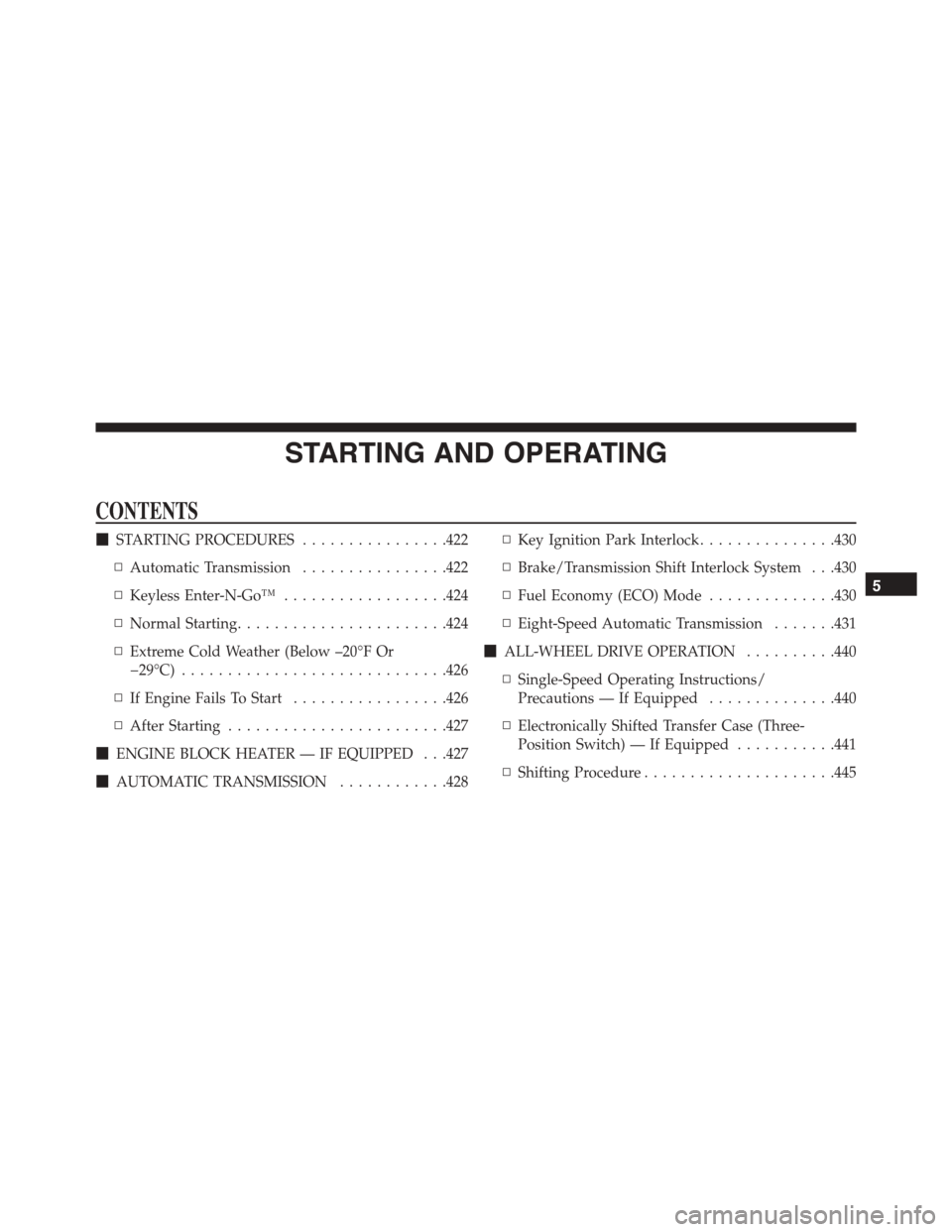
CONTENTS
!STARTING PROCEDURES................422
▫Automatic Transmission................422
▫Keyless Enter-N-Go™..................424
▫Normal Starting.......................424
▫Extreme Cold Weather (Below –20°F Or
−29°C).............................426
▫If Engine Fails To Start.................426
▫After Starting........................427
!ENGINE BLOCK HEATER — IF EQUIPPED . . .427
!AUTOMATIC TRANSMISSION............428
▫Key Ignition Park Interlock...............430
▫Brake/Transmission Shift Interlock System . . .430
▫Fuel Economy (ECO) Mode..............430
▫Eight-Speed Automatic Transmission.......431
!ALL-WHEEL DRIVE OPERATION..........440
▫Single-Speed Operating Instructions/
Precautions — If Equipped..............440
▫Electronically Shifted Transfer Case (Three-
Position Switch) — If Equipped...........441
▫Shifting Procedure.....................445
5
Page 420 of 689
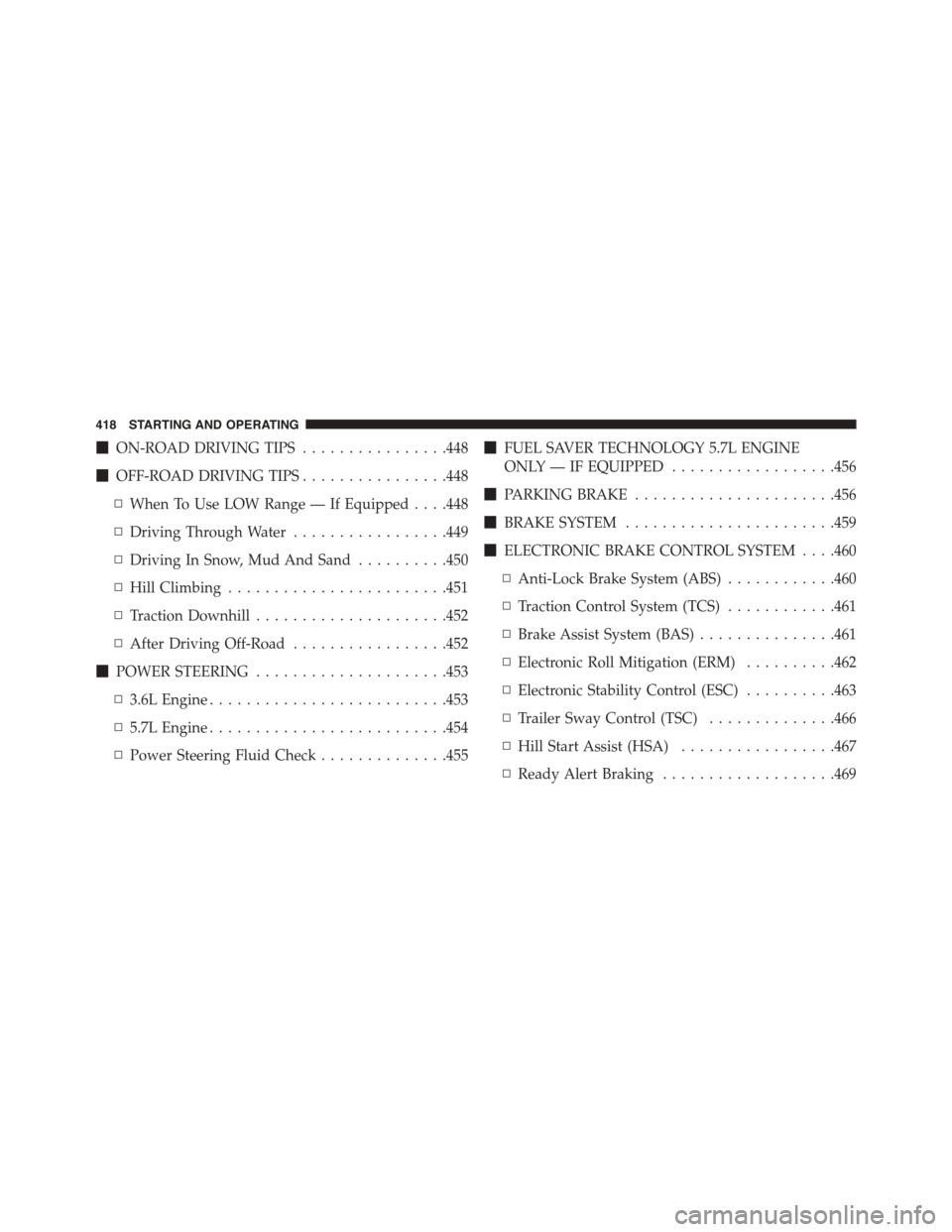
!ON-ROAD DRIVING TIPS................448
!OFF-ROAD DRIVING TIPS................448
▫When To Use LOW Range — If Equipped . . . .448
▫Driving Through Water.................449
▫Driving In Snow, Mud And Sand..........450
▫Hill Climbing........................451
▫Traction Downhill.....................452
▫After Driving Off-Road.................452
!POWER STEERING.....................453
▫3.6L Engine..........................453
▫5.7L Engine..........................454
▫Power Steering Fluid Check..............455
!FUEL SAVER TECHNOLOGY 5.7L ENGINE
ONLY — IF EQUIPPED..................456
!PARKING BRAKE......................456
!BRAKE SYSTEM.......................459
!ELECTRONIC BRAKE CONTROL SYSTEM . . . .460
▫Anti-Lock Brake System (ABS)............460
▫Traction Control System (TCS)............461
▫Brake Assist System (BAS)...............461
▫Electronic Roll Mitigation (ERM)..........462
▫Electronic Stability Control (ESC)..........463
▫Trailer Sway Control (TSC)..............466
▫Hill Start Assist (HSA).................467
▫Ready Alert Braking...................469
418 STARTING AND OPERATING
Page 421 of 689
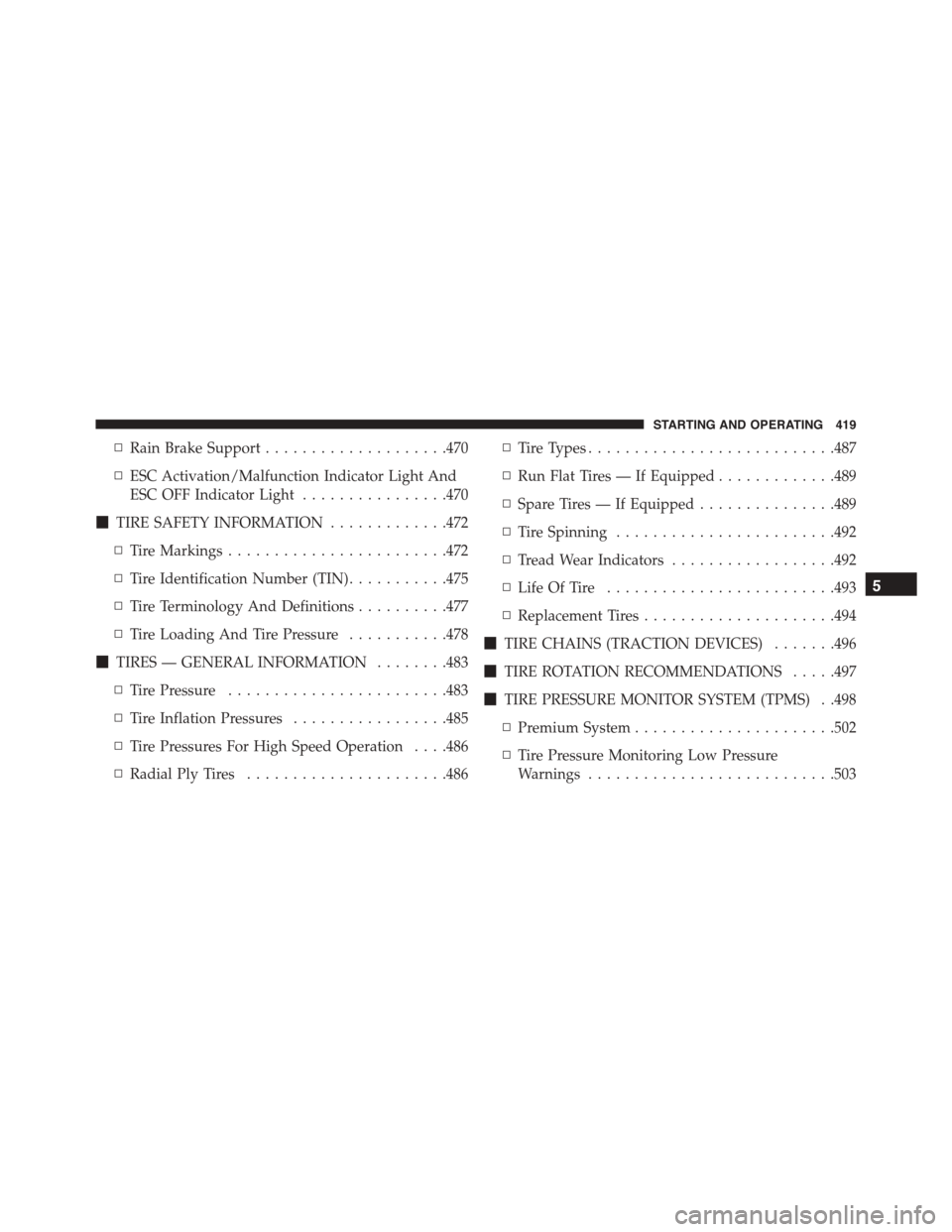
▫Rain Brake Support....................470
▫ESC Activation/Malfunction Indicator Light And
ESC OFF Indicator Light................470
!TIRE SAFETY INFORMATION.............472
▫Tire Markings........................472
▫Tire Identification Number (TIN)...........475
▫Tire Terminology And Definitions..........477
▫Tire Loading And Tire Pressure...........478
!TIRES — GENERAL INFORMATION........483
▫Tire Pressure........................483
▫Tire Inflation Pressures.................485
▫Tire Pressures For High Speed Operation . . . .486
▫Radial Ply Tires......................486
▫Tire Types...........................487
▫Run Flat Tires — If Equipped.............489
▫Spare Tires — If Equipped...............489
▫Tire Spinning........................492
▫Tread Wear Indicators..................492
▫Life Of Tire.........................493
▫Replacement Tires.....................494
!TIRE CHAINS (TRACTION DEVICES).......496
!TIRE ROTATION RECOMMENDATIONS.....497
!TIRE PRESSURE MONITOR SYSTEM (TPMS) . .498
▫Premium System......................502
▫Tire Pressure Monitoring Low Pressure
Warnings...........................503
5
STARTING AND OPERATING 419
Page 424 of 689
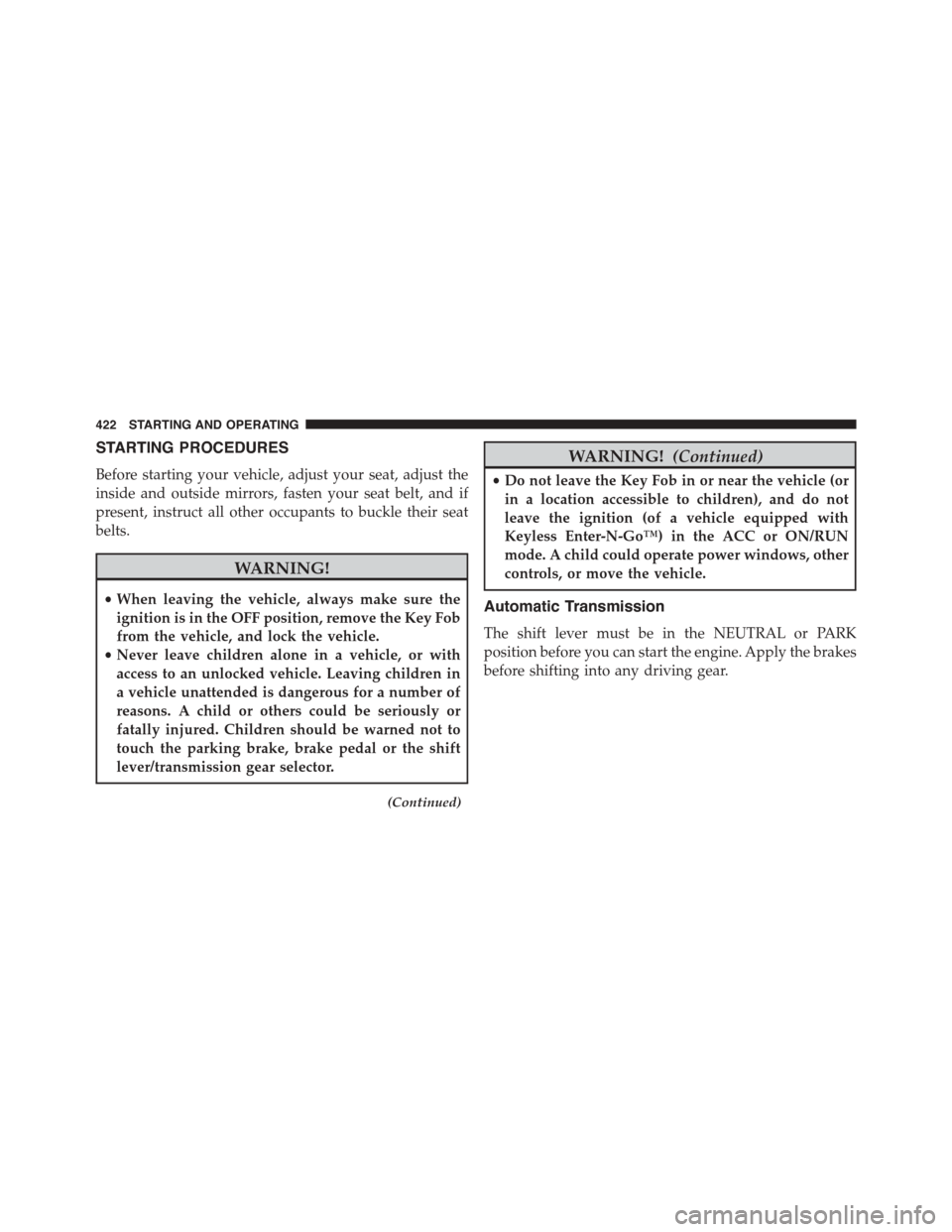
STARTING PROCEDURES
Before starting your vehicle, adjust your seat, adjust the
inside and outside mirrors, fasten your seat belt, and if
present, instruct all other occupants to buckle their seat
belts.
WARNING!
•When leaving the vehicle, always make sure the
ignition is in the OFF position, remove the Key Fob
from the vehicle, and lock the vehicle.
•Never leave children alone in a vehicle, or with
access to an unlocked vehicle. Leaving children in
a vehicle unattended is dangerous for a number of
reasons. A child or others could be seriously or
fatally injured. Children should be warned not to
touch the parking brake, brake pedal or the shift
lever/transmission gear selector.
(Continued)
WARNING!(Continued)
•Do not leave the Key Fob in or near the vehicle (or
in a location accessible to children), and do not
leave the ignition (of a vehicle equipped with
Keyless Enter-N-Go™) in the ACC or ON/RUN
mode. A child could operate power windows, other
controls, or move the vehicle.
Automatic Transmission
The shift lever must be in the NEUTRAL or PARK
position before you can start the engine. Apply the brakes
before shifting into any driving gear.
422 STARTING AND OPERATING
Page 425 of 689
CAUTION!
Damage to the transmission may occur if the follow-
ing precautions are not observed:
•Do not shift from REVERSE, PARK, or NEUTRAL
into any forward gear when the engine is above
idle speed.
•Shift into PARK only after the vehicle has come to
a complete stop.
•Shift into or out of REVERSE only after the vehicle
has come to a complete stop and the engine is at
idle speed.
•Before shifting into any gear, make sure your foot
is firmly on the brake pedal.
Using Fob With Integrated Key (Tip Start)
NOTE:Normal starting of either a cold or a warm
engine is obtained without pumping or pressing the
accelerator pedal.
Do notpress the accelerator. Use the Fob with Integrated
Key to briefly place the ignition in the START position
and release it as soon as the starter engages. The starter
motor will continue to run, and it will disengage auto-
matically when the engine is running. If the engine fails
to start, the starter will disengage automatically in 10
seconds. If this occurs, place the ignition in the LOCK/
OFF position, wait 10 to 15 seconds, then repeat the
“Normal Starting” procedure.
5
STARTING AND OPERATING 423
Page 426 of 689
Keyless Enter-N-Go™
This feature allows the driver to oper-
ate the ignition switch with the push
of a button, as long as the Remote
Start/Keyless Enter-N-Go™ Key Fob
is in the passenger compartment.
Normal Starting
Using The ENGINE START/STOP Button
1. The transmission must be in PARK or NEUTRAL.
2. Press and hold the brake pedal while pushing the
ENGINE START/STOP button once.
3. The system takes over and attempts to start the
vehicle. If the vehicle fails to start, the starter will
disengage automatically after 10 seconds.
4. If you wish to stop the cranking of the engine prior to
the engine starting, push the button again.
NOTE:Normal starting of either a cold or a warm engine
is obtained without pumping or pressing the accelerator
pedal.
To Turn Off The Engine Using ENGINE
START/STOP Button
1. Place the shift lever/gear selector in PARK, then press
and release the ENGINE START/STOP button.
2. The ignition switch will return to the OFF position.
3. If the shift lever/gear selector is not in PARK, the
ENGINE START/STOP button must be held for two
seconds or three short presses in a row with the
vehicle speed above 5 mph (8 km/h) before the engine
will shut off. The ignition switch position will remain
in the ACC position until the shift lever/gear selector
is in PARK and the button is pressed twice to the OFF
424 STARTING AND OPERATING