service DODGE DURANGO 2016 3.G User Guide
[x] Cancel search | Manufacturer: DODGE, Model Year: 2016, Model line: DURANGO, Model: DODGE DURANGO 2016 3.GPages: 739, PDF Size: 5.52 MB
Page 128 of 739
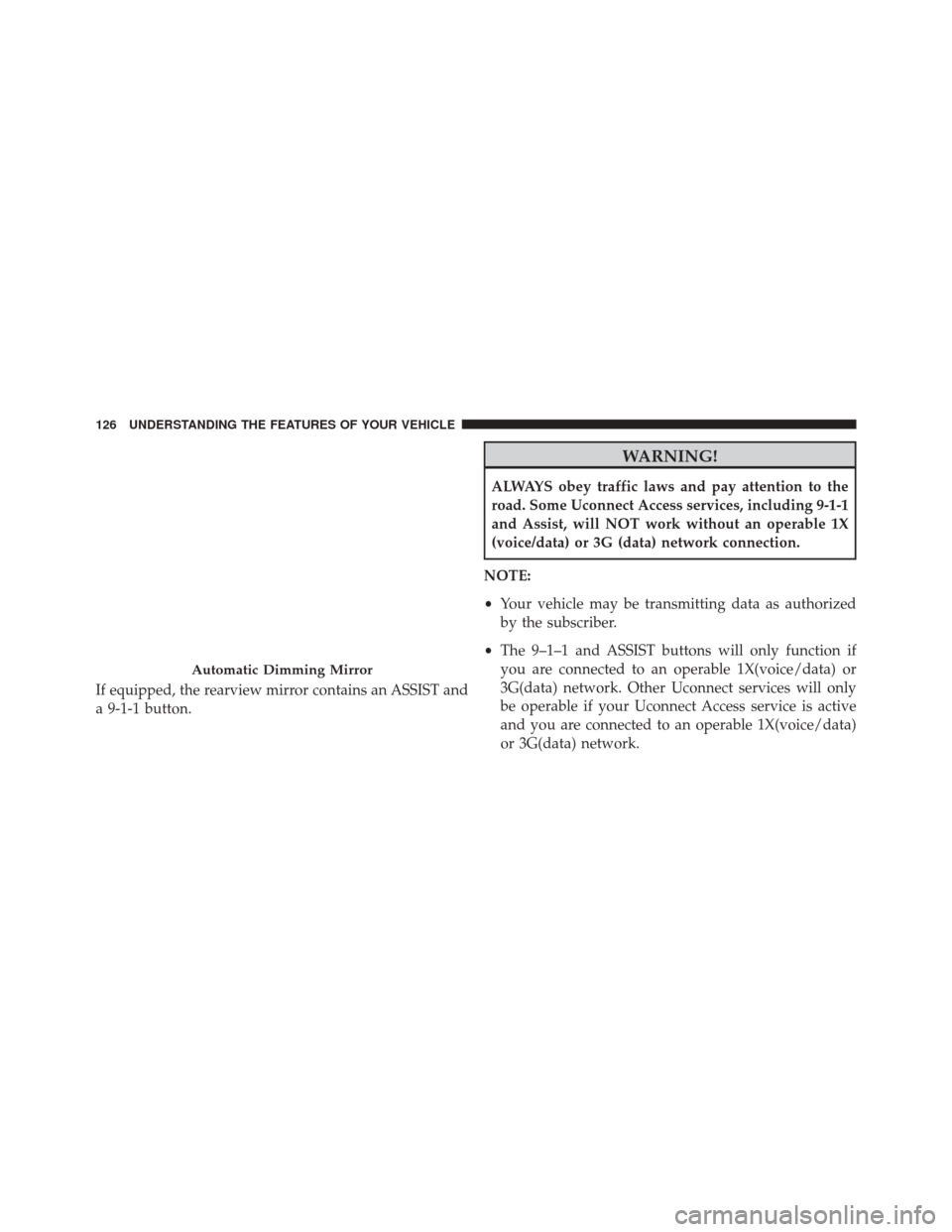
If equipped, the rearview mirror contains an ASSIST and
a 9-1-1 button.
WARNING!
ALWAYS obey traffic laws and pay attention to the
road. Some Uconnect Access services, including 9-1-1
and Assist, will NOT work without an operable 1X
(voice/data) or 3G (data) network connection.
NOTE:
• Your vehicle may be transmitting data as authorized
by the subscriber.
• The 9–1–1 and ASSIST buttons will only function if
you are connected to an operable 1X(voice/data) or
3G(data) network. Other Uconnect services will only
be operable if your Uconnect Access service is active
and you are connected to an operable 1X(voice/data)
or 3G(data) network.
Automatic Dimming Mirror
126 UNDERSTANDING THE FEATURES OF YOUR VEHICLE
Page 130 of 739
3. Once a connection between the vehicle and a 9-1-1operator is made, the 9-1-1 Call system may transmit
the following important vehicle information to a 9-1-1
operator:
• Indication that the occupant placed a 9-1-1 Call.
• The vehicle brand.
• The last known GPS coordinates of the vehicle.
4. You should be able to speak with the 9-1-1 operator through the vehicle audio system to determine if
additional help is needed.
WARNING!
ALWAYS obey traffic laws and pay attention to the
road. Some Uconnect Access services, including 9-1-1
and Assist, will NOT work without an operable 1X
(voice/data) or 3G (data) network connection. NOTE:
•Your vehicle may be transmitting data as authorized
by the subscriber.
• Once a connection is made between the vehicle’s
9-1-1 Call system and the 9-1-1 operator, the 9-1-1
operator may be able to open a voice connection with
the vehicle to determine if additional help is needed.
Once the 9-1-1 operator opens a voice connection
with the vehicle’s 9-1-1 Call system, the operator
should be able to speak with you or other vehicle
occupants and hear sounds occurring in the vehicle.
The vehicle’s 9-1-1 Call system will attempt to re-
main connected with the 9-1-1 operator until the
9-1-1 operator terminates the connection.
5. The 9-1-1 operator may attempt to contact appropriate emergency responders and provide them with impor-
tant vehicle information and GPS coordinates.
128 UNDERSTANDING THE FEATURES OF YOUR VEHICLE
Page 131 of 739
WARNING!
•If anyone in the vehicle could be in danger (e.g.,
fire or smoke is visible, dangerous road conditions
or location), do not wait for voice contact from a
9-1-1 operator. All occupants should exit the vehicle
immediately and move to a safe location.
• Never place anything on or near the vehicle’s
operable 1X (voice/data) or 3G(data) network and
GPS antennas. You could prevent operable 1X
(voice/data) or 3G(data) network and GPS signal
reception, which can prevent your vehicle from
placing an emergency call. An operable 1X (voice/
data) or 3G(data) network and GPS signal recep-
tion is required for the 9-1-1 Call system to function
properly.
• The 9-1-1 Call system is embedded into the vehi-
cle’s electrical system. Do not add aftermarket
(Continued)
WARNING! (Continued)
electrical equipment to the vehicle’s electrical sys-
tem. This may prevent your vehicle from sending a
signal to initiate an emergency call. To avoid inter-
ference that can cause the 9-1-1 Call system to fail,
never add aftermarket equipment (e.g., two-way
mobile radio, CB radio, data recorder, etc.) to your
vehicle’s electrical system or modify the antennas
on your vehicle. IF YOUR VEHICLE LOSES BAT-
TERY POWER FOR ANY REASON (INCLUDING
DURING OR AFTER AN ACCIDENT), THE
UCONNECT FEATURES, APPS AND SERVICES,
AMONG OTHERS, WILL NOT OPERATE.
• Modifications to any part of the 9-1-1 Call system
could cause the air bag system to fail when you
need it. You could be injured if the air bag system
is not there to help protect you.
3
UNDERSTANDING THE FEATURES OF YOUR VEHICLE 129
Page 132 of 739
9-1-1 Call System Limitations
Vehicles sold in Canada and MexicoDO NOThave 9-1-1
Call system capabilities.
9-1-1 or other emergency line operators in Canada and
Mexico may not answer or respond to 9-1-1 system calls.
If the 9-1-1 Call system detects a malfunction, any of the
following may occur at the time the malfunction is
detected, and at the beginning of each ignition cycle:
• The Rearview Mirror light located between the ASSIST
and 9-1-1 buttons will continuously be illuminated
red.
• The Device Screen will display the following message
“Vehicle device requires service. Please contact your
dealer.”
• An In-Vehicle Audio message will state “Vehicle de-
vice requires service. Please contact your dealer.”WARNING!
• Ignoring the Rearview Mirror light could mean you
will not have 9-1-1 Call services. If the Rearview
Mirror light is illuminated, have an authorized
dealer service the 9-1-1 Call system immediately.
• The Occupant Restraint Control module turns on
the air bag Warning Light on the instrument panel
if a malfunction in any part of the system is
detected. If the Air Bag Warning Light is illumi-
nated, have an authorized dealer service the Occu-
pant Restraint Control system immediately.
Even if the 9-1-1 Call system is fully functional, factors
beyond FCA US LLC’s control may prevent or stop the
9-1-1 Call system operation. These include, but are not
limited to, the following factors:
• Delayed accessories mode is active.
• The ignition is in the OFF position.
130 UNDERSTANDING THE FEATURES OF YOUR VEHICLE
Page 133 of 739
•The vehicle’s electrical systems are not intact.
• The 9-1-1 Call system software and/or hardware are
damaged during a crash.
• The vehicle battery loses power or becomes discon-
nected during a vehicle crash.
• 1X(voice/data) or 3G(data) network and/or Global
Positioning Satellite signals are unavailable or ob-
structed.
• Equipment malfunction at the 9-1-1 operator facility.
• Operator error by the 9-1-1 operator.
• 1X (voice/data) or 3G (data) network congestion.
• Weather.
• Buildings, structures, geographic terrain, or tunnels.WARNING!
ALWAYS obey traffic laws and pay attention to the
road. Some Uconnect Access services, including 9-1-1
and Assist, will NOT work without an operable 1X
(voice/data) or 3G (data) network connection.
NOTE:
• Your vehicle may be transmitting data as authorized
by the subscriber.
• Never place anything on or near the vehicle’s 1X
(voice/data) or 3G (data) and GPS antennas. You could
prevent 1X (voice/data) or 3G (data) and GPS signal
reception, which can prevent your vehicle from plac-
ing an emergency call. An operable 1X (voice/data) or
3G (data) network connection and a GPS signal is
required for the 9-1-1 Call system to function properly.
3
UNDERSTANDING THE FEATURES OF YOUR VEHICLE 131
Page 142 of 739

The BSM system is designed not to issue an alert on
stationary objects such as guardrails, posts, walls, foliage,
berms, etc. However, occasionally the system may alert
on such objects. This is normal operation and your
vehicle does not require service.The BSM system will not alert you of objects that are
traveling in the opposite direction of the vehicle in
adjacent lanes.
Overtaking/PassingStationary Objects
140 UNDERSTANDING THE FEATURES OF YOUR VEHICLE
Page 146 of 739
Blind Spot Alert Off
When the BSM system is turned off there will be no
visual or audible alerts from either the BSM or RCP
systems.
NOTE:The BSM system will store the current operating
mode when the vehicle is shut off. Each time the vehicle
is started the previously stored mode will be recalled and
used.
General Information
This vehicle has systems that operate on radio frequency
that comply with Part 15 of the Federal Communications
Commission (FCC) rules and with Industry Canada
Standards RSS- GEN/210/220/310.
Operation is subject to the following two conditions:
1. The device may not cause harmful interference. 2. The device must accept any interference received,
including interference that may cause undesired op-
eration of the device.
Changes or modifications to any of these systems by
other than an authorized service facility could void
authorization to use this equipment.
SEATS
Seats are part of the Occupant Restraint System of the
vehicle.
WARNING!
• It is dangerous to ride in a cargo area, inside or
outside of a vehicle. In a collision, people riding in
these areas are more likely to be seriously injured
or killed.
(Continued)
144 UNDERSTANDING THE FEATURES OF YOUR VEHICLE
Page 160 of 739
NOTE:
•The head restraints should only be removed by quali-
fied technicians, for service purposes only. If either of
the head restraints require removal, see your autho-
rized dealer. •
In the event of deployment of an Active Head Re-
straint, refer to “Occupant Restraints/Resetting Active
Head Restraints (AHR)” in “Things To Know Before
Starting Your Vehicle” for further information.
WARNING!
• All occupants, including the driver, should not
operate a vehicle or sit in a vehicle’s seat until the
head restraints are placed in their proper positions
in order to minimize the risk of neck injury in the
event of a collision.
• Do not place items over the top of the Active Head
Restraint, such as coats, seat covers or portable
DVD players. These items may interfere with the
operation of the Active Head Restraint in the event
of a collision and could result in serious injury or
death.
(Continued)
Active Head Restraint (Tilted)
158 UNDERSTANDING THE FEATURES OF YOUR VEHICLE
Page 216 of 739
To keep the ACC System operating properly, it is impor-
tant to note the following maintenance items:
•Always keep the sensor clean. Carefully wipe the
sensor lens with a soft cloth. Be cautious not to damage
the sensor lens.
• Do not remove any screws from the sensor. Doing so
could cause an ACC system malfunction or failure and
require a sensor realignment.
• If the sensor or front end of the vehicle is damaged due
to a collision, see your authorized dealer for service.
• Do not attach or install any accessories near the sensor,
including transparent material or aftermarket grilles.
Doing so could cause an ACC system failure or
malfunction. When the condition that deactivated the system is no
longer present, the system will return to the “Adaptive
Cruise Control Off” state and will resume function by
simply reactivating it.
NOTE:
•
If the “ACC/FCW Unavailable Wipe Front Radar
Sensor” message occurs frequently (e.g. more than
once on every trip) without any snow, rain, mud, or
other obstruction, have the radar sensor realigned at
your authorized dealer.
• Installing a snow plow, front-end protector, an after-
market grille or modifying the grille is not recom-
mended. Doing so may block the sensor and inhibit
ACC/FCW operation.
214 UNDERSTANDING THE FEATURES OF YOUR VEHICLE
Page 218 of 739
Service ACC/FCW Warning
If the system turns off, and the DID displays “ACC/FCW
Unavailable Service Required” or “Cruise/FCW Unavail-
able Service Required”, there may be an internal system
fault or a temporary malfunction that limits ACC func-
tionality. Although the vehicle is still drivable under
normal conditions, ACC will be temporarily unavailable.
If this occurs, try activating ACC again later, following an
ignition cycle. If the problem persists, see your autho-
rized dealer.
Precautions While Driving With ACC
In certain driving situations, ACC may have detection
issues. In these cases, ACC may brake late or unexpect-
edly. The driver needs to stay alert and may need to
intervene.
Towing A Trailer
Towing a trailer is not advised when using ACC.
Offset Driving
ACC may not detect a vehicle in the same lane that is offset
from your direct line of travel, or a vehicle merging in from
a side lane. There may not be sufficient distance to the
vehicle ahead. The offset vehicle may move in and out of
the line of travel, which can cause your vehicle to brake or
accelerate unexpectedly.
Offset Driving Condition Example
216 UNDERSTANDING THE FEATURES OF YOUR VEHICLE