brake DODGE DURANGO 2016 3.G Workshop Manual
[x] Cancel search | Manufacturer: DODGE, Model Year: 2016, Model line: DURANGO, Model: DODGE DURANGO 2016 3.GPages: 739, PDF Size: 5.52 MB
Page 484 of 739
The brake pedal must also be pressed to shift from
NEUTRAL into DRIVE or REVERSE when the vehicle is
stopped or moving at low speeds.
Fuel Economy (ECO) Mode
The Fuel Economy (ECO) mode can improve the vehi-
cle’s overall fuel economy during normal driving condi-
tions. Push the “eco” switch in the center stack of the
instrument panel to activate or disable ECO mode. An
amber light on the switch indicates when ECO mode is
disabled.When the Fuel Economy (ECO) Mode is engaged, the
vehicle control systems will change the following:
•
The transmission will upshift sooner and downshift later.
•The overall driving performance will be more conserva-
tive.
Fuel Economy Mode Switch
482 STARTING AND OPERATING
Page 485 of 739
•Some ECO mode functions may be temporarily inhib-
ited based on temperature and other factors.
Eight-Speed Automatic Transmission
The transmission is controlled using a rotary electronic
gear selector located on the center console. The transmis-
sion gear range (PRND) is displayed both above the gear
selector and in the Driver Information Display (DID). To
select a gear range, simply rotate the gear selector. You
must also press the brake pedal to shift the transmission
out of PARK, or to shift from NEUTRAL into DRIVE or
REVERSE when the vehicle is stopped or moving at low
speeds (refer to “Brake/Transmission Shift Interlock Sys-
tem” in this section). To shift past multiple gear ranges at
once (such as PARK to DRIVE), simply rotate the gear
selector to the appropriate detent. Select the DRIVE range
for normal driving. The electronically-controlled transmission provides a
precise shift schedule. The transmission electronics are
self-calibrating; therefore, the first few shifts on a new
vehicle may be somewhat abrupt. This is a normal
condition, and precision shifts will develop within a few
hundred miles (kilometers).
Only shift from DRIVE to PARK or REVERSE when the
accelerator pedal is released and the vehicle is stopped.
Be sure to keep your foot on the brake pedal when
shifting between these gears.
The transmission gear selector has only PARK, REVERSE,
NEUTRAL, and DRIVE shift positions. Manual shifts can
be made using the AutoStick shift control (shift paddles
mounted on the steering wheel). Pressing the shift paddles
(-/+) while in the DRIVE range will manually select the
5
STARTING AND OPERATING 483
Page 486 of 739
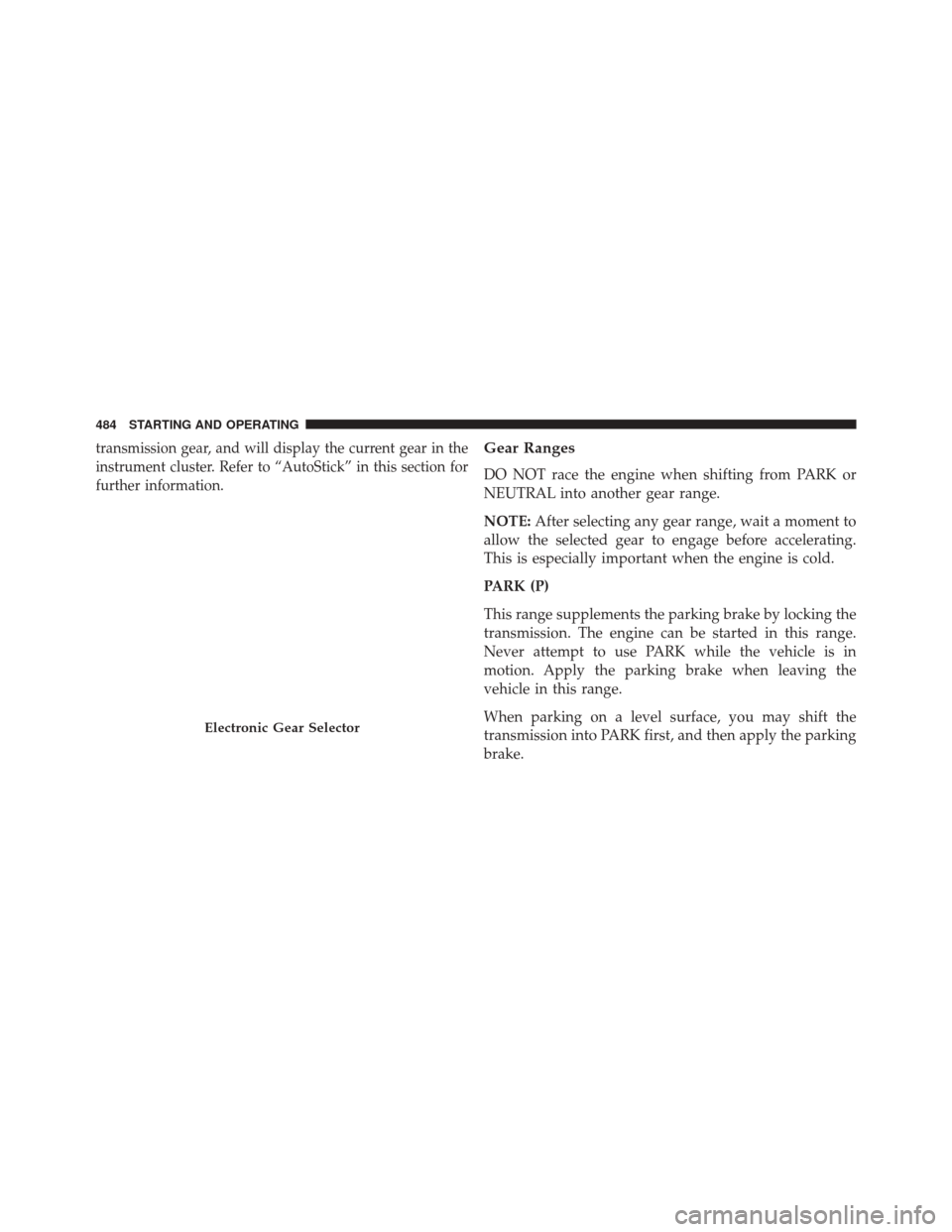
transmission gear, and will display the current gear in the
instrument cluster. Refer to “AutoStick” in this section for
further information.Gear Ranges
DO NOT race the engine when shifting from PARK or
NEUTRAL into another gear range.
NOTE:After selecting any gear range, wait a moment to
allow the selected gear to engage before accelerating.
This is especially important when the engine is cold.
PARK (P)
This range supplements the parking brake by locking the
transmission. The engine can be started in this range.
Never attempt to use PARK while the vehicle is in
motion. Apply the parking brake when leaving the
vehicle in this range.
When parking on a level surface, you may shift the
transmission into PARK first, and then apply the parking
brake.
Electronic Gear Selector
484 STARTING AND OPERATING
Page 487 of 739
When parking on a hill, apply the parking brake before
shifting the transmission to PARK. As an added precau-
tion, turn the front wheels toward the curb on a downhill
grade and away from the curb on an uphill grade.
NOTE:On vehicles equipped with the electronically
shifted transfer case, ensure that the transfer case is in
AWD AUTO or LOW RANGE position on the AWD
Control Switch. Ensure that the NEUTRAL position light
is NOT illuminated.
WARNING!
• Never use the PARK position as a substitute for the
parking brake. Always apply the parking brake
fully when parked to guard against vehicle move-
ment and possible injury or damage.
(Continued)
WARNING! (Continued)
•Your vehicle could move and injure you and others
if it is not in PARK. Make sure the transmission is
in PARK before leaving the vehicle.
• It is dangerous to shift out of PARK or NEUTRAL
if the engine speed is higher than idle speed. If
your foot is not firmly pressing the brake pedal, the
vehicle could accelerate quickly forward or in re-
verse. You could lose control of the vehicle and hit
someone or something. Only shift into gear when
the engine is idling normally and your foot is
firmly pressing the brake pedal.
•
Unintended movement of a vehicle could injure
those in or near the vehicle. As with all vehicles, you
should never exit a vehicle while the engine is
running. Before exiting a vehicle, always apply the
parking brake, shift the transmission into PARK, and
(Continued)
5
STARTING AND OPERATING 485
Page 488 of 739
WARNING!(Continued)
make sure the keyless ignition node is in the \bOFF\b
mode. Remove the Key Fob from the vehicle, and
lock the vehicle. When the keyless ignition is in the
“OFF” mode, the transmission is locked in PARK,
securing the vehicle against unwanted movement.
• Never leave children alone in a vehicle, or with
access to an unlocked vehicle. Allowing children to
be in a vehicle unattended is dangerous for a
number of reasons. A child or others could be
seriously or fatally injured. Children should be
warned not to touch the parking brake, brake pedal
or the transmission gear selector.
• Do not leave the Key Fob in or near the vehicle (or
in a location accessible to children), and do not
leave the ignition in the ACC or ON/RUN mode. A
child could operate power windows, other controls,
or move the vehicle. NOTE:
•
Before moving the transmission gear selector out of
PARK, you must start the engine and also press the
brake pedal. Otherwise, damage to the gear selector
could result.
• DO NOT race the engine when shifting from PARK or
NEUTRAL into another gear range, as this can damage
the drivetrain.
The following indicator should be used to ensure that
you have engaged the transmission into the PARK posi-
tion:
• With brake pedal released, look at the transmission
gear position display and verify that it indicates the
PARK position (P).
486 STARTING AND OPERATING
Page 489 of 739
REVERSE (R)
This range is for moving the vehicle backward. Shift into
REVERSE only after the vehicle has come to a complete
stop.
NEUTRAL (N)
Use this range when the vehicle is standing for prolonged
periods with the engine running. Apply the parking
brake and shift the transmission into PARK if you must
leave the vehicle.
WARNING!
Do not coast in NEUTRAL and never turn off the
ignition to coast down a hill. These are unsafe
practices that limit your response to changing traffic
or road conditions. You might lose control of the
vehicle and have a collision.
CAUTION!
Towing the vehicle, coasting, or driving for any other
reason with the transmission in NEUTRAL can cause
severe transmission damage. Refer to “Recreational
Towing” in “Starting And Operating” and “Towing A
Disabled Vehicle” in “What To Do In Emergencies”
for further information.
DRIVE (D)
This range should be used for most city and highway
driving. It provides the smoothest upshifts and down-
shifts, and the best fuel economy. The transmission
automatically upshifts through all forward gears. The
DRIVE position provides optimum driving characteris-
tics under all normal operating conditions.
5
STARTING AND OPERATING 487
Page 494 of 739
ALL-WHEEL DRIVE OPERATION
Single-Speed Operating Instructions/Precautions
— If Equipped
This system contains a single-speed (HI range only)
transfer case, which provides convenient full-time all-
wheel drive. No driver interaction is required. The Brake
Traction Control (BTC) System, which combines standard
ABS and Traction Control, provides resistance to any
wheel that is slipping to allow additional torque transfer
to wheels with traction.
NOTE:This system is not appropriate for conditions
where LOW range is recommended. Refer to “Off-Road
Driving Tips” in “Starting and Operating” for further
information.
Electronically Shifted Transfer Case
(Three-Position Switch) — If Equipped
This is an electronic shift transfer case and it is operated
by the AWD Control Switch, which is located on the
center console.
AWD Control Switch (Three-Position)
492 STARTING AND OPERATING
Page 497 of 739
The “SERV AWD” Warning Light monitors the electronic
shift all-wheel drive system. If this light remains on after
engine start up or illuminates during driving, it means
that the all-wheel drive system is not functioning prop-
erly and that service is required.
WARNING!
Always engage the parking brake when powering
down the vehicle if the “SERV AWD Warning Light”
is illuminated. Not engaging the parking brake may
allow the vehicle to roll which may cause personal
injury.
NOTE: Do not attempt to make a shift while only the
front or rear wheels are spinning. This could cause
damage to driveline components. When operating your vehicle in LOW RANGE, the
engine speed is approximately three times that of the
AWD AUTO position at a given road speed. Take care not
to overspeed the engine and do not exceed 25 mph
(40 km/h).
Proper operation of all-wheel drive vehicles depends on
tires of equal size, type and circumference on each wheel.
Any difference in tire size can cause damage to the
transfer case.
Because all-wheel drive provides improved traction,
there is a tendency to exceed safe turning and stopping
speeds. Do not go faster than road conditions permit.5
STARTING AND OPERATING 495
Page 498 of 739
For additional information on the appropriate use of each
transfer case mode position, see the information below:
AWD Auto
All-Wheel Drive Auto Range – This range sends power to
the rear wheels. The all-wheel drive system will be
automatically engaged when the vehicle senses a loss of
traction. Additional traction for varying road conditions.
LOW Range
All-Wheel Drive Low Range – This range provides low
speed all-wheel drive. Locks the front and rear drive-
shafts together forcing the front and rear wheels to rotate
at the same speed. Additional traction and maximum
pulling power for loose, slippery road surfaces only. Do
not exceed 25 mph (40 km/h).Neutral (N)
Neutral – This range disengages both the front and rear
driveshafts from the powertrain. To be used for flat towing
behind another vehicle. Refer to “Recreational Towing” in
“Starting And Operating” for further information.
WARNING!
You or others could be injured or killed if you leave
the vehicle unattended with the transfer case in the
NEUTRAL position without first fully engaging the
parking brake. The transfer case NEUTRAL position
disengages both the front and rear drive shafts from
the powertrain and will allow the vehicle to roll,
even if the transmission is in PARK. The parking
brake should always be applied when the driver is
not in the vehicle.
496 STARTING AND OPERATING
Page 500 of 739
Alternate Procedure
1. Bring the vehicle to complete stop.
2. With the ignition switch in ON/ RUN position andengine running, shift the transmission to Neutral.
3. Rotate the AWD control switch to the desired position.
4. After the desired position indicator light is ON (not flashing), shift the transmission back into gear.
NOTE:
•
If Steps 1 or 2 of either the Preferred or Alternate
Procedure are not satisfied prior to attempting the shift
or if they no longer are being met while the shift attempt
is in process, the desired position indicator light will
flash continuously while the original position indicator
light is ON, until all requirements have been met.
• The ignition switch must be in the RUN position for a
shift to take place and for the position indicator lights to be operable. If the ignition switch is not in the RUN
position, then the shift will not take place and no
position indicator lights will be on or flashing.
NEUTRAL Shift Procedure
1. Bring the vehicle to a complete stop with the engine
running.
2. Press and hold the brake pedal.
3. Shift the transmission into NEUTRAL.
4.
Using a ballpoint pen or similar object, press and hold the
recessed transfer case NEUTRAL (N) button (located by
the selector switch) for four seconds. The light next to the
N symbol will blink, indicating shift in progress. The light
will stop blinking (stay on solid) when the shift to NEU-
TRAL (N) is complete. A “4WD System in Neutral” mes-
sage will display on the Driver Information Display (DID).
Refer to “Driver Information Display (DID)” in “Under-
standing Your Instrument Panel” for further information.
498 STARTING AND OPERATING