brakes DODGE DURANGO 2018 Owner's Guide
[x] Cancel search | Manufacturer: DODGE, Model Year: 2018, Model line: DURANGO, Model: DODGE DURANGO 2018Pages: 592, PDF Size: 6.57 MB
Page 439 of 592
WARNING!
Riding the brakes can lead to brake failure and possi-
bly a collision. Driving with your foot resting or riding
on the brake pedal can result in abnormally high brake
temperatures, excessive lining wear, and possible
brake damage. You would not have your full braking
capacity in an emergency.
Fluid Level Check — Brake Master Cylinder
The fluid level of the master cylinder should be checked
whenever the vehicle is serviced, or immediately if the
brake system warning light is on. If necessary, add fluid to
bring level within the designated marks on the side of the
reservoir of the brake master cylinder. Be sure to clean the
top of the master cylinder area before removing cap. With
disc brakes, fluid level can be expected to fall as the brake
pads wear. Brake fluid level should be checked when pads
are replaced. If the brake fluid is abnormally low, check the
system for leaks.
Refer to “Fluids And Lubricants” in “Technical Specifica-
tions” for further information.
WARNING!
•Use only manufacturer’s recommended brake fluid.
Refer to “Fluids And Lubricants” in “Technical
Specifications” for further information. Using the
wrong type of brake fluid can severely damage your
brake system and/or impair its performance. The
proper type of brake fluid for your vehicle is also
identified on the original factory installed hydraulic
master cylinder reservoir.
• To avoid contamination from foreign matter or mois-
ture, use only new brake fluid or fluid that has been
in a tightly closed container. Keep the master cylin-
der reservoir cap secured at all times. Brake fluid in
a open container absorbs moisture from the air
resulting in a lower boiling point. This may cause it
to boil unexpectedly during hard or prolonged brak-
ing, resulting in sudden brake failure. This could
result in a collision.
• Overfilling the brake fluid reservoir can result in
spilling brake fluid on hot engine parts, causing the
brake fluid to catch fire. Brake fluid can also damage
painted and vinyl surfaces, care should be taken to
avoid its contact with these surfaces.
(Continued)
8
SERVICING AND MAINTENANCE 437
Page 462 of 592
Wheel And Wheel Trim Care
All wheels and wheel trim, especially aluminum and
chrome plated wheels, should be cleaned regularly using
mild (neutral Ph) soap and water to maintain their luster
and to prevent corrosion. Wash wheels with the same soap
solution recommended for the body of the vehicle and
remember to always wash when the surfaces are not hot to
the touch.
Your wheels are susceptible to deterioration caused by salt,
sodium chloride, magnesium chloride, calcium chloride,
etc., and other road chemicals used to melt ice or control
dust on dirt roads. Use a soft cloth or sponge and mild soap
to wipe away promptly. Do not use harsh chemicals or a
stiff brush. They can damage the wheel’s protective coating
that helps keep them from corroding and tarnishing.
CAUTION!
Avoid products or automatic car washes that use acidic
solutions or strong alkaline additives or harsh brushes.
Many aftermarket wheel cleaners and automatic car
washes may damage the wheel’s protective finish.
Such damage is not covered by the New Vehicle
Limited Warranty. Only car wash soap, Mopar Wheel
Cleaner or equivalent is recommended.When cleaning extremely dirty wheels including excessive
brake dust, care must be taken in the selection of tire and
wheel cleaning chemicals and equipment to prevent dam-
age to the wheels. Mopar Wheel Treatment or Mopar
Chrome Cleaner or their equivalent is recommended or
select a non-abrasive, non-acidic cleaner for aluminum or
chrome wheels.
CAUTION!
Do not use scouring pads, steel wool, a bristle brush,
metal polishes or oven cleaner. These products may
damage the wheel’s protective finish. Such damage is
not covered by the New Vehicle Limited Warranty.
Only car wash soap, Mopar Wheel Cleaner or equiva-
lent is recommended.
NOTE: If you intend parking or storing your vehicle for an
extended period after cleaning the wheels with wheel
cleaner, drive your vehicle and apply the brakes to remove
the water droplets from the brake components. This activ-
ity will remove the red rust on the brake rotors and prevent
vehicle vibration when braking.
460 SERVICING AND MAINTENANCE
Page 473 of 592
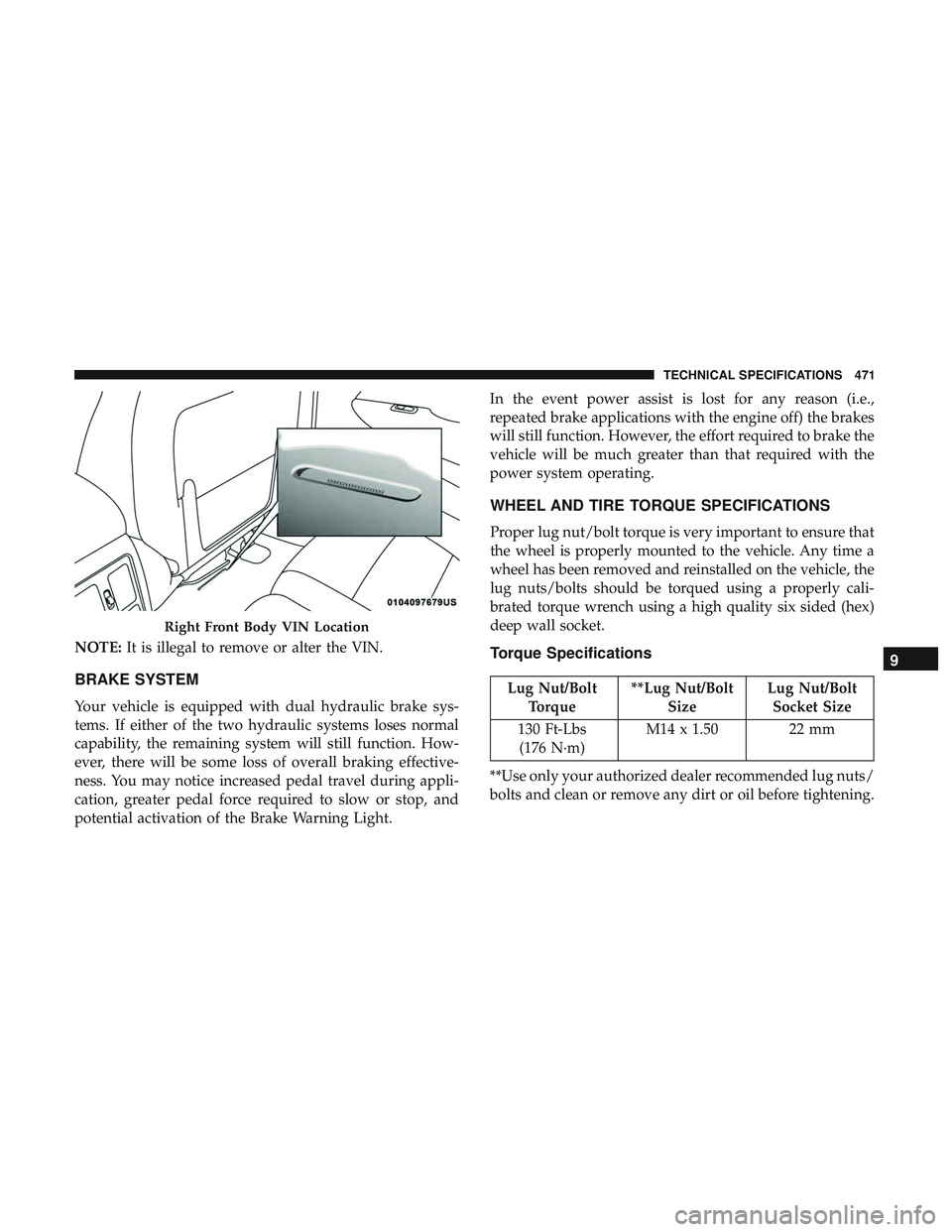
NOTE:It is illegal to remove or alter the VIN.
BRAKE SYSTEM
Your vehicle is equipped with dual hydraulic brake sys-
tems. If either of the two hydraulic systems loses normal
capability, the remaining system will still function. How-
ever, there will be some loss of overall braking effective-
ness. You may notice increased pedal travel during appli-
cation, greater pedal force required to slow or stop, and
potential activation of the Brake Warning Light. In the event power assist is lost for any reason (i.e.,
repeated brake applications with the engine off) the brakes
will still function. However, the effort required to brake the
vehicle will be much greater than that required with the
power system operating.
WHEEL AND TIRE TORQUE SPECIFICATIONS
Proper lug nut/bolt torque is very important to ensure that
the wheel is properly mounted to the vehicle. Any time a
wheel has been removed and reinstalled on the vehicle, the
lug nuts/bolts should be torqued using a properly cali-
brated torque wrench using a high quality six sided (hex)
deep wall socket.
Torque Specifications
Lug Nut/Bolt
Torque **Lug Nut/Bolt
Size Lug Nut/Bolt
Socket Size
130 Ft-Lbs (176 N·m) M14 x 1.50 22 mm
**Use only your authorized dealer recommended lug nuts/
bolts and clean or remove any dirt or oil before tightening.
Right Front Body VIN Location
9
TECHNICAL SPECIFICATIONS 471
Page 495 of 592
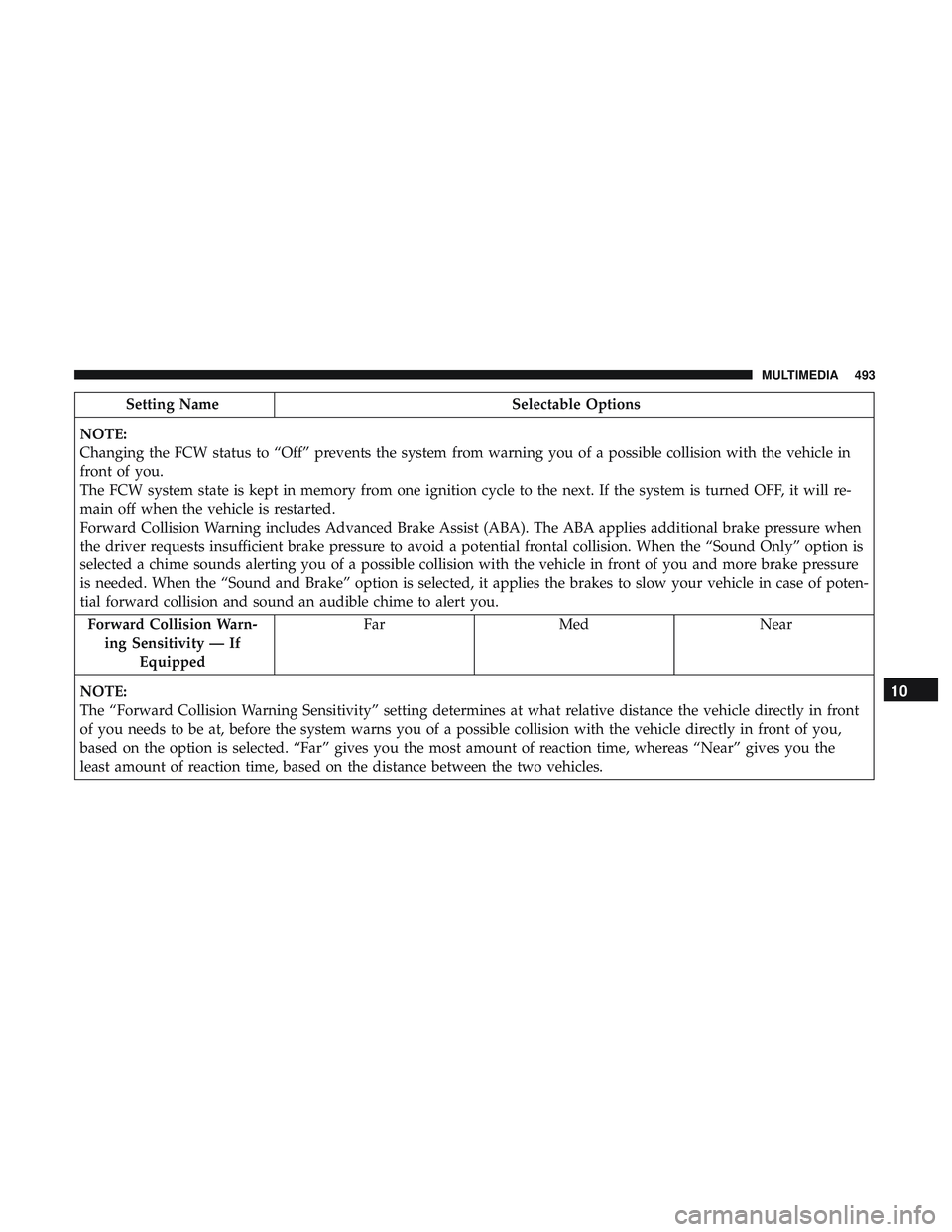
Setting NameSelectable Options
NOTE:
Changing the FCW status to “Off” prevents the system from warning you of a possible collision with the vehicle in
front of you.
The FCW system state is kept in memory from one ignition cycle to the next. If the system is turned OFF, it will re-
main off when the vehicle is restarted.
Forward Collision Warning includes Advanced Brake Assist (ABA). The ABA applies additional brake pressure when
the driver requests insufficient brake pressure to avoid a potential frontal collision. When the “Sound Only” option is
selected a chime sounds alerting you of a possible collision with the vehicle in front of you and more brake pressure
is needed. When the “Sound and Brake” option is selected, it applies the brakes to slow your vehicle in case of poten-
tial forward collision and sound an audible chime to alert you. Forward Collision Warn- ing Sensitivity — If Equipped Far
Med Near
NOTE:
The “Forward Collision Warning Sensitivity” setting determines at what relative distance the vehicle directly in front
of you needs to be at, before the system warns you of a possible collision with the vehicle directly in front of you,
based on the option is selected. “Far” gives you the most amount of reaction time, whereas “Near” gives you the
least amount of reaction time, based on the distance between the two vehicles.
10
MULTIMEDIA 493
Page 515 of 592
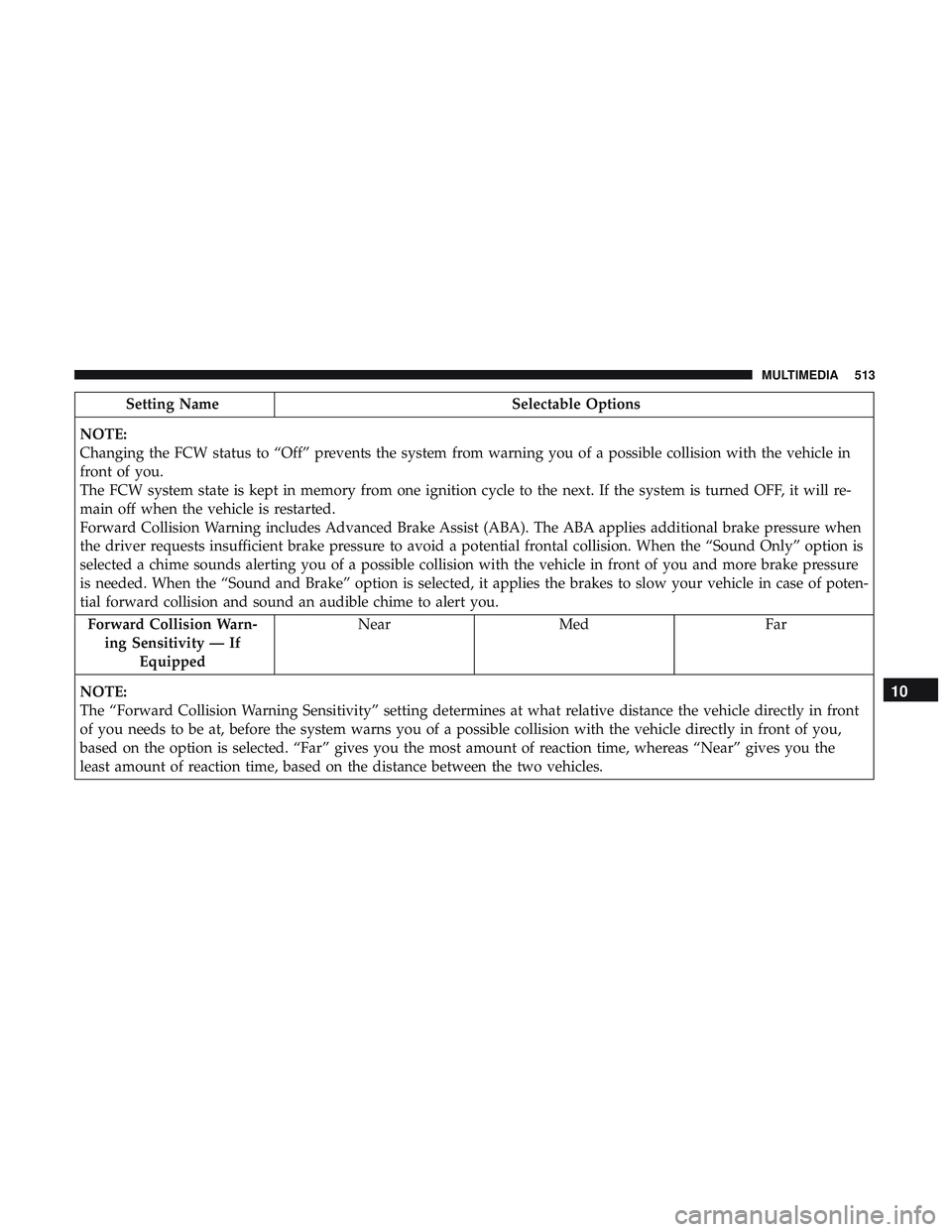
Setting NameSelectable Options
NOTE:
Changing the FCW status to “Off” prevents the system from warning you of a possible collision with the vehicle in
front of you.
The FCW system state is kept in memory from one ignition cycle to the next. If the system is turned OFF, it will re-
main off when the vehicle is restarted.
Forward Collision Warning includes Advanced Brake Assist (ABA). The ABA applies additional brake pressure when
the driver requests insufficient brake pressure to avoid a potential frontal collision. When the “Sound Only” option is
selected a chime sounds alerting you of a possible collision with the vehicle in front of you and more brake pressure
is needed. When the “Sound and Brake” option is selected, it applies the brakes to slow your vehicle in case of poten-
tial forward collision and sound an audible chime to alert you. Forward Collision Warn- ing Sensitivity — If Equipped Near
Med Far
NOTE:
The “Forward Collision Warning Sensitivity” setting determines at what relative distance the vehicle directly in front
of you needs to be at, before the system warns you of a possible collision with the vehicle directly in front of you,
based on the option is selected. “Far” gives you the most amount of reaction time, whereas “Near” gives you the
least amount of reaction time, based on the distance between the two vehicles.
10
MULTIMEDIA 513
Page 576 of 592
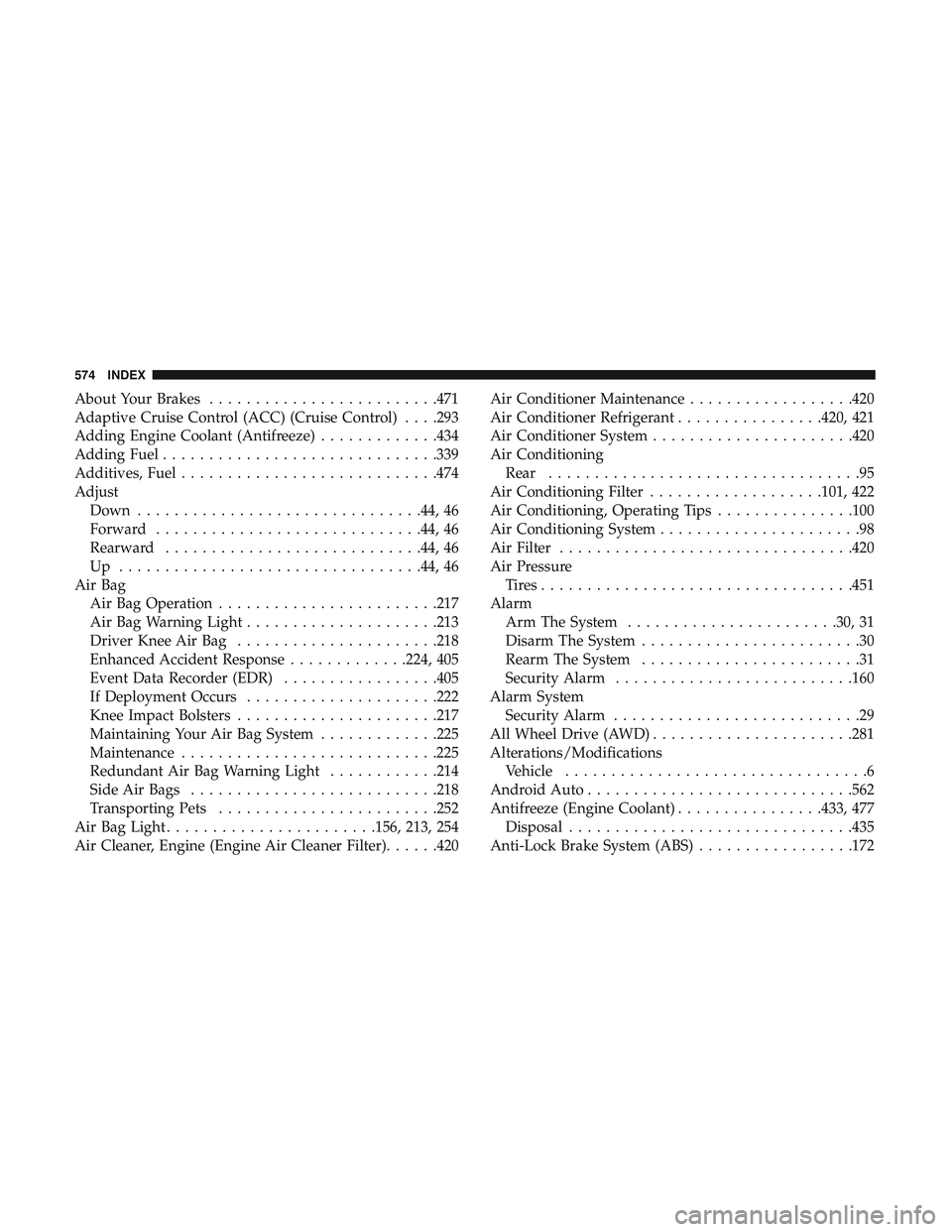
About Your Brakes........................ .471
Adaptive Cruise Control (ACC) (Cruise Control) . . . .293
Adding Engine Coolant (Antifreeze) .............434
Adding Fuel ............................. .339
Additives, Fuel ............................474
Adjust Down ...............................44, 46
Forward ............................ .44, 46
Rearward ............................44, 46
Up .................................44, 46
Air Bag Air Bag Operation ........................217
Air Bag Warning Light .....................213
Driver Knee Air Bag ..................... .218
Enhanced Accident Response .............224, 405
Event Data Recorder (EDR) .................405
If Deployment Occurs .....................222
Knee Impact Bolsters ..................... .217
Maintaining Your Air Bag System .............225
Maintenance ............................225
Redundant Air Bag Warning Light ............214
Side Air Bags .......................... .218
Transporting Pets ........................252
Air Bag Light .......................156, 213, 254
Air Cleaner, Engine (Engine Air Cleaner Filter) ......420Air Conditioner Maintenance
..................420
Air Conditioner Refrigerant ................420, 421
Air Conditioner System ..................... .420
Air Conditioning Rear ..................................95
Air Conditioning Filter ...................101, 422
Air Conditioning, Operating Tips ...............100
Air Conditioning System ......................98
Air Filter ............................... .420
Air Pressure Tires................................. .451
Alarm Arm The System .......................30, 31
Disarm The System ........................30
Rearm The System ........................ 3
1
Security Alarm ..........................160
Alarm System Security Alarm ...........................29
All Wheel Drive (AWD) ..................... .281
Alterations/Modifications Vehicle .................................6
Android Auto ............................ .562
Antifreeze (Engine Coolant) ................433, 477
Disposal ...............................435
Anti-Lock Brake System (ABS) .................172
574 INDEX
Page 584 of 592
Multi-Function Control Lever...................72
New Vehicle Break-In Period ..................268
Occupant Restraints ........................ .199
Octane Rating, Gasoline (Fuel) .................473
Oil Change Indicator ........................147
Reset .................................147
Oil, Engine ...............................418
Capacity ...............................477
Change Interval ........................ .418
Dipstick ...............................416
Disposal ...............................419
Filter .................................420
Filter Disposal .......................... .419
Identification Logo .......................418
Materials Added To .......................419
Pressure Warning Light ....................159
Recommendation .....................418, 477
Synthetic ............................. .419
Viscosity ........................418, 419, 477
Oil Filter, Change ..........................420
Oil Filter, Selection ..........................420
Oil Pressure Light ..........................159
Onboard Diagnostic System ...................167 Opener, Garage Door (Homelink)
...............114
Operating Precautions .......................167
Operator Manual Owner’s Manual ...........................6
Outside Rearview Mirrors .....................69
Overheating, Engine ........................397
Owner’s Manual (Operator Manual) .............572
Paint Care ............................... .464
Parking Brake ............................ .268
ParkSense System, Rear ...................313, 322
Passive Entry ..............................33
Personalized Main Menu .....................485
Pets ................................... .252
Placard, Tire And Loading Information ...........446
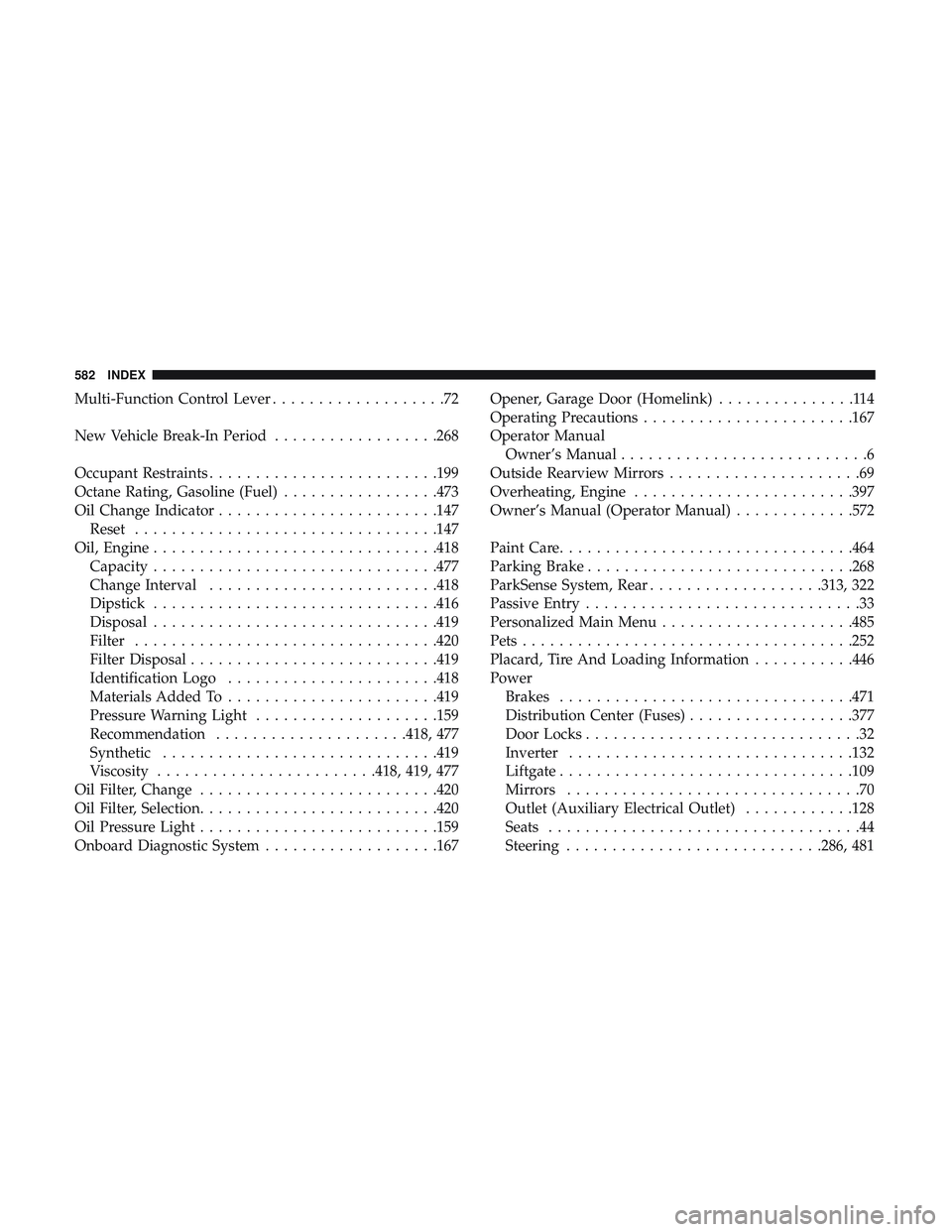
Power Brakes ............................... .471
Distribution Center
(Fuses)..................377
Door Locks ..............................32
Inverter ...............................132
Liftgate ............................... .109
Mirrors ................................70
Outlet (Auxiliary Electrical Outlet) ............128
Seats ..................................44
Steering ............................286, 481
582 INDEX