lock DODGE GRAND CARAVAN 2008 5.G Owners Manual
[x] Cancel search | Manufacturer: DODGE, Model Year: 2008, Model line: GRAND CARAVAN, Model: DODGE GRAND CARAVAN 2008 5.GPages: 531, PDF Size: 7.72 MB
Page 301 of 531
RADIO OPERATION AND CELLULAR PHONES
Under certain conditions, the cellular phone being ON in
your vehicle can cause erratic or noisy performance from
your radio. This condition may be lessened or eliminated
by relocating the cellular phone antenna. This condition
is not harmful to the radio. If your radio performance
does not satisfactorily ªclearº by the repositioning of the
antenna, it is recommended that the radio volume be
turned down or off during cellular phone operation.
REMOTE SOUND SYSTEM CONTROLS Ð IF
EQUIPPED
The remote sound system controls are located on the rear
surface of the steering wheel at the 3 and 9 O'clock
positions.
The right-hand rocker switch has a push button in the
center and controls the volume and mode of the sound
system. Pressing the top of the rocker switch will increase
the volume. Pressing the bottom of the rocker switch willdecrease the volume. Pressing the center button changes
the operation of the radio from AM to FM or Tape to CD
mode depending on which radio is in the vehicle.
The left-hand rocker switch has a push button in the
center. The function of the left-hand switch is different
depending on which mode you are in.
The following describes the left hand rocker switch
operation in each mode:
Radio Operation
Pressing the top of the switch will SEEK up for the next
listenable station and pressing the bottom of the switch
will SEEK down for the next listenable station.
The button located in the center of the left hand switch
will tune to the next pre-set station that you have
programmed in the radio pre-set push-button.
UNDERSTANDING YOUR INSTRUMENT PANEL 299
4
Page 304 of 531
Front Blower Control
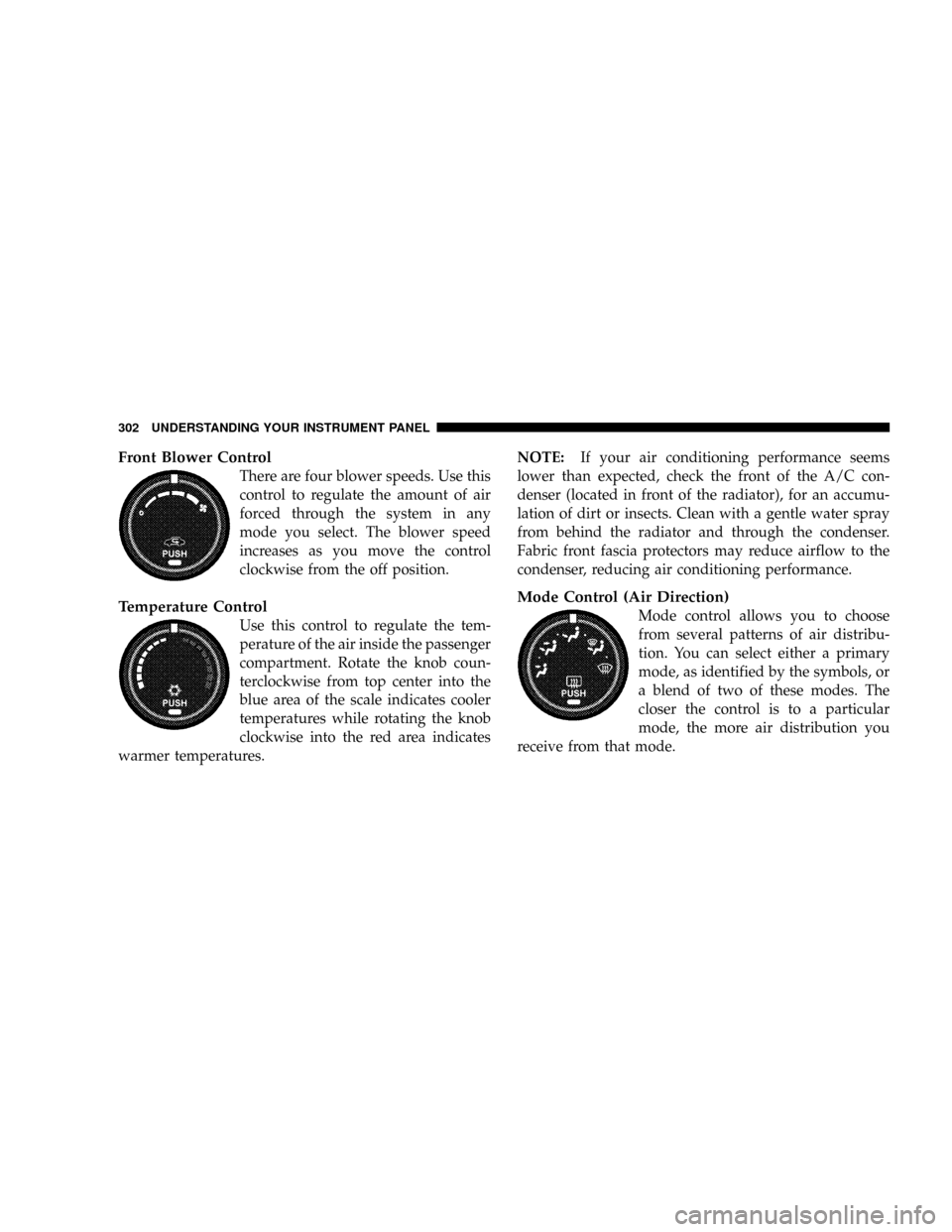
There are four blower speeds. Use this
control to regulate the amount of air
forced through the system in any
mode you select. The blower speed
increases as you move the control
clockwise from the off position.
Temperature Control
Use this control to regulate the tem-
perature of the air inside the passenger
compartment. Rotate the knob coun-
terclockwise from top center into the
blue area of the scale indicates cooler
temperatures while rotating the knob
clockwise into the red area indicates
warmer temperatures.NOTE:If your air conditioning performance seems
lower than expected, check the front of the A/C con-
denser (located in front of the radiator), for an accumu-
lation of dirt or insects. Clean with a gentle water spray
from behind the radiator and through the condenser.
Fabric front fascia protectors may reduce airflow to the
condenser, reducing air conditioning performance.
Mode Control (Air Direction)
Mode control allows you to choose
from several patterns of air distribu-
tion. You can select either a primary
mode, as identified by the symbols, or
a blend of two of these modes. The
closer the control is to a particular
mode, the more air distribution you
receive from that mode.
302 UNDERSTANDING YOUR INSTRUMENT PANEL
Page 306 of 531
RECIRCULATION Control
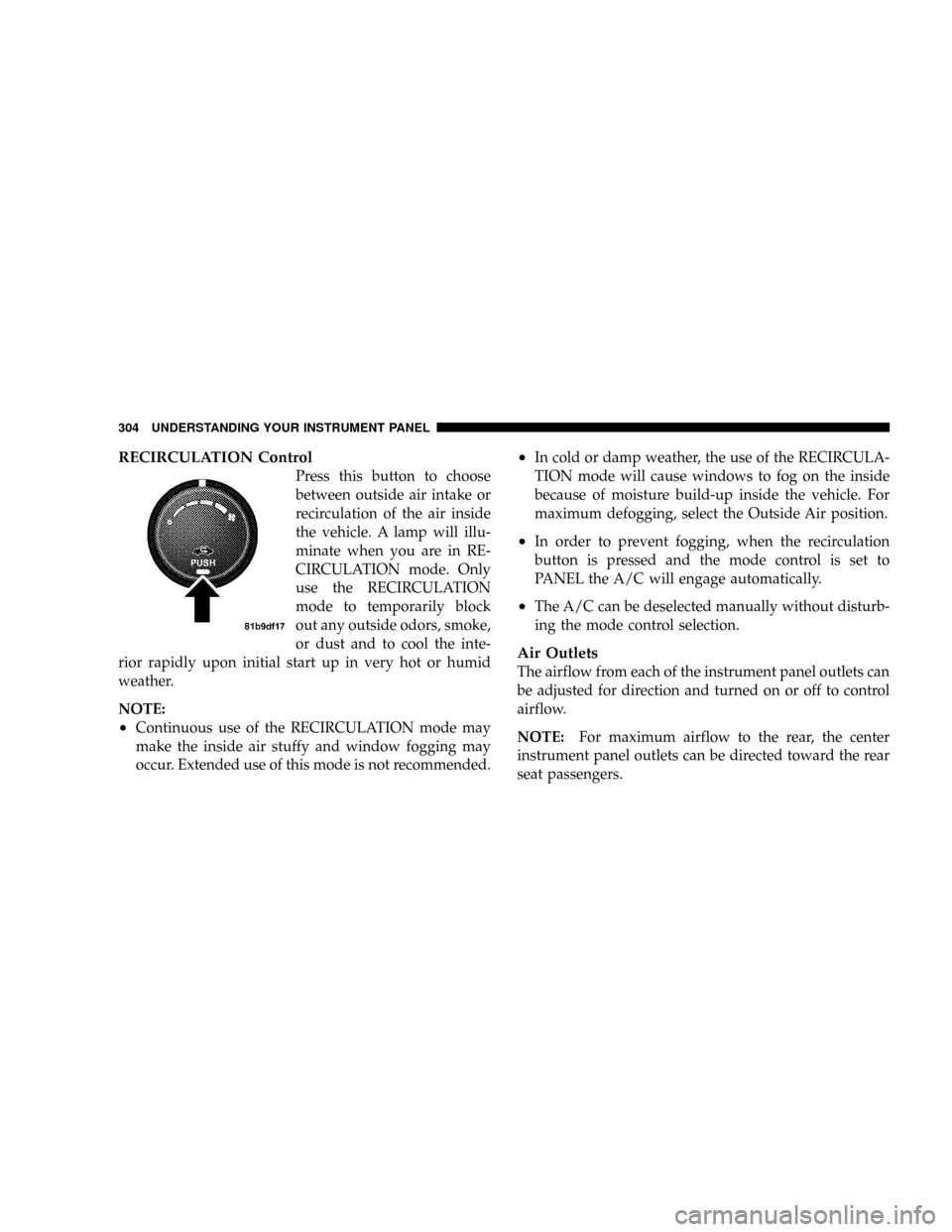
Press this button to choose
between outside air intake or
recirculation of the air inside
the vehicle. A lamp will illu-
minate when you are in RE-
CIRCULATION mode. Only
use the RECIRCULATION
mode to temporarily block
out any outside odors, smoke,
or dust and to cool the inte-
rior rapidly upon initial start up in very hot or humid
weather.
NOTE:
²Continuous use of the RECIRCULATION mode may
make the inside air stuffy and window fogging may
occur. Extended use of this mode is not recommended.
²In cold or damp weather, the use of the RECIRCULA-
TION mode will cause windows to fog on the inside
because of moisture build-up inside the vehicle. For
maximum defogging, select the Outside Air position.
²In order to prevent fogging, when the recirculation
button is pressed and the mode control is set to
PANEL the A/C will engage automatically.
²The A/C can be deselected manually without disturb-
ing the mode control selection.
Air Outlets
The airflow from each of the instrument panel outlets can
be adjusted for direction and turned on or off to control
airflow.
NOTE:For maximum airflow to the rear, the center
instrument panel outlets can be directed toward the rear
seat passengers.
304 UNDERSTANDING YOUR INSTRUMENT PANEL
Page 309 of 531
The primary control for the rear blower is on the front
climate control unit located on the instrument panel.
The front climate control unit has five positions, off, rear,
and a range of blower speeds. Only when the primary
control for the rear blower is in the REAR position do the
second seat occupants have control of the rear blower
speed.
REAR MANUAL CLIMATE CONTROL ZONE Ð IF
EQUIPPED
The Rear Manual Climate Control Zone system has floor
air outlets at the rear of the right side sliding door and
overhead outlets at each outboard rear seating position.
The unit provides warm or cool air through the floor and
upper outlets.
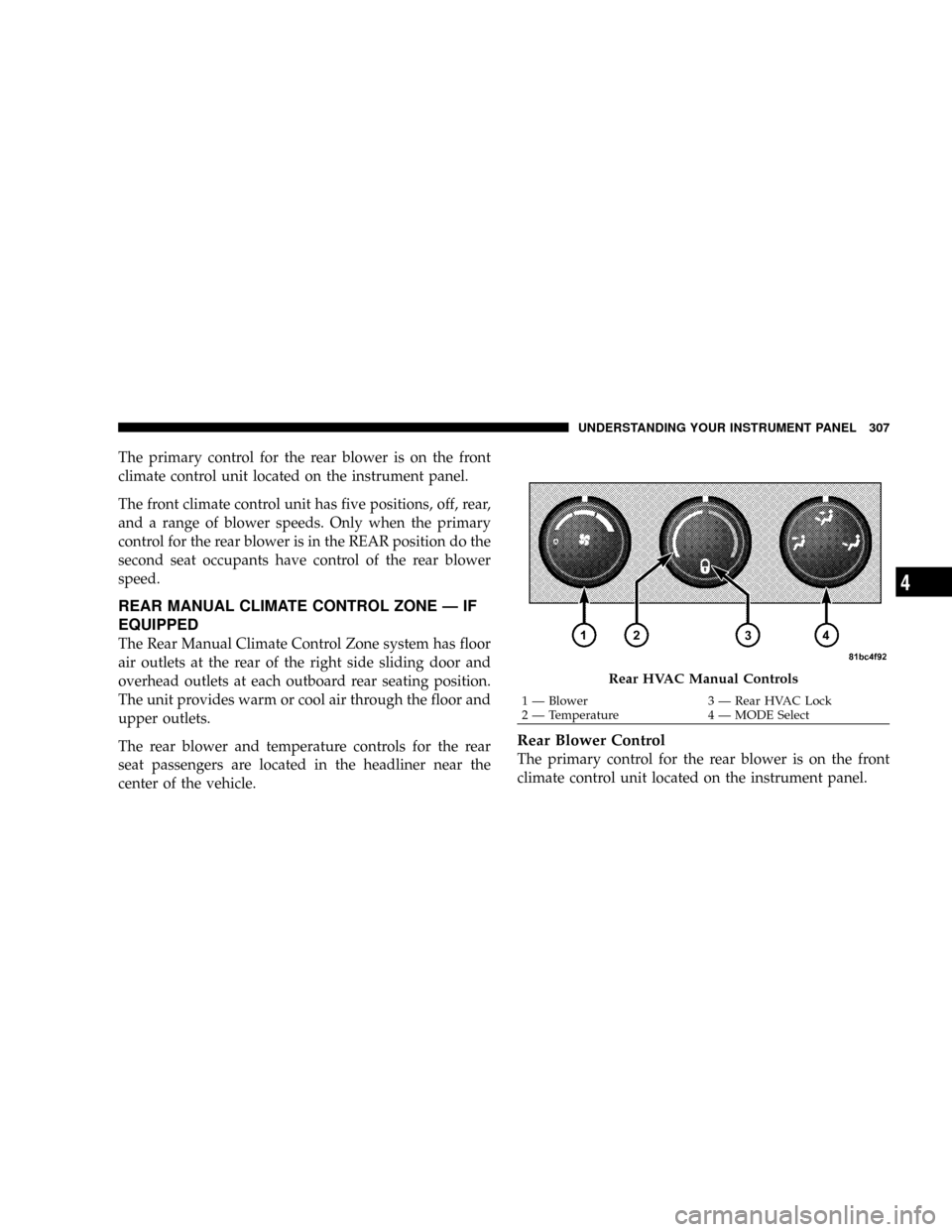
The rear blower and temperature controls for the rear
seat passengers are located in the headliner near the
center of the vehicle.
Rear Blower Control
The primary control for the rear blower is on the front
climate control unit located on the instrument panel.
Rear HVAC Manual Controls
1 Ð Blower 3 Ð Rear HVAC Lock
2 Ð Temperature 4 Ð MODE SelectUNDERSTANDING YOUR INSTRUMENT PANEL 307
4
Page 310 of 531
Only when the front control for the rear blower is in the
RRposition do the second seat occupants have control of
the rear blower speed.
The rear blower control, located in the rear overhead
console has an off position and a range of blower speeds.
This allows the second seat occupants to control the
volume of air circulated in the rear of the vehicle.
CAUTION!
Interior air enters the Manual Rear Zone Climate
Control system through an intake grille located in the
passenger side trim panel behind the third seat. The
heater outlets are located in the passenger side trim
panel just behind the sliding door. Do not block or
place objects directly in front of the inlet grille or
heater outlets. The electrical system could overload
causing damage to the blower motor.
Rear Temperature Control
When the blower knob on the front climate control unit is
set to any position other thanRR, the rear temperature
selection follows the setting of the rear temperature
control knob on the front climate control unit. The rear
mode selection follows the setting of the rear mode
control knob.
To change the temperature in the rear of the vehicle,
rotate the temperature control knob counterclockwise for
cold and clockwise for heated air.
When rear controls are locked by the front system, the
lock symbol on the temperature knob is illuminated and
the rear overhead adjustments are ignored.
The rear airflow modes will mirror the front unit opera-
tion. Rear PANEL mode is automatically selected when
the front control is in the PANEL mode. When the front
unit is in BI-LEVEL mode, airflow will be emitted from
both the upper and lower rear outlets. When the front
308 UNDERSTANDING YOUR INSTRUMENT PANEL
Page 313 of 531
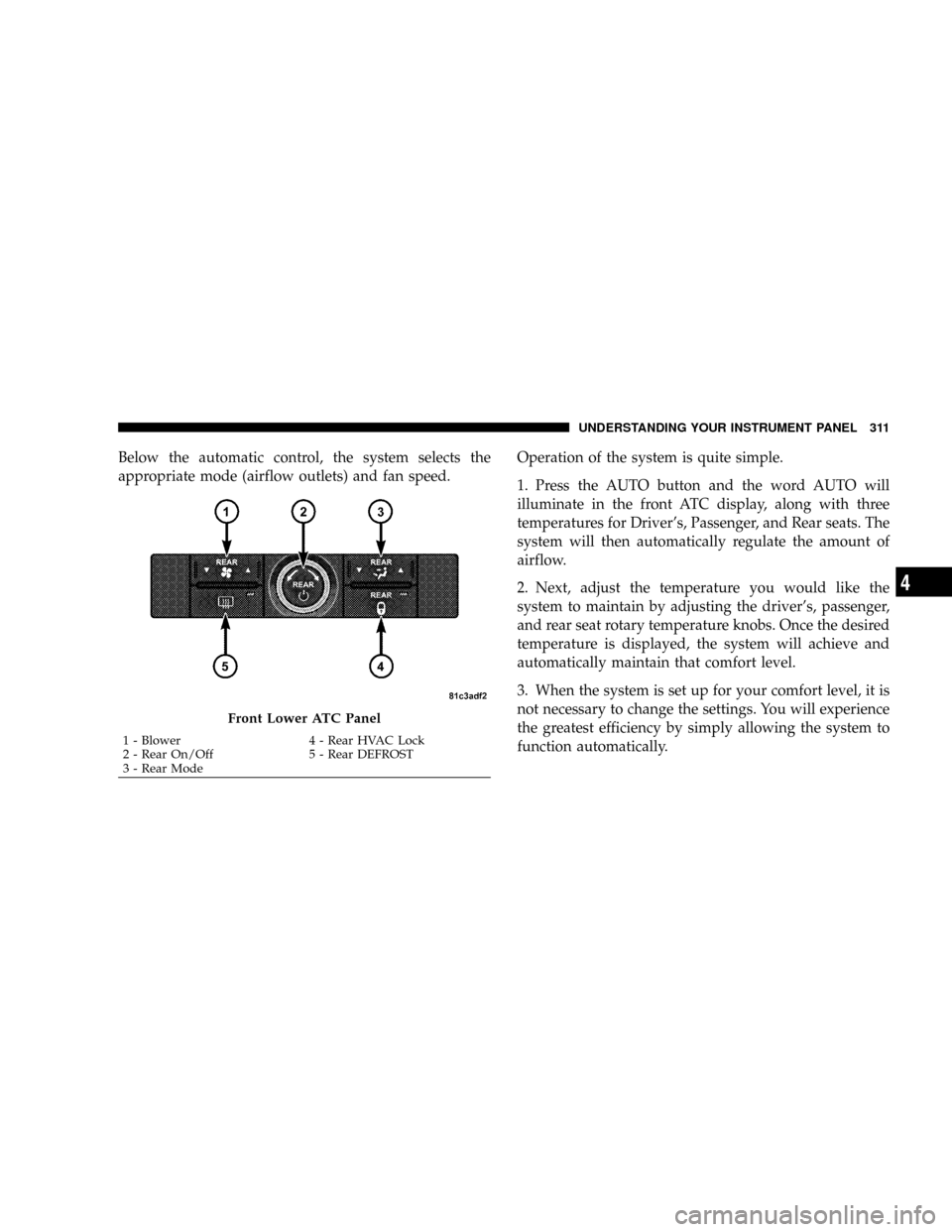
Below the automatic control, the system selects the
appropriate mode (airflow outlets) and fan speed.Operation of the system is quite simple.
1. Press the AUTO button and the word AUTO will
illuminate in the front ATC display, along with three
temperatures for Driver's, Passenger, and Rear seats. The
system will then automatically regulate the amount of
airflow.
2. Next, adjust the temperature you would like the
system to maintain by adjusting the driver's, passenger,
and rear seat rotary temperature knobs. Once the desired
temperature is displayed, the system will achieve and
automatically maintain that comfort level.
3. When the system is set up for your comfort level, it is
not necessary to change the settings. You will experience
the greatest efficiency by simply allowing the system to
function automatically.
Front Lower ATC Panel
1 - Blower 4 - Rear HVAC Lock
2 - Rear On/Off 5 - Rear DEFROST
3 - Rear ModeUNDERSTANDING YOUR INSTRUMENT PANEL 311
4
Page 317 of 531
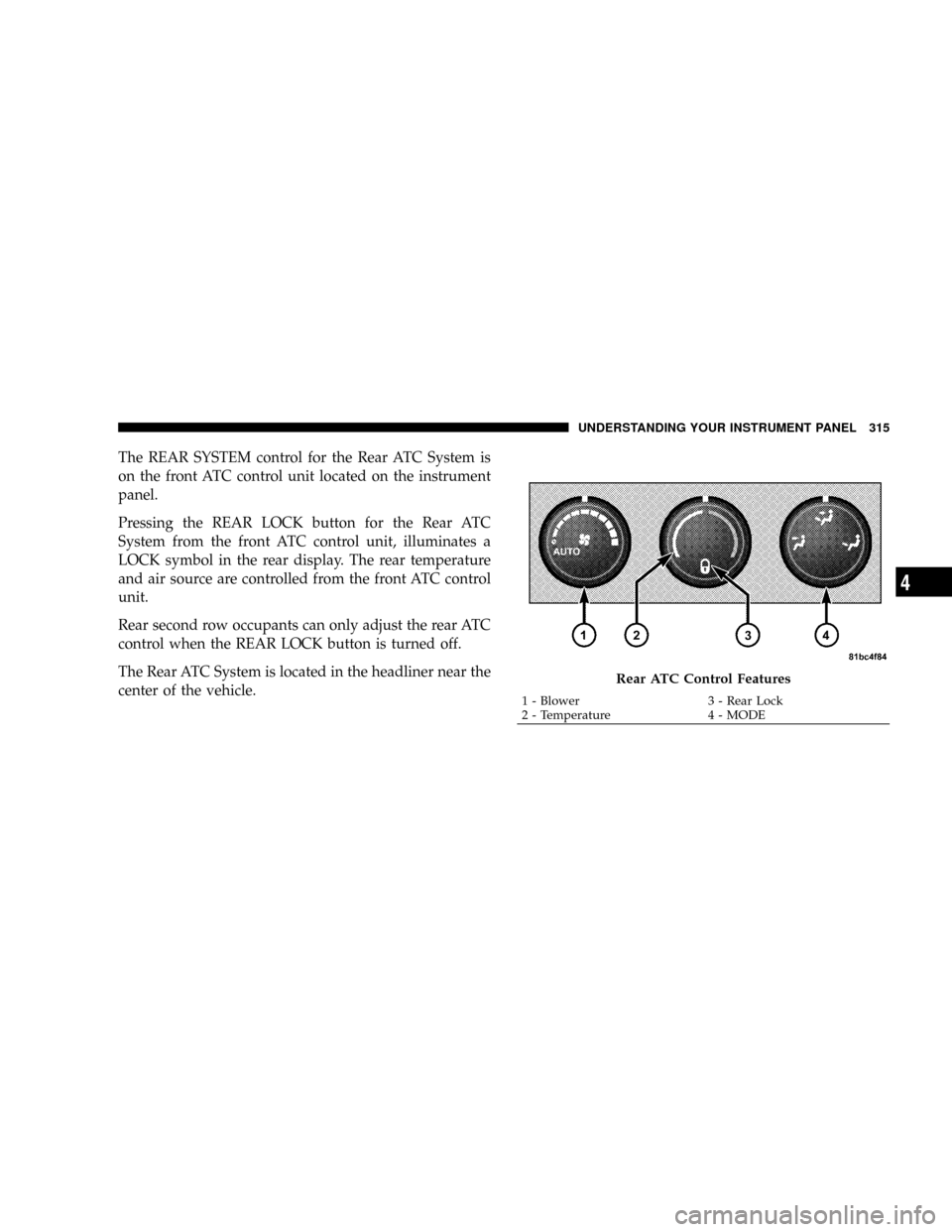
The REAR SYSTEM control for the Rear ATC System is
on the front ATC control unit located on the instrument
panel.
Pressing the REAR LOCK button for the Rear ATC
System from the front ATC control unit, illuminates a
LOCK symbol in the rear display. The rear temperature
and air source are controlled from the front ATC control
unit.
Rear second row occupants can only adjust the rear ATC
control when the REAR LOCK button is turned off.
The Rear ATC System is located in the headliner near the
center of the vehicle.
Rear ATC Control Features
1 - Blower 3 - Rear Lock
2 - Temperature 4 - MODEUNDERSTANDING YOUR INSTRUMENT PANEL 315
4
Page 318 of 531
Operation of the rear system is quite simple.
1. Press the REAR LOCK button on the front ATC control
unit. This turns off the REAR LOCK icon in the rear
temperature knob.
2. Rotate the Rear Blower, Rear Temperature and the
Rear Mode Control knobs to suit your comfort needs.
3. ATC is selected by adjusting the rear blower knob
counterclockwise to AUTO.
Once the desired temperature is displayed, the ATC
System will automatically achieve and maintain that
comfort level. When the system is set up for your comfort
level, it is not necessary to change the settings. You will
experience the greatest efficiency by simply allowing the
system to function automatically.NOTE:
²It is not necessary to move the temperature settings for
cold or hot vehicles. The system automatically adjusts
the temperature, mode and fan speed to provide
comfort as quickly as possible.
²The temperature can be displayed in U.S. or Metric by
selecting the US/M customer programmable feature.
Refer to ELECTRONIC VEHICLE INFORMATION
CENTER (EVIC) Ð IF EQUIPPED, Personal Settings
(Customer Programmable Features) in Section 4 of this
manual.
Rear Blower Control
The rear blower control knob can be manually set to off
or any fixed blower speed by rotating the knob from low
to high. This allows the rear seat occupants to control the
volume of air circulated in the rear of the vehicle.
316 UNDERSTANDING YOUR INSTRUMENT PANEL
Page 319 of 531
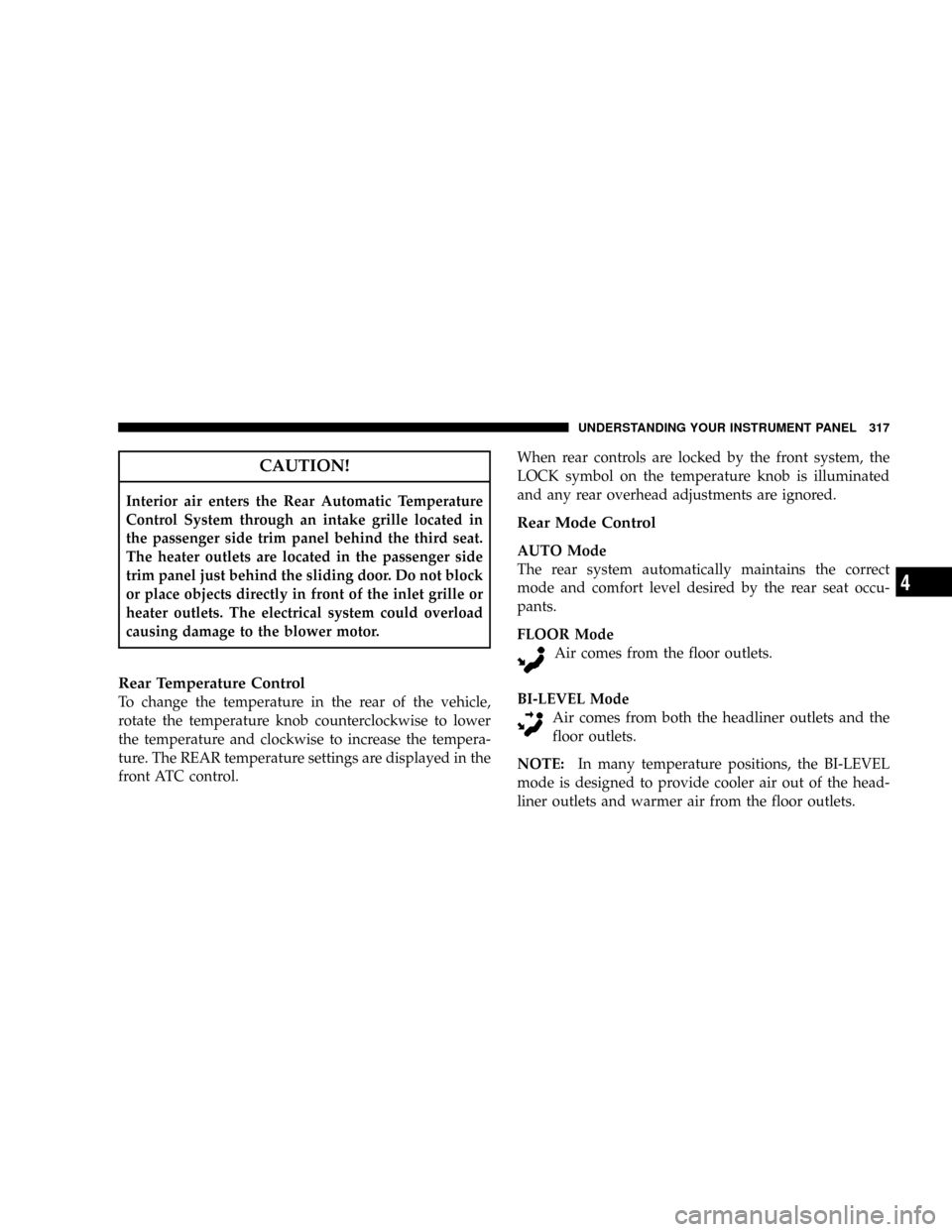
CAUTION!
Interior air enters the Rear Automatic Temperature
Control System through an intake grille located in
the passenger side trim panel behind the third seat.
The heater outlets are located in the passenger side
trim panel just behind the sliding door. Do not block
or place objects directly in front of the inlet grille or
heater outlets. The electrical system could overload
causing damage to the blower motor.
Rear Temperature Control
To change the temperature in the rear of the vehicle,
rotate the temperature knob counterclockwise to lower
the temperature and clockwise to increase the tempera-
ture. The REAR temperature settings are displayed in the
front ATC control.When rear controls are locked by the front system, the
LOCK symbol on the temperature knob is illuminated
and any rear overhead adjustments are ignored.
Rear Mode Control
AUTO Mode
The rear system automatically maintains the correct
mode and comfort level desired by the rear seat occu-
pants.
FLOOR Mode
Air comes from the floor outlets.
BI-LEVEL Mode
Air comes from both the headliner outlets and the
floor outlets.
NOTE:In many temperature positions, the BI-LEVEL
mode is designed to provide cooler air out of the head-
liner outlets and warmer air from the floor outlets.
UNDERSTANDING YOUR INSTRUMENT PANEL 317
4
Page 323 of 531
STARTING AND OPERATING
CONTENTS
mStarting Procedures.....................324
NAutomatic Transmission................325
mEngine Block Heater Ð If Equipped.........327
mAutomatic Transmission..................328
NBrake/Transmission Interlock System.......328
NFour-Speed Or Six-Speed Automatic
Transmission........................329
NReset Mode - Electronic Transmission.......334
mParking Brake.........................335mBrake System..........................337
NAnti-Lock Brake System (ABS)............338
mElectronic Brake Control Systems............340
NTraction Control System (TCS)............340
mPower Steering........................344
mDriving On Slippery Surfaces..............345
NAcceleration.........................345
NTraction............................346
mDriving Through Water..................346
5