warning light DODGE GRAND CARAVAN 2008 5.G User Guide
[x] Cancel search | Manufacturer: DODGE, Model Year: 2008, Model line: GRAND CARAVAN, Model: DODGE GRAND CARAVAN 2008 5.GPages: 531, PDF Size: 7.72 MB
Page 104 of 531
EXTERIOR MIRRORS
Side View Mirrors
To receive maximum benefit, adjust the outside mirror(s)
to center on the adjacent lane of traffic with a slight
overlap of the view obtained on the inside mirror.
WARNING!
Vehicles and other objects seen in a outside convex
mirrors will look smaller and farther away than they
really are. Relying too much on side convex mirrors
could cause you to collide with another vehicle or
other object. Use your inside mirror when judging
the size or distance of a vehicle seen in a side convex
mirror.
Side View Manual Folding Mirrors
All exterior mirrors are hinged and may be moved either
forward or rearward to resist damage. The hinges have
three detent positions; full forward, full rearward, and
normal.
Driver's Auto-Dimming Side View Mirror Ð If
Equipped
This mirror automatically adjusts for annoying headlight
glare from vehicles behind you. You can turn this feature
on or off by pressing the button at the base of the
Rearview Mirror.
Power Remote Folding Side View Mirrors Ð If
Equipped
Press the power fold button to fold in the mirrors. Press
the button again to unfold the mirrors.
102 UNDERSTANDING THE FEATURES OF YOUR VEHICLE
Page 138 of 531
WARNING!
Persons who are unable to feel pain to the skin
because of advanced age, chronic illness, diabetes,
spinal cord injury, medication, alcohol use, exhaus-
tion or other physical condition must exercise care
when using the seat heater. It may cause burns even
at low temperatures, especially if used for long
periods of time. DO NOT place anything on the seat
that insulates against heat, such as a blanket or
cushion. This may cause the seat heater to overheat.
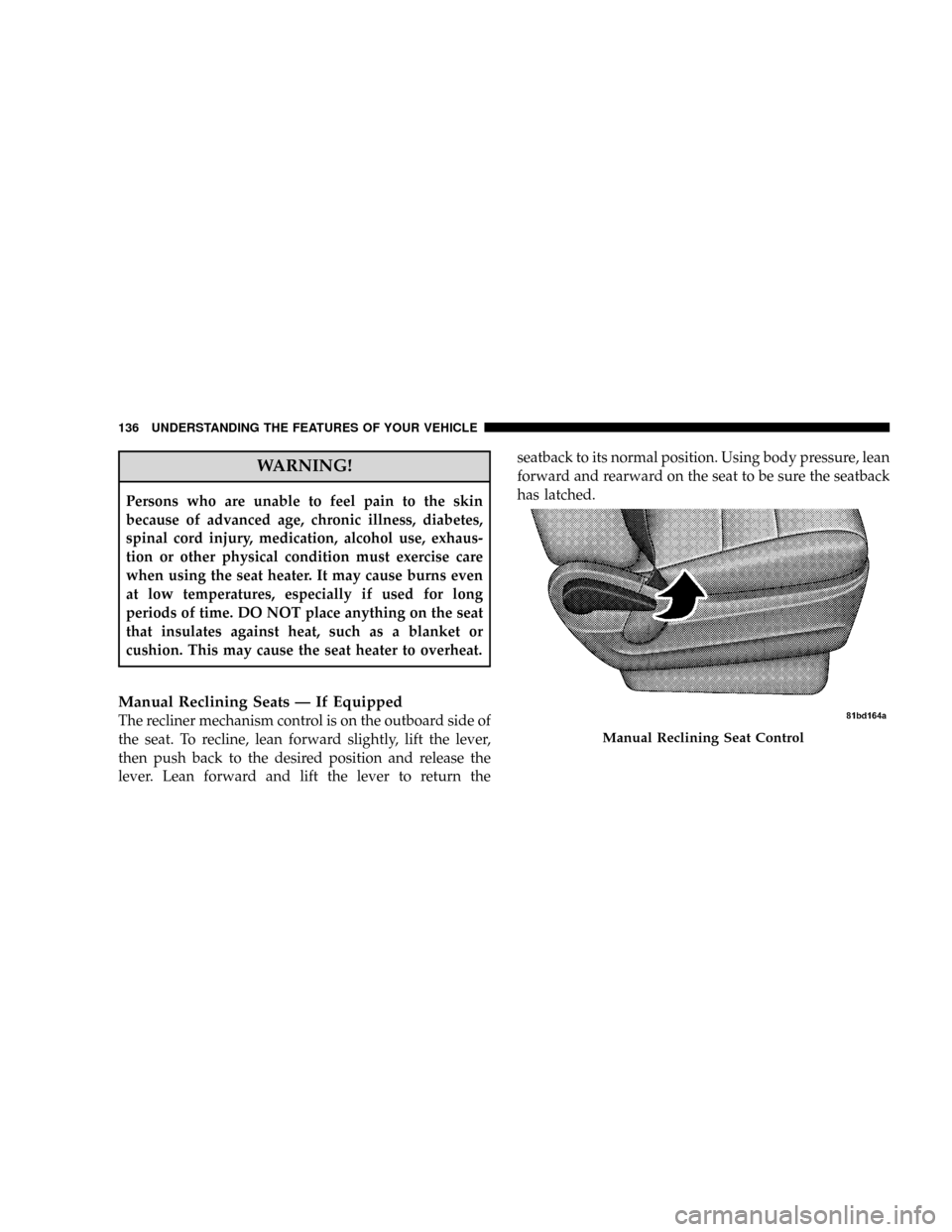
Manual Reclining Seats Ð If Equipped
The recliner mechanism control is on the outboard side of
the seat. To recline, lean forward slightly, lift the lever,
then push back to the desired position and release the
lever. Lean forward and lift the lever to return theseatback to its normal position. Using body pressure, lean
forward and rearward on the seat to be sure the seatback
has latched.
Manual Reclining Seat Control
136 UNDERSTANDING THE FEATURES OF YOUR VEHICLE
Page 162 of 531
If the vehicle is equipped with the Compass Mini-Trip
Computer (CMTC) and the hood is not latched, a ªhoodº
will be displayed in the PRNDL/Odometer window of
the instrument cluster.
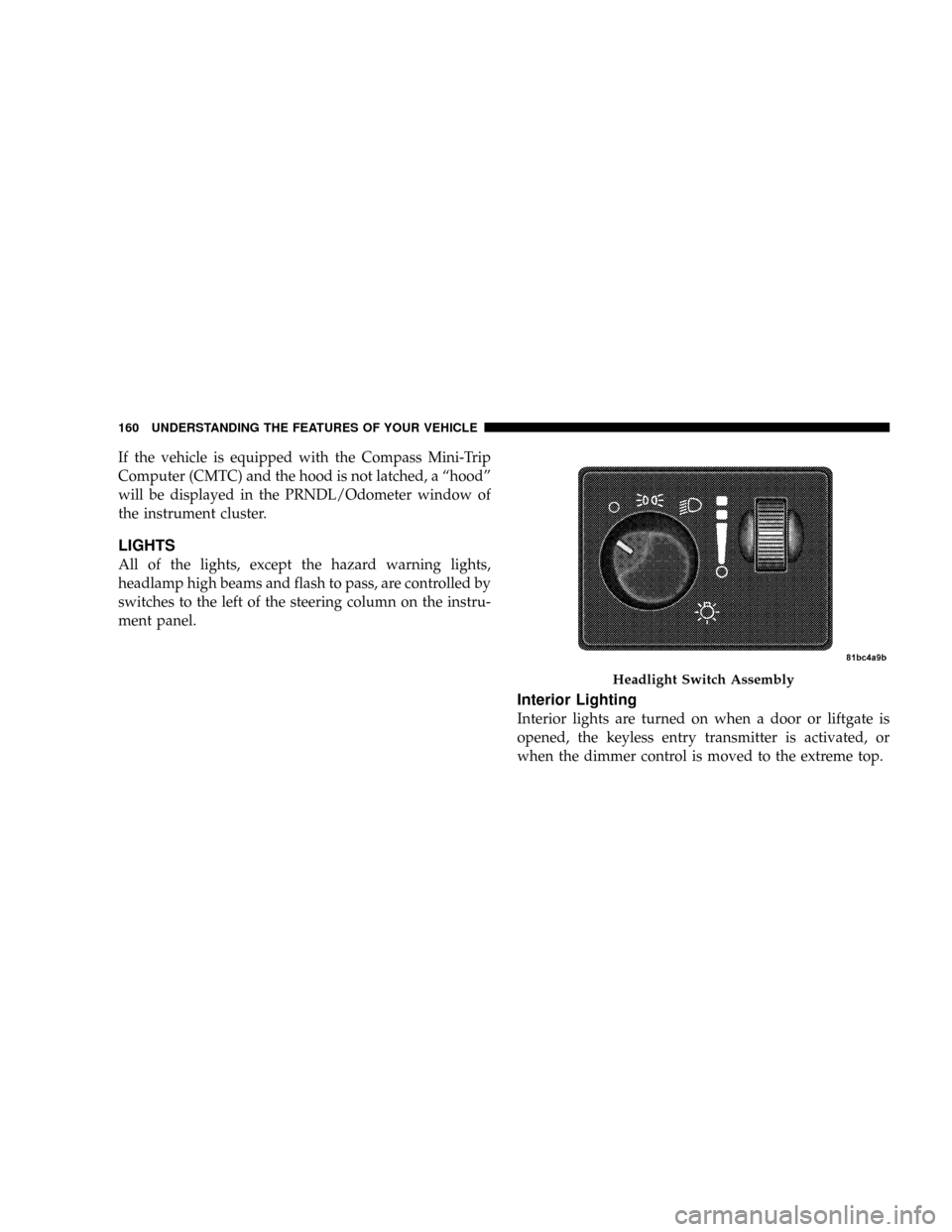
LIGHTS
All of the lights, except the hazard warning lights,
headlamp high beams and flash to pass, are controlled by
switches to the left of the steering column on the instru-
ment panel.
Interior Lighting
Interior lights are turned on when a door or liftgate is
opened, the keyless entry transmitter is activated, or
when the dimmer control is moved to the extreme top.
Headlight Switch Assembly
160 UNDERSTANDING THE FEATURES OF YOUR VEHICLE
Page 169 of 531
If either indicator flashes at a rapid rate, check for a
defective outside turn signal light bulb. If one of the
indicators fails to light when the lever is moved, it would
suggest that the indicator light is defective.
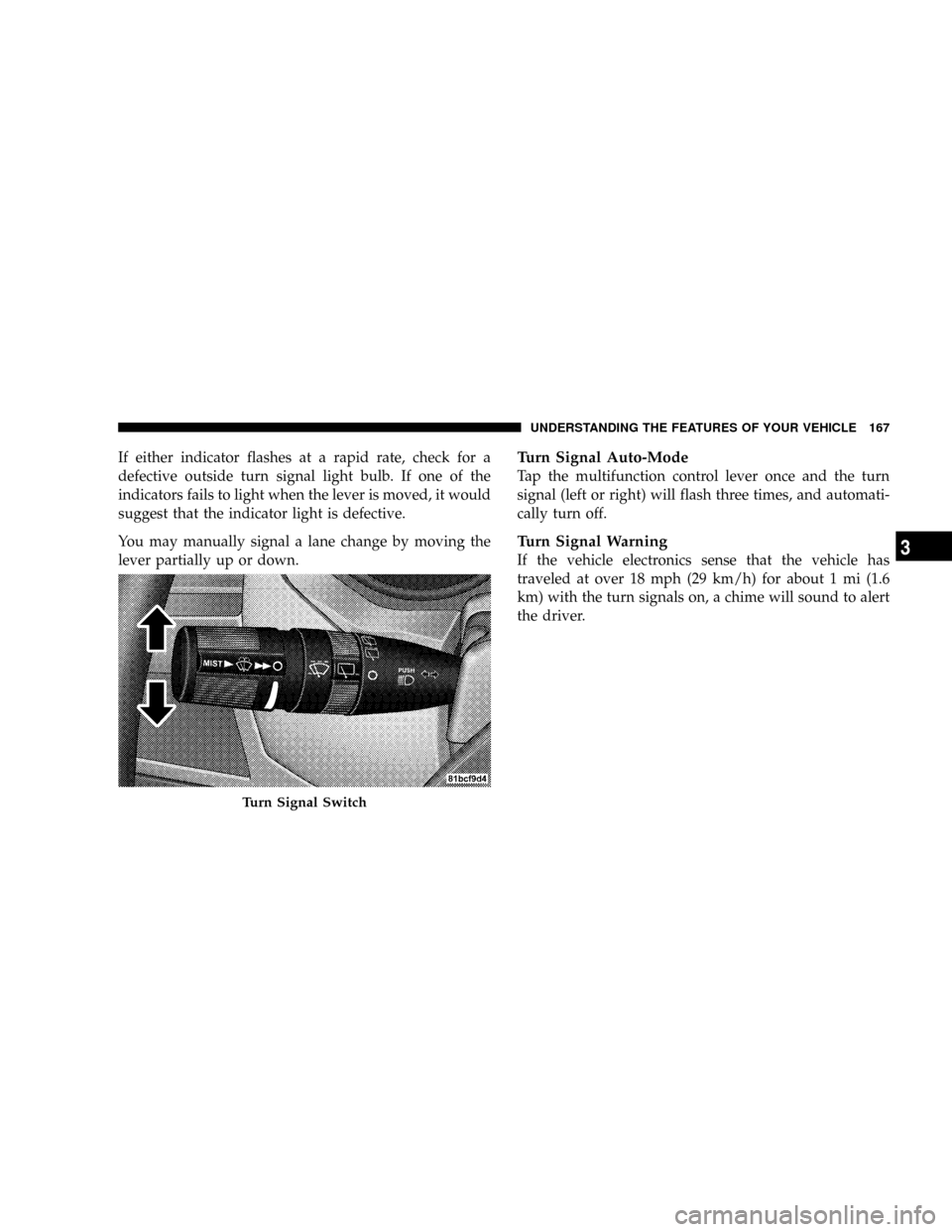
You may manually signal a lane change by moving the
lever partially up or down.Turn Signal Auto-Mode
Tap the multifunction control lever once and the turn
signal (left or right) will flash three times, and automati-
cally turn off.
Turn Signal Warning
If the vehicle electronics sense that the vehicle has
traveled at over 18 mph (29 km/h) for about 1 mi (1.6
km) with the turn signals on, a chime will sound to alert
the driver.
Turn Signal Switch
UNDERSTANDING THE FEATURES OF YOUR VEHICLE 167
3
Page 172 of 531
the rotary ring fully forward and the washers will spray
until the ring is released, and then resume the intermit-
tent interval.
NOTE:Rear window wipers function in the intermittent
wiper speed only.
4. Headlight Low/High Beam Select Switch and
Flash-to-Pass
Headlight Low/High Beam Select SwitchWhen the
headlights are turned on, pushing the lever assembly
toward the instrument panel will switch from low beams
to high beams. Pulling back to the neutral position
returns to low beam headlights.
Flash-to-Pass (Optical Horn)You can signal another
vehicle with your headlights by lightly pulling the mul-
tifunction lever toward you. This will cause the head-
lights to turn on at high beam and remain on until the
lever is released.WARNING!
Sudden loss of visibility through the windshield
could lead to an accident. You might not see other
vehicles or other obstacles. To avoid sudden icing of
the windshield during freezing weather, warm the
windshield with defroster before and during wind-
shield washer use.
Headlights On When Wipers Are On Ð If
Equipped
Headlights on when windshield wipers are on may be
found on vehicles equipped with automatic headlight
system. Refer to the Electronic Vehicle Information Cen-
ter (EVIC) in Section 4 under ªPERSONAL SETTINGS
(CUSTOMER PROGRAMMABLE FEATURES)º for more
information.
170 UNDERSTANDING THE FEATURES OF YOUR VEHICLE
Page 175 of 531
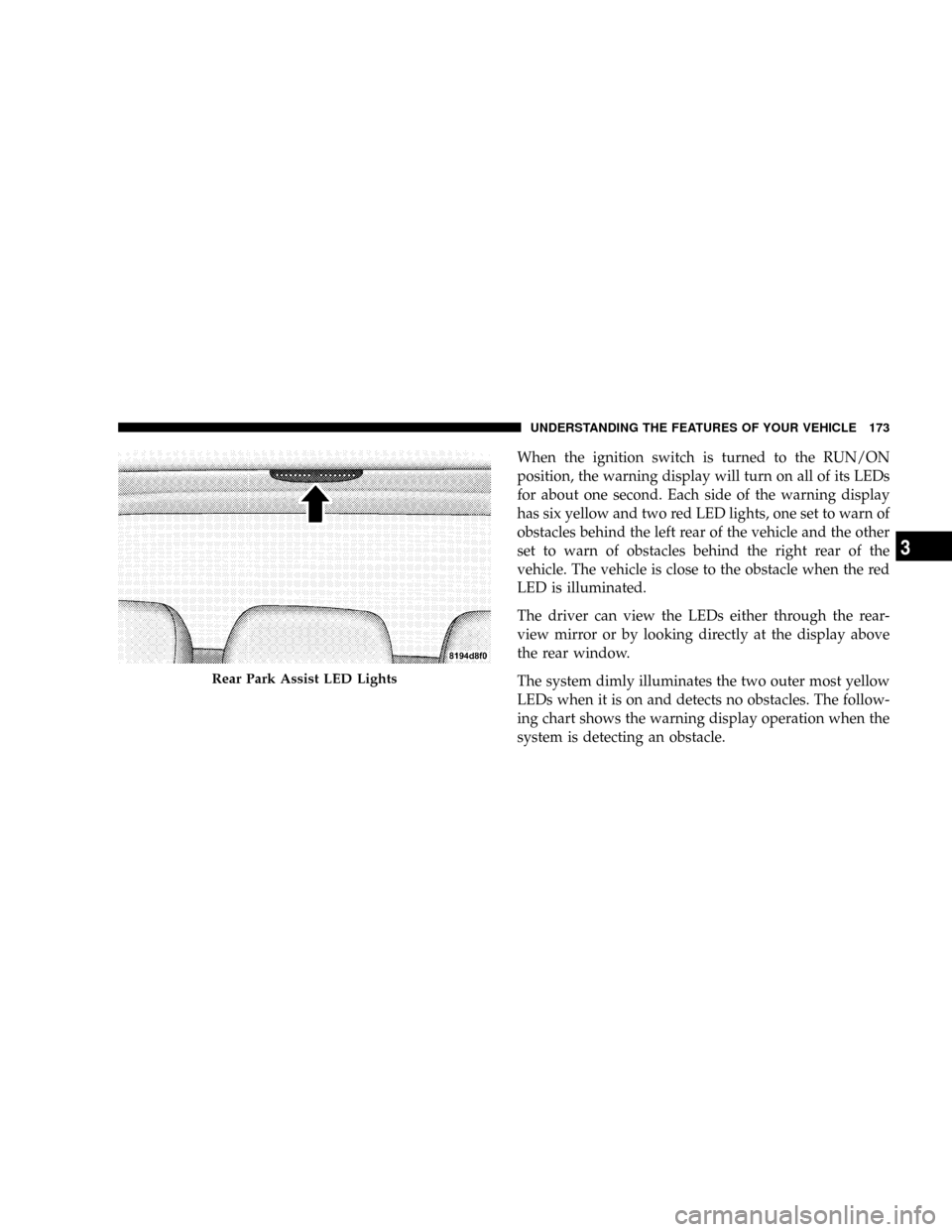
When the ignition switch is turned to the RUN/ON
position, the warning display will turn on all of its LEDs
for about one second. Each side of the warning display
has six yellow and two red LED lights, one set to warn of
obstacles behind the left rear of the vehicle and the other
set to warn of obstacles behind the right rear of the
vehicle. The vehicle is close to the obstacle when the red
LED is illuminated.
The driver can view the LEDs either through the rear-
view mirror or by looking directly at the display above
the rear window.
The system dimly illuminates the two outer most yellow
LEDs when it is on and detects no obstacles. The follow-
ing chart shows the warning display operation when the
system is detecting an obstacle.
Rear Park Assist LED Lights
UNDERSTANDING THE FEATURES OF YOUR VEHICLE 173
3
Page 181 of 531
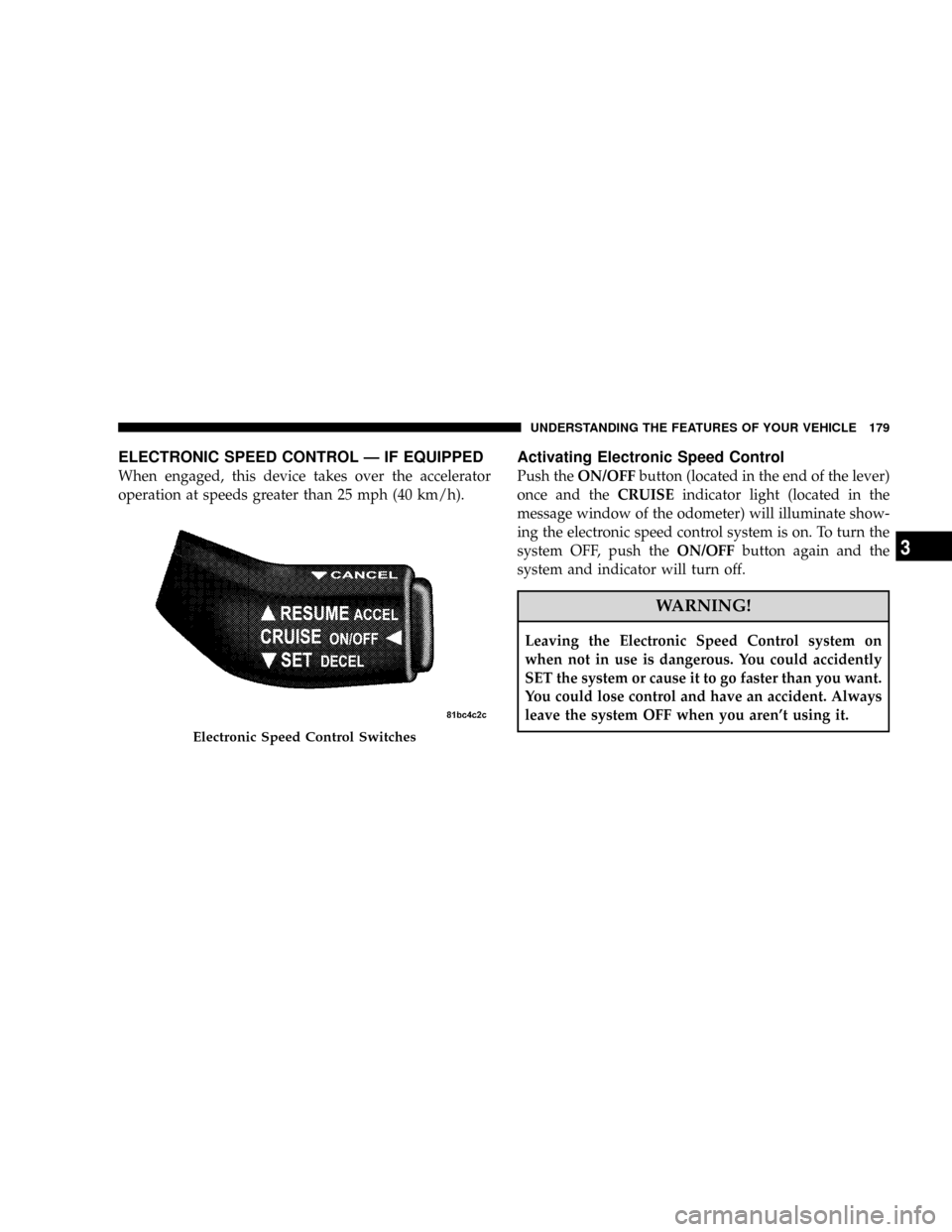
ELECTRONIC SPEED CONTROL Ð IF EQUIPPED
When engaged, this device takes over the accelerator
operation at speeds greater than 25 mph (40 km/h).
Activating Electronic Speed Control
Push theON/OFFbutton (located in the end of the lever)
once and theCRUISEindicator light (located in the
message window of the odometer) will illuminate show-
ing the electronic speed control system is on. To turn the
system OFF, push theON/OFFbutton again and the
system and indicator will turn off.
WARNING!
Leaving the Electronic Speed Control system on
when not in use is dangerous. You could accidently
SET the system or cause it to go faster than you want.
You could lose control and have an accident. Always
leave the system OFF when you aren't using it.
Electronic Speed Control Switches
UNDERSTANDING THE FEATURES OF YOUR VEHICLE 179
3
Page 183 of 531
NOTE:The Electronic Speed Control system has been
designed to shut down if multiple speed control switch
functions are operated simultaneously in order to ensure
proper operation. If this occurs, the system can be
reactivated by pushing the speed control switch ON/
OFF button and resetting the desired vehicle SET speed.
Accelerating To Pass
Depress the accelerator as you would normally. When the
pedal is released, the vehicle will return to the set speed.
NOTE:The speed control system maintains speed up
and down hills. A slight speed change on moderate hills
is normal.
Your vehicle may experience a downshift (automatic
transmissions only) while climbing uphill or descending
downhill. This downshift is necessary to maintain vehicle
set speed.On steep hills a greater speed loss or gain may occur so
it may be preferable to drive without speed control.
WARNING!
Speed Control can be dangerous where the system
can't maintain a constant speed. Your vehicle could
go too fast for the conditions, and you could lose
control. An accident could be the result. Don't use
Speed Control in heavy traffic or on roads that are
winding, icy, snow-covered, or slippery.
UNDERSTANDING THE FEATURES OF YOUR VEHICLE 181
3
Page 189 of 531
WARNING!
Vehicle exhaust contains carbon monoxide, a danger-
ous gas. Do not run your vehicle in the garage while
training the transceiver. Exhaust gas can cause seri-
ous injury or death.
PROGRAMMING HOMELINKT
Before You Begin
If you have not trained any of the HomeLinktbuttons,
erase all channels before you begin training.
To do this, press and hold the two outside buttons for 20
seconds until the red indicator flashes.
It is recommended that a new battery be placed in the
hand-held transmitter of the device being programmed
to HomeLinktfor more efficient training and accurate
transmission of the radio-frequency signal.Your vehicle should be parked outside of the garage
when programming.
Begin Programming
1. Turn the ignition switch to the ON/RUN position.
2. Hold the battery side of the hand-held transmitter
away from the HomeLinktbutton you wish to program.
Place the hand-held transmitter 1 to 3 in (3 to 8 cm) away
from the HomeLinktbutton you wish to program while
keeping the indicator light in view.
3. Simultaneously press and hold both the chosen
HomeLinktbutton and the hand-held transmitter button
until the HomeLinktindicator changes from a slow to a
rapidly blinking light, then release both the HomeLinkt
and hand-held transmitter buttons.
UNDERSTANDING THE FEATURES OF YOUR VEHICLE 187
3
Page 205 of 531
²Slide the console base forward while lifting slightly to
clear the rear load floor hook.
²Remove the console.
To Reinstall The Basic Floor Console
²
Position the console at a slight angle (front slightly
higher than the rear.
²Slide the console rearward into the floor bracket/
hook.
²Align the console until the front anchor cup plug hole
is centered on the winch hole.
²Reinstall the clip first and then while pushing down-
ward on the console with slight pressure, reinstall the
cover plug.
²Pull up on the console to be sure it is firmly latched.
WARNING!
In an accident, serious injury could result if the
removable floor console is not properly installed.
Always be sure the removable floor console is fully
latched.
Premium Console ± If Equipped
The three-compartment console with sliding storage bin,
sliding upper tray with storage and large console storage
bin offers multiple configurations.
²Four cup holders can accept large cups or mugs with
handles or 20 oz (.6 L) plastic bottles. The cup holders
are dishwasher safe for cleaning. To remove, pull the
flexible liner from the cup holder drawer or tray;
starting at one edge. Refer to ªCleaning The Instru-
ment Panel Cup Holdersº in Section 7 for more
detailed information.
UNDERSTANDING THE FEATURES OF YOUR VEHICLE 203
3