key DODGE HORNET 2023 Service Manual
[x] Cancel search | Manufacturer: DODGE, Model Year: 2023, Model line: HORNET, Model: DODGE HORNET 2023Pages: 288, PDF Size: 14.2 MB
Page 144 of 288
142MULTIMEDIA
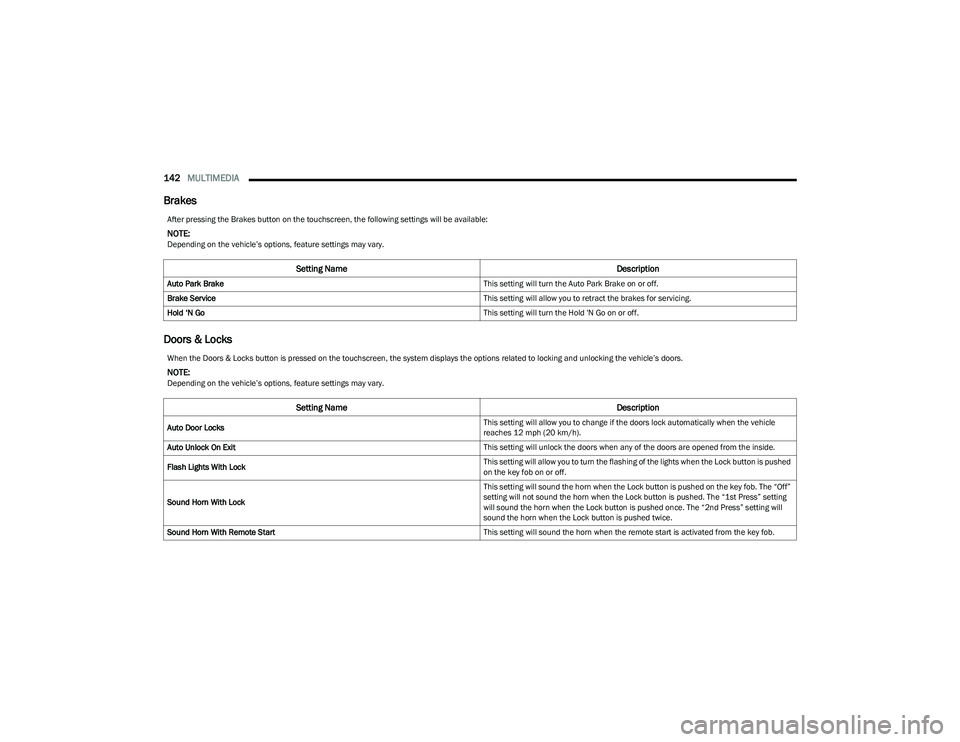
Brakes
Doors & Locks
After pressing the Brakes button on the touchscreen, the following settings will be available:
NOTE:Depending on the vehicle’s options, feature settings may vary.
Setting Name Description
Auto Park Brake This setting will turn the Auto Park Brake on or off.
Brake Service This setting will allow you to retract the brakes for servicing.
Hold ‘N Go This setting will turn the Hold 'N Go on or off.
When the Doors & Locks button is pressed on the touchscreen, the system displays the options related to locking and unlocking the vehicle’s doors.
NOTE:Depending on the vehicle’s options, feature settings may vary.
Setting NameDescription
Auto Door Locks This setting will allow you to change if the doors lock automatically when the vehicle
reaches 12 mph (20 km/h).
Auto Unlock On Exit This setting will unlock the doors when any of the doors are opened from the inside.
Flash Lights With Lock This setting will allow you to turn the flashing of the lights when the Lock button is pushed
on the key fob on or off.
Sound Horn With Lock This setting will sound the horn when the Lock button is pushed on the key fob. The “Off”
setting will not sound the horn when the Lock button is pushed. The “1st Press” setting
will sound the horn when the Lock button is pushed once. The “2nd Press” setting will
sound the horn when the Lock button is pushed twice.
Sound Horn With Remote Start This setting will sound the horn when the remote start is activated from the key fob.
23_GG_OM_EN_USC_t.book Page 142
Page 145 of 288
MULTIMEDIA143
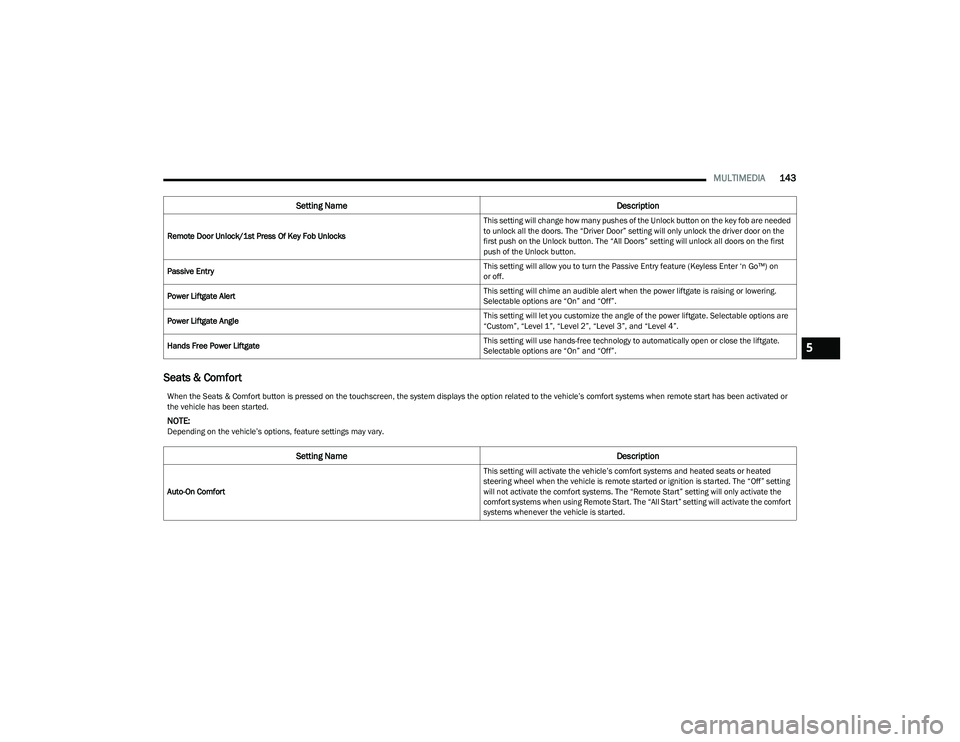
Seats & Comfort
Remote Door Unlock/1st Press Of Key Fob Unlocks This setting will change how many pushes of the Unlock button on the key fob are needed
to unlock all the doors. The “Driver Door” setting will only unlock the driver door on the
first push on the Unlock button. The “All Doors” setting will unlock all doors on the first
push of the Unlock button.
Passive Entry This setting will allow you to turn the Passive Entry feature (Keyless Enter ‘n Go™) on
or off.
Power Liftgate Alert This setting will chime an audible alert when the power liftgate is raising or lowering.
Selectable options are “On” and “Off”.
Power Liftgate Angle This setting will let you customize the angle of the power liftgate. Selectable options are
“Custom”, “Level 1”, “Level 2”, “Level 3”, and “Level 4”.
Hands Free Power Liftgate This setting will use hands-free technology to automatically open or close the liftgate.
Selectable options are “On” and “Off”.
Setting Name
Description
When the Seats & Comfort button is pressed on the touchscreen, the system displays the option related to the vehicle’s comfort systems when remote start has been activated or
the vehicle has been started.
NOTE:Depending on the vehicle’s options, feature settings may vary.
Setting NameDescription
Auto-On Comfort This setting will activate the vehicle’s comfort systems and heated seats or heated
steering wheel when the vehicle is remote started or ignition is started. The “Off” setting
will not activate the comfort systems. The “Remote Start” setting will only activate the
comfort systems when using Remote Start. The “All Start” setting will activate the comfort
systems whenever the vehicle is started.
5
23_GG_OM_EN_USC_t.book Page 143
Page 146 of 288
144MULTIMEDIA
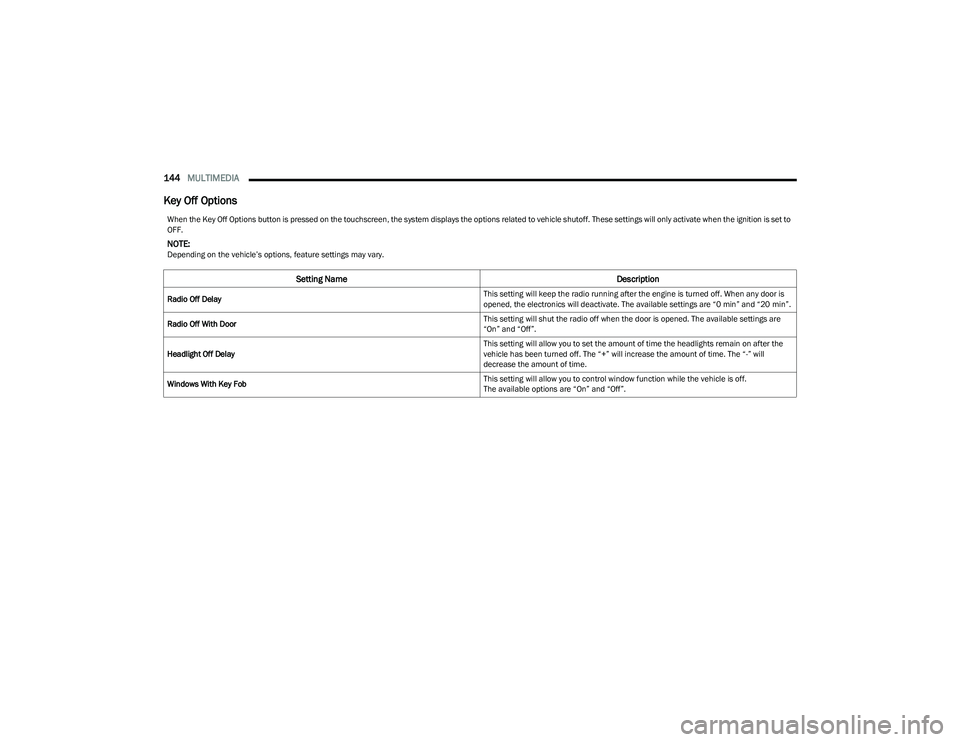
Key Off Options
When the Key Off Options button is pressed on the touchscreen, the system displays the options related to vehicle shutoff. These settings will only activate when the ignition is set to
OFF.
NOTE:Depending on the vehicle’s options, feature settings may vary.
Setting Name Description
Radio Off Delay This setting will keep the radio running after the engine is turned off. When any door is
opened, the electronics will deactivate. The available settings are “0 min” and “20 min”.
Radio Off With Door This setting will shut the radio off when the door is opened. The available settings are
“On” and “Off”.
Headlight Off Delay This setting will allow you to set the amount of time the headlights remain on after the
vehicle has been turned off. The “+” will increase the amount of time. The “-” will
decrease the amount of time.
Windows With Key Fob This setting will allow you to control window function while the vehicle is off.
The available options are “On” and “Off”.
23_GG_OM_EN_USC_t.book Page 144
Page 165 of 288
SAFETY163
If a Forward Collision Warning with Mitigation event begins
at a speed below 39 mph (62 km/h), the system may
provide the maximum braking possible to mitigate the
potential forward collision. If the Forward Collision
Warning with Mitigation event stops the vehicle
completely, the system will hold the vehicle at standstill for
two seconds and then release the brakes.
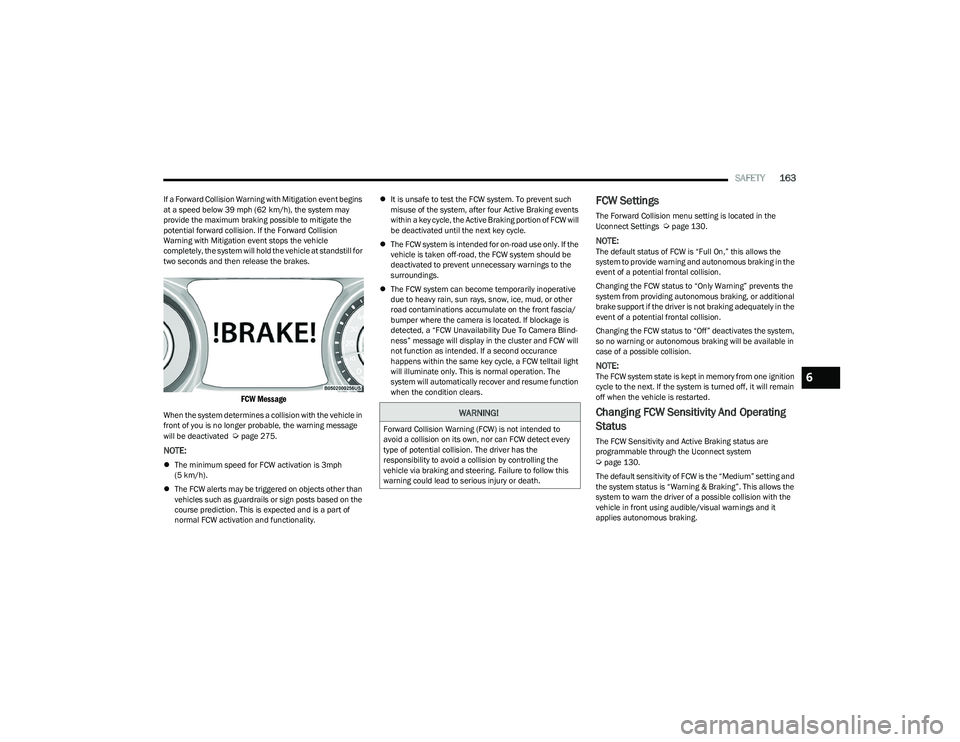
FCW Message
When the system determines a collision with the vehicle in
front of you is no longer probable, the warning message
will be deactivated
Úpage 275.
NOTE:
The minimum speed for FCW activation is 3mph
(5 km/h).
The FCW alerts may be triggered on objects other than
vehicles such as guardrails or sign posts based on the
course prediction. This is expected and is a part of
normal FCW activation and functionality.
It is unsafe to test the FCW system. To prevent such
misuse of the system, after four Active Braking events
within a key cycle, the Active Braking portion of FCW will
be deactivated until the next key cycle.
The FCW system is intended for on-road use only. If the
vehicle is taken off-road, the FCW system should be
deactivated to prevent unnecessary warnings to the
surroundings.
The FCW system can become temporarily inoperative
due to heavy rain, sun rays, snow, ice, mud, or other
road contaminations accumulate on the front fascia/
bumper where the camera is located. If blockage is
detected, a “FCW Unavailability Due To Camera Blind -
ness” message will display in the cluster and FCW will
not function as intended. If a second occurance
happens within the same key cycle, a FCW telltail light
will illuminate only. This is normal operation. The
system will automatically recover and resume function
when the condition clears.
FCW Settings
The Forward Collision menu setting is located in the
Uconnect Settings Úpage 130.
NOTE:The default status of FCW is “Full On,” this allows the
system to provide warning and autonomous braking in the
event of a potential frontal collision.
Changing the FCW status to “Only Warning” prevents the
system from providing autonomous braking, or additional
brake support if the driver is not braking adequately in the
event of a potential frontal collision.
Changing the FCW status to “Off” deactivates the system,
so no warning or autonomous braking will be available in
case of a possible collision.
NOTE:The FCW system state is kept in memory from one ignition
cycle to the next. If the system is turned off, it will remain
off when the vehicle is restarted.
Changing FCW Sensitivity And Operating
Status
The FCW Sensitivity and Active Braking status are
programmable through the Uconnect system
Úpage 130.
The default sensitivity of FCW is the “Medium” setting and
the system status is “Warning & Braking”. This allows the
system to warn the driver of a possible collision with the
vehicle in front using audible/visual warnings and it
applies autonomous braking.
WARNING!
Forward Collision Warning (FCW) is not intended to
avoid a collision on its own, nor can FCW detect every
type of potential collision. The driver has the
responsibility to avoid a collision by controlling the
vehicle via braking and steering. Failure to follow this
warning could lead to serious injury or death.
6
23_GG_OM_EN_USC_t.book Page 163
Page 169 of 288
SAFETY167
NOTE:When filling warm tires, the tire pressure may need to be
increased up to an additional 4 psi (28 kPa) above the
recommended cold placard pressure in order to turn the
Tire Pressure Monitoring System Warning Light off.
The vehicle may need to be driven for up to 20 minutes
above 15 mph (24 km/h) in order for the TPMS to receive
this information.
Service TPMS Warning
When a system fault is detected, the Tire Pressure
Monitoring System Warning Light will flash on and off for
75 seconds and then remain on solid. The system fault will
also sound a chime. In addition, the instrument cluster will
display a "SERVICE TPM SYSTEM" message for a minimum
of five seconds and then display dashes (--) in place of the
pressure value to indicate which sensor is not being
received.
If the ignition key is cycled, this sequence will repeat,
providing the system fault still exists. If the system fault no
longer exists, the Tire Pressure Monitoring System
Warning Light will no longer flash, and the “SERVICE TPM
SYSTEM” message will no longer display, and a pressure
value will display in place of the dashes. A system fault can
occur due to any of the following:
Jamming due to electronic devices or driving next to
facilities emitting the same radio frequencies as the
TPMS sensors
Installing some form of aftermarket window tinting that
affects radio wave signals
Lots of snow or ice around the wheels or wheel hous -
ings
Using tire chains on the vehicle
Using wheels/tires not equipped with TPMS sensors
Vehicles With Compact Spare Or Non-Matching Full Size
Spare
1. The compact spare tire or non-matching full size does not have a Tire Pressure Monitoring System
sensor. Therefore, the TPMS will not monitor the
pressure in the compact or non-matching full size
spare tire.
2. If you install the compact or non-matching full size spare tire in place of a road tire that has a pressure
below the low-pressure warning limit, upon the next
ignition key cycle, the Tire Pressure Monitoring
System Warning Light will remain on and a chime will
sound. In addition, the graphic in the instrument
cluster will still display a different color or highlighted
pressure value and the “Inflate to XX” message.
3. After driving the vehicle for up to 20 minutes above 15 mph (24 km/h), the Tire Pressure Monitoring System Warning Light will flash on and off for
75 seconds and then remain on solid. In addition,
the instrument cluster will display a “SERVICE TPM
SYSTEM” message for five seconds and then display
dashes (--) in place of the pressure value.
4. For each subsequent ignition key cycle, a chime will sound, the Tire Pressure Monitoring System Warning
Light will flash on and off for 75 seconds and then
remain on solid, and the instrument cluster will
display a “SERVICE TPM SYSTEM” message for
five seconds and then display dashes (--) in place of
the pressure value. 5. Once you repair or replace the original road tire and
reinstall it on the vehicle in place of the compact
spare or non-matching full size, the TPMS will update
automatically. In addition, the Tire Pressure
Monitoring System Warning Light will turn off and the
graphic in the instrument cluster will display a new
pressure value instead of dashes (--), as long as no
tire pressure is below the low-pressure warning limit
in any of the four active road tires. The vehicle may
need to be driven for up to 20 minutes above 15 mph
(24 km/h) in order for the TPMS to receive this
information.
TPMS Deactivation — If Equipped
The TPMS can be deactivated if replacing all four wheel
and tire assemblies (road tires) with wheel and tire
assemblies that do not have TPMS sensors, such as when
installing winter wheel and tire assemblies on your
vehicle.
To deactivate the TPMS, first replace all four wheel and
tire assemblies (road tires) with tires not equipped with
Tire Pressure Monitoring System (TPMS) sensors. Then,
drive the vehicle for 20 minutes above 15 mph (24 km/h).
The TPMS will chime, the Tire Pressure Monitoring System
Warning Light will flash on and off for 75 seconds and then
remain on. The instrument cluster will display the
“SERVICE TPM SYSTEM” message and then display
dashes (--) in place of the pressure values.
Beginning with the next ignition cycle, the TPMS will no
longer chime or display the “SERVICE TPM SYSTEM”
message in the instrument cluster but dashes (--) will
remain in place of the pressure values.
6
23_GG_OM_EN_USC_t.book Page 167
Page 186 of 288
184SAFETY
If A Deployment Occurs
The front air bags are designed to deflate immediately
after deployment.
NOTE:Front and/or side air bags will not deploy in all collisions.
This does not mean something is wrong with the air bag
system.
If you do have a collision which deploys the air bags, any
or all of the following may occur:
The air bag material may sometimes cause abrasions
and/or skin reddening to the occupants as the air bags
deploy and unfold. The abrasions are similar to friction
rope burns or those you might get sliding along a carpet
or gymnasium floor. They are not caused by contact
with chemicals. They are not permanent and normally
heal quickly. However, if you haven’t healed signifi -
cantly within a few days, or if you have any blistering,
see your doctor immediately.
As the air bags deflate, you may see some smoke-like
particles. The particles are a normal by-product of the
process that generates the non-toxic gas used for air
bag inflation. These airborne particles may irritate the
skin, eyes, nose, or throat. If you have skin or eye irrita -
tion, rinse the area with cool water. For nose or throat
irritation, move to fresh air. If the irritation continues,
see your doctor. If these particles settle on your
clothing, follow the garment manufacturer’s instruc -
tions for cleaning.
Do not drive your vehicle after the air bags have deployed.
If you are involved in another collision, the air bags will not
be in place to protect you.
NOTE:
Air bag covers may not be obvious in the interior trim,
but they will open during air bag deployment.
After any collision, the vehicle should be taken to an
authorized dealer immediately.
Enhanced Accident Response System
In the event of an impact, if the communication network
remains intact, and the power remains intact, depending
on the nature of the event, the Occupant Restraint
Controller (ORC) will determine whether to have the
Enhanced Accident Response System perform the
provided functions:
Cut off fuel to the engine (if equipped)
Cut off battery power to the electric motor (if equipped)
Flash hazard lights as long as the battery has power
Turn on the interior lights, which remain on as long as
the battery has power or for 15 minutes from the inter -
vention of the Enhanced Accident Response System
Unlock the power door locks Your vehicle may also be designed to perform any of these
other functions in response to the Enhanced Accident
Response System:
Turn off the Fuel Filter Heater, Turn off the HVAC Blower
Motor, Close the HVAC Circulation Door
Cut off battery power to the:
Engine
Electric Motor (if equipped)
Electric power steering
Brake booster
Electric park brake
Automatic transmission gear selector
Horn
Front wiperNOTE:After an accident, remember to cycle the ignition to the
STOP (OFF/LOCK) position and remove the key from the
ignition switch to avoid draining the battery. Carefully
check the vehicle for fuel leaks in the engine compartment
and on the ground near the engine compartment and fuel
tank before resetting the system and starting the engine.
If there are no fuel leaks or damage to the vehicle elec -
trical devices (e.g. headlights) after an accident, reset the
system by following the procedure provided. If you have
any doubt, contact an authorized dealer.
WARNING!
Deployed air bags and seat belt pretensioners cannot
protect you in another collision. Have the air bags, seat
belt pretensioners, and the seat belt retractor
assemblies replaced by an authorized dealer
immediately. Also, have the Occupant Restraint
Controller System serviced as well.
23_GG_OM_EN_USC_t.book Page 184
Page 203 of 288
SAFETY201
PERIODIC SAFETY CHECKS YOU SHOULD
M
AKE OUTSIDE THE VEHICLE
Tires
Examine tires for excessive tread wear and uneven wear
patterns. Check for stones, nails, glass, or other objects
lodged in the tread or sidewall. Inspect the tread for cuts
and cracks. Inspect sidewalls for cuts, cracks, and bulges.
Check the lug nut/bolt torque for tightness. Check the
tires (including spare) for proper cold inflation pressure.
Lights
Have someone observe the operation of brake lights and
exterior lights while you work the controls. Check turn
signal and high beam indicator lights on the instrument
panel.
Door Latches
Check for proper closing, latching, and locking.
Fluid Leaks
Check area under the vehicle after overnight parking for
fuel, coolant, oil, or other fluid leaks. Also, if gasoline
fumes are detected or if fuel or brake fluid leaks are
suspected, the cause should be located and corrected
immediately.
ALWAYS make sure objects cannot fall or slide into
the driver’s side floor area when the vehicle is
moving. Objects can become trapped under acceler -
ator, brake, or clutch pedals and could cause a loss
of vehicle control.
NEVER place any objects under the floor mat (e.g.,
towels, keys, etc.). These objects could change the
position of the floor mat and may cause interference
with the accelerator, brake, or clutch pedals.
If the vehicle carpet has been removed and
re-installed, always properly attach carpet to the floor
and check the floor mat fasteners are secure to the
vehicle carpet. Fully depress each pedal to check for
interference with the accelerator, brake, or clutch
pedals then re-install the floor mats.
It is recommended to only use mild soap and water
to clean your floor mats. After cleaning, always check
your floor mat has been properly installed and is
secured to your vehicle using the floor mat fasteners
by lightly pulling mat.
WARNING!
6
23_GG_OM_EN_USC_t.book Page 201
Page 223 of 288
IN CASE OF EMERGENCY221
(Continued)
WITHOUT THE KEY FOB
Special care must be taken when the vehicle is towed with
the ignition in the OFF mode. The only approved method of
towing without the key fob is with a flatbed truck. Proper
towing equipment is necessary to prevent damage to the
vehicle.
ALL-WHEEL DRIVE (AWD) MODELS
FCA US LLC recommends towing your vehicle with all
four wheels OFF the ground using a flatbed.
TOW EYE — IF EQUIPPED
Your vehicle may be equipped with a tow eye that can be
used to move a disabled vehicle. When using a tow eye,
see the following precautions.
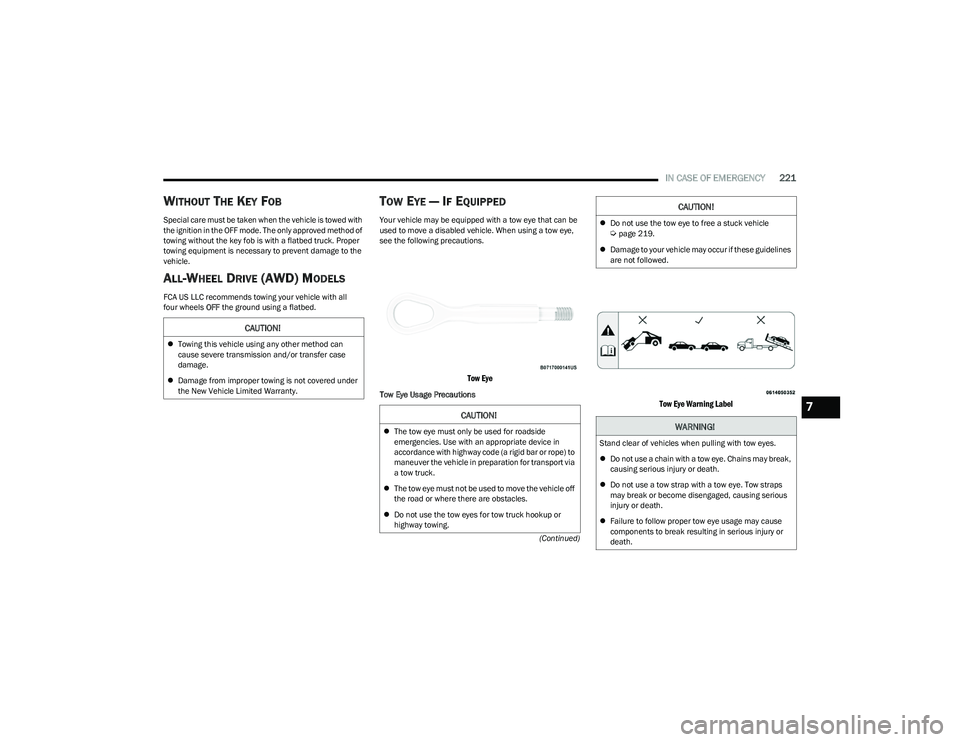
Tow Eye
Tow Eye Usage Precautions
Tow Eye Warning Label
CAUTION!
Towing this vehicle using any other method can
cause severe transmission and/or transfer case
damage.
Damage from improper towing is not covered under
the New Vehicle Limited Warranty.
CAUTION!
The tow eye must only be used for roadside
emergencies. Use with an appropriate device in
accordance with highway code (a rigid bar or rope) to
maneuver the vehicle in preparation for transport via
a tow truck.
The tow eye must not be used to move the vehicle off
the road or where there are obstacles.
Do not use the tow eyes for tow truck hookup or
highway towing.
Do not use the tow eye to free a stuck vehicle Úpage 219.
Damage to your vehicle may occur if these guidelines
are not followed.
WARNING!
Stand clear of vehicles when pulling with tow eyes.
Do not use a chain with a tow eye. Chains may break,
causing serious injury or death.
Do not use a tow strap with a tow eye. Tow straps
may break or become disengaged, causing serious
injury or death.
Failure to follow proper tow eye usage may cause
components to break resulting in serious injury or
death.
CAUTION!
7
23_GG_OM_EN_USC_t.book Page 221
Page 273 of 288
CUSTOMER ASSISTANCE271
ROADSIDE ASSISTANCE
Available 24 hours, 7 days a week.
Call 1-800-521-2779 or visit chrysler.rsahelp.com(USA)
Call 1-800-363-4869 or visit fca.roadsideaid.com
(Canada)
Who is Covered
You are covered by Roadside Assistance services if
you are a purchaser for use of the vehicle. Roadside
Assistance services last for five years or 60,000 miles on
the odometer, whichever occurs first, calculated from the
start date of the Basic Limited Warranty, as set forth in
your Warranty Information book.
1
1. Towing services provided through Cross Country Motor Club, Inc.
Medford, MA 02155, except in AK,CA, HI, OR, WI, and WY, where services
are provided by Cross Country Motor Club of California, Inc., Thousand
Oaks, CA 91360.
What to Do
If your vehicle requires jump start assistance, out of gas/
fuel delivery, tire service, lockout service or towing as a
result of a mechanical breakdown, dial toll-free: USA:
1-800-521-2779/Canada: 1-800-363-4869. Provide your
name, Vehicle Identification Number (VIN) required for
covered services, license plate number, and your location,
including the telephone number from which you are
calling. Briefly describe the nature of the problem and
answer a few simple questions. You will be given the name
of the service provider and an estimated time of arrival. If
you feel you are in an unsafe situation, please let us know.
With your consent, we will contact local police or safety
authorities. If Unable to Contact Roadside Assistance
If you are unable to contact Roadside Assistance or
unable to provide a valid Vehicle Identification Number
(VIN), and you obtain towing services on your own, you may
submit your original receipts from the licensed towing or
service facility, for services rendered within 30 days of the
occurrence. Be sure to include your VIN, odometer
mileage at the time of service, and current mailing
address. We will process the claim based on vehicle and
service eligibility. If eligible, we will reimburse you for the
reasonable amount actually paid, based on the usual and
customary charges for that service in the area where they
were provided. FCA US LLC’s determination relating to
reimbursement is final. Correspondence should be
mailed to:
FCA US LLC Customer Assistance
P.O. Box 9145
Medford, MA 02155
Attention Claims Department
FCA US LLC reserves the right to modify the terms or
discontinue the Roadside Assistance Program at anytime.
The Roadside Assistance program is subject to restrictions
and conditions of use, which are determined solely by
FCA US LLC.
Flat Tire Service
If you are inconvenienced by a flat tire, we will dispatch a
service provider to use your vehicle’s temporary spare tire
(if equipped) as recommended in your Owner’s Manual.
This is not a permanent flat tire repair.
Out of Gas/Fuel Delivery
Drivers cannot always count on a gas station being
nearby, especially when traveling away from home. We will
dispatch a service provider to deliver a small amount of
fuel (maximum two gallons) to get you to a nearby station.
This service is limited to two occurrences in a 12-month
period.
Battery Jump Assistance
No time is a good time for a depleted battery. With
Roadside Assistance, you do not have to worry about
being stranded. We will dispatch a service provider to
provide you with a battery jump anytime, day or night.
Lockout Service
Whether the keys are locked in your vehicle or frozen locks
are keeping you from getting on your way, help is just a
phone call away. This service is limited to providing access
to the vehicle’s seating area. It does not cover the cost of
replacement keys.
Towing Service
Our towing service gives you peace of mind and
confidence. If your vehicle becomes disabled as a result of
a mechanical breakdown, Roadside Assistance will
dispatch a towing service to transport your vehicle to the
closest authorized Chrysler, Dodge, Jeep®, or Ram dealer.
If you choose to go to another dealer, you will be
responsible for the cost if the extra distance exceeds
10 miles.
10
23_GG_OM_EN_USC_t.book Page 271
Page 277 of 288
CUSTOMER ASSISTANCE275
GENERAL INFORMATION
The following regulatory statement applies to all
Radio Frequency (RF) devices equipped in this vehicle.
Radio
The following regulatory statement applies to
RADIO devices equipped in this vehicle:
FCC ID: 2AHPN-BE2857
ISED ID: 6434C-BE2857
This device complies with Part 15 of the FCC Rules and
with Innovation, Science and Economic Development
Canada license-exempt RSS standard(s). Operation is
subject to the following two conditions:
1. This device may not cause harmful interference, and
2. This device must accept any interference received,
including interference that may cause undesired
operation.
Le présent appareil est conforme aux CNR d`Innovation,
Science and Economic Development applicables aux
appareils radio exempts de licence. L'exploitation est
autorisée aux deux conditions suivantes:
1. l'appareil ne doit pas produire de brouillage, et
2. l'utilisateur de l'appareil doit accepter tout brouillage radioélectrique subi, même si le brouillage est
susceptible d'en compromettre le fonctionnement. La operación de este equipo está sujeta a las siguientes
dos condiciones:
1. es posible que este equipo o dispositivo no cause
interferencia perjudicial y
2. este equipo o dispositivo debe aceptar cualquier interferencia, incluyendo la que pueda causar su
operación no deseada.
RF Exposure Requirements
To comply with FCC RF exposure compliance
requirements, the device must be installed and operated
to provide a separation distance of at least 20 cm from all
persons.
This equipment complies with Canada radiation exposure
limits set forth for an uncontrolled environment. This
equipment should be installed and operated with
minimum distance 20 cm between the radiator and
your body.
Key Fob Model FI7PE
US FCC - 2ADPXFI7PE
Canada IC - 12548A-FI7PE
This device complies with Part 15 of the FCC Rules and
with Innovation, Science and Economic Development
Canada license-exempt RSS standard(s). Operation is
subject to the following two conditions:
1. This device may not cause harmful interference, and
2. This device must accept any interference received, including interference that may cause undesired
operation. Le présent appareil est conforme aux CNR d`Innovation,
Science and Economic Development applicables aux
appareils radio exempts de licence. L'exploitation est
autorisée aux deux conditions suivantes:
1. l'appareil ne doit pas produire de brouillage, et
2. l'utilisateur de l'appareil doit accepter tout brouillage
radioélectrique subi, même si le brouillage est
susceptible d'en compromettre le fonctionnement.
La operación de este equipo está sujeta a las siguientes
dos condiciones:
1. es posible que este equipo o dispositivo no cause interferencia perjudicial y
2. este equipo o dispositivo debe aceptar cualquier interferencia, incluyendo la que pueda causar su
operación no deseada.
RF Exposure Requirements
To comply with FCC RF exposure compliance
requirements, the device must be installed and operated
to provide a separation distance of at least 20 cm from all
persons.
This equipment complies with Canada radiation exposure
limits set forth for an uncontrolled environment. This
equipment should be installed and operated with
minimum distance 20 cm between the radiator and
your body.
NOTE:Changes or modifications not expressly approved by the
party responsible for compliance could void the user’s
authority to operate the equipment.10
23_GG_OM_EN_USC_t.book Page 275