CD player DODGE JOURNEY 2015 1.G User Guide
[x] Cancel search | Manufacturer: DODGE, Model Year: 2015, Model line: JOURNEY, Model: DODGE JOURNEY 2015 1.GPages: 648
Page 370 of 648
Windows Media Audio) and ACC (MPEG-4 audio; sam-
pling frequencies 8 to 48 kHz; mono and stereo) audio
files with the from a CD Data disc (usually a CD-R or
CD-RW).
•The DVD player always uses the file extension to
determine the audio format, so MP3 files must always
end with the extension#.mp3#or#.MP3#, WMA files
must always end with the extension#.wma#or#WMA#,
and ACC files must end with the extensions “.acc” or
“.m4a”. To prevent incorrect playback, do not use
these extensions for any other types of files.
•For MP3 files, ID3 tag data v1, v1.1, v2 and v2.4 (such
as artist name, track title, album, etc.) are supported.
•Any file that is copy protected (such as those down-
loaded from many online music stores) will not play.
The DVD player will automatically skip the file and
begin playing the next available file.
•Other compression formats such as AAC, MP3 Pro,
Ogg Vorbis, and ATRAC3 will not play. The DVD
player will automatically skip the file and begin play-
ing the next available file.
•If you are creating your own files, the recommended
fixed bit rate for MP3 files is between 96 and 192Kbps
and the recommended fixed bit rate for WMA files is
between 64 and 192Kbps. Variable bit rates are also
supported. For both formats, the recommended
sample rate is either 44.1kHz or 48kHz.
•To change the current file, use the remote control’s or
DVD player ’s$button to advance to the next file, or
the"button to return to the start of the current or
previous file.
•To change the current directory, use the remote con-
trol’s PROG UP and Down buttons or Rewind/skip
back and fast fwd/skip forward.
368 UNDERSTANDING YOUR INSTRUMENT PANEL
Page 371 of 648
Disc Errors
If the DVD player is unable to read the disc, a#Disc Error#
message is displayed on the Radio display and the disc is
automatically ejected. A dirty, damaged, or incompatible
disc format are all potential causes for a#Disc Error#
message.
If a disc has a damaged track which results in audible or
visible errors that persists for 2.0 seconds, the DVD player
will attempt to continue playing the disc by skipping
forward 1.0 to 3.0 seconds at a time. If the end of the disc
is reached, the DVD player will return to the beginning of
the disc and attempt to play the start of the first track.
The DVD player may shut down during extremely hot
conditions, such as when the vehicle’s interior temperature
is above 120°F (49°C). When this occurs, the DVD player
will display#High Temp#and will shut off the display until
a safe temperature is reached. This shutdown is necessary
to protect the optics of the DVD player.
Product Agreement
This product incorporates copyright protection technol-
ogy that is protected by U.S. patents and other intellec-
tual property rights. Use of this copyright protection
technology must be authorized by Macrovision, and is
intended for home or other limited viewing uses other-
wise authorized by Macrovision. Reverse engineering or
disassembly is prohibited.
Dolby® Digital and MLP Lossless Manufactured
under license from Dolby Laboratories.#Dolby,##MLP
Lossless,#and the double-D symbol are trademarks of
Dolby Laboratories. Confidential unpublished works.
Copyright 1992-1997 Dolby Laboratories. All rights
reserved.
4
UNDERSTANDING YOUR INSTRUMENT PANEL 369
Page 374 of 648
CD/DVD DISC MAINTENANCE
To keep a CD/DVD in good condition, take the following
precautions:
1. Handle the disc by its edge; avoid touching the
surface.
2. If the disc is stained, clean the surface with a soft cloth,
wiping from center to edge.
3. Do not apply paper or tape to the disc; avoid scratch-
ing the disc.
4. Do not use solvents such as benzene, thinner, cleaners,
or anti-static sprays.
5. Store the disc in its case after playing.
6. Do not expose the disc to direct sunlight.
7. Do not store the disc where temperatures may become
too high.
NOTE:If you experience difficulty in playing a particular
disc, it may be damaged (e.g., scratched, reflective coat-
ing removed, a hair, moisture or dew on the disc)
oversized, or have protection encoding. Try a known
good disc before considering disc player service.
RADIO OPERATION AND MOBILE PHONES
Under certain conditions, the mobile phone being on in
your vehicle can cause erratic or noisy performance from
your radio. This condition may be lessened or eliminated
by relocating the mobile phone antenna. This condition is
not harmful to the radio. If your radio performance does
not satisfactorily “clear” by the repositioning of the
antenna, it is recommended that the radio volume be
turned down or off during mobile phone operation when
not using Uconnect® (if equipped).
372 UNDERSTANDING YOUR INSTRUMENT PANEL
Page 375 of 648
CLIMATE CONTROLS
The air conditioning and heating system is designed to
make you comfortable in all types of weather. This
system can be operated through either the instrument
panel or through the Uconnect® system display.
When the Uconnect® system is in different modes (Ra-
dio, Player, Settings, More, etc.) the driver and passenger
temperature settings will be indicated at the top of the
display.
Manual Climate Controls With Touchscreen — If
Equipped
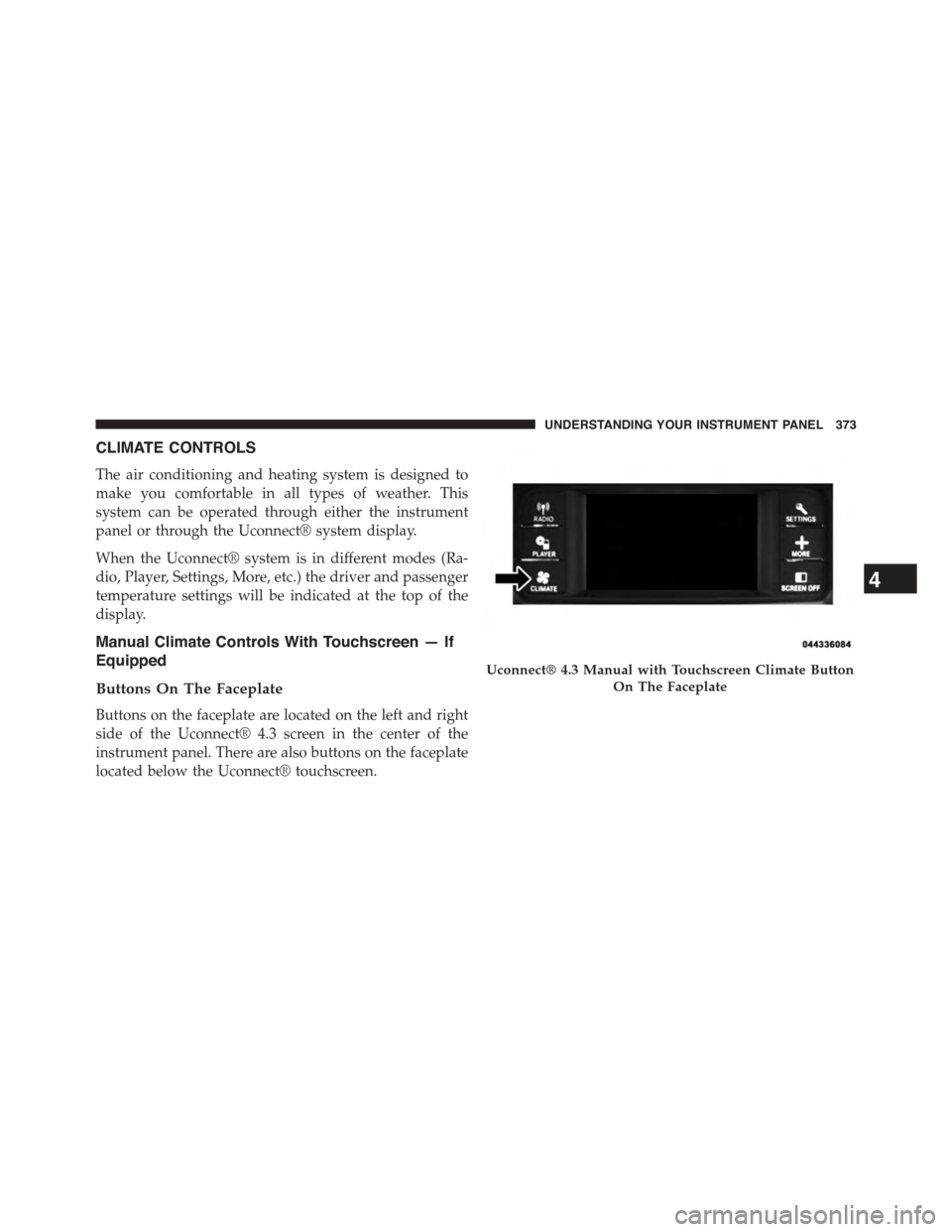
Buttons On The Faceplate
Buttons on the faceplate are located on the left and right
side of the Uconnect® 4.3 screen in the center of the
instrument panel. There are also buttons on the faceplate
located below the Uconnect® touchscreen.
Uconnect® 4.3 Manual with Touchscreen Climate Button
On The Faceplate
4
UNDERSTANDING YOUR INSTRUMENT PANEL 373
Page 629 of 648
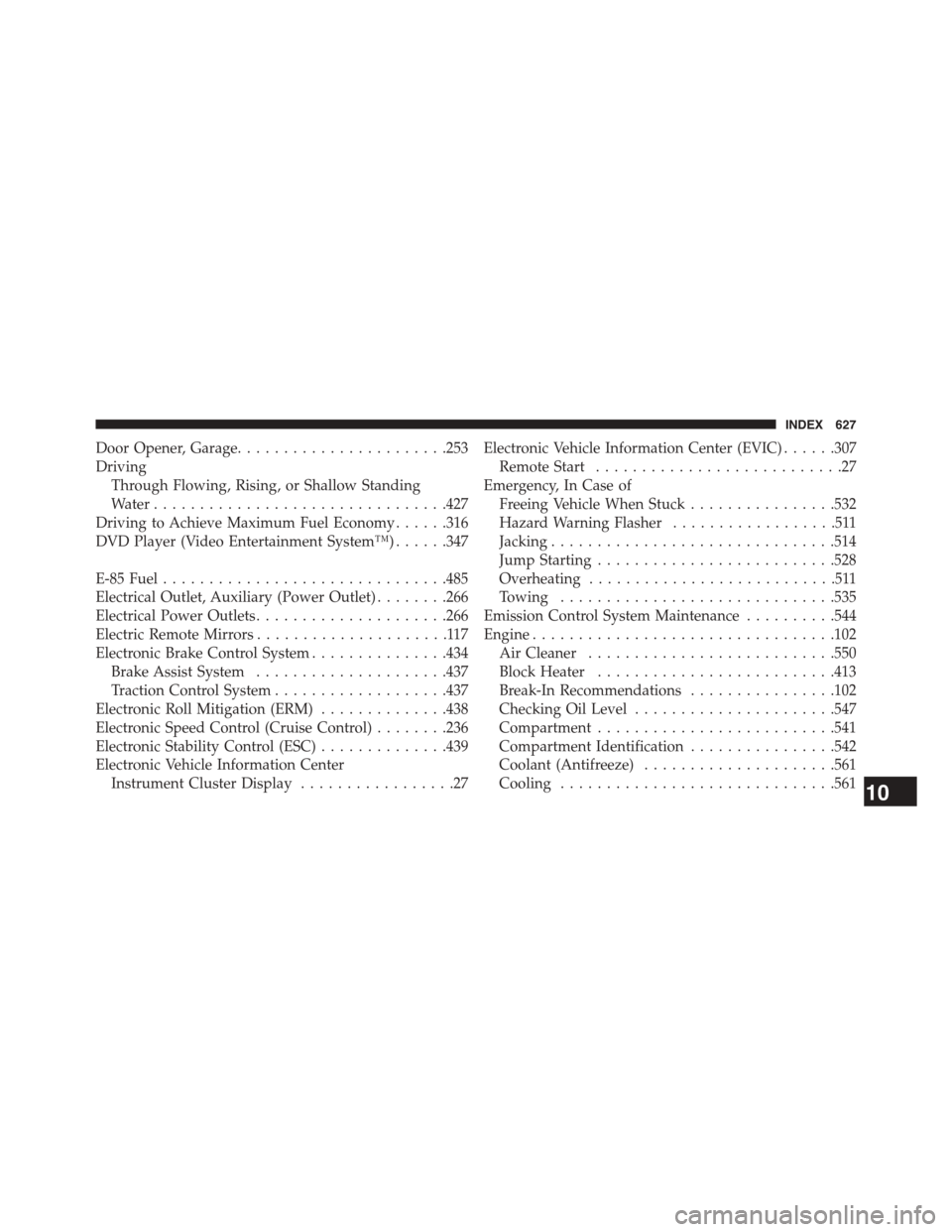
Door Opener, Garage.......................253
Driving
Through Flowing, Rising, or Shallow Standing
Water................................427
Driving to Achieve Maximum Fuel Economy......316
DVD Player (Video Entertainment System™)......347
E-85 Fuel...............................485
Electrical Outlet, Auxiliary (Power Outlet)........266
Electrical Power Outlets.....................266
Electric Remote Mirrors.....................117
Electronic Brake Control System...............434
Brake Assist System.....................437
Traction Control System...................437
Electronic Roll Mitigation (ERM)..............438
Electronic Speed Control (Cruise Control)........236
Electronic Stability Control (ESC)..............439
Electronic Vehicle Information Center
Instrument Cluster Display.................27
Electronic Vehicle Information Center (EVIC)......307
Remote Start...........................27
Emergency, In Case of
Freeing Vehicle When Stuck................532
Hazard Warning Flasher..................511
Jacking...............................514
Jump Starting..........................528
Overheating...........................511
Towing..............................535
Emission Control System Maintenance..........544
Engine.................................102
Air Cleaner...........................550
Block Heater..........................413
Break-In Recommendations................102
Checking Oil Level......................547
Compartment..........................541
Compartment Identification................542
Coolant (Antifreeze).....................561
Cooling..............................56110
INDEX 627