climate control DODGE JOURNEY 2019 User Guide
[x] Cancel search | Manufacturer: DODGE, Model Year: 2019, Model line: JOURNEY, Model: DODGE JOURNEY 2019Pages: 524, PDF Size: 5.29 MB
Page 82 of 524
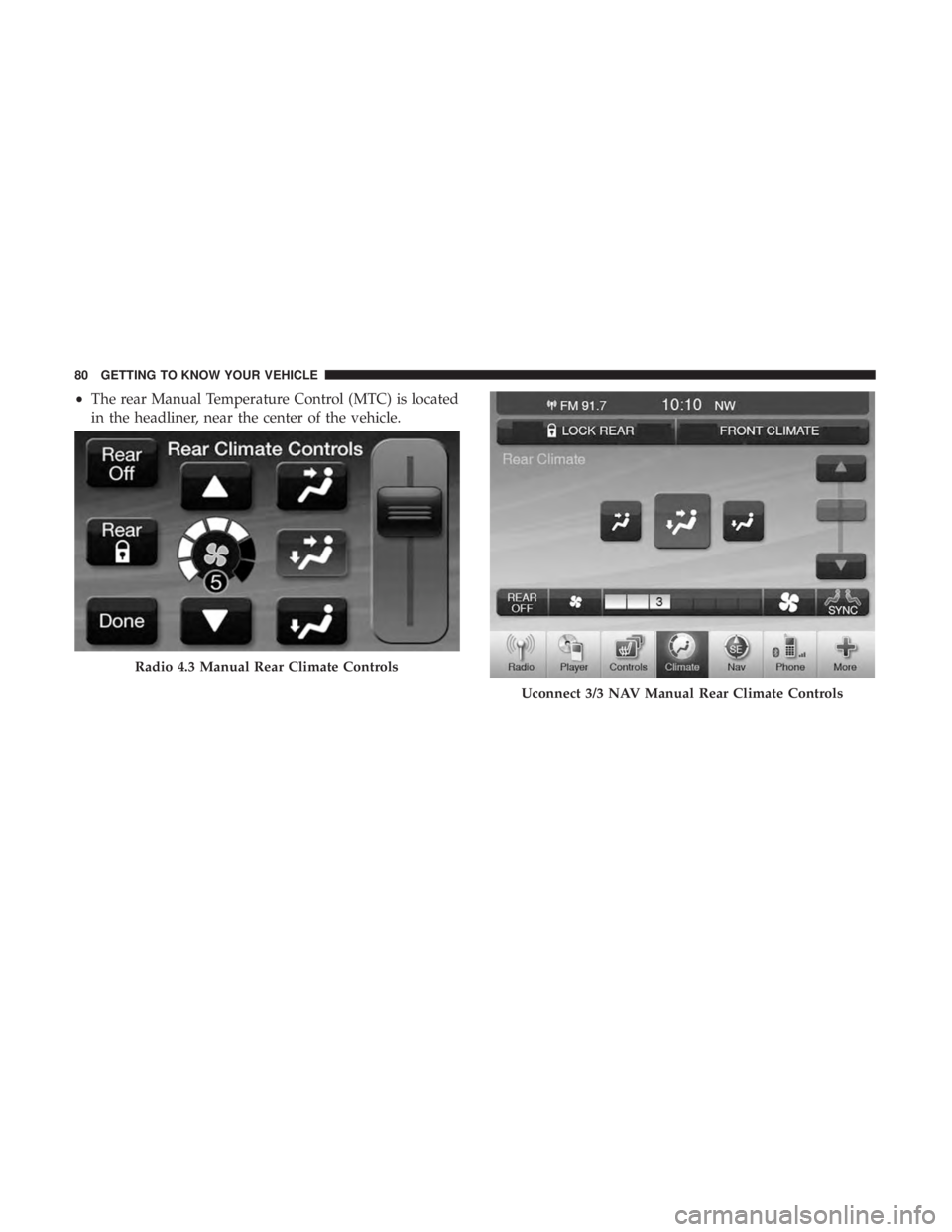
•The rear Manual Temperature Control (MTC) is located
in the headliner, near the center of the vehicle.
Radio 4.3 Manual Rear Climate Controls
Uconnect 3/3 NAV Manual Rear Climate Controls
80 GETTING TO KNOW YOUR VEHICLE
Page 83 of 524
IconDescription
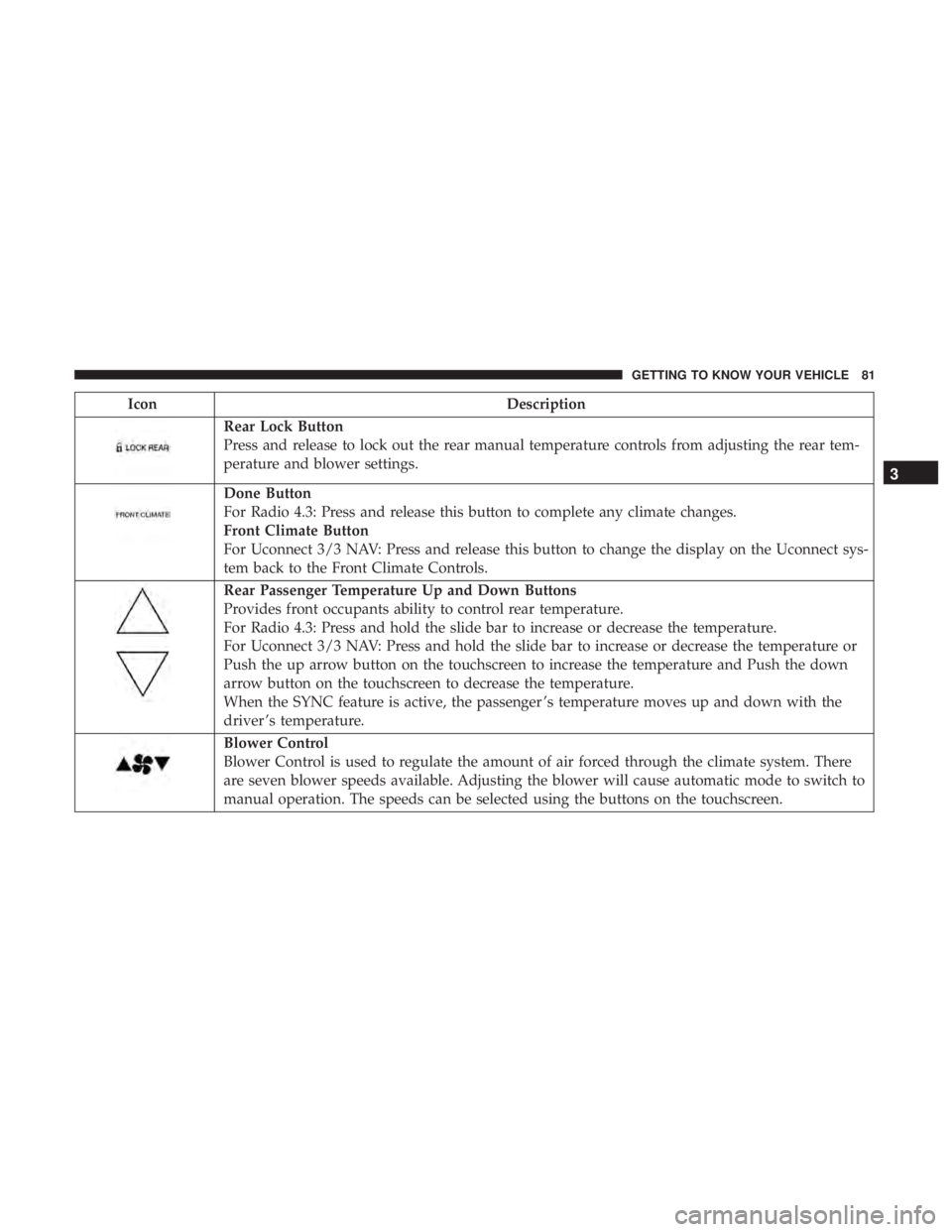
Rear Lock Button
Press and release to lock out the rear manual temperature controls from adjusting the rear tem-
perature and blower settings.
Done Button
For Radio 4.3: Press and release this button to complete any climate changes.
Front Climate Button
For Uconnect 3/3 NAV: Press and release this button to change the display on the Uconnect sys-
tem back to the Front Climate Controls.
Rear Passenger Temperature Up and Down Buttons
Provides front occupants ability to control rear temperature.
For Radio 4.3: Press and hold the slide bar to increase or decrease the temperature.
For Uconnect 3/3 NAV: Press and hold the slide bar to increase or decrease the temperature or
Push the up arrow button on the touchscreen to increase the temperature and Push the down
arrow button on the touchscreen to decrease the temperature.
When the SYNC feature is active, the passenger ’s temperature moves up and down with the
driver ’s temperature.
Blower Control
Blower Control is used to regulate the amount of air forced through the climate system. There
are seven blower speeds available. Adjusting the blower will cause automatic mode to switch to
manual operation. The speeds can be selected using the buttons on the touchscreen.
3
GETTING TO KNOW YOUR VEHICLE 81
Page 84 of 524
IconDescription
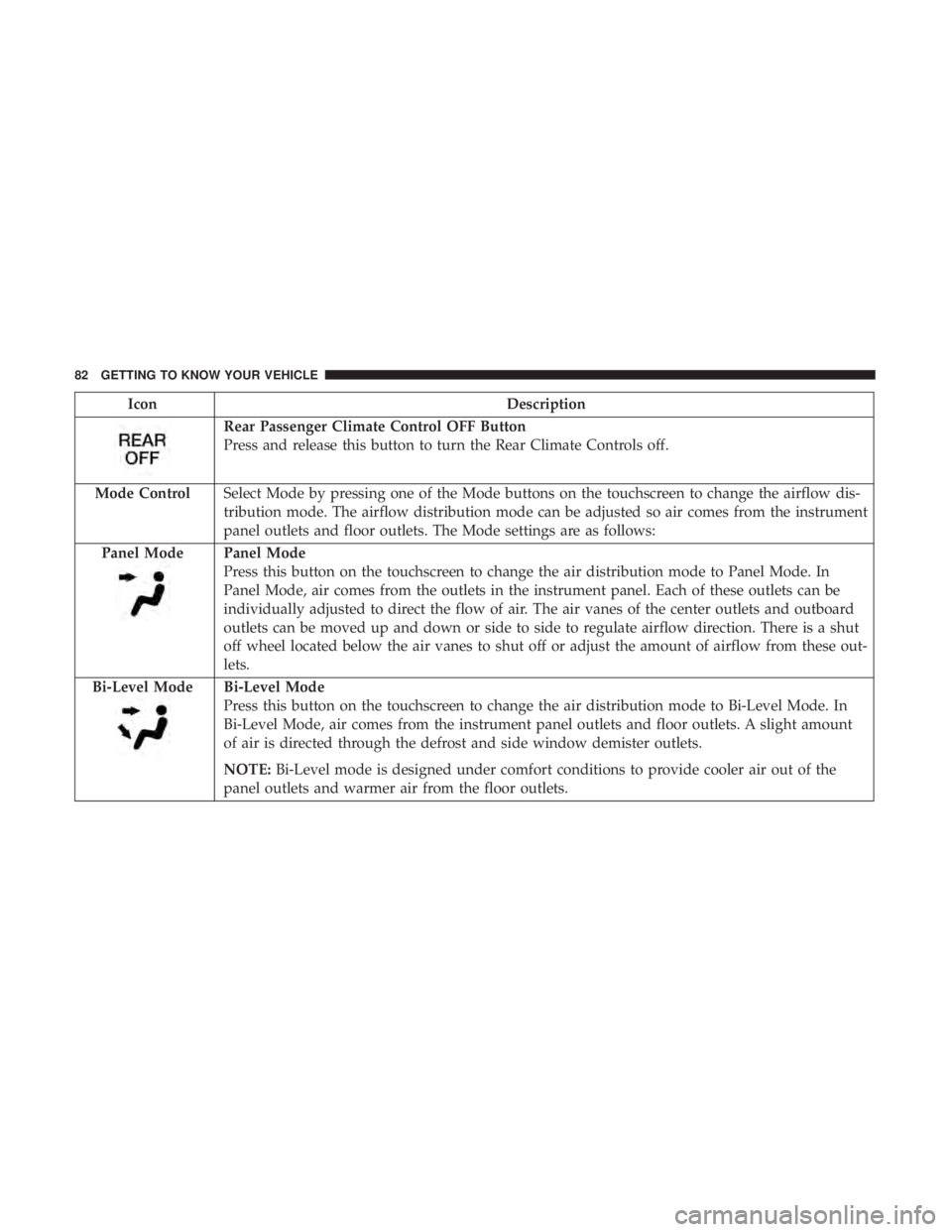
Rear Passenger Climate Control OFF Button
Press and release this button to turn the Rear Climate Controls off.
Mode Control Select Mode by pressing one of the Mode buttons on the touchscreen to change the airflow dis-
tribution mode. The airflow distribution mode can be adjusted so air comes from the instrument
panel outlets and floor outlets. The Mode settings are as follows:
Panel Mode
Panel Mode
Press this button on the touchscreen to change the air distribution mode to Panel Mode. In
Panel Mode, air comes from the outlets in the instrument panel. Each of these outlets can be
individually adjusted to direct the flow of air. The air vanes of the center outlets and outboard
outlets can be moved up and down or side to side to regulate airflow direction. There is a shut
off wheel located below the air vanes to shut off or adjust the amount of airflow from these out-
lets.
Bi-Level Mode
Bi-Level Mode
Press this button on the touchscreen to change the air distribution mode to Bi-Level Mode. In
Bi-Level Mode, air comes from the instrument panel outlets and floor outlets. A slight amount
of air is directed through the defrost and side window demister outlets.
NOTE: Bi-Level mode is designed under comfort conditions to provide cooler air out of the
panel outlets and warmer air from the floor outlets.
82 GETTING TO KNOW YOUR VEHICLE
Page 86 of 524
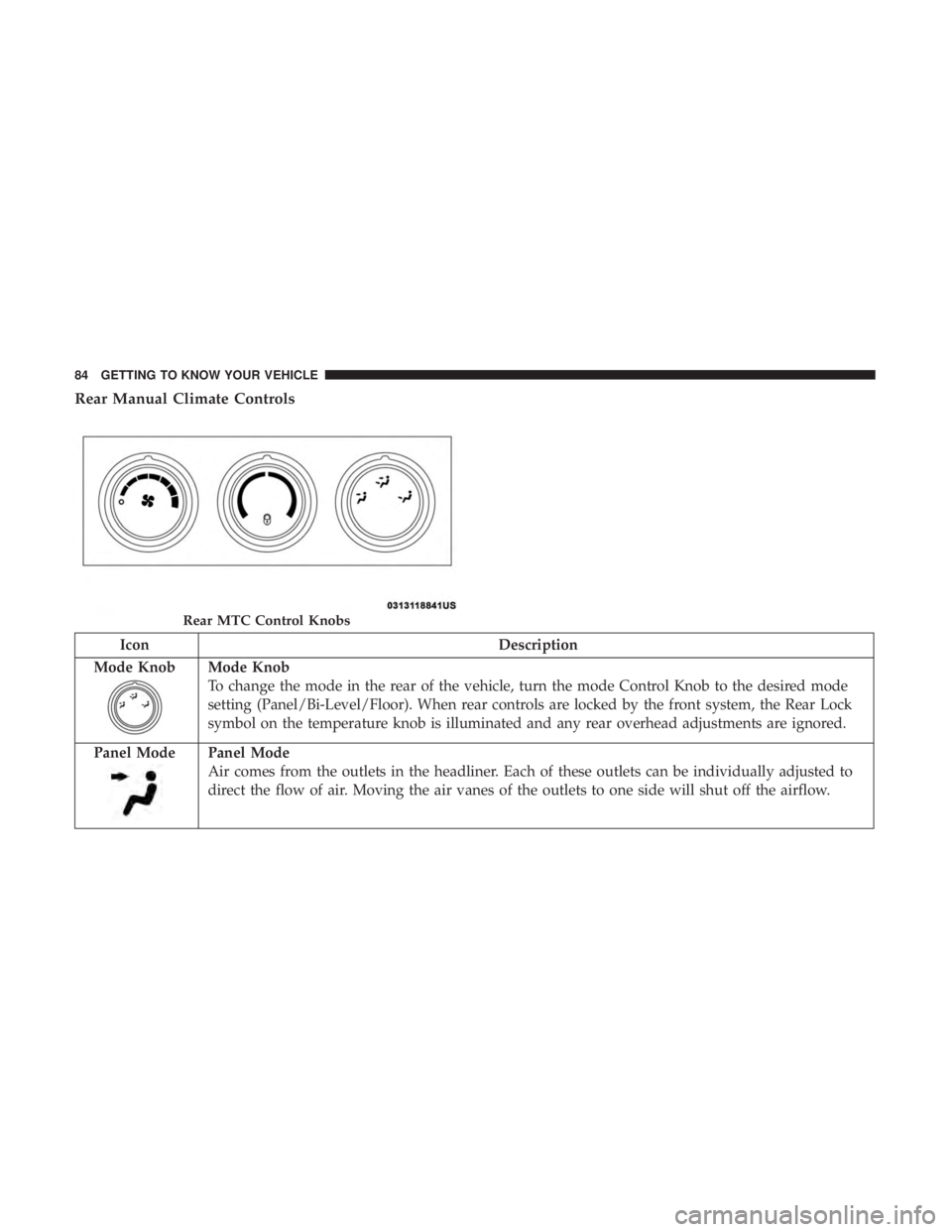
Rear Manual Climate Controls
IconDescription
Mode Knob
Mode Knob
To change the mode in the rear of the vehicle, turn the mode Control Knob to the desired mode
setting (Panel/Bi-Level/Floor). When rear controls are locked by the front system, the Rear Lock
symbol on the temperature knob is illuminated and any rear overhead adjustments are ignored.
Panel Mode
Panel Mode
Air comes from the outlets in the headliner. Each of these outlets can be individually adjusted to
direct the flow of air. Moving the air vanes of the outlets to one side will shut off the airflow.
Rear MTC Control Knobs
84 GETTING TO KNOW YOUR VEHICLE
Page 88 of 524
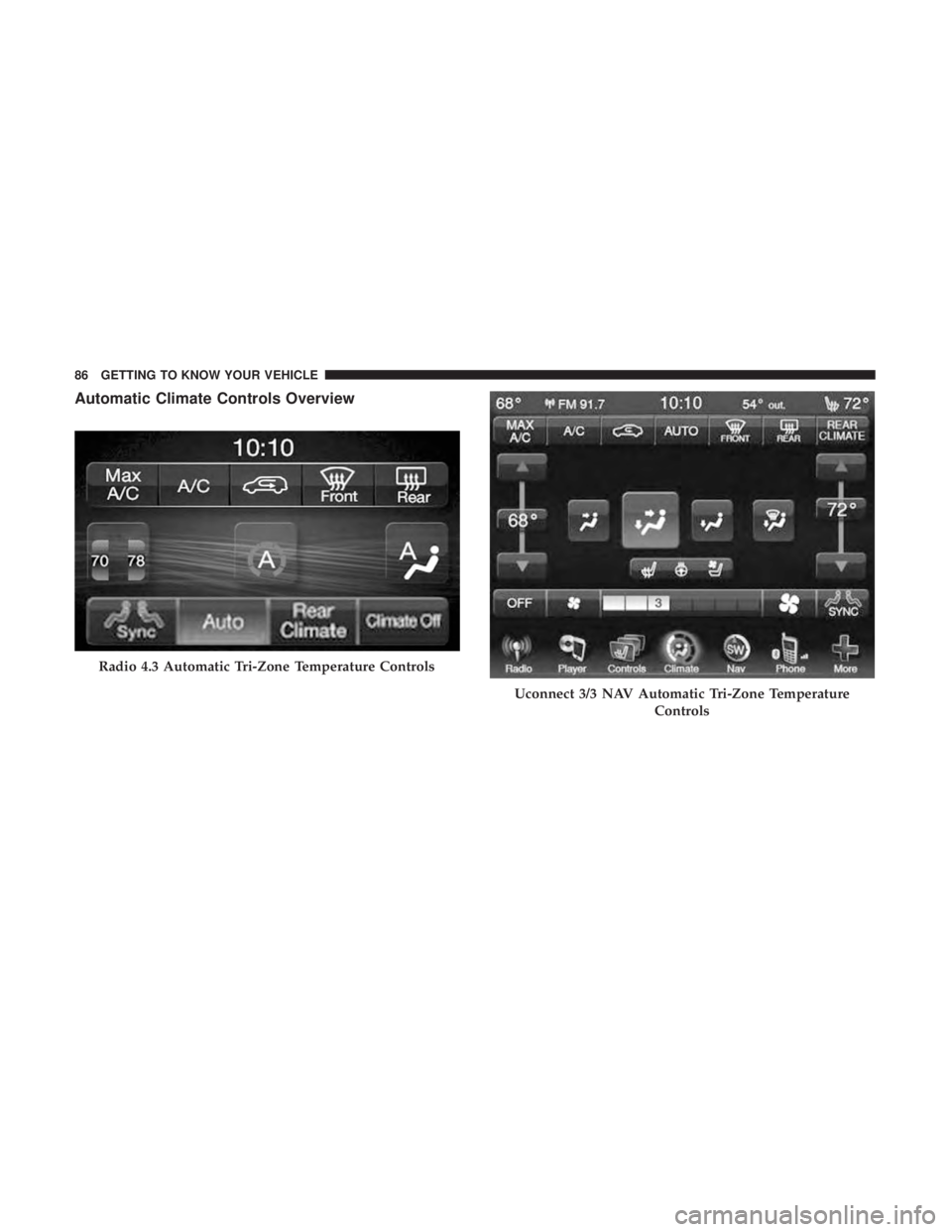
Automatic Climate Controls Overview
Radio 4.3 Automatic Tri-Zone Temperature Controls
Uconnect 3/3 NAV Automatic Tri-Zone TemperatureControls
86 GETTING TO KNOW YOUR VEHICLE
Page 89 of 524
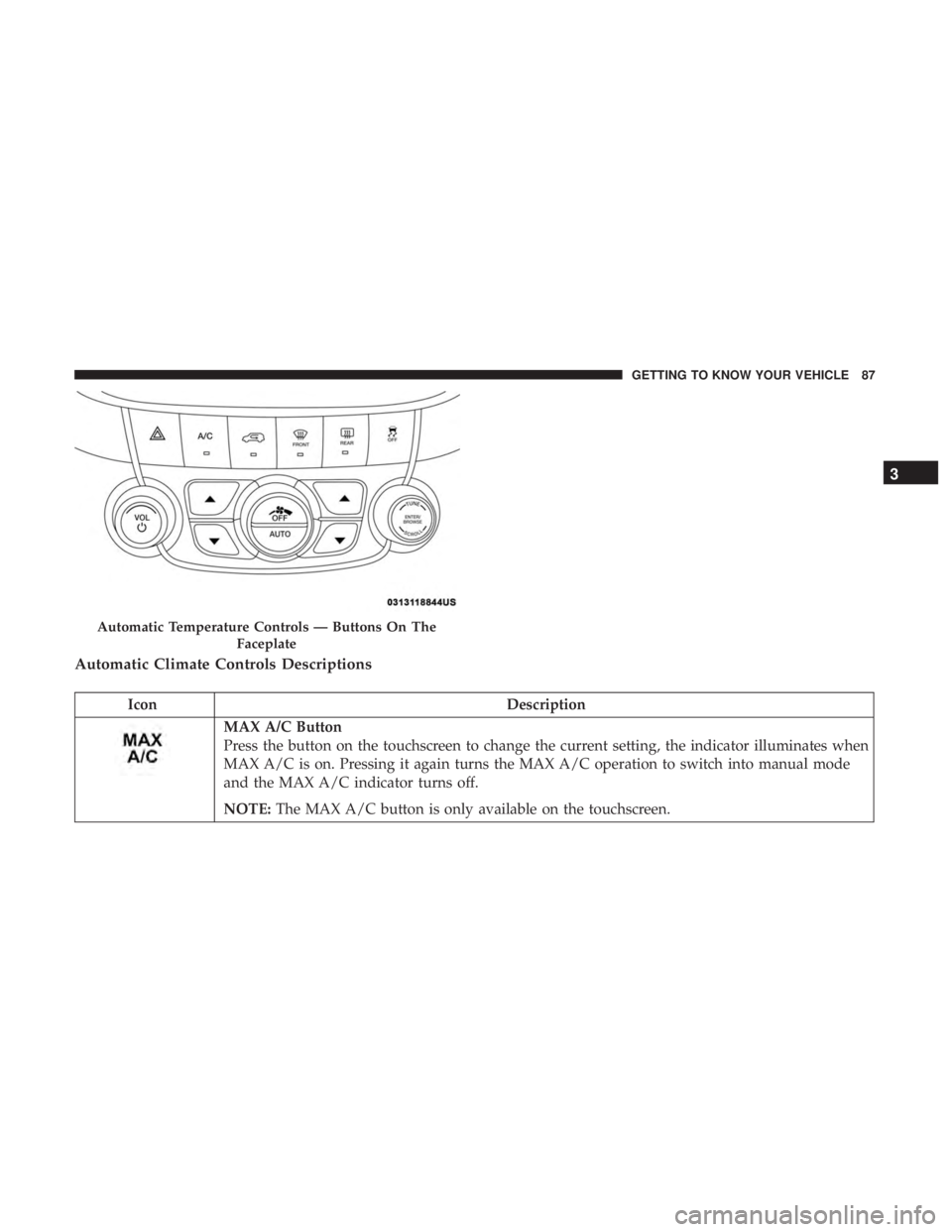
Automatic Climate Controls Descriptions
IconDescription
MAX A/C Button
Press the button on the touchscreen to change the current setting, the indicator illuminates when
MAX A/C is on. Pressing it again turns the MAX A/C operation to switch into manual mode
and the MAX A/C indicator turns off.
NOTE:The MAX A/C button is only available on the touchscreen.
Automatic Temperature Controls — Buttons On The
Faceplate
3
GETTING TO KNOW YOUR VEHICLE 87
Page 90 of 524
IconDescription
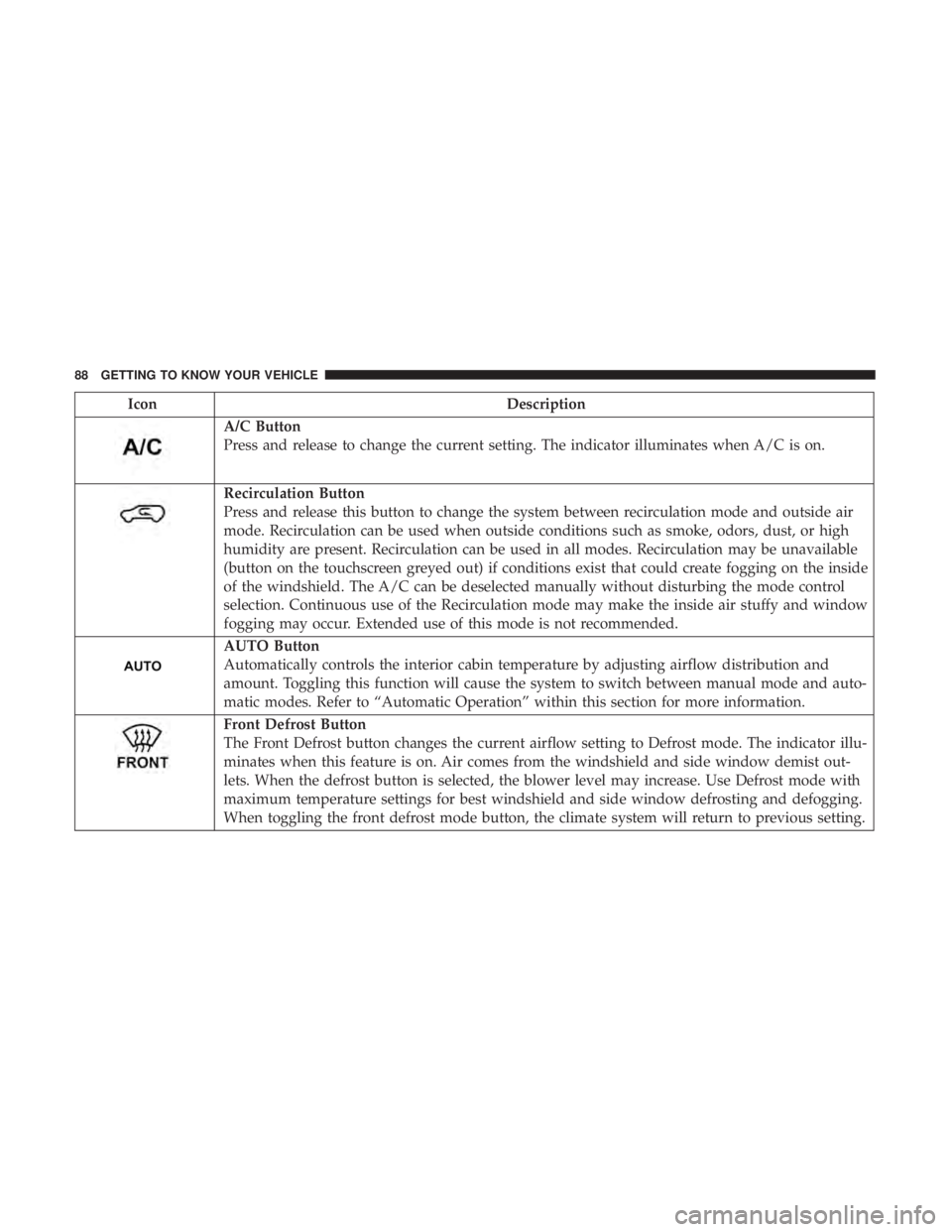
A/C Button
Press and release to change the current setting. The indicator illuminates when A/C is on.
Recirculation Button
Press and release this button to change the system between recirculation mode and outside air
mode. Recirculation can be used when outside conditions such as smoke, odors, dust, or high
humidity are present. Recirculation can be used in all modes. Recirculation may be unavailable
(button on the touchscreen greyed out) if conditions exist that could create fogging on the inside
of the windshield. The A/C can be deselected manually without disturbing the mode control
selection. Continuous use of the Recirculation mode may make the inside air stuffy and window
fogging may occur. Extended use of this mode is not recommended.
AUTO Button
Automatically controls the interior cabin temperature by adjusting airflow distribution and
amount. Toggling this function will cause the system to switch between manual mode and auto-
matic modes. Refer to “Automatic Operation” within this section for more information.
Front Defrost Button
The Front Defrost button changes the current airflow setting to Defrost mode. The indicator illu-
minates when this feature is on. Air comes from the windshield and side window demist out-
lets. When the defrost button is selected, the blower level may increase. Use Defrost mode with
maximum temperature settings for best windshield and side window defrosting and defogging.
When toggling the front defrost mode button, the climate system will return to previous setting.
88 GETTING TO KNOW YOUR VEHICLE
Page 91 of 524
IconDescription
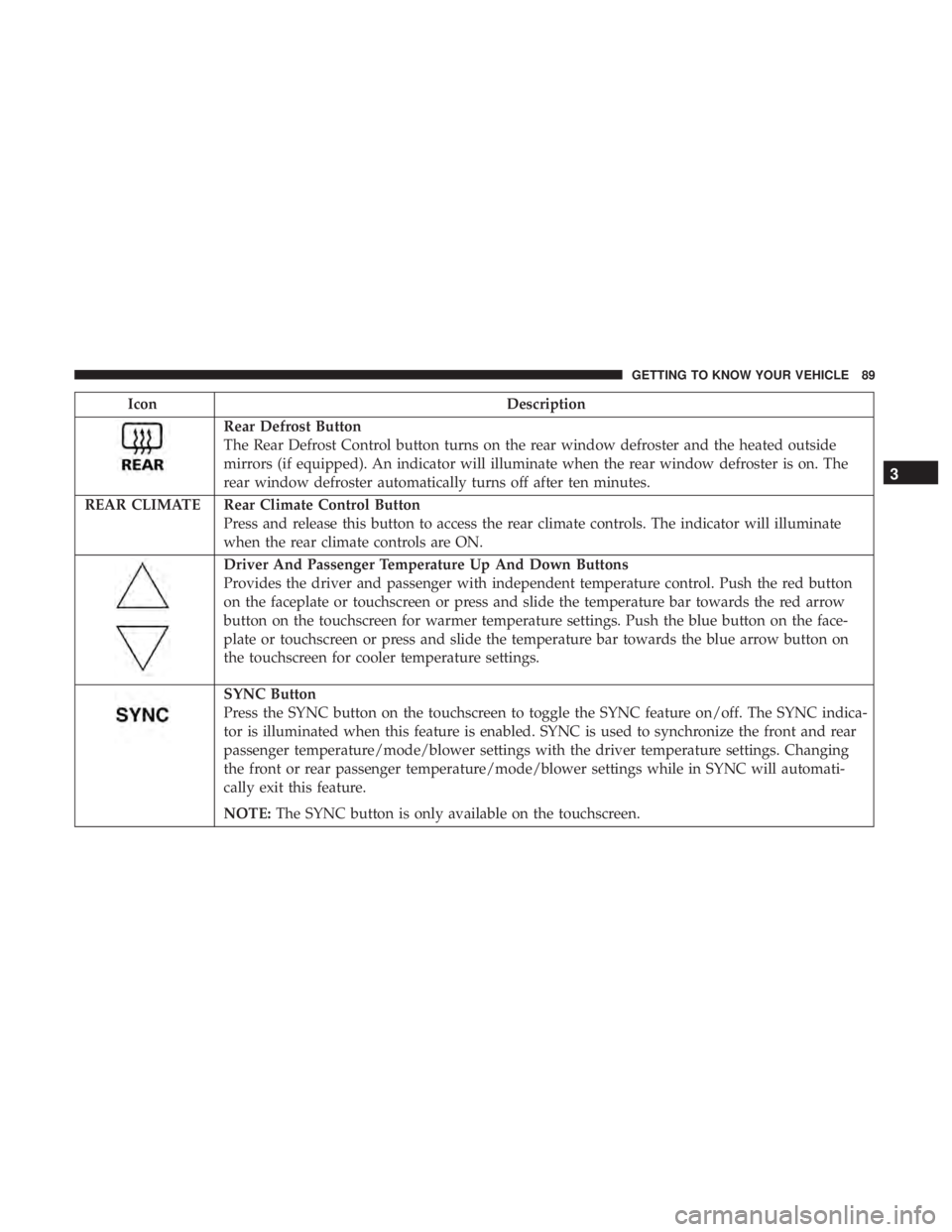
Rear Defrost Button
The Rear Defrost Control button turns on the rear window defroster and the heated outside
mirrors (if equipped). An indicator will illuminate when the rear window defroster is on. The
rear window defroster automatically turns off after ten minutes.
REAR CLIMATE Rear Climate Control Button Press and release this button to access the rear climate controls. The indicator will illuminate
when the rear climate controls are ON.
Driver And Passenger Temperature Up And Down Buttons
Provides the driver and passenger with independent temperature control. Push the red button
on the faceplate or touchscreen or press and slide the temperature bar towards the red arrow
button on the touchscreen for warmer temperature settings. Push the blue button on the face-
plate or touchscreen or press and slide the temperature bar towards the blue arrow button on
the touchscreen for cooler temperature settings.
SYNC Button
Press the SYNC button on the touchscreen to toggle the SYNC feature on/off. The SYNC indica-
tor is illuminated when this feature is enabled. SYNC is used to synchronize the front and rear
passenger temperature/mode/blower settings with the driver temperature settings. Changing
the front or rear passenger temperature/mode/blower settings while in SYNC will automati-
cally exit this feature.
NOTE:The SYNC button is only available on the touchscreen.
3
GETTING TO KNOW YOUR VEHICLE 89
Page 92 of 524
IconDescription
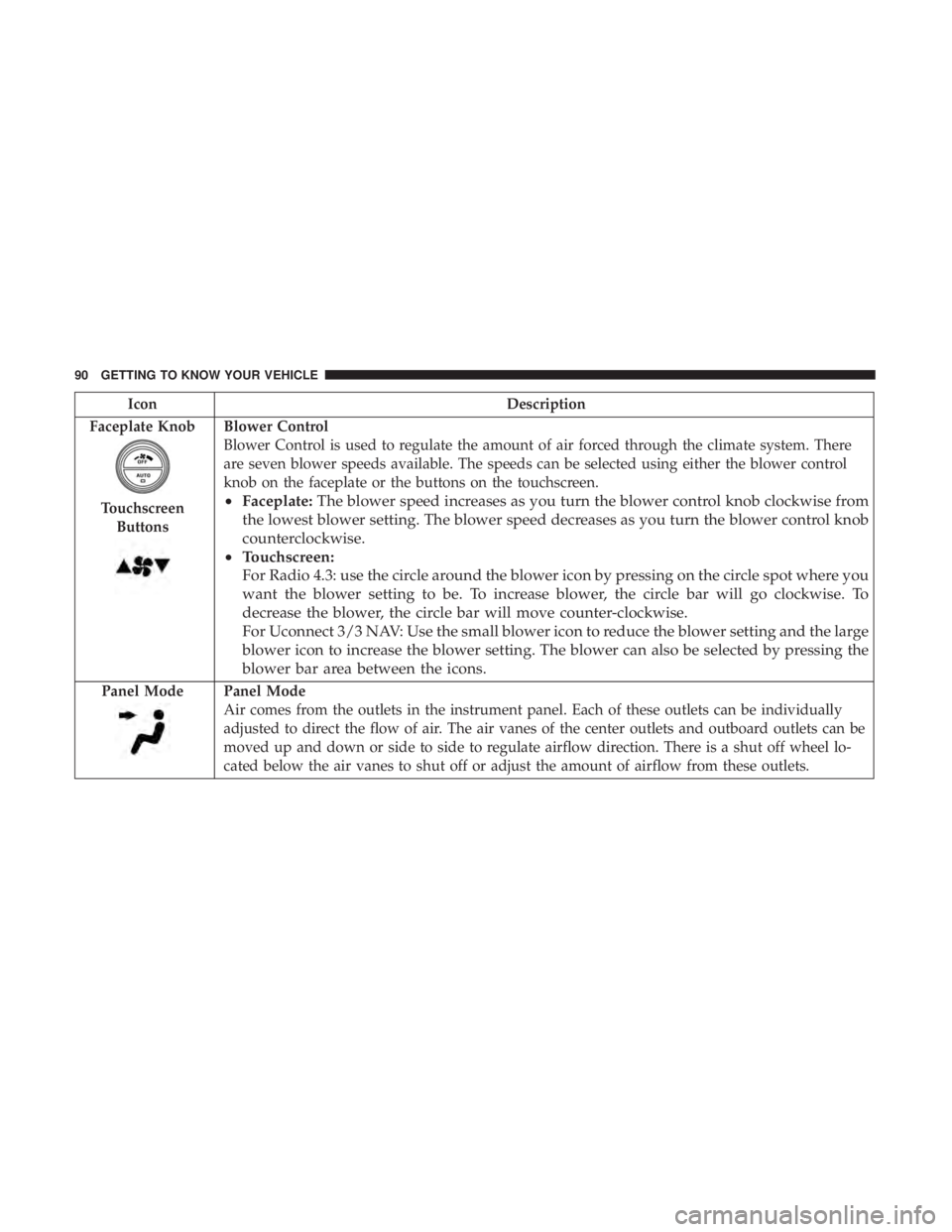
Faceplate Knob
Touchscreen Buttons
Blower Control
Blower Control is used to regulate the amount of air forced through the climate system. There
are seven blower speeds available. The speeds can be selected using either the blower control
knob on the faceplate or the buttons on the touchscreen.
• Faceplate: The blower speed increases as you turn the blower control knob clockwise from
the lowest blower setting. The blower speed decreases as you turn the blower control knob
counterclockwise.
• Touchscreen:
For Radio 4.3: use the circle around the blower icon by pressing on the circle spot where you
want the blower setting to be. To increase blower, the circle bar will go clockwise. To
decrease the blower, the circle bar will move counter-clockwise.
For Uconnect 3/3 NAV: Use the small blower icon to reduce the blower setting and the large
blower icon to increase the blower setting. The blower can also be selected by pressing the
blower bar area between the icons.
Panel ModePanel Mode
Air comes from the outlets in the instrument panel. Each of these outlets can be individually
adjusted to direct the flow of air. The air vanes of the center outlets and outboard outlets can be
moved up and down or side to side to regulate airflow direction. There is a shut off wheel lo-
cated below the air vanes to shut off or adjust the amount of airflow from these outlets.
90 GETTING TO KNOW YOUR VEHICLE
Page 93 of 524
IconDescription
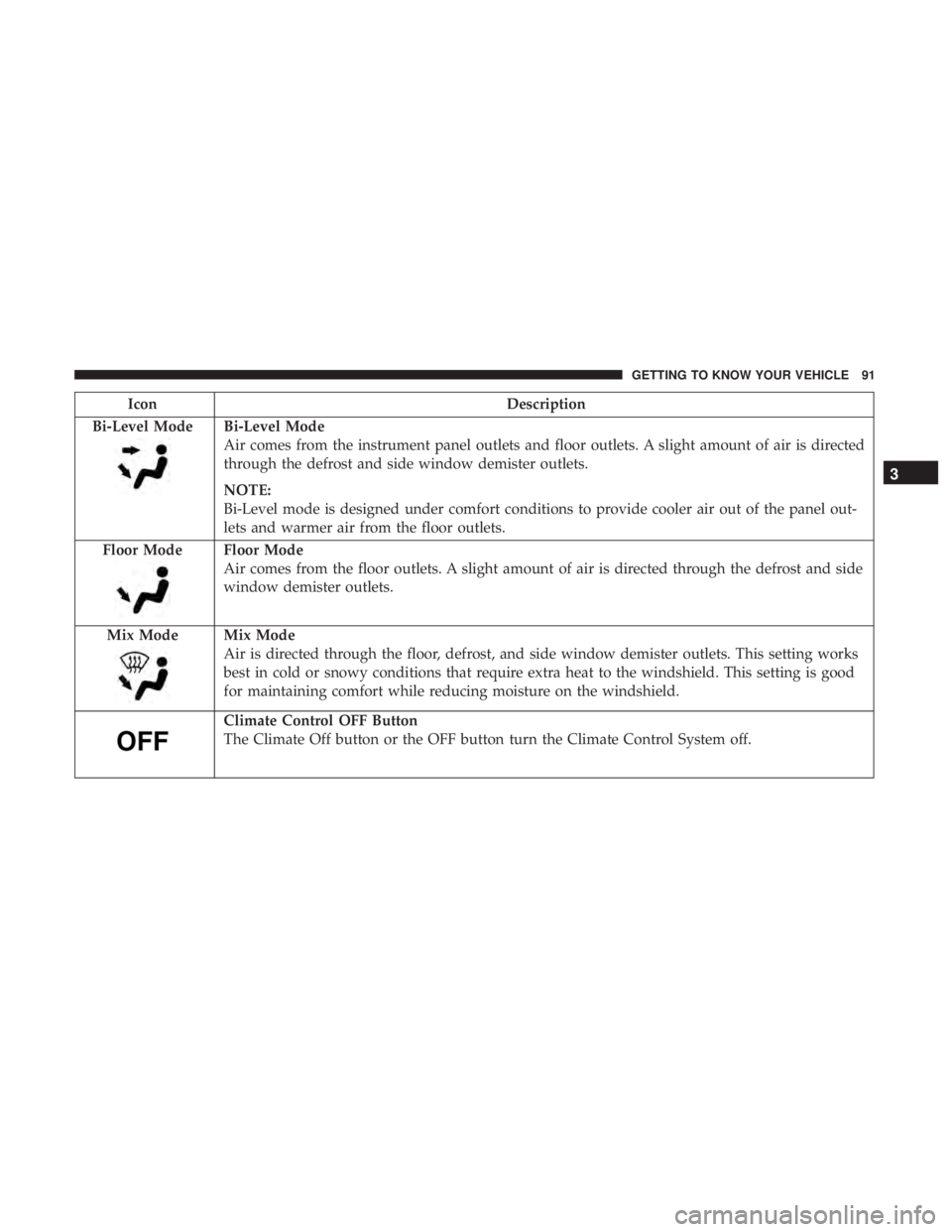
Bi-Level Mode
Bi-Level Mode
Air comes from the instrument panel outlets and floor outlets. A slight amount of air is directed
through the defrost and side window demister outlets.
NOTE:
Bi-Level mode is designed under comfort conditions to provide cooler air out of the panel out-
lets and warmer air from the floor outlets.
Floor Mode
Floor Mode
Air comes from the floor outlets. A slight amount of air is directed through the defrost and side
window demister outlets.
Mix Mode
Mix Mode
Air is directed through the floor, defrost, and side window demister outlets. This setting works
best in cold or snowy conditions that require extra heat to the windshield. This setting is good
for maintaining comfort while reducing moisture on the windshield.
Climate Control OFF Button
The Climate Off button or the OFF button turn the Climate Control System off.
3
GETTING TO KNOW YOUR VEHICLE 91