battery DODGE JOURNEY 2019 Service Manual
[x] Cancel search | Manufacturer: DODGE, Model Year: 2019, Model line: JOURNEY, Model: DODGE JOURNEY 2019Pages: 524, PDF Size: 5.29 MB
Page 425 of 524
Changing The Audio Mode For Headphones
1. Ensure the Remote Control channel/screen selectorswitch is in the same position as the headphone selector
switch.
NOTE: •When both switches are on Channel 1, the Remote is
controlling Channel 1 and the headphones are tuned to
the audio of the VES Channel 1.
• When both switches are on Channel 2, the Remote is
controlling Channel 2 and the headphones are tuned to
the audio of the VES Channel 2.
2. Push the MODE button on the remote control.
3. If the video screen is displaying a video source (such as a DVD Video), pushing STATUS shows the status on a
popup banner at the bottom of the screen. Pushing the
MODE button will advance to the next mode. When the
mode is in an audio only source (such as FM), the Mode
Selection menu appears on screen.
4. When the Mode Selection menu appears on screen, use the cursor buttons on the remote control to navigate to
the available modes and push the ENTER button to
select the new mode. 5. To cancel out of the Mode Selection menu, push the
BACK button on the remote control.
Replacing The Headphone Batteries
Each set of headphones requires two AAA batteries for
operation. To replace the batteries:
1. Locate the battery compartment on the left ear cup ofthe headphones, and then slide the battery cover down-
ward.
2. Replace the batteries, making sure to orient them ac- cording to the polarity diagram shown.
3. Replace the battery compartment cover.
Accessibility
Accessibility is a feature of the DVD system that announces
a function prior to performing the action. The first time a
button is pressed the system will identify the button, and
will enact the function of the button the second time it is
pressed. For further information refer to “Uconnect Set-
tings” in “Multimedia.”10
MULTIMEDIA 423
Page 444 of 524
Call Continuation
Call continuation is the progression of a phone call on the
Uconnect Phone after the vehicle ignition key has been
switched to OFF.
•After the ignition is switched to OFF, a call can continue
on the Uconnect Phone either until the call ends, or until
the vehicle battery condition dictates cessation of the call
on the Uconnect Phone and transfer of the call to the
mobile phone.
Uconnect Phone Features
Emergency Assistance
If you are in an emergency and the mobile phone is
reachable:
• Pick up the phone and manually dial the emergency
number for your area.
If the phone is not reachable and the Uconnect Phone is
operational, you may reach the emergency number as
follows:
• Push the Phone
button to begin.
•After the “Listening” prompt and the following beep,
say “Emergency” and the Uconnect Phone will instruct
the paired mobile phone to call the emergency number.
This feature is supported in the U.S., Canada, and
Mexico.
NOTE:
• The emergency number dialed is based on the country
where the vehicle is purchased (911 for the U.S. and
Canada and 060 for Mexico). The number dialed may
not be applicable with the available mobile service and
area.
• The Uconnect Phone does slightly lower your chances of
successfully making a phone call as to that for the
mobile phone directly.
WARNING!
Your phone must be turned on and connected to the
Uconnect Phone to allow use of this vehicle feature in
emergency situations, when the mobile phone has
network coverage and stays connected to the Uconnect
Phone.
442 MULTIMEDIA
Page 446 of 524
send the corresponding phone number associated with
the phonebook entry, as tones over the phone.
NOTE:
•The first number encountered for that contact will be
sent. All other numbers entered for that contact will be
ignored.
• You may not hear all of the tones due to mobile phone
network configurations. This is normal.
• Some paging and voice mail systems have system time
out settings that are too short and may not allow the use
of this feature.
• Pauses, wait or other characters that are supported by
some phones are not supported over Bluetooth. These
additional symbols will be ignored when dialing a
numbered sequence.
Barge In — Overriding Prompts
The Voice Commandbutton can be used when you
wish to skip part of a prompt and issue your voice
command immediately. For example, if a prompt is
asking “There are two numbers with the name John. Say
the full name” you could push the Voice Command
button and say, “John Smith” to select that option
without having to listen to the rest of the voice prompt.
Voice Response Length
It is possible for you to choose between Brief and Detailed
Voice Response Length.
1. Push the MORE button on the faceplate, then press the “Settings” button on the touchscreen.
2. Press the “Display” button on the touchscreen, then scroll down to Voice Response Length.
3. Select either “Brief” or “Detailed” by pressing the box next to the selection. A check-mark will appear to
indicate your selection.
Phone And Network Status Indicators
Uconnect Phone will provide notification to inform you of
your phone and network status when you are attempting
to make a phone call using Uconnect Phone. The status is
given for network signal strength and phone battery
strength.
444 MULTIMEDIA
Page 469 of 524
to make a phone call using Uconnect Phone. The status is
given for network signal strength and phone battery
strength.
Dialing Using The Mobile Phone Keypad
You can dial a phone number with your mobile phone
keypad and still use the Uconnect Phone (while dialing via
the mobile phone keypad, the user must exercise caution
and take precautionary safety measures). By dialing a
number with your connected Bluetooth mobile phone, the
audio will be played through your vehicle’s audio system.
The Uconnect Phone will work the same as if you dial the
number using a voice command.
NOTE:Certain brands of mobile phones do not send the
dial ring to the Uconnect Phone to play it on the vehicle
audio system, so you will not hear it. Under this situation,
after successfully dialing a number the user may feel that
the call did not go through even though the call is in
progress. Once your call is answered, you will hear the
audio.
Mute/Un-Mute (Mute ON/OFF)
When you mute the Uconnect Phone, you will still be able
to hear the conversation coming from the other party, but
the other party will not be able to hear you. To mute the
Uconnect Phone simply press the “Mute” button on the
Phone main screen.
Advanced Phone Connectivity
Transfer Call To And From Mobile Phone
The Uconnect Phone allows ongoing calls to be transferred
from your mobile phone to the Uconnect Phone without
terminating the call. To transfer an ongoing call from your
connected mobile phone to the Uconnect Phone or vice
versa, press the “Transfer” button on the Phone main
screen.
Connect Or Disconnect Link Between The Uconnect
Phone And Mobile Phone
If you would like to connect or disconnect the Bluetooth
connection between a Uconnect Phone paired mobile
phone and the Uconnect Phone, follow the instructions
described in your mobile phone User’s Manual.
10
MULTIMEDIA 467
Page 505 of 524
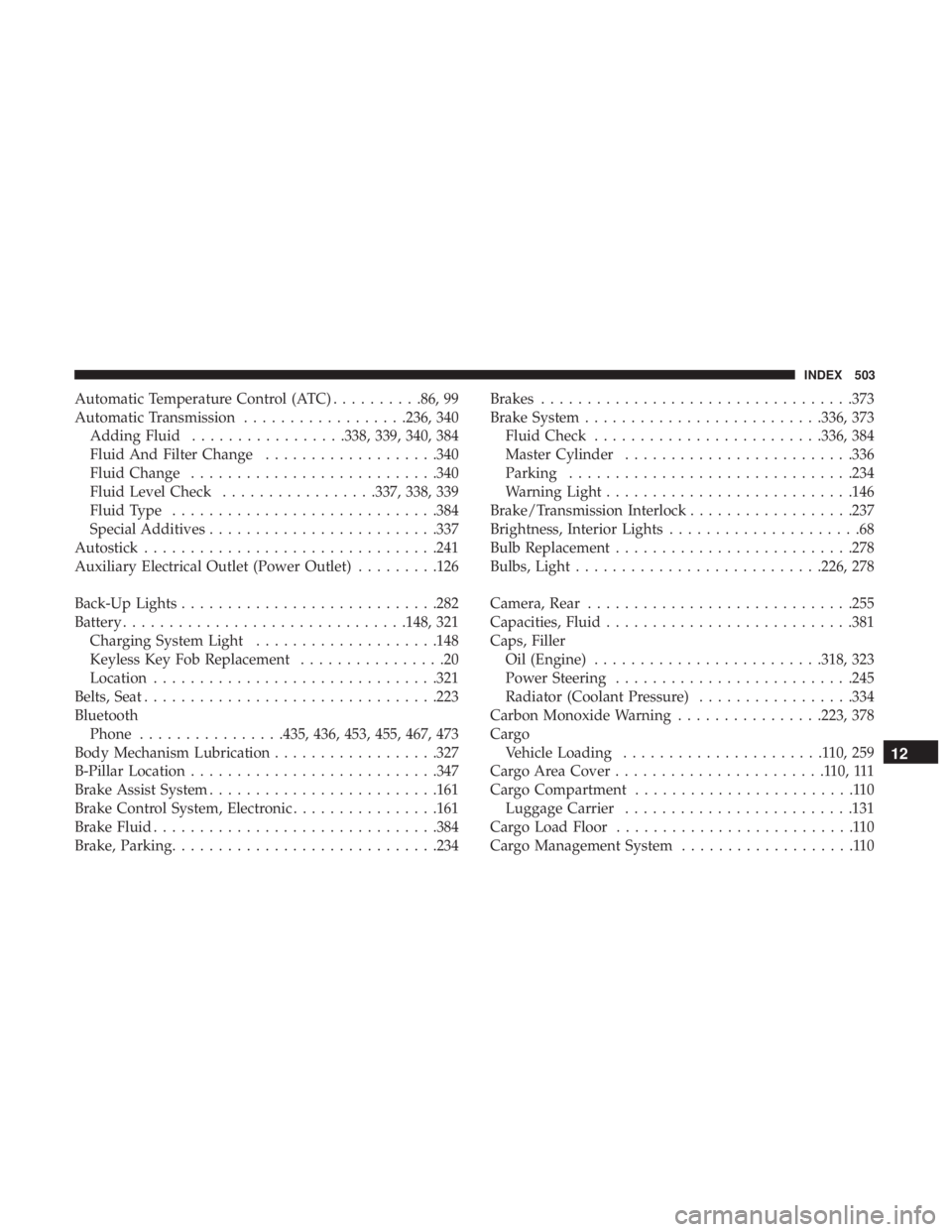
Automatic Temperature Control (ATC)..........86, 99
Automatic Transmission ..................236, 340
Adding Fluid .................338, 339, 340, 384
Fluid And Filter Change ...................340
Fluid Change .......................... .340
Fluid Level Check .................337, 338, 339
Fluid Type ............................ .384
Special Additives ........................ .337
Autostick ............................... .241
Auxiliary Electrical Outlet (Power Outlet) .........126
Back-Up Lights ........................... .282
Battery .............................. .148, 321
Charging System Light ....................148
Keyless Key Fob Replacement ................20
Location .............................. .321
Belts, Seat ............................... .223
Bluetooth Phone ................435, 436, 453, 455, 467, 473
Body Mechanism Lubrication ..................327
B-Pillar Location .......................... .347
Brake Assist System ........................ .161
Brake Control System, Electronic ................161
Brake Fluid .............................. .384
Brake, Parking ............................ .234Brakes
................................. .373
Brake System ......................... .336, 373
Fluid Check ........................ .336, 384
Master Cylinder ........................ .336
Parking .............................. .234
Warning Light .......................... .146
Brake/Transmission Interlock ..................237
Brightness, Interior Lights .....................68
Bulb Replacement ......................... .278
Bulbs, Light .......................... .226, 278
Camera, Rear ............................ .255
Capacities, Fluid .......................... .381
Caps,
Filler
Oil (Engine) ........................ .318, 323
Power Steering ......................... .245
Radiator (Coolant Pressure) .................334
Carbon Monoxide Warning ................223, 378
Cargo Vehicle Loading ......................110,259
Cargo Area Cover .......................110,111
Cargo Compartment ........................110
Luggage Carrier ........................ .131
Cargo Load Floor ..........................110
Cargo Management System ...................110
12
INDEX 503
Page 510 of 524
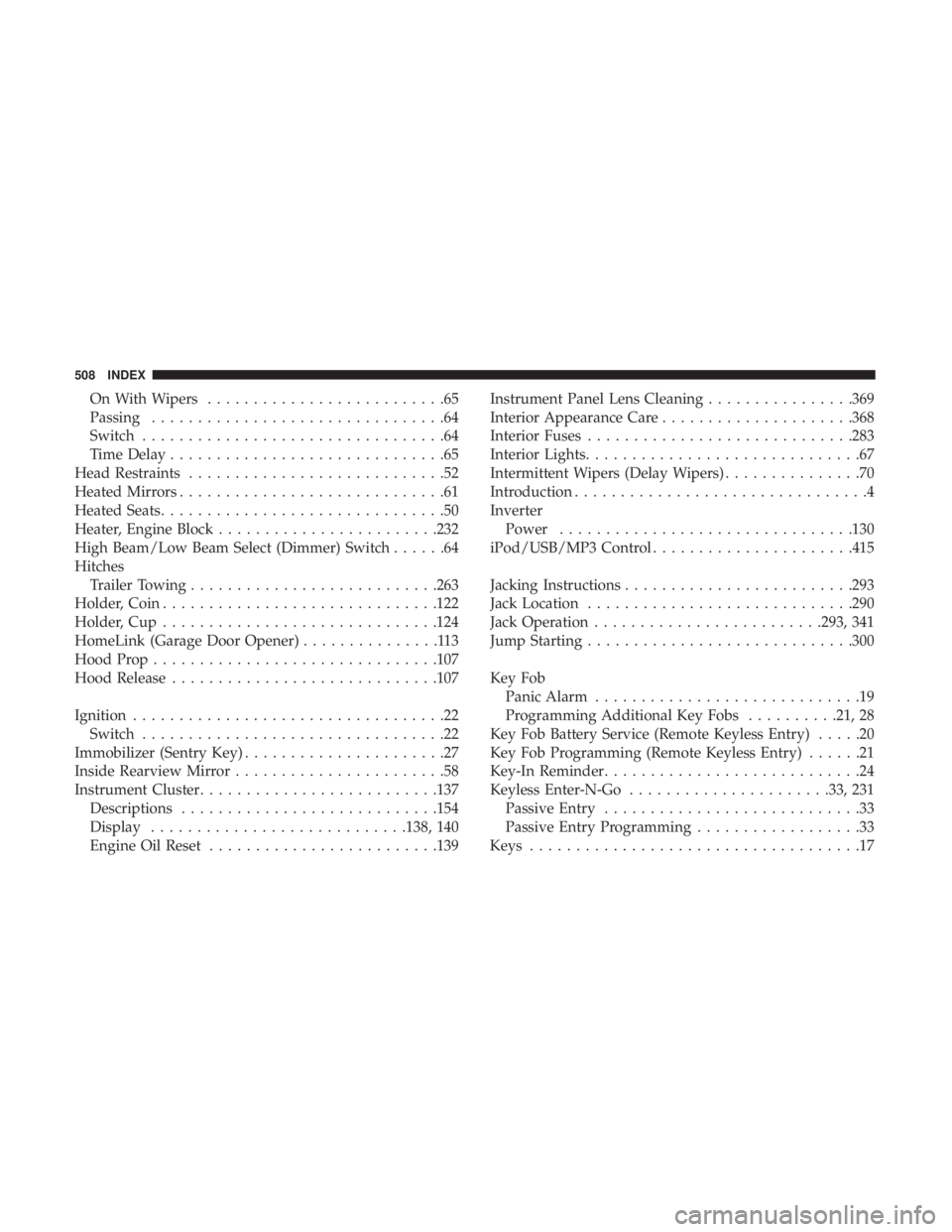
On With Wipers..........................65
Passing ................................64
Switch .................................64
Time Delay ..............................65
Head Restraints ............................52
Heated Mirrors .............................61
Heated Seats ...............................50
Heater, Engine Block ....................... .232
High Beam/Low Beam Select (Dimmer) Switch ......64
Hitches Trailer Towing .......................... .263
Holder, Coin ............................. .122
Holder, Cup ............................. .124
HomeLink (Garage Door Opener) ...............113
Hood Prop .............................. .107
Hood Release ............................ .107
Ignition ..................................22
Switch .................................22
Immobilizer (Sentry Key) ......................27
Inside Rearview Mirror .......................58
Instrument Cluster ......................... .137
Descriptions ........................... .154
Display ........................... .138, 140
Engine Oil Reset ........................ .139Instrument Panel Lens Cleaning
................369
Interior Appearance Care .....................368
Interior Fuses ............................ .283
Interior Lights ..............................67
Intermittent Wipers (Delay Wipers) ...............70
Introduction ................................4
Inverter Power ............................... .130
iPod/USB/MP3 Control ..................... .415
Jacking Instructions ........................ .293
Jack Location ............................ .290
Jack Operation ........................ .293, 341
Jump Starting ............................ .300
Key Fob Panic Alarm .............................19
Programming Additional Key Fobs ..........21, 28
Key Fob Battery Service (Remote Keyless Entry) .....20
Key Fob Programming (Remote Keyless Entry) ......21
Key-In Reminder ............................
24
Keyless Enter-N-Go ..................... .33, 231
Passive Entry ............................33
Passive Entry Programming ..................33
Keys ....................................17
508 INDEX
Page 512 of 524
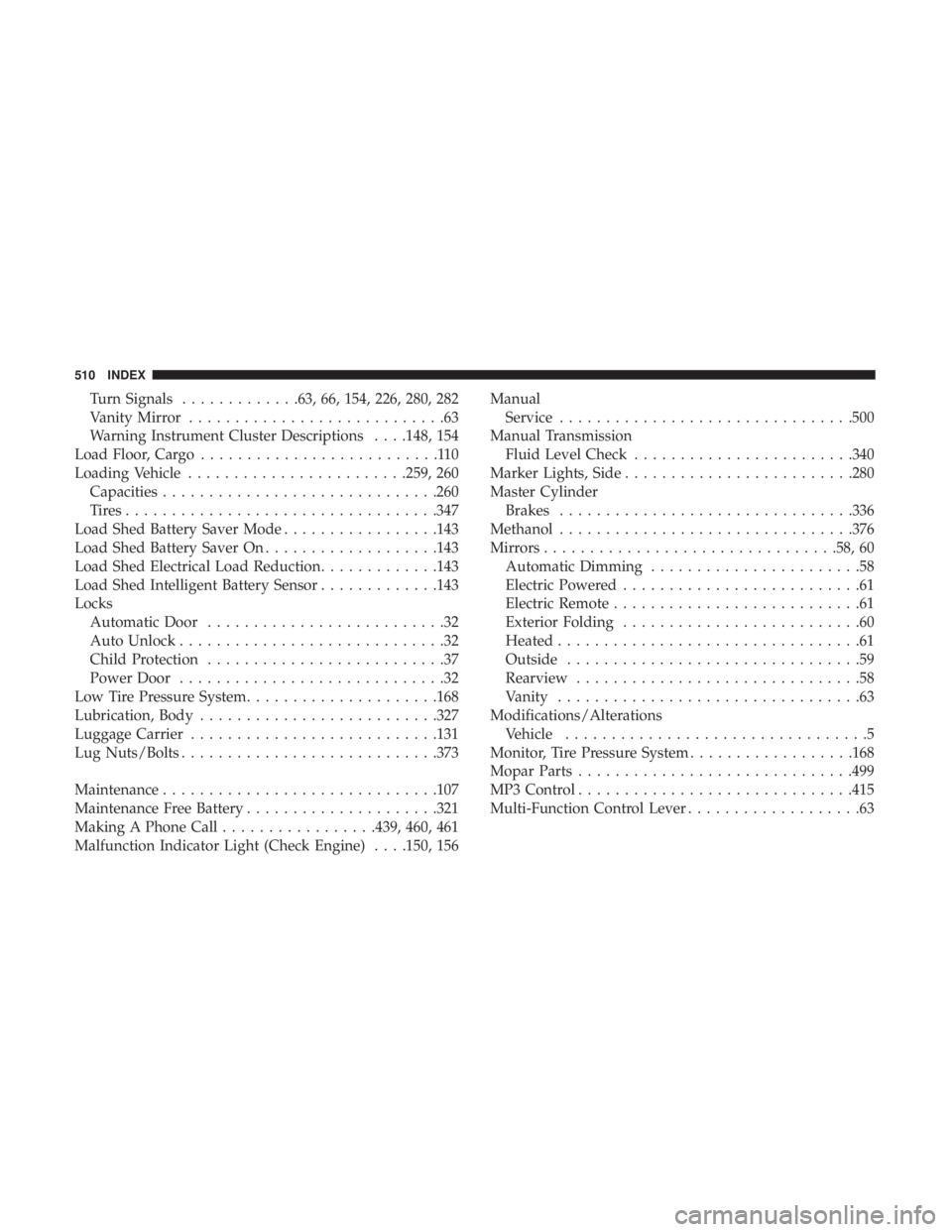
Turn Signals.............63, 66, 154, 226, 280, 282
Vanity Mirror ............................63
Warning Instrument Cluster Descriptions . . . .148, 154
Load Floor, Cargo ..........................110
Loading Vehicle ....................... .259, 260
Capacities ............................. .260
Tires................................. .347
Load Shed Battery Saver Mode .................143
Load Shed Battery Saver On ...................143
Load Shed Electrical Load Reduction .............143
Load Shed Intelligent Battery Sensor .............143
Locks Automatic Door ..........................32
Auto Unlock .............................32
Child Protection ..........................37
Power Door .............................32
Low Tire Pressure System .....................168
Lubrication, Body ......................... .327
Luggage Carrier .......................... .131
Lug Nuts/Bolts ........................... .373
Maintenance ............................. .107
Maintenance Free Battery .....................321
Making A Phone Call .................439, 460, 461
Malfunction Indicator Light (Check Engine) . . . .150, 156 Manual
Service ............................... .500
Manual Transmission Fluid Level Check ....................... .340
Marker Lights, Side ........................ .280
Master Cylinder Brakes ............................... .336
Methanol ............................... .376
Mirrors ............................... .58, 60
Automatic Dimming .......................58
Electric Powered ..........................61
Electric Remote ...........................61
Exterior Folding ..........................60
Heated .................................61
Outside ................................59
Rearview ...............................58
Vanity .................................63
Modifications/Alterations Vehicle .................................5
Monitor, Tire Pressure System ..................168
Mopar
Parts............................. .499
MP3 Control ............................. .415
Multi-Function Control Lever ...................63
510 INDEX
Page 523 of 524

INSTALLATION OF RADIO TRANSMITTING
EQUIPMENT
Special design considerations are incorporated into this
vehicle’s electronic system to provide immunity to radio
frequency signals. Mobile two-way radios and telephone
equipment must be installed properly by trained person-
nel. The following must be observed during installation.
The positive power connection should be made directly
to the battery and fused as close to the battery as possible.
The negative power connection should be made to body
sheet metal adjacent to the negative battery connection.
This connection should not be fused.
Antennas for two-way radios should be mounted on the
roof or the rear area of the vehicle. Care should be used
in mounting antennas with magnet bases. Magnets may
affect the accuracy or operation of the compass on
vehicles so equipped.
The antenna cable should be as short as practical and
routed away from the vehicle wiring when possible. Use
only fully shielded coaxial cable.
Carefully match the antenna and cable to the radio to
ensure a low Standing Wave Ratio (SWR).Mobile radio equipment with output power greater than
normal may require special precautions.
All installations should be checked for possible interfer-
ence between the communications equipment and the
vehicle’s electronic systems.
WARNING:
Operating, servicing and maintaining a
passenger vehicle or off-road highway
motor vehicle can expose you to chemicals
including engine exhaust, carbon monoxide,
phthalates, and lead, which are known to
the State of California to cause cancer and
birth defects or other reproductive harm.
To minimize exposure, avoid breathing
exhaust, do not idle the engine except as
necessary, service your vehicle in a
well-ventilated area and wear gloves or
wash your hands frequently when servicing
your vehicle. For more information go to
www.P65Warnings.ca.gov/passenger-vehicle.