fuel DODGE NITRO 2008 1.G User Guide
[x] Cancel search | Manufacturer: DODGE, Model Year: 2008, Model line: NITRO, Model: DODGE NITRO 2008 1.GPages: 434, PDF Size: 6.2 MB
Page 188 of 434

3. Turn the ignition switch to the OFF/LOCK position.
NOTE:If the indicator message illuminates when you
start the vehicle, the oil change indicator system did not
reset. If necessary repeat this procedure.
Trip Functions
Press and release the MENU button until one of the
following Trip Functions displays in the EVIC:
²Average Fuel Economy
²Distance To Empty
²Elapsed Time
²Display Units of Measure in
Press the SCROLL button to cycle through all the Trip
Computer functions.
The Trip Functions mode displays the following informa-
tion:
²Average Fuel Economy
Shows the average fuel economy since the last reset.
When the fuel economy is reset, the display will read
ªRESETº or show dashes for two seconds. Then, the
history information will be erased, and the averaging will
continue from the last fuel average reading before the
reset.
²Distance To Empty (DTE)
Shows the estimated distance that can be traveled with
the fuel remaining in the tank. This estimated distance is
determined by a weighted average of the instantaneous
and average fuel economy, according to the current fuel
tank level. DTE cannot be reset through the FUNCTION
SELECT button.
NOTE:Significant changes in driving style or vehicle
loading will greatly affect the actual drivable distance of
the vehicle, regardless of the DTE displayed value.
188 INSTRUMENT PANEL AND CONTROLS
Page 189 of 434

²When the DTE value is less than 30 miles (48 km)
estimated driving distance, the DTE display will
change to a text display of9LOW FUEL.9This display
will continue until the vehicle runs out of fuel. Adding
a significant amount of fuel to the vehicle will turn off
the9LOW FUEL9text and a new DTE value will
display.
²Elapsed Time
Shows the total elapsed time of travel since the last reset
when the ignition switch is in the ACC position. Elapsed
time will increment when the ignition switch is in the ON
or START position.
²Display Units of Measure in:
To make your selection, press and release the FUNC-
TION SELECT button until ªUSº or ªMETRICº appears.
To Reset The Display
Reset will only occur while a resettable function is being
displayed. Press and release the FUNCTION SELECTbutton once to clear the resettable function being dis-
played. To reset all resettable functions, press and release
the FUNCTION SELECT button a second time within 3
seconds of resetting the currently displayed function
(>Reset ALL will display during this 3 second window).
Compass Display
The compass readings indicate the direction
the vehicle is facing. Press and release the
compass button to display one of eight com-
pass readings and the outside temperature.
Automatic Compass Calibration
This compass is self-calibrating, which eliminates the
need to manually reset the compass. When the vehicle is
new, the compass may appear erratic and the EVIC will
display ªCALº until the compass is calibrated. You may
also calibrate the compass by completing one or more
360É turns (in an area free from large metal or metallic
INSTRUMENT PANEL AND CONTROLS 189
4
Page 237 of 434

NOTE:There is a difference in temperature between the
upper and lower outlets for added comfort. The warmer
air goes to the floor outlets. This feature gives improved
comfort during sunny but cool conditions.
Floor
Air is directed through the floor outlets and side
window demist outlets with a small amount
through the defrost outlet.
Mix
Air is directed through the floor, defrost and side
window demist outlets. This setting works best in
cold or snowy conditions that require extra heat at
the windshield. This setting is good for maintaining
comfort while reducing moisture on the windshield.Defrost
Air is directed through the windshield and side
window demist outlets. Use this mode with maxi-
mum fan and temperature (Hot) settings for best wind-
shield and side window defrosting.
NOTE:The air conditioning compressor operates in
both Mix and Defrost or a blend of these modes even if
the fan switch is not in the A/C position. This dehumidi-
fies the air to help dry the windshield. To improve fuel
economy, use these modes only when necessary.
INSTRUMENT PANEL AND CONTROLS 237
4
Page 243 of 434

NTire Spinning........................290
NTread Wear Indicators..................291
NLife Of Tire.........................292
NReplacement Tires.....................292
NAlignment And Balance.................293
mTire Chains...........................294
mTire Rotation Recommendations............295
mTire Pressure Monitor System (TPMS) Ð
If Equipped...........................296
NBase System Ð If Equipped..............299
NPremium System Ð If Equipped..........301
NGeneral Information...................305
mFuel Requirements......................306N3.7L Engine (If Equipped)...............306
N4.0L Engine (If Equipped)...............306
NReformulated Gasoline.................307
NGasoline/Oxygenate Blends..............307
NMMT In Gasoline.....................308
NMaterials Added To Fuel................308
NFuel System Cautions..................308
NCarbon Monoxide Warnings..............309
mAdding Fuel..........................310
NFuel Filler Cap (Gas Cap)...............310
NLoose Fuel Filler Cap Message............312
mVehicle Loading........................313
NCertification Label.....................313
STARTING AND OPERATING 243
5
Page 246 of 434

Tip Start Feature Ð Automatic Transmission Only
Do notpress the accelerator. Turn the ignition key briefly
to START position, and release it. The starter motor will
continue to run, but will automatically disengage itself
when the engine is running.
Extreme Cold Weather (below ±20ÉF or ±29ÉC)
To insure reliable starting at these temperatures, use of an
externally powered electric engine block heater (available
from your dealer) is recommended.
If Engine Fails to Start
If the engine fails to start after you have followed the
ªNormal Startingº or ªExtreme Cold Weatherº proce-
dures, it may be flooded. Push the accelerator pedal all
the way to the floor and hold it there while cranking the
engine. This should clear any excess fuel in case the
engine is flooded.
CAUTION!
To prevent damage to the starter, do not crank the
engine for more than 15 seconds at a time. Wait 10 to
15 seconds before trying again.
Ignition Key Positions
246 STARTING AND OPERATING
Page 247 of 434
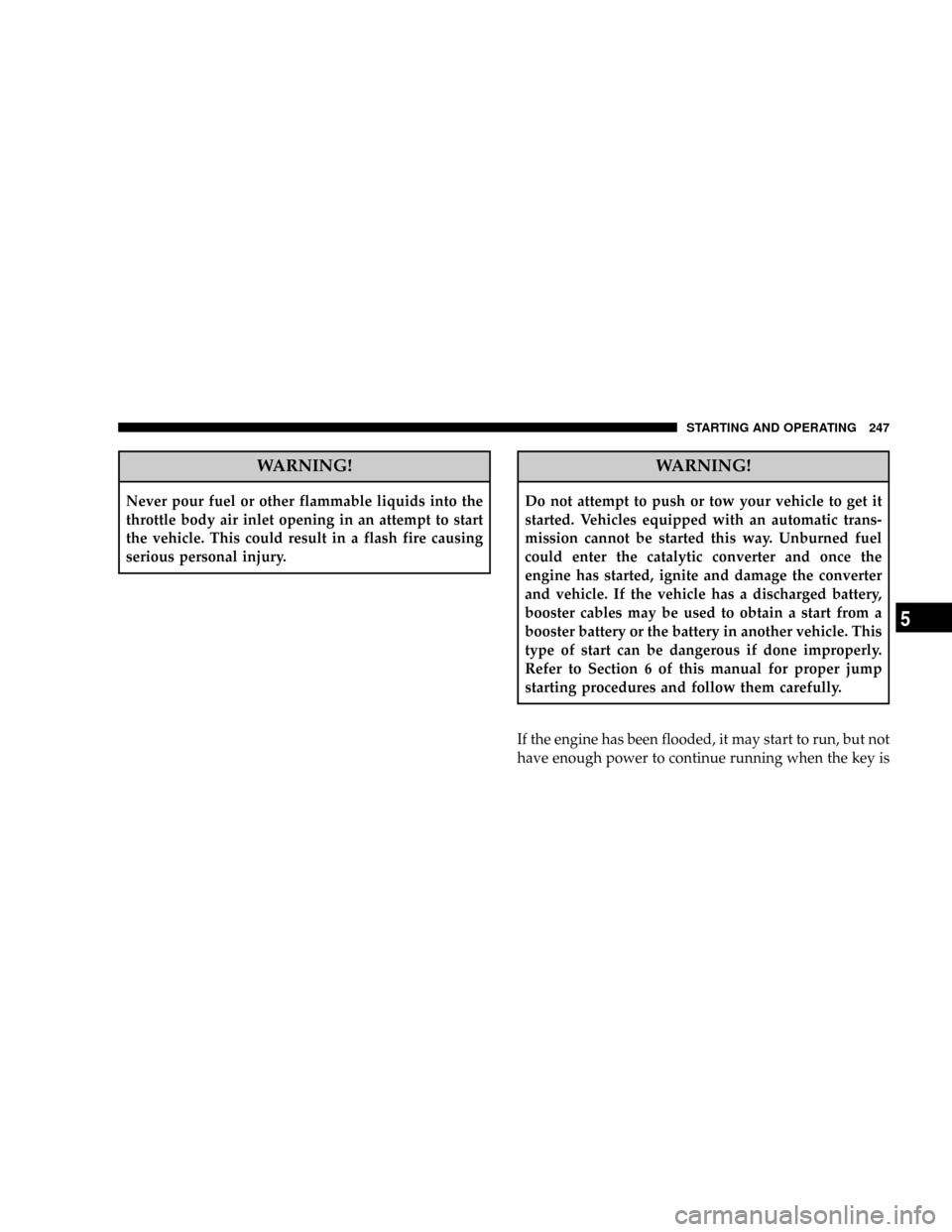
WARNING!
Never pour fuel or other flammable liquids into the
throttle body air inlet opening in an attempt to start
the vehicle. This could result in a flash fire causing
serious personal injury.
WARNING!
Do not attempt to push or tow your vehicle to get it
started. Vehicles equipped with an automatic trans-
mission cannot be started this way. Unburned fuel
could enter the catalytic converter and once the
engine has started, ignite and damage the converter
and vehicle. If the vehicle has a discharged battery,
booster cables may be used to obtain a start from a
booster battery or the battery in another vehicle. This
type of start can be dangerous if done improperly.
Refer to Section 6 of this manual for proper jump
starting procedures and follow them carefully.
If the engine has been flooded, it may start to run, but not
have enough power to continue running when the key is
STARTING AND OPERATING 247
5
Page 259 of 434

Transmission Limp Home Mode
Transmission function is monitored for abnormal condi-
tions. If a condition is detected that could result in
transmission damage, the transmission limp home mode
will be engaged. In this mode, the transmission will
remain in the current gear until the vehicle is brought to
a stop.
To reset the transmission, use the following procedure:
1. Stop the vehicle.
2. Move the shift lever to the P (Park) position.
3. Turn off the engine, be sure to turn the key to the
LOCK position.
4. Wait approximately 10 seconds, then restart the en-
gine.
5. Move the shift lever to the desired gear range.If the problem is no longer detected, the transmission will
return to normal operation. If the problem persists, P
(Park), R (Reverse), and N (Neutral) will continue to
operate. Only Second gear range will operate in the D
(Drive) shifter position. Have the transmission checked at
your authorized dealer as soon as possible.
Torque Converter Clutch
A feature designed to improve fuel economy has been
added to the automatic transmission of this vehicle. A
clutch within the torque converter engages automatically
at calibrated speeds. This may result in a slightly differ-
ent feeling or response during normal operation in high
gear. When the vehicle speed drops or during accelera-
tion, the clutch automatically and smoothly disengages.
STARTING AND OPERATING 259
5
Page 264 of 434

1. Stop the vehicle.
2. Move the shift lever to the P (Park) position.
3. Turn off the engine, be sure to turn the key to the
LOCK position.
4. Wait approximately 10 seconds, then restart the en-
gine.
5. Move the shift lever to the desired gear range.
If the problem is no longer detected, the transmission will
return to normal operation. If the problem persists, P
(Park), R (Reverse), and N (Neutral) will continue to
operate. Only Second gear range will operate in the D
(Drive) shifter position. Have the transmission checked at
your authorized dealer as soon as possible.
Torque Converter Clutch
A feature, designed to improve fuel economy, has been
included in the automatic transmission on your vehicle.A clutch within the torque converter engages automati-
cally at a calibrated speed at light throttle. It engages at
higher speeds under heavier acceleration. This may re-
sult in a slightly different feeling or response during
normal operation in high gear. When the vehicle speed
drops below a calibrated speed, or during acceleration,
the clutch automatically and smoothly disengages. The
feature is operational in Overdrive and in Drive.
NOTE:The torque converter clutch will not engage
until the transmission fluid and engine coolant are warm
[usually after 1-3 miles (1.6 - 4.8 km) of driving]. Because
the engine speed is higher when the torque converter
clutch is not engaged, it may seem as if the transmission
is not shifting into Overdrive when cold. This is normal.
NOTE:If the vehicle has not been driven in several
days, the first few seconds of operation after shifting the
transmission into gear may seem sluggish. This is due to
the fluid partially draining from the torque converter into
264 STARTING AND OPERATING
Page 271 of 434

Remember, never drive diagonally across a hill-always
drive straight up or down.
If the wheels start to slip as you approach the crest of a
hill, ease off the accelerator and maintain headway by
turning the front wheels slowly left and right. This may
provide a fresh ªbiteº into the surface and will usually
provide traction to complete the climb.
Traction Downhill
Shift the transmission into a low gear and the transfer
case to 4L or 4LO range. Let the vehicle go slowly down
the hill with all four wheels turning against engine
compression drag. This will permit you to control the
vehicle speed and direction.
When descending mountains or hills, repeated braking
can cause brake fade with loss of braking control. Avoid
repeated heavy braking by downshifting the transmis-
sion whenever possible.
After Driving Off-Road
Off-road operation puts more stress on your vehicle than
does most on-road driving. After going off-road, it is
always a good idea to check for damage. That way you
can get any problems taken care of right away and have
your vehicle ready when you need it.
²Completely inspect the underbody of your vehicle.
Check tires, body structure, steering, suspension, and
exhaust system for damage.
²Check threaded fasteners for looseness, particularly on
the chassis, drivetrain components, steering, and sus-
pension. Retighten them, if required, and torque to the
values specified in the Service Manual.
²Check for accumulations of plants or brush. These
things could be a fire hazard. They might hide damage
to fuel lines, brake hoses, axle pinion seals, and
propeller shafts.
STARTING AND OPERATING 271
5
Page 288 of 434

2. EconomyÐ
Improper inflation pressures can cause uneven wear
patterns to develop across the tire tread. These abnormal
wear patterns will reduce tread life resulting in a need for
earlier tire replacement. Under inflation also increases
tire rolling resistance and results in higher fuel consump-
tion.
3. Ride Comfort and Vehicle StabilityÐ
Proper tire inflation contributes to a comfortable ride.
Over inflation produces a jarring and uncomfortable ride.
Both under inflation and over inflation affect the stability
of the vehicle and can produce a feeling of sluggish
response or over responsiveness in the steering.
Unequal tire pressures can cause erratic and unpredict-
able steering response.
Unequal tire pressure from side to side may cause the
vehicle to drift left or right.Tire Inflation Pressures
The proper cold tire inflation pressure is listed on either
the face of the driver's door or the driver's side ªBº pillar.
The pressure should be checked and adjusted as well as
inspecting for signs of tire wear or visible damage at least
once a month. Use a good quality pocket-type gauge to
Tire Placard Location
288 STARTING AND OPERATING