change time DODGE POWER WAGON 2007 2.G User Guide
[x] Cancel search | Manufacturer: DODGE, Model Year: 2007, Model line: POWER WAGON, Model: DODGE POWER WAGON 2007 2.GPages: 492, PDF Size: 8.25 MB
Page 214 of 492
radio, the radio will remain in CD mode and display
9INSERT DISCº for 2 minutes. After 2 minutes, the radio
will go to the previous tuner mode.
The disc can be ejected with the radio and ignition OFF.
TIME Button (CD MODE for CD Audio Play)
Press this button to change the display from a large CD
playing time display to a small CD playing time display.
RW/FF (CD MODE for CD Audio Play)
Press and hold FF (Fast Forward) and the CD player will
begin to fast forward until FF is released or RW or
another CD button is pressed. The RW (Reverse) button
works in a similar manner.
TUNE Control (CD MODE for CD Audio Play)
Pressing the TUNE control allows the setting of the Tone,
Fade, and Balance. See Radio Mode.
AM/FM Button (CD MODE for CD Audio Play)
Switches the Radio to the Radio mode.
RND/PTY Button (Random Play Button) (CD
MODE for CD Audio Play)
Press this button while the CD is playing to activate
Random Play. This feature plays the selections on the
compact disc in random order to provide an interesting
change of pace.
NOTE:MP3 and WMA Random Play are for file folders
only.
Press the SEEK button to move to the next randomly
selected track.
Press and hold the FF button to fast forward through the
tracks. Release the FF button to stop the fast forward
feature. If the RW button is pressed, the current track will
reverse to the beginning of the track and begin playing.
Press the RND button a second time to stop Random
Play.
UNDERSTANDING YOUR INSTRUMENT PANEL 213
4
Page 223 of 492
Selecting a Channel
Press and release the SEEK or TUNE knob to search for
the next channel. Press the top of the button to search up
and the bottom of the button to search down. Holding the
TUNE button causes the radio to bypass channels until
the button is released.
Press and release the SCAN button (if equipped) to
automatically change channels every 7 seconds. The
radio will pause on each channel for 7 seconds before
moving on to the next channel. The word9SCAN9will
appear in the display between each channel change. Press
the SCAN button a second time to stop the search.
NOTE:Channels that may contain objectionable content
can be blocked. Contact Sirius Customer Care at 888-539-
7474 to discuss options for channel blocking or unblock-
ing. Please have your ESN/SID information available.
Storing and Selecting Pre-Set Channels
In addition to the 12 AM and 12 FM pre-set stations, you
may also commit 12 satellite stations to push button
memory. These satellite channel pre-set stations will not
erase any AM or FM pre-set memory stations. Follow the
memory pre-set procedures that apply to your radio.
Using the PTY (Program Type) Button (if
equipped)
Follow the PTY button instructions that apply to your
radio.
PTY Button(SCAN(
When the desired program type is obtained, press the
9SCAN9button within five seconds. The radio will play 7
seconds of the selected channel before moving to the next
channel of the selected program type. Press the9SCAN9
button a second time to stop the search.
NOTE:Pressing the9SEEK9or9SCAN9button, while
performing a music type scan, will change the channel by
222 UNDERSTANDING YOUR INSTRUMENT PANEL
Page 232 of 492
outlets selected by the mode control. A light in the
snowflake button shows that the air conditioning is on.
Press the button a second time to turn the air condition-
ing off.
Slight changes in engine speed or power may be noticed
when the air conditioning compressor is on. This is a
normal occurrence as the compressor will cycle on and
off to maintain comfort and increase fuel economy.
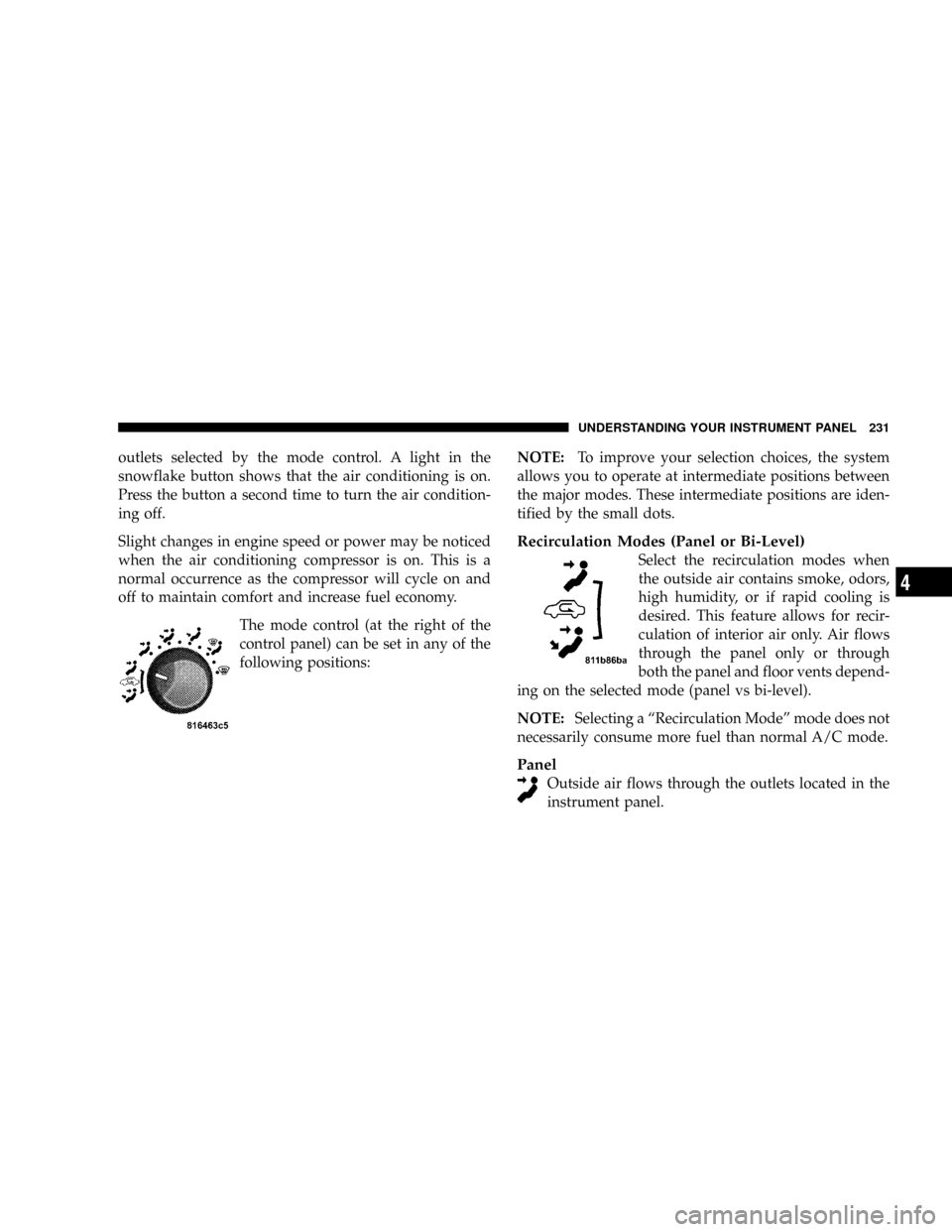
The mode control (at the right of the
control panel) can be set in any of the
following positions:NOTE:To improve your selection choices, the system
allows you to operate at intermediate positions between
the major modes. These intermediate positions are iden-
tified by the small dots.
Recirculation Modes (Panel or Bi-Level)
Select the recirculation modes when
the outside air contains smoke, odors,
high humidity, or if rapid cooling is
desired. This feature allows for recir-
culation of interior air only. Air flows
through the panel only or through
both the panel and floor vents depend-
ing on the selected mode (panel vs bi-level).
NOTE:Selecting a ªRecirculation Modeº mode does not
necessarily consume more fuel than normal A/C mode.
Panel
Outside air flows through the outlets located in the
instrument panel.
UNDERSTANDING YOUR INSTRUMENT PANEL 231
4
Page 234 of 492

Circulation
The cab is designed with features to promote outside air
circulation. There are grilles in the cab back panel. These
are air exhausters that provide the means for regular
exchange of cab air.
Side window demisters direct air flow specifically to the
window glass to help prevent interior fogging of the
glass. They are located in the extreme outside upper
edges of the instrument panel. The demisters also pro-
vide extra air ducts for circulation. They are in operation
whenever the Floor, Mix or Defrost modes are in use. To
remove frost from the side windows, it is best to use the
full defrost mode.
NOTE:When you turn off the engine you may hear a
hissing sound from under the hood for a short period of
time. This is a normal condition that occurs if the air
conditioning system has been on. It is not an indication of
a problem with the air conditioning system.
Air Conditioning with Dual Zone Temperature
Control Ð If Equipped
With the Dual Zone Temperature Control System, each
front seat occupant can independently control the tem-
perature of air coming from the outlets on their side of
the vehicle.
Dual Zone Control Head
UNDERSTANDING YOUR INSTRUMENT PANEL 233
4
Page 238 of 492
the driver and front passenger. The blue area of the scale
indicates cooler temperatures while the red area indicates
warmer temperatures.
Circulation
The cab is designed with features to promote outside air
circulation. There are grilles in the cab back panel. These
are air exhausters that provide the means for regular
exchange of cab air.
Side window demisters direct air flow specifically to the
window glass to help prevent interior fogging of the
glass. They are located in the extreme outside upper
edges of the instrument panel. The demisters also pro-
vide extra air ducts for circulation. They are in operation
whenever the Floor, Mix or Defrost modes are in use.
NOTE:When you turn off the engine you may hear a
hissing sound from under the hood for a short period of
time. This is a normal condition that occurs if the airconditioning system has been on. It is not an indication of
a problem with the air conditioning system.
Operating Tips
Fast Cooldown
For a fast cooldown, turn the blower fan rotary knob to
the extreme right position, turn the mode control to the
panel fresh position, press the snowflake button to turn
on the air conditioning, and drive with the windows
open for the first few minutes. Once the hot air has been
expelled, close the windows and press the Recirculation
push-button. When a comfortable condition has been
reached, choose a mode position and adjust the tempera-
ture control slide and blower speed as necessary to
maintain comfort. For high humidity conditions it may
be necessary to remain in the Recirculation mode to
maintain comfort.
UNDERSTANDING YOUR INSTRUMENT PANEL 237
4
Page 370 of 492
NOTE:The winch mechanism is designed for use with
the jack extension tube only. Use of an air wrench or other
power tools is not recommended and can damage the
winch.
Tire Changing Procedure
WARNING!
Getting under a jacked-up vehicle is dangerous. The
vehicle could slip off the jack and fall on you. You
could be crushed. Never get any part of your body
under a vehicle that is on a jack. Never start or run
the engine while the vehicle is on a jack. If you need
to get under a raised vehicle, take it to a service
center where it can be raised on a lift.
Do not raise this vehicle using a bumper jack. The jack is
designed as a tool for changing tires on this vehicle only.It is not recommended that the jack be used for service
purposes or to lift more than one wheel at a time.
Preparations
Park the vehicle on a firm level surface, avoiding ice or
slippery areas. Set the parking brake and place the gear
selector in PARK (automatic transmission) or REVERSE
(manual transmission). On four-wheel drive vehicles,
shift the transfer case to the ª4Lº position.
WARNING!
Do not attempt to change a tire on the side of the
vehicle close to moving traffic. Pull far enough off
the road to avoid the danger of being hit when
operating the jack or changing the wheel.
²Turn on the Hazard Warning Flasher.
WHAT TO DO IN EMERGENCIES 369
6
Page 403 of 492
To prevent freeze-up of your windshield washer system
in cold weather, select a solution or mixture that meets or
exceeds the temperature range of your climate. This
rating information can be found on most washer fluid
containers.
WARNING!
Commercially available windshield washer solvents
are flammable. They could ignite and burn you. Care
must be exercised when filling or working around
the washer solution.
After the engine has warmed, operate the defroster for a
few minutes to reduce the possibility of smearing or
freezing the fluid on the cold windshield. Mopar All
Weather Windshield Washer Solution, used with water asdirected on the container, aids cleaning action, reduces
the freezing point to avoid line clogging, and is not
harmful to paint or trim.
Exhaust System
The best protection against carbon monoxide entry into
the vehicle body is a properly maintained engine exhaust
system.
Whenever a change is noticed in the sound of the exhaust
system, when exhaust fumes can be detected inside the
vehicle, or when the underside or rear of the vehicle is
damaged, have a competent mechanic inspect the com-
plete exhaust system and adjacent body areas for broken,
damaged, deteriorated, or mispositioned parts. Open
seams or loose connections could permit exhaust fumes
to seep into the passenger compartment. In addition,
inspect the exhaust system each time the vehicle is raised
for lubrication or oil change. Replace as required.
402 MAINTAINING YOUR VEHICLE
Page 448 of 492
²Heavy Loading.
²Taxi, police, or delivery service (commercial service).
²Off-road or desert operation.
²If equipped for and operating with E-85 (ethanol)
fuel.
NOTE:IfANYof these apply to you then change your
engine oil every 3,000 miles (5 000 km) or 3 months,
whichever comes first and follow schedule ªBº of the
9Maintenance Schedules9section of this manual.
NOTE:IfANYof these apply to you then flush and
replace your engine coolant every 102,000 miles (170 000
km) or 60 months, whichever comes first and follow
schedule ªBº of the9Maintenance Schedules9section of
this manual.
NOTE:Most vehicles are operated under the conditions
listed for Schedule9B9.Second is ScheduleªAº. It is for vehicles that are not
operated under any of the conditions listed under Sched-
ule9B9.
Use the schedule that best describes your driving condi-
tions. Where time and mileage are listed, follow the
interval that occurs first.
NOTE:Under no circumstances should oil change in-
tervals exceed 6000 miles (10 000 km) or 6 months
whichever comes first.
CAUTION!
Failure to perform the required maintenance items
may result in damage to the vehicle.
MAINTENANCE SCHEDULES 447
8
M
A
I
N
T
E
N
A
N
C
E
S
C
H
E
D
U
L
E
S
Page 460 of 492
Miles 105,000 108,000 111,000 114,000 117,000 120,000
(Kilometers) (169 000) (174 000) (179 000) (183 000) (188 000) (193 000)
Inspect PCV valve, replace as necessary.**X
Inspect auto tension drive belt and replace if
required.XX
Drain and refill automatic tranmission fluid
and change main sump and spin-on cooler
return filter (if equipped) [545RFE only].X
Flush and replace engine coolant at 120
months, if not replaced at 102,000 miles (170
000 km).X
* This applies only if the vehicle is used for frequent
trailer towing, snowplowing, fleet vehicle or commercial
service.
**This maintenance is recommend, but not required.Inspection and service should also be performed anytime
a malfunction is observed or suspected. Retain all re-
ceipts.
SCHEDULE ªBº 459
8
M
A
I
N
T
E
N
A
N
C
E
S
C
H
E
D
U
L
E
S
Page 482 of 492
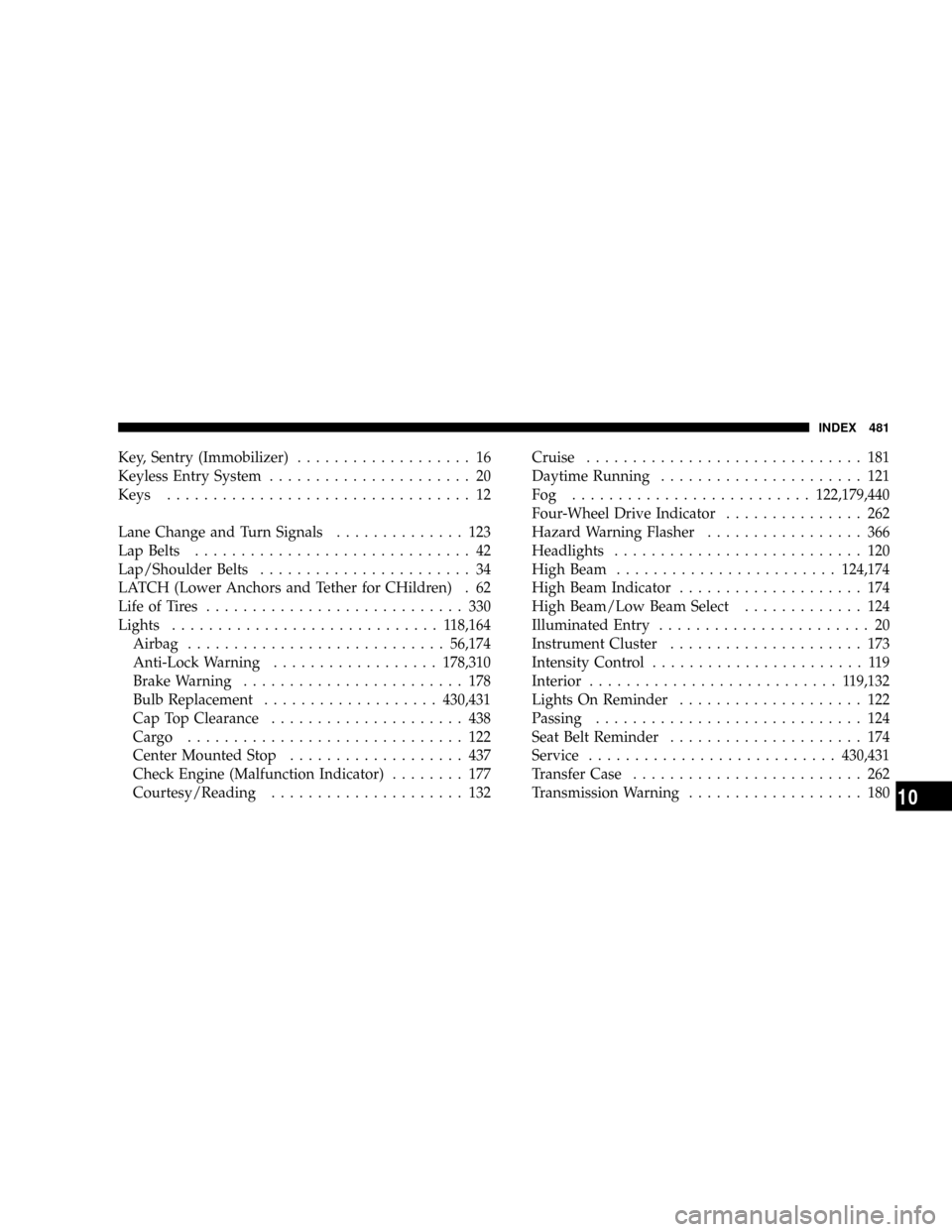
Key, Sentry (Immobilizer)................... 16
Keyless Entry System...................... 20
Keys................................. 12
Lane Change and Turn Signals.............. 123
Lap Belts.............................. 42
Lap/Shoulder Belts....................... 34
LATCH (Lower Anchors and Tether for CHildren) . 62
Life of Tires............................ 330
Lights............................. 118,164
Airbag............................56,174
Anti-Lock Warning..................178,310
Brake Warning........................ 178
Bulb Replacement...................430,431
Cap Top Clearance..................... 438
Cargo .............................. 122
Center Mounted Stop................... 437
Check Engine (Malfunction Indicator)........ 177
Courtesy/Reading..................... 132Cruise.............................. 181
Daytime Running...................... 121
Fog ..........................122,179,440
Four-Wheel Drive Indicator............... 262
Hazard Warning Flasher................. 366
Headlights........................... 120
High Beam........................124,174
High Beam Indicator.................... 174
High Beam/Low Beam Select............. 124
Illuminated Entry....................... 20
Instrument Cluster..................... 173
Intensity Control....................... 119
Interior........................... 119,132
Lights On Reminder.................... 122
Passing............................. 124
Seat Belt Reminder..................... 174
Service...........................430,431
Transfer Case......................... 262
Transmission Warning................... 180
INDEX 481
10