steering DODGE SPRINTER 2008 2.G Manual Online
[x] Cancel search | Manufacturer: DODGE, Model Year: 2008, Model line: SPRINTER, Model: DODGE SPRINTER 2008 2.GPages: 666, PDF Size: 14.11 MB
Page 276 of 666
274 Controls in detailOperating the vehicle
3
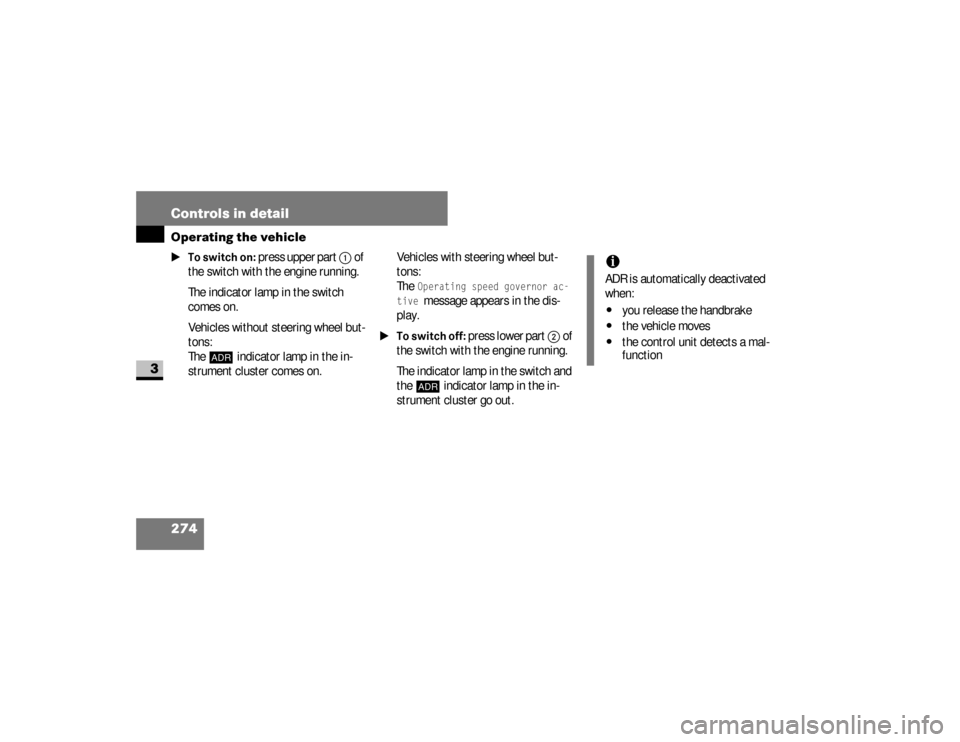
\1To switch on:
press upper part
1
of
the switch with the engine running.
The indicator lamp in the switch
comes on.
Vehicles without steering wheel but-
tons:
The
™
indicator lamp in the in-
strument cluster comes on.Vehicles with steering wheel but-
tons:
The
Operating speed governor ac-
tive message appears in the dis-
play.
\1To switch off:
press lower part
2
of
the switch with the engine running.
The indicator lamp in the switch and
the
™
indicator lamp in the in-
strument cluster go out.
iADR is automatically deactivated
when:\4
you release the handbrake
\4
the vehicle moves
\4
the control unit detects a mal-
function
nf_BA.book Page 274 Friday, January 25, 2008 3:53 PM
Page 278 of 666
276 Controls in detailTransporting
3
\3 TransportingLoading guidelinesWarning
G
Secure and position a load as described in
the loading guidelines. Otherwise, the
load could slide or be thrown around in
the event of strong braking maneuvers,
sudden changes of direction or poor road
conditions, thereby injuring you or others.
The same applies to dismantled seats if
left inside the vehicle.Please note that loads increase the risk of
injury during an accident even if you com-
ply with all loading guidelines.Observe the notes in the "Securing a load"
section (\2page 280).
Warning
G
Do not exceed the vehicle's permissible
gross weight or the permissible axle loads
when loading the vehicle or carrying addi-
tional passengers. If you exceed the vehicle's permissible
axle loads or the maximum permissible
gross weight when transporting items or
carrying passengers, tire stability and
driving safety are reduced. The vehicle's
driving and steering characteristics would
be greatly altered. Braking and stopping
distances would be significantly longer.
Continued
Warning (Continued)
G
Your vehicle's driving, steering and brak-
ing characteristics change as the vehi-
cle's gross weight increases or its center
of gravity is raised.Always ensure that loads are distributed
correctly and adapt your driving style in
accordance with the load.
nf_BA.book Page 276 Friday, January 25, 2008 3:53 PM
Page 311 of 666
309 Operation
Driving tips
4
Towing a trailerThere are many different laws, including
speed limit restrictions, having to do
with trailer towing. Make sure that your
vehicle-trailer combination will be legal,
not only for where you reside, but also
for where you will be driving. A good
source for this information can be the
police or local authorities.
Before you start driving with the trailer,
check the trailer hitch, break-away
switch, safety chains, electrical connec-
tions, lighting and tires. Also adjust the
mirrors to permit an unobstructed view
beyond the rear of the trailer.If the trailer has electric brakes, start
your vehicle and trailer moving slowly,
and then apply only the trailer brake
controller by hand to be sure that the
brakes are working properly.
When towing a trailer, check occasional-
ly to be sure that the load is secure, and
that lighting and trailer brakes (if so
equipped) are functioning properly.
Always secure items in the trailer to pre-
vent load shifts while driving.
Take into consideration that when tow-
ing a trailer, the handling characteristics
are different and less stable from those when operating the vehicle without a
trailer. It is important to avoid sudden
maneuvers.
The vehicle and trailer combination is
heavier, and therefore is limited in accel-
eration and climbing ability, and requires
longer stopping distances. It is more
prone to reacting to side wind gusts, and
requires more sensitive steering input.
In order to gain skill and an understand-
ing of the vehicle’s behavior, you should
practice turning, stopping and backing
up in an area which is free from traffic.
nf_BA.book Page 309 Friday, January 25, 2008 3:53 PM
Page 326 of 666
324 OperationEngine compartment
4
Vehicles without steering wheel
buttons
\1
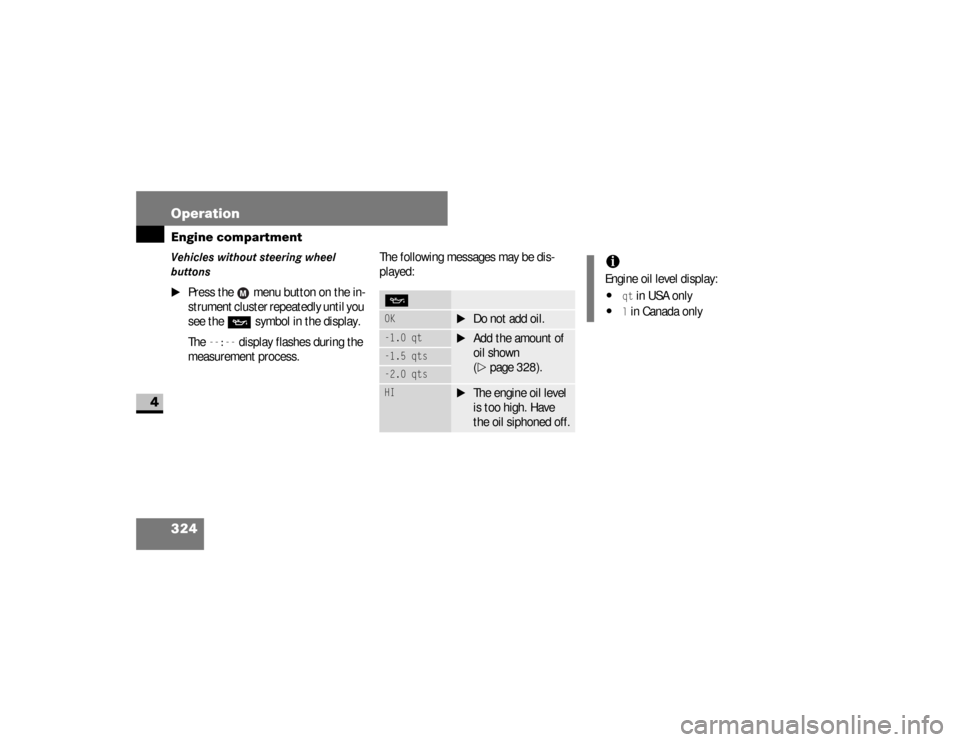
Press the menu button on the in-
strument cluster repeatedly until you
see the
P
symbol in the display.
The
--:--
display flashes during the
measurement process.The following messages may be dis-
played:
POK
\1
Do not add oil.
-1.0 qt
\1
Add the amount of
oil shown
(\2
page 328).
-1.5 qts-2.0 qtsHI
\1
The engine oil level
is too high. Have
the oil siphoned off.
iEngine oil level display:\4
qt in USA only
\4
l in Canada only
nf_BA.book Page 324 Friday, January 25, 2008 3:53 PM
Page 327 of 666
325 Operation
Engine compartment
4
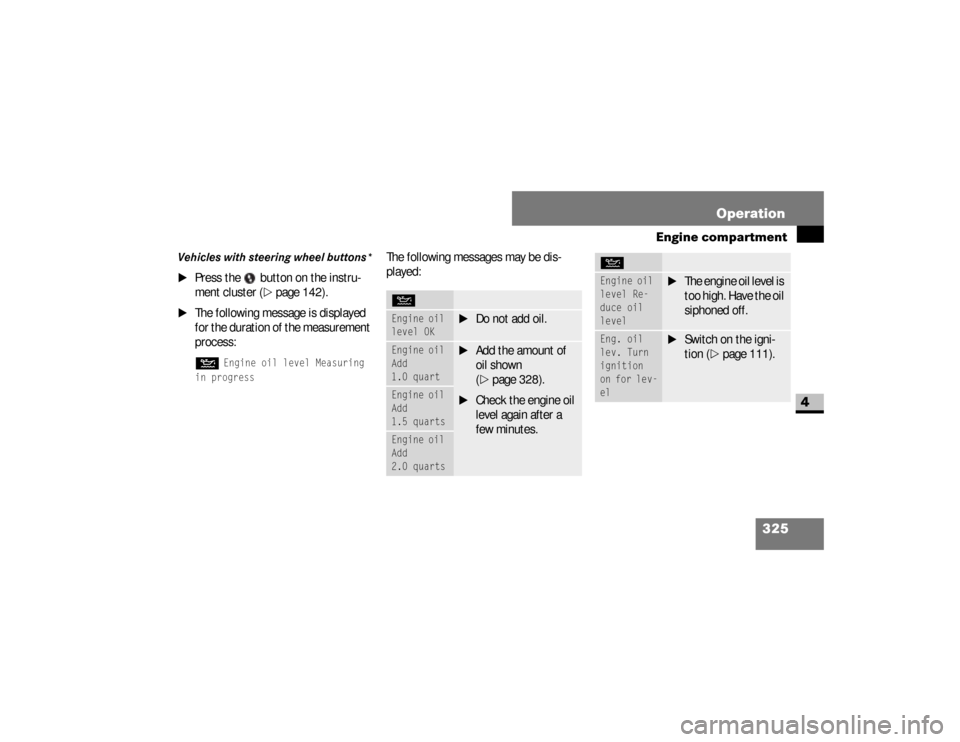
Vehicles with steering wheel buttons*
\1
Press the button on the instru-
ment cluster (
\2
page 142).
\1
The following message is displayed
for the duration of the measurement
process:N
Engine oil level Measuring
in progress
The following messages may be dis-
played:NEngine oil
level OK
\1
Do not add oil.
Engine oil
Add
1.0 quart
\1
Add the amount of
oil shown
(\2
page 328).
\1
Check the engine oil
level again after a
few minutes.
Engine oil
Add
1.5 quartsEngine oil
Add
2.0 quarts
Engine oil
level Re-
duce oil
level
\1
The engine oil level is
too high. Have the oil
siphoned off.
Eng. oil
lev. Turn
ignition
on for lev-
el
\1
Switch on the igni-
tion (
\2
page 111).
N
nf_BA.book Page 325 Friday, January 25, 2008 3:53 PM
Page 345 of 666
343 Operation
Tires and wheels
4
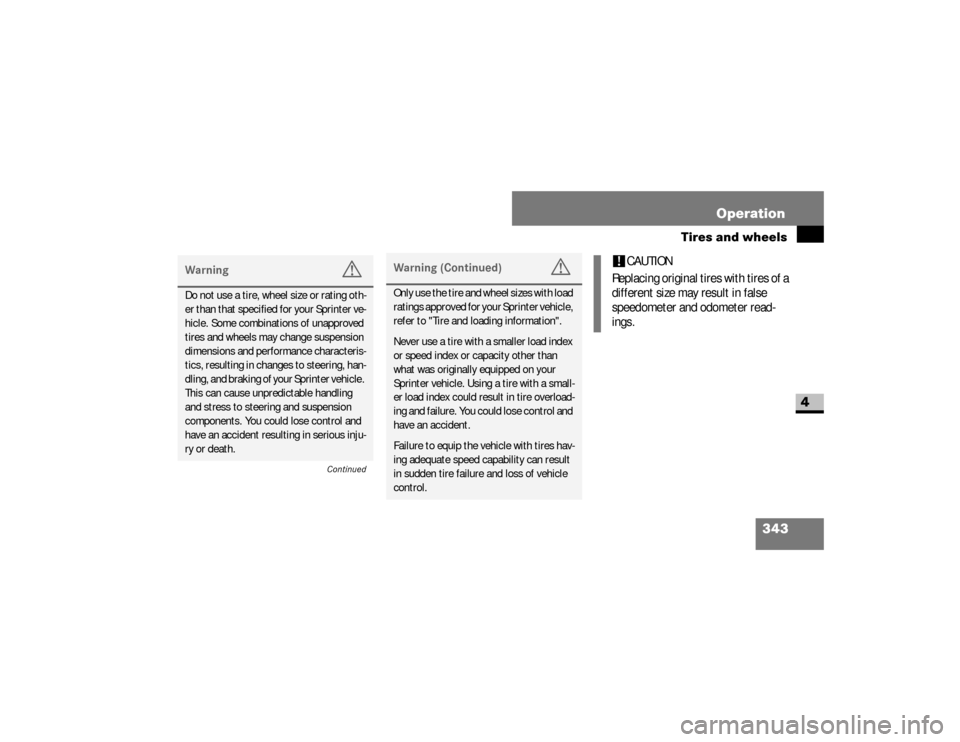
Warning
G
Do not use a tire, wheel size or rating oth-
er than that specified for your Sprinter ve-
hicle. Some combinations of unapproved
tires and wheels may change suspension
dimensions and performance characteris-
tics, resulting in changes to steering, han-
dling, and braking of your Sprinter vehicle.
This can cause unpredictable handling
and stress to steering and suspension
components. You could lose control and
have an accident resulting in serious inju-
ry or death.
Continued
Warning (Continued)
G
Only use the tire and wheel sizes with load
ratings approved for your Sprinter vehicle,
refer to "Tire and loading information".Never use a tire with a smaller load index
or speed index or capacity other than
what was originally equipped on your
Sprinter vehicle. Using a tire with a small-
er load index could result in tire overload-
ing and failure. You could lose control and
have an accident.Failure to equip the vehicle with tires hav-
ing adequate speed capability can result
in sudden tire failure and loss of vehicle
control.
!
CAUTION
Replacing original tires with tires of a
different size may result in false
speedometer and odometer read-
ings.
nf_BA.book Page 343 Friday, January 25, 2008 3:53 PM
Page 355 of 666
353 Operation
Tires and wheels
4
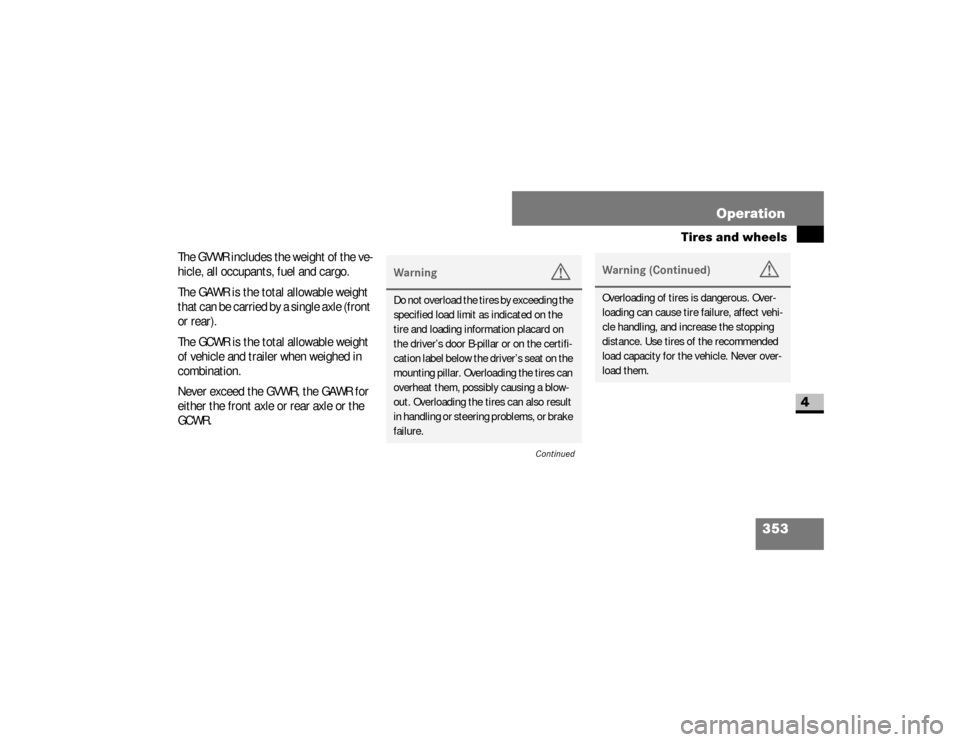
The GVWR includes the weight of the ve-
hicle, all occupants, fuel and cargo.
The GAWR is the total allowable weight
that can be carried by a single axle (front
or rear).
The GCWR is the total allowable weight
of vehicle and trailer when weighed in
combination.
Never exceed the GVWR, the GAWR for
either the front axle or rear axle or the
GCWR.
Warning
G
Do not overload the tires by exceeding the
specified load limit as indicated on the
tire and loading information placard on
the driver’s door B-pillar or on the certifi-
cation label below the driver’s seat on the
mounting pillar. Overloading the tires can
overheat them, possibly causing a blow-
out. Overloading the tires can also result
in handling or steering problems, or brake
failure.
Continued
Warning (Continued)
G
Overloading of tires is dangerous. Over-
loading can cause tire failure, affect vehi-
cle handling, and increase the stopping
distance. Use tires of the recommended
load capacity for the vehicle. Never over-
load them.
nf_BA.book Page 353 Friday, January 25, 2008 3:53 PM
Page 369 of 666
367 Operation
Tires and wheels
4
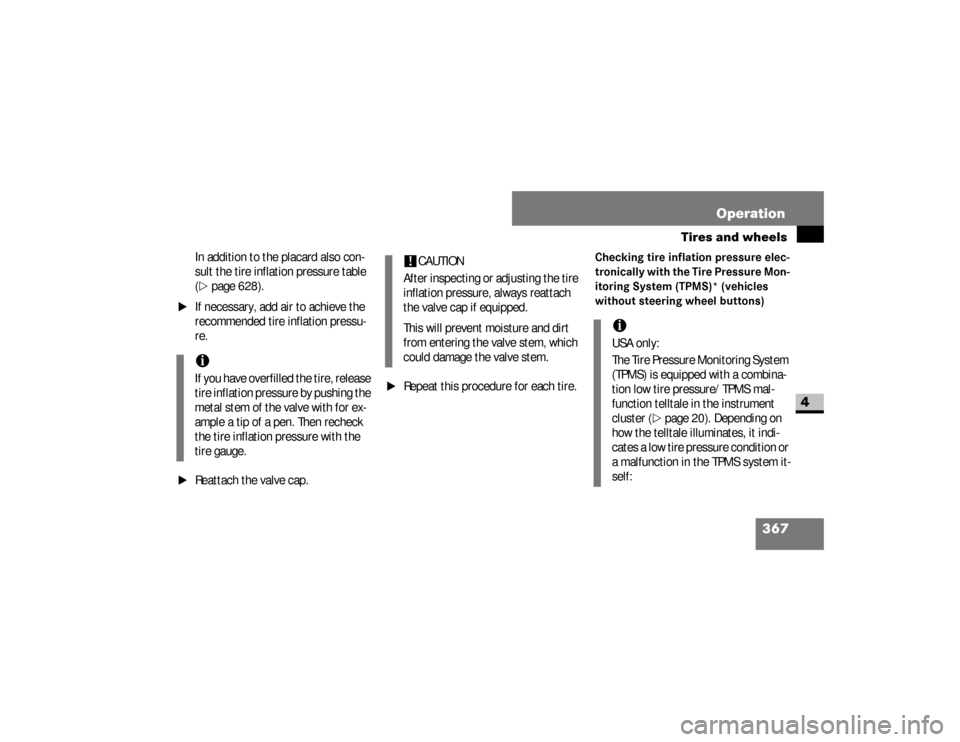
In addition to the placard also con-
sult the tire inflation pressure table
(\2
page 628).
\1
If necessary, add air to achieve the
recommended tire inflation pressu-
re.
\1
Reattach the valve cap.
\1
Repeat this procedure for each tire.
Checking tire inflation pressure elec-
tronically with the Tire Pressure Mon-
itoring System (TPMS)* (vehicles
without steering wheel buttons)
iIf you have overfilled the tire, release
tire inflation pressure by pushing the
metal stem of the valve with for ex-
ample a tip of a pen. Then recheck
the tire inflation pressure with the
tire gauge.
!
CAUTION
After inspecting or adjusting the tire
inflation pressure, always reattach
the valve cap if equipped.
This will prevent moisture and dirt
from entering the valve stem, which
could damage the valve stem.
iUSA only:
The Tire Pressure Monitoring System
(TPMS) is equipped with a combina-
tion low tire pressure/TPMS mal-
function telltale in the instrument
cluster (
\2
page 20). Depending on
how the telltale illuminates, it indi-
cates a low tire pressure condition or
a malfunction in the TPMS system it-
self:
nf_BA.book Page 367 Friday, January 25, 2008 3:53 PM
Page 371 of 666
369 Operation
Tires and wheels
4
Warning (Continued)
G
Always ensure that you re-calibrate the
TPMS after you inflated the tires to the
recommended cold inflation pressure.Always adjust tire inflation pressure ac-
cording to the tire and loading information
placard on the driver’s door B-pillar.Underinflated tires wear excessively and/
or unevenly, adversely affect handling and
fuel economy, and are more likely to fail
from being overheated.
Continued
Warning (Continued)
G
Overinflated tires can adversely affect
handling and ride comfort, wear unevenly,
increase stopping distance, and result in
sudden deflation (blowout) because they
are more likely to become punctured or
damaged by road debris, potholes etc.The TPMS is not able to issue a warning
due to a sudden dramatic loss of pressure
(e.g. tire blowout caused by a foreign ob-
ject). In this case bring the vehicle to a
halt by carefully applying the brakes and
avoiding abrupt steering maneuvers.
Warning
G
Each tire, including the spare (if provided),
should be checked monthly when cold
and inflated to the inflation pressure rec-
ommended by the vehicle manufacturer
on the tire and loading information plac-
ard. (If your vehicle has tires of a different
size than the size indicated on the vehicle
placard or the tire inflation pressure label,
you should determine the proper tire infla-
tion pressure for those tires).
Continued
nf_BA.book Page 369 Friday, January 25, 2008 3:53 PM
Page 375 of 666
373 Operation
Tires and wheels
4
\1
Switch on the ignition (
\2
page 111).
\1
Press the 5menu button on the in-
strument cluster until you see the +CAL TPMS
message in the display.
\1
Press the ,menu button on the in-
strument cluster.
The following message is displayed:OK TPMSThe tire pressure monitor activation
process has begun.
The tire pressures of the individual
wheels are stored as the new refer-
ence values if they are determined to
be plausible for the tire pressure
monitor.If you wish to cancel the activation pro-
cess:
\1
Press the .button or the 5menu but-
ton on the instrument cluster.
The activation process is canceled
automatically if 30 seconds elapse
with no input.
Checking tire inflation pressure elec-
tronically with the Tire Pressure Mon-
itoring System (TPMS)* (vehicles
with steering wheel buttons)Vehicles with steering wheel buttons are
equipped with the Advanced Tire Pres-
sure Monitoring System.
iUSA only:
The Tire Pressure Monitoring System
(TPMS) is equipped with a combina-
tion low tire pressure/TPMS mal-
function telltale in the instrument
cluster (
\2
page 20). Depending on
how the telltale illuminates, it indi-
cates a low tire pressure condition or
a malfunction in the TPMS system it-
self:
If the telltale illuminates continuous-
ly, one or more of your tires is signif-
icantly underinflated. There is no
malfunction in the TPMS.
nf_BA.book Page 373 Friday, January 25, 2008 3:53 PM