light DODGE VIPER 2013 VX / 3.G Owner's Manual
[x] Cancel search | Manufacturer: DODGE, Model Year: 2013, Model line: VIPER, Model: DODGE VIPER 2013 VX / 3.GPages: 372, PDF Size: 2.41 MB
Page 70 of 372
MIRRORS
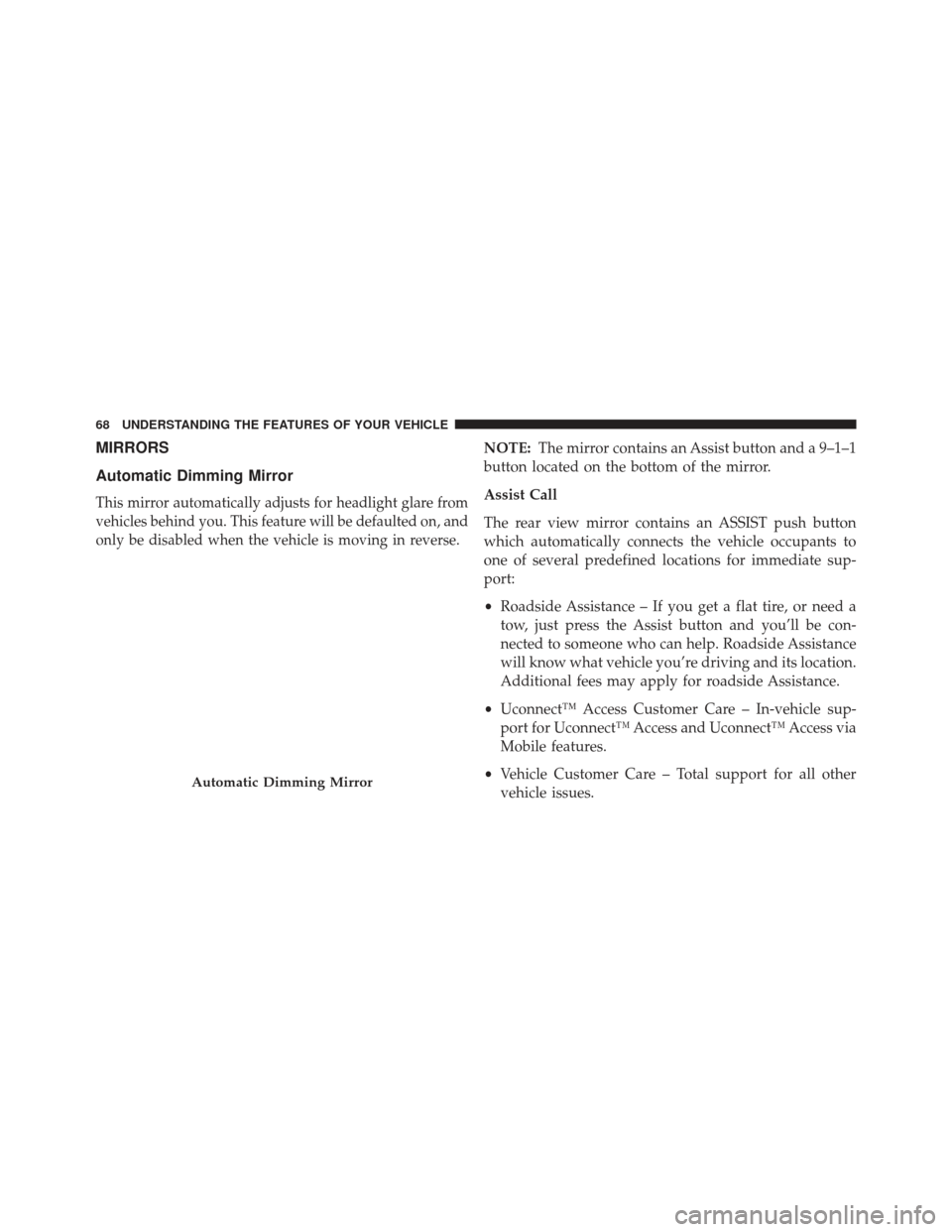
Automatic Dimming Mirror
This mirror automatically adjusts for headlight glare from
vehicles behind you. This feature will be defaulted on, and
only be disabled when the vehicle is moving in reverse.
NOTE:The mirror contains an Assist button and a 9–1–1
button located on the bottom of the mirror.
Assist Call
The rear view mirror contains an ASSIST push button
which automatically connects the vehicle occupants to
one of several predefined locations for immediate sup-
port:
• Roadside Assistance – If you get a flat tire, or need a
tow, just press the Assist button and you’ll be con-
nected to someone who can help. Roadside Assistance
will know what vehicle you’re driving and its location.
Additional fees may apply for roadside Assistance.
• Uconnect™ Access Customer Care – In-vehicle sup-
port for Uconnect™ Access and Uconnect™ Access via
Mobile features.
• Vehicle Customer Care – Total support for all other
vehicle issues.
Automatic Dimming Mirror
68 UNDERSTANDING THE FEATURES OF YOUR VEHICLE
Page 71 of 372
9-1-1 Call
Report an accident without taking your eyes off the road.
Just press 9-1-1 on your mirror and connect.
CAUTION!
To avoid damage to the mirror during cleaning, never
spray any cleaning solution directly onto the mirror.
Apply the solution onto a clean cloth and wipe the
mirror clean.
Outside Mirrors
To receive maximum benefit, adjust the outside mirrors
to center on the adjacent lane of traffic and a slight
overlap of the view obtained from the inside mirror.NOTE:
The passenger side convex outside mirror will
give a much wider view to the rear, and especially of the
lane next to your vehicle.
WARNING!
Vehicles and other objects seen in the passenger side
convex mirror will look smaller and farther away
than they really are. Relying too much on your
passenger side mirror could cause you to collide with
another vehicle or other object. Use your inside
mirror when judging the size or distance of a vehicle
seen in the passenger side mirror.3
UNDERSTANDING THE FEATURES OF YOUR VEHICLE 69
Page 72 of 372
Power Mirrors
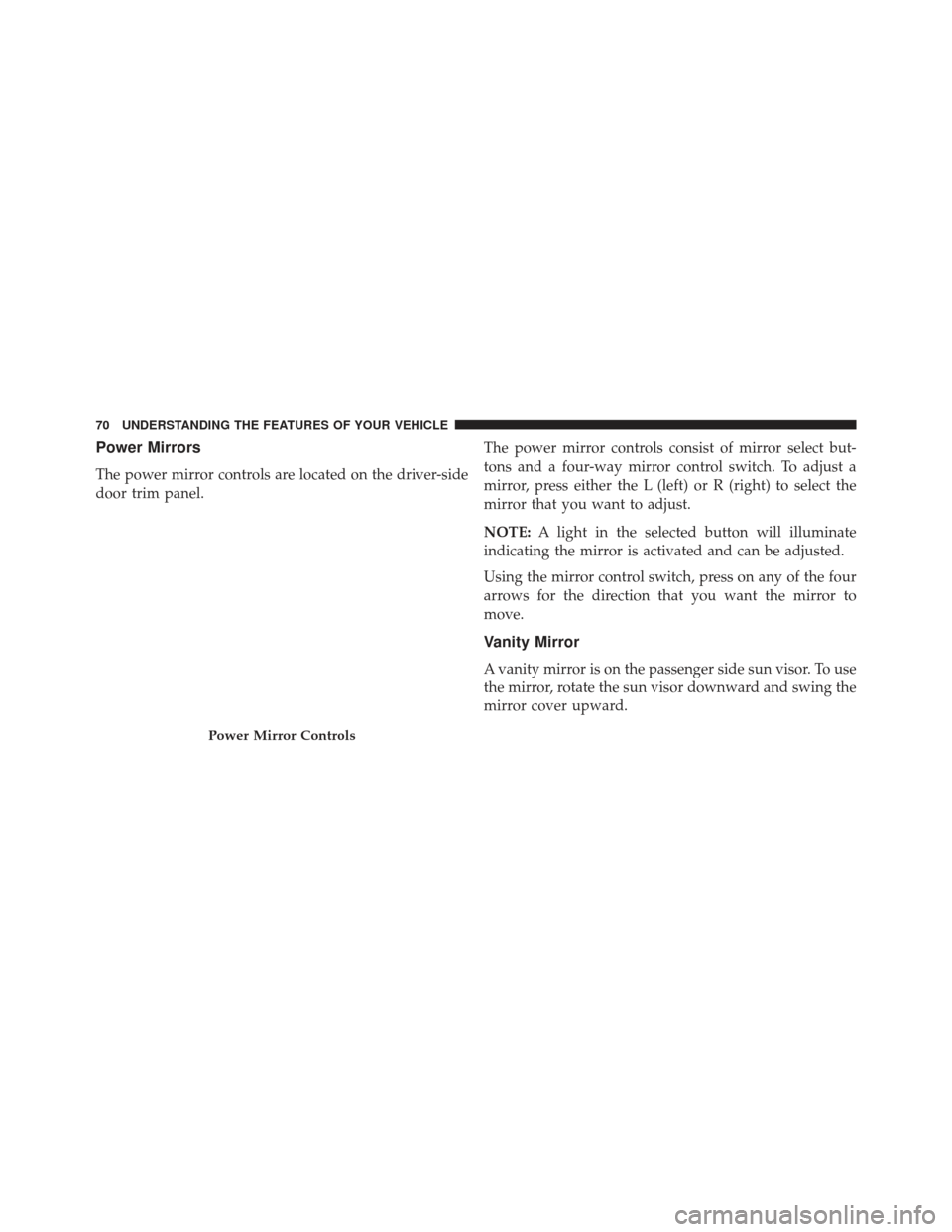
The power mirror controls are located on the driver-side
door trim panel.The power mirror controls consist of mirror select but-
tons and a four-way mirror control switch. To adjust a
mirror, press either the L (left) or R (right) to select the
mirror that you want to adjust.
NOTE:
A light in the selected button will illuminate
indicating the mirror is activated and can be adjusted.
Using the mirror control switch, press on any of the four
arrows for the direction that you want the mirror to
move.
Vanity Mirror
A vanity mirror is on the passenger side sun visor. To use
the mirror, rotate the sun visor downward and swing the
mirror cover upward.
Power Mirror Controls
70 UNDERSTANDING THE FEATURES OF YOUR VEHICLE
Page 86 of 372
After selecting one of the languages, all prompts and
voice commands will be in that language.
NOTE:After every Uconnect™ Phone language change
operation, only the language-specific 32-name phone-
book is usable. The paired phone name is not language-
specific and is usable across all languages.
Emergency Assistance
If you are in an emergency and the mobile phone is
reachable:
• Pick up the phone and manually dial the emergency
number for your area.
If the phone is not reachable and the Uconnect™ Phone is
operational, you may reach the emergency number as
follows:
• Press the
button to begin. •
After the “Ready” prompt and the following beep, say
“Emergency” and the Uconnect™ Phone will instruct
the paired mobile phone to call the emergency number.
This feature is supported in the U.S., Canada, and
Mexico.
NOTE:
• The emergency number dialed is based on the country
where the vehicle is purchased (911 for the U.S. and
Canada and 060 for Mexico). The number dialed may
not be applicable with the available mobile service and
area.
• If supported, this number may be programmable on
some systems. To do this, press the
button and say
“Setup”, followed by “Emergency”.
• The Uconnect™ Phone does slightly lower your
chances of successfully making a phone call as to that
for the mobile phone directly.
84 UNDERSTANDING THE FEATURES OF YOUR VEHICLE
Page 111 of 372
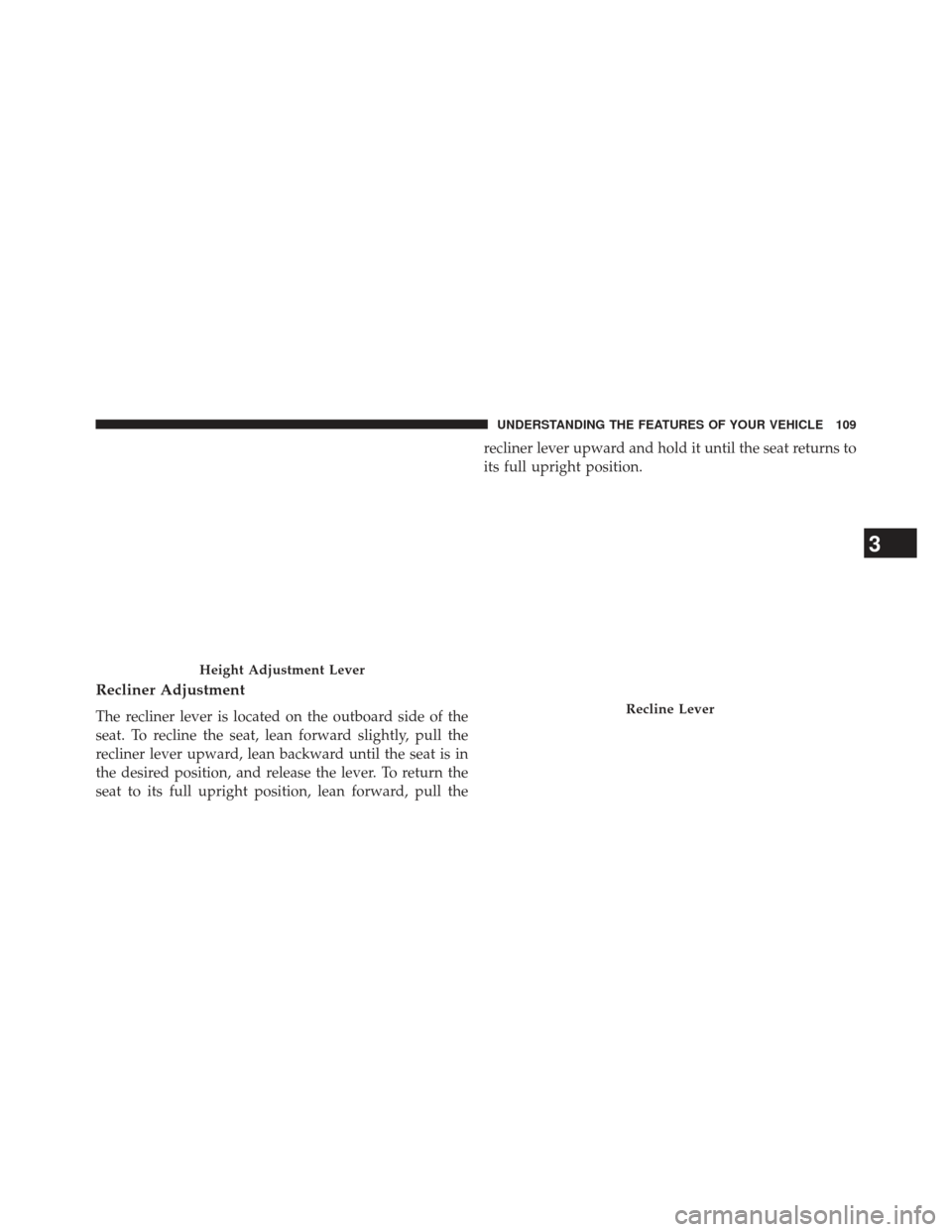
Recliner Adjustment
The recliner lever is located on the outboard side of the
seat. To recline the seat, lean forward slightly, pull the
recliner lever upward, lean backward until the seat is in
the desired position, and release the lever. To return the
seat to its full upright position, lean forward, pull therecliner lever upward and hold it until the seat returns to
its full upright position.
Height Adjustment Lever
Recline Lever
3
UNDERSTANDING THE FEATURES OF YOUR VEHICLE 109
Page 117 of 372
WARNING!
Be sure the hood is fully latched before driving your
vehicle. If the hood is not fully latched, it could open
when the vehicle is in motion and block your vision.
Failure to follow this warning could result in serious
injury or death.
LIGHTS
Headlight Switch
The headlight switch is located on the left side of
the instrument panel. This switch controls the
operation of the headlights, parking lights, instru-
ment panel lights, instrument panel light dimming and
interior lights. Rotate the headlight switch clockwise to the first detent
for parking light and instrument panel light operation.
Rotate the headlight switch to the second detent for
headlight, parking light and instrument panel light op-
eration.Headlight Switch
3
UNDERSTANDING THE FEATURES OF YOUR VEHICLE 115
Page 118 of 372
Automatic Headlights
This system automatically turns the headlights on or off
according to ambient light levels. To turn the system on,
rotate the headlight switch counterclockwise to the A
(AUTO) position. When the system is on, the headlight
time delay feature is also on. This means the headlights
will stay on for up to 90 seconds after placing the ignition
in the OFF position. To turn the Automatic system off,
move the headlight switch out of the AUTO position.
NOTE:The engine must be running before the head-
lights will come on in the automatic mode.
Headlights On With Wipers (Available with
Automatic Headlights Only)
When this feature is active, the headlights will turn on
approximately 10 seconds after the wipers are turned on
if the headlight switch is placed in the AUTO position. In
addition, the headlights will turn off when the wipers are
turned off if they were turned on by this feature. NOTE:
The Headlights On with Wipers feature can be
turned on or off using the Uconnect Touch™ System,
refer to “Uconnect Touch™ Settings” in “Understanding
Your Instrument Panel” for further information.
Headlight Time Delay
This feature provides the safety of headlight illumination
for up to 90 seconds (programmable) when leaving your
vehicle in an unlit area.
To activate the delay feature, place the ignition in the OFF
position while the headlights are still on. Then, turn off
the headlights within 45 seconds. The delay interval
begins when the headlight switch is turned off.
If you turn the headlights or parking lights on, or place
the ignition in ACC or RUN, the system will cancel the
delay.
If you turn the headlights off before the ignition, they will
turn off in the normal manner.
116 UNDERSTANDING THE FEATURES OF YOUR VEHICLE
Page 119 of 372
NOTE:
•The lights must be turned off within 45 seconds of
placing the ignition in the OFF position to activate this
feature.
• The headlight delay time is programmable using the
Uconnect Touch™ System, refer to “Uconnect Touch™
Settings” in “Understanding Your Instrument Panel”
for further information.
Daytime Running Lights (DRL)
The LED Daytime Running Lights will come on when-
ever the ignition is placed in the RUN position, the
headlights are off and the parking brake is off. The
headlight switch must be used for normal nighttime
driving. NOTE:
If allowed by law in the country in which the
vehicle was purchased the Daytime Running Lights can
be turned on and off using the Uconnect Touch™ System,
refer to “Uconnect Touch™ Settings” in “Understanding
Your Instrument Panel” for further information.
Lights-On Reminder
If the headlights or parking lights are on after the ignition
is placed in the OFF position, a chime will sound to alert
the driver when the driver’s door is opened.
3
UNDERSTANDING THE FEATURES OF YOUR VEHICLE 117
Page 120 of 372
Multifunction Lever
The multifunction lever controls the operation of the turn
signals, headlight beam selection and passing lights. The
multifunction lever is located on the left side of the
steering column.
Turn Signals
Move the multifunction lever up or down and the arrows
on each side of the instrument cluster flash to show
proper operation of the front and rear turn signal lights.
NOTE:
•If either light remains on and does not flash, or there is
a very fast flash rate, check for a defective outside light
bulb. If an indicator fails to light when the lever is
moved, it would suggest that the indicator bulb is
defective.
• A “Turn Signal On” message will appear in the EVIC
(if equipped) and a continuous chime will sound if the
vehicle is driven more than 1 mile (1.6 km) with either
turn signal on.
Multifunction Lever
118 UNDERSTANDING THE FEATURES OF YOUR VEHICLE
Page 121 of 372
High/Low Beam Switch
Push the multifunction lever away from you to switch
the headlights to high beam. Pull the multifunction lever
toward you to switch the headlights back to low beam.
Flash-To-Pass
You can signal another vehicle with your headlights by
lightly pulling the multifunction lever toward you. This
will turn on the high beams headlights until the lever is
released.
Interior Lights
The interior lights come on when a door is opened.
To protect the battery, the interior lights will turn off
automatically 10 minutes after the ignition is moved to
the LOCK position. This will occur if the interior lights
were switched on manually or are on because a door is
open. This includes the glove box light, but not the trunklight. To restore interior light operation, either turn the
ignition switch ON or cycle the light switch.
Dimmer Controls
The dimmer control is part of the headlight switch and is
located on the left side of the instrument panel.
Dimmer Controls
3
UNDERSTANDING THE FEATURES OF YOUR VEHICLE 119