brake DODGE VIPER 2015 VX / 3.G User Guide
[x] Cancel search | Manufacturer: DODGE, Model Year: 2015, Model line: VIPER, Model: DODGE VIPER 2015 VX / 3.GPages: 400, PDF Size: 9.59 MB
Page 156 of 400
Do not operate the vehicle until the cause is cor-
rected. This light does not show how much oil is in
the engine. The engine oil level must be checked
under the hood.
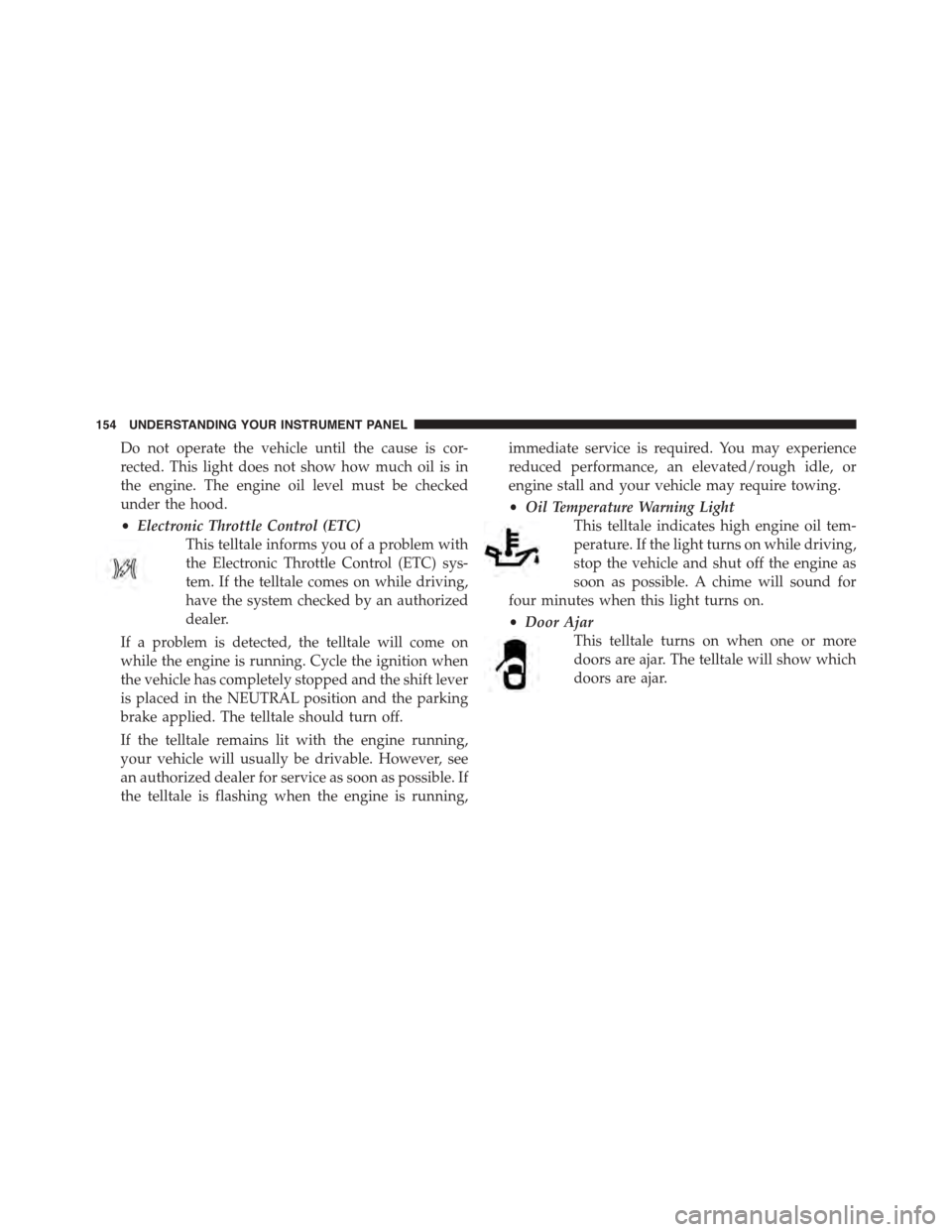
•Electronic Throttle Control (ETC)
This telltale informs you of a problem with
the Electronic Throttle Control (ETC) sys-
tem. If the telltale comes on while driving,
have the system checked by an authorized
dealer.
If a problem is detected, the telltale will come on
while the engine is running. Cycle the ignition when
the vehicle has completely stopped and the shift lever
is placed in the NEUTRAL position and the parking
brake applied. The telltale should turn off.
If the telltale remains lit with the engine running,
your vehicle will usually be drivable. However, see
an authorized dealer for service as soon as possible. If
the telltale is flashing when the engine is running,
immediate service is required. You may experience
reduced performance, an elevated/rough idle, or
engine stall and your vehicle may require towing.
•Oil Temperature Warning Light
This telltale indicates high engine oil tem-
perature. If the light turns on while driving,
stop the vehicle and shut off the engine as
soon as possible. A chime will sound for
four minutes when this light turns on.
•Door Ajar
This telltale turns on when one or more
doors are ajar. The telltale will show which
doors are ajar.
154 UNDERSTANDING YOUR INSTRUMENT PANEL
Page 157 of 400
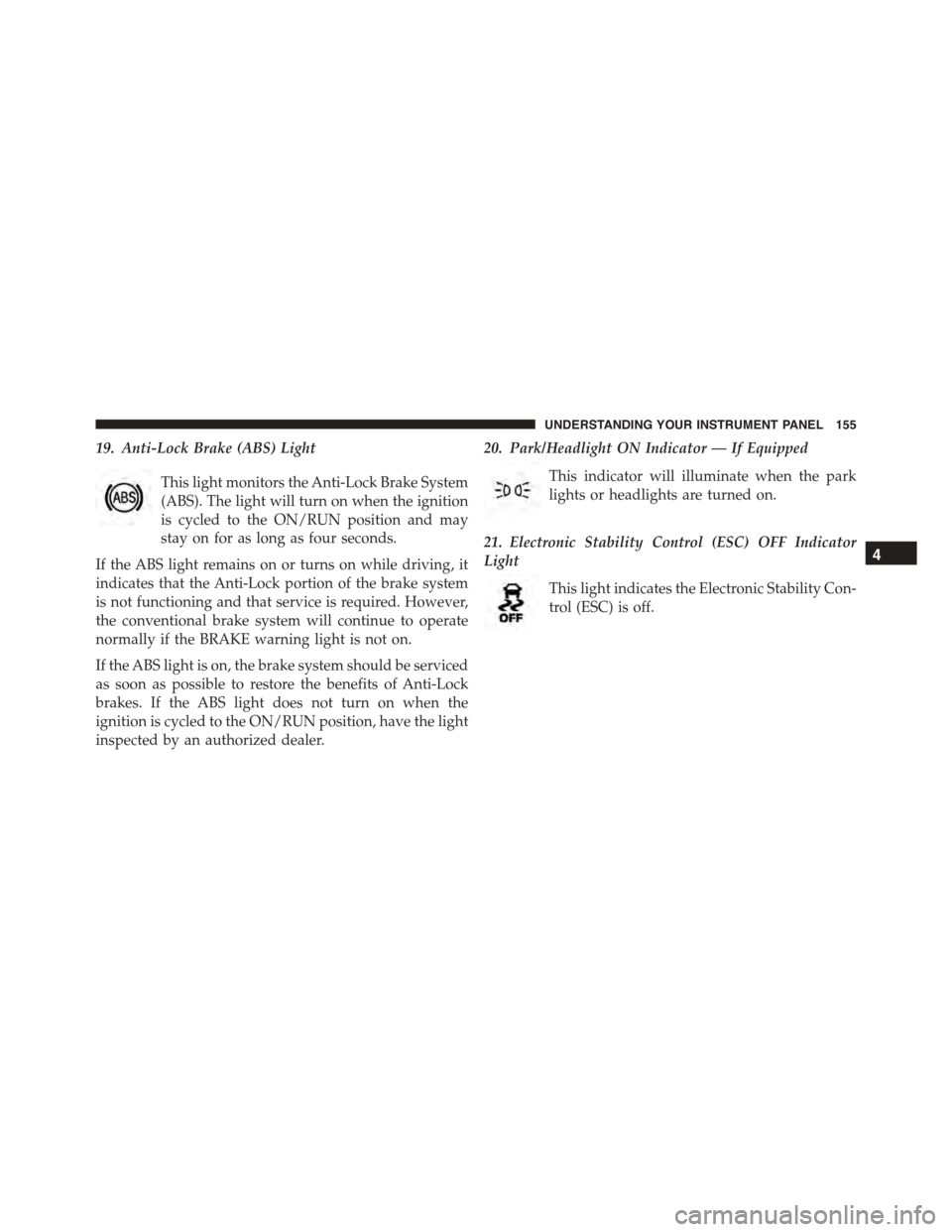
19. Anti-Lock Brake (ABS) Light
This light monitors the Anti-Lock Brake System
(ABS). The light will turn on when the ignition
is cycled to the ON/RUN position and may
stay on for as long as four seconds.
If the ABS light remains on or turns on while driving, it
indicates that the Anti-Lock portion of the brake system
is not functioning and that service is required. However,
the conventional brake system will continue to operate
normally if the BRAKE warning light is not on.
If the ABS light is on, the brake system should be serviced
as soon as possible to restore the benefits of Anti-Lock
brakes. If the ABS light does not turn on when the
ignition is cycled to the ON/RUN position, have the light
inspected by an authorized dealer.
20. Park/Headlight ON Indicator — If Equipped
This indicator will illuminate when the park
lights or headlights are turned on.
21. Electronic Stability Control (ESC) OFF Indicator
Light
This light indicates the Electronic Stability Con-
trol (ESC) is off.
4
UNDERSTANDING YOUR INSTRUMENT PANEL 155
Page 163 of 400
Driver Information Display (DID) Messages
•Front Seat Belts Unbuckled
•Driver Seat Belt Unbuckled
•Passenger Seat Belt Unbuckled
•Key Fob Battery Low
•Service Air Bag System
•ESC Status (ESC OFF, ESC ON, ESC SPORT, ESC
TRACK, RAIN MODE) — Refer to “Starting And
Operating” for further information.
•Oil Pressure Low
•Fuel Low
•Service Antilock Brake System
•Service Electronic Throttle Control
•Cruise Off
•Cruise Ready
•Cruise Set To XXX MPH
•Tire Pressure Screen With Low Tire Pressure Warnings
•Service Tire Pressure System
•Parking Brake Engaged
•Brake Fluid Low
•Service Electronic Braking System
•Engine Temperature Hot
•Battery Voltage Low
•Service Electronic Throttle Control
•Lights On
•Right Turn Signal Light Out
•Left Turn Signal Light Out
4
UNDERSTANDING YOUR INSTRUMENT PANEL 161
Page 164 of 400
•Turn Signal On
•Service Air Bag System
•Service Air Bag Warning Light
•Driver Seat Belt Unbuckled
•Passenger Seat Belt Unbuckled
•Front Seat Belts Unbuckled
•Door Open
•Doors Open
•Engage Park Brake to Prevent Rolling
DID Yellow Telltales
This area will show amber caution telltales. These tell-
tales include:
•Low Fuel Telltale
When the fuel level reaches approximately 3.0 gal
(11.0 L), this light will turn on, and remain on until
fuel is added.
•Electronic Speed Control Ready
This light will turn on when the electronic
speed control is ON. Refer to “Electronic Speed
Control” in “Understanding The Features Of
Your Vehicle” for further information.
162 UNDERSTANDING YOUR INSTRUMENT PANEL
Page 166 of 400
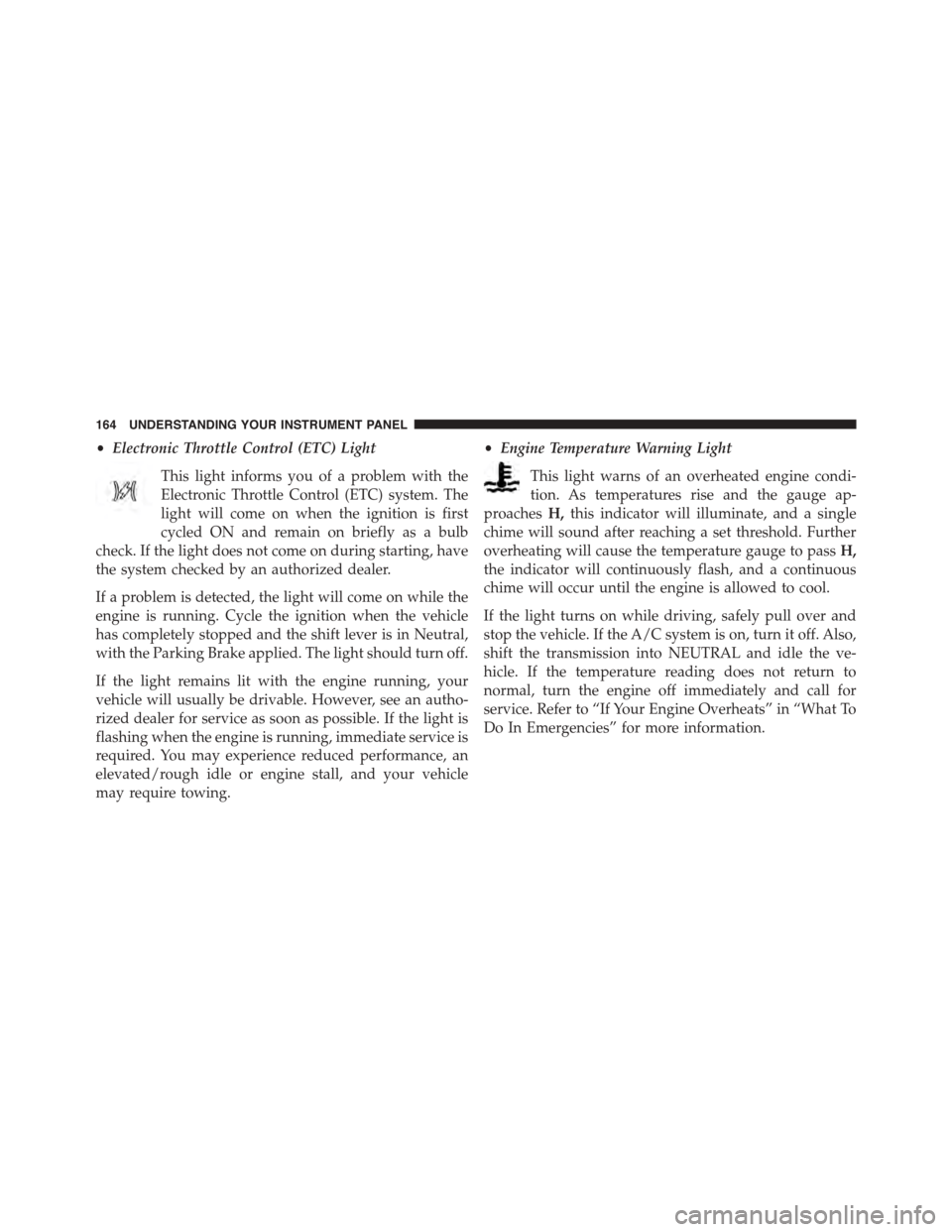
•Electronic Throttle Control (ETC) Light
This light informs you of a problem with the
Electronic Throttle Control (ETC) system. The
light will come on when the ignition is first
cycled ON and remain on briefly as a bulb
check. If the light does not come on during starting, have
the system checked by an authorized dealer.
If a problem is detected, the light will come on while the
engine is running. Cycle the ignition when the vehicle
has completely stopped and the shift lever is in Neutral,
with the Parking Brake applied. The light should turn off.
If the light remains lit with the engine running, your
vehicle will usually be drivable. However, see an autho-
rized dealer for service as soon as possible. If the light is
flashing when the engine is running, immediate service is
required. You may experience reduced performance, an
elevated/rough idle or engine stall, and your vehicle
may require towing.
•Engine Temperature Warning Light
This light warns of an overheated engine condi-
tion. As temperatures rise and the gauge ap-
proachesH,this indicator will illuminate, and a single
chime will sound after reaching a set threshold. Further
overheating will cause the temperature gauge to passH,
the indicator will continuously flash, and a continuous
chime will occur until the engine is allowed to cool.
If the light turns on while driving, safely pull over and
stop the vehicle. If the A/C system is on, turn it off. Also,
shift the transmission into NEUTRAL and idle the ve-
hicle. If the temperature reading does not return to
normal, turn the engine off immediately and call for
service. Refer to “If Your Engine Overheats” in “What To
Do In Emergencies” for more information.
164 UNDERSTANDING YOUR INSTRUMENT PANEL
Page 193 of 400
•Best
Pressing the “Best” button displays the best recorded run
of performance timers, except for braking data.
•Save
Pressing the “Save” button will let you save the last run.
Any saved run over 10, will overwrite the last saved run
for Uconnect® System storage. The operation of the Save
feature is listed below:
•With a USB jump drive installed, press the “USB”
button to save runs to the jump drive.
•With an SD Card installed, press the “SD Card” to save
runs to the SD Card.
•Press the “Uconnect” button to save the runs to the
Owner web page.
•Press the “Cancel” button to view the last timer
“Ticket.”
The “Tickets” contain the timers listed below:
•0-60 MPH (0-100 km/h)
Displays the time it takes for the vehicle to go from 0 to
60 mph (0 to 100 km/h).
•⅛Mile (200 meter)
Displays the time it takes for the vehicle to go an⅛Mile
(200 meters).
•¼mile (400 meter)
Displays the time it takes for the vehicle to go an¼mile
(400 meters).
•Brake Distance
Displays the distance it takes the vehicle to make a full
stop. Contains current and last data for distance and start
– from speed.
4
UNDERSTANDING YOUR INSTRUMENT PANEL 191
Page 194 of 400
NOTE:The distance measurement will be aborted if the
brake pedal is released before the vehicle comes to a
complete stop.
•Brake Speed
Displays the speed the vehicle is traveling when the
brake pedal is depressed.
NOTE:Brake Distance and Speed timers will only dis-
play#ready#when vehicle is traveling at greater than 30
MPH (48 km/h).
G-Force
When selected, this screen displays all four G-Force
values (two lateral and two longitudinal) as well as
steering angle.
When a G-Force greater than zero is measured, the
display will update the value real-time. As the G-Force
falls, the peak forces will continue to display.
Gauges 1
When selected, this screen displays the following values:
•Oil Temperature
Displays the actual oil temperature.
•Oil Pressure
Displays the actual oil pressure.
•Battery Voltage
Displays the actual battery voltage.
Gauges 2
When selected, this screen displays the following values:
•Coolant Temperature
Displays the actual coolant temperature.
•Oil Temperature
Displays the actual oil temperature.
192 UNDERSTANDING YOUR INSTRUMENT PANEL
Page 221 of 400
STARTING AND OPERATING
CONTENTS
!STARTING PROCEDURES................222
▫Normal Starting.......................222
▫If Engine Fails To Start.................224
▫After Starting........................225
!MANUAL TRANSMISSION...............225
▫Shifting.............................226
▫Recommended Shift Speeds..............227
▫Skip Shift Indicator Light...............228
!STREET/RACE MODE — IF EQUIPPED......229
!LAUNCH MODE.......................230
!DRIVING ON SLIPPERY SURFACES.........232
▫Acceleration.........................232
▫Traction............................232
!DRIVING THROUGH WATER.............233
▫Flowing/Rising Water..................233
▫Shallow Standing Water.................234
!POWER STEERING.....................235
▫Power Steering Fluid Check..............236
!PARKING BRAKE......................237
!BRAKE SYSTEM.......................239
5
Page 222 of 400
▫Brake Pad Break-In....................239
!ELECTRONIC BRAKE CONTROL SYSTEM . . . .241
▫Anti-Lock Brake System................241
▫Traction Control System (TCS)............243
▫Electronic Stability Control..............244
!TIRE SAFETY INFORMATION.............247
▫Tire Markings........................247
▫Tire Identification Number (TIN)...........251
▫Tire Terminology And Definitions..........252
▫Tire Loading And Tire Pressure...........254
!TIRES — GENERAL INFORMATION........258
▫Tire Pressure........................258
▫Tire Inflation Pressures.................259
▫Tire Pressures For High Speed Operation . . . .261
▫Radial Ply Tires......................261
▫Tire Types...........................262
▫Run Flat Tires — If Equipped.............264
▫Spare Tires — If Equipped...............264
▫Tire Spinning........................267
▫Tread Wear Indicators..................267
▫Life Of Tire.........................268
▫Replacement Tires.....................268
!TIRE CHAINS (TRACTION DEVICES).......270
!TIRE ROTATION RECOMMENDATIONS.....270
!TIRE PRESSURE MONITOR SYSTEM (TPMS) . .271
▫Premium System......................274
220 STARTING AND OPERATING
Page 225 of 400
NOTE:
•You must disarm the security system in order to start
the engine. Refer to “Security Alarm System” in
“Things To Know Before Starting Your Vehicle” for
further information.
•Normal starting of either a cold or a warm engine does
not require pumping or pressing the accelerator pedal.
However, if the engine has not started within three
seconds, slightly press the accelerator pedal while
continuing to crank. If the engine fails to start within
15 seconds, wait five seconds, then repeat the “Normal
Starting” procedure.
To Start The Engine:
1. Fully apply the parking brake.
2. Press the clutch pedal to the floor.
NOTE:The engine will not start unless the clutch pedal
is pressed to the floor.
3. Place the shift lever in NEUTRAL.
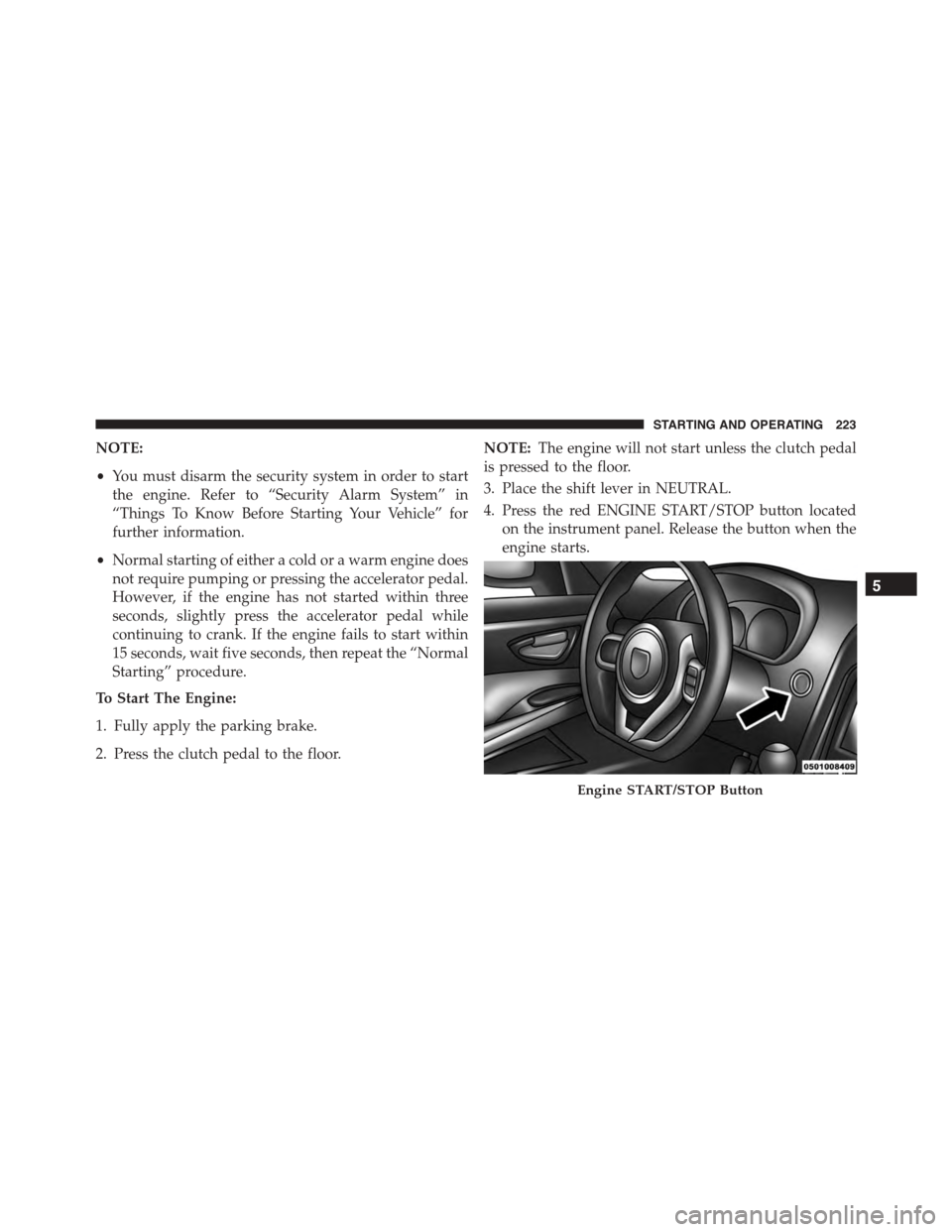
4. Press the red ENGINE START/STOP button located
on the instrument panel. Release the button when the
engine starts.
Engine START/STOP Button
5
STARTING AND OPERATING 223